- 対象年齢4+
- カテゴリユーティリティ
- 開発元j5create
- 言語英語ほか15言語
- サイズ39.5 MB
App Storeの公式ページにリンクしています
Download.orgはMagic Switch Display Sharingのファイルを一切ホストしていません。ボタンを押すと、j5createが公開しているApp Storeのアプリページが開きます。ページの最終確認:2026/11/20。
スクリーンショット
概要
開発元はこのテキストをお使いの言語で提供していません。
This companion application can be used with Magic Switch Display Sharing Hub Cable.
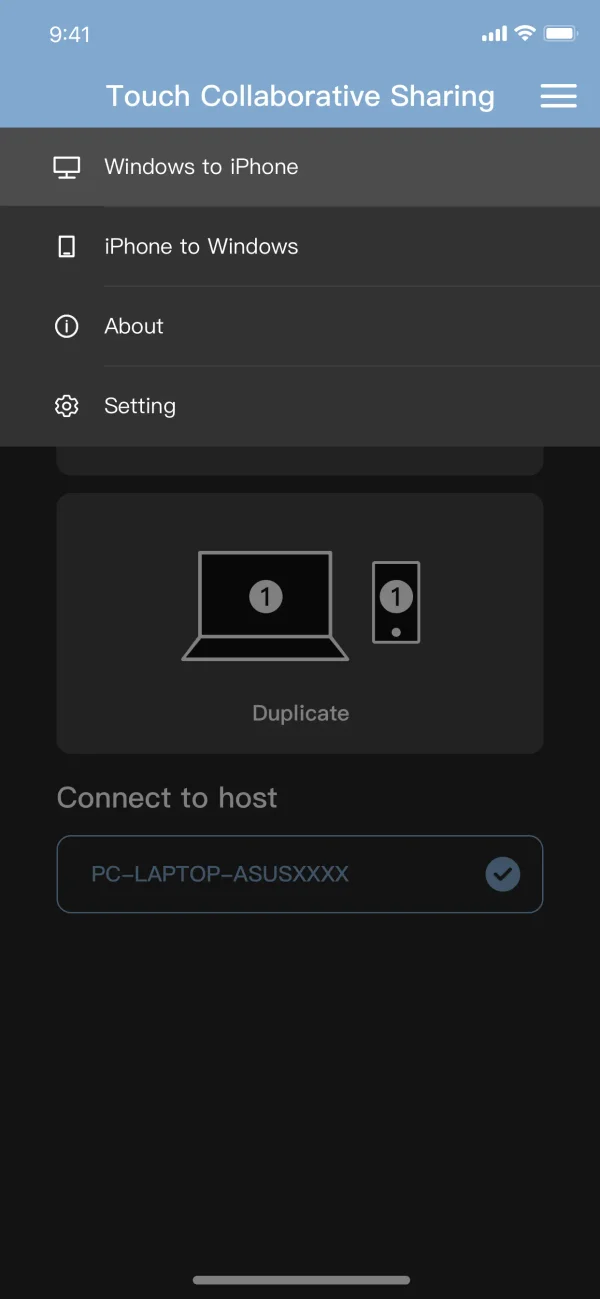
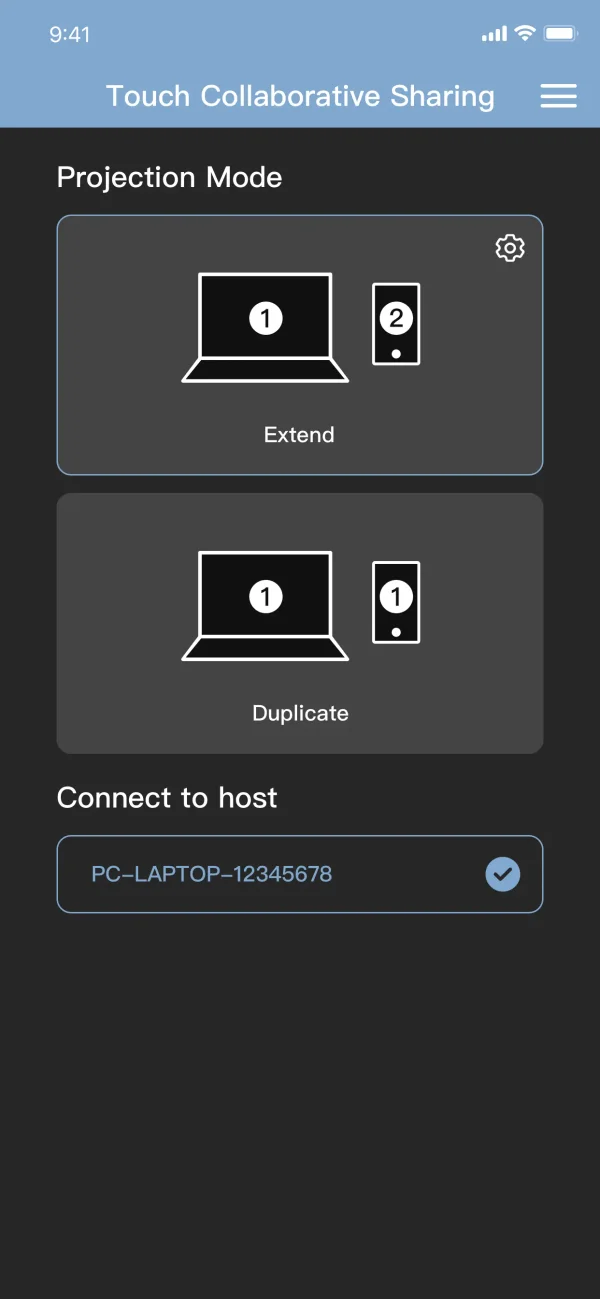
Magic Switch Display Sharing Hub Cable is a USB hub with host to host connection cable function, besides the hub function, this link cable can also be used to connect Windows PC and iPad/iPhone, once the connection is completed, users can easily duplicate the screen to iPad/iPhone , whereas in an iPad/iPhone you can see the contents of the Windows screen there, you can control or draw something in Windows with your finger or a stylus, and touch events or stylus traces and pen pressure are reflected to Windows, just like directly in operate the touch screen with a finger or a pen on a Windows PC. In addition to mapping the main screen of the Windows PC and directly viewing and operating on the iPad/iPhone, the APP also provides the function of generating a virtual second screen, and at the same time project this virtual second screen to the iPad/iPhone, and directly operate on the iPad/iPhone.
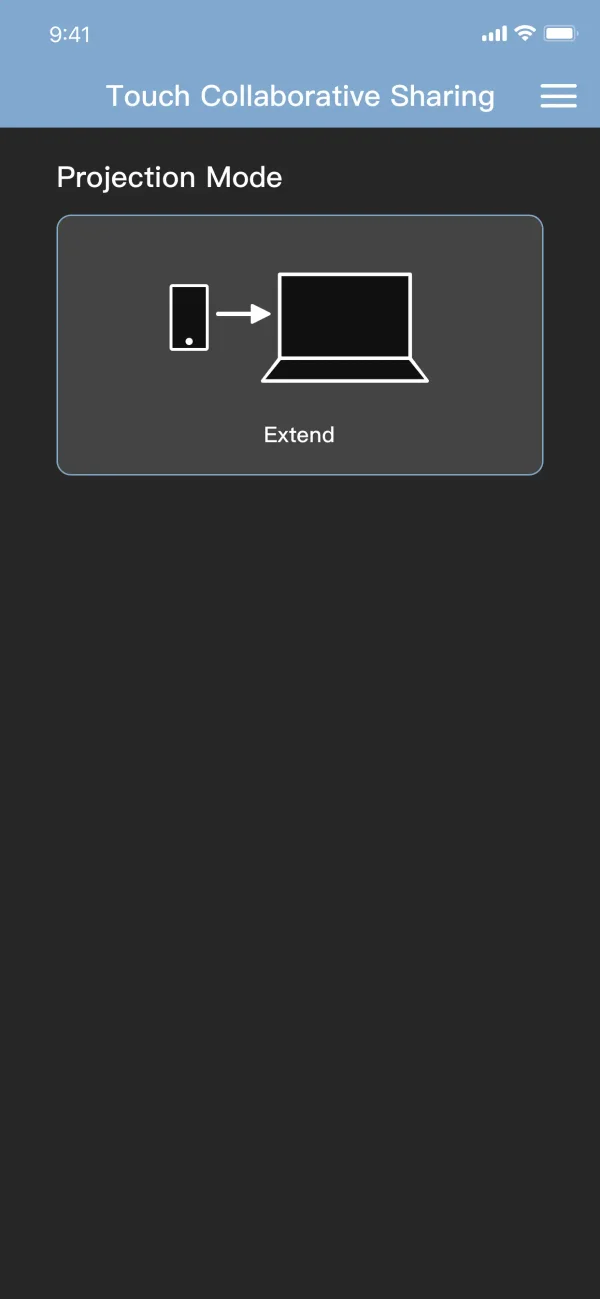
Conversely, we can also project the content of the iPad/iPhone to the Windows PC through this cable connection, this function is like AirPlay, you can directly see the screen content and operation of the iPad/iPhone on the screen of the Windows PC.
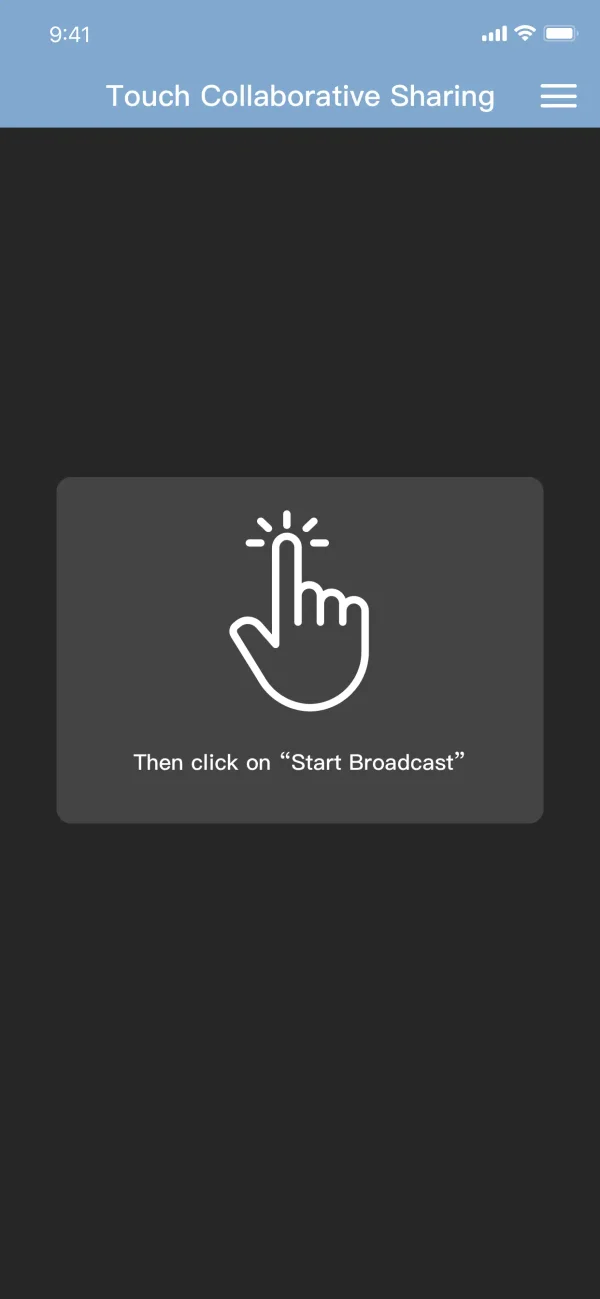
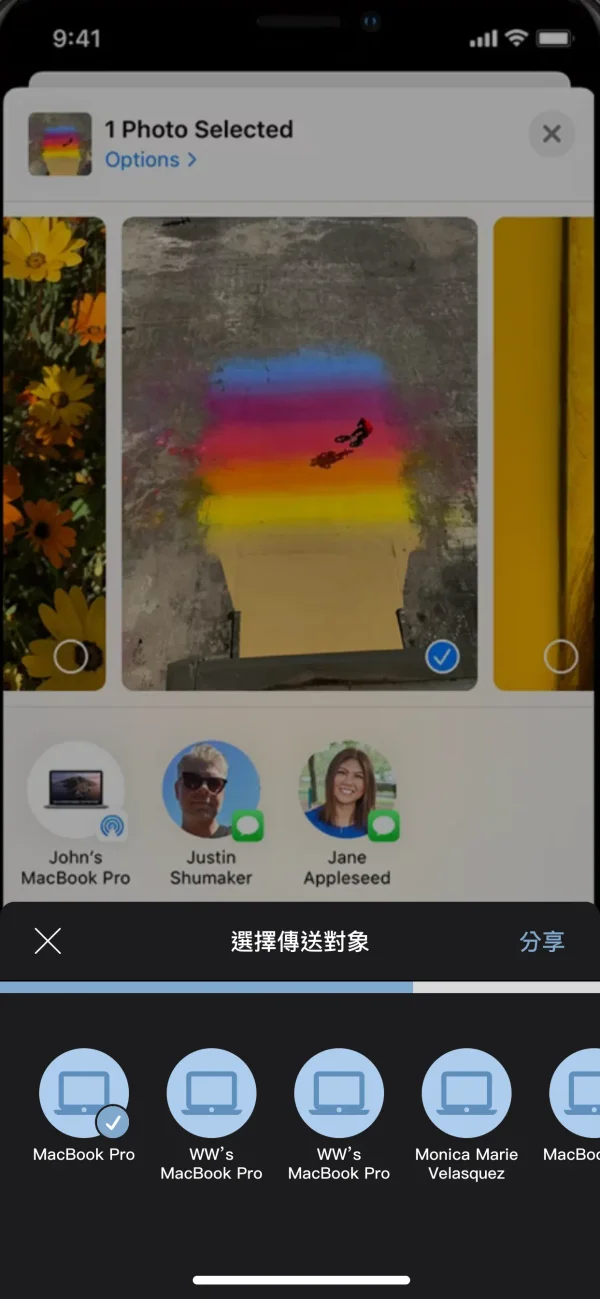
In addition to video screen projection and copying, the app also supports AirDrop-like functionality, allowing you to easily share media content such as videos, photos or files to a "Download" location on your Windows PC. You can also share files to your iPad/iPhone just like you can with AirDrop on a Mac by right-clicking on the file in Windows File Explorer and selecting the share menu function.
新機能
バージョン 1.0.17 · 2026/4/29
Resolves issues running on PadOS 26.
アプリのプライバシー
このアプリのデータの取り扱いについて、j5createがApp Storeで申告している内容です。
-
データの収集なし
開発元はこのアプリからデータを収集しません。
プライバシーの取り扱いは、ご利用の機能やお客様の年齢などに応じて異なる場合があります。
情報
- 販売元
- Magic Control Technology Corporation
- カテゴリ
- ユーティリティ
- バージョン
- 1.0.17
- 更新日
- 2026/4/29
- リリース
- 2023/11/7
- サイズ
- 39.5 MB
- 必要条件
- iOS 11.0以降
- 対象年齢
- 4+
- 価格
- 無料
- 言語
- 英語, デンマーク語, オランダ語, フィンランド語, フランス語, ドイツ語, ハンガリー語, イタリア語, 日本語, 韓国語, ノルウェー語 (ブークモール), ポルトガル語 ほか4言語
- 著作権
- © @2023 Magic Control Technology Corporation
こちらもおすすめ
-
 AURGA Viewer: Wireless Displayユーティリティ
-
 PDF Studio: PDF Converterユーティリティ
-
 Video Compressor Appユーティリティ
-
 Smart Transfer Wirelessユーティリティ
-
 HDMeyeユーティリティ
-
 JumiOne - Full Access to your Windows PCユーティリティ
-
 PadDisplay簡易的なモバイルディスプレイに!
-
 Dupe Cleanup: 重複写真削除似た動画やジャンクを一括消去
-
 Air Printer App: Print & Scanユーティリティ
-
 Remote Buddy Mobile 2ユーティリティ