
- Batasan usia4+
- KategoriKegunaan
- Pengembangj5create
- BahasaInggris+ 15 lainnya
- Ukuran39,5 MB
Tertaut ke halaman resmi App Store
Download.org tidak menyimpan file Magic Switch Display Sharing apa pun. Tombol ini membuka halaman aplikasi di App Store, tempat j5create menerbitkannya. Halaman terakhir diperiksa pada 20/11/2026.
Tangkapan layar
Tentang
Pengembang belum menyediakan teks ini dalam bahasa Anda.
This companion application can be used with Magic Switch Display Sharing Hub Cable.
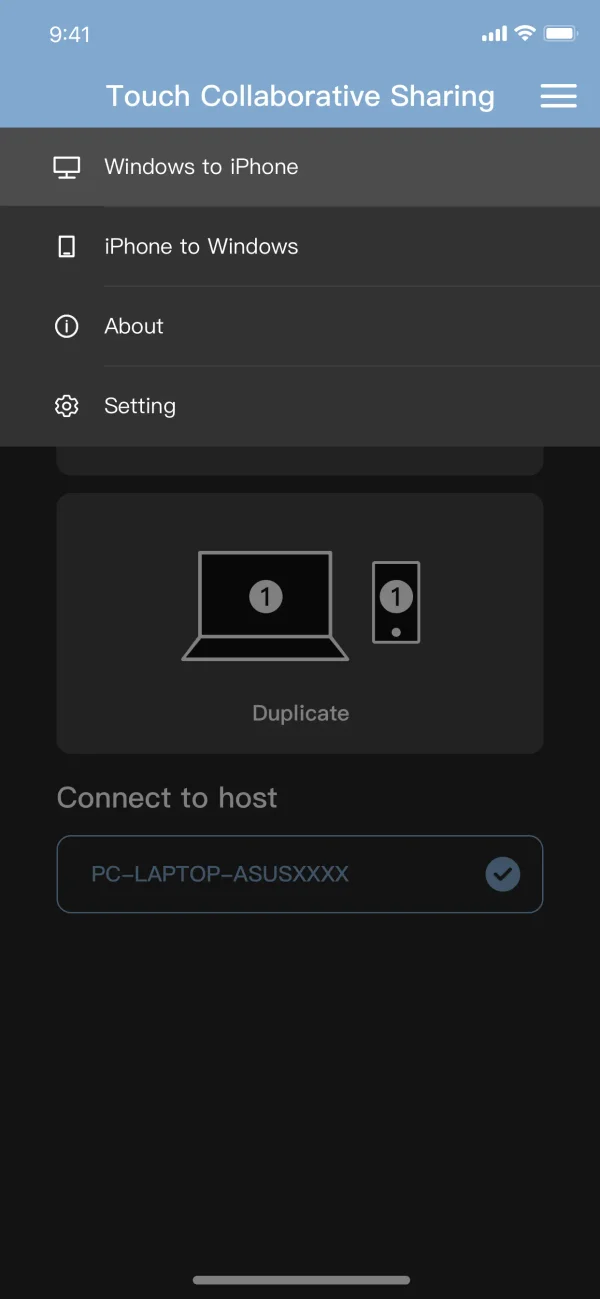
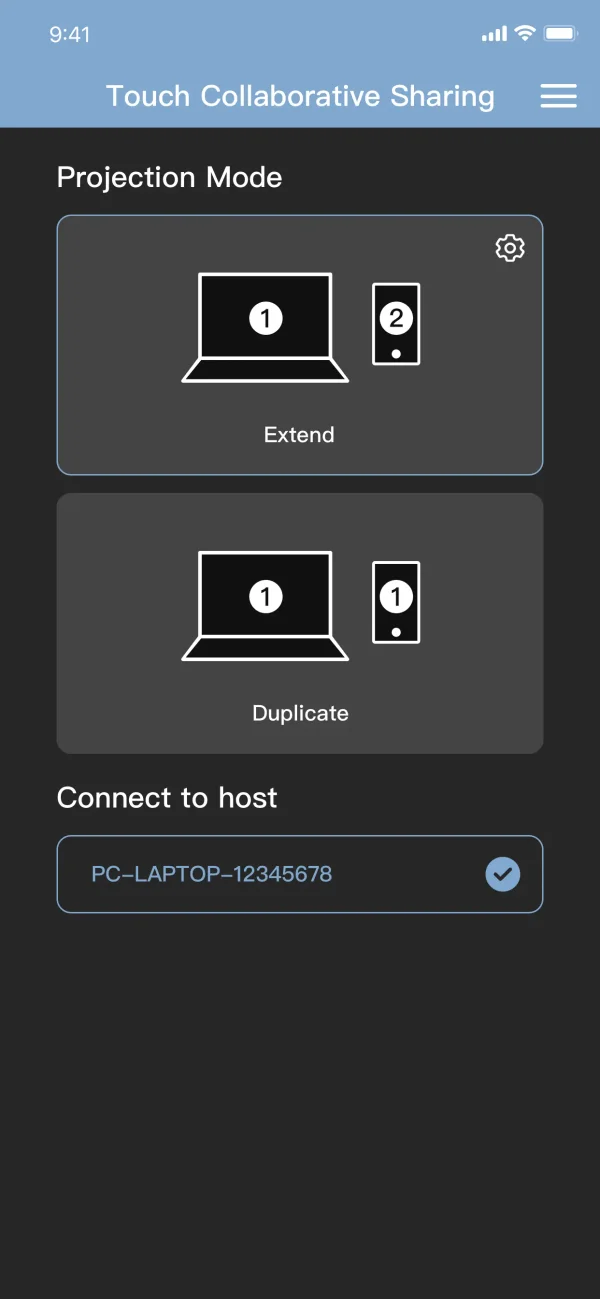
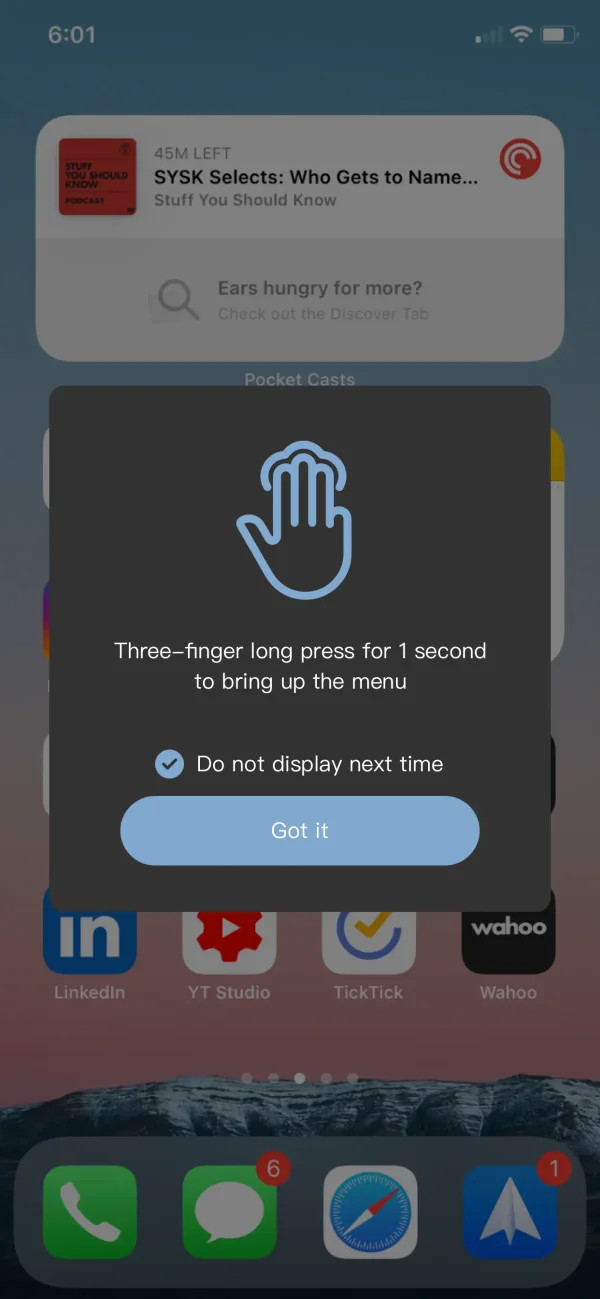
Magic Switch Display Sharing Hub Cable is a USB hub with host to host connection cable function, besides the hub function, this link cable can also be used to connect Windows PC and iPad/iPhone, once the connection is completed, users can easily duplicate the screen to iPad/iPhone , whereas in an iPad/iPhone you can see the contents of the Windows screen there, you can control or draw something in Windows with your finger or a stylus, and touch events or stylus traces and pen pressure are reflected to Windows, just like directly in operate the touch screen with a finger or a pen on a Windows PC. In addition to mapping the main screen of the Windows PC and directly viewing and operating on the iPad/iPhone, the APP also provides the function of generating a virtual second screen, and at the same time project this virtual second screen to the iPad/iPhone, and directly operate on the iPad/iPhone.
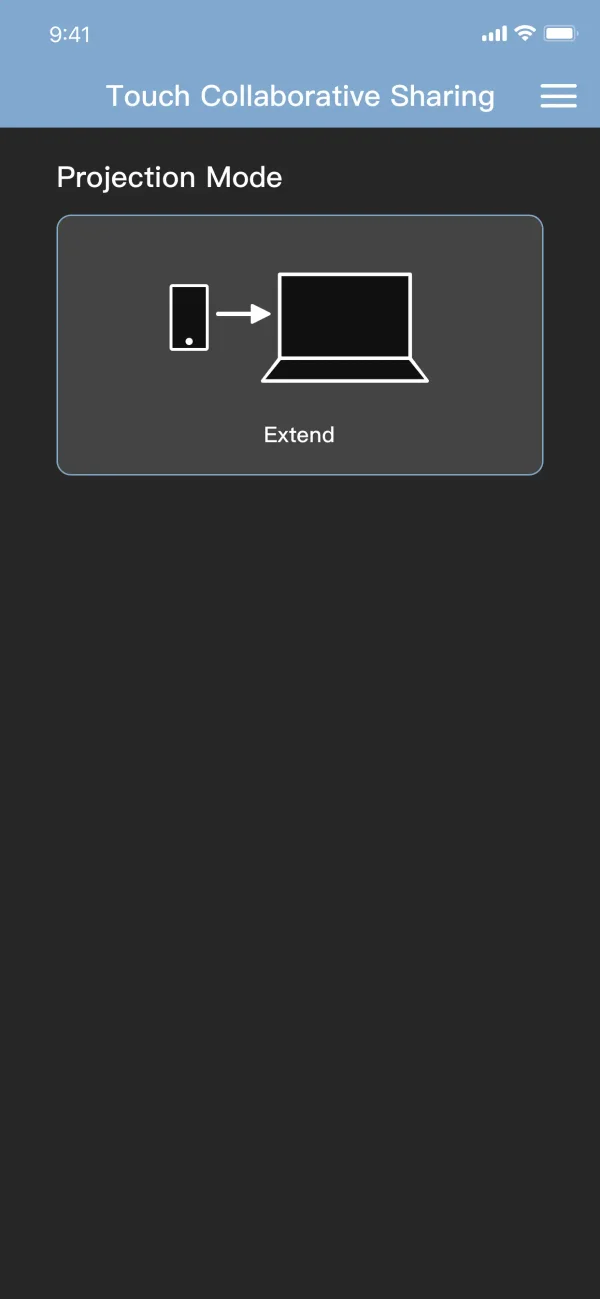
Conversely, we can also project the content of the iPad/iPhone to the Windows PC through this cable connection, this function is like AirPlay, you can directly see the screen content and operation of the iPad/iPhone on the screen of the Windows PC.
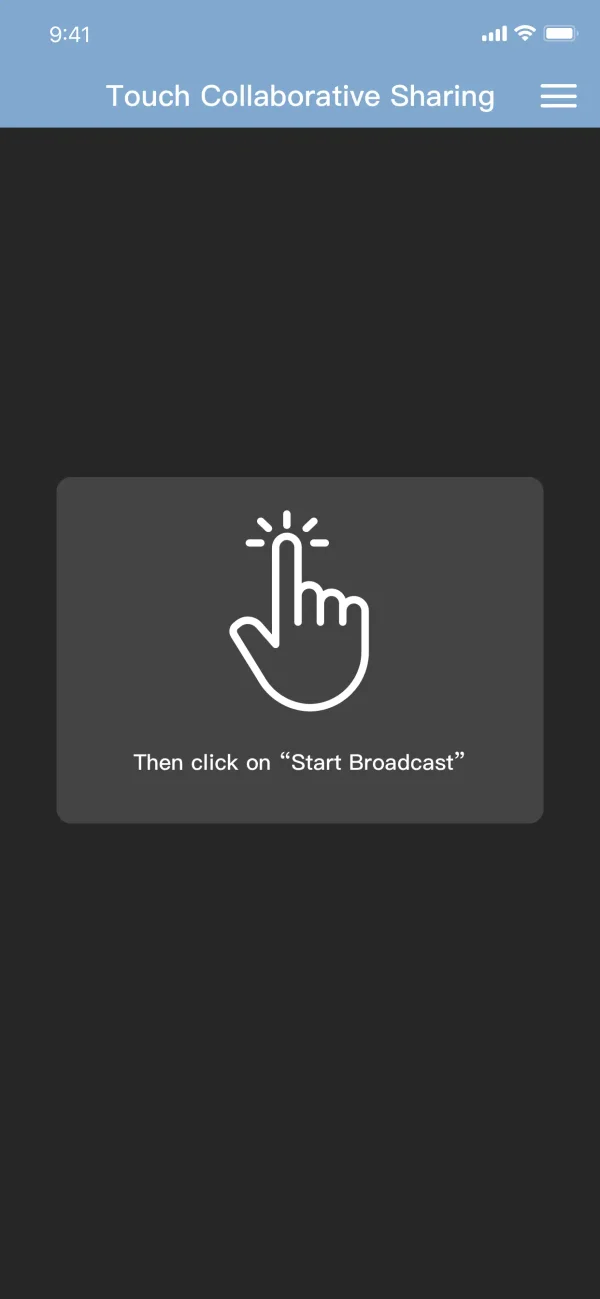
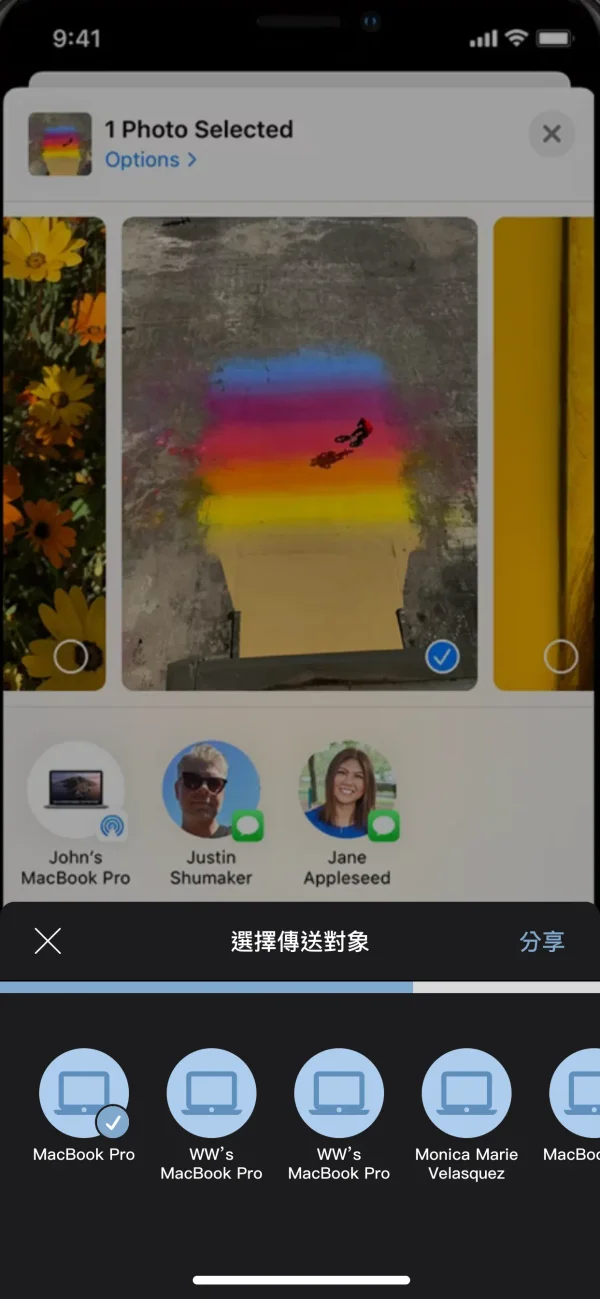
In addition to video screen projection and copying, the app also supports AirDrop-like functionality, allowing you to easily share media content such as videos, photos or files to a "Download" location on your Windows PC. You can also share files to your iPad/iPhone just like you can with AirDrop on a Mac by right-clicking on the file in Windows File Explorer and selecting the share menu function.
Yang baru
Versi 1.0.17 · 29/4/2026
Resolves issues running on PadOS 26.
Privasi aplikasi
Yang dinyatakan j5create di App Store tentang cara aplikasi ini menangani data.
-
Data tidak dikumpulkan
Pengembang tidak mengumpulkan data apa pun dari aplikasi ini.
Praktik privasi dapat bervariasi, misalnya berdasarkan fitur yang Anda gunakan atau usia Anda.
Informasi
- Penjual
- Magic Control Technology Corporation
- Kategori
- Kegunaan
- Versi
- 1.0.17
- Diperbarui
- 29/4/2026
- Dirilis
- 7/11/2023
- Ukuran
- 39,5 MB
- Memerlukan
- iOS 11.0 atau yang lebih baru
- Batasan usia
- 4+
- Harga
- Gratis
- Bahasa
- Inggris, Dansk (Denmark), Belanda, Suomi (Finlandia), Prancis, Jerman, Magyar (Hungaria), Italia, Jepang, Korea, Bokmål Norsk, Portugis + 4 lainnya
- Hak cipta
- © @2023 Magic Control Technology Corporation
Mungkin Anda juga suka
-
 AURGA Viewer: Wireless DisplayKegunaan
-
 PDF Studio: PDF ConverterKegunaan
-
 Video Compressor AppKegunaan
-
 Smart Transfer WirelessKegunaan
-
 HDMeyeKegunaan
-
 JumiOne - Full Access to your Windows PCKegunaan
-
 PadDisplayKegunaan
-
 Cleanup Dupes: Phone CleanerKegunaan
-
 Air Printer App: Print & ScanKegunaan
-
 Remote Buddy Mobile 2Kegunaan