
- Age rating4+
- CategoryUtilities
- Developerj5create
- LanguagesEnglish+ 15 more
- Size39.5 MB
Links to the official App Store page
Download.org hosts no file of Magic Switch Display Sharing. The button opens its official App Store page, published by j5create. Listing last checked on Nov 20, 2026.
Screenshots


About
This companion application can be used with Magic Switch Display Sharing Hub Cable.
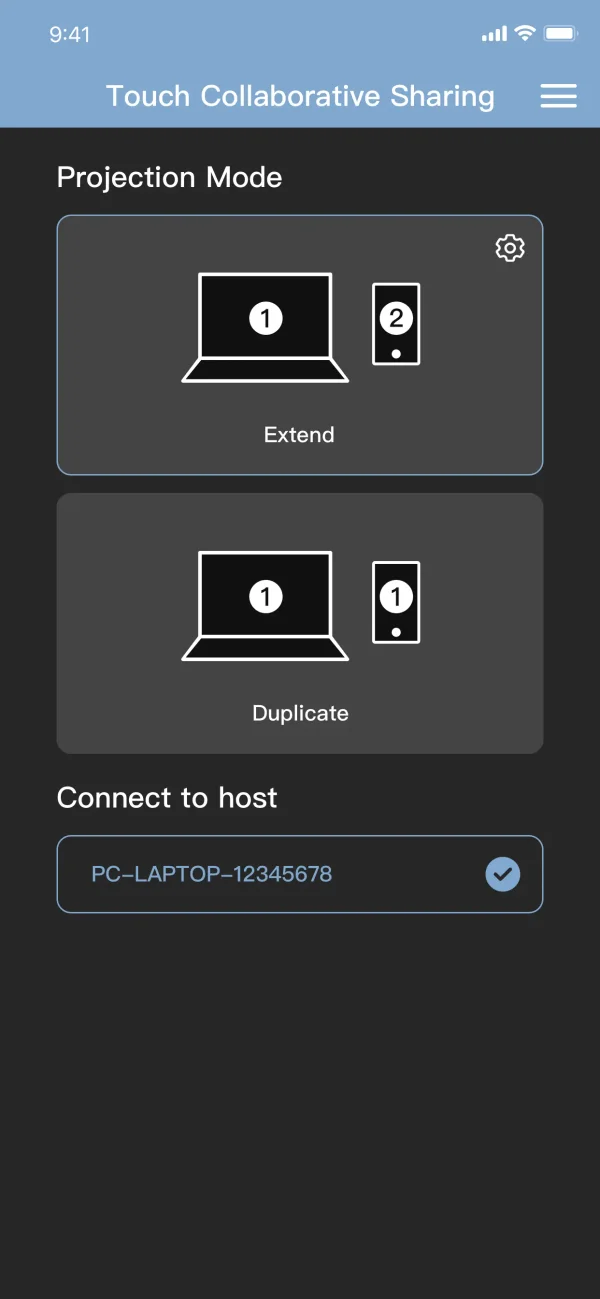
Magic Switch Display Sharing Hub Cable is a USB hub with host to host connection cable function, besides the hub function, this link cable can also be used to connect Windows PC and iPad/iPhone, once the connection is completed, users can easily duplicate the screen to iPad/iPhone , whereas in an iPad/iPhone you can see the contents of the Windows screen there, you can control or draw something in Windows with your finger or a stylus, and touch events or stylus traces and pen pressure are reflected to Windows, just like directly in operate the touch screen with a finger or a pen on a Windows PC. In addition to mapping the main screen of the Windows PC and directly viewing and operating on the iPad/iPhone, the APP also provides the function of generating a virtual second screen, and at the same time project this virtual second screen to the iPad/iPhone, and directly operate on the iPad/iPhone.
Conversely, we can also project the content of the iPad/iPhone to the Windows PC through this cable connection, this function is like AirPlay, you can directly see the screen content and operation of the iPad/iPhone on the screen of the Windows PC.
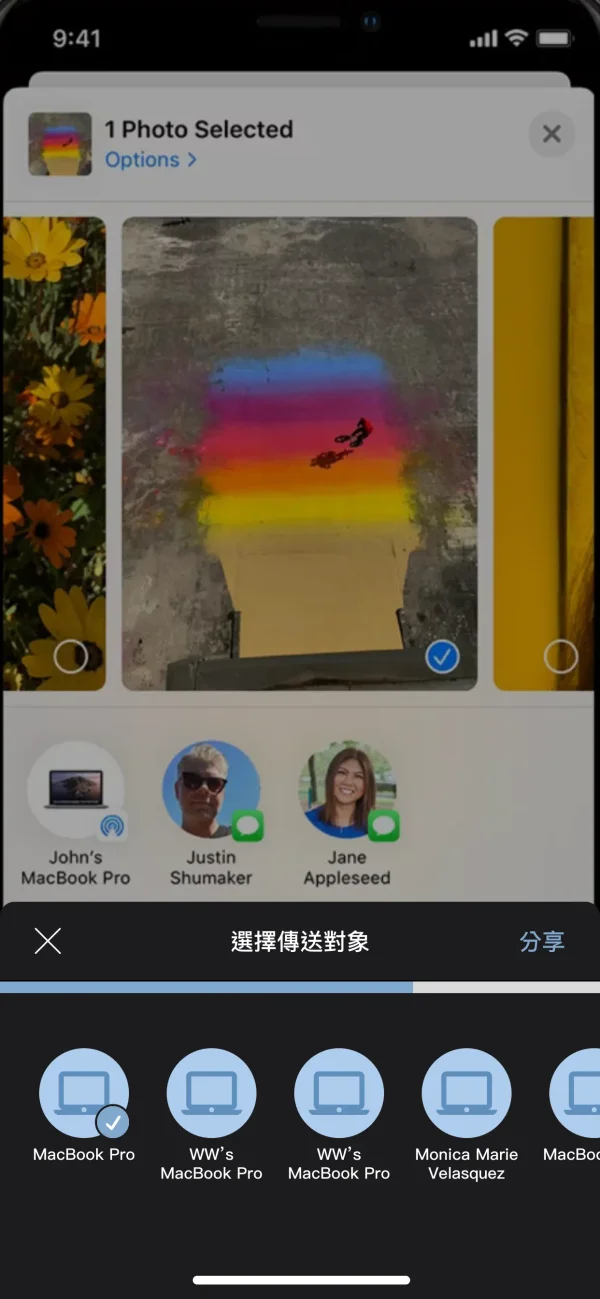
In addition to video screen projection and copying, the app also supports AirDrop-like functionality, allowing you to easily share media content such as videos, photos or files to a "Download" location on your Windows PC. You can also share files to your iPad/iPhone just like you can with AirDrop on a Mac by right-clicking on the file in Windows File Explorer and selecting the share menu function.
What’s new
Version 1.0.17 · Apr 29, 2026
Resolves issues running on PadOS 26.
App privacy
What j5create declares on the App Store about how this app handles data.
-
Data not collected
The developer does not collect any data from this app.
Privacy practices may vary, for example with the features you use or your age.
Information
- Seller
- Magic Control Technology Corporation
- Category
- Utilities
- Version
- 1.0.17
- Updated
- Apr 29, 2026
- Released
- Nov 7, 2023
- Size
- 39.5 MB
- Requires
- iOS 11.0 or later
- Age rating
- 4+
- Price
- Free
- Languages
- English, Danish, Dutch, Finnish, French, German, Hungarian, Italian, Japanese, Korean, Norwegian Bokmål, Portuguese + 4 more
- Copyright
- © @2023 Magic Control Technology Corporation
You might also like
-
 AURGA Viewer: Wireless DisplayAll in One Connect HDMI Device
-
 PDF Studio: PDF ConverterEditor, Compressor, Converter
-
 Video Compressor AppCompress Customize Your Videos
-
 Smart Transfer WirelessUtilities
-
 HDMeyeUse iPad as HDMI monitor
-
 JumiOne - Full Access to your Windows PCUtilities
-
 PadDisplayA simple mobile display!
-
 Cleanup Dupes: Phone CleanerSwipe Delete Duplicate Photos
-
 Air Printer App: Print & ScanEasy To Print, Edit PDF, Photo
-
 Remote Buddy Mobile 2Remote/mouse/keyboard for Mac