PaintSteps
Your photos to painting tutos!
Conçue pour iPhone, iPad
Gratuit · Achats intégrés
- Classification d’âge4+
- CatégorieGraphisme et design
- DéveloppeurPULSAR LLC
- LanguesAnglais+ 5 de plus
- Taille10,1 Mo
Renvoie vers la page App Store officielle
Download.org n’héberge aucun fichier de PaintSteps. Le bouton ouvre la page de l’application sur App Store, où PULSAR LLC la publie. Fiche vérifiée pour la dernière fois le 17/11/2026.
Captures d’écran
À propos
Le développeur n’a pas fourni ce texte dans votre langue.
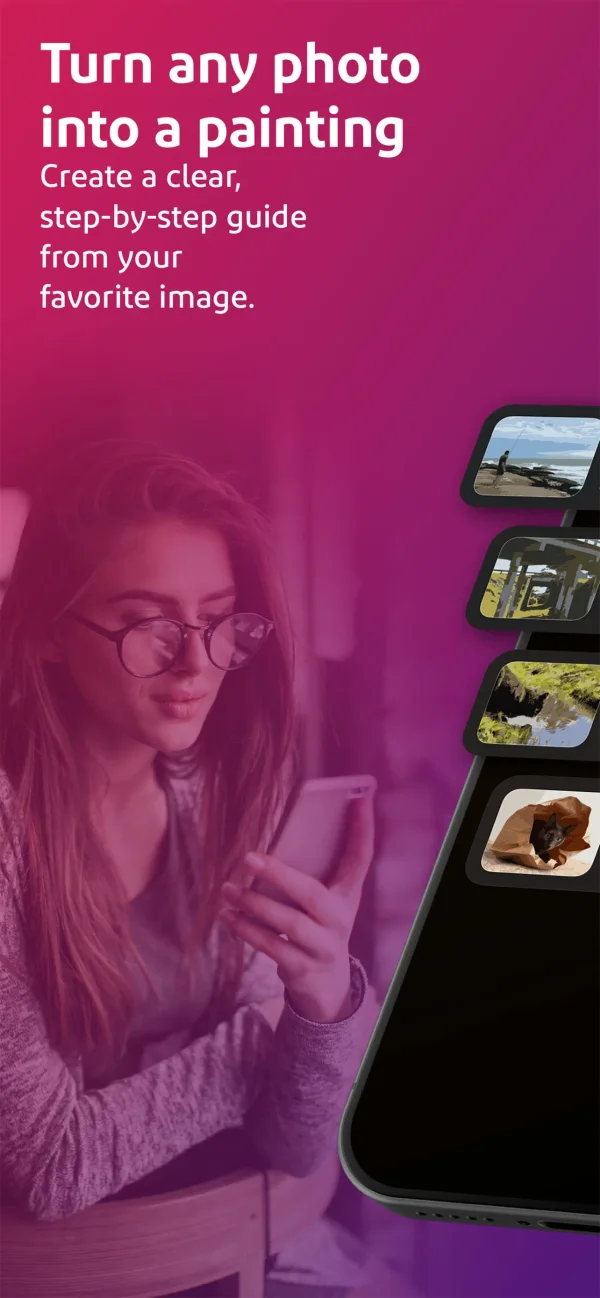
Turn any photo into a practical, step-by-step painting guide.
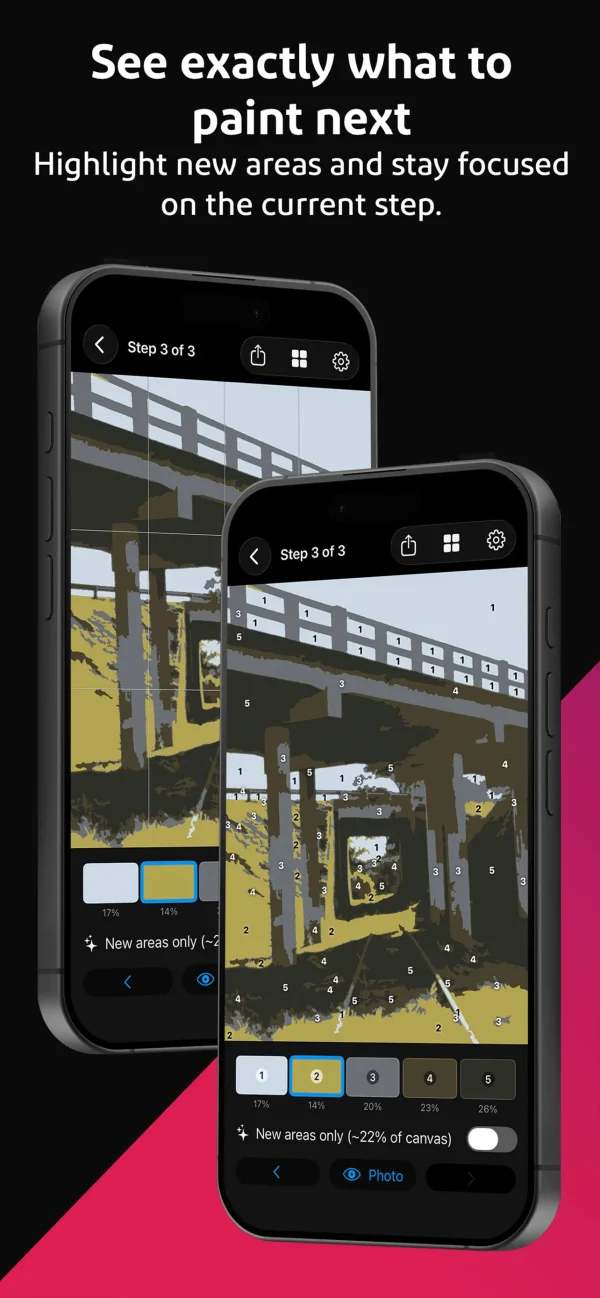
PaintSteps simplifies your reference into progressive color stages, helping you see what to paint first and what to add next. Choose your medium and painting order, then work through the image, palette, and mixing guidance at your own pace.
CREATE FROM ANY PHOTO
- Choose an image from your photo library
- Crop and position it for your canvas
- Adjust colors, steps, smoothing, and canvas ratio
- Build dark-to-light, light-to-dark, or balanced
PAINT WITH CLEAR GUIDANCE
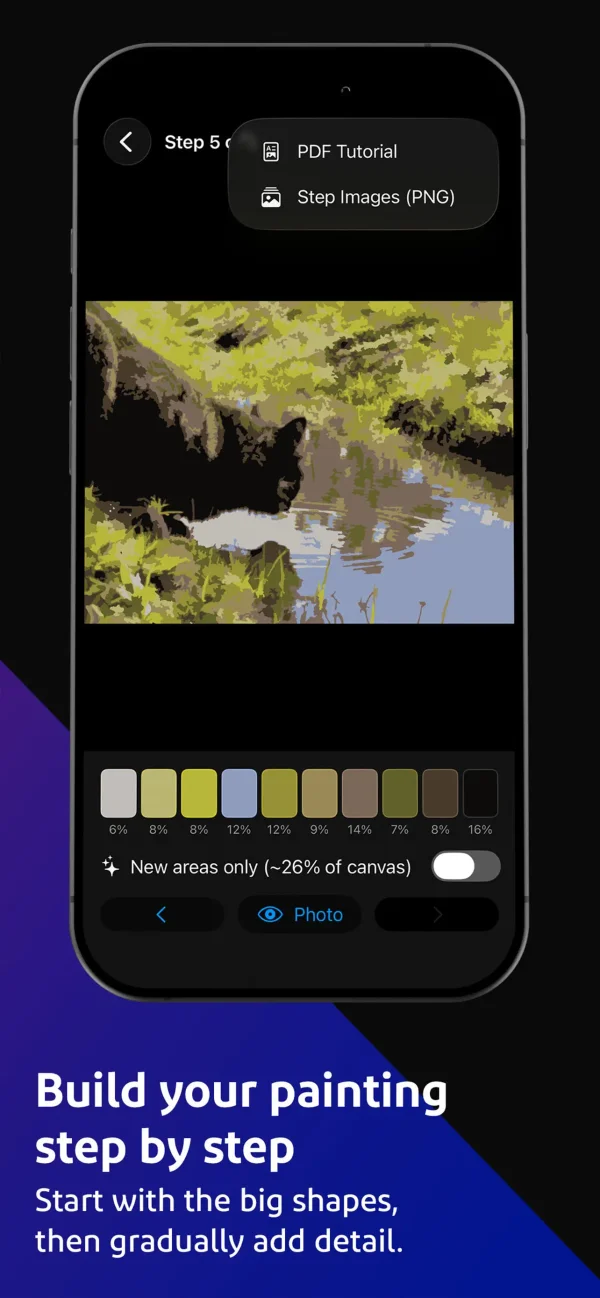
- Follow progressive painting steps
- Use color numbers and an adjustable drawing grid
- Pinch to zoom while guides stay aligned
- Press and hold to compare with the original photo
TRACE WITH LINE ART
- Turn your painting into an outline drawing to transfer onto the canvas
- Choose the level of detail, or let Auto pick a step that's easy to trace
- Add a drawing grid and color numbers, then print it or share it as a PDF or PNG
- With Pro, choose thin, medium, or bold lines
MIX COLORS
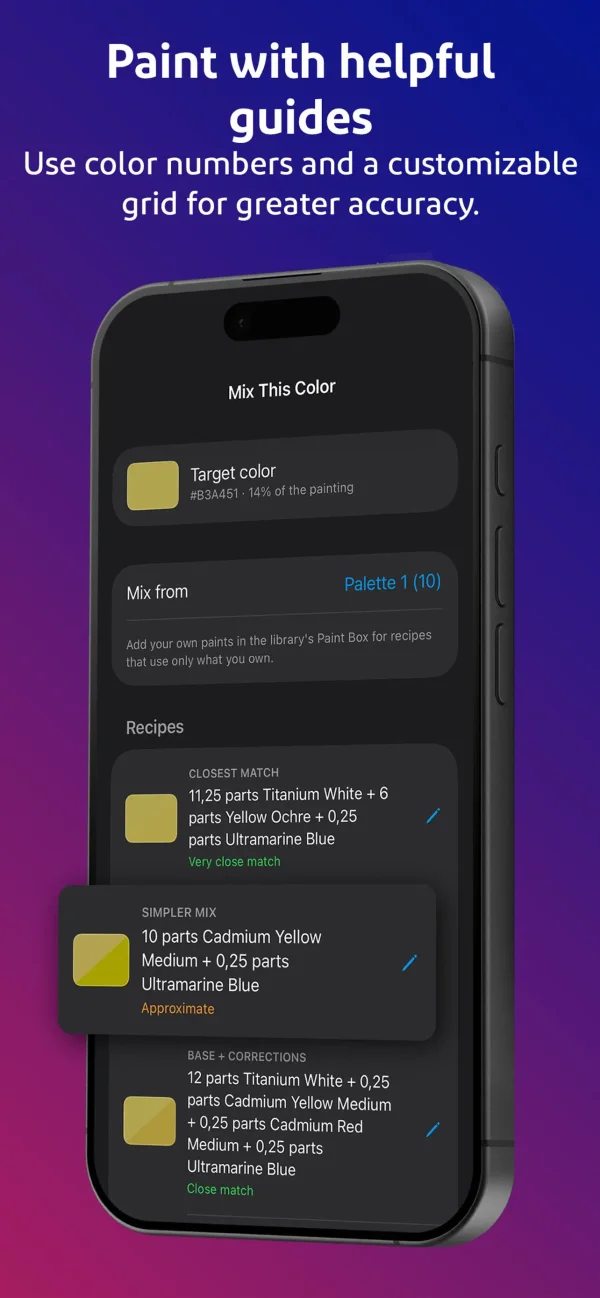
- View practical paint-mixing suggestions for every palette color
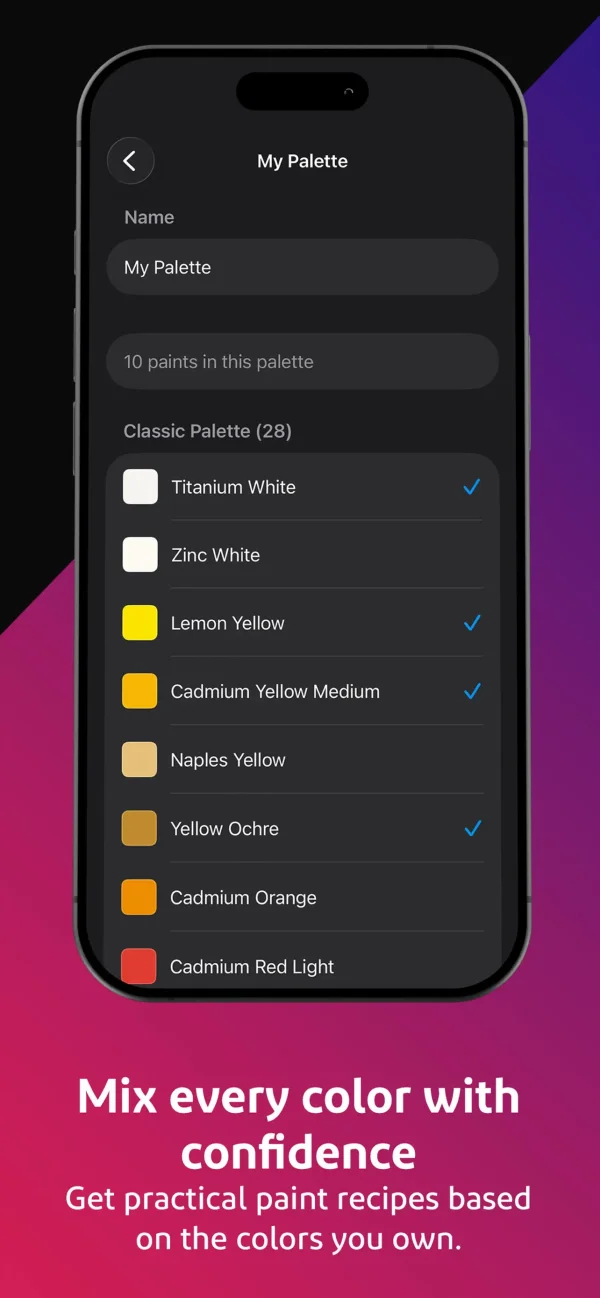
- Choose from built-in paint sets
- With Pro, use your own paints and palettes, calibrate tinting strength, and edit recipes
SAVE AND EXPORT
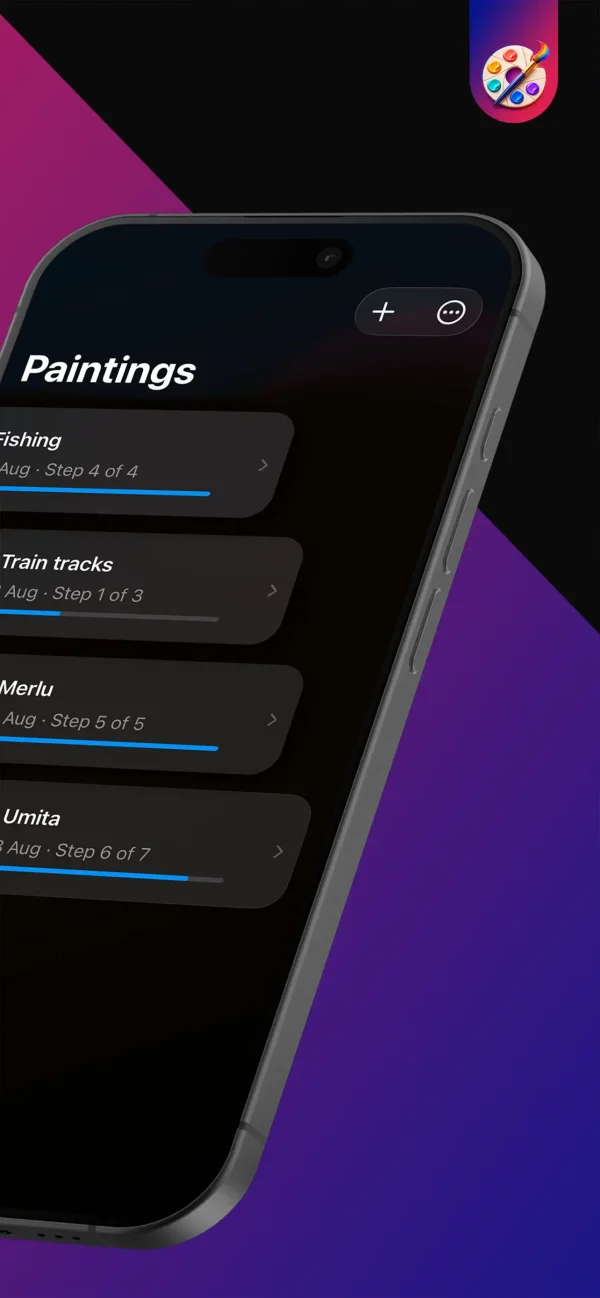
- Keep your painting projects in one library
- Export complete PDF tutorials, including the line art page, or individual PNG step images with Pro
The free version includes up to two saved paintings, tutorials with up to four steps, and line art. PaintSteps Pro unlocks unlimited paintings, up to eight steps, custom paints and palettes, recipe editing, export, and line art thickness.
PaintSteps Pro is a one-time purchase. No subscription.
Mixing results are estimates. Always test a small mix before painting.
Nouveautés
Version 1.3 · 14/11/2026
New in 1.3:
• Value view: see your painting in grays or as a 2- or 3-value notan
• Tick off colors as you paint and track your progress
• Light box for tracing, and show your painting on a TV or projector (Pro)
• Final details step with highlights and accents (Pro)
• Simplify the background or brush in detail where it matters (Pro)
• Recipes for watercolor, gouache, oil and acrylic, a shopping list and a minimal palette
• Real canvas size with a grid in cm or inches
• Photograph your canvas: painting diary and timelapse, compare with the reference, check a mix (Pro)
Confidentialité de l’application
Ce que PULSAR LLC déclare sur l’App Store au sujet du traitement des données par cette application.
-
Données non collectées
Le développeur ne collecte aucune donnée à partir de cette application.
Les pratiques en matière de confidentialité peuvent varier, notamment en fonction des fonctionnalités que vous utilisez ou de votre âge.
Informations
- Vendeur
- PULSAR LLC
- Catégorie
- Graphisme et design
- Version
- 1.3
- Mis à jour
- 14/11/2026
- Publié
- 01/09/2026
- Taille
- 10,1 Mo
- Nécessite
- iOS 17.0 ou version ultérieure
- Classification d’âge
- 4+
- Prix
- Gratuit
- Achats intégrés
- Oui
- Langues
- Anglais, Français, Allemand, Japonais, Portugais, Espagnol
- Copyright
- © 2026 Juan Tarallo
Vous aimerez peut-être aussi
-
 PainterLab:Paint MixingGraphisme et design
-
 PaintLikeProGraphisme et design
-
 Pochade – Reference Photo PrepGraphisme et design
-
 Viridian: Paint MixingGraphisme et design
-
 PhotoPaint — Paint by NumbersGraphisme et design
-
 ArtBuddy: Learn to paintGraphisme et design
-
 Pincela: Paint by NumbersGraphisme et design
-
 Mix PaintGraphisme et design
-
 Mixable - Paint Mixing GuideWatercolor, Acrylic & Oil
-
 Color Study : Simplifiez l'artCouleur, valeur et forme