PaintSteps
Your photos to painting tutos!
Được thiết kế cho iPhone, iPad
Miễn phí · Mua hàng trong ứng dụng
- Độ tuổi4+
- Danh mụcĐồ Họa & Thiết Kế
- Nhà phát triểnPULSAR LLC
- Ngôn ngữTiếng Anh+ 5 ngôn ngữ khác
- Kích thước10,1 MB
Liên kết đến trang App Store chính thức
Download.org không lưu trữ tệp nào của PaintSteps. Nút này mở trang ứng dụng trên App Store, nơi PULSAR LLC phát hành ứng dụng. Trang được kiểm tra lần cuối: 17/11/2026.
Ảnh chụp màn hình
Giới thiệu
Nhà phát triển chưa cung cấp nội dung này bằng ngôn ngữ của bạn.
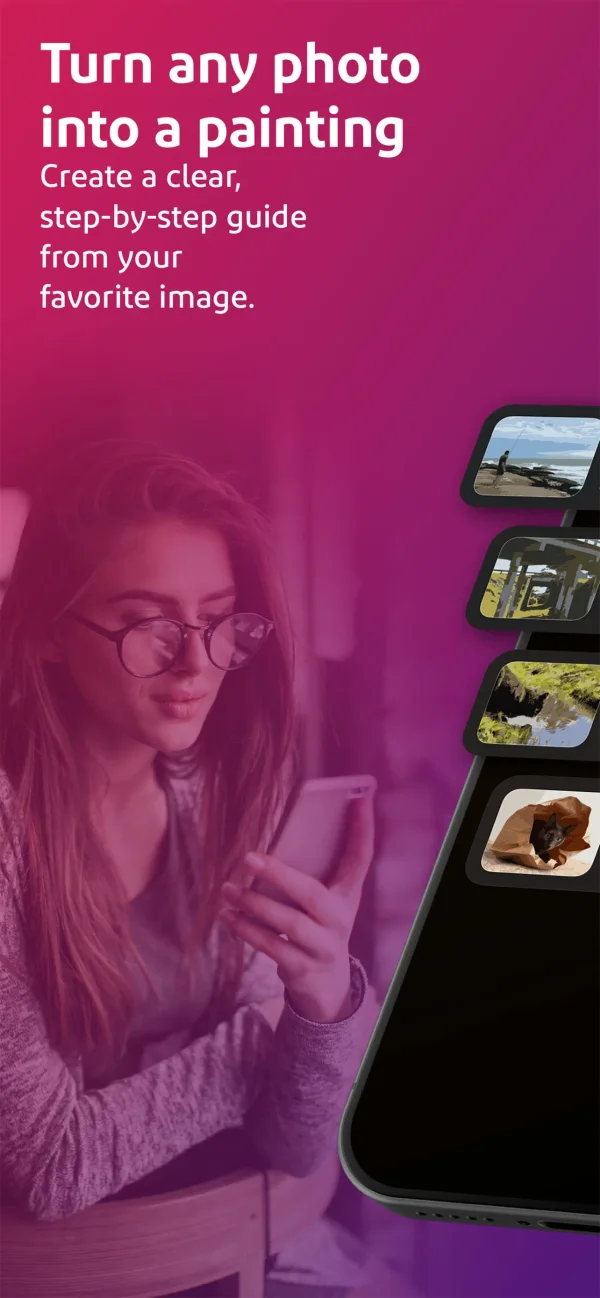
Turn any photo into a practical, step-by-step painting guide.
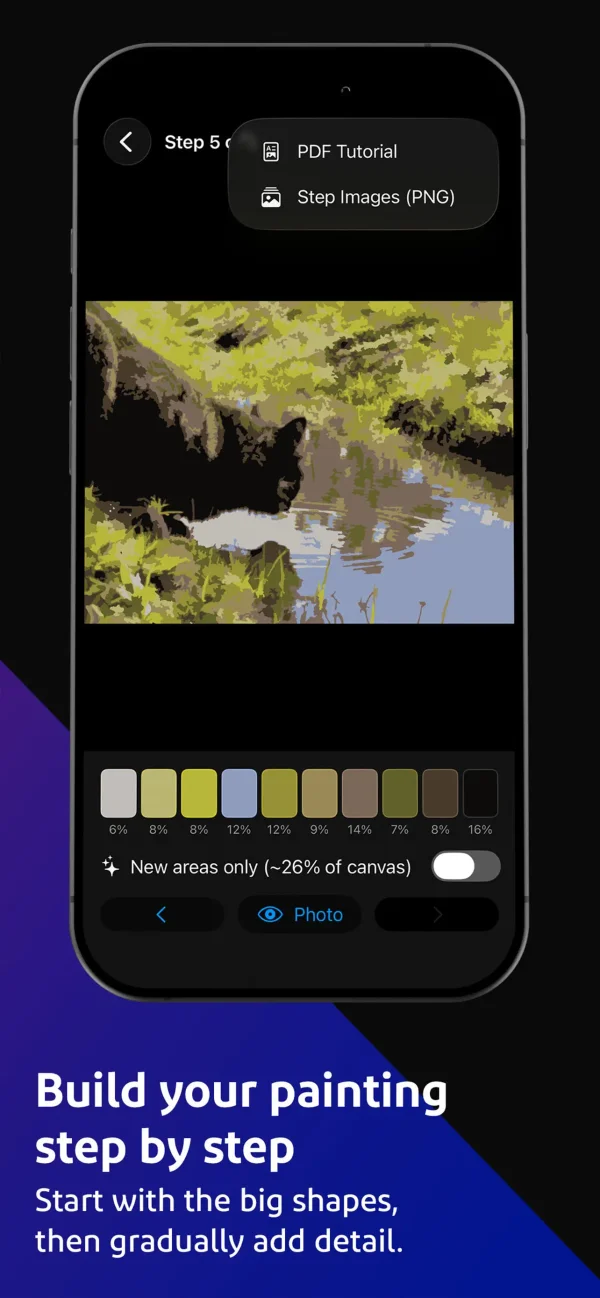
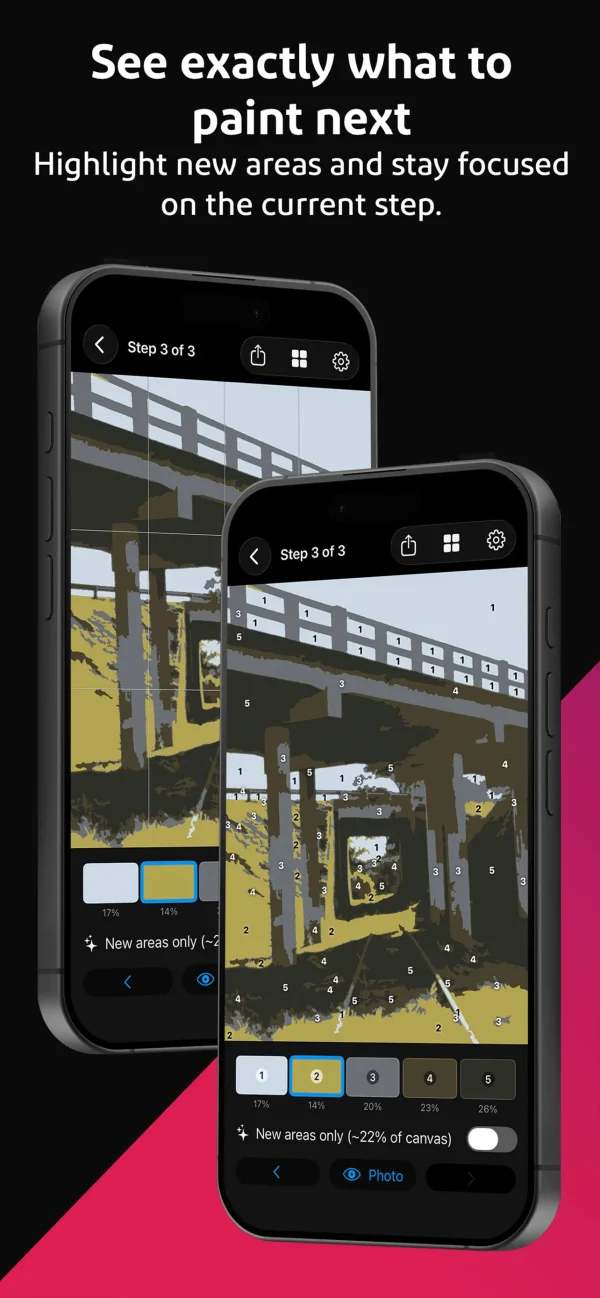
PaintSteps simplifies your reference into progressive color stages, helping you see what to paint first and what to add next. Choose your medium and painting order, then work through the image, palette, and mixing guidance at your own pace.
CREATE FROM ANY PHOTO
- Choose an image from your photo library
- Crop and position it for your canvas
- Adjust colors, steps, smoothing, and canvas ratio
- Build dark-to-light, light-to-dark, or balanced
PAINT WITH CLEAR GUIDANCE
- Follow progressive painting steps
- Use color numbers and an adjustable drawing grid
- Pinch to zoom while guides stay aligned
- Press and hold to compare with the original photo
TRACE WITH LINE ART
- Turn your painting into an outline drawing to transfer onto the canvas
- Choose the level of detail, or let Auto pick a step that's easy to trace
- Add a drawing grid and color numbers, then print it or share it as a PDF or PNG
- With Pro, choose thin, medium, or bold lines
MIX COLORS
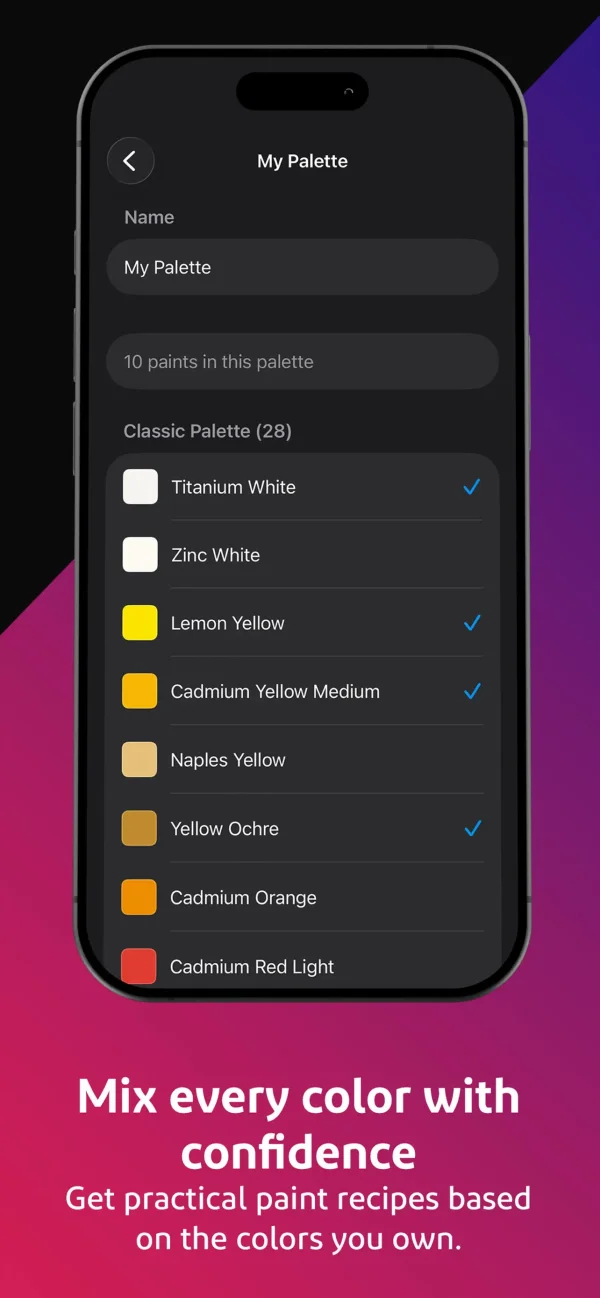
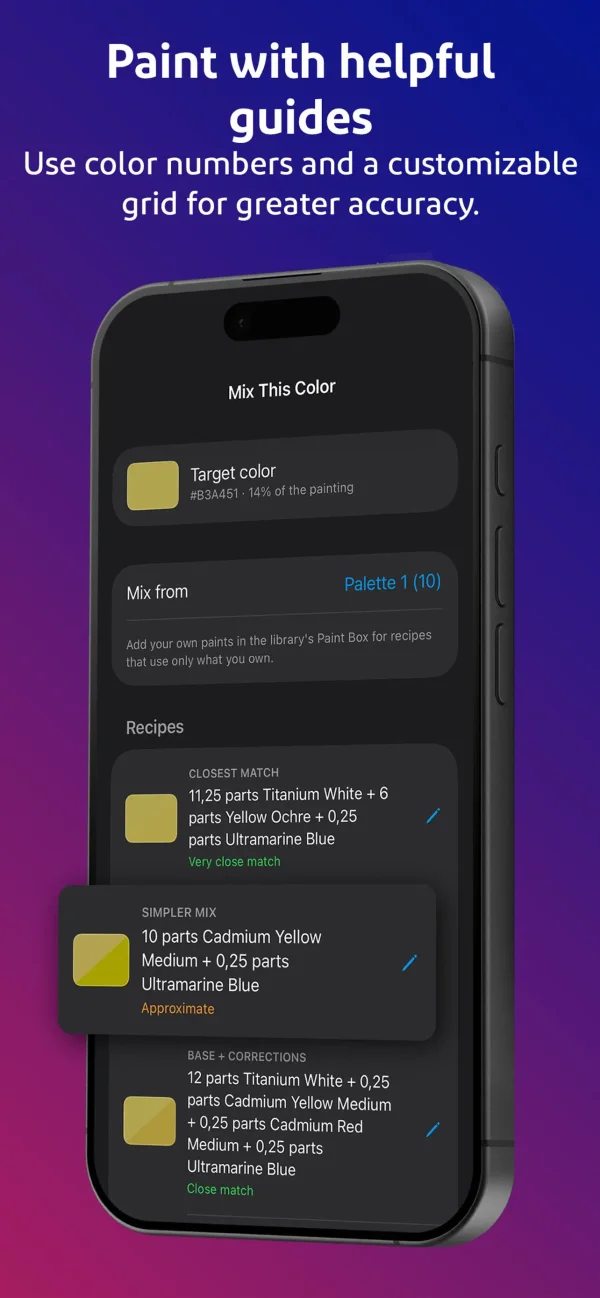
- View practical paint-mixing suggestions for every palette color
- Choose from built-in paint sets
- With Pro, use your own paints and palettes, calibrate tinting strength, and edit recipes
SAVE AND EXPORT
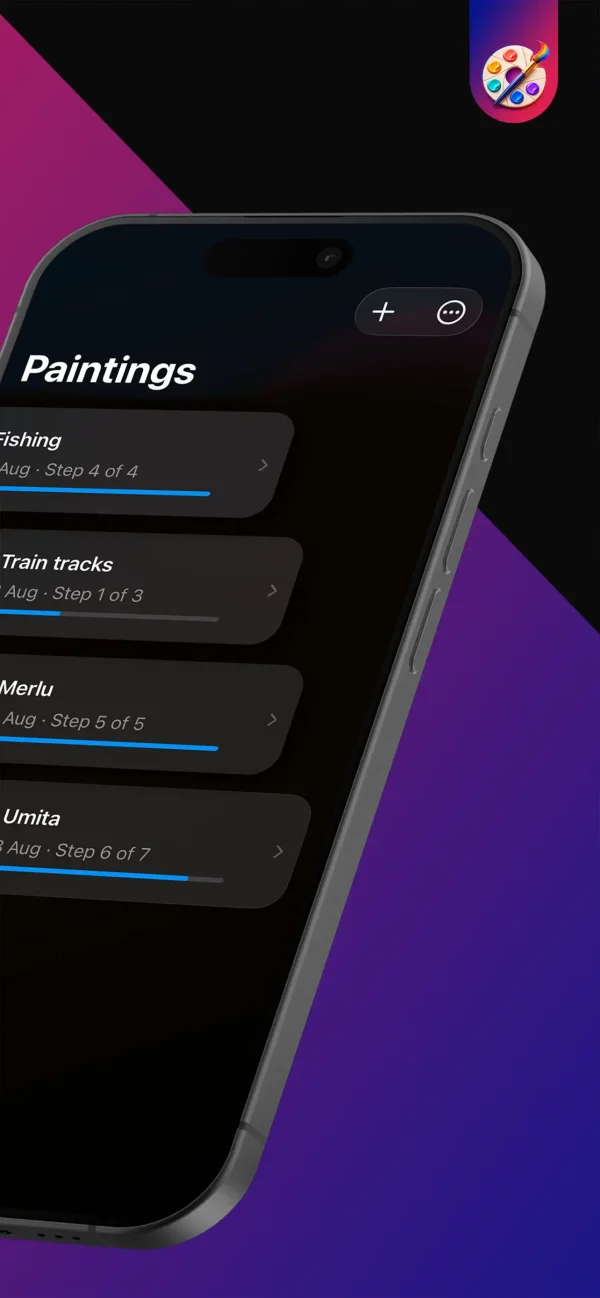
- Keep your painting projects in one library
- Export complete PDF tutorials, including the line art page, or individual PNG step images with Pro
The free version includes up to two saved paintings, tutorials with up to four steps, and line art. PaintSteps Pro unlocks unlimited paintings, up to eight steps, custom paints and palettes, recipe editing, export, and line art thickness.
PaintSteps Pro is a one-time purchase. No subscription.
Mixing results are estimates. Always test a small mix before painting.
Có gì mới
Phiên bản 1.3 · 14/11/2026
New in 1.3:
• Value view: see your painting in grays or as a 2- or 3-value notan
• Tick off colors as you paint and track your progress
• Light box for tracing, and show your painting on a TV or projector (Pro)
• Final details step with highlights and accents (Pro)
• Simplify the background or brush in detail where it matters (Pro)
• Recipes for watercolor, gouache, oil and acrylic, a shopping list and a minimal palette
• Real canvas size with a grid in cm or inches
• Photograph your canvas: painting diary and timelapse, compare with the reference, check a mix (Pro)
Quyền riêng tư của ứng dụng
Những gì PULSAR LLC khai báo trên App Store về cách ứng dụng này xử lý dữ liệu.
-
Dữ liệu không được thu thập
Nhà phát triển không thu thập bất kỳ dữ liệu nào từ ứng dụng này.
Phương thức đảm bảo quyền riêng tư có thể khác nhau, chẳng hạn như tuỳ theo các tính năng bạn sử dụng hoặc độ tuổi của bạn.
Thông tin
- Người bán
- PULSAR LLC
- Danh mục
- Đồ Họa & Thiết Kế
- Phiên bản
- 1.3
- Cập nhật
- 14/11/2026
- Phát hành
- 01/09/2026
- Kích thước
- 10,1 MB
- Yêu cầu
- iOS 17.0 trở lên
- Độ tuổi
- 4+
- Giá
- Miễn phí
- Mua hàng trong ứng dụng
- Có
- Ngôn ngữ
- Tiếng Anh, Tiếng Pháp, Tiếng Đức, Tiếng Nhật, Tiếng Bồ Đào Nha, Tiếng Tây Ban Nha
- Bản quyền
- © 2026 Juan Tarallo
Có thể bạn cũng thích
-
 PainterLab:Paint MixingĐồ Họa & Thiết Kế
-
 PaintLikeProĐồ Họa & Thiết Kế
-
 Pochade – Reference Photo PrepĐồ Họa & Thiết Kế
-
 Viridian: Paint MixingĐồ Họa & Thiết Kế
-
 PhotoPaint — Paint by NumbersĐồ Họa & Thiết Kế
-
 ArtBuddy: Learn to paintĐồ Họa & Thiết Kế
-
 Pincela: Paint by NumbersĐồ Họa & Thiết Kế
-
 Mix PaintĐồ Họa & Thiết Kế
-
 Mixable - Paint Mixing GuideĐồ Họa & Thiết Kế
-
 Color Study: Simplify PaintingĐồ Họa & Thiết Kế