PaintSteps
Your photos to painting tutos!
Dirancang untuk iPhone, iPad
Gratis · Pembelian dalam aplikasi
- Batasan usia4+
- KategoriGrafik & Desain
- PengembangPULSAR LLC
- BahasaInggris+ 5 lainnya
- Ukuran10,1 MB
Tertaut ke halaman resmi App Store
Download.org tidak menyimpan file PaintSteps apa pun. Tombol ini membuka halaman aplikasi di App Store, tempat PULSAR LLC menerbitkannya. Halaman terakhir diperiksa pada 17/11/2026.
Tangkapan layar
Tentang
Pengembang belum menyediakan teks ini dalam bahasa Anda.
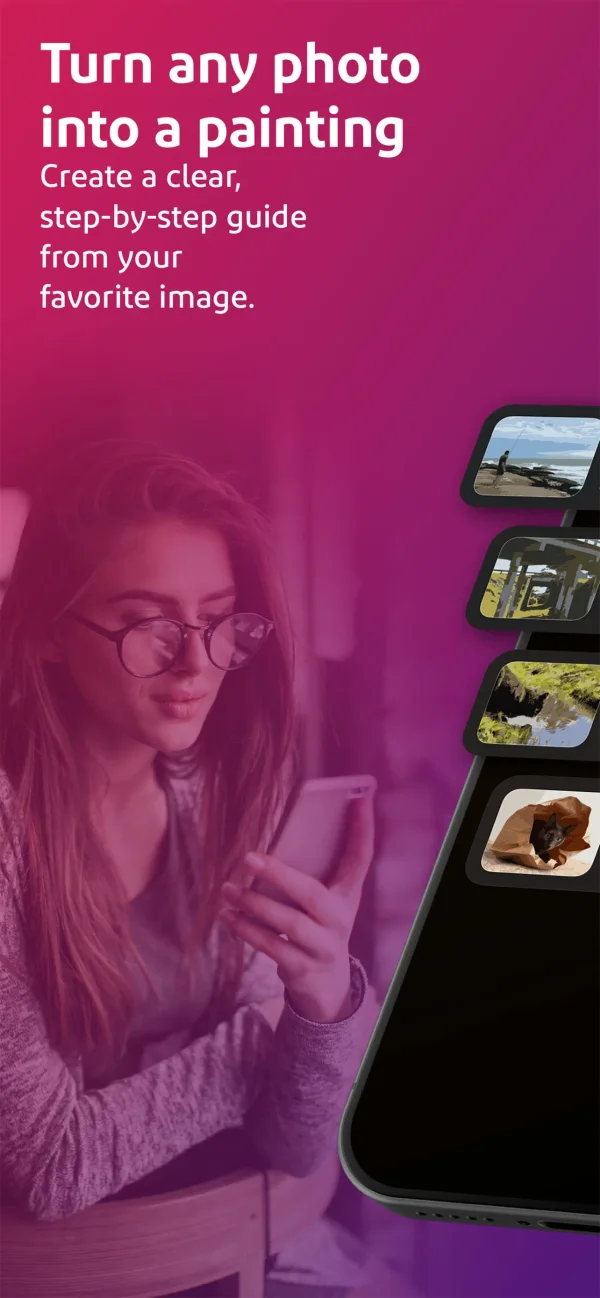
Turn any photo into a practical, step-by-step painting guide.
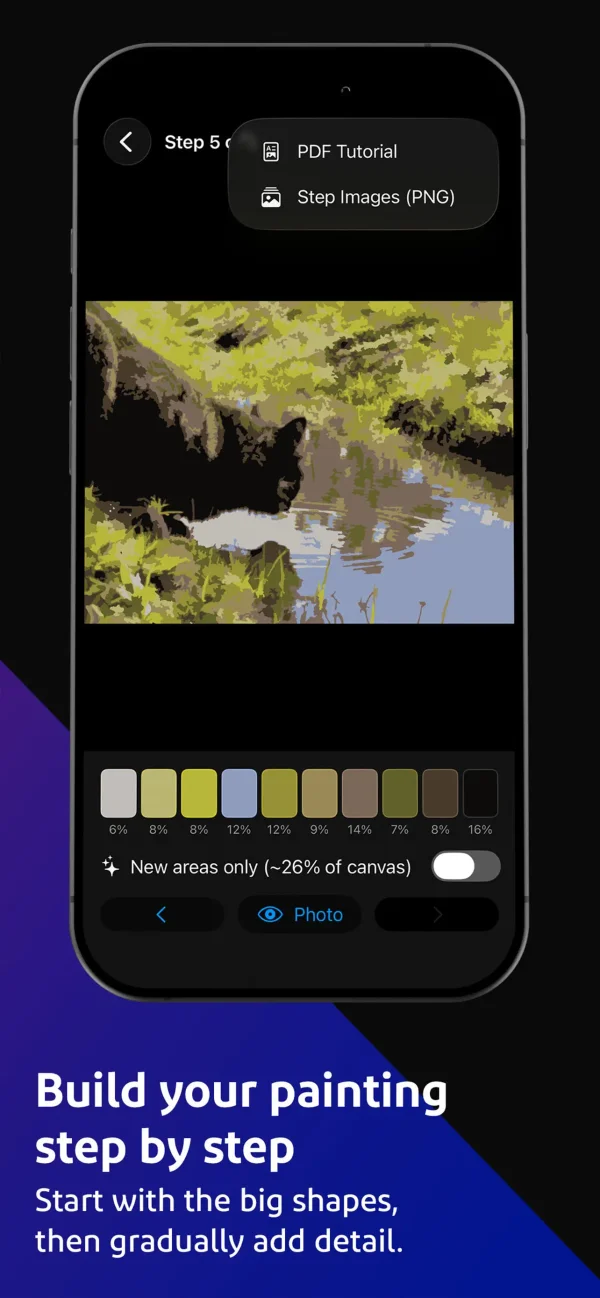
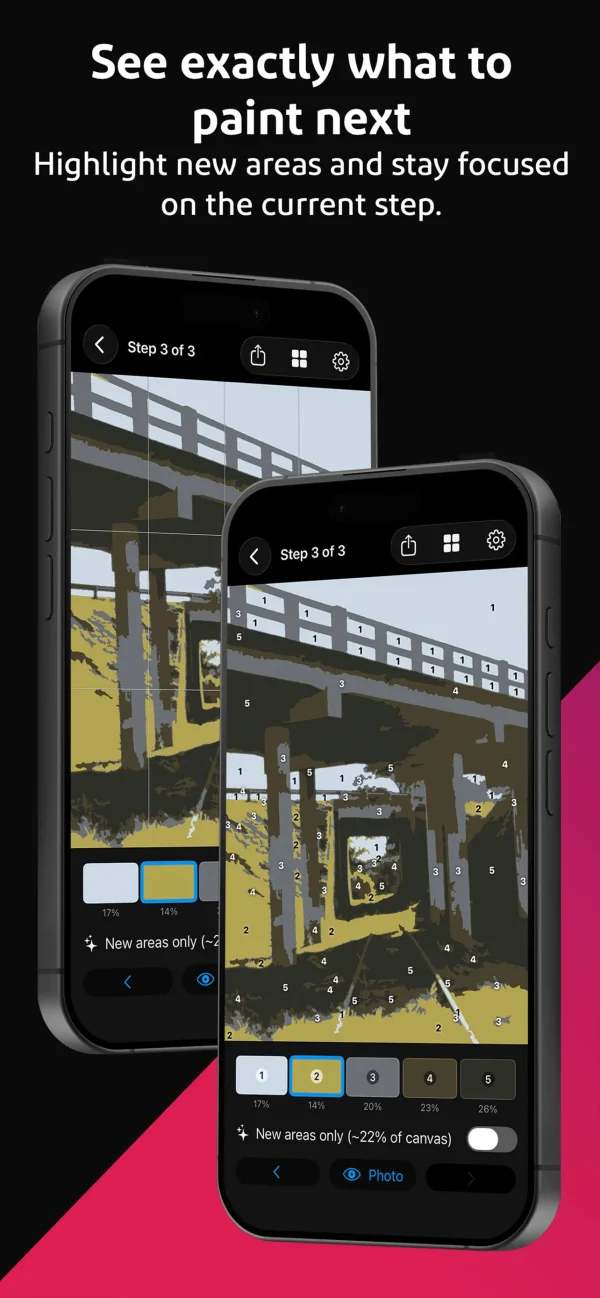
PaintSteps simplifies your reference into progressive color stages, helping you see what to paint first and what to add next. Choose your medium and painting order, then work through the image, palette, and mixing guidance at your own pace.
CREATE FROM ANY PHOTO
- Choose an image from your photo library
- Crop and position it for your canvas
- Adjust colors, steps, smoothing, and canvas ratio
- Build dark-to-light, light-to-dark, or balanced
PAINT WITH CLEAR GUIDANCE
- Follow progressive painting steps
- Use color numbers and an adjustable drawing grid
- Pinch to zoom while guides stay aligned
- Press and hold to compare with the original photo
TRACE WITH LINE ART
- Turn your painting into an outline drawing to transfer onto the canvas
- Choose the level of detail, or let Auto pick a step that's easy to trace
- Add a drawing grid and color numbers, then print it or share it as a PDF or PNG
- With Pro, choose thin, medium, or bold lines
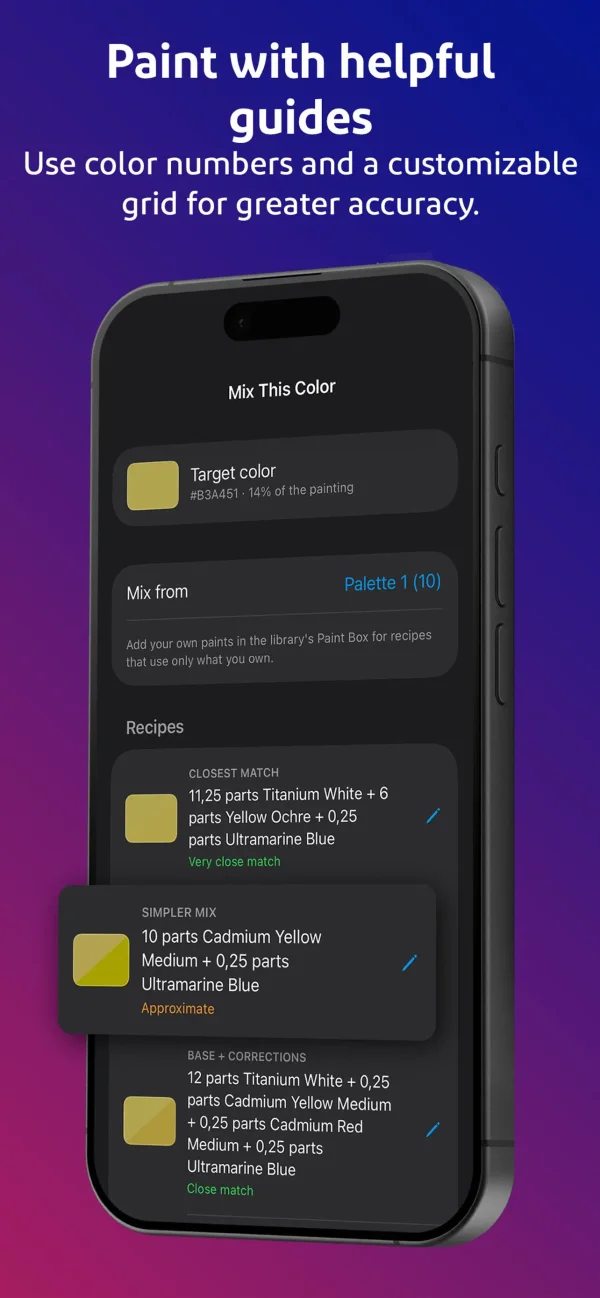
MIX COLORS
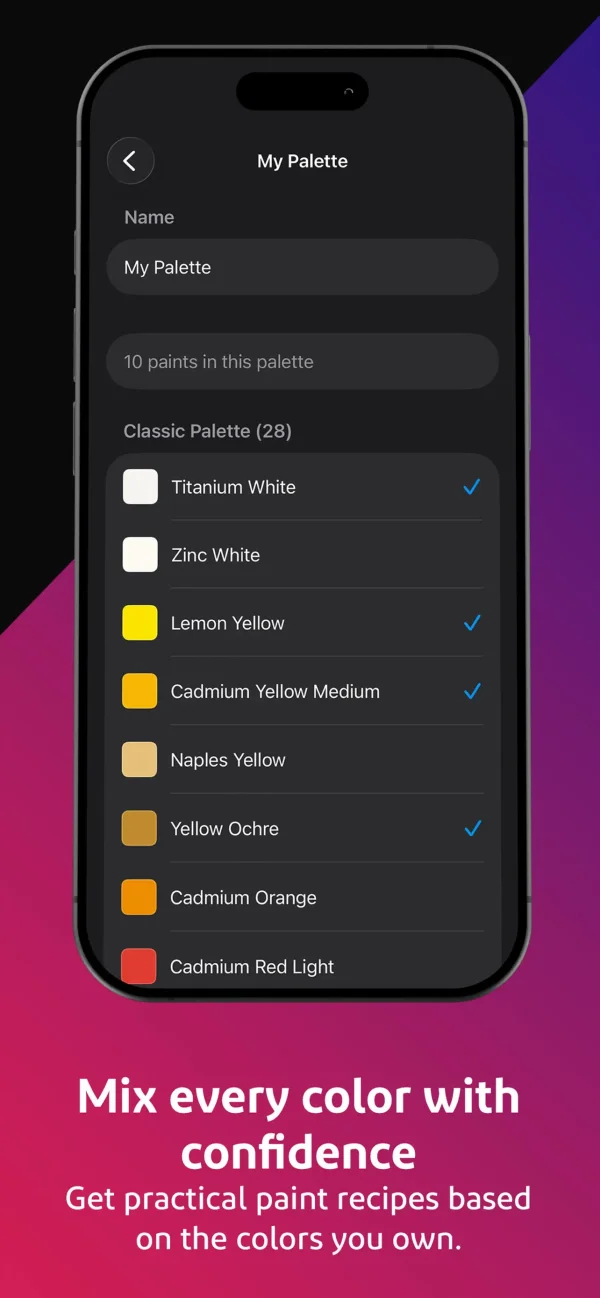
- View practical paint-mixing suggestions for every palette color
- Choose from built-in paint sets
- With Pro, use your own paints and palettes, calibrate tinting strength, and edit recipes
SAVE AND EXPORT
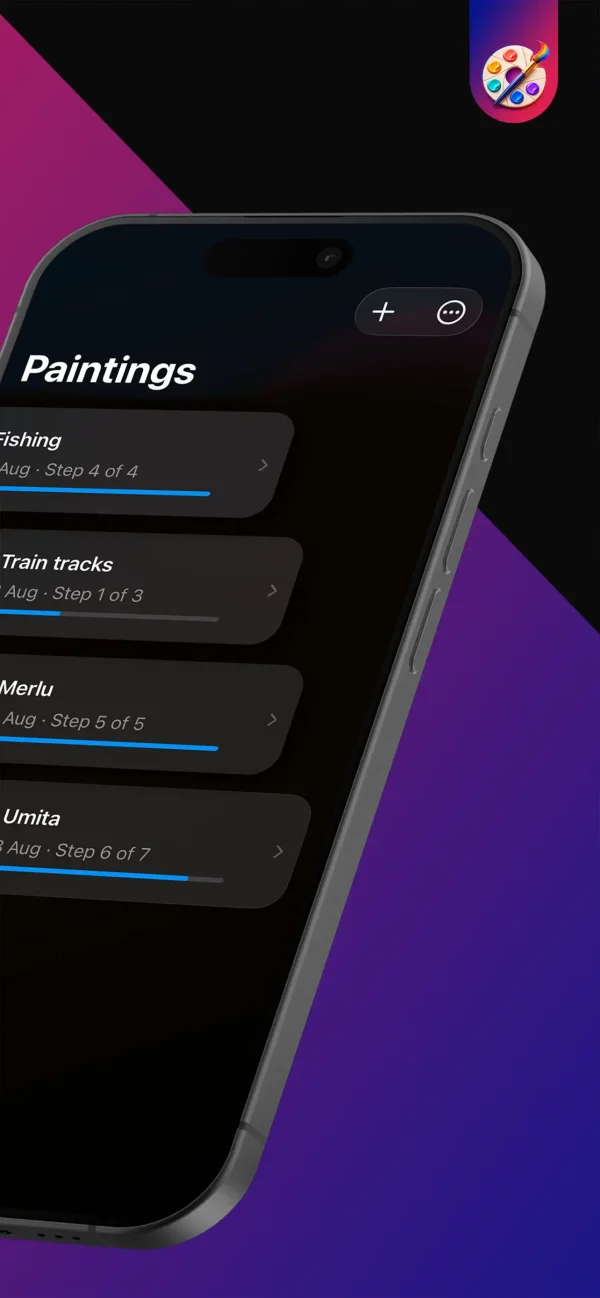
- Keep your painting projects in one library
- Export complete PDF tutorials, including the line art page, or individual PNG step images with Pro
The free version includes up to two saved paintings, tutorials with up to four steps, and line art. PaintSteps Pro unlocks unlimited paintings, up to eight steps, custom paints and palettes, recipe editing, export, and line art thickness.
PaintSteps Pro is a one-time purchase. No subscription.
Mixing results are estimates. Always test a small mix before painting.
Yang baru
Versi 1.3 · 14/11/2026
New in 1.3:
• Value view: see your painting in grays or as a 2- or 3-value notan
• Tick off colors as you paint and track your progress
• Light box for tracing, and show your painting on a TV or projector (Pro)
• Final details step with highlights and accents (Pro)
• Simplify the background or brush in detail where it matters (Pro)
• Recipes for watercolor, gouache, oil and acrylic, a shopping list and a minimal palette
• Real canvas size with a grid in cm or inches
• Photograph your canvas: painting diary and timelapse, compare with the reference, check a mix (Pro)
Privasi aplikasi
Yang dinyatakan PULSAR LLC di App Store tentang cara aplikasi ini menangani data.
-
Data tidak dikumpulkan
Pengembang tidak mengumpulkan data apa pun dari aplikasi ini.
Praktik privasi dapat bervariasi, misalnya berdasarkan fitur yang Anda gunakan atau usia Anda.
Informasi
- Penjual
- PULSAR LLC
- Kategori
- Grafik & Desain
- Versi
- 1.3
- Diperbarui
- 14/11/2026
- Dirilis
- 1/9/2026
- Ukuran
- 10,1 MB
- Memerlukan
- iOS 17.0 atau yang lebih baru
- Batasan usia
- 4+
- Harga
- Gratis
- Pembelian dalam aplikasi
- Ya
- Bahasa
- Inggris, Prancis, Jerman, Jepang, Portugis, Spanyol
- Hak cipta
- © 2026 Juan Tarallo
Mungkin Anda juga suka
-
 PainterLab:Paint MixingGrafik & Desain
-
 PaintLikeProGrafik & Desain
-
 Pochade – Reference Photo PrepGrafik & Desain
-
 Viridian: Paint MixingGrafik & Desain
-
 PhotoPaint — Paint by NumbersGrafik & Desain
-
 ArtBuddy: Learn to paintGrafik & Desain
-
 Pincela: Paint by NumbersGrafik & Desain
-
 Mix PaintGrafik & Desain
-
 Mixable - Paint Mixing GuideGrafik & Desain
-
 Color Study: Simplify PaintingGrafik & Desain