
Password Generation
Create strong, unique password
Conçue pour iPhone, iPad, iPod touch
Gratuit
- Classification d’âge4+
- CatégorieUtilitaires
- DéveloppeurAli Goktas
- LanguesAnglais
- Taille53,9 Mo
Renvoie vers la page App Store officielle
Download.org n’héberge aucun fichier de Password Generation. Le bouton ouvre la page de l’application sur App Store, où Ali Goktas la publie. Fiche vérifiée pour la dernière fois le 18/11/2026.
Captures d’écran
À propos
Le développeur n’a pas fourni ce texte dans votre langue.
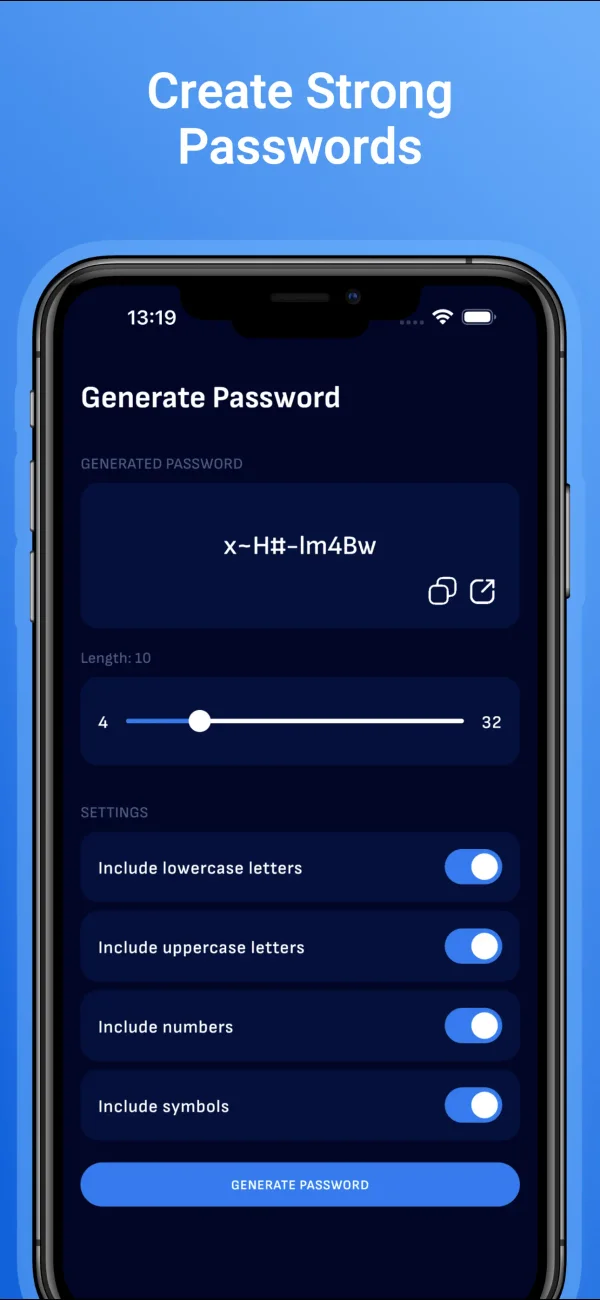
Password Generator is a free and easy-to-use app that helps you create strong, unique passwords for all your accounts. It uses a cryptographically secure pseudo-random number generator to create passwords that are difficult to guess or crack.
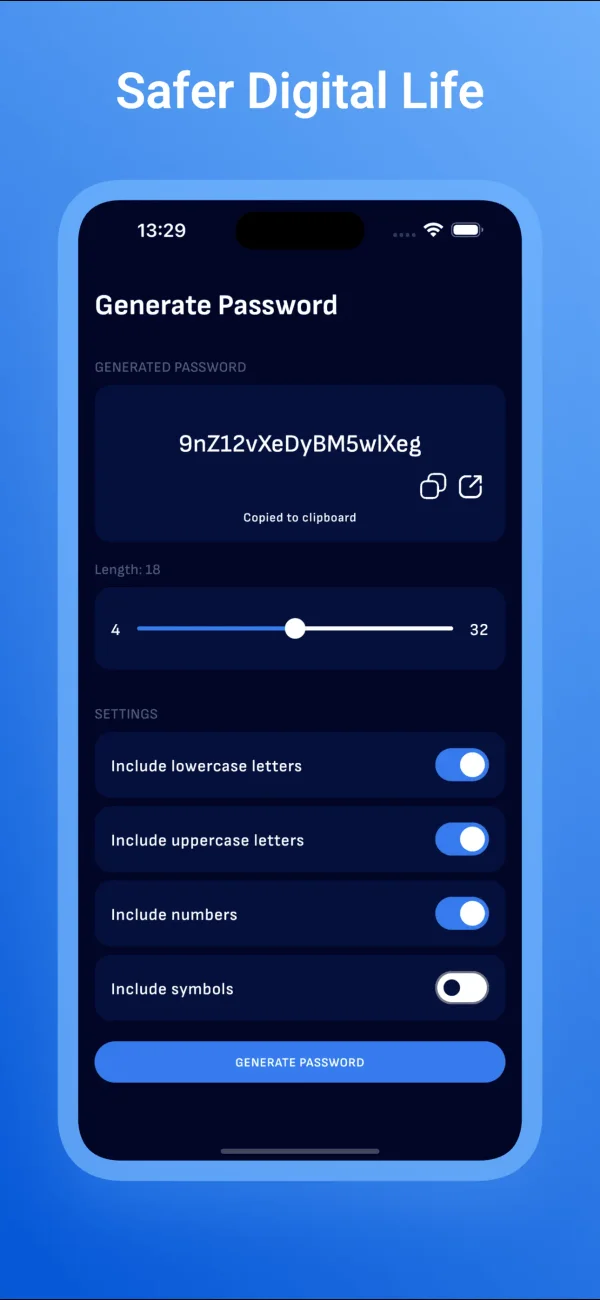
You can customize the length and character set of your passwords to meet the specific requirements of each website or service you use. Password Generator can also generate passwords that are compliant with common password policies, such as requiring a mix of upper and lowercase letters, numbers, and symbols.
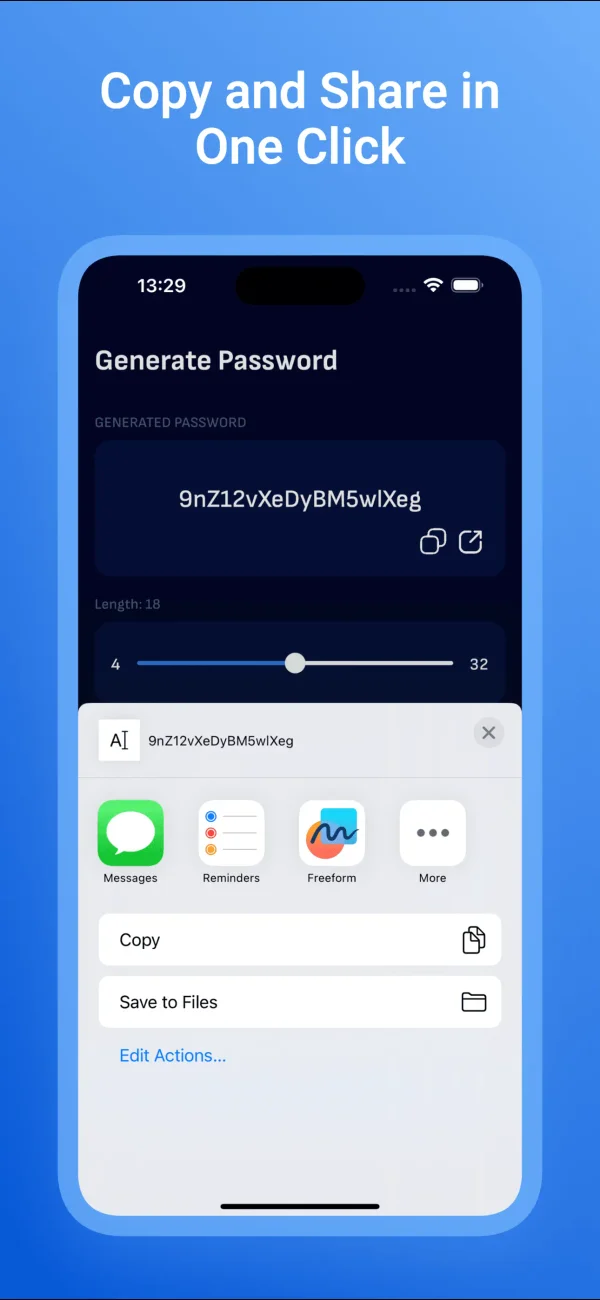
Once you've generated a password, you can easily copy and paste it into the password field of the website or service you're signing up for or signing in to. You can also save your passwords to the app's built-in password manager, so you can easily access them later.
Features:
Generate strong, unique passwords for all your accounts
Customize the length and character set of your passwords
Generate passwords that are compliant with common password policies
Copy and paste passwords easily
Save passwords to the app's built-in password manager
Benefits:
Protect your accounts from unauthorized access
Improve your password security
Make it easier to remember your passwords
Save time when signing up for and signing in to websites and services
How to use:
Open the Password Generator app.
Tap the "Generate Password" button.
Customize the length and character set of your password (optional).
Tap the "Generate Password" button again.
Copy and paste your password into the password field of the website or service you're signing up for or signing in to.
(Optional) Save your password to the app's built-in password manager.
Download Password Generator today and start creating strong, unique passwords for all your accounts!
Nouveautés
Version 1.4 · 09/01/2025
Crash fixes
Confidentialité de l’application
Ce que Ali Goktas déclare sur l’App Store au sujet du traitement des données par cette application.
-
Données n’établissant aucun lien avec vous
Peuvent être collectées, mais ne sont pas liées à votre identité.
- Données d’utilisation
- Diagnostic
Les pratiques en matière de confidentialité peuvent varier, notamment en fonction des fonctionnalités que vous utilisez ou de votre âge.
Informations
- Vendeur
- Ali Goktas
- Catégorie
- Utilitaires
- Version
- 1.4
- Mis à jour
- 09/01/2025
- Publié
- 25/10/2023
- Taille
- 53,9 Mo
- Nécessite
- iOS 14.1 ou version ultérieure
- Classification d’âge
- 4+
- Prix
- Gratuit
- Langues
- Anglais
- Copyright
- © 2023 Ali Göktaş
Vous aimerez peut-être aussi
-
 SJ Password GeneratorGénérateur de mots de passe
-
 Three Word Password GeneratorUtilitaires
-
 PasswordPerfectUtilitaires
-
 Ad-Free Password GeneratorUtilitaires
-
 GeoGuardianUtilitaires
-
 Password Kit password GenartorUtilitaires
-
 API Tester(Pro)Utilitaires
-
 Password Generator: Pixel ModeUtilitaires
-
 Password Generator for SafariUtilitaires
-
 PassGuard: Password VaultUtilitaires