
Password Generation
Create strong, unique password
Dirancang untuk iPhone, iPad, iPod touch
Gratis
- Batasan usia4+
- KategoriKegunaan
- PengembangAli Goktas
- BahasaInggris
- Ukuran53,9 MB
Tertaut ke halaman resmi App Store
Download.org tidak menyimpan file Password Generation apa pun. Tombol ini membuka halaman aplikasi di App Store, tempat Ali Goktas menerbitkannya. Halaman terakhir diperiksa pada 18/11/2026.
Tangkapan layar

Tentang
Pengembang belum menyediakan teks ini dalam bahasa Anda.
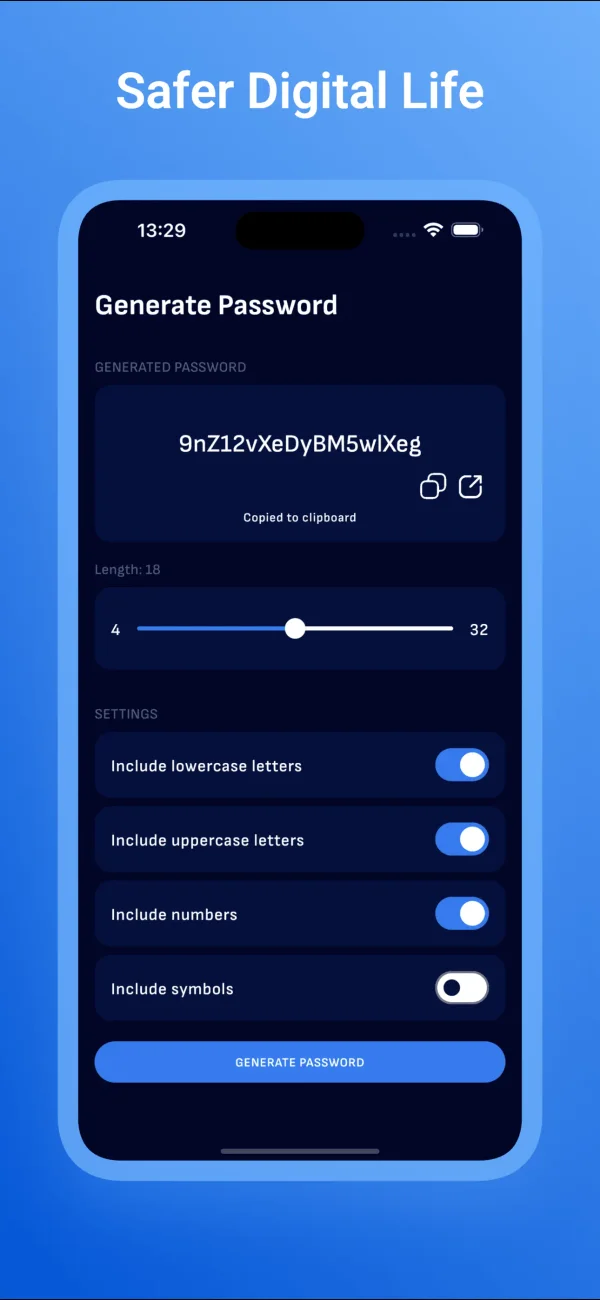
Password Generator is a free and easy-to-use app that helps you create strong, unique passwords for all your accounts. It uses a cryptographically secure pseudo-random number generator to create passwords that are difficult to guess or crack.
You can customize the length and character set of your passwords to meet the specific requirements of each website or service you use. Password Generator can also generate passwords that are compliant with common password policies, such as requiring a mix of upper and lowercase letters, numbers, and symbols.
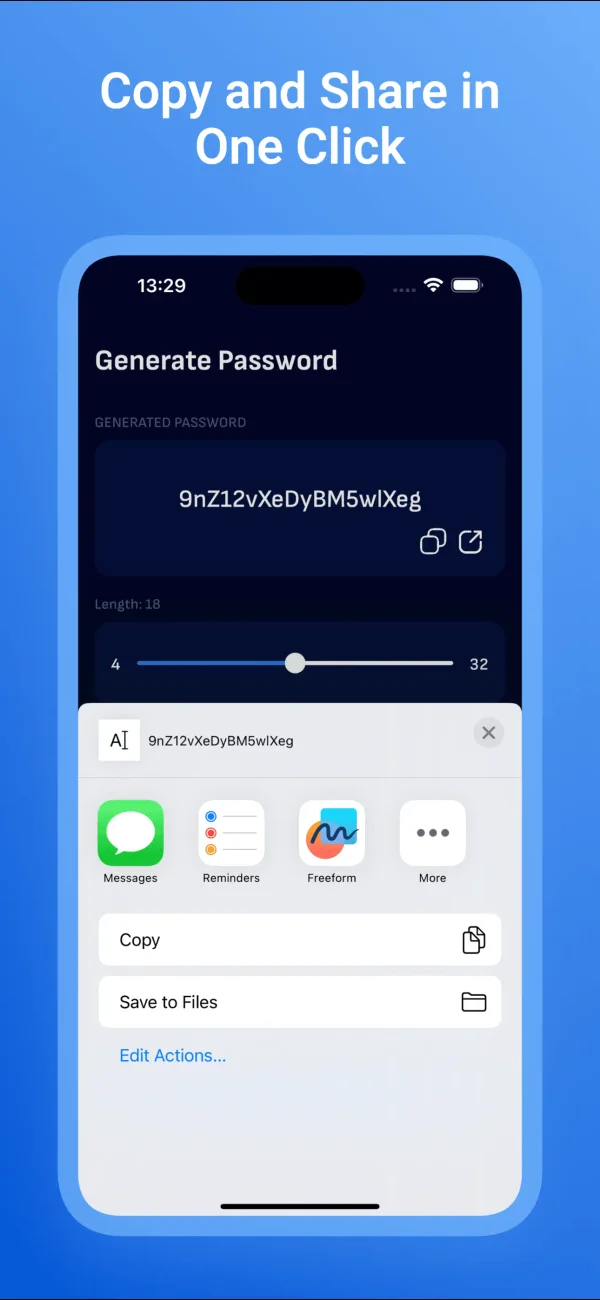
Once you've generated a password, you can easily copy and paste it into the password field of the website or service you're signing up for or signing in to. You can also save your passwords to the app's built-in password manager, so you can easily access them later.
Features:
Generate strong, unique passwords for all your accounts
Customize the length and character set of your passwords
Generate passwords that are compliant with common password policies
Copy and paste passwords easily
Save passwords to the app's built-in password manager
Benefits:
Protect your accounts from unauthorized access
Improve your password security
Make it easier to remember your passwords
Save time when signing up for and signing in to websites and services
How to use:
Open the Password Generator app.
Tap the "Generate Password" button.
Customize the length and character set of your password (optional).
Tap the "Generate Password" button again.
Copy and paste your password into the password field of the website or service you're signing up for or signing in to.
(Optional) Save your password to the app's built-in password manager.
Download Password Generator today and start creating strong, unique passwords for all your accounts!
Yang baru
Versi 1.4 · 9/1/2025
Crash fixes
Privasi aplikasi
Yang dinyatakan Ali Goktas di App Store tentang cara aplikasi ini menangani data.
-
Data yang tidak ditautkan dengan Anda
Dapat dikumpulkan, tetapi tidak ditautkan dengan identitas Anda.
- Data penggunaan
- Diagnostik
Praktik privasi dapat bervariasi, misalnya berdasarkan fitur yang Anda gunakan atau usia Anda.
Informasi
- Penjual
- Ali Goktas
- Kategori
- Kegunaan
- Versi
- 1.4
- Diperbarui
- 9/1/2025
- Dirilis
- 25/10/2023
- Ukuran
- 53,9 MB
- Memerlukan
- iOS 14.1 atau yang lebih baru
- Batasan usia
- 4+
- Harga
- Gratis
- Bahasa
- Inggris
- Hak cipta
- © 2023 Ali Göktaş
Mungkin Anda juga suka
-
 SJ Password GeneratorKegunaan
-
 Three Word Password GeneratorKegunaan
-
 PasswordPerfectKegunaan
-
 Ad-Free Password GeneratorKegunaan
-
 GeoGuardianKegunaan
-
 Password Kit password GenartorKegunaan
-
 API Tester(Pro)Kegunaan
-
 Password Generator: Pixel ModeKegunaan
-
 Password Generator for SafariKegunaan
-
 PassGuard: Password VaultKegunaan