
PDF Reader & Editor | Xodo
Smart Scan & Edit Documents
Conçue pour iPhone, iPad
Gratuit · Achats intégrés
- Classification d’âge4+
- CatégorieÉconomie et entreprise
- DéveloppeurXodo Technologies Inc.
- LanguesAnglais+ 12 de plus
- Taille104,5 Mo
Renvoie vers la page App Store officielle
Download.org n’héberge aucun fichier de PDF Reader & Editor | Xodo. Le bouton ouvre la page de l’application sur App Store, où Xodo Technologies Inc. la publie. Fiche vérifiée pour la dernière fois le 17/11/2026.
Captures d’écran


À propos
Le développeur n’a pas fourni ce texte dans votre langue.
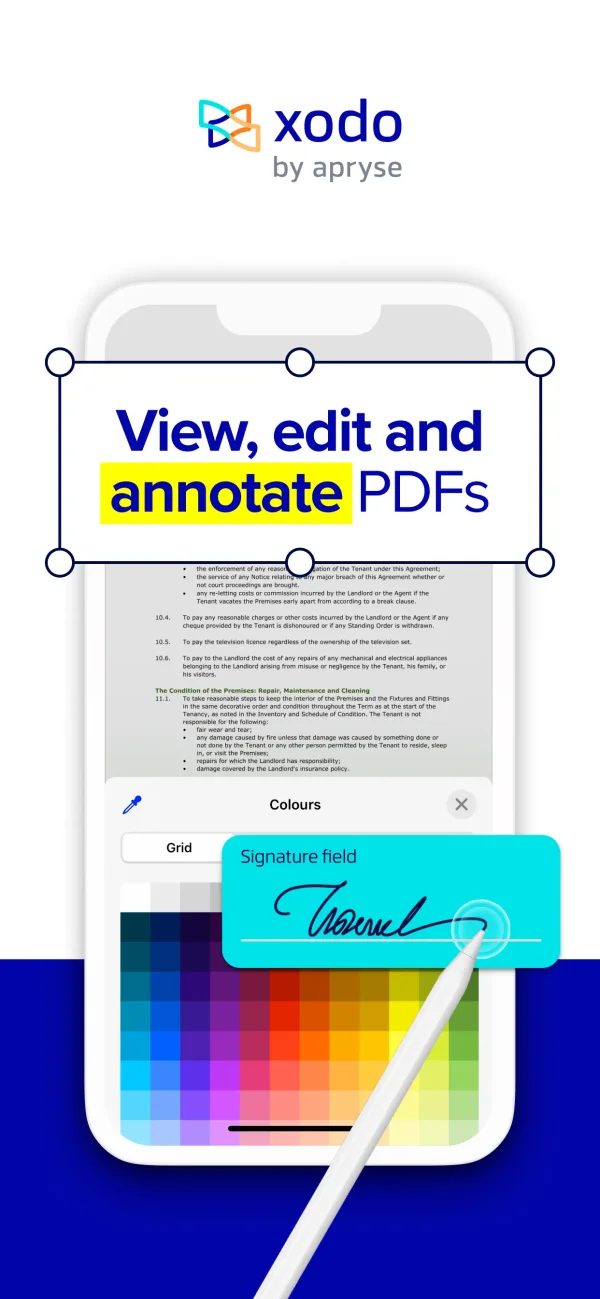
Transform your PDFs. Get your work done quickly with Xodo's all-in-one PDF editor and reader with 30+ features - all available on your iPhone or iPad. Safely store and sync your files on your iCloud, OneDrive, Google Drive and Dropbox so you can easily view, edit, convert, e-sign and compress your files anytime, anywhere on your device.
Edit PDFs:
Intuitive, easy-to-use PDF editor for any user in mind.
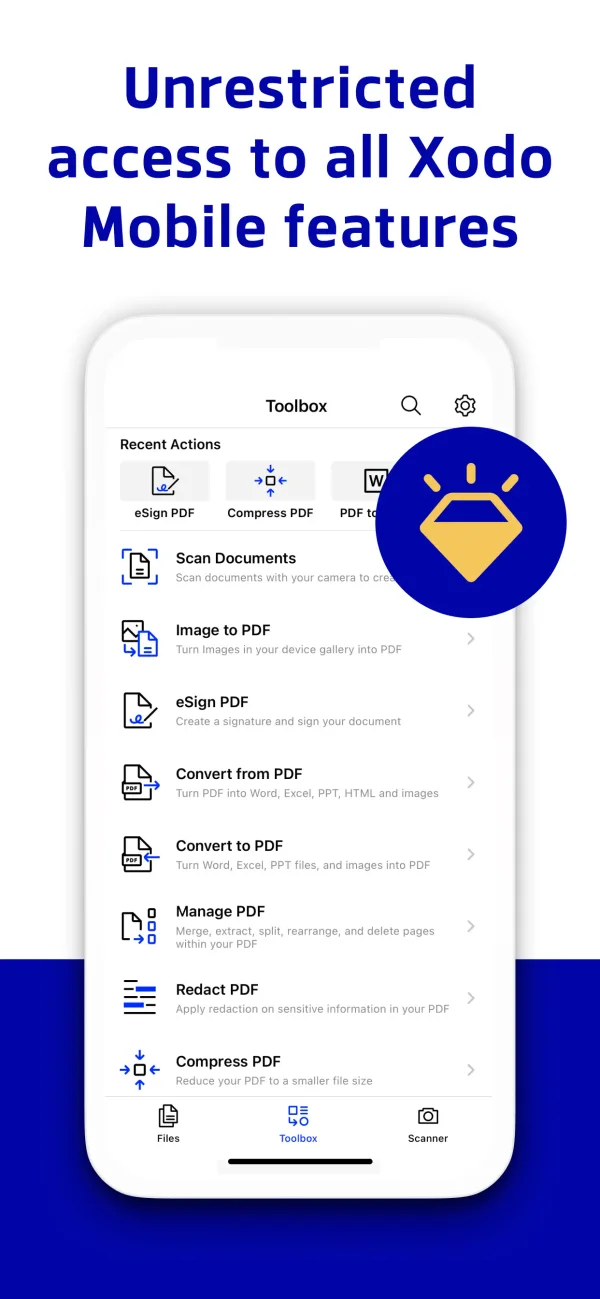
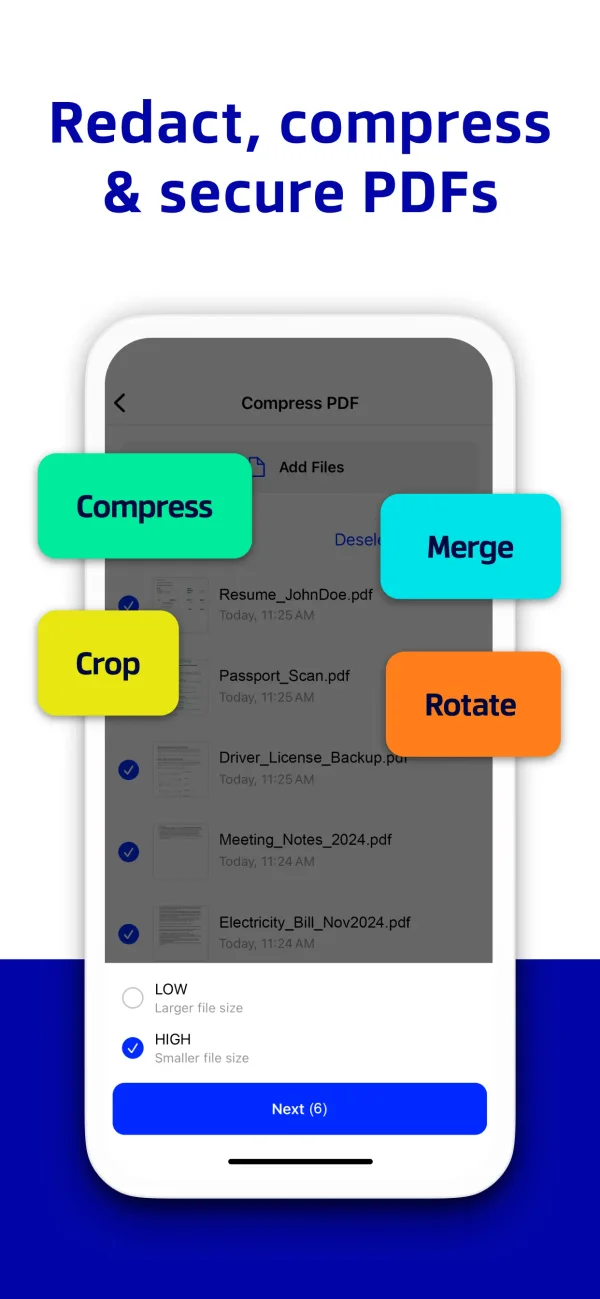
• Compress PDF: Quickly reduce PDF file size for ease of sharing
• Flatten PDF: All annotations in PDF like fillable forms will be locked and merged into a single layer for protection
• Rotate & crop PDF: Add, remove, rearrange, rotate, crop PDF pages with ease
• Split & extract PDF: Instantly split PDF or extract pages to a new PDF file
• Create new PDF: Create PDFs from scratch or use one of our ready-made templates and edit file
Scan PDFs:
Seamlessly scan images and save as PDFs.
• PDF scanner: Scan image with your camera or open an existing image or file and save as a new PDF
• Edit scanned PDF: Edit, annotate, send your documents to iCloud, share via AirDrop, or any available app on your device
Fill & Sign PDF Forms:
Fill out, sign, and share your PDF forms.
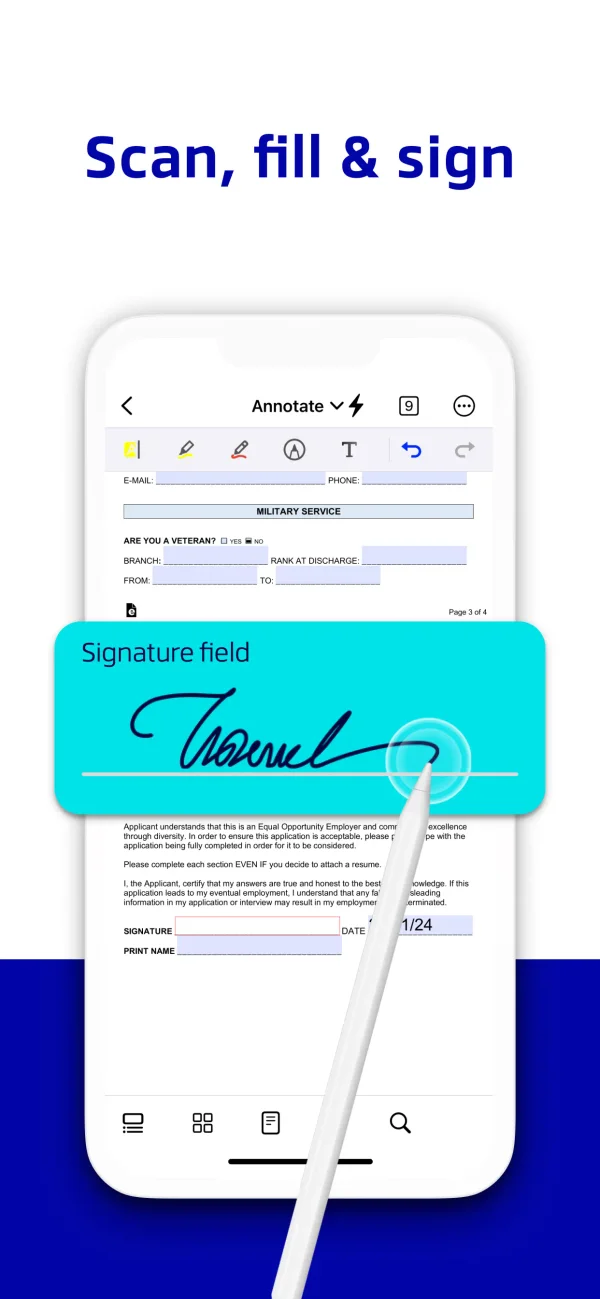
• Create your e-signature: E-sign your documents by hand or type in your signature, and save to reuse for later
• Stylus-friendly: Supports Apple Pencil
Convert PDFs:
Convert files to PDF in seconds.
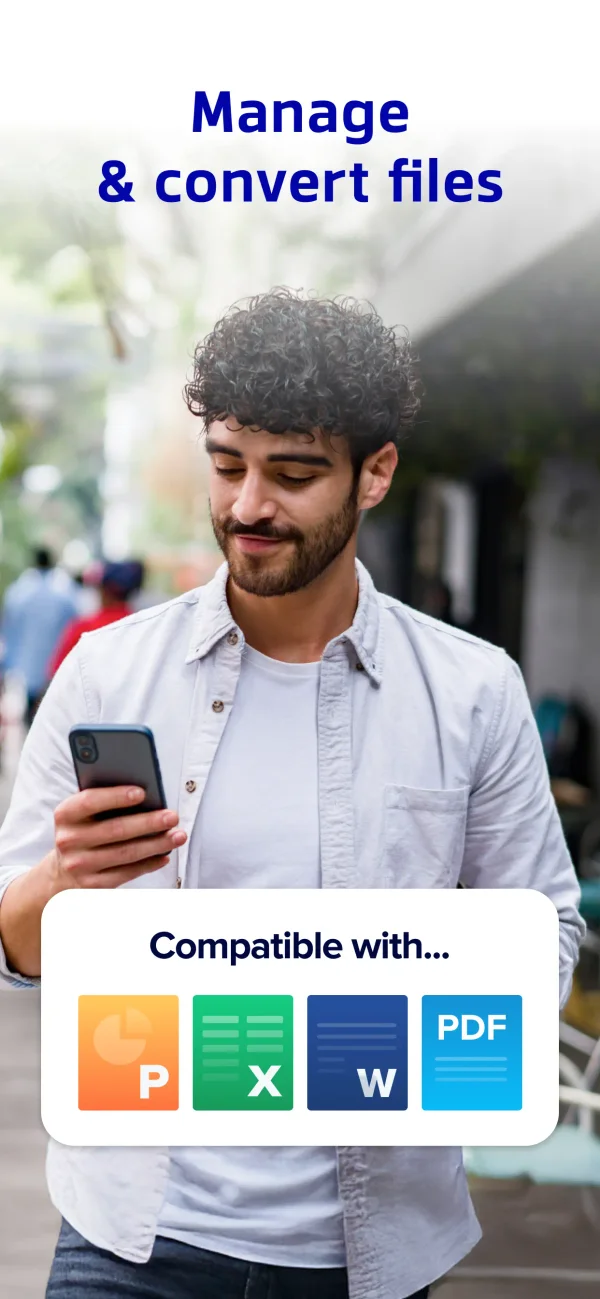
• PDF converter: Convert any MS Office (Word, Excel, PowerPoint) to PDF, iWork (Pages, Numbers, Keynote) to PDF
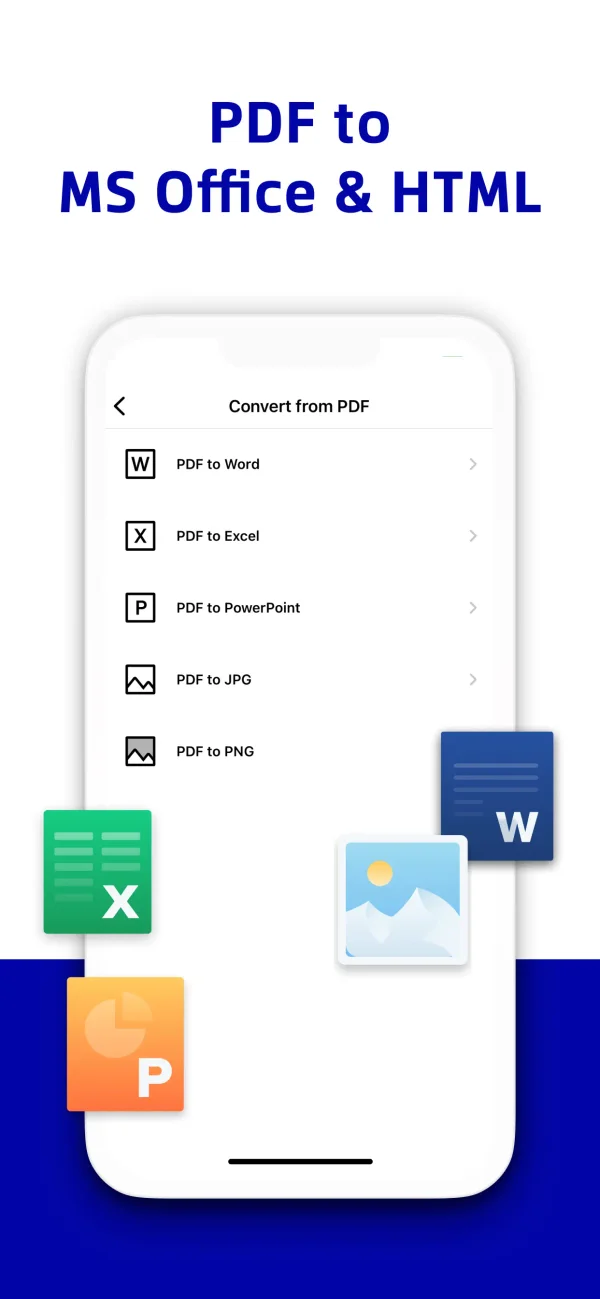
• Additional file formats: Convert JPG to PDF, PNG to PDF, PDF to JPG, PDF to PNG
View & print PDFs:
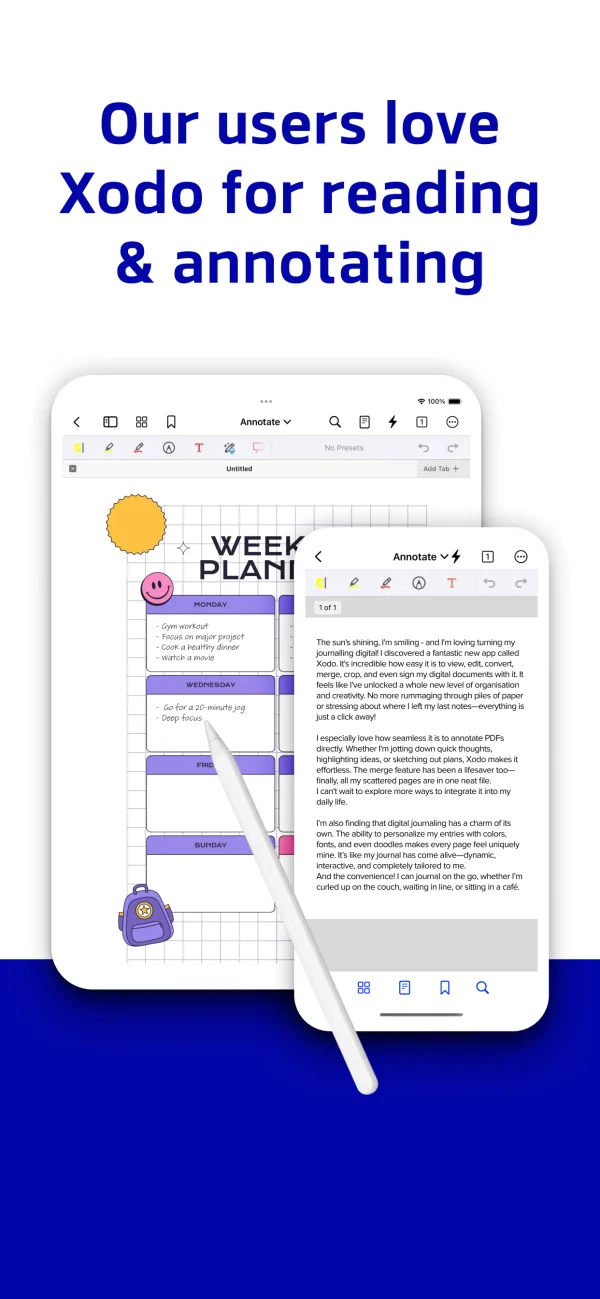
Quick and convenient PDF reader for e-books, reports, digital planner.
• Viewing mode: View in light, dark, and sepia color modes for comfort reading
• Bookmark feature: Tag your favorite PDF pages
• Multiple tabs: Use tabs to work across multiple PDF documents
• Print PDFs directly from your device
• Fully searchable text: Search text within PDF to save time
Annotate & Draw PDFs:
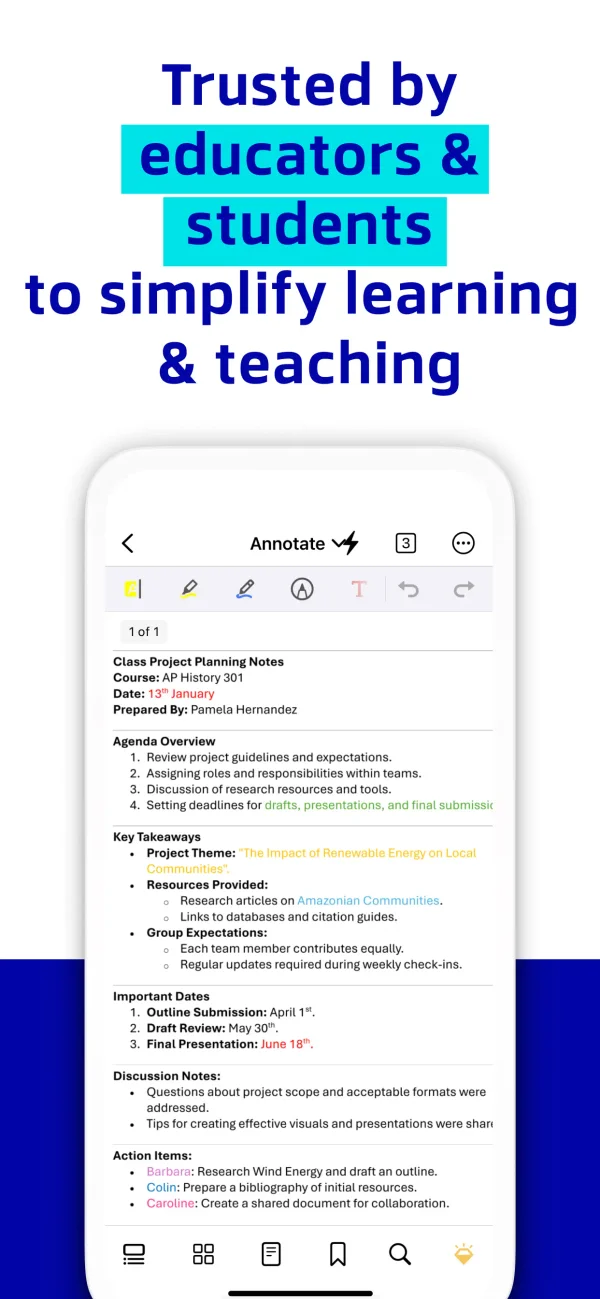
Utilize Xodo's annotation tools configured to you.
• Fully-featured mark-up tools: Add images, links, stamp or highlight text directly on PDF documents
• Arrange pages: Thumbnail browser for deleting pages, extracting, and inserting pages
• Scrolling mode: See all annotations at a glance with the touch of your finger
Store & Manage Files Securely:
Integrate with popular cloud apps and safely store your important files so you can pick up where you left off.
• Built-in file manager: Rename, copy, move, or delete docs and folders locally
• Cloud integration: Sync your files directly on iCloud, OneDrive, Google Drive and Dropbox to view in multiple devices
• Protected features: Protect your PDF files with password encryption and unlock your protected PDF with PDF password remover tool
Upgrade to Xodo Mobile Subscription:
Get unlimited access to all 30+ tools with custom toolbar for quick access.
• Free trial available in supported regions
• Convert PDF to MS Office (Word, Excel, PowerPoint)
• Remove sensitive content with PDF Redaction tool
• High compression file size
• Easily merge multiple documents to a single PDF
• Create fillable PDF forms to fill out and sign while you're on the go
• Support Smart pen to streamline and enhance note taking experience
• Annotate in Reader mode - When viewing a PDF in reader mode, you can highlight, underline and strikeout text.
• View and manage files with nesting layers - PDFs that include multi-level layers can be viewed individually
• Scanned images can save as PDFs with searchable text (OCR) option
• Flexible monthly and annual subscription options
• Cancel anytime
For Support and Feedback:
support@xodo.com
Visit Homepage:
xodo.com
Xodo is powered by Apryse | https://apryse.com
Nouveautés
Version 10.0.0 · 29/10/2026
- A Brand-New Document Viewer Menu: Enjoy a cleaner, more intuitive menu with quicker access to the tools you use most
- Bug Fixes and Improvements
Confidentialité de l’application
Ce que Xodo Technologies Inc. déclare sur l’App Store au sujet du traitement des données par cette application.
-
Données utilisées pour vous suivre
Peuvent être utilisées pour vous suivre sur des applications et des sites web appartenant à d’autres sociétés.
- Données d’utilisation
-
Données n’établissant aucun lien avec vous
Peuvent être collectées, mais ne sont pas liées à votre identité.
- Identifiants
- Données d’utilisation
- Diagnostic
Les pratiques en matière de confidentialité peuvent varier, notamment en fonction des fonctionnalités que vous utilisez ou de votre âge.
Informations
- Vendeur
- Xodo Technologies Inc.
- Catégorie
- Économie et entreprise
- Version
- 10.0.0
- Mis à jour
- 29/10/2026
- Publié
- 30/01/2014
- Taille
- 104,5 Mo
- Nécessite
- iOS 16.0 ou version ultérieure
- Classification d’âge
- 4+
- Prix
- Gratuit
- Achats intégrés
- Oui
- Langues
- Anglais, Néerlandais, Français, Allemand, Hindi, Indonésien, Italien, Japonais, Coréen, Portugais, Chinois simplifié, Espagnol + 1 de plus
- Copyright
- © 2023 Apryse Software Inc.
Vous aimerez peut-être aussi
-
 Foxit PDF EditorProductivité
-
 PDF Viewer by NutrientModifiez, remplissez, signez
-
 PDF Gear: Lecteur,Modifier PDFÉditeur Convertisseur Read PDF
-
 PDF Hero - Lecteur de PDFModifiez vos documents PDF
-
 PDF Expert: Éditeur & LecteurModifie & signe tes documents
-
 PDFelement: Éditeur PDF & ScanConvertir et signer vos PDF
-
 PDF Pro - Lecteur et ÉditeurModifier, lire et remplir
-
 Lecteur PDF – PDFelementVisionneuse PDF,annoter le PDF
-
 UPDF - Éditeur PDF avec IAChat IA, Convertissez & Signez
-
 Smallpdf : scanner et éditerCompresser, convertir et plus