
PDF Reader & Editor | Xodo
Smart Scan & Edit Documents
iPhone, iPad için tasarlandı
Ücretsiz · Uygulama içi satın alma
- Yaş sınırı4+
- Kategoriİş
- GeliştiriciXodo Technologies Inc.
- Dillerİngilizce+ 12 dil daha
- Boyut104,5 MB
Resmi App Store sayfasına bağlanır
Download.org, PDF Reader & Editor | Xodo için hiçbir dosya barındırmaz. Düğme, uygulamanın App Store üzerindeki sayfasını açar; uygulamayı orada Xodo Technologies Inc. yayınlar. Sayfanın son kontrolü: 17.11.2026.
Ekran görüntüleri


Hakkında
Geliştirici bu metni dilinizde sunmamış.
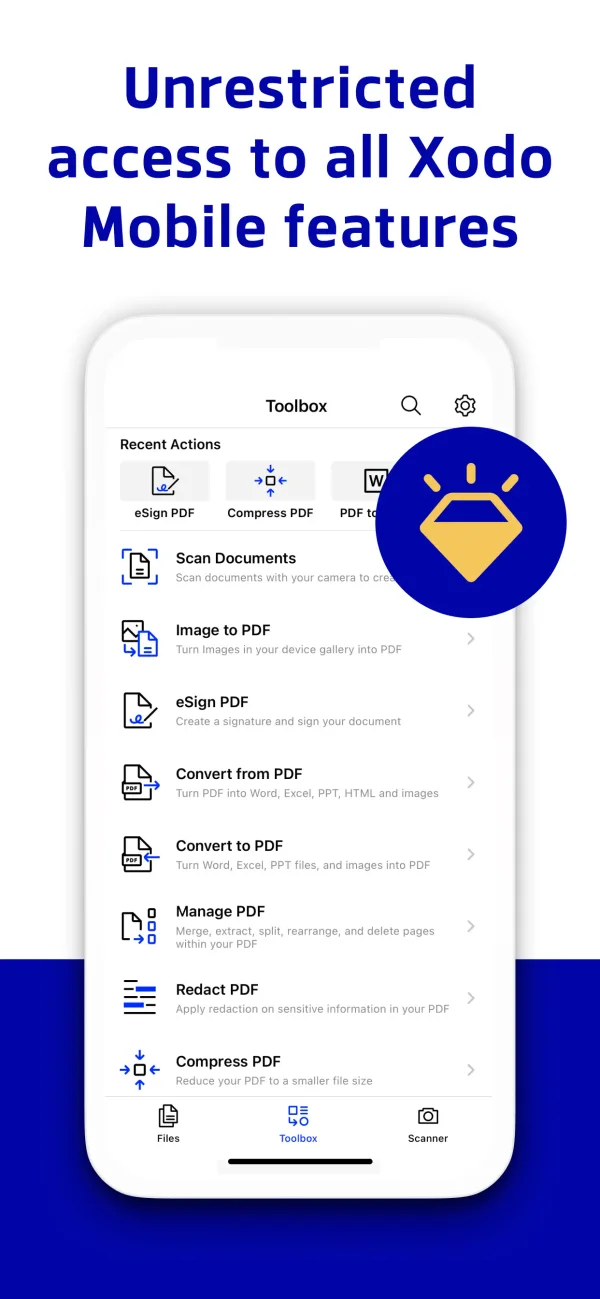
Transform your PDFs. Get your work done quickly with Xodo's all-in-one PDF editor and reader with 30+ features - all available on your iPhone or iPad. Safely store and sync your files on your iCloud, OneDrive, Google Drive and Dropbox so you can easily view, edit, convert, e-sign and compress your files anytime, anywhere on your device.
Edit PDFs:
Intuitive, easy-to-use PDF editor for any user in mind.
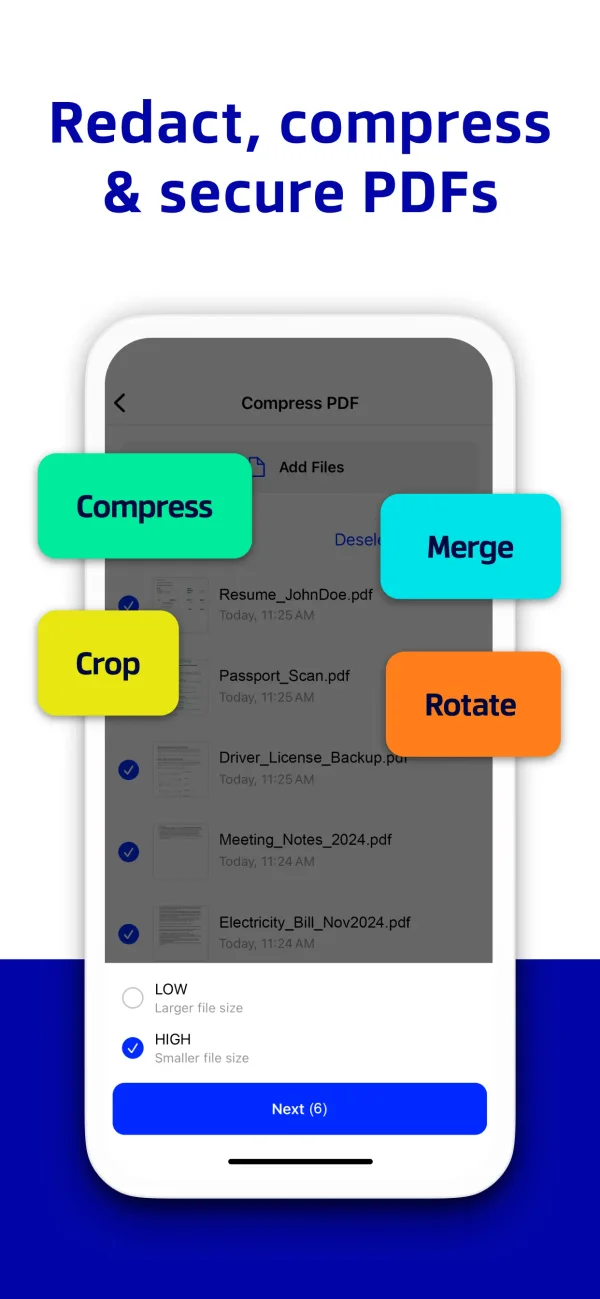
• Compress PDF: Quickly reduce PDF file size for ease of sharing
• Flatten PDF: All annotations in PDF like fillable forms will be locked and merged into a single layer for protection
• Rotate & crop PDF: Add, remove, rearrange, rotate, crop PDF pages with ease
• Split & extract PDF: Instantly split PDF or extract pages to a new PDF file
• Create new PDF: Create PDFs from scratch or use one of our ready-made templates and edit file
Scan PDFs:
Seamlessly scan images and save as PDFs.
• PDF scanner: Scan image with your camera or open an existing image or file and save as a new PDF
• Edit scanned PDF: Edit, annotate, send your documents to iCloud, share via AirDrop, or any available app on your device
Fill & Sign PDF Forms:
Fill out, sign, and share your PDF forms.
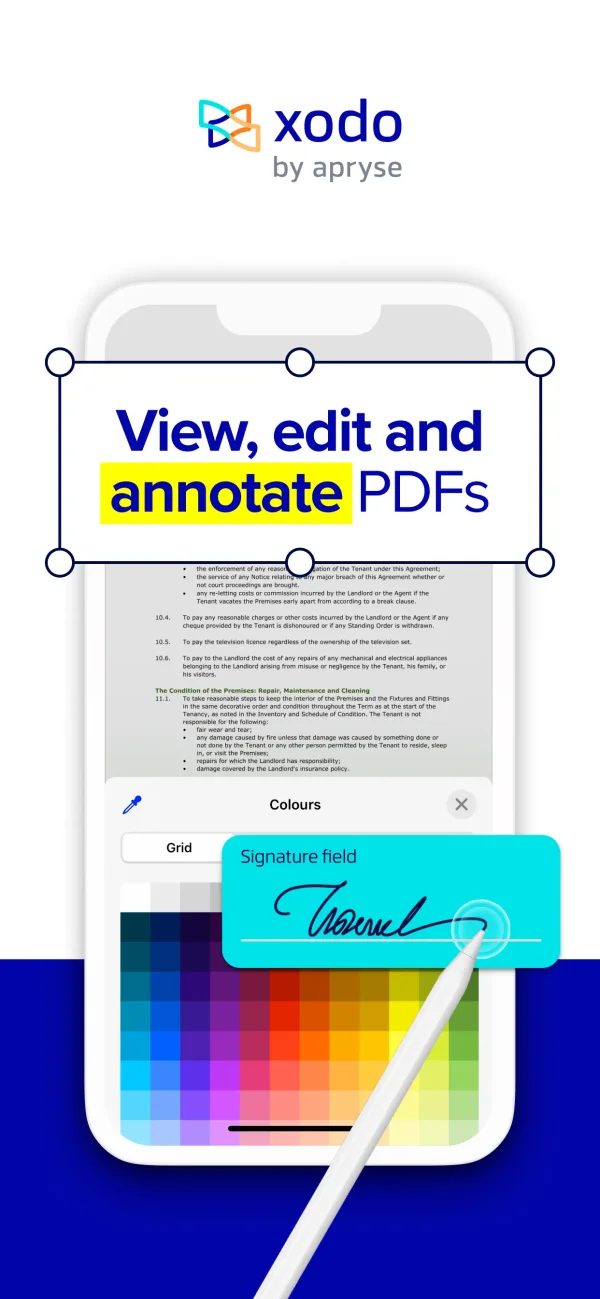
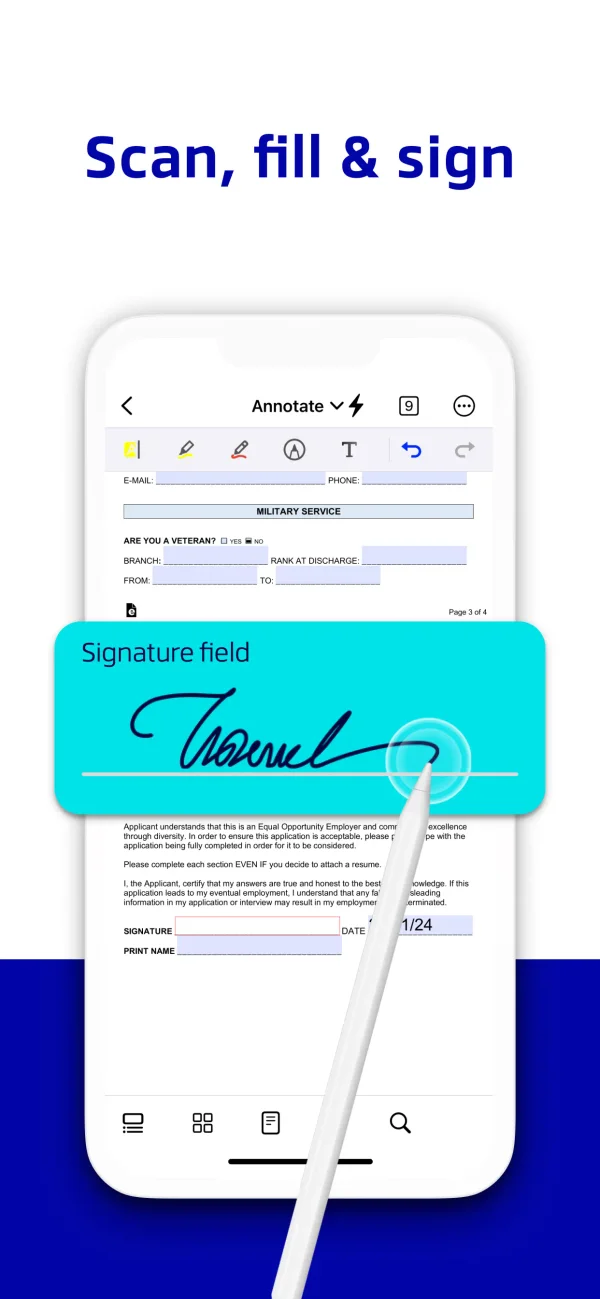
• Create your e-signature: E-sign your documents by hand or type in your signature, and save to reuse for later
• Stylus-friendly: Supports Apple Pencil
Convert PDFs:
Convert files to PDF in seconds.
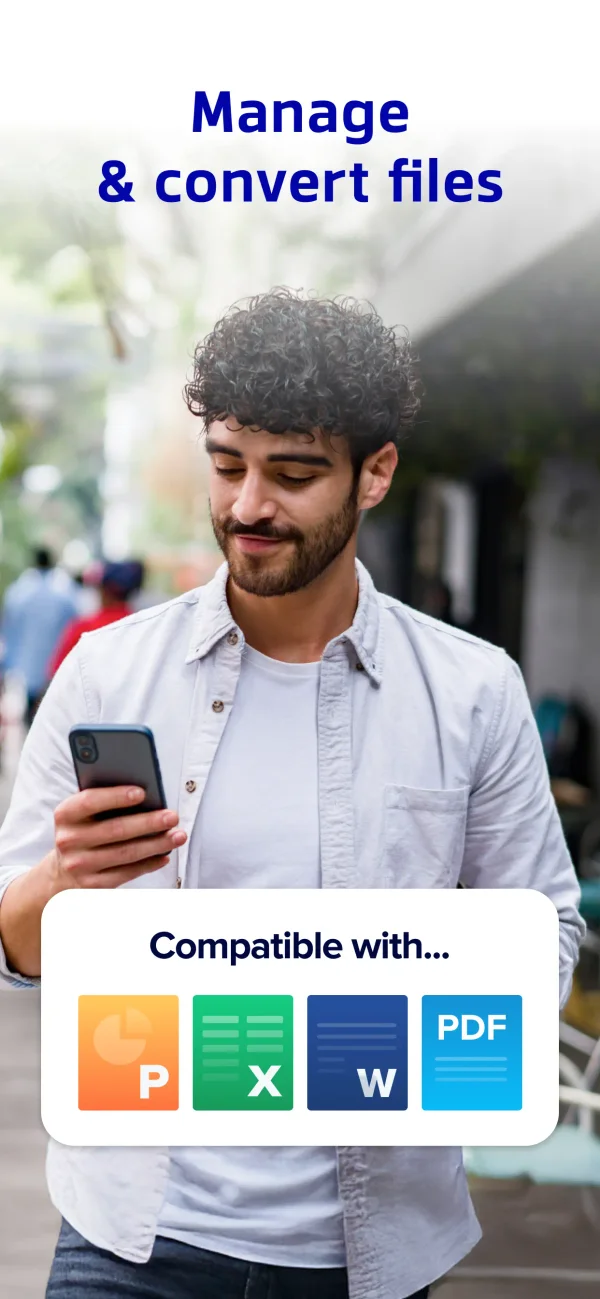
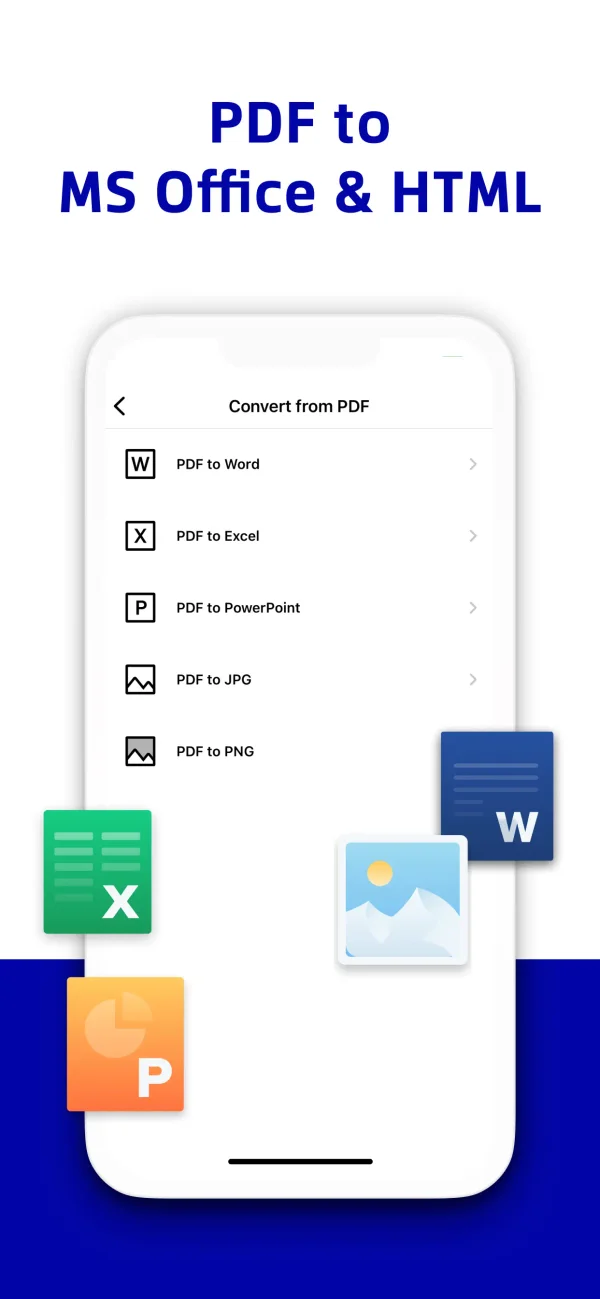
• PDF converter: Convert any MS Office (Word, Excel, PowerPoint) to PDF, iWork (Pages, Numbers, Keynote) to PDF
• Additional file formats: Convert JPG to PDF, PNG to PDF, PDF to JPG, PDF to PNG
View & print PDFs:
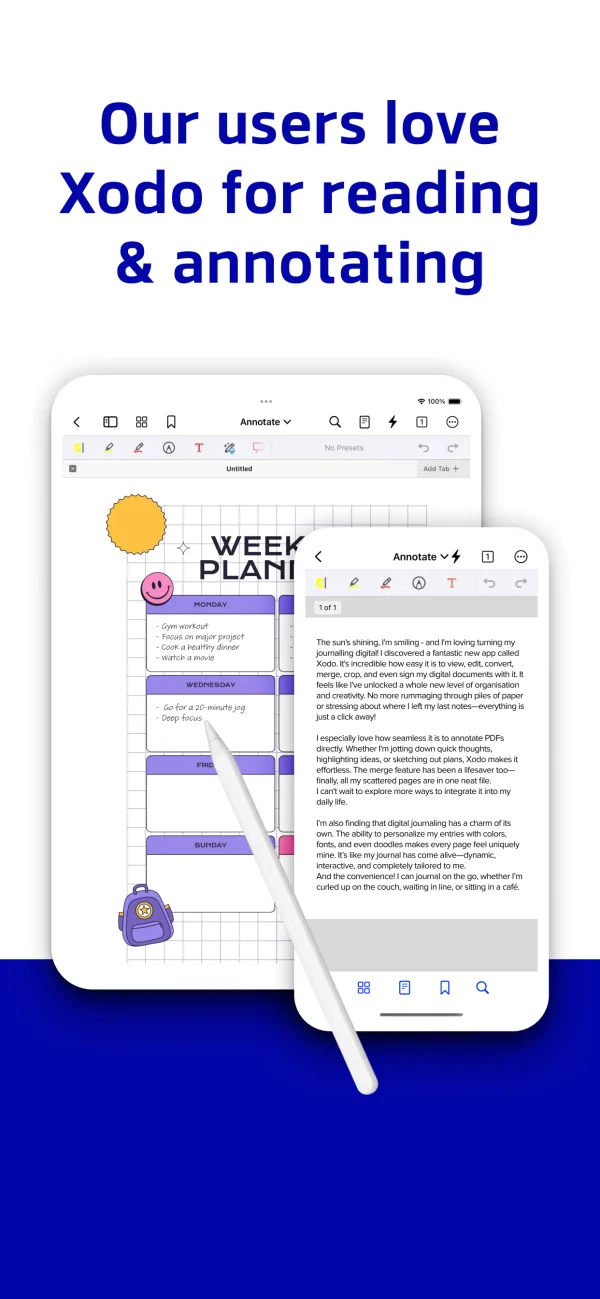
Quick and convenient PDF reader for e-books, reports, digital planner.
• Viewing mode: View in light, dark, and sepia color modes for comfort reading
• Bookmark feature: Tag your favorite PDF pages
• Multiple tabs: Use tabs to work across multiple PDF documents
• Print PDFs directly from your device
• Fully searchable text: Search text within PDF to save time
Annotate & Draw PDFs:
Utilize Xodo's annotation tools configured to you.
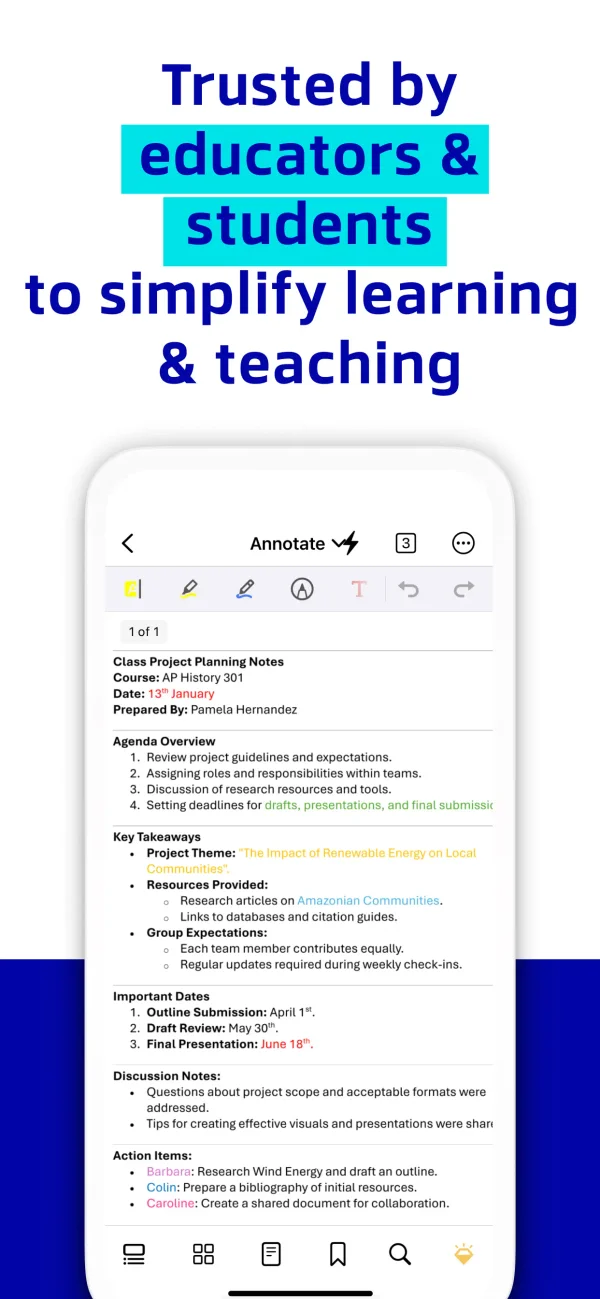
• Fully-featured mark-up tools: Add images, links, stamp or highlight text directly on PDF documents
• Arrange pages: Thumbnail browser for deleting pages, extracting, and inserting pages
• Scrolling mode: See all annotations at a glance with the touch of your finger
Store & Manage Files Securely:
Integrate with popular cloud apps and safely store your important files so you can pick up where you left off.
• Built-in file manager: Rename, copy, move, or delete docs and folders locally
• Cloud integration: Sync your files directly on iCloud, OneDrive, Google Drive and Dropbox to view in multiple devices
• Protected features: Protect your PDF files with password encryption and unlock your protected PDF with PDF password remover tool
Upgrade to Xodo Mobile Subscription:
Get unlimited access to all 30+ tools with custom toolbar for quick access.
• Free trial available in supported regions
• Convert PDF to MS Office (Word, Excel, PowerPoint)
• Remove sensitive content with PDF Redaction tool
• High compression file size
• Easily merge multiple documents to a single PDF
• Create fillable PDF forms to fill out and sign while you're on the go
• Support Smart pen to streamline and enhance note taking experience
• Annotate in Reader mode - When viewing a PDF in reader mode, you can highlight, underline and strikeout text.
• View and manage files with nesting layers - PDFs that include multi-level layers can be viewed individually
• Scanned images can save as PDFs with searchable text (OCR) option
• Flexible monthly and annual subscription options
• Cancel anytime
For Support and Feedback:
support@xodo.com
Visit Homepage:
xodo.com
Xodo is powered by Apryse | https://apryse.com
Yenilikler
Sürüm 10.0.0 · 29.10.2026
- A Brand-New Document Viewer Menu: Enjoy a cleaner, more intuitive menu with quicker access to the tools you use most
- Bug Fixes and Improvements
Uygulama gizliliği
Bu uygulamanın verileri nasıl işlediği hakkında Xodo Technologies Inc. tarafından App Store üzerinde yapılan beyan.
-
Sizi izlemek için kullanılan veriler
Başka şirketlere ait uygulamalarda ve web sitelerinde sizi izlemek için kullanılabilir.
- Kullanım verileri
-
Sizinle ilişkilendirilmeyen veriler
Toplanabilir ancak kimliğinizle ilişkilendirilmez.
- Tanımlayıcılar
- Kullanım verileri
- Tanılama
Gizlilik uygulamaları, örneğin kullandığınız özelliklere veya yaşınıza göre değişiklik gösterebilir.
Bilgiler
- Satıcı
- Xodo Technologies Inc.
- Kategori
- İş
- Sürüm
- 10.0.0
- Güncellendi
- 29.10.2026
- Yayın tarihi
- 30.01.2014
- Boyut
- 104,5 MB
- Gereksinim
- iOS 16.0 veya sonrası
- Yaş sınırı
- 4+
- Fiyat
- Ücretsiz
- Uygulama içi satın alma
- Evet
- Diller
- İngilizce, Hollandaca, Fransızca, Almanca, Hindi, Endonezce, İtalyanca, Japonca, Korece, Portekizce, Basitleştirilmiş Çince, İspanyolca + 1 dil daha
- Telif hakkı
- © 2023 Apryse Software Inc.
Bunları da beğenebilirsiniz
-
 Foxit PDF EditorÜretkenlik
-
 PDF ViewerDüzenle, Doldur ve İmzala
-
 PDF Gear - PDF Editor & Readerİş
-
 PDF Hero - PDF OkuyucuPDF oluşturma ve düzenleme
-
 PDF Expert: Editor & ReaderÜretkenlik
-
 PDFelement: PDF Editor & ScanÜretkenlik
-
 PDF Pro - Okuyucu DüzenleyiciDüzenleyin ve görüntüleyin
-
 PDF Reader – PDFelementÜretkenlik
-
 UPDF - AI-Powered PDF EditorÜretkenlik
-
 Smallpdf: Tarayıcı&PDF EditörüSıkıştır,dönüştür,OCR,imzala