
PDF Reader & Editor | Xodo
Smart Scan & Edit Documents
Designed for iPhone, iPad
Free · In-app purchases
- Age rating4+
- CategoryBusiness
- DeveloperXodo Technologies Inc.
- LanguagesEnglish+ 12 more
- Size104.5 MB
Links to the official App Store page
Download.org hosts no file of PDF Reader & Editor | Xodo. The button opens its official App Store page, published by Xodo Technologies Inc. Listing last checked on Nov 17, 2026.
Screenshots


About
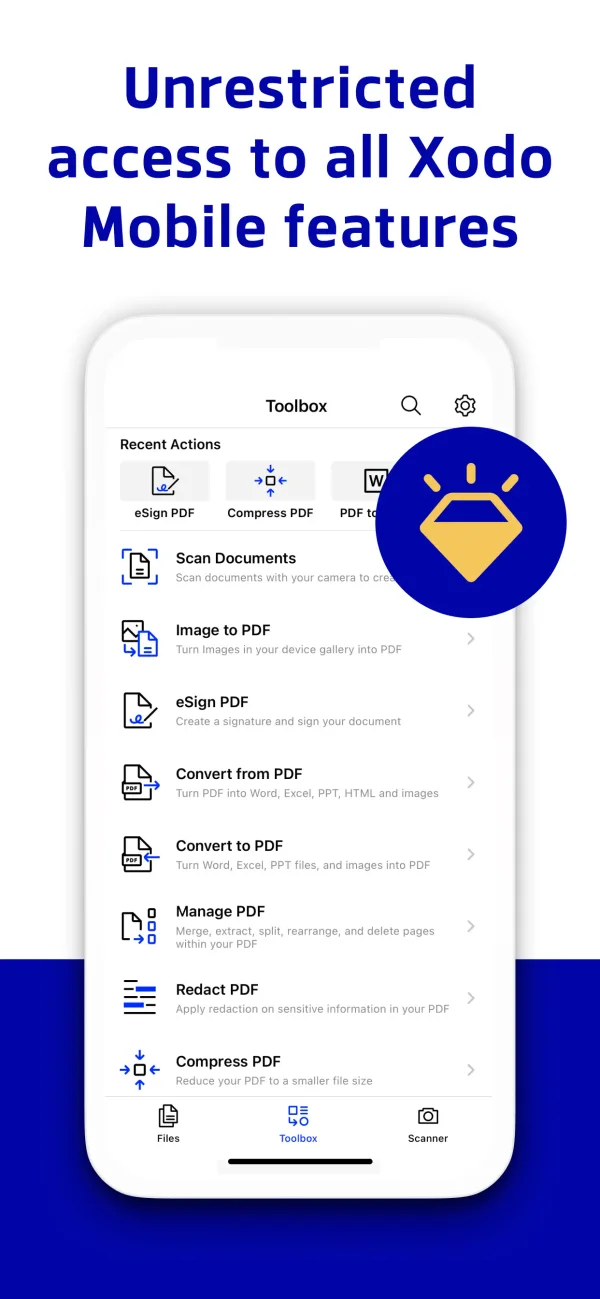
Transform your PDFs. Get your work done quickly with Xodo's all-in-one PDF editor and reader with 30+ features - all available on your iPhone or iPad. Safely store and sync your files on your iCloud, OneDrive, Google Drive and Dropbox so you can easily view, edit, convert, e-sign and compress your files anytime, anywhere on your device.
Edit PDFs:
Intuitive, easy-to-use PDF editor for any user in mind.
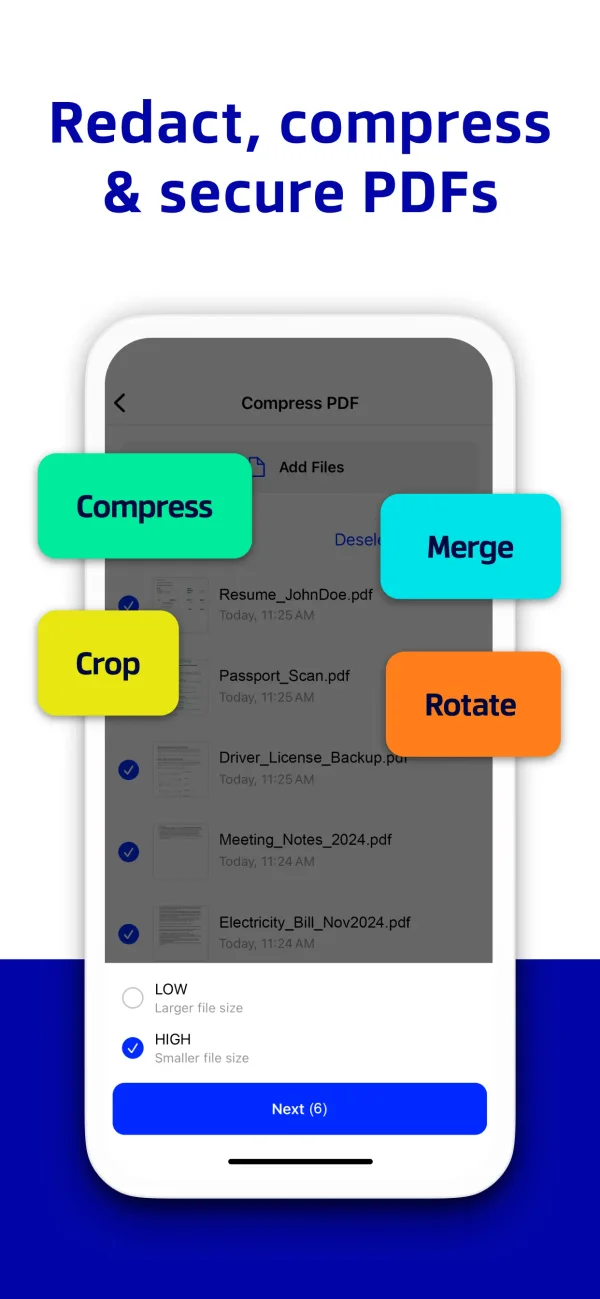
• Compress PDF: Quickly reduce PDF file size for ease of sharing
• Flatten PDF: All annotations in PDF like fillable forms will be locked and merged into a single layer for protection
• Rotate & crop PDF: Add, remove, rearrange, rotate, crop PDF pages with ease
• Split & extract PDF: Instantly split PDF or extract pages to a new PDF file
• Create new PDF: Create PDFs from scratch or use one of our ready-made templates and edit file
Scan PDFs:
Seamlessly scan images and save as PDFs.
• PDF scanner: Scan image with your camera or open an existing image or file and save as a new PDF
• Edit scanned PDF: Edit, annotate, send your documents to iCloud, share via AirDrop, or any available app on your device
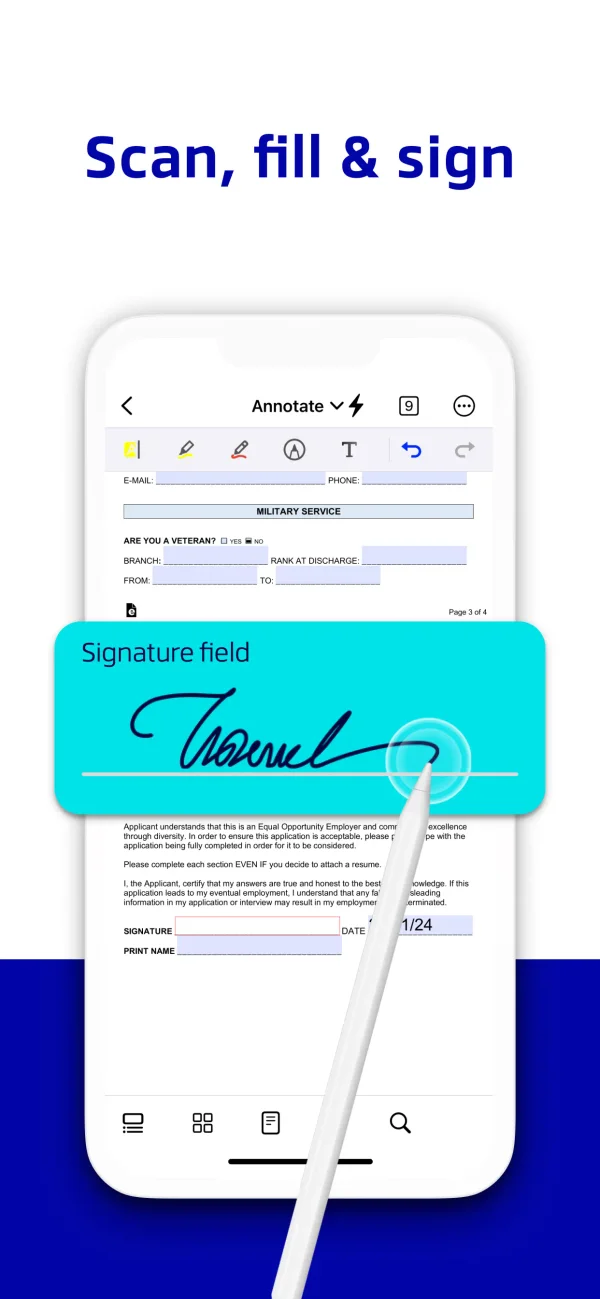
Fill & Sign PDF Forms:
Fill out, sign, and share your PDF forms.
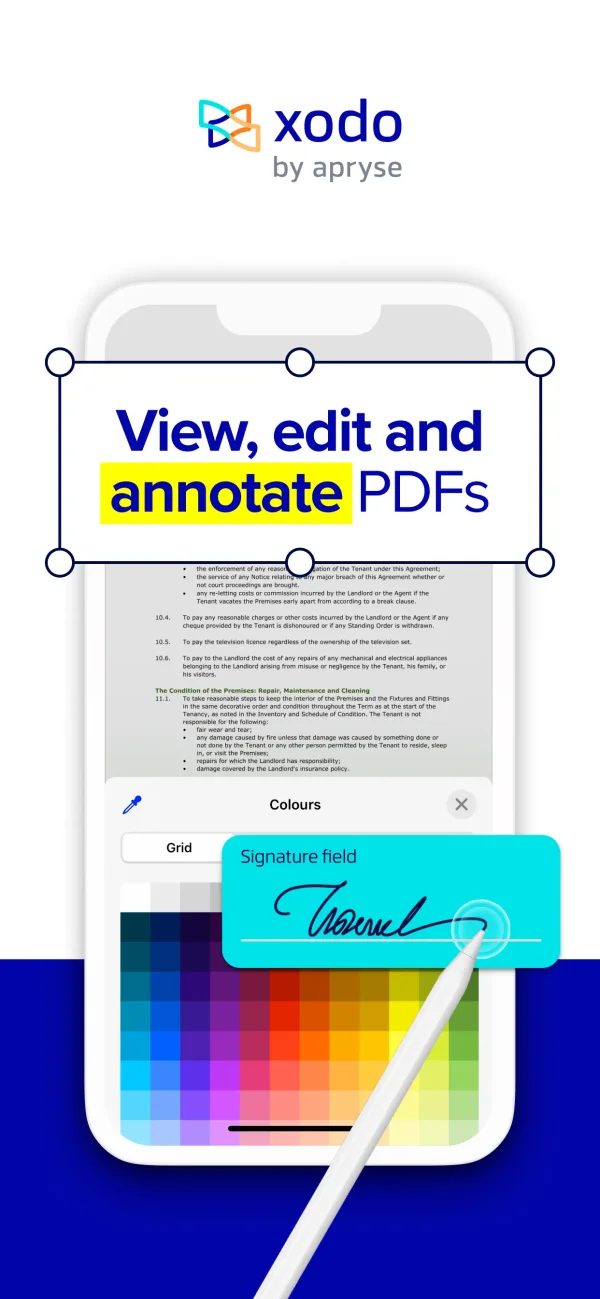
• Create your e-signature: E-sign your documents by hand or type in your signature, and save to reuse for later
• Stylus-friendly: Supports Apple Pencil
Convert PDFs:
Convert files to PDF in seconds.
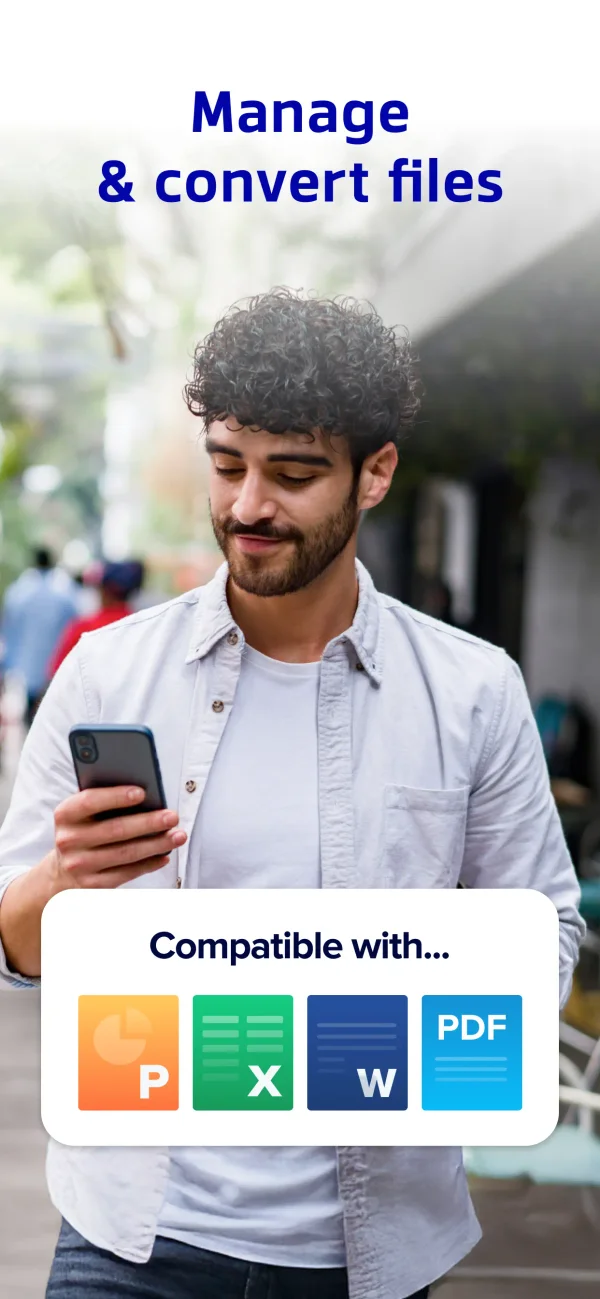
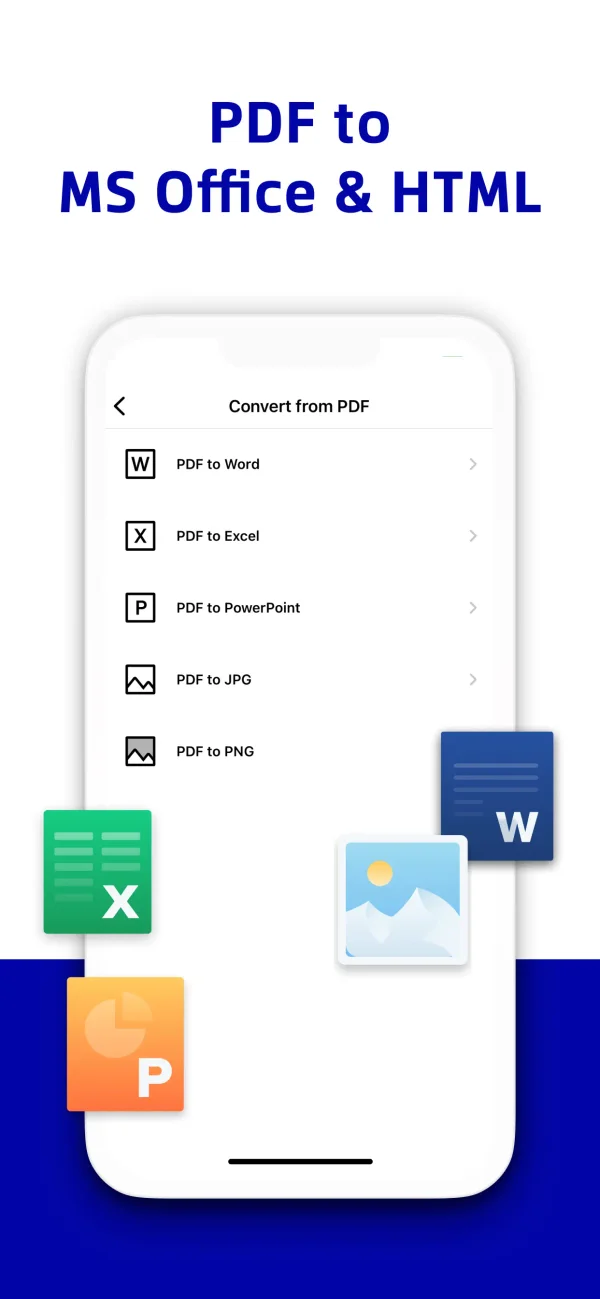
• PDF converter: Convert any MS Office (Word, Excel, PowerPoint) to PDF, iWork (Pages, Numbers, Keynote) to PDF
• Additional file formats: Convert JPG to PDF, PNG to PDF, PDF to JPG, PDF to PNG
View & print PDFs:
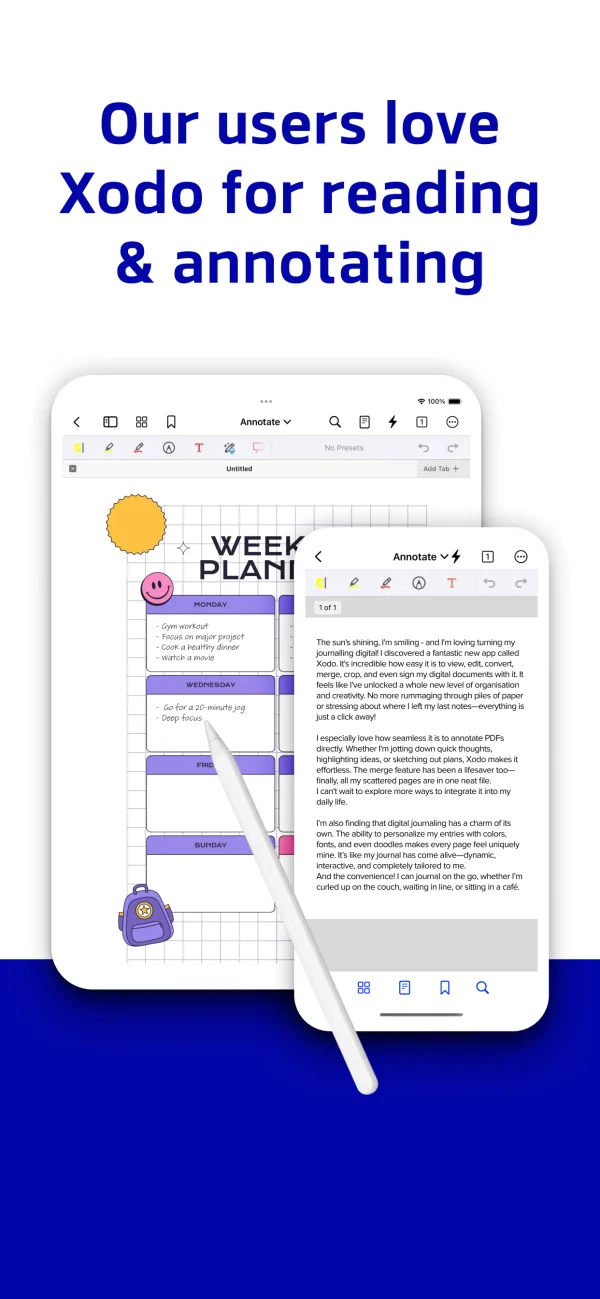
Quick and convenient PDF reader for e-books, reports, digital planner.
• Viewing mode: View in light, dark, and sepia color modes for comfort reading
• Bookmark feature: Tag your favorite PDF pages
• Multiple tabs: Use tabs to work across multiple PDF documents
• Print PDFs directly from your device
• Fully searchable text: Search text within PDF to save time
Annotate & Draw PDFs:
Utilize Xodo's annotation tools configured to you.
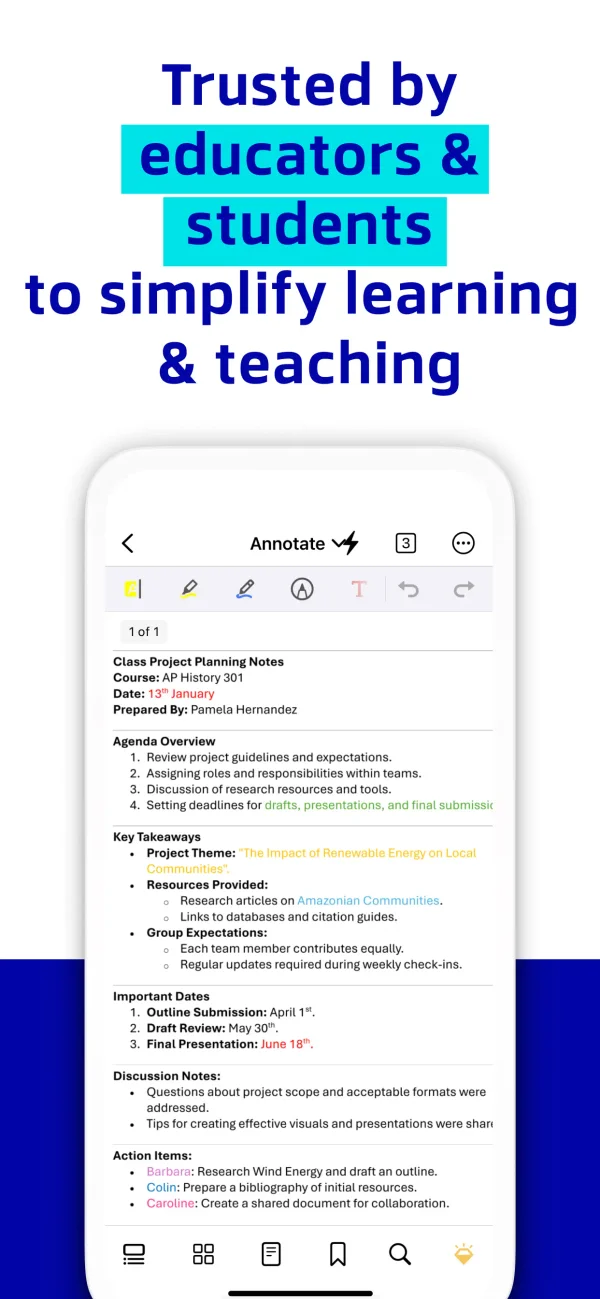
• Fully-featured mark-up tools: Add images, links, stamp or highlight text directly on PDF documents
• Arrange pages: Thumbnail browser for deleting pages, extracting, and inserting pages
• Scrolling mode: See all annotations at a glance with the touch of your finger
Store & Manage Files Securely:
Integrate with popular cloud apps and safely store your important files so you can pick up where you left off.
• Built-in file manager: Rename, copy, move, or delete docs and folders locally
• Cloud integration: Sync your files directly on iCloud, OneDrive, Google Drive and Dropbox to view in multiple devices
• Protected features: Protect your PDF files with password encryption and unlock your protected PDF with PDF password remover tool
Upgrade to Xodo Mobile Subscription:
Get unlimited access to all 30+ tools with custom toolbar for quick access.
• Free trial available in supported regions
• Convert PDF to MS Office (Word, Excel, PowerPoint)
• Remove sensitive content with PDF Redaction tool
• High compression file size
• Easily merge multiple documents to a single PDF
• Create fillable PDF forms to fill out and sign while you're on the go
• Support Smart pen to streamline and enhance note taking experience
• Annotate in Reader mode - When viewing a PDF in reader mode, you can highlight, underline and strikeout text.
• View and manage files with nesting layers - PDFs that include multi-level layers can be viewed individually
• Scanned images can save as PDFs with searchable text (OCR) option
• Flexible monthly and annual subscription options
• Cancel anytime
For Support and Feedback:
support@xodo.com
Visit Homepage:
xodo.com
Xodo is powered by Apryse | https://apryse.com
What’s new
Version 10.0.0 · Oct 29, 2026
- A Brand-New Document Viewer Menu: Enjoy a cleaner, more intuitive menu with quicker access to the tools you use most
- Bug Fixes and Improvements
App privacy
What Xodo Technologies Inc. declares on the App Store about how this app handles data.
-
Data used to track you
May be used to track you across apps and websites owned by other companies.
- Usage data
-
Data not linked to you
May be collected but is not linked to your identity.
- Identifiers
- Usage data
- Diagnostics
Privacy practices may vary, for example with the features you use or your age.
Information
- Seller
- Xodo Technologies Inc.
- Category
- Business
- Version
- 10.0.0
- Updated
- Oct 29, 2026
- Released
- Jan 30, 2014
- Size
- 104.5 MB
- Requires
- iOS 16.0 or later
- Age rating
- 4+
- Price
- Free
- In-app purchases
- Yes
- Languages
- English, Dutch, French, German, Hindi, Indonesian, Italian, Japanese, Korean, Portuguese, Simplified Chinese, Spanish + 1 more
- Copyright
- © 2023 Apryse Software Inc.
You might also like
-
 Foxit PDF EditorView, Edit, Convert, and Sign
-
 PDF Viewer by NutrientFill Forms, Sign, Edit, Redact
-
 PDF Gear - PDF Editor & ReaderPDF Converter, Sign Documents
-
 PDF Hero - PDF Editor & ReaderCreate & Edit PDF Documents
-
 PDF Expert: Editor & ReaderFill & Sign, Annotate, Convert
-
 PDFelement: PDF Editor & ScanDocuments Converter & Signer
-
 PDF Pro - Reader Editor FormsEdit, annotate, view documents
-
 PDF Reader – PDFelementPDF Editor & Viewer, PDF Maker
-
 UPDF - AI-Powered PDF EditorAI Chat, Convert & Sign PDF
-
 Smallpdf: Scanner & PDF Editorcompress, convert, ocr, sign