Scan2CSV Fast Code Scanner
Scan codes to a spreadsheet
Conçue pour iPhone
Gratuit · Achats intégrés
- Classification d’âge4+
- CatégorieÉconomie et entreprise
- DéveloppeurJohn Roth
- LanguesAnglais
- Taille1,8 Mo
Renvoie vers la page App Store officielle
Download.org n’héberge aucun fichier de Scan2CSV Fast Code Scanner. Le bouton ouvre la page de l’application sur App Store, où John Roth la publie. Fiche vérifiée pour la dernière fois le 15/11/2026.
Captures d’écran
À propos
Le développeur n’a pas fourni ce texte dans votre langue.
Stop typing codes manually.
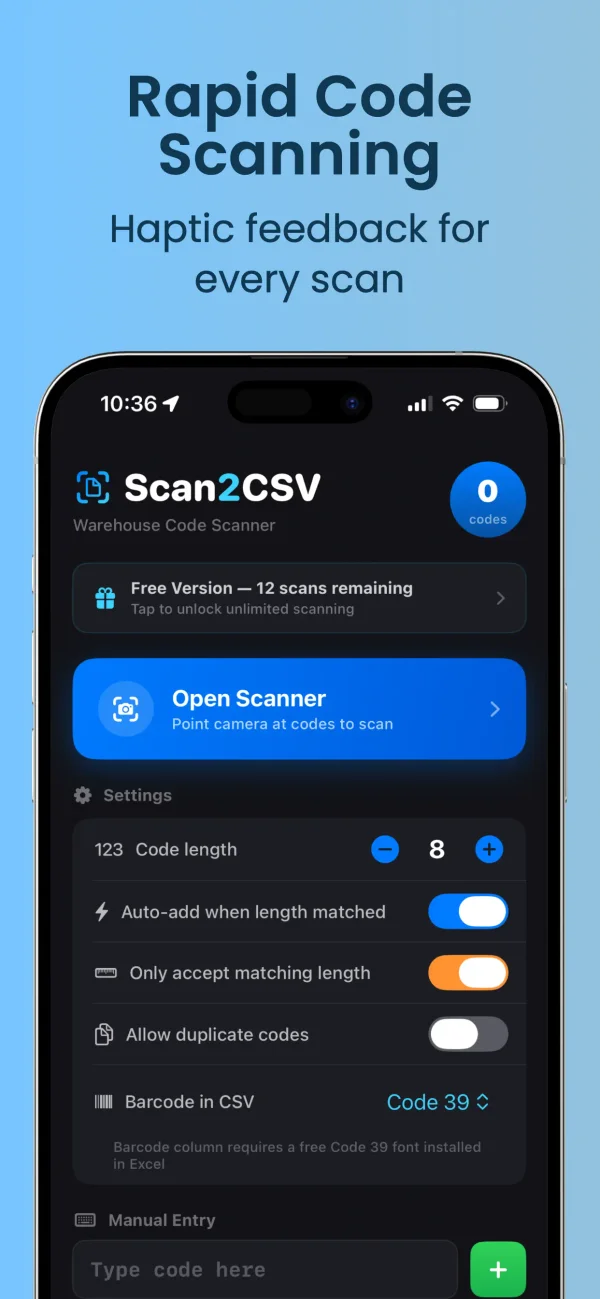
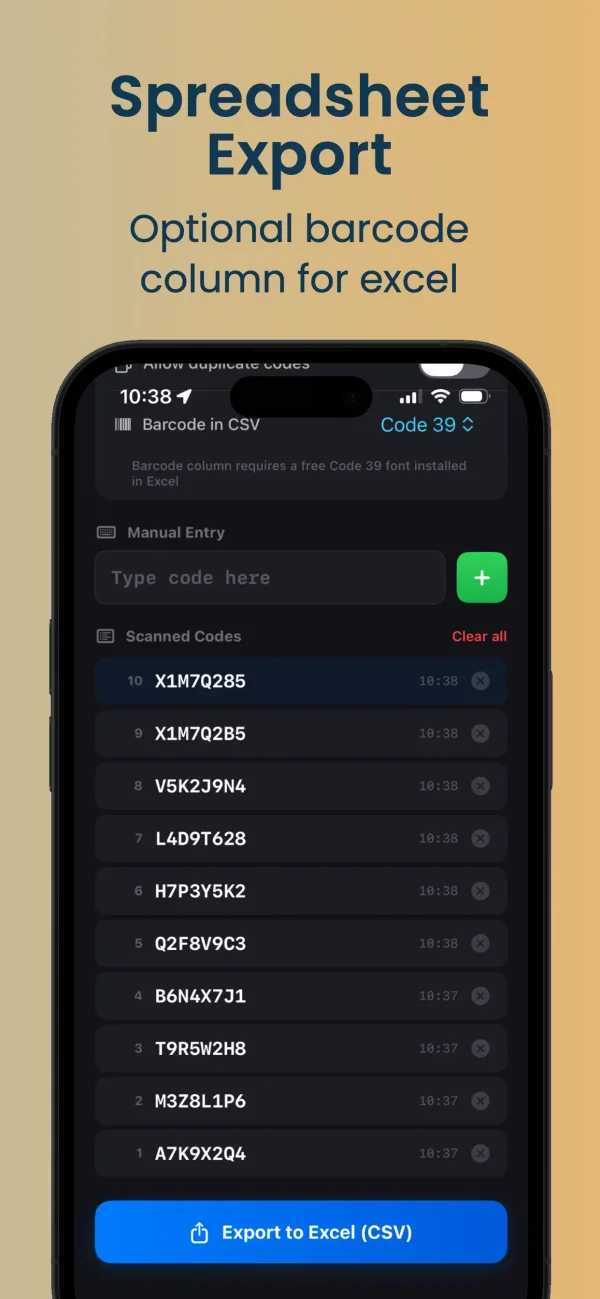
Scan2CSV is built for capturing fixed-length letter and number codes instantly without mistakes and exporting them as clean data or barcode formats.
Key Benefits
• Scan codes instantly using your camera
• Eliminate manual typing and reduce errors
• Capture consistent, structured data
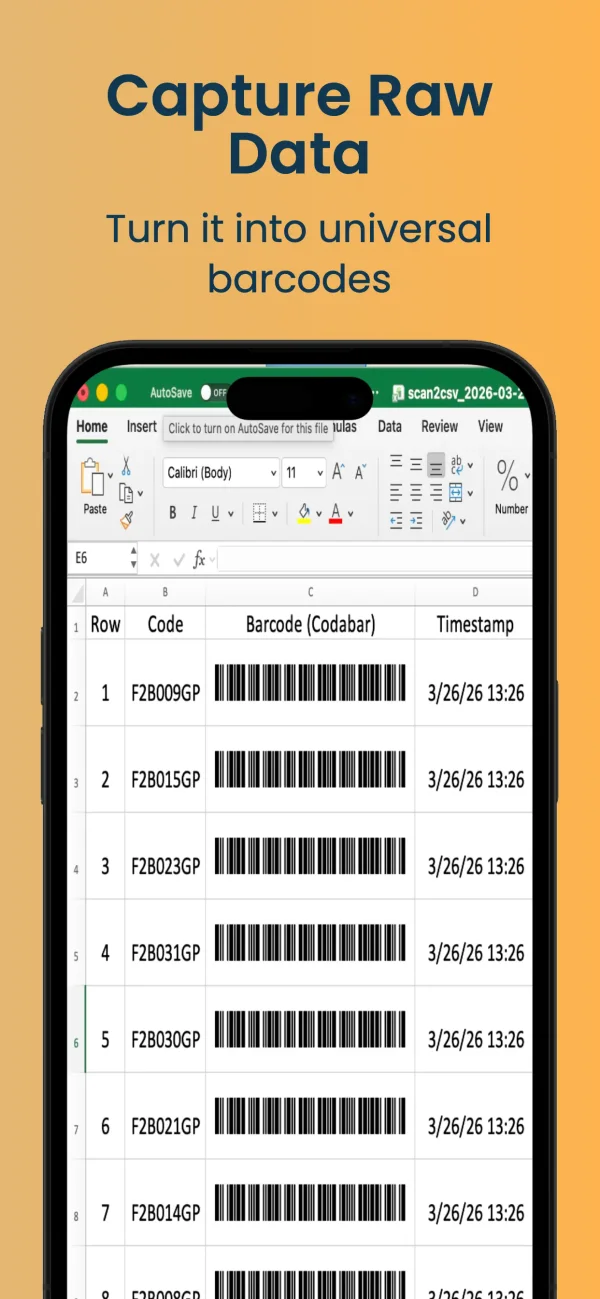
• Export to CSV (Excel-ready) or barcode format
Scan2CSV is designed for speed, precision, and real-world workflows:
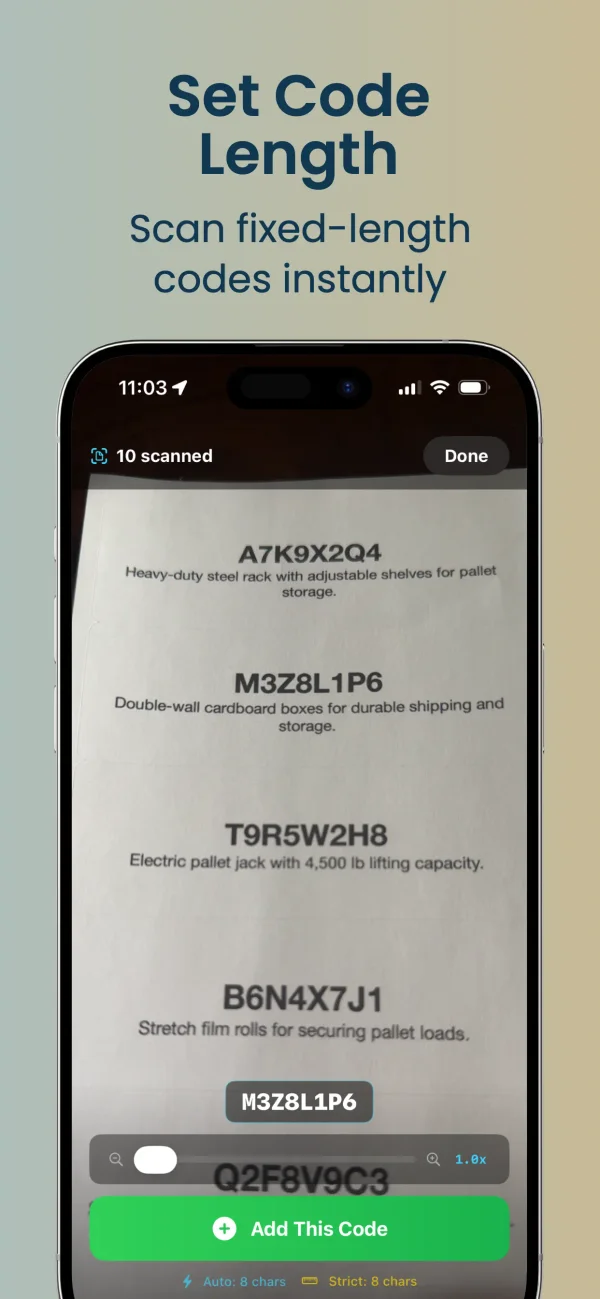
• Set a fixed code length for faster scanning
• Automatically capture codes when length matches
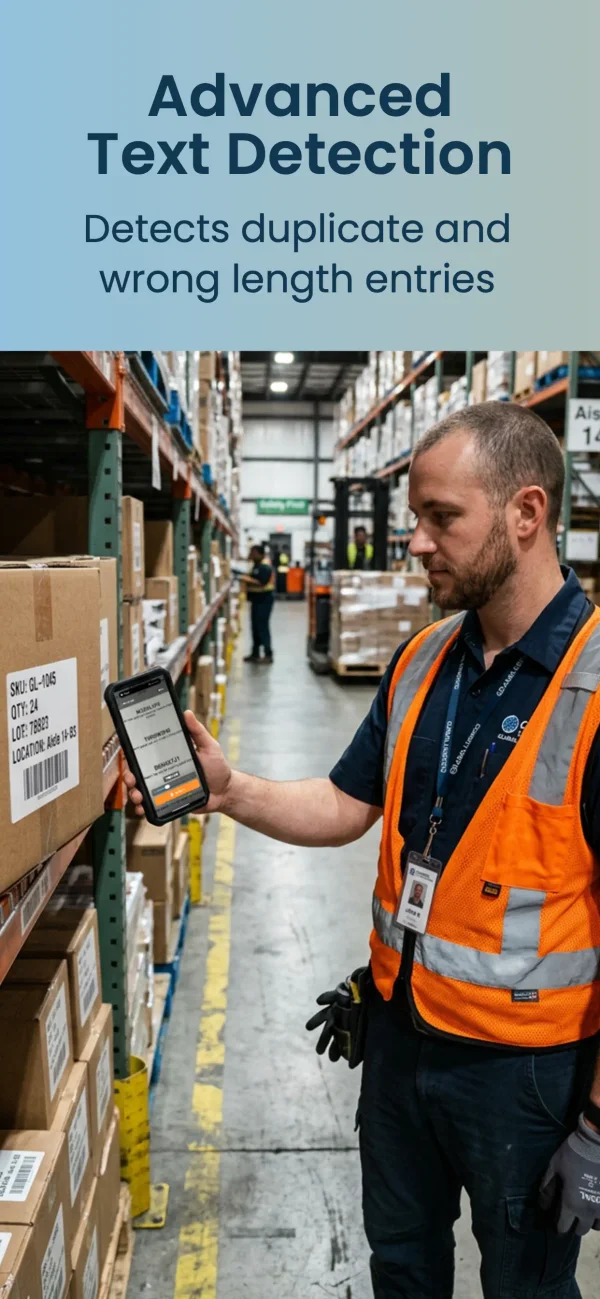
• Filter out incorrect or unwanted scans
• Optional duplicate detection
• Export codes as barcode-formatted data (Code 39)
Perfect for
• Warehouse workflows
• Serial number tracking
• Product labeling systems
• Inventory and asset management
• Converting codes into scannable barcodes
How it works:
1. Set your code length
2. Scan codes continuously
3. Instantly capture valid entries
4. Export to CSV or barcode format
Capture codes faster. Export them smarter.
Download Scan2CSV and streamline your workflow.
Nouveautés
Version 1.2.0 · 04/05/2026
Batch Scanning
Organize your work into batches — create separate sessions for different aisles, pallets, or jobs. Switch between batches anytime and export them individually or all at once.
Code Pattern Matching
Set an exact pattern for your codes using L (letter), # (number), and - (symbol). For example, LL-#### tells the scanner to expect two letters, a dash, and four numbers. The scanner will only pick up codes that match your pattern and auto-correct common OCR mix-ups like O/0 and I/1 based on what each position expects.
Edit Scanned Codes
Tap the pencil icon on any code to fix typos or OCR errors right in the list. No need to delete and re-scan.
Other Improvements
• Edit and delete buttons are now larger and easier to tap
• Export CSV files now include the batch name in the filename
• "Row" column renamed to "Item" in exports for clarity
• Free scan limit now counts across all batches
Confidentialité de l’application
Ce que John Roth déclare sur l’App Store au sujet du traitement des données par cette application.
-
Données non collectées
Le développeur ne collecte aucune donnée à partir de cette application.
Les pratiques en matière de confidentialité peuvent varier, notamment en fonction des fonctionnalités que vous utilisez ou de votre âge.
Informations
- Vendeur
- John Roth
- Catégorie
- Économie et entreprise
- Version
- 1.2.0
- Mis à jour
- 04/05/2026
- Publié
- 01/04/2026
- Taille
- 1,8 Mo
- Nécessite
- iOS 26.2 ou version ultérieure
- Classification d’âge
- 4+
- Prix
- Gratuit
- Achats intégrés
- Oui
- Langues
- Anglais
- Copyright
- © 2026 John Roth
Vous aimerez peut-être aussi
-
 MediScan: Serial ScannerProductivité
-
 QuickScan QR & InventoryÉconomie et entreprise
-
 Physical Inventory: AssetsProductivité
-
 Paper2FormProductivité
-
 Scriven QRProductivité
-
 TiMO ScanÉconomie et entreprise
-
 Endpoint Warehouse100Productivité
-
 ScreenStack - Captures d'écranBalayez vos captures en trop
-
 LabelDashÉconomie et entreprise
-
 LiveScan : Scanner texte & QRCopier, traduire & export PDF