Scan2CSV Fast Code Scanner
Scan codes to a spreadsheet
Dirancang untuk iPhone
Gratis · Pembelian dalam aplikasi
- Batasan usia4+
- KategoriBisnis
- PengembangJohn Roth
- BahasaInggris
- Ukuran1,8 MB
Tertaut ke halaman resmi App Store
Download.org tidak menyimpan file Scan2CSV Fast Code Scanner apa pun. Tombol ini membuka halaman aplikasi di App Store, tempat John Roth menerbitkannya. Halaman terakhir diperiksa pada 15/11/2026.
Tangkapan layar
Tentang
Pengembang belum menyediakan teks ini dalam bahasa Anda.
Stop typing codes manually.
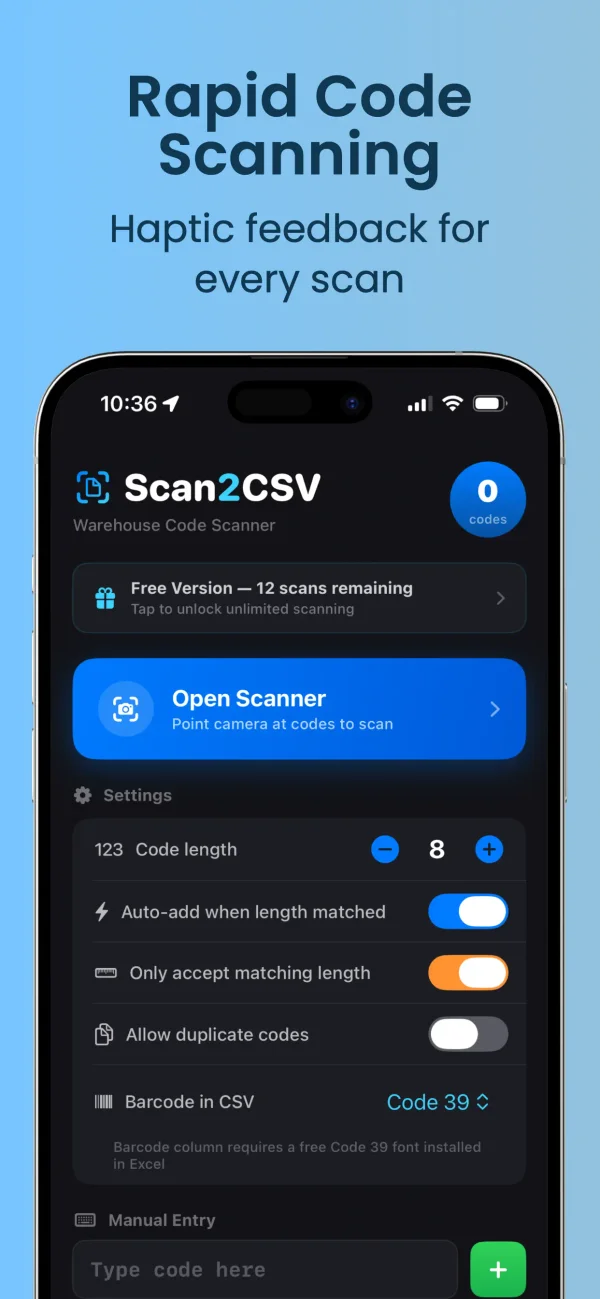
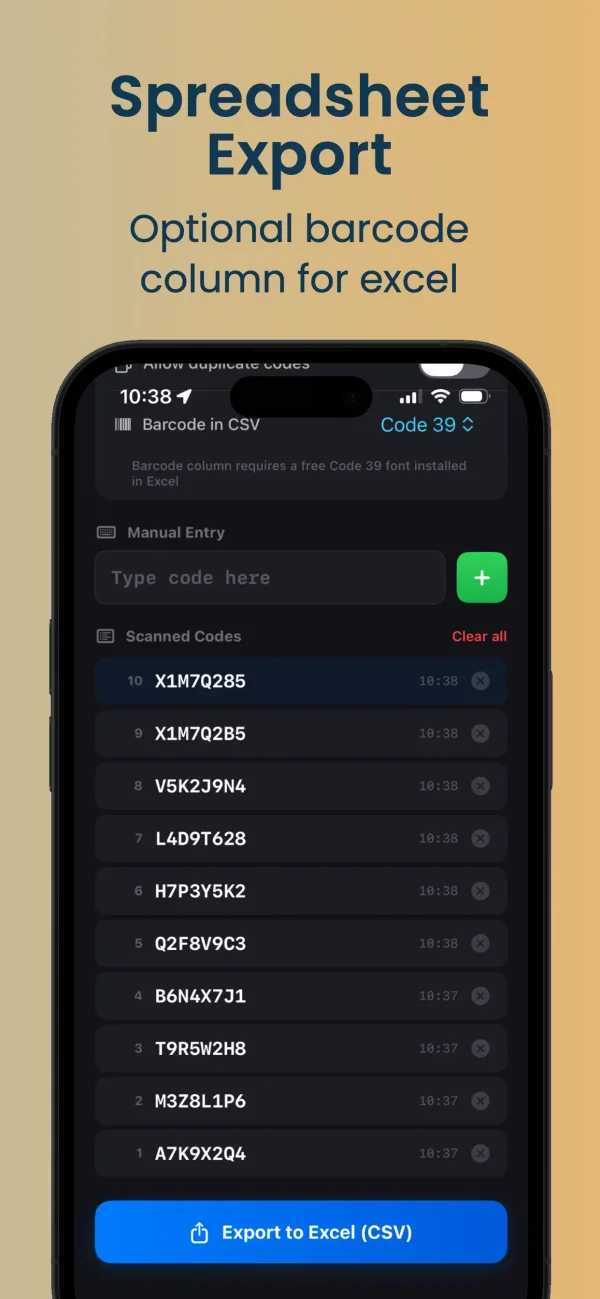
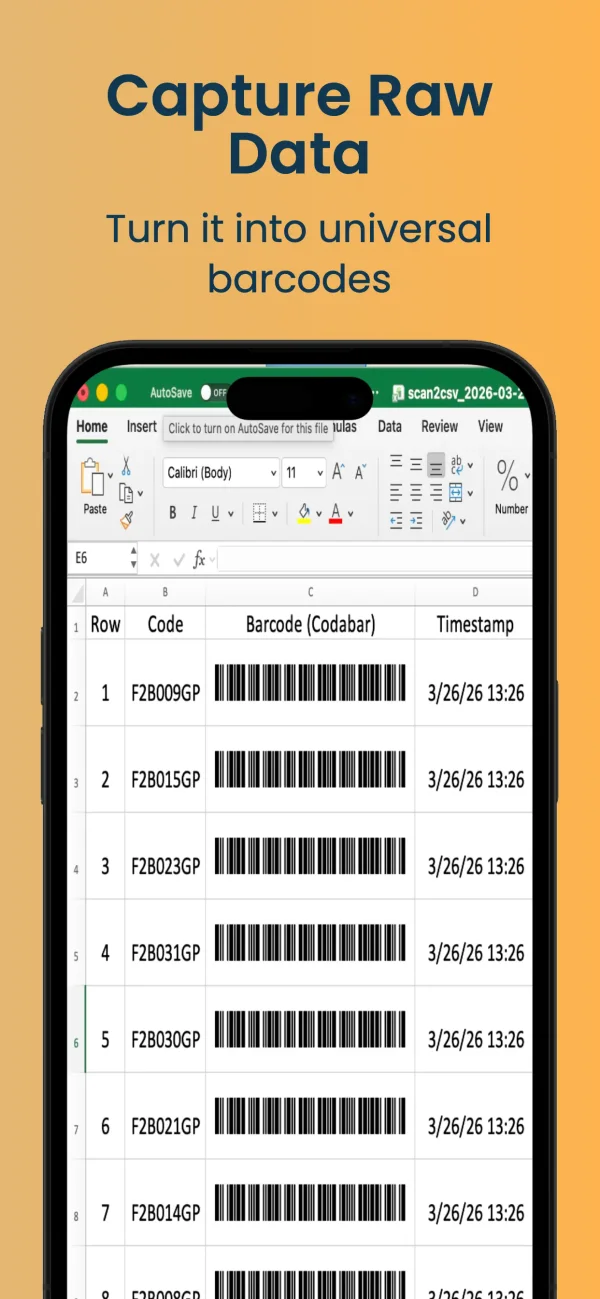
Scan2CSV is built for capturing fixed-length letter and number codes instantly without mistakes and exporting them as clean data or barcode formats.
Key Benefits
• Scan codes instantly using your camera
• Eliminate manual typing and reduce errors
• Capture consistent, structured data
• Export to CSV (Excel-ready) or barcode format
Scan2CSV is designed for speed, precision, and real-world workflows:
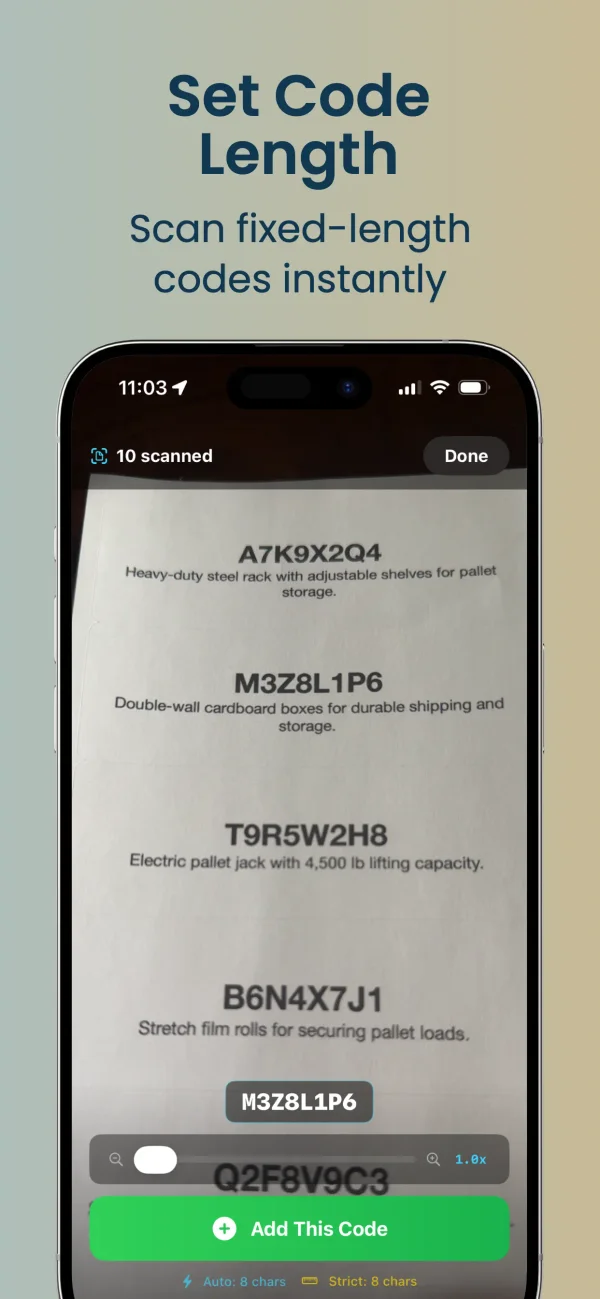
• Set a fixed code length for faster scanning
• Automatically capture codes when length matches
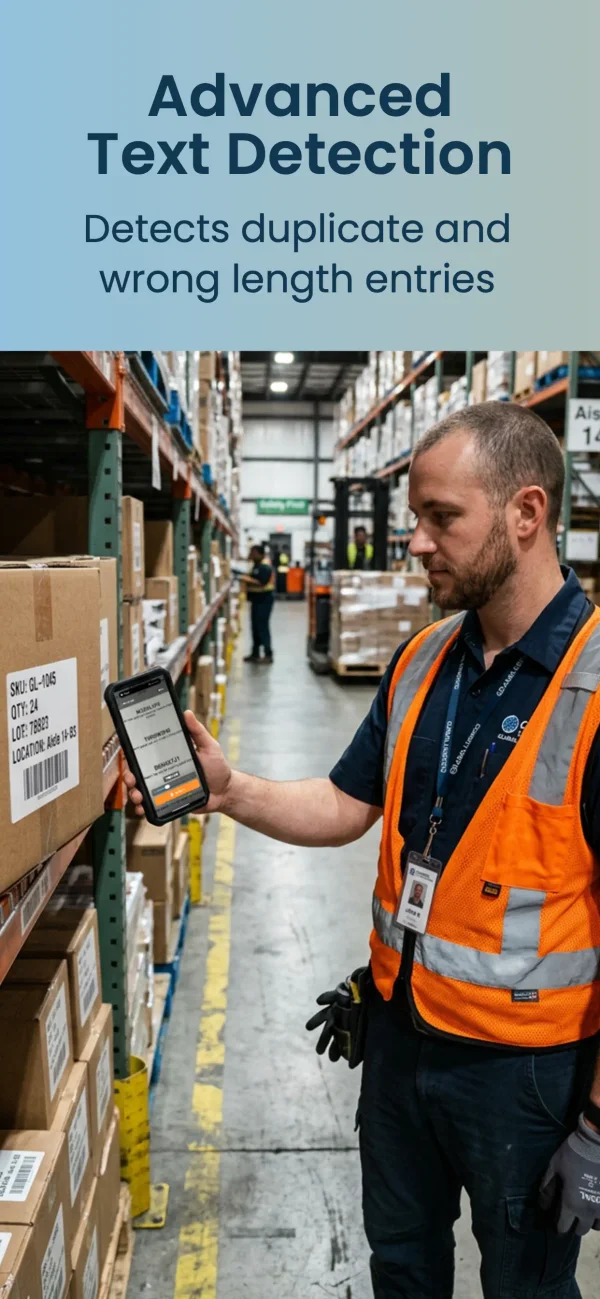
• Filter out incorrect or unwanted scans
• Optional duplicate detection
• Export codes as barcode-formatted data (Code 39)
Perfect for
• Warehouse workflows
• Serial number tracking
• Product labeling systems
• Inventory and asset management
• Converting codes into scannable barcodes
How it works:
1. Set your code length
2. Scan codes continuously
3. Instantly capture valid entries
4. Export to CSV or barcode format
Capture codes faster. Export them smarter.
Download Scan2CSV and streamline your workflow.
Yang baru
Versi 1.2.0 · 4/5/2026
Batch Scanning
Organize your work into batches — create separate sessions for different aisles, pallets, or jobs. Switch between batches anytime and export them individually or all at once.
Code Pattern Matching
Set an exact pattern for your codes using L (letter), # (number), and - (symbol). For example, LL-#### tells the scanner to expect two letters, a dash, and four numbers. The scanner will only pick up codes that match your pattern and auto-correct common OCR mix-ups like O/0 and I/1 based on what each position expects.
Edit Scanned Codes
Tap the pencil icon on any code to fix typos or OCR errors right in the list. No need to delete and re-scan.
Other Improvements
• Edit and delete buttons are now larger and easier to tap
• Export CSV files now include the batch name in the filename
• "Row" column renamed to "Item" in exports for clarity
• Free scan limit now counts across all batches
Privasi aplikasi
Yang dinyatakan John Roth di App Store tentang cara aplikasi ini menangani data.
-
Data tidak dikumpulkan
Pengembang tidak mengumpulkan data apa pun dari aplikasi ini.
Praktik privasi dapat bervariasi, misalnya berdasarkan fitur yang Anda gunakan atau usia Anda.
Informasi
- Penjual
- John Roth
- Kategori
- Bisnis
- Versi
- 1.2.0
- Diperbarui
- 4/5/2026
- Dirilis
- 1/4/2026
- Ukuran
- 1,8 MB
- Memerlukan
- iOS 26.2 atau yang lebih baru
- Batasan usia
- 4+
- Harga
- Gratis
- Pembelian dalam aplikasi
- Ya
- Bahasa
- Inggris
- Hak cipta
- © 2026 John Roth
Mungkin Anda juga suka
-
 MediScan: Serial ScannerProduktivitas
-
 QuickScan QR & InventoryBisnis
-
 Physical Inventory: AssetsProduktivitas
-
 Paper2FormProduktivitas
-
 Scriven QRProduktivitas
-
 TiMO ScanBisnis
-
 Endpoint Warehouse100Produktivitas
-
 ScreenStack Screenshot ManagerProduktivitas
-
 LabelDashBisnis
-
 LiveScan: Scan Text & QR CodesProduktivitas