Scan2CSV Fast Code Scanner
Scan codes to a spreadsheet
Designed for iPhone
Free · In-app purchases
- Age rating4+
- CategoryBusiness
- DeveloperJohn Roth
- LanguagesEnglish
- Size1.8 MB
Links to the official App Store page
Download.org hosts no file of Scan2CSV Fast Code Scanner. The button opens its official App Store page, published by John Roth. Listing last checked on Nov 15, 2026.
Screenshots
About
Stop typing codes manually.
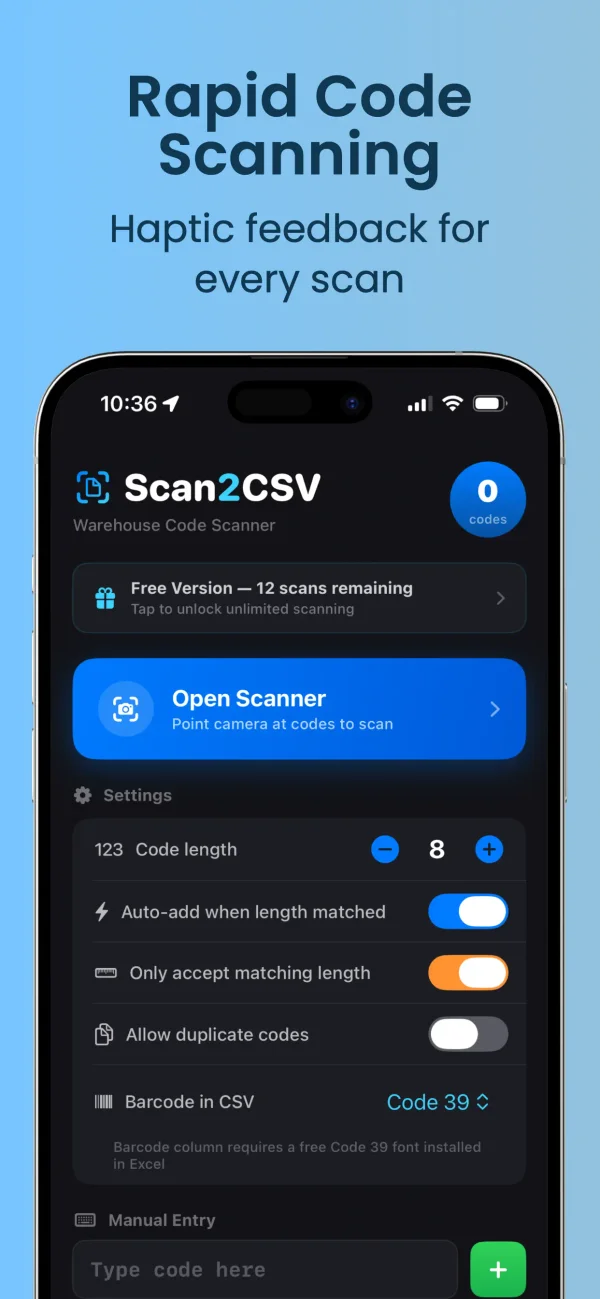
Scan2CSV is built for capturing fixed-length letter and number codes instantly without mistakes and exporting them as clean data or barcode formats.
Key Benefits
• Scan codes instantly using your camera
• Eliminate manual typing and reduce errors
• Capture consistent, structured data
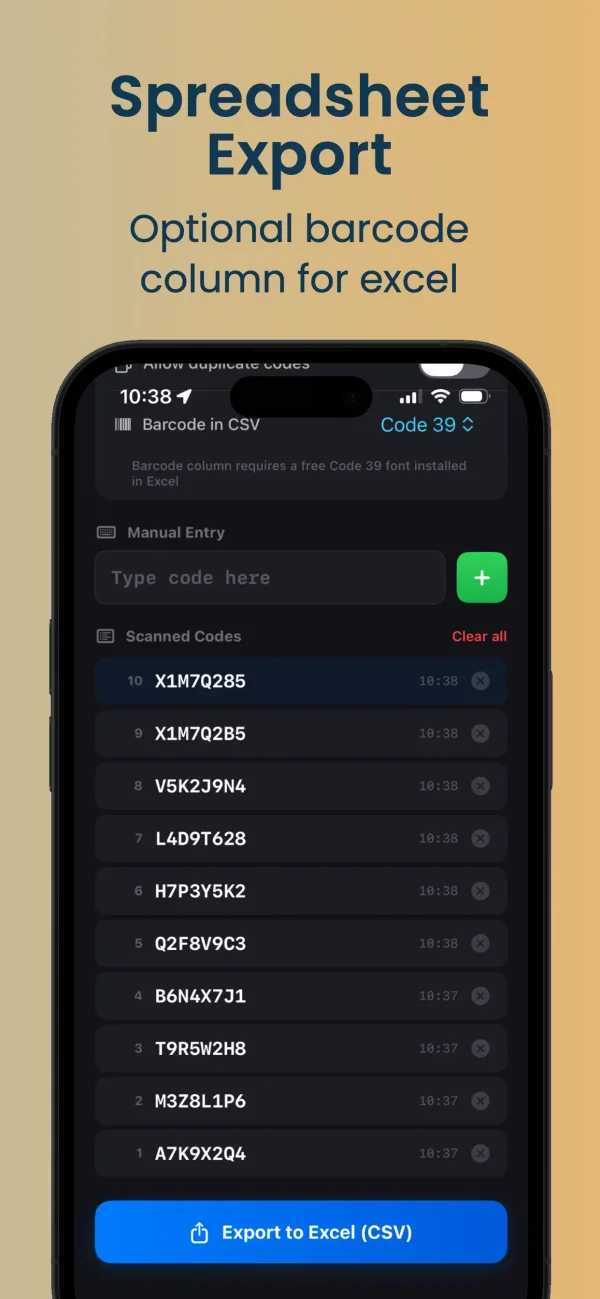
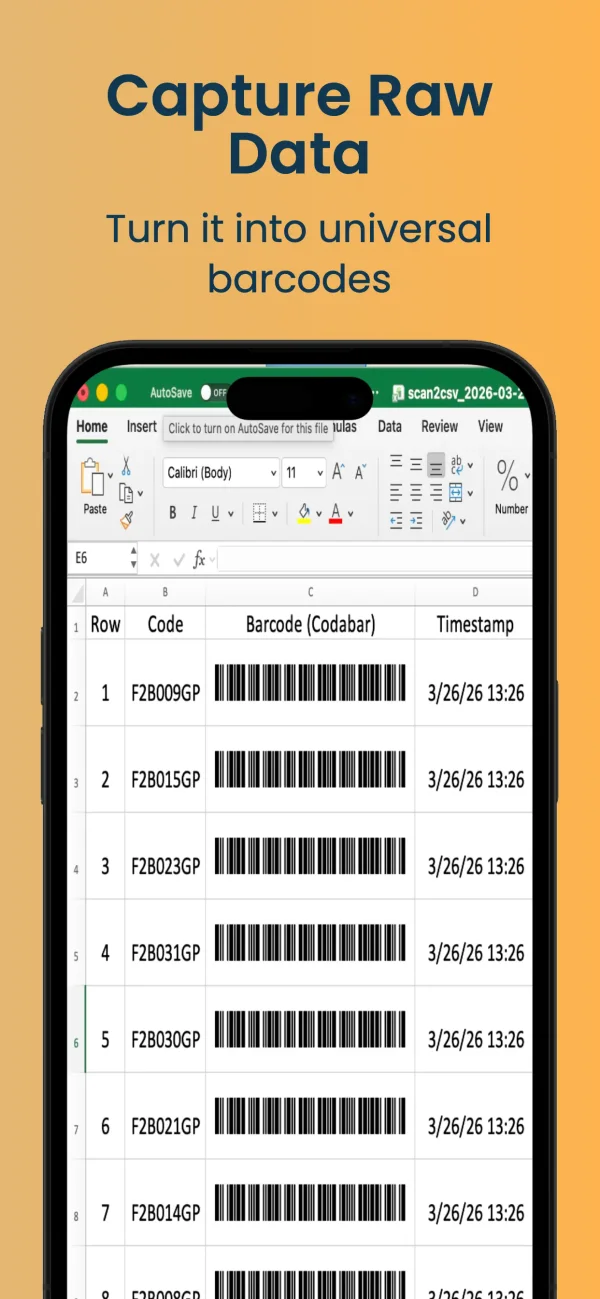
• Export to CSV (Excel-ready) or barcode format
Scan2CSV is designed for speed, precision, and real-world workflows:
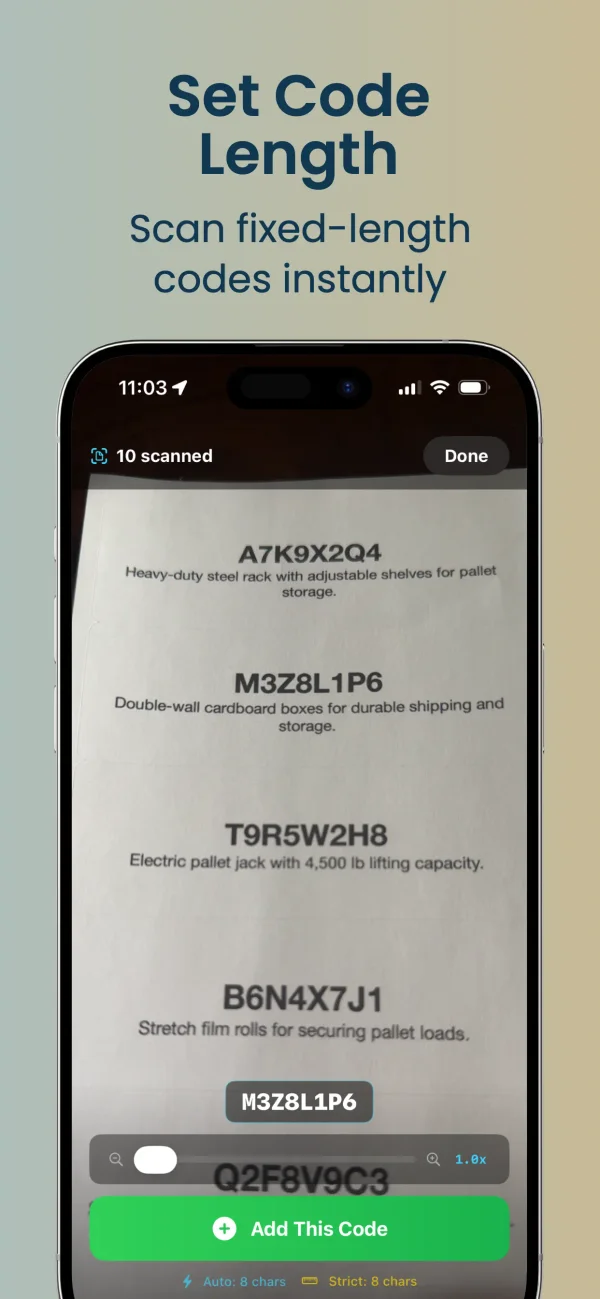
• Set a fixed code length for faster scanning
• Automatically capture codes when length matches
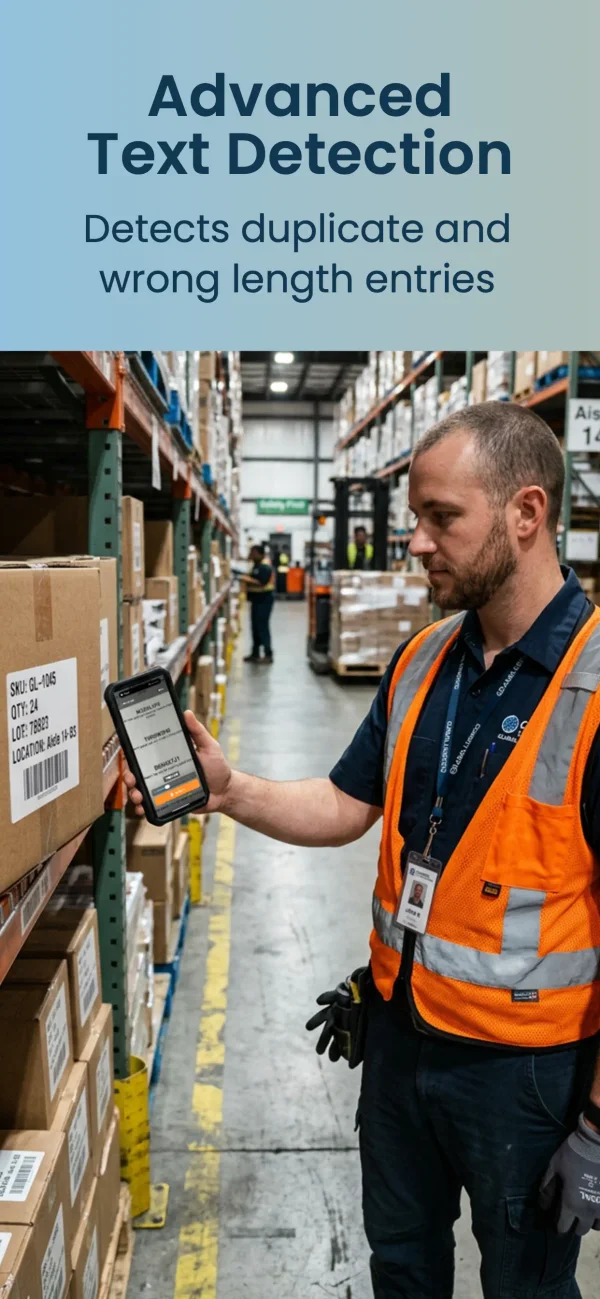
• Filter out incorrect or unwanted scans
• Optional duplicate detection
• Export codes as barcode-formatted data (Code 39)
Perfect for
• Warehouse workflows
• Serial number tracking
• Product labeling systems
• Inventory and asset management
• Converting codes into scannable barcodes
How it works:
1. Set your code length
2. Scan codes continuously
3. Instantly capture valid entries
4. Export to CSV or barcode format
Capture codes faster. Export them smarter.
Download Scan2CSV and streamline your workflow.
What’s new
Version 1.2.0 · May 4, 2026
Batch Scanning
Organize your work into batches — create separate sessions for different aisles, pallets, or jobs. Switch between batches anytime and export them individually or all at once.
Code Pattern Matching
Set an exact pattern for your codes using L (letter), # (number), and - (symbol). For example, LL-#### tells the scanner to expect two letters, a dash, and four numbers. The scanner will only pick up codes that match your pattern and auto-correct common OCR mix-ups like O/0 and I/1 based on what each position expects.
Edit Scanned Codes
Tap the pencil icon on any code to fix typos or OCR errors right in the list. No need to delete and re-scan.
Other Improvements
• Edit and delete buttons are now larger and easier to tap
• Export CSV files now include the batch name in the filename
• "Row" column renamed to "Item" in exports for clarity
• Free scan limit now counts across all batches
App privacy
What John Roth declares on the App Store about how this app handles data.
-
Data not collected
The developer does not collect any data from this app.
Privacy practices may vary, for example with the features you use or your age.
Information
- Seller
- John Roth
- Category
- Business
- Version
- 1.2.0
- Updated
- May 4, 2026
- Released
- Apr 1, 2026
- Size
- 1.8 MB
- Requires
- iOS 26.2 or later
- Age rating
- 4+
- Price
- Free
- In-app purchases
- Yes
- Languages
- English
- Copyright
- © 2026 John Roth
You might also like
-
 MediScan: Serial ScannerScan & Track Medical Equipment
-
 QuickScan QR & InventoryBarcode Scanner, Stock Tracker
-
 Physical Inventory: AssetsFixed Asset Tracker & Scanner
-
 Paper2FormDigitize Your Office
-
 Scriven QRSerial number scanning app
-
 TiMO ScanBusiness
-
 Endpoint Warehouse100Sage 100 warehouse tasks
-
 ScreenStack Screenshot ManagerSwipe away screenshot clutter
-
 LabelDashPrint 4×6 labels from PDFs
-
 LiveScan: Scan Text & QR CodesCopy text, translate, to PDF