- 対象年齢4+
- カテゴリビジネス
- 開発元John Roth
- 言語英語
- サイズ1.8 MB
App Storeの公式ページにリンクしています
Download.orgはScan2CSV Fast Code Scannerのファイルを一切ホストしていません。ボタンを押すと、John Rothが公開しているApp Storeのアプリページが開きます。ページの最終確認:2026/11/15。
スクリーンショット
概要
開発元はこのテキストをお使いの言語で提供していません。
Stop typing codes manually.
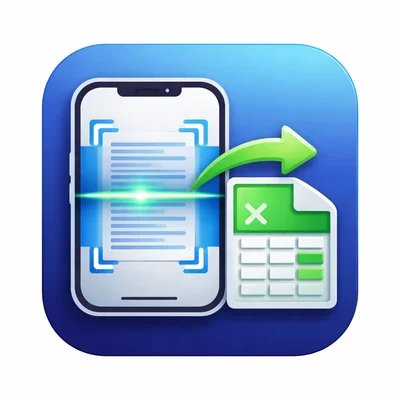
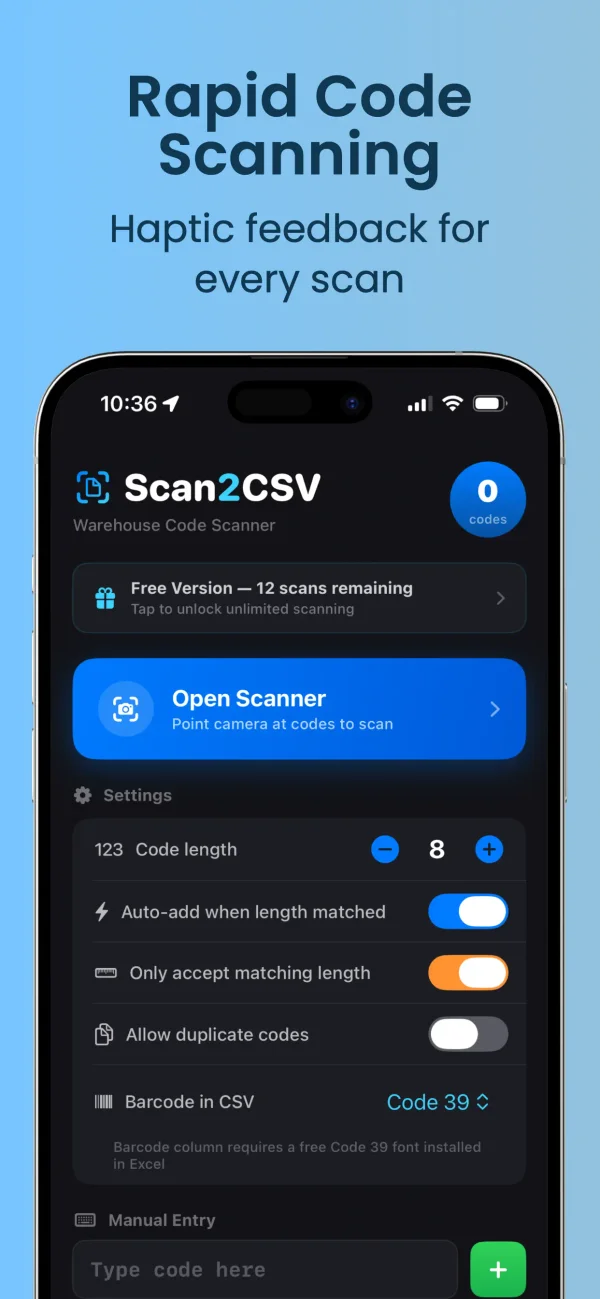
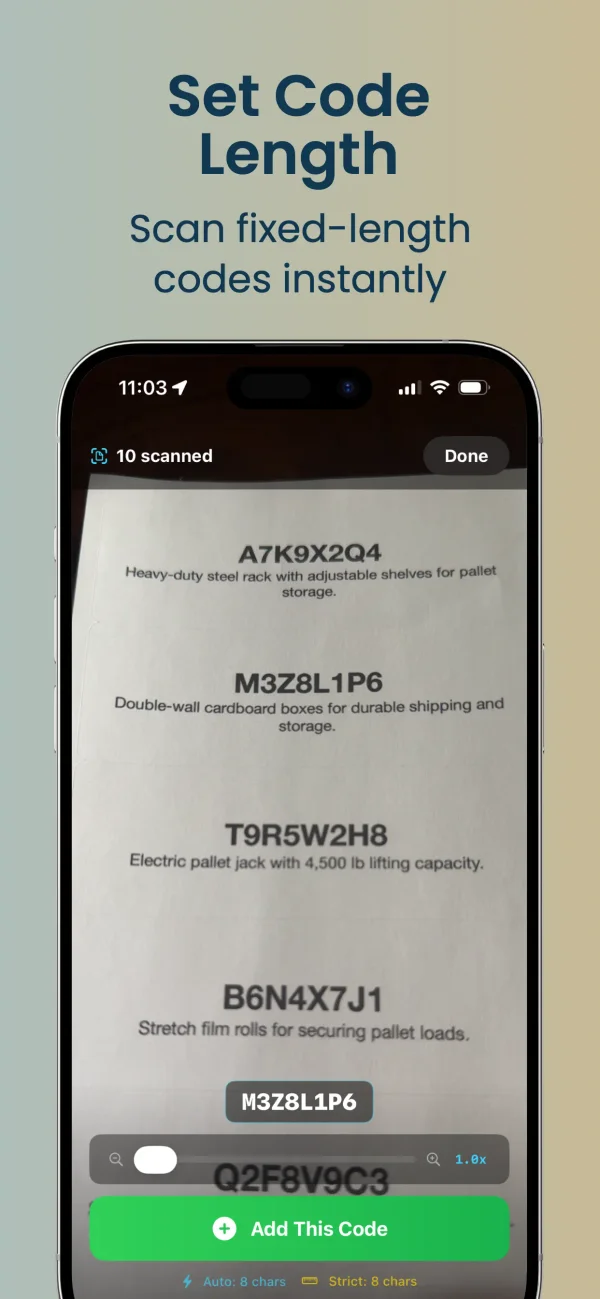
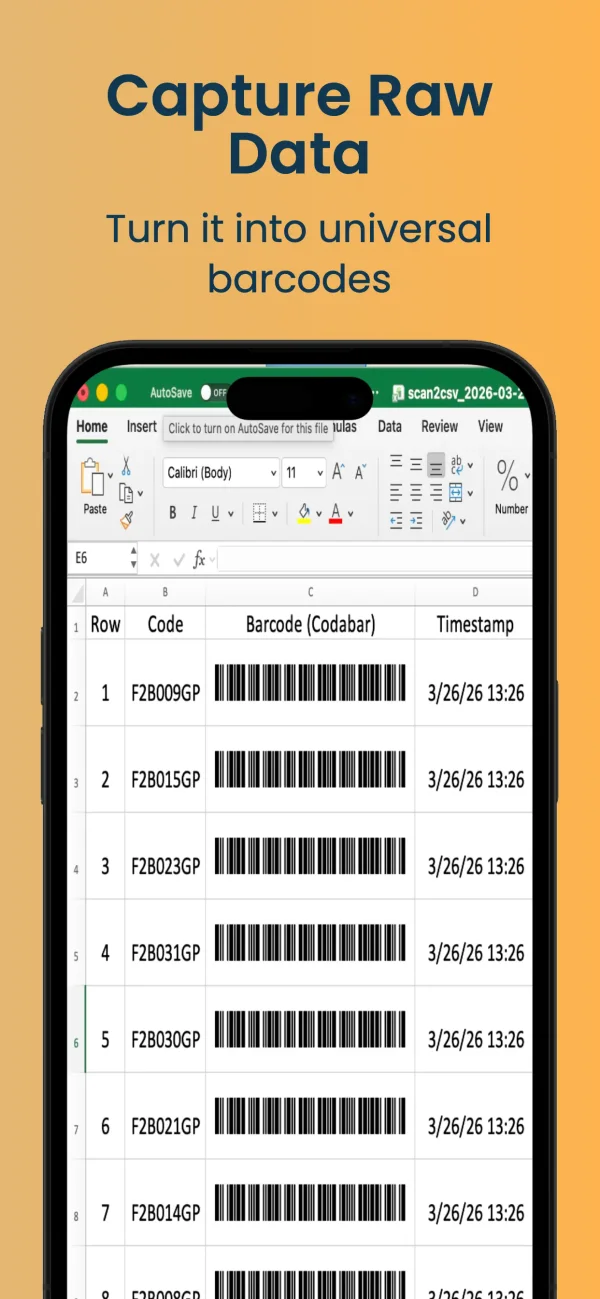
Scan2CSV is built for capturing fixed-length letter and number codes instantly without mistakes and exporting them as clean data or barcode formats.
Key Benefits
• Scan codes instantly using your camera
• Eliminate manual typing and reduce errors
• Capture consistent, structured data
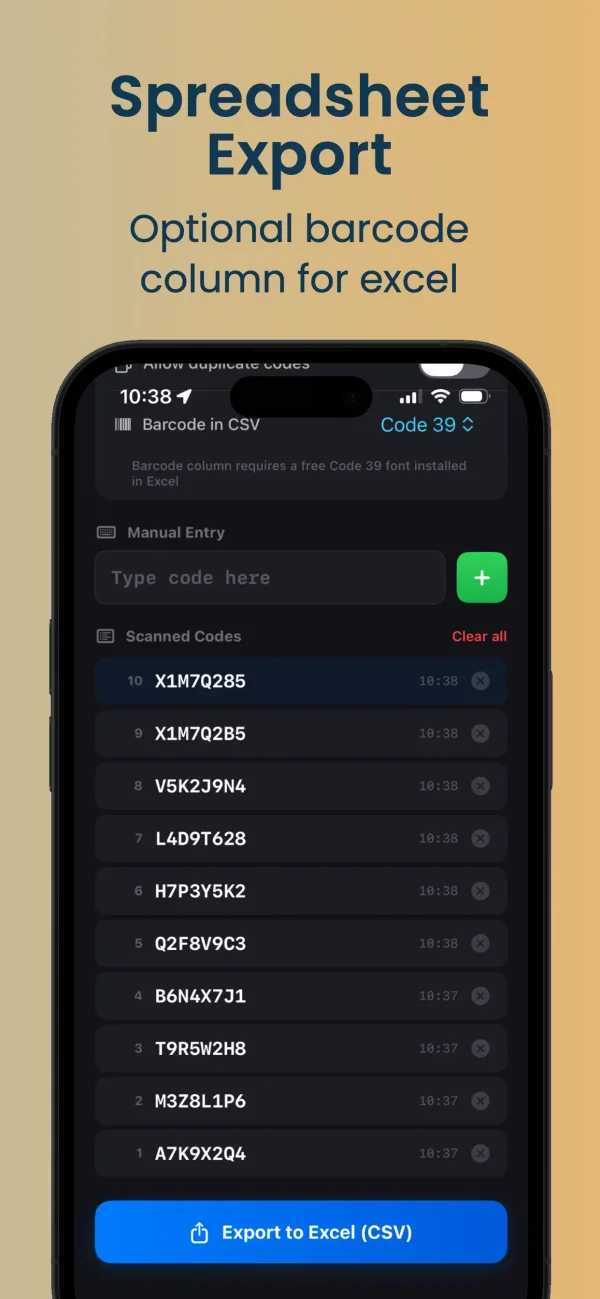
• Export to CSV (Excel-ready) or barcode format
Scan2CSV is designed for speed, precision, and real-world workflows:
• Set a fixed code length for faster scanning
• Automatically capture codes when length matches
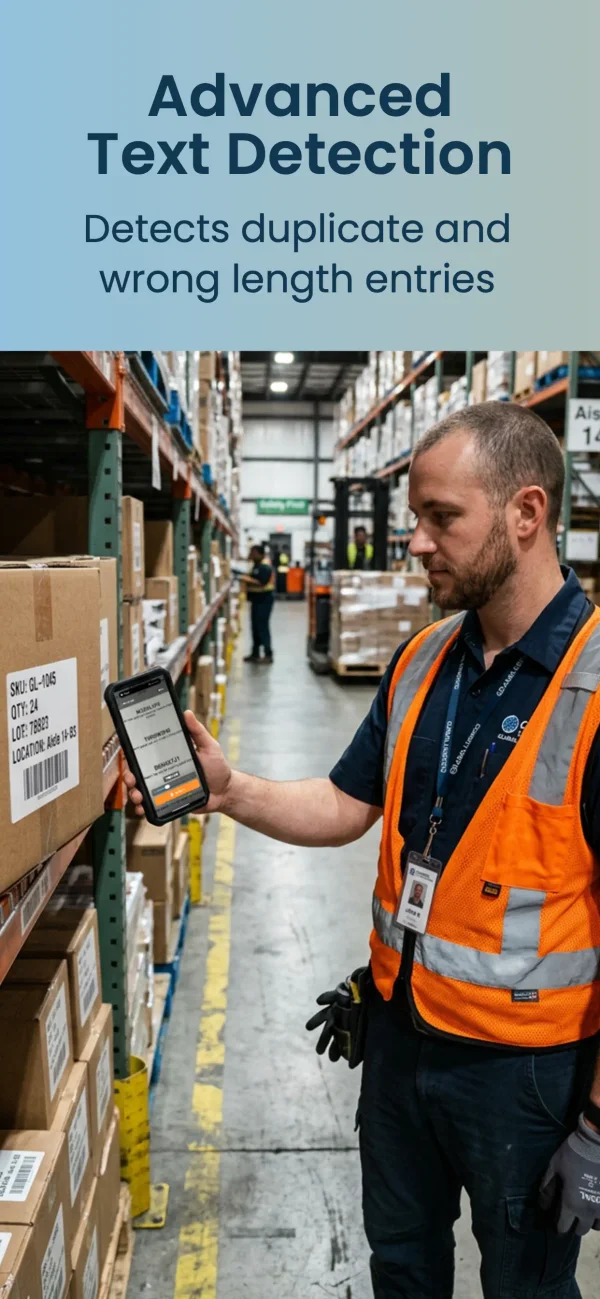
• Filter out incorrect or unwanted scans
• Optional duplicate detection
• Export codes as barcode-formatted data (Code 39)
Perfect for
• Warehouse workflows
• Serial number tracking
• Product labeling systems
• Inventory and asset management
• Converting codes into scannable barcodes
How it works:
1. Set your code length
2. Scan codes continuously
3. Instantly capture valid entries
4. Export to CSV or barcode format
Capture codes faster. Export them smarter.
Download Scan2CSV and streamline your workflow.
新機能
バージョン 1.2.0 · 2026/5/4
Batch Scanning
Organize your work into batches — create separate sessions for different aisles, pallets, or jobs. Switch between batches anytime and export them individually or all at once.
Code Pattern Matching
Set an exact pattern for your codes using L (letter), # (number), and - (symbol). For example, LL-#### tells the scanner to expect two letters, a dash, and four numbers. The scanner will only pick up codes that match your pattern and auto-correct common OCR mix-ups like O/0 and I/1 based on what each position expects.
Edit Scanned Codes
Tap the pencil icon on any code to fix typos or OCR errors right in the list. No need to delete and re-scan.
Other Improvements
• Edit and delete buttons are now larger and easier to tap
• Export CSV files now include the batch name in the filename
• "Row" column renamed to "Item" in exports for clarity
• Free scan limit now counts across all batches
アプリのプライバシー
このアプリのデータの取り扱いについて、John RothがApp Storeで申告している内容です。
-
データの収集なし
開発元はこのアプリからデータを収集しません。
プライバシーの取り扱いは、ご利用の機能やお客様の年齢などに応じて異なる場合があります。
情報
- 販売元
- John Roth
- カテゴリ
- ビジネス
- バージョン
- 1.2.0
- 更新日
- 2026/5/4
- リリース
- 2026/4/1
- サイズ
- 1.8 MB
- 必要条件
- iOS 26.2以降
- 対象年齢
- 4+
- 価格
- 無料
- アプリ内課金
- あり
- 言語
- 英語
- 著作権
- © 2026 John Roth