Smart Printer: Print & Scan・
Print & Scan Documents Fast
Conçue pour iPhone, iPad
Gratuit · Achats intégrés
- Classification d’âge17+
- CatégorieÉconomie et entreprise
- DéveloppeurFire Technologies Hong Kong Limited
- LanguesAnglais+ 9 de plus
- Taille171,1 Mo
Renvoie vers la page App Store officielle
Download.org n’héberge aucun fichier de Smart Printer: Print & Scan・. Le bouton ouvre la page de l’application sur App Store, où Fire Technologies Hong Kong Limited la publie. Fiche vérifiée pour la dernière fois le 20/11/2026.
Captures d’écran

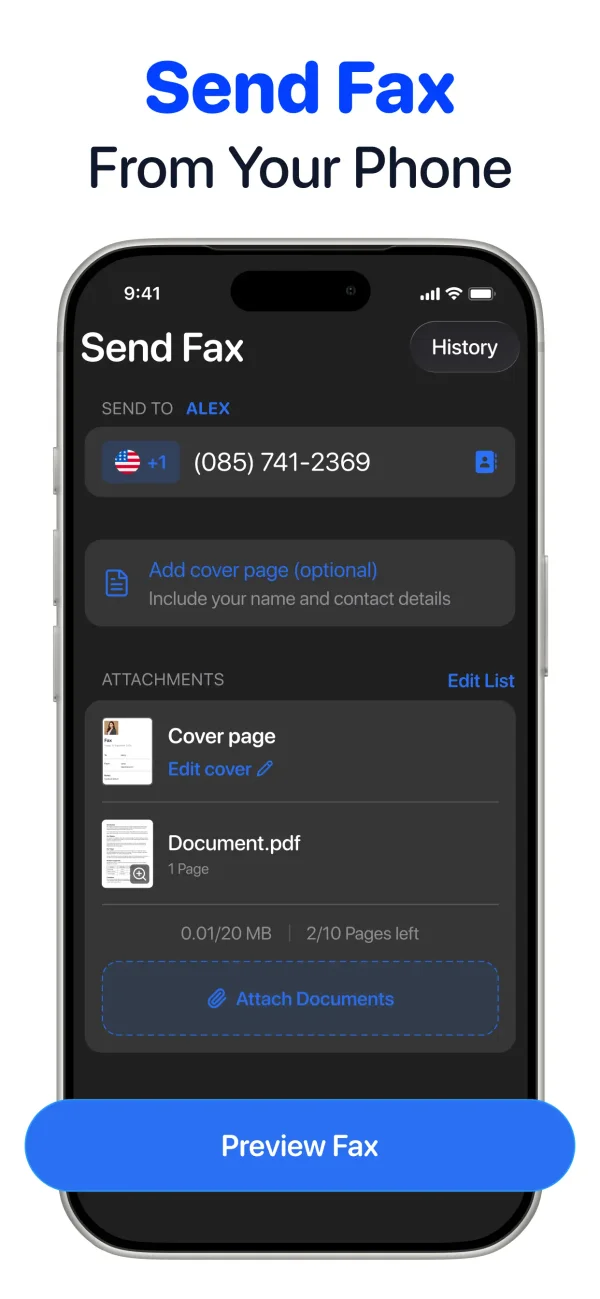
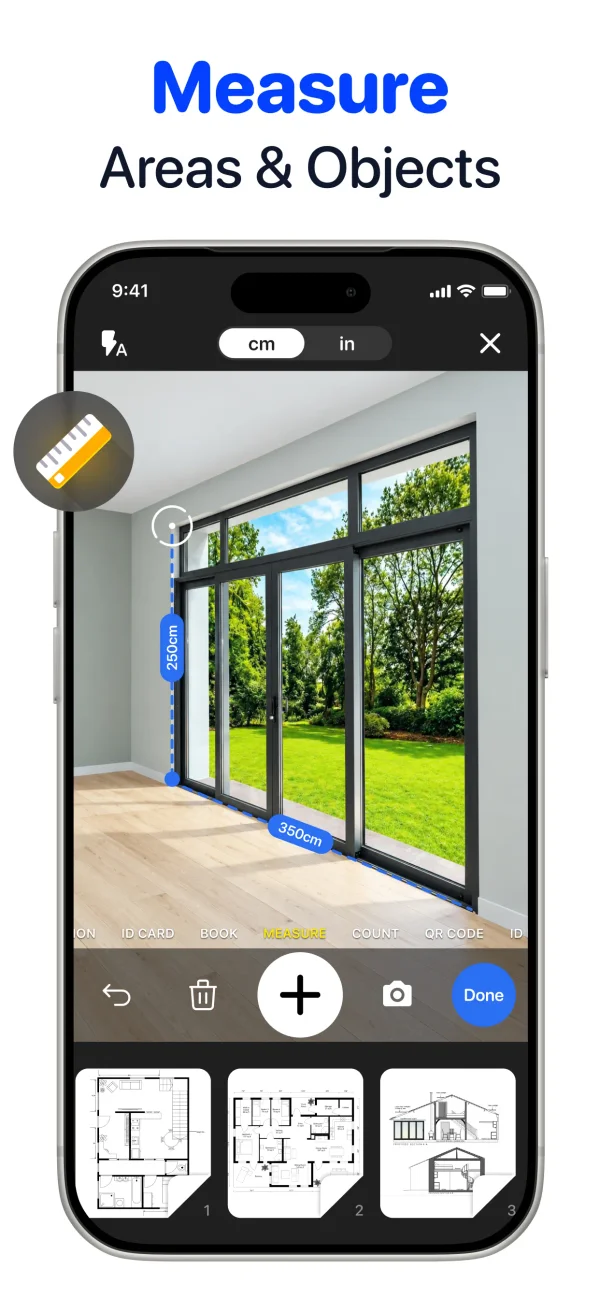
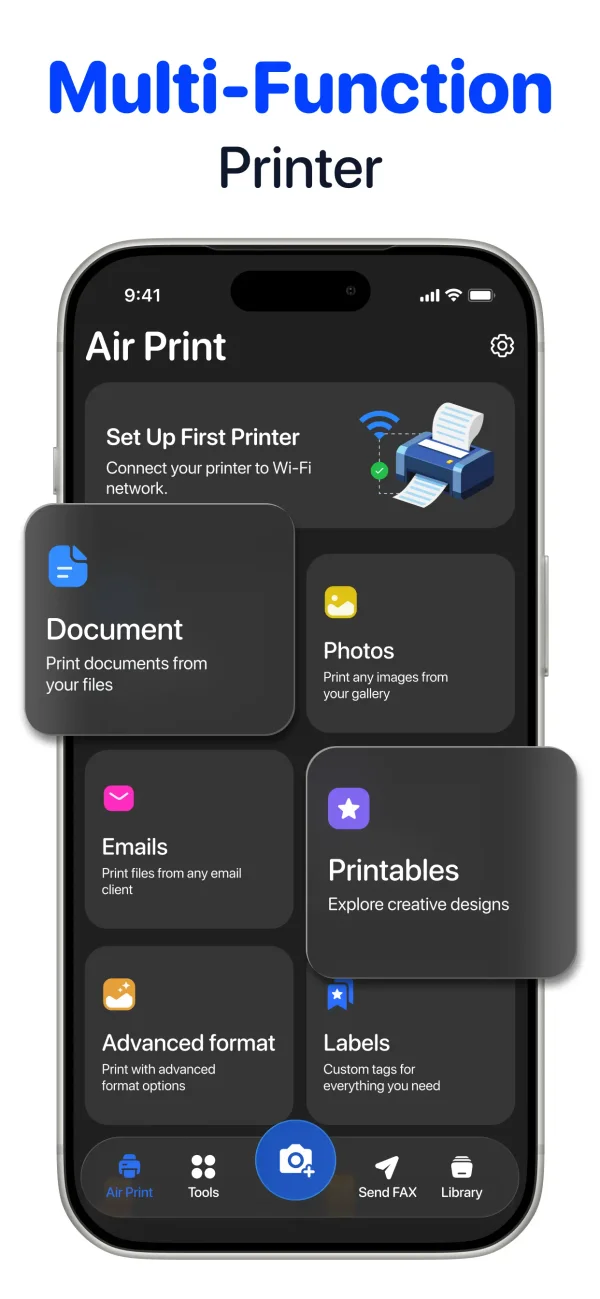
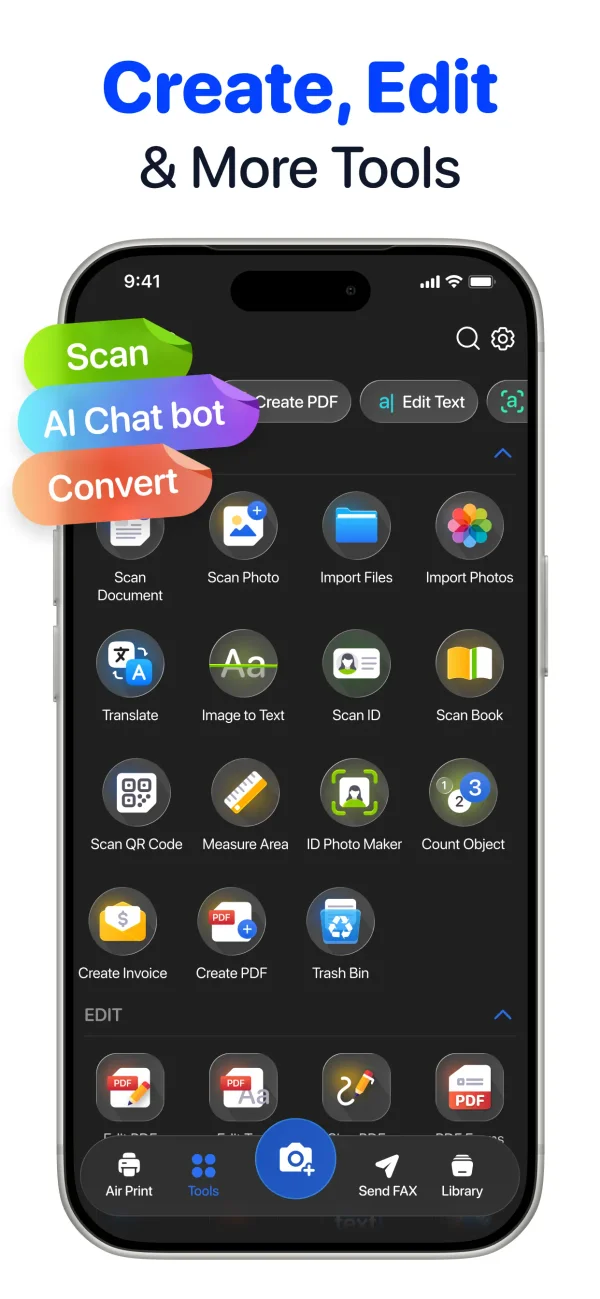
À propos
Le développeur n’a pas fourni ce texte dans votre langue.
**Printer App: Your All-in-One Solution for Effortless Printing**
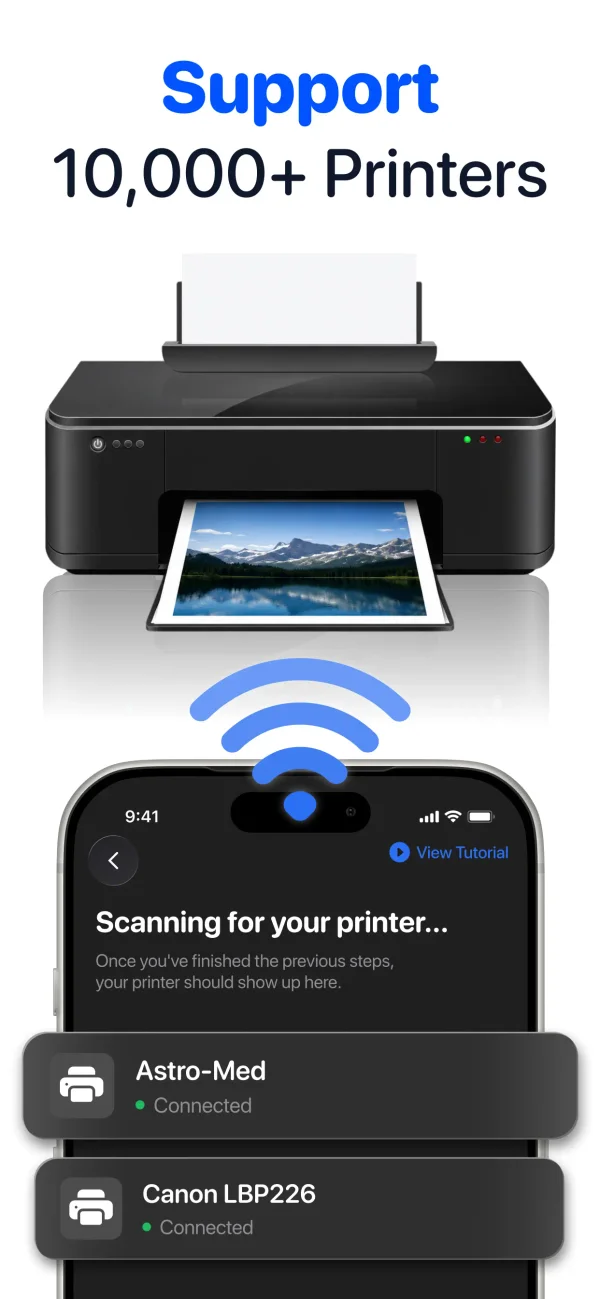
Discover a revolutionary way to print with the Printer App. Seamlessly compatible with over 9,000 wireless printers, it empowers you to print documents and photos instantly. From intuitive file selection to advanced customization tools, the entire process is smooth and hassle-free.
**Key Features of the Printer App**
**Effortless Printing from iOS Devices**
- Print documents, photos, web pages, contacts, and more with ease.
- Directly print from Dropbox or Google Drive.
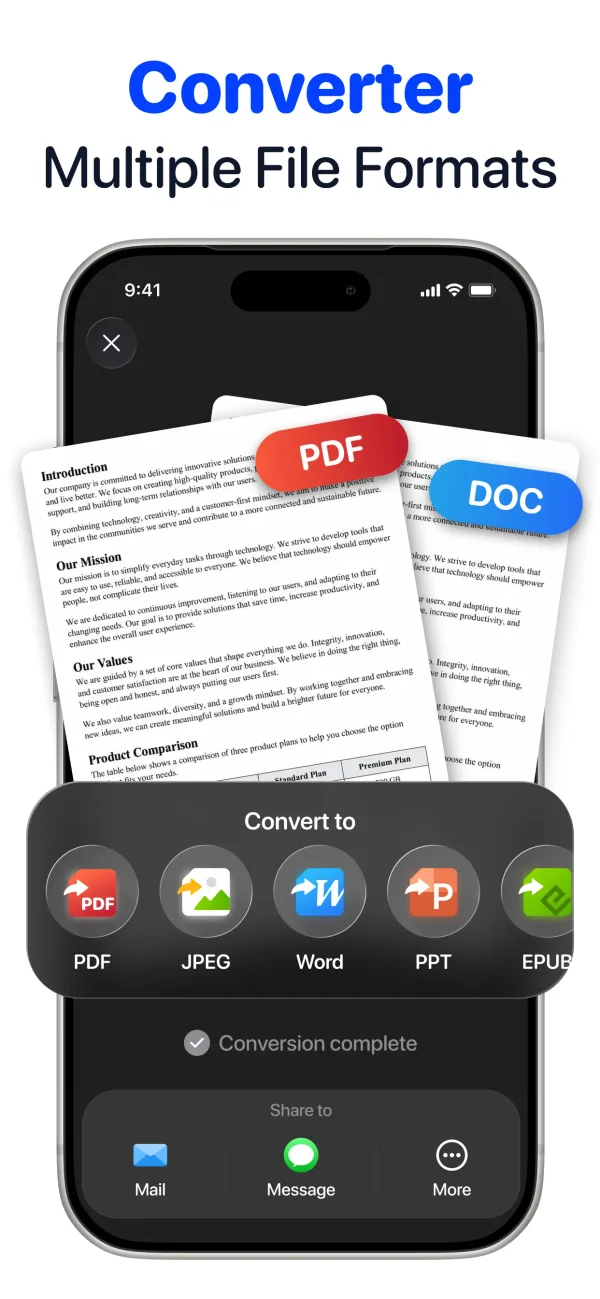
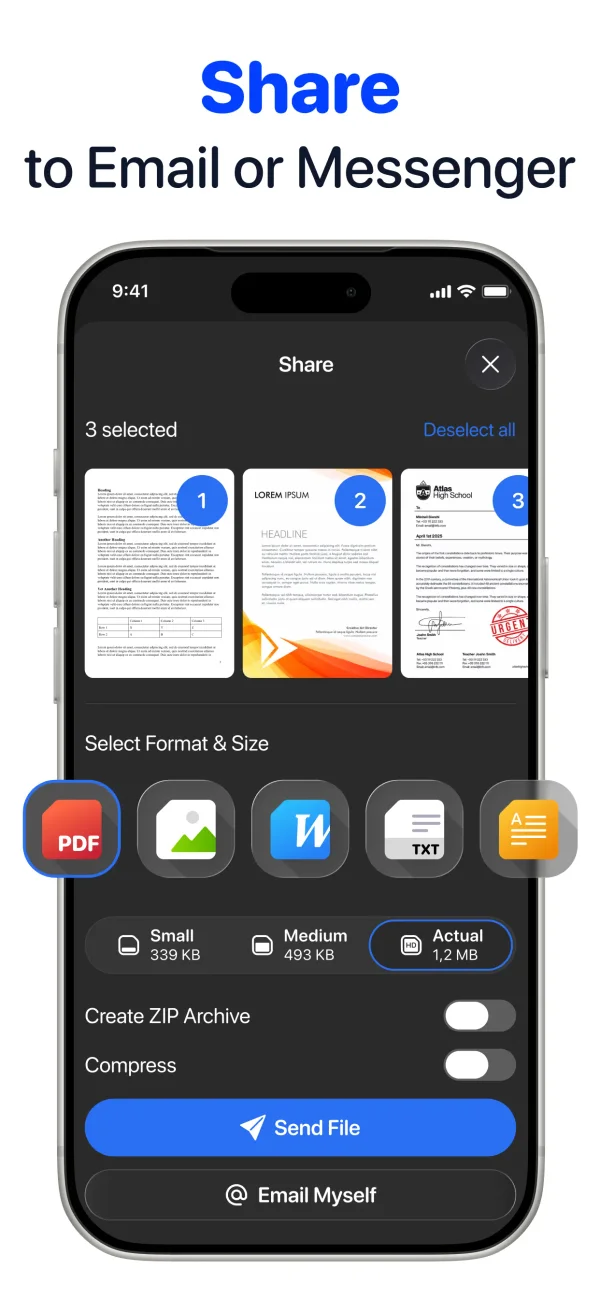
- Supports over 20 file formats, including PDF, DOCX, PAGES, and TXT.
**Seamless Document Scanning**
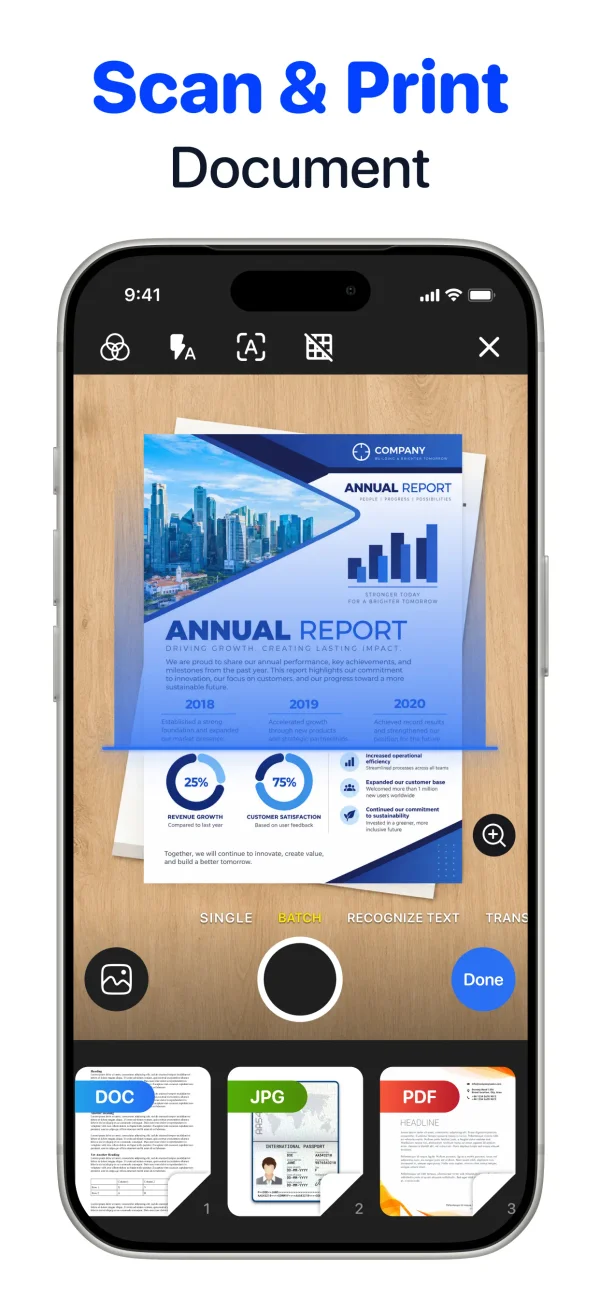
- Scan documents effortlessly using the app’s built-in scanner.
- Share or print your scanned files in just a few taps.
**Advanced Printing Options**
- Choose between portrait or landscape orientation.
- Print single-sided or double-sided for convenience.
- Adjust the number of pages per sheet.
- Select black-and-white or full-color printing.
- Support for a variety of paper sizes, including A3, A4, and B5.
- Easily specify print range and number of copies for precision.
**Comprehensive Document Editing**
- Highlight, underline, or annotate your documents with ease.
- Add custom text or notes as needed.
- Access advanced editing tools for complete control.
**Powerful Photo Enhancements**
- Apply filters, blur effects, and adjust saturation.
- Resize, crop, or modify proportions effortlessly.
- Enhance image quality with contrast, sharpening, and masking tools.
- A full suite of photo editing features for all your creative needs.
The Printer App integrates seamlessly with any printer supporting wireless technology, offering a modern, streamlined printing experience.
**Pro Tip:** For optimal performance, ensure your device and printer are connected to the same Wi-Fi network.
Term of Service: https://sites.google.com/view/smart-air-printer-terms
Privacy Policy: https://sites.google.com/view/smart-air-printer-policy
Nouveautés
Version 1.5.2 · 21/09/2026
What’s New
• Completely redesigned UI/UX for a simpler and more intuitive experience
• Updated buttons and interactions with the latest iOS 26 design
• New Library and More Tools with powerful scan & edit features
• New tools: Colorize Photo, Dewarp Text, Erase Fingers, Remove Shadows & Deblur Text
• Enhanced PDF editing with Translate, Recognize, Adjust, Filter & Crop
• Improved performance for smoother editing of large PDF and document files
• Overall performance, stability, and usability improvements
Confidentialité de l’application
Ce que Fire Technologies Hong Kong Limited déclare sur l’App Store au sujet du traitement des données par cette application.
-
Données utilisées pour vous suivre
Peuvent être utilisées pour vous suivre sur des applications et des sites web appartenant à d’autres sociétés.
- Autres données
-
Données n’établissant aucun lien avec vous
Peuvent être collectées, mais ne sont pas liées à votre identité.
- Autres données
Les pratiques en matière de confidentialité peuvent varier, notamment en fonction des fonctionnalités que vous utilisez ou de votre âge.
Informations
- Vendeur
- Fire Technologies Hong Kong Limited
- Catégorie
- Économie et entreprise
- Version
- 1.5.2
- Mis à jour
- 21/09/2026
- Publié
- 04/01/2023
- Taille
- 171,1 Mo
- Nécessite
- iOS 16.6 ou version ultérieure
- Classification d’âge
- 17+
- Prix
- Gratuit
- Achats intégrés
- Oui
- Langues
- Anglais, Français, Allemand, Hindi, Italien, Japonais, Coréen, Chinois simplifié, Espagnol, Vietnamien
- Copyright
- © @Tran Minh
Vous aimerez peut-être aussi
-
 Imprimante pour HP et CanonImprimer des PDF et des photos
-
 Imprimante & Scanner ProImprimer, Scanner & Faxer
-
 Smart Air Printer App & ScanÉconomie et entreprise
-
 DS Scanner: Scan & TranslateProductivité
-
 Imprimante Smart App: AirPrintImprimez, Scannez, Éditez Docs
-
 Smart Air Imprimante-AnyPrintPrinter-Print Photo & Scan
-
 Smart Printer App for HP *Économie et entreprise
-
 Smart Printer App & ScannerÉconomie et entreprise