- 対象年齢17+
- カテゴリビジネス
- 開発元Fire Technologies Hong Kong Limited
- 言語英語ほか9言語
- サイズ171.1 MB
App Storeの公式ページにリンクしています
Download.orgはSmart Printer: Print & Scan・のファイルを一切ホストしていません。ボタンを押すと、Fire Technologies Hong Kong Limitedが公開しているApp Storeのアプリページが開きます。ページの最終確認:2026/11/20。
スクリーンショット

概要
開発元はこのテキストをお使いの言語で提供していません。
**Printer App: Your All-in-One Solution for Effortless Printing**
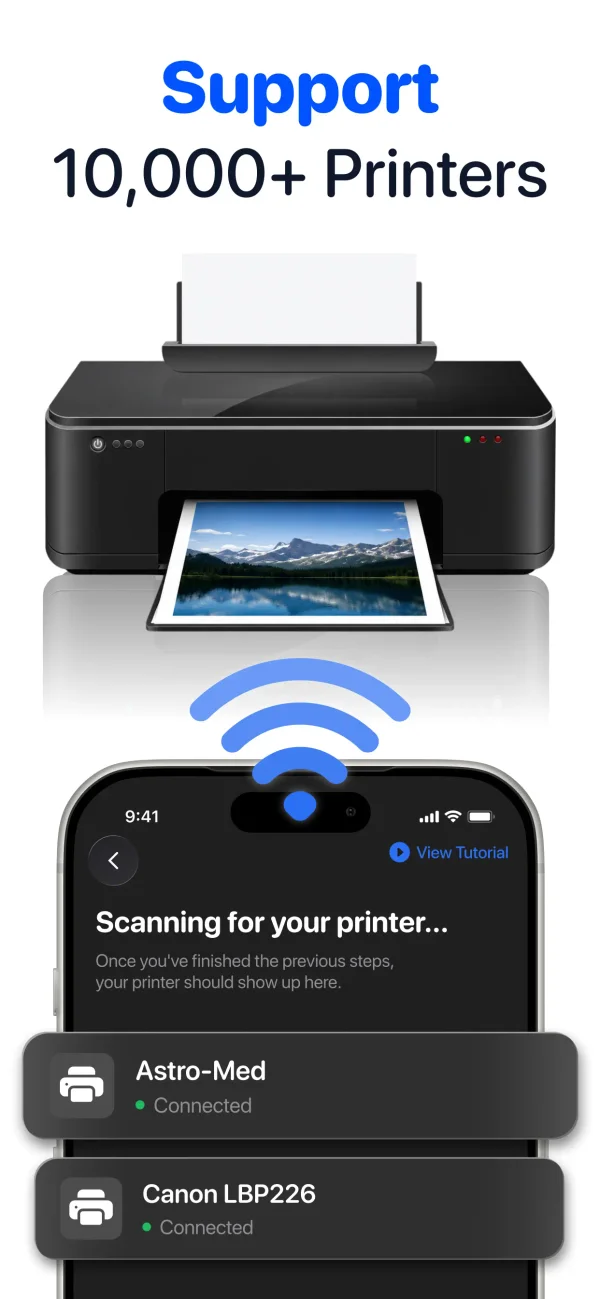
Discover a revolutionary way to print with the Printer App. Seamlessly compatible with over 9,000 wireless printers, it empowers you to print documents and photos instantly. From intuitive file selection to advanced customization tools, the entire process is smooth and hassle-free.
**Key Features of the Printer App**
**Effortless Printing from iOS Devices**
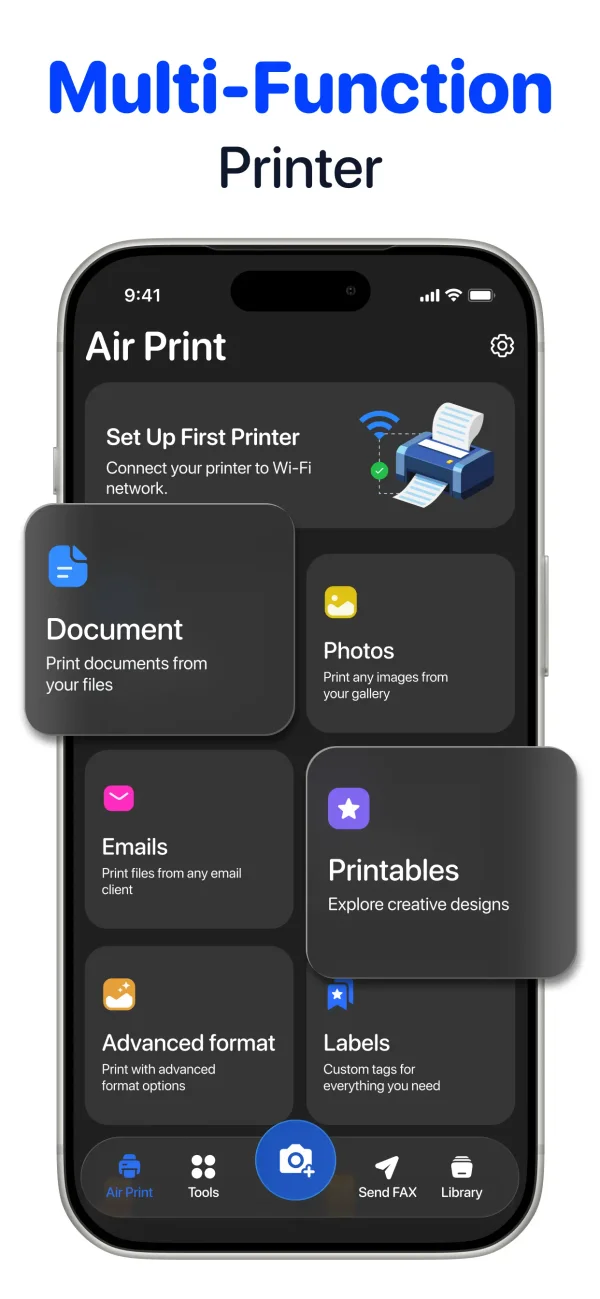
- Print documents, photos, web pages, contacts, and more with ease.
- Directly print from Dropbox or Google Drive.
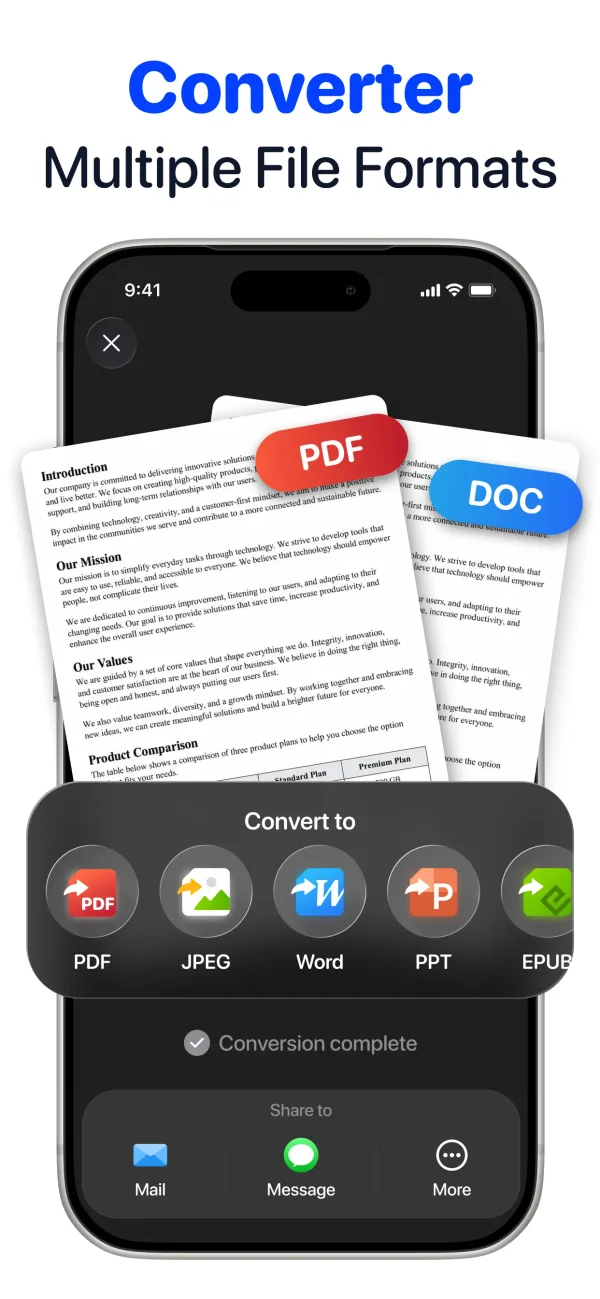
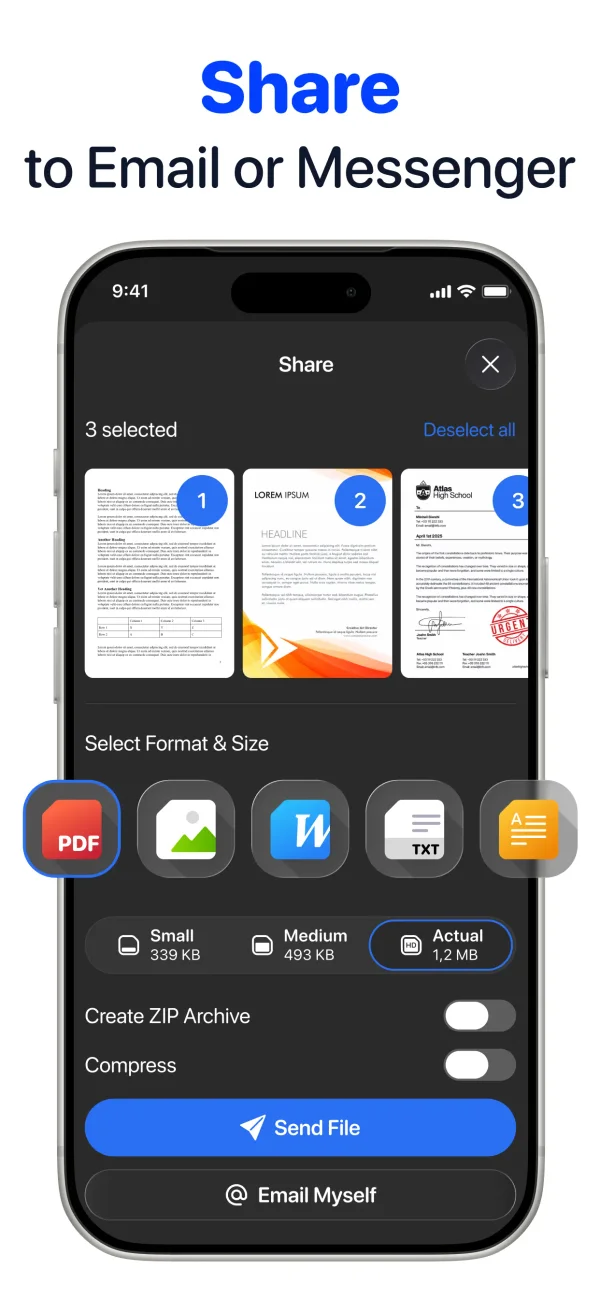
- Supports over 20 file formats, including PDF, DOCX, PAGES, and TXT.
**Seamless Document Scanning**
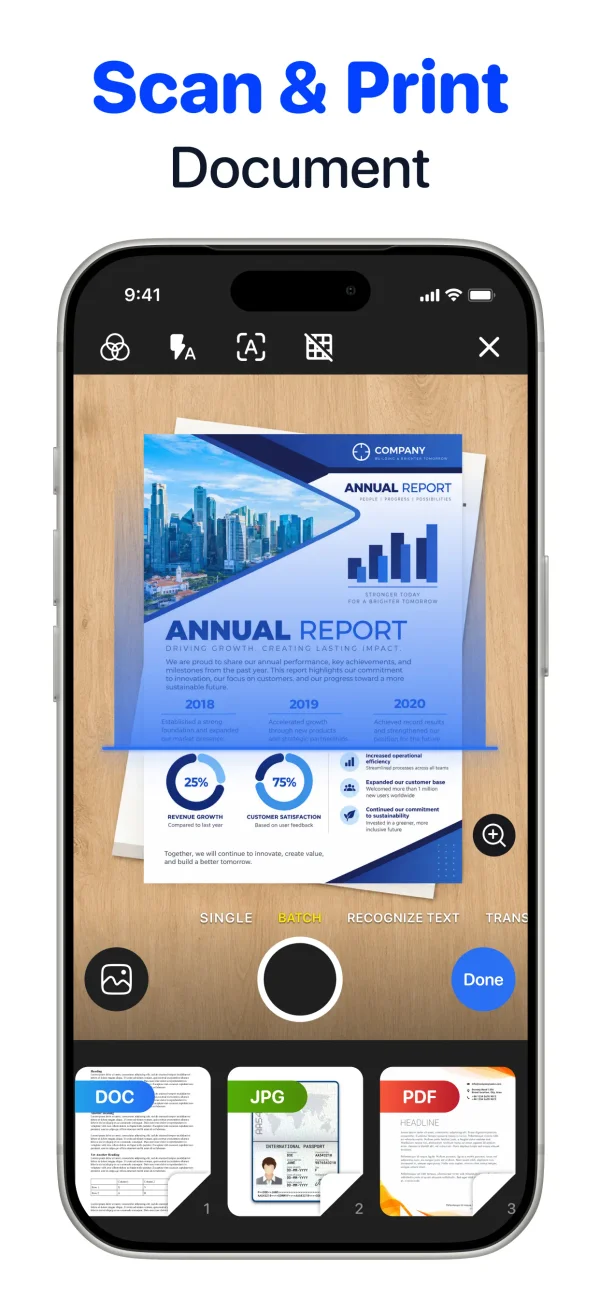
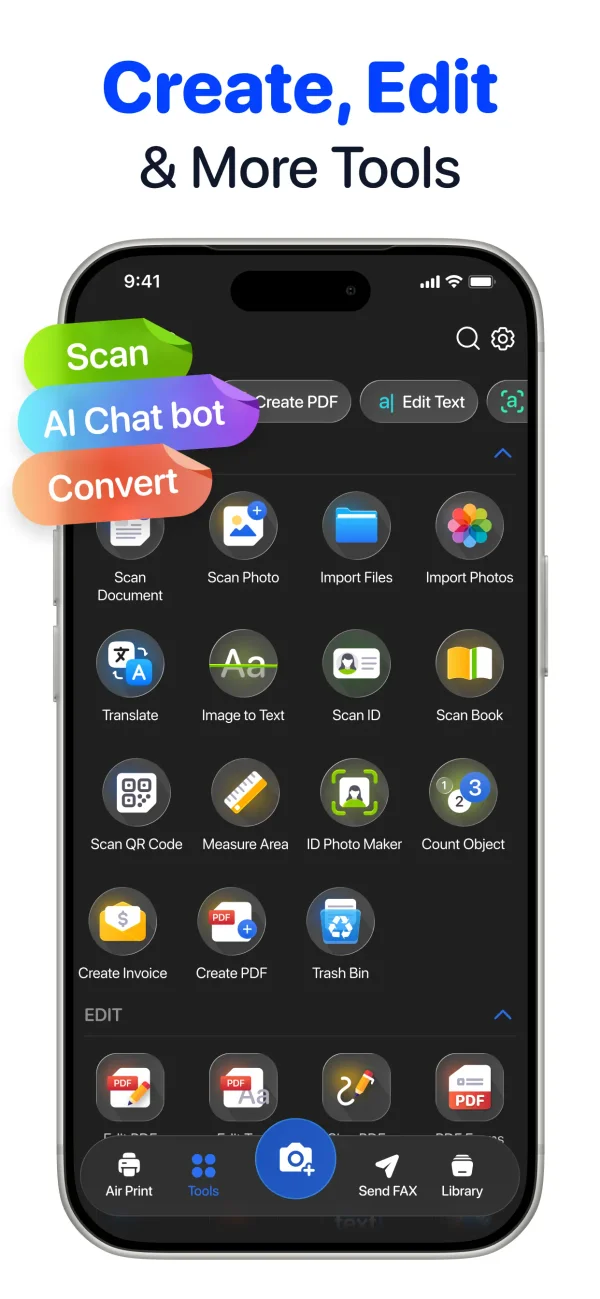
- Scan documents effortlessly using the app’s built-in scanner.
- Share or print your scanned files in just a few taps.
**Advanced Printing Options**
- Choose between portrait or landscape orientation.
- Print single-sided or double-sided for convenience.
- Adjust the number of pages per sheet.
- Select black-and-white or full-color printing.
- Support for a variety of paper sizes, including A3, A4, and B5.
- Easily specify print range and number of copies for precision.
**Comprehensive Document Editing**
- Highlight, underline, or annotate your documents with ease.
- Add custom text or notes as needed.
- Access advanced editing tools for complete control.
**Powerful Photo Enhancements**
- Apply filters, blur effects, and adjust saturation.
- Resize, crop, or modify proportions effortlessly.
- Enhance image quality with contrast, sharpening, and masking tools.
- A full suite of photo editing features for all your creative needs.
The Printer App integrates seamlessly with any printer supporting wireless technology, offering a modern, streamlined printing experience.
**Pro Tip:** For optimal performance, ensure your device and printer are connected to the same Wi-Fi network.
Term of Service: https://sites.google.com/view/smart-air-printer-terms
Privacy Policy: https://sites.google.com/view/smart-air-printer-policy
新機能
バージョン 1.5.2 · 2026/9/21
What’s New
• Completely redesigned UI/UX for a simpler and more intuitive experience
• Updated buttons and interactions with the latest iOS 26 design
• New Library and More Tools with powerful scan & edit features
• New tools: Colorize Photo, Dewarp Text, Erase Fingers, Remove Shadows & Deblur Text
• Enhanced PDF editing with Translate, Recognize, Adjust, Filter & Crop
• Improved performance for smoother editing of large PDF and document files
• Overall performance, stability, and usability improvements
アプリのプライバシー
このアプリのデータの取り扱いについて、Fire Technologies Hong Kong LimitedがApp Storeで申告している内容です。
-
ユーザーのトラッキングに使用されるデータ
他社のアプリやウェブサイトを横断してユーザーをトラッキングする目的で使用される場合があります。
- その他のデータ
-
ユーザーに関連付けられないデータ
収集される場合がありますが、ユーザーの識別情報には関連付けられません。
- その他のデータ
プライバシーの取り扱いは、ご利用の機能やお客様の年齢などに応じて異なる場合があります。
情報
- 販売元
- Fire Technologies Hong Kong Limited
- カテゴリ
- ビジネス
- バージョン
- 1.5.2
- 更新日
- 2026/9/21
- リリース
- 2023/1/4
- サイズ
- 171.1 MB
- 必要条件
- iOS 16.6以降
- 対象年齢
- 17+
- 価格
- 無料
- アプリ内課金
- あり
- 言語
- 英語, フランス語, ドイツ語, ヒンディー語, イタリア語, 日本語, 韓国語, 簡体字中国語, スペイン語, ベトナム語
- 著作権
- © @Tran Minh