Smart Printer: Print & Scan・
Print & Scan Documents Fast
Được thiết kế cho iPhone, iPad
Miễn phí · Mua hàng trong ứng dụng
- Độ tuổi17+
- Danh mụcKinh Doanh
- Nhà phát triểnFire Technologies Hong Kong Limited
- Ngôn ngữTiếng Anh+ 9 ngôn ngữ khác
- Kích thước171,1 MB
Liên kết đến trang App Store chính thức
Download.org không lưu trữ tệp nào của Smart Printer: Print & Scan・. Nút này mở trang ứng dụng trên App Store, nơi Fire Technologies Hong Kong Limited phát hành ứng dụng. Trang được kiểm tra lần cuối: 20/11/2026.
Ảnh chụp màn hình

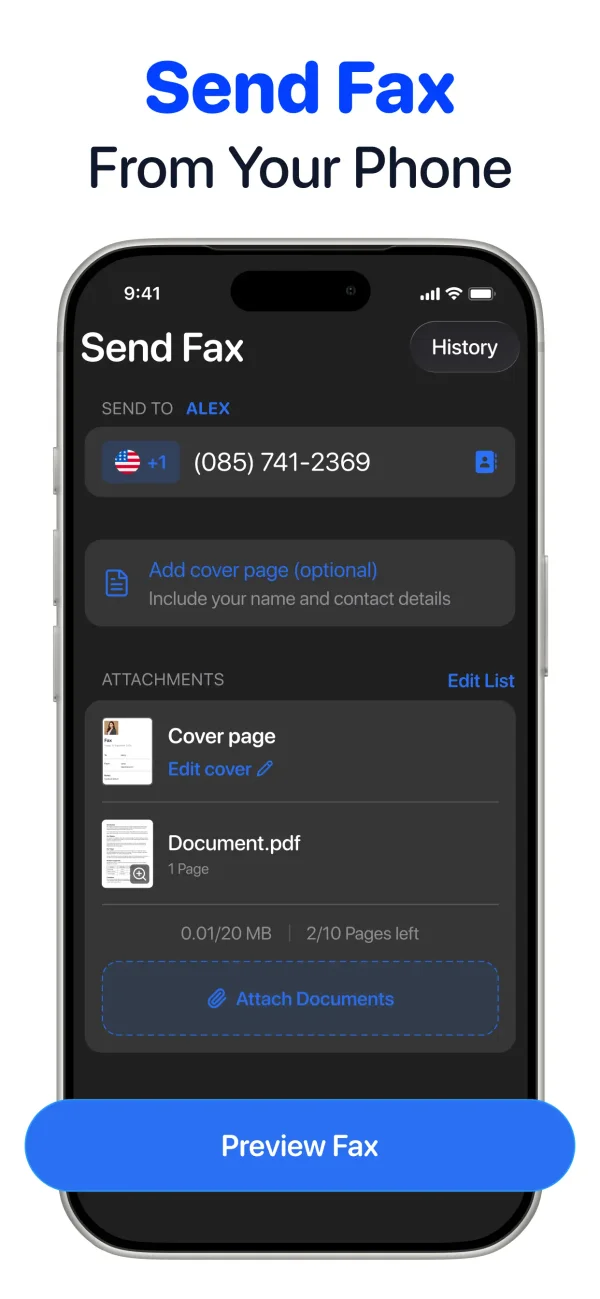
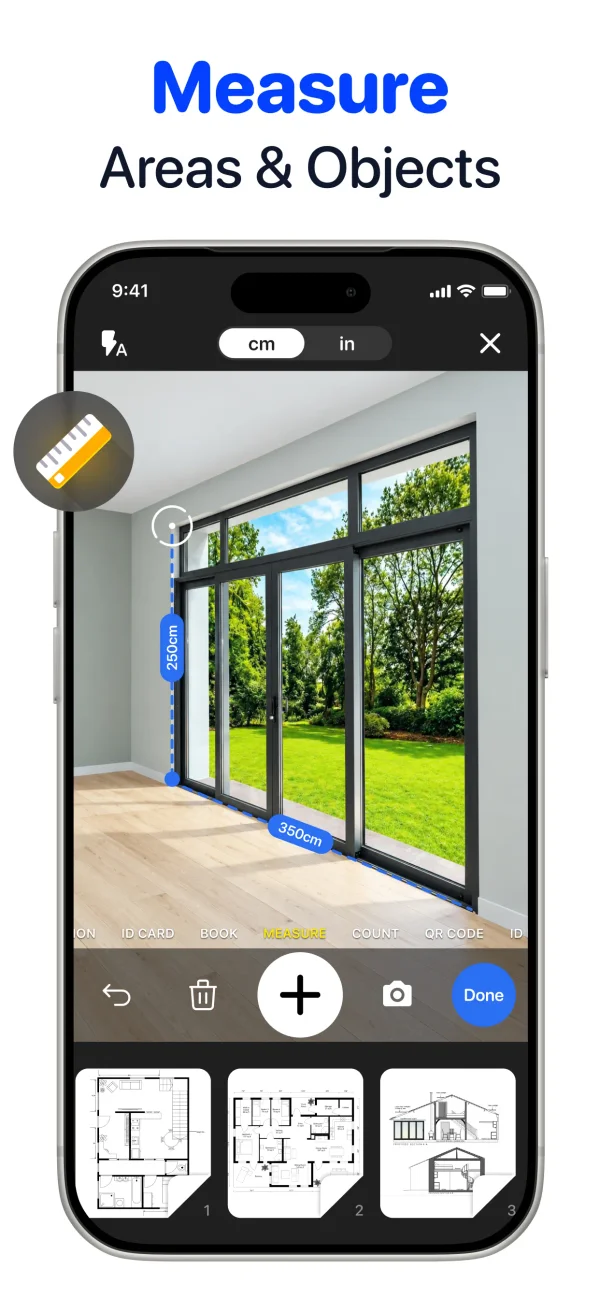
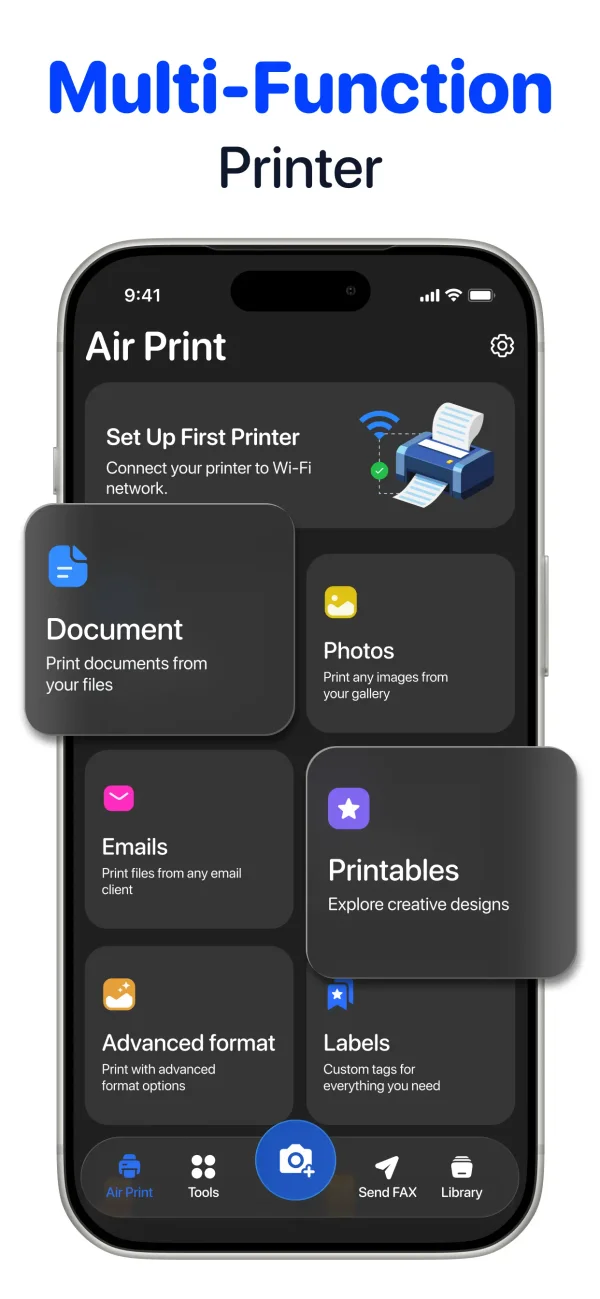
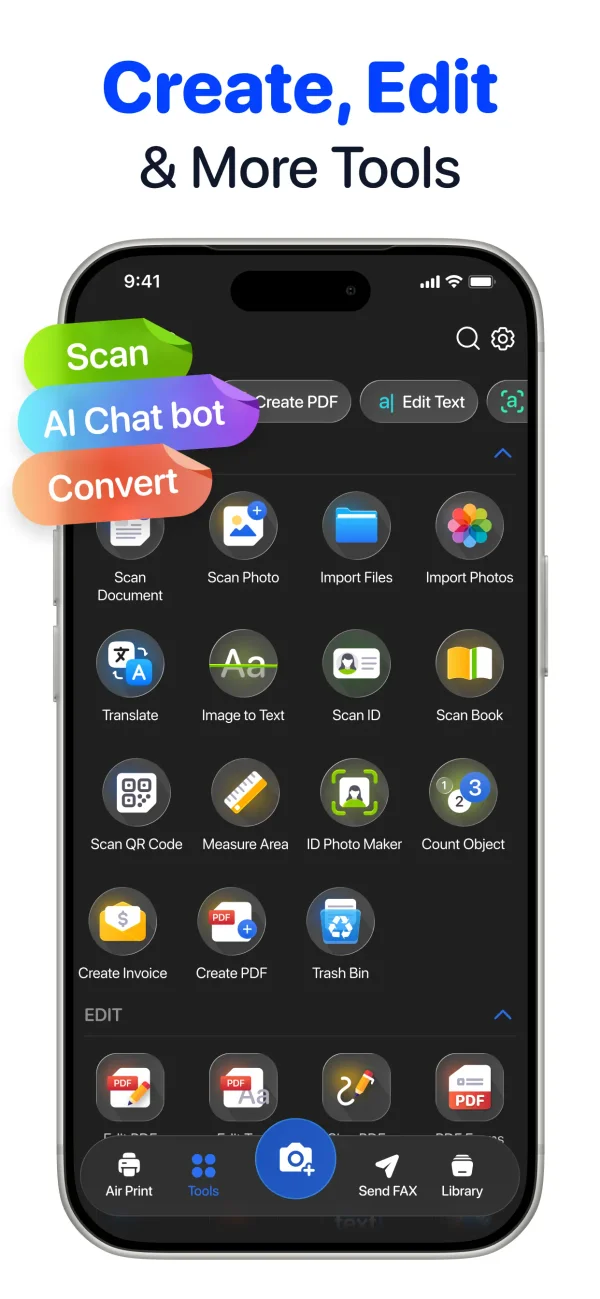
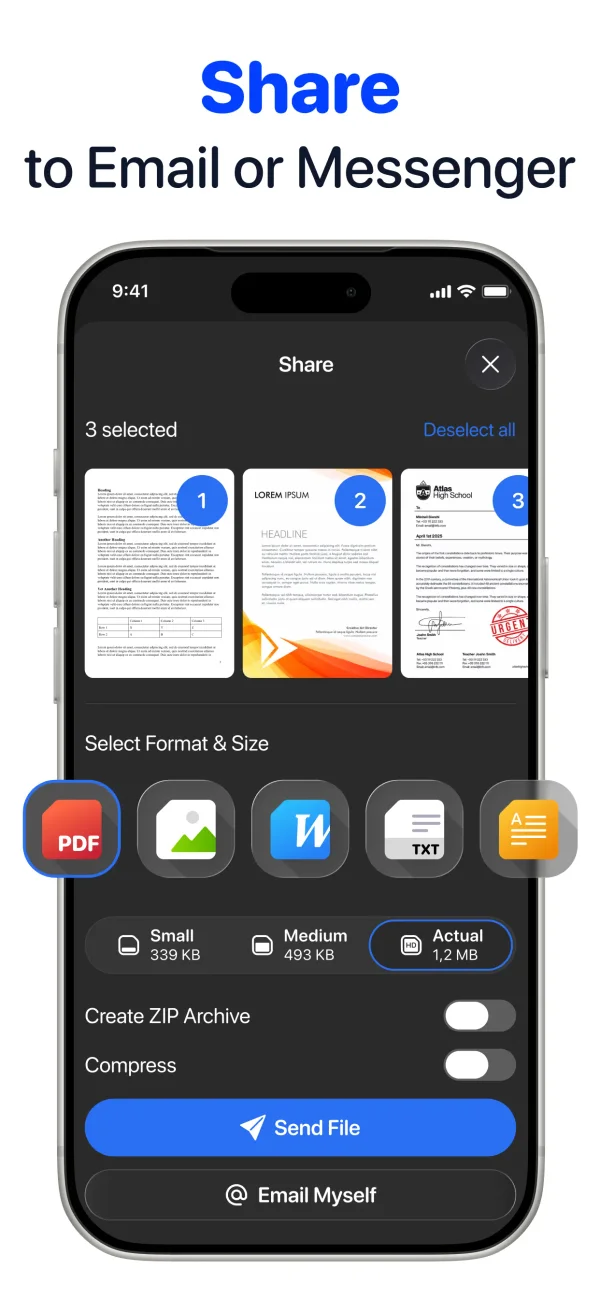
Giới thiệu
Nhà phát triển chưa cung cấp nội dung này bằng ngôn ngữ của bạn.
**Printer App: Your All-in-One Solution for Effortless Printing**
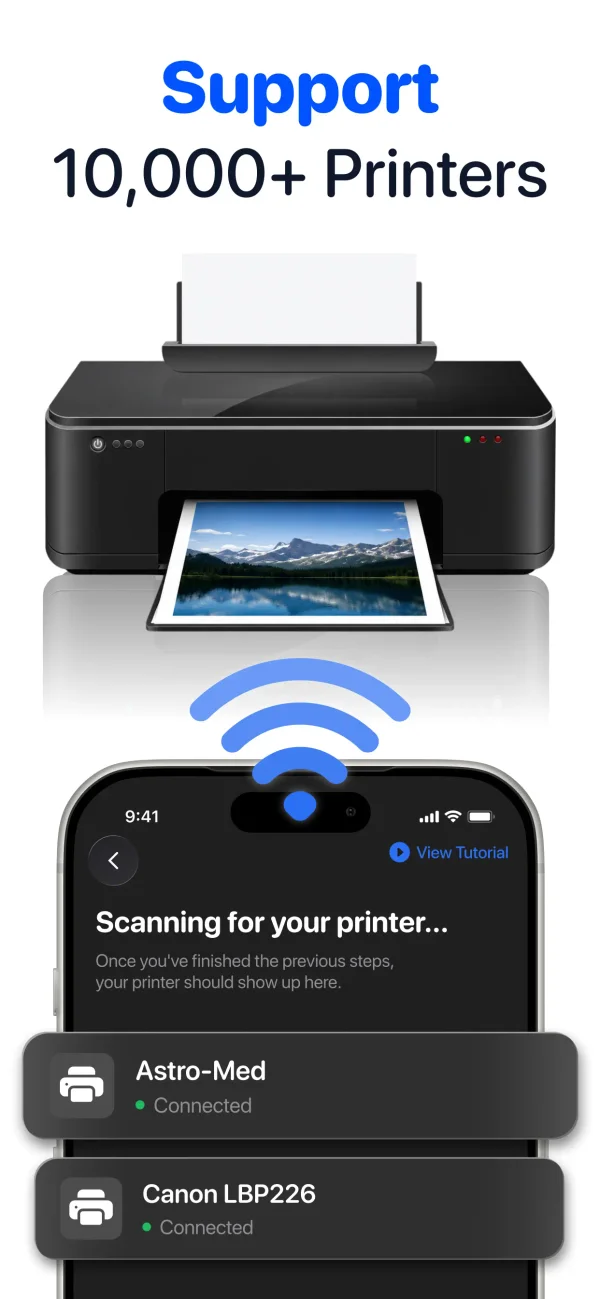
Discover a revolutionary way to print with the Printer App. Seamlessly compatible with over 9,000 wireless printers, it empowers you to print documents and photos instantly. From intuitive file selection to advanced customization tools, the entire process is smooth and hassle-free.
**Key Features of the Printer App**
**Effortless Printing from iOS Devices**
- Print documents, photos, web pages, contacts, and more with ease.
- Directly print from Dropbox or Google Drive.
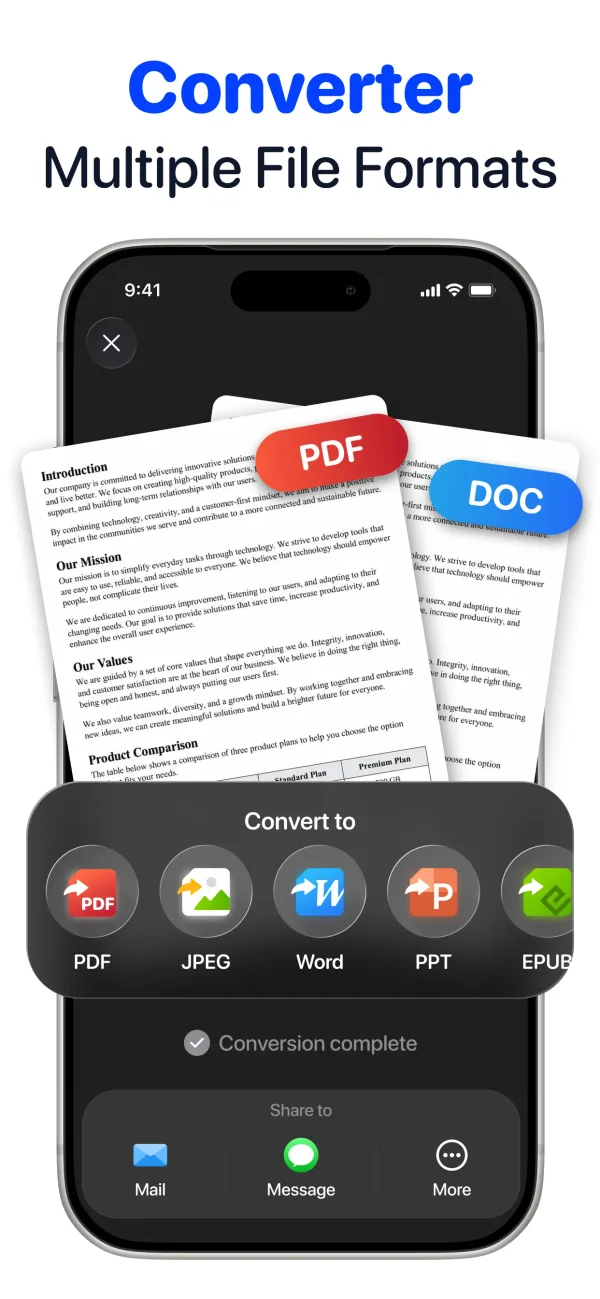
- Supports over 20 file formats, including PDF, DOCX, PAGES, and TXT.
**Seamless Document Scanning**
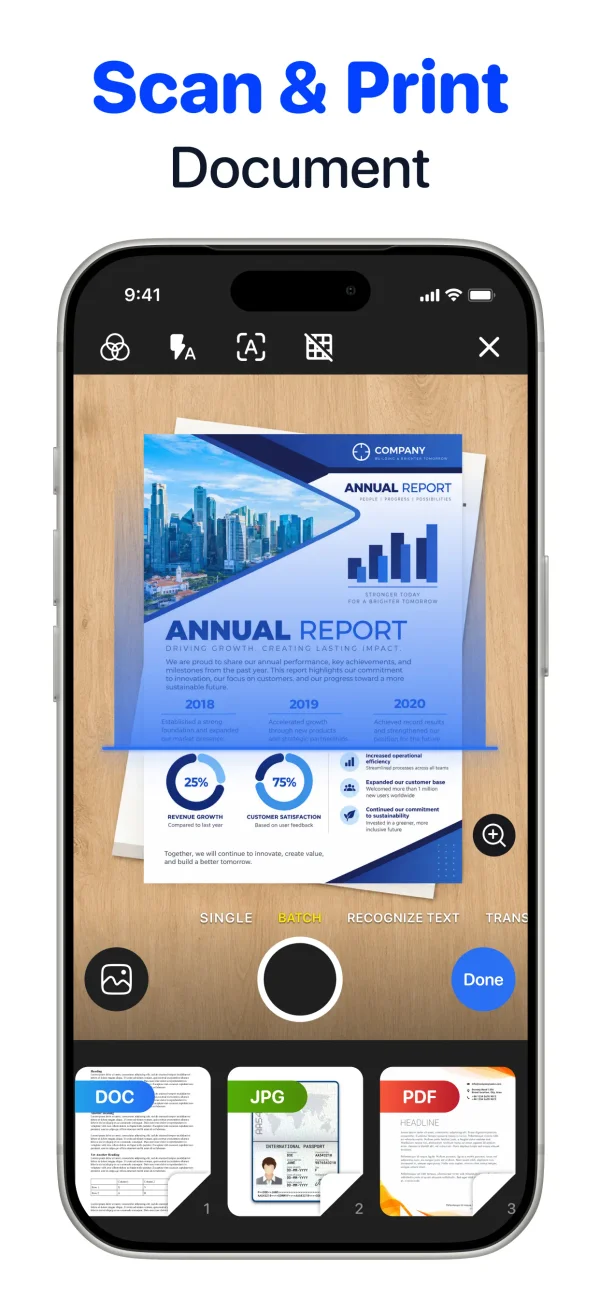
- Scan documents effortlessly using the app’s built-in scanner.
- Share or print your scanned files in just a few taps.
**Advanced Printing Options**
- Choose between portrait or landscape orientation.
- Print single-sided or double-sided for convenience.
- Adjust the number of pages per sheet.
- Select black-and-white or full-color printing.
- Support for a variety of paper sizes, including A3, A4, and B5.
- Easily specify print range and number of copies for precision.
**Comprehensive Document Editing**
- Highlight, underline, or annotate your documents with ease.
- Add custom text or notes as needed.
- Access advanced editing tools for complete control.
**Powerful Photo Enhancements**
- Apply filters, blur effects, and adjust saturation.
- Resize, crop, or modify proportions effortlessly.
- Enhance image quality with contrast, sharpening, and masking tools.
- A full suite of photo editing features for all your creative needs.
The Printer App integrates seamlessly with any printer supporting wireless technology, offering a modern, streamlined printing experience.
**Pro Tip:** For optimal performance, ensure your device and printer are connected to the same Wi-Fi network.
Term of Service: https://sites.google.com/view/smart-air-printer-terms
Privacy Policy: https://sites.google.com/view/smart-air-printer-policy
Có gì mới
Phiên bản 1.5.2 · 21/09/2026
What’s New
• Completely redesigned UI/UX for a simpler and more intuitive experience
• Updated buttons and interactions with the latest iOS 26 design
• New Library and More Tools with powerful scan & edit features
• New tools: Colorize Photo, Dewarp Text, Erase Fingers, Remove Shadows & Deblur Text
• Enhanced PDF editing with Translate, Recognize, Adjust, Filter & Crop
• Improved performance for smoother editing of large PDF and document files
• Overall performance, stability, and usability improvements
Quyền riêng tư của ứng dụng
Những gì Fire Technologies Hong Kong Limited khai báo trên App Store về cách ứng dụng này xử lý dữ liệu.
-
Dữ liệu được sử dụng để theo dõi bạn
Có thể được sử dụng để theo dõi bạn trên các ứng dụng và trang web do công ty khác sở hữu.
- Dữ liệu khác
-
Dữ liệu không liên kết với bạn
Có thể được thu thập nhưng không liên kết với danh tính của bạn.
- Dữ liệu khác
Phương thức đảm bảo quyền riêng tư có thể khác nhau, chẳng hạn như tuỳ theo các tính năng bạn sử dụng hoặc độ tuổi của bạn.
Thông tin
- Người bán
- Fire Technologies Hong Kong Limited
- Danh mục
- Kinh Doanh
- Phiên bản
- 1.5.2
- Cập nhật
- 21/09/2026
- Phát hành
- 04/01/2023
- Kích thước
- 171,1 MB
- Yêu cầu
- iOS 16.6 trở lên
- Độ tuổi
- 17+
- Giá
- Miễn phí
- Mua hàng trong ứng dụng
- Có
- Ngôn ngữ
- Tiếng Anh, Tiếng Pháp, Tiếng Đức, Hindi, Tiếng Ý, Tiếng Nhật, Tiếng Hàn, Tiếng Trung Giản thể, Tiếng Tây Ban Nha, Vietnamese
- Bản quyền
- © @Tran Minh
Có thể bạn cũng thích
-
 Printer Smart for HP, CanonPhoto Scanner Mini, PDF, OCR
-
 Smart Printer App & ScanPrinter App: Print, Scan & Fax
-
 Smart Air Printer App & ScanKinh Doanh
-
 DS Scanner: Scan & TranslateHiệu Suất
-
 Smart Printer: Imprimante aррKinh Doanh
-
 Smart Air Printer - AnyPrintKinh Doanh
-
 Smart Printer App for HP *Kinh Doanh
-
 Smart Printer App & ScannerKinh Doanh