Smart Printer: Print & Scan・
Print & Scan Documents Fast
Dirancang untuk iPhone, iPad
Gratis · Pembelian dalam aplikasi
- Batasan usia17+
- KategoriBisnis
- PengembangFire Technologies Hong Kong Limited
- BahasaInggris+ 9 lainnya
- Ukuran171,1 MB
Tertaut ke halaman resmi App Store
Download.org tidak menyimpan file Smart Printer: Print & Scan・ apa pun. Tombol ini membuka halaman aplikasi di App Store, tempat Fire Technologies Hong Kong Limited menerbitkannya. Halaman terakhir diperiksa pada 20/11/2026.
Tangkapan layar

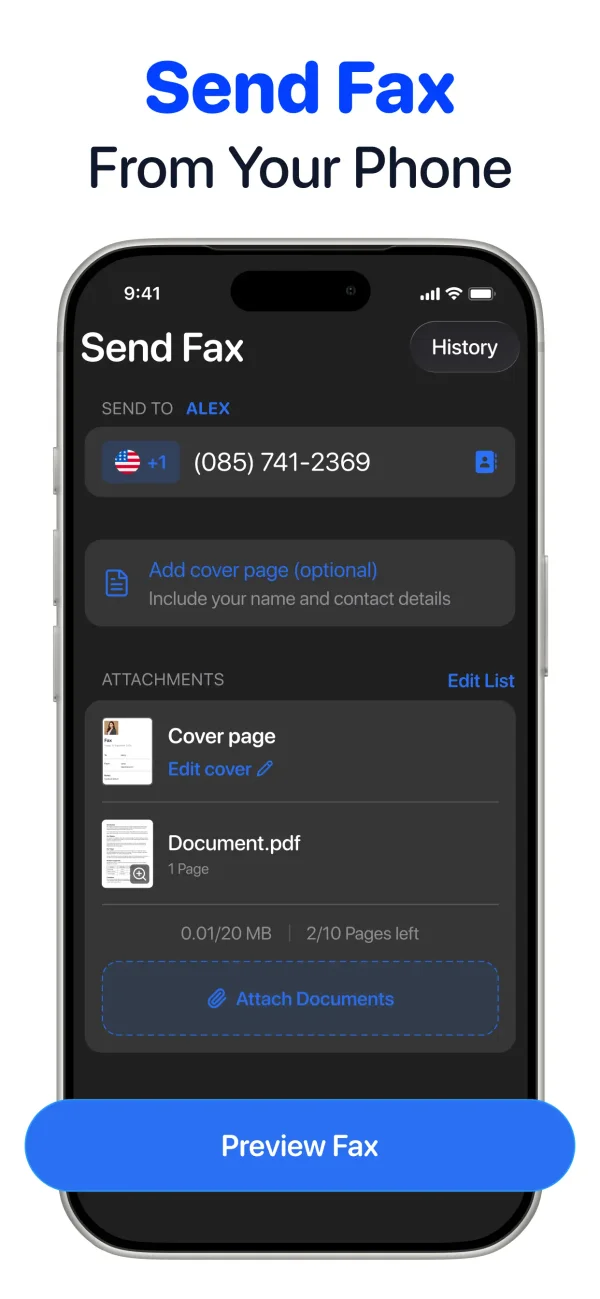
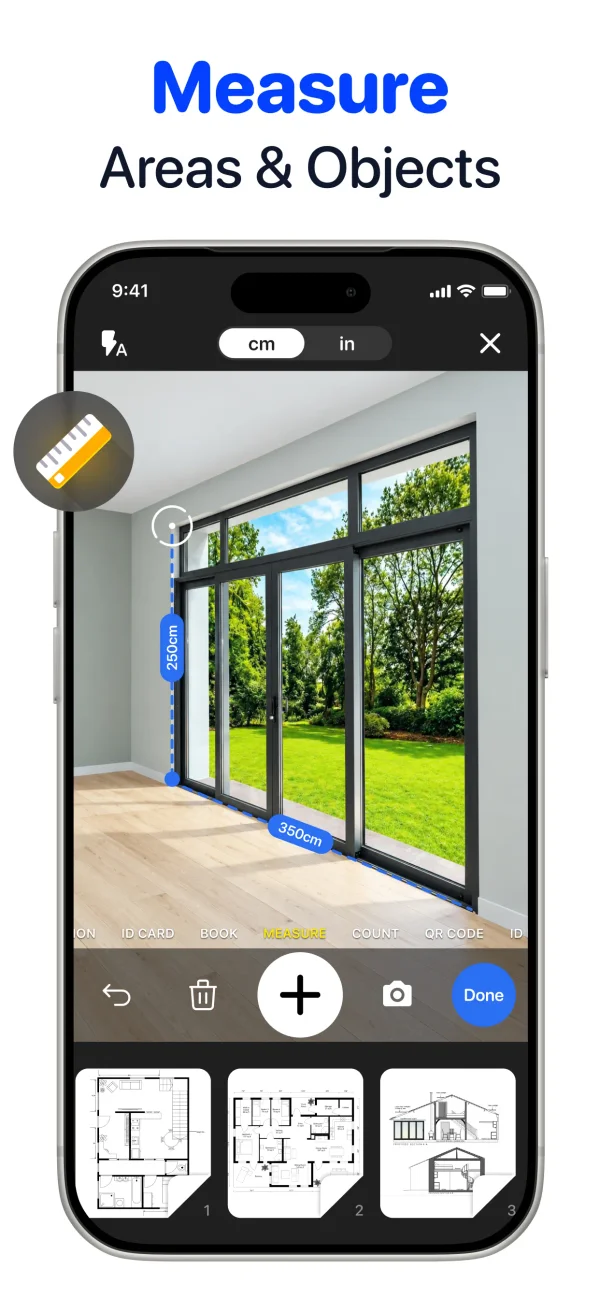
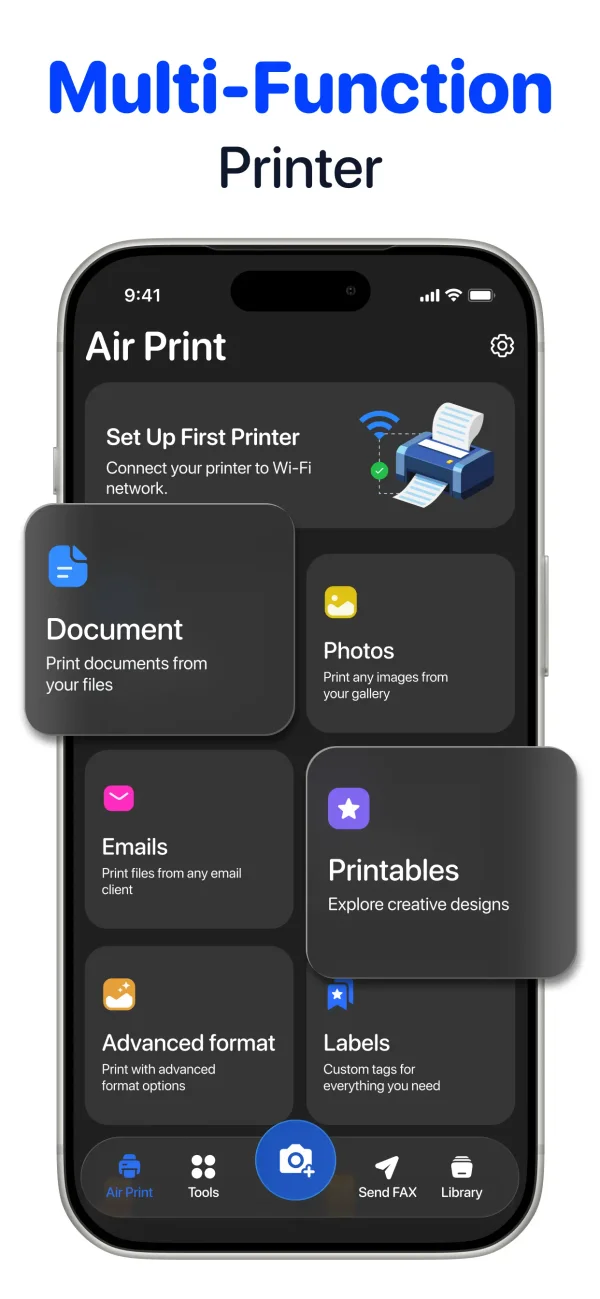
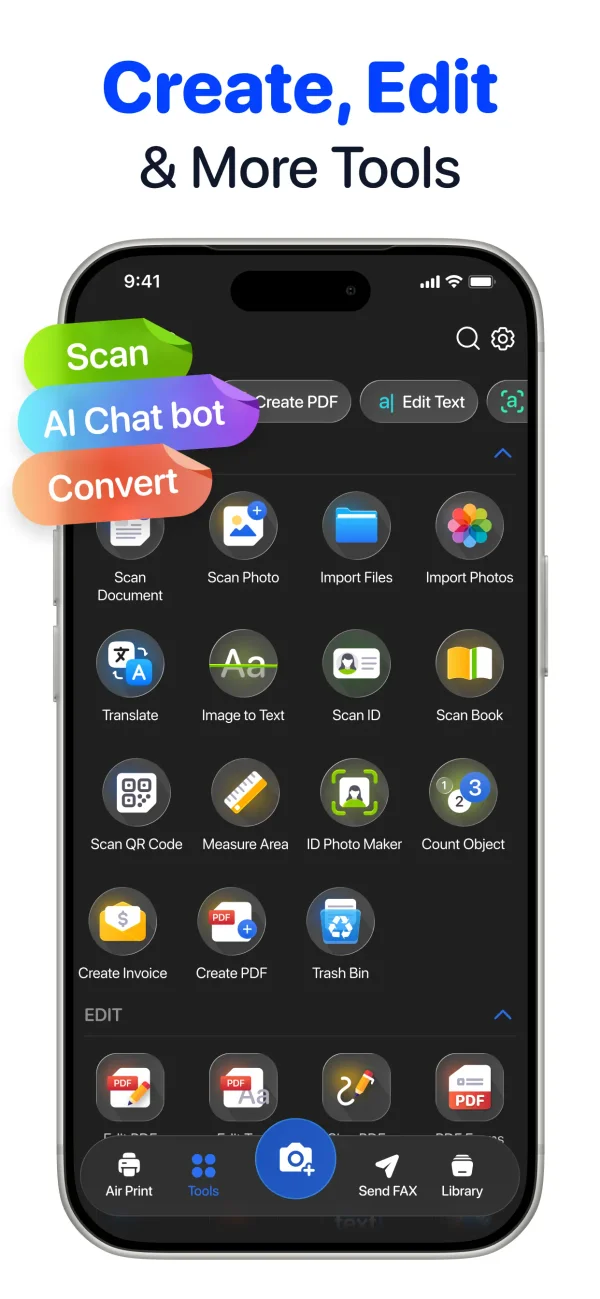
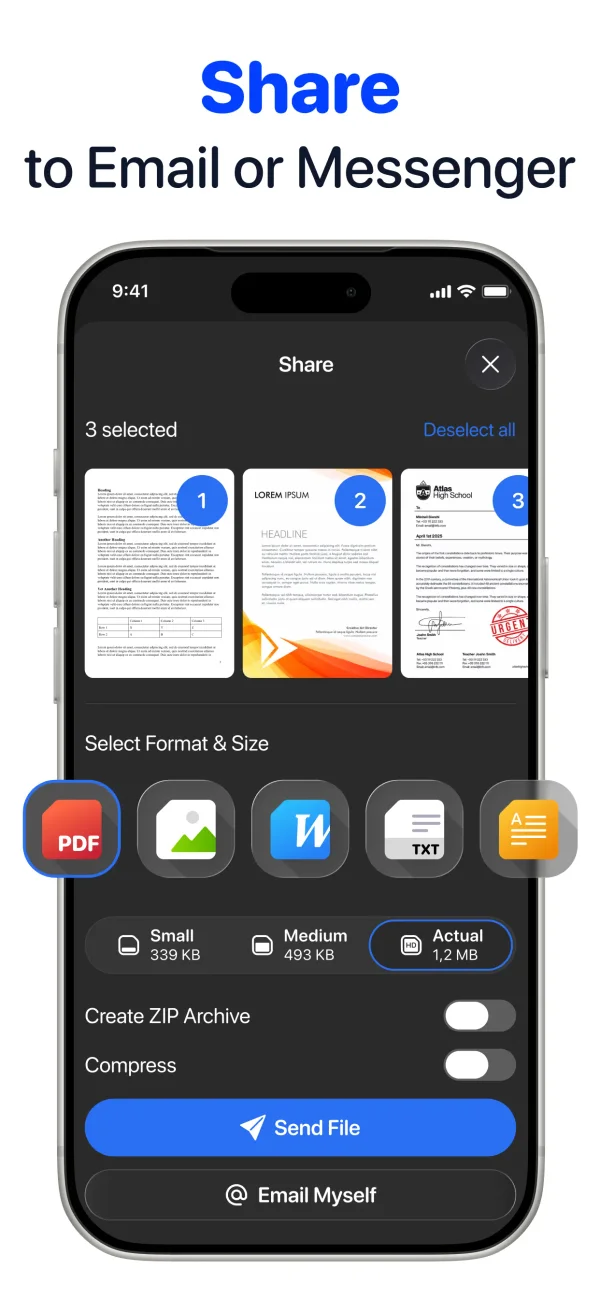
Tentang
Pengembang belum menyediakan teks ini dalam bahasa Anda.
**Printer App: Your All-in-One Solution for Effortless Printing**
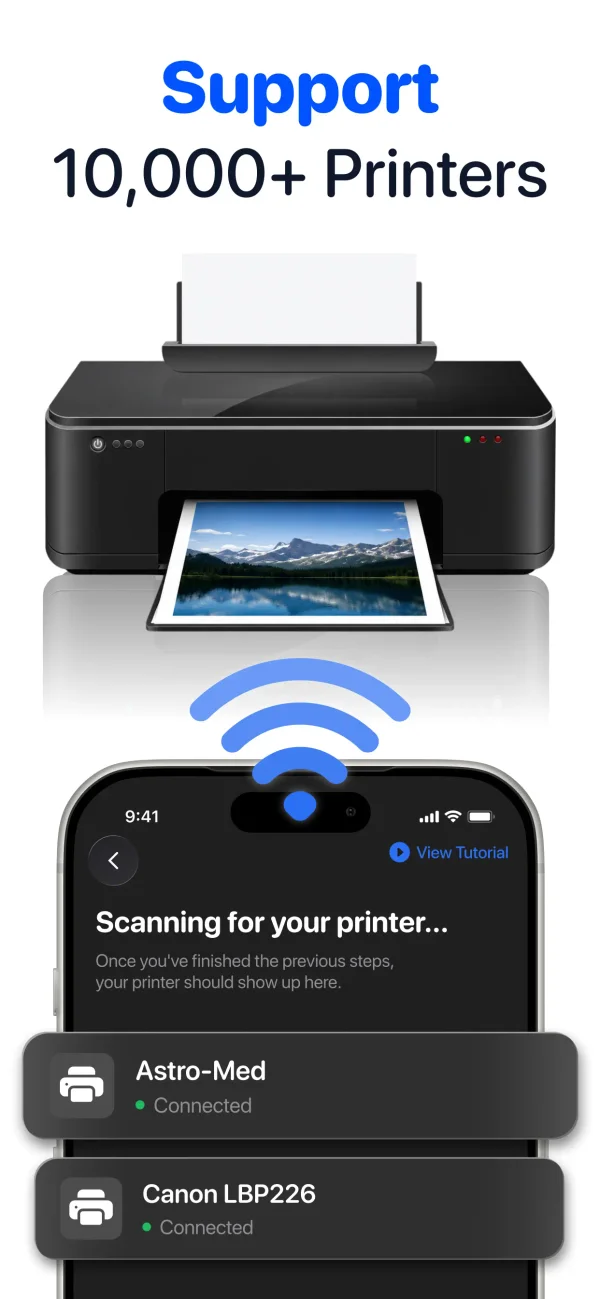
Discover a revolutionary way to print with the Printer App. Seamlessly compatible with over 9,000 wireless printers, it empowers you to print documents and photos instantly. From intuitive file selection to advanced customization tools, the entire process is smooth and hassle-free.
**Key Features of the Printer App**
**Effortless Printing from iOS Devices**
- Print documents, photos, web pages, contacts, and more with ease.
- Directly print from Dropbox or Google Drive.
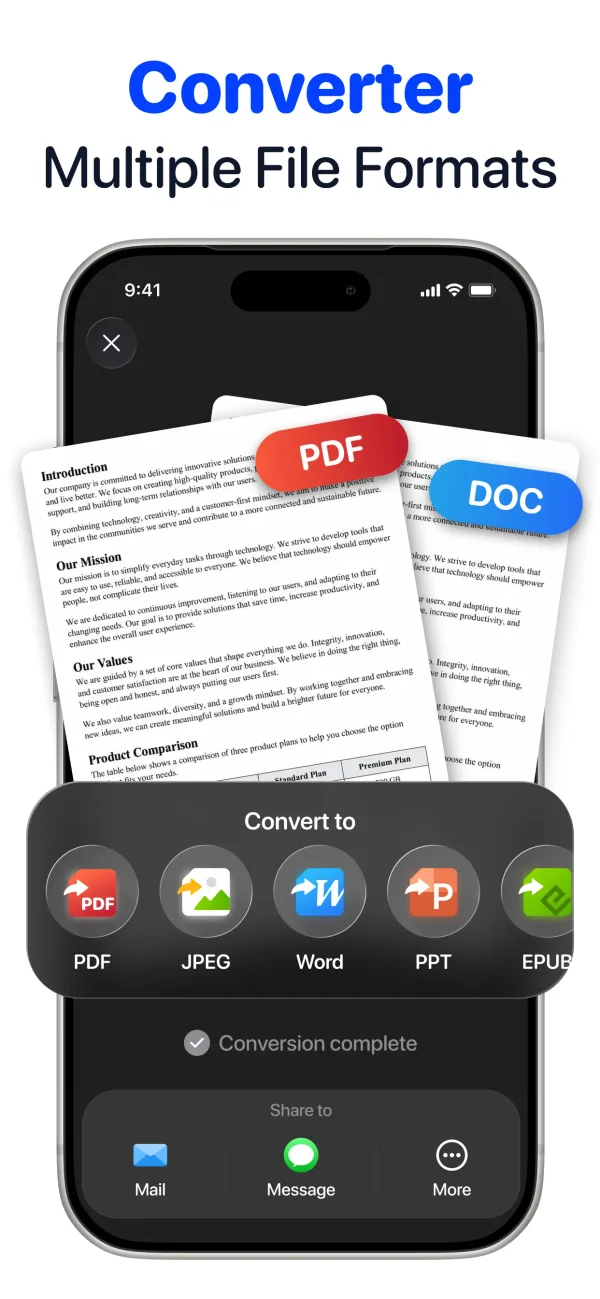
- Supports over 20 file formats, including PDF, DOCX, PAGES, and TXT.
**Seamless Document Scanning**
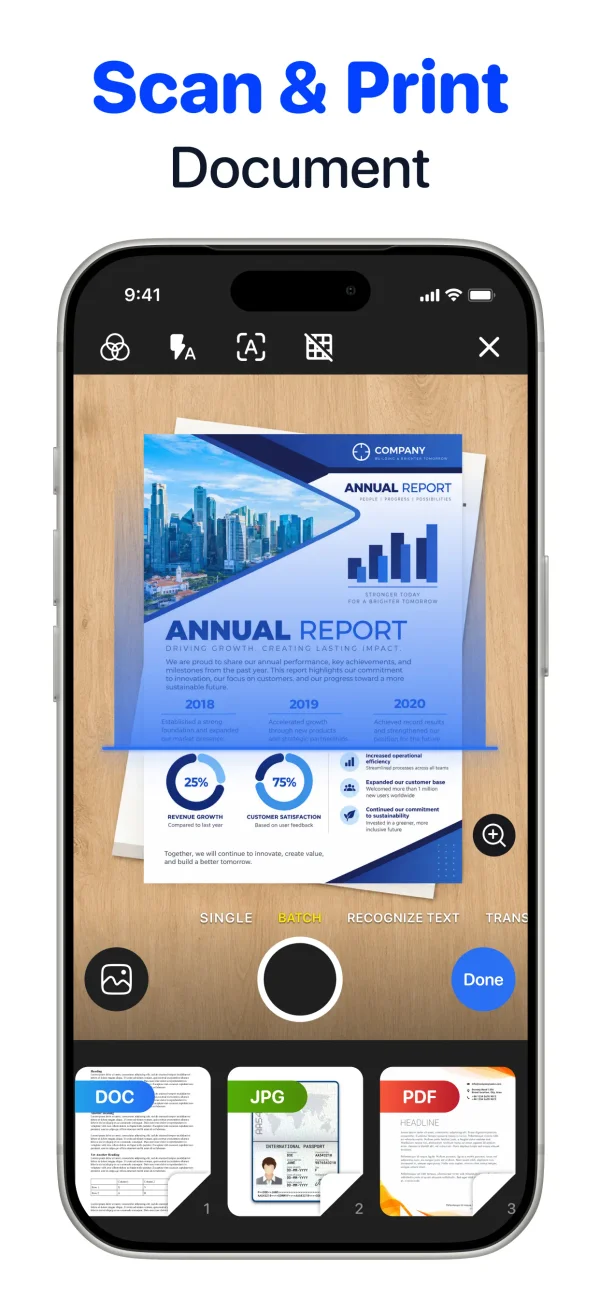
- Scan documents effortlessly using the app’s built-in scanner.
- Share or print your scanned files in just a few taps.
**Advanced Printing Options**
- Choose between portrait or landscape orientation.
- Print single-sided or double-sided for convenience.
- Adjust the number of pages per sheet.
- Select black-and-white or full-color printing.
- Support for a variety of paper sizes, including A3, A4, and B5.
- Easily specify print range and number of copies for precision.
**Comprehensive Document Editing**
- Highlight, underline, or annotate your documents with ease.
- Add custom text or notes as needed.
- Access advanced editing tools for complete control.
**Powerful Photo Enhancements**
- Apply filters, blur effects, and adjust saturation.
- Resize, crop, or modify proportions effortlessly.
- Enhance image quality with contrast, sharpening, and masking tools.
- A full suite of photo editing features for all your creative needs.
The Printer App integrates seamlessly with any printer supporting wireless technology, offering a modern, streamlined printing experience.
**Pro Tip:** For optimal performance, ensure your device and printer are connected to the same Wi-Fi network.
Term of Service: https://sites.google.com/view/smart-air-printer-terms
Privacy Policy: https://sites.google.com/view/smart-air-printer-policy
Yang baru
Versi 1.5.2 · 21/9/2026
What’s New
• Completely redesigned UI/UX for a simpler and more intuitive experience
• Updated buttons and interactions with the latest iOS 26 design
• New Library and More Tools with powerful scan & edit features
• New tools: Colorize Photo, Dewarp Text, Erase Fingers, Remove Shadows & Deblur Text
• Enhanced PDF editing with Translate, Recognize, Adjust, Filter & Crop
• Improved performance for smoother editing of large PDF and document files
• Overall performance, stability, and usability improvements
Privasi aplikasi
Yang dinyatakan Fire Technologies Hong Kong Limited di App Store tentang cara aplikasi ini menangani data.
-
Data yang digunakan untuk melacak Anda
Dapat digunakan untuk melacak Anda di aplikasi dan situs web milik perusahaan lain.
- Data lainnya
-
Data yang tidak ditautkan dengan Anda
Dapat dikumpulkan, tetapi tidak ditautkan dengan identitas Anda.
- Data lainnya
Praktik privasi dapat bervariasi, misalnya berdasarkan fitur yang Anda gunakan atau usia Anda.
Informasi
- Penjual
- Fire Technologies Hong Kong Limited
- Kategori
- Bisnis
- Versi
- 1.5.2
- Diperbarui
- 21/9/2026
- Dirilis
- 4/1/2023
- Ukuran
- 171,1 MB
- Memerlukan
- iOS 16.6 atau yang lebih baru
- Batasan usia
- 17+
- Harga
- Gratis
- Pembelian dalam aplikasi
- Ya
- Bahasa
- Inggris, Prancis, Jerman, Hindi, Italia, Jepang, Korea, Tionghoa Sederhana, Spanyol, Vietnamese
- Hak cipta
- © @Tran Minh
Mungkin Anda juga suka
-
 Printer for DocumentsSmart Printing: Edit, Connect
-
 Smart Printer App & ScanPrinter App: Print, Scan & Fax
-
 Smart Air Printer App & ScanBisnis
-
 DS Scanner: Scan & TranslateProduktivitas
-
 Smart Printer: Imprimante aррBisnis
-
 Smart Air Printer - AnyPrintBisnis
-
 Smart Printer App for HP *Bisnis
-
 Smart Printer App & ScannerBisnis