SnapCal
Scan Photos to Calendar
Conçue pour iPhone, iPad
Gratuit · Achats intégrés
- Classification d’âge4+
- CatégorieProductivité
- DéveloppeurLuke Moseley
- LanguesAnglais
- Taille18,0 Mo
Renvoie vers la page App Store officielle
Download.org n’héberge aucun fichier de SnapCal. Le bouton ouvre la page de l’application sur App Store, où Luke Moseley la publie. Fiche vérifiée pour la dernière fois le 14/11/2026.
Captures d’écran

À propos
Le développeur n’a pas fourni ce texte dans votre langue.
Tired of forgetting events you see on posters? Overwhelmed by a camera roll full of screenshots of flyers and notes? Say goodbye to manual entry with SnapCal!
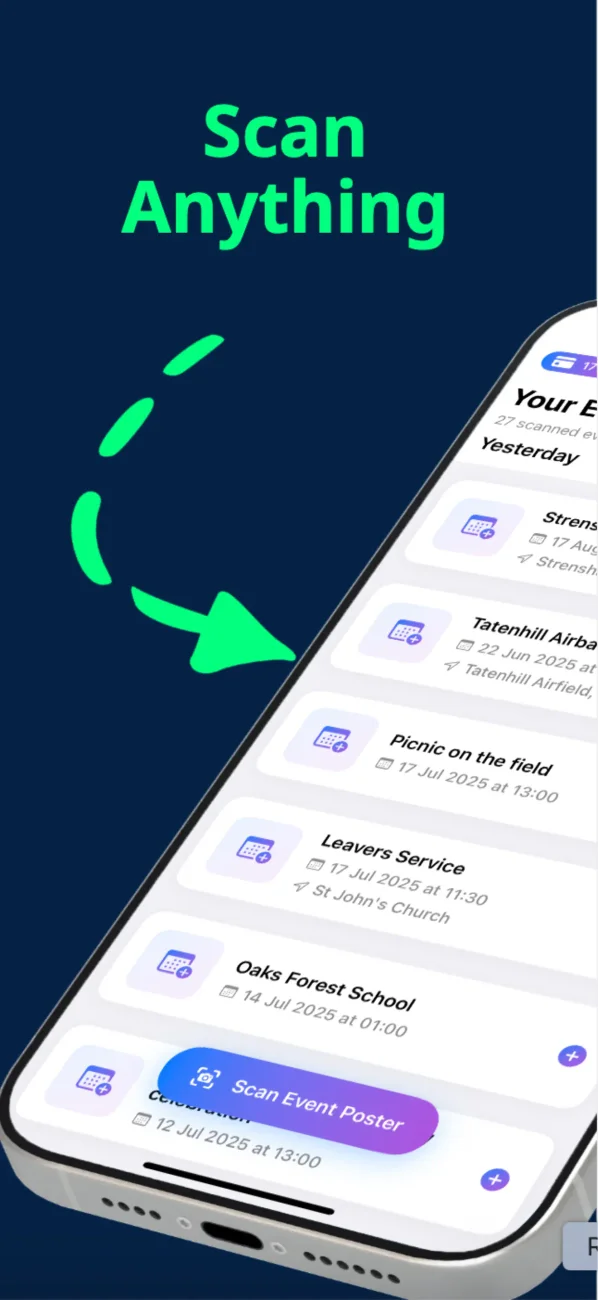
SnapCal is the revolutionary new app that uses powerful AI to scan any image and automatically create a calendar event in seconds. Just point, snap, and let our smart scanner do the rest. Organizing your life has never been this easy or this fast.
KEY FEATURES:
INSTANT SCANNING: Our AI-powered technology reads text from any photo with incredible accuracy. From printed posters to messy handwritten notes, SnapCal captures it all.
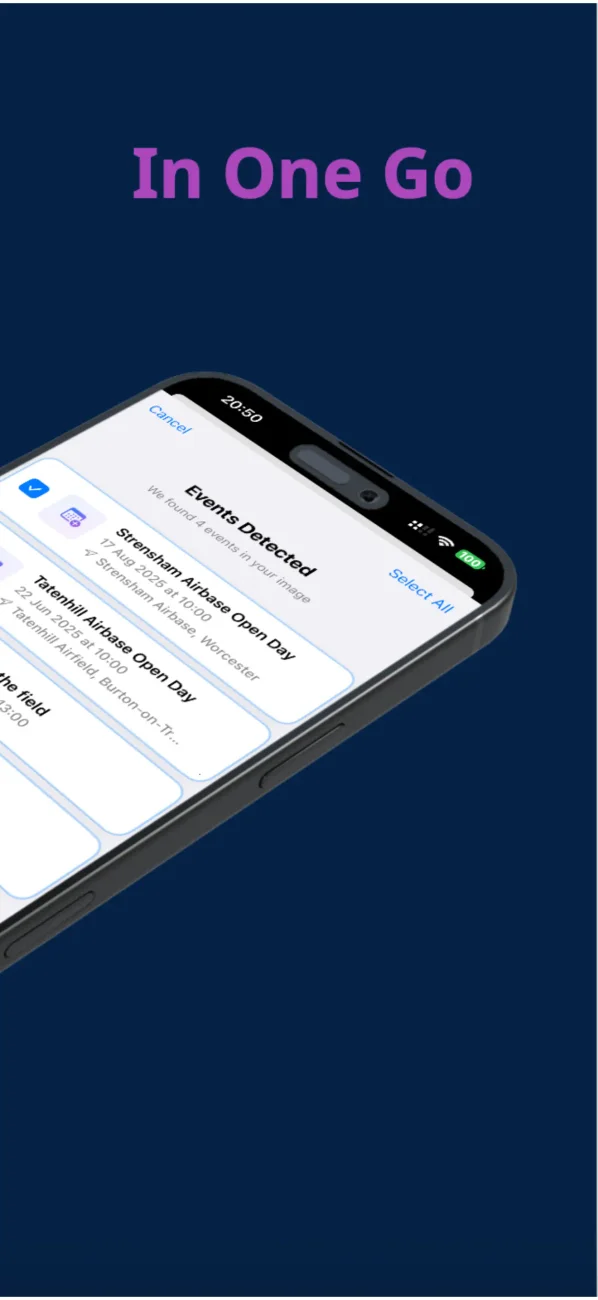
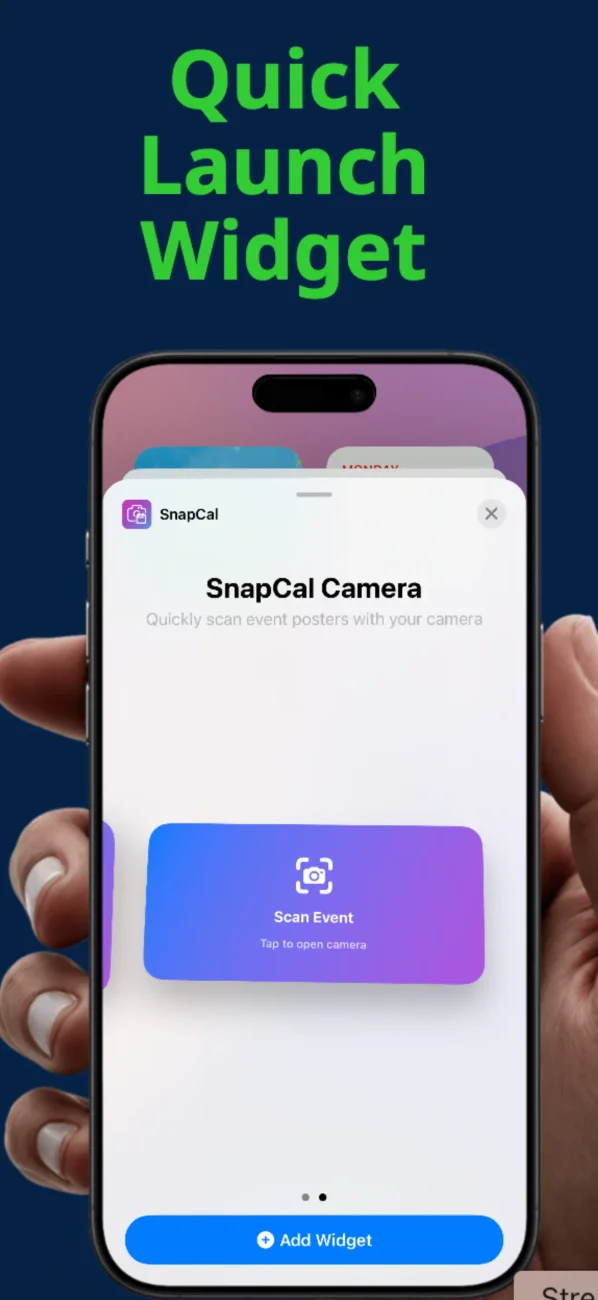
Scan from camera to calendar, or select previous images of invites, events, or notes. Launch the app from our Home Screen Widget, or share an image from Photos.
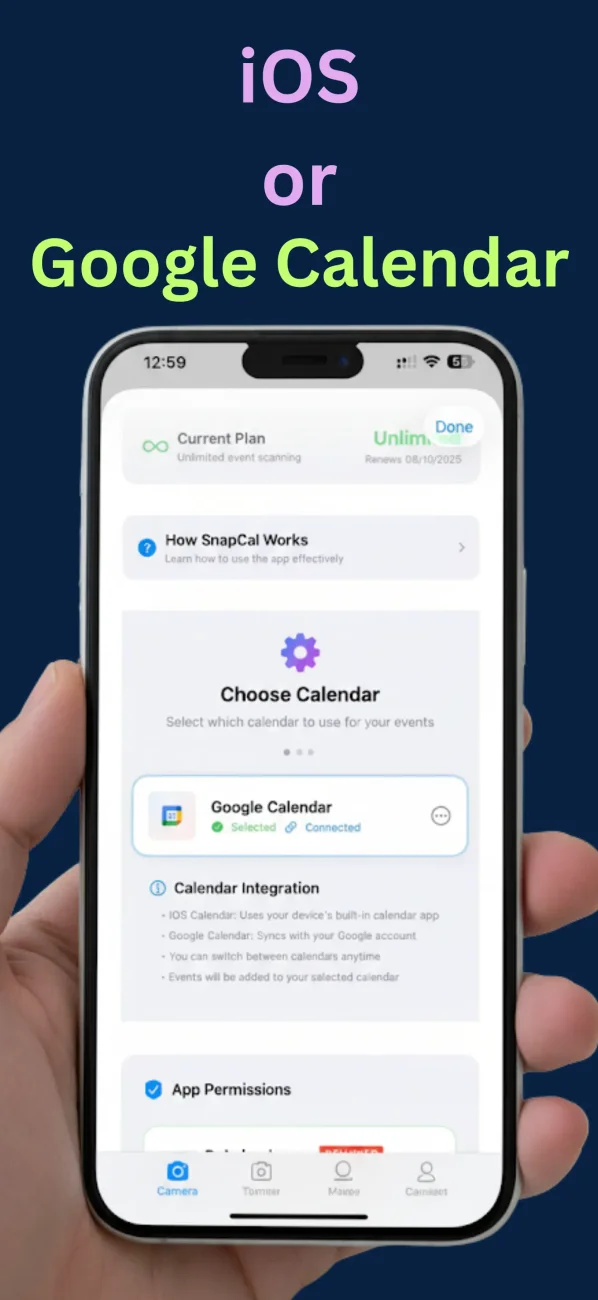
SEAMLESS INTEGRATION: Events are added directly to your preferred calendar—Apple Calendar, Google Calendar, Outlook, and more. No more copy-pasting!
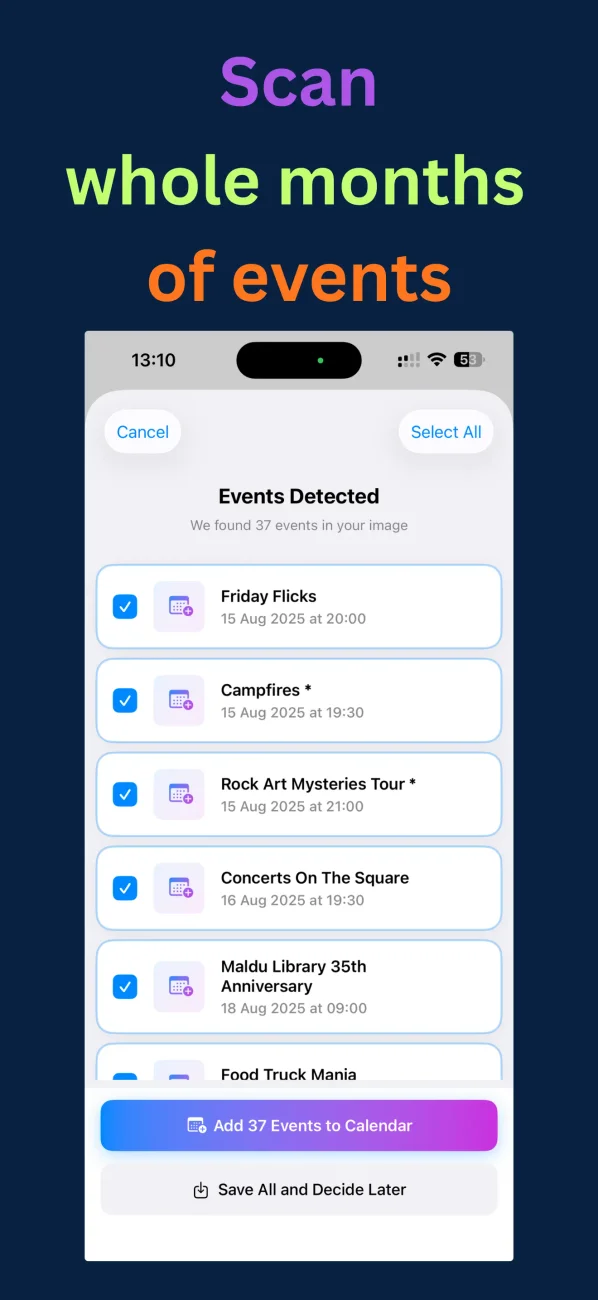
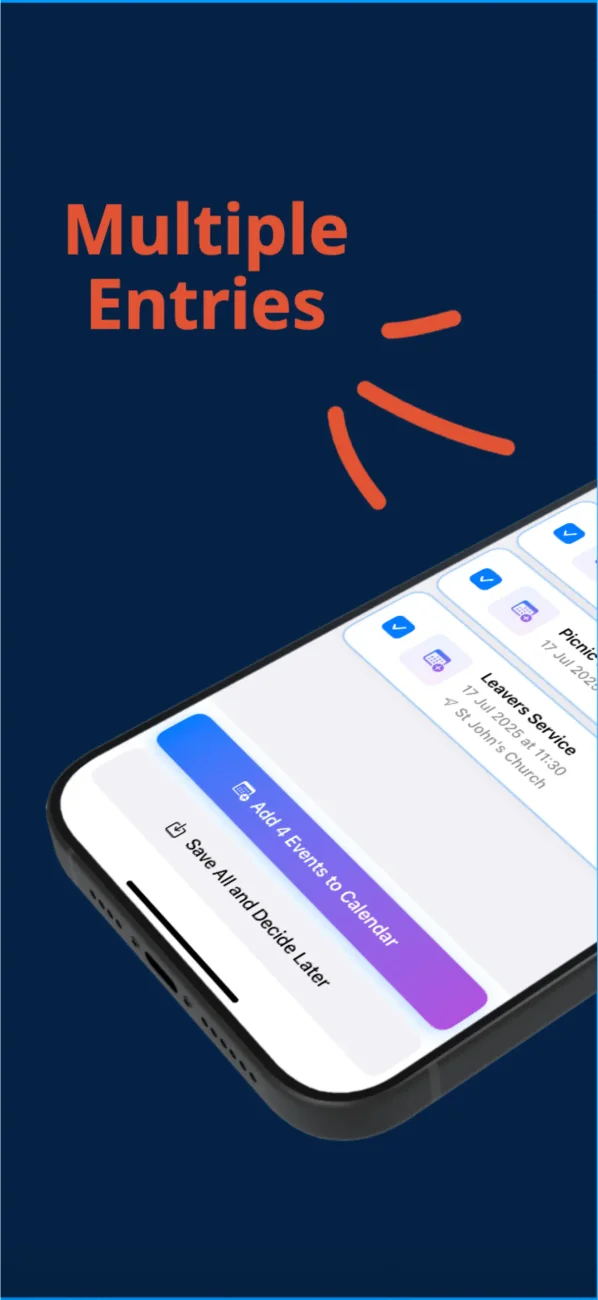
SMART DETECTION: SnapCal automatically identifies the event title, date, time, and even the location, placing everything in the right fields for you.
SAVE TIME & AVOID MISTAKES: Stop wasting time typing and eliminate the risk of typos. Go from photo to scheduled event in just two taps.
PERFECT FOR EVERYONE: Whether you're a student tracking campus events, a parent managing school flyers, or a professional organising conference schedules, SnapCal is the ultimate productivity tool.
Stop letting important dates get lost in your photo gallery. Take control of your schedule and free up your time for what really matters.
Download SnapCal today and change the way you plan!
Terms of Use: https://www.apple.com/legal/internet-services/itunes/dev/stdeula/
Nouveautés
Version 1.4 · 26/09/2025
Google Calendar Integration
Now you can save events directly to your Google Calendar! Premium users can choose between Apple Calendar and Google Calendar as their preferred calendar provider.
Edit Before Saving
Review and modify event details before adding them to your calendar. Perfect timing, location, and notes every time.
Performance Improvements
Enhanced AI accuracy and faster event processing for a smoother experience.
Bug Fixes
Resolved various issues to make your event scanning even more reliable. modify events before saving
Confidentialité de l’application
Ce que Luke Moseley déclare sur l’App Store au sujet du traitement des données par cette application.
-
Données n’établissant aucun lien avec vous
Peuvent être collectées, mais ne sont pas liées à votre identité.
- Coordonnées
- Contenu utilisateur
- Identifiants
- Données d’utilisation
- Diagnostic
Les pratiques en matière de confidentialité peuvent varier, notamment en fonction des fonctionnalités que vous utilisez ou de votre âge.
Informations
- Vendeur
- Luke Moseley
- Catégorie
- Productivité
- Version
- 1.4
- Mis à jour
- 26/09/2025
- Publié
- 24/07/2025
- Taille
- 18,0 Mo
- Nécessite
- iOS 18.0 ou version ultérieure
- Classification d’âge
- 4+
- Prix
- Gratuit
- Achats intégrés
- Oui
- Langues
- Anglais
- Copyright
- © Luke Moseley 2025
Vous aimerez peut-être aussi
-
 Image to Calendar ScannerProductivité
-
 FixMyFlatProductivité
-
 AllDay Recorder: AI TranscribeProductivité
-
 Lumical - Scan vers CalendrierScanne plannings & événements
-
 AI Event Calendar ScannerEvery Deadline On Time
-
 RecordinGo: Notes vocalesEnregistreur & transcription
-
 Remi - ADHD & Someday PlannerProductivité
-
 Toshi: The Family Calendar AppProductivité
-
 Magpie - Photos & NotesGardez tout ce que vous aimez
-
 Comparer des Textes, PDF, WordDifférences de fichiers, Excel