
- 対象年齢4+
- カテゴリ仕事効率化
- 開発元Luke Moseley
- 言語英語
- サイズ18.0 MB
App Storeの公式ページにリンクしています
Download.orgはSnapCalのファイルを一切ホストしていません。ボタンを押すと、Luke Moseleyが公開しているApp Storeのアプリページが開きます。ページの最終確認:2026/11/14。
スクリーンショット



概要
開発元はこのテキストをお使いの言語で提供していません。
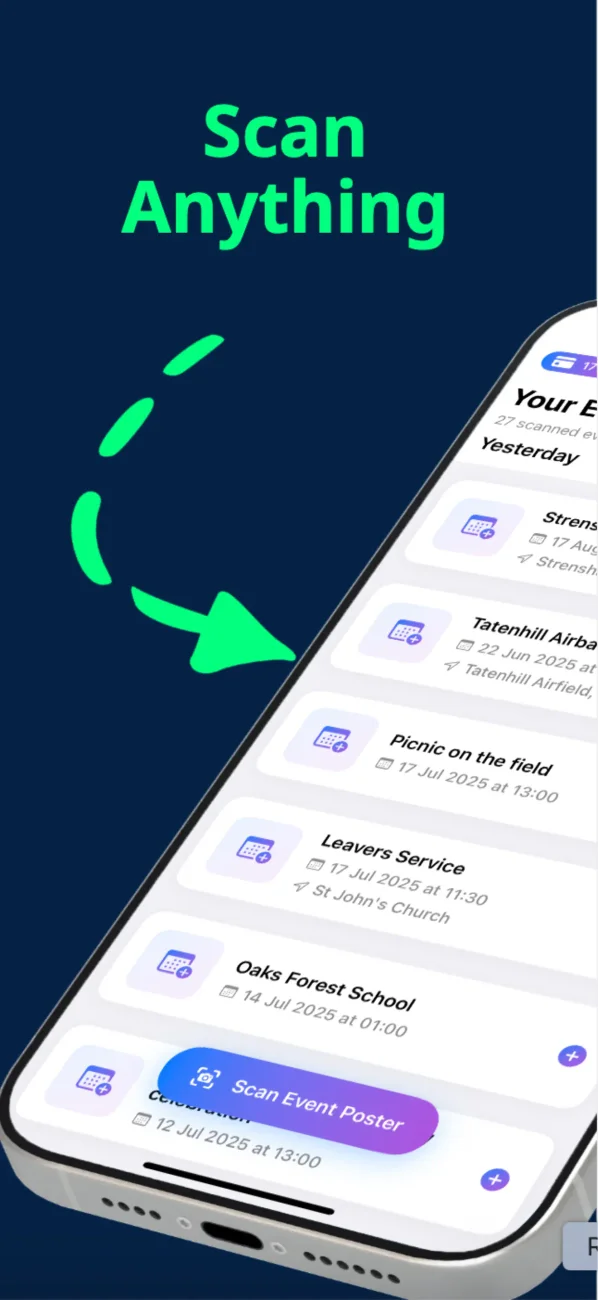
Tired of forgetting events you see on posters? Overwhelmed by a camera roll full of screenshots of flyers and notes? Say goodbye to manual entry with SnapCal!
SnapCal is the revolutionary new app that uses powerful AI to scan any image and automatically create a calendar event in seconds. Just point, snap, and let our smart scanner do the rest. Organizing your life has never been this easy or this fast.
KEY FEATURES:
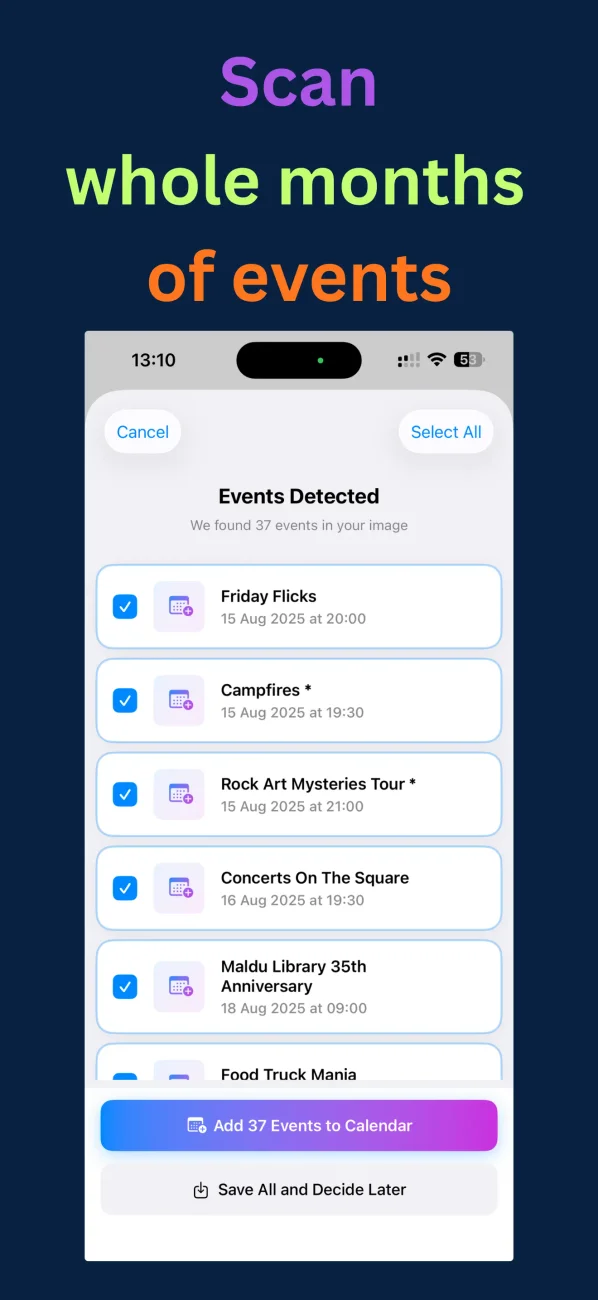
INSTANT SCANNING: Our AI-powered technology reads text from any photo with incredible accuracy. From printed posters to messy handwritten notes, SnapCal captures it all.
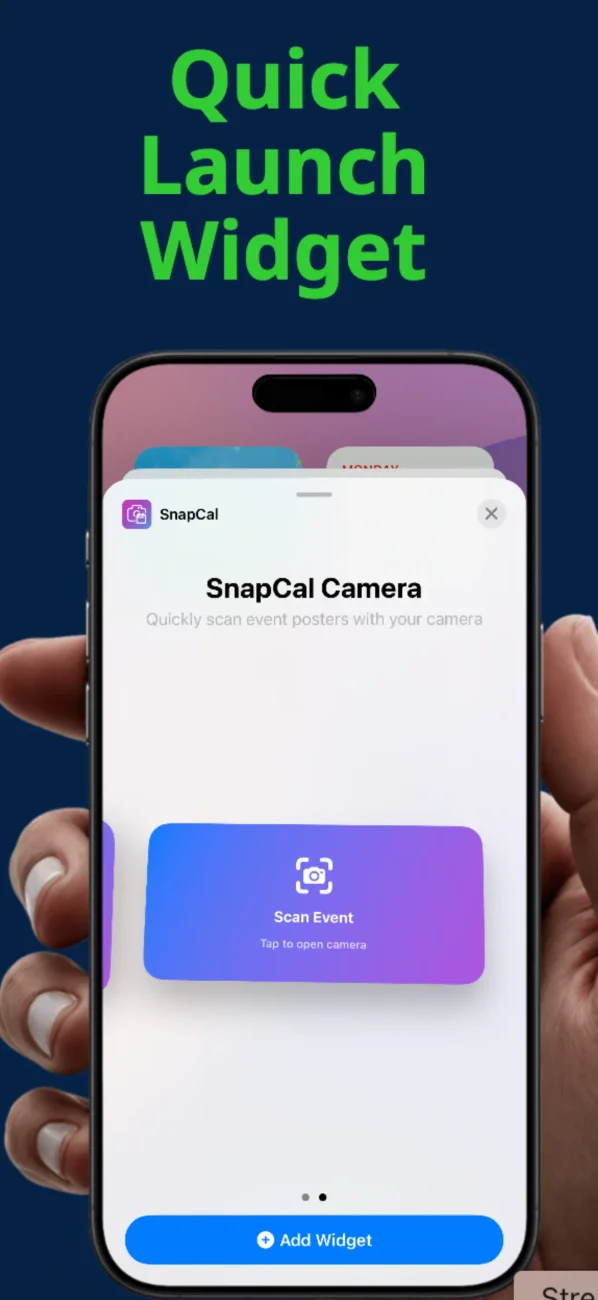
Scan from camera to calendar, or select previous images of invites, events, or notes. Launch the app from our Home Screen Widget, or share an image from Photos.
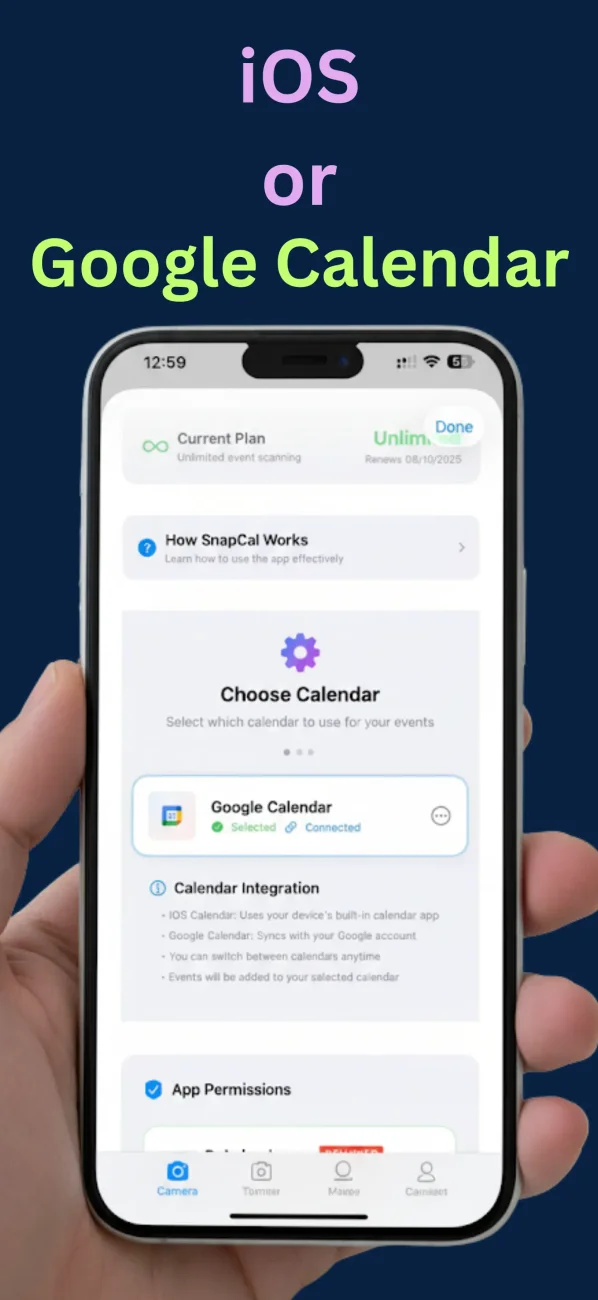
SEAMLESS INTEGRATION: Events are added directly to your preferred calendar—Apple Calendar, Google Calendar, Outlook, and more. No more copy-pasting!
SMART DETECTION: SnapCal automatically identifies the event title, date, time, and even the location, placing everything in the right fields for you.
SAVE TIME & AVOID MISTAKES: Stop wasting time typing and eliminate the risk of typos. Go from photo to scheduled event in just two taps.
PERFECT FOR EVERYONE: Whether you're a student tracking campus events, a parent managing school flyers, or a professional organising conference schedules, SnapCal is the ultimate productivity tool.
Stop letting important dates get lost in your photo gallery. Take control of your schedule and free up your time for what really matters.
Download SnapCal today and change the way you plan!
Terms of Use: https://www.apple.com/legal/internet-services/itunes/dev/stdeula/
新機能
バージョン 1.4 · 2025/9/26
Google Calendar Integration
Now you can save events directly to your Google Calendar! Premium users can choose between Apple Calendar and Google Calendar as their preferred calendar provider.
Edit Before Saving
Review and modify event details before adding them to your calendar. Perfect timing, location, and notes every time.
Performance Improvements
Enhanced AI accuracy and faster event processing for a smoother experience.
Bug Fixes
Resolved various issues to make your event scanning even more reliable. modify events before saving
アプリのプライバシー
このアプリのデータの取り扱いについて、Luke MoseleyがApp Storeで申告している内容です。
-
ユーザーに関連付けられないデータ
収集される場合がありますが、ユーザーの識別情報には関連付けられません。
- 連絡先情報
- ユーザーコンテンツ
- ID
- 使用状況データ
- 診断
プライバシーの取り扱いは、ご利用の機能やお客様の年齢などに応じて異なる場合があります。
情報
- 販売元
- Luke Moseley
- カテゴリ
- 仕事効率化
- バージョン
- 1.4
- 更新日
- 2025/9/26
- リリース
- 2025/7/24
- サイズ
- 18.0 MB
- 必要条件
- iOS 18.0以降
- 対象年齢
- 4+
- 価格
- 無料
- アプリ内課金
- あり
- 言語
- 英語
- 著作権
- © Luke Moseley 2025
こちらもおすすめ
-
 Image to Calendar Scanner仕事効率化
-
 FixMyFlat仕事効率化
-
 ずっと録音:AI文字起こし・議事録・ボイスレコーダー自動要約・ボイスメモ・会議録音
-
 Lumical - カレンダースキャナーシフト表・勤務表を自動登録
-
 Pluck:AIカレンダー|写真・チラシから予定登録文字認識・時間割・画像・スクショ・招待状も自動入力
-
 RecordinGo: ボイスメモ・録音音声録音・文字起こし検索
-
 Remi - ADHD & Someday Planner仕事効率化
-
 Toshi: The Family Calendar App仕事効率化
-
 Magpie - Photos & Notes大切なものを、ずっと忘れない
-
 Compare Text: テキスト比較・差分PDF・Word・Excelの違いを一瞬でチェック