SnapCal
Scan Photos to Calendar
Được thiết kế cho iPhone, iPad
Miễn phí · Mua hàng trong ứng dụng
- Độ tuổi4+
- Danh mụcHiệu Suất
- Nhà phát triểnLuke Moseley
- Ngôn ngữTiếng Anh
- Kích thước18,0 MB
Liên kết đến trang App Store chính thức
Download.org không lưu trữ tệp nào của SnapCal. Nút này mở trang ứng dụng trên App Store, nơi Luke Moseley phát hành ứng dụng. Trang được kiểm tra lần cuối: 14/11/2026.
Ảnh chụp màn hình

Giới thiệu
Nhà phát triển chưa cung cấp nội dung này bằng ngôn ngữ của bạn.
Tired of forgetting events you see on posters? Overwhelmed by a camera roll full of screenshots of flyers and notes? Say goodbye to manual entry with SnapCal!
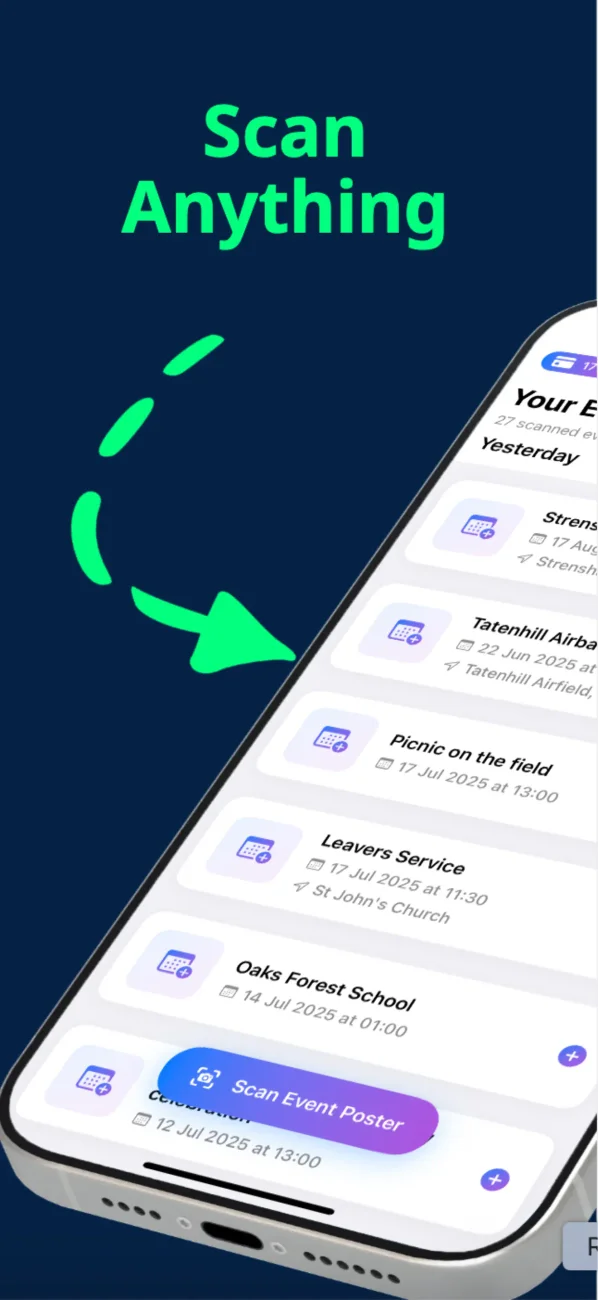
SnapCal is the revolutionary new app that uses powerful AI to scan any image and automatically create a calendar event in seconds. Just point, snap, and let our smart scanner do the rest. Organizing your life has never been this easy or this fast.
KEY FEATURES:
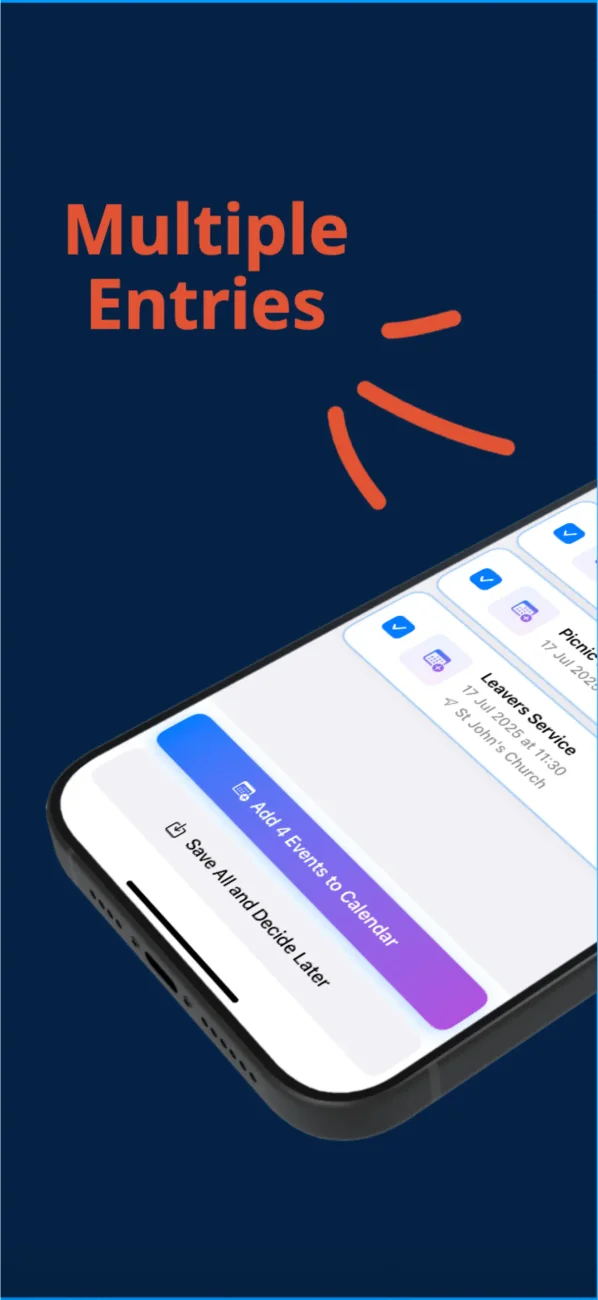
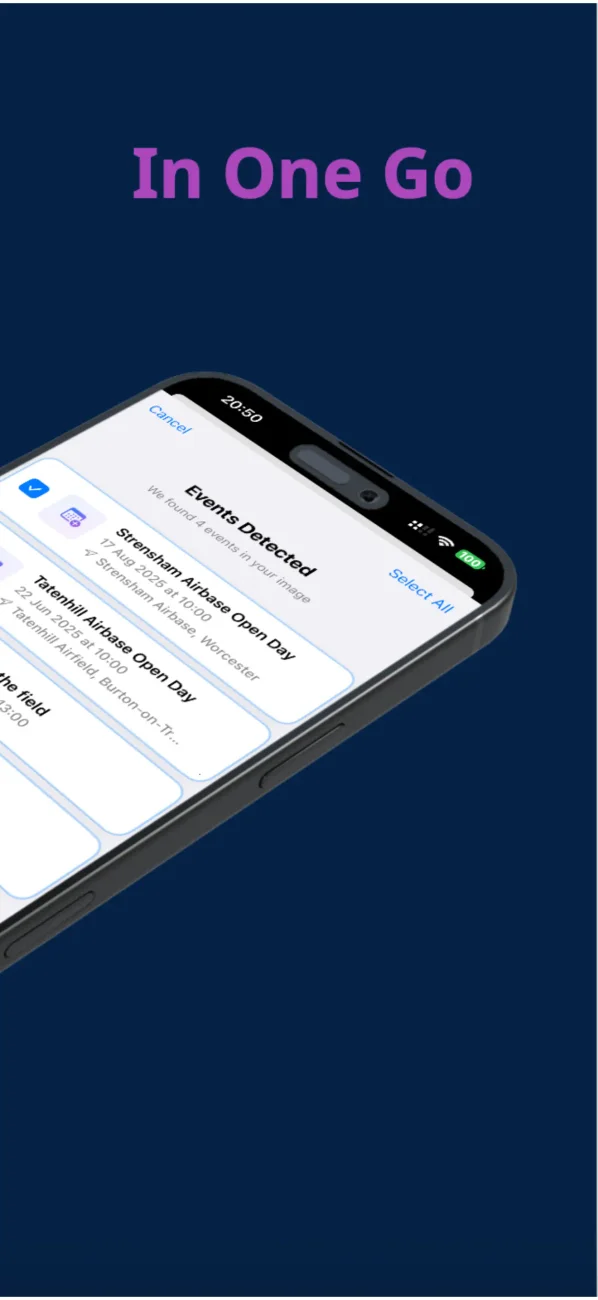
INSTANT SCANNING: Our AI-powered technology reads text from any photo with incredible accuracy. From printed posters to messy handwritten notes, SnapCal captures it all.
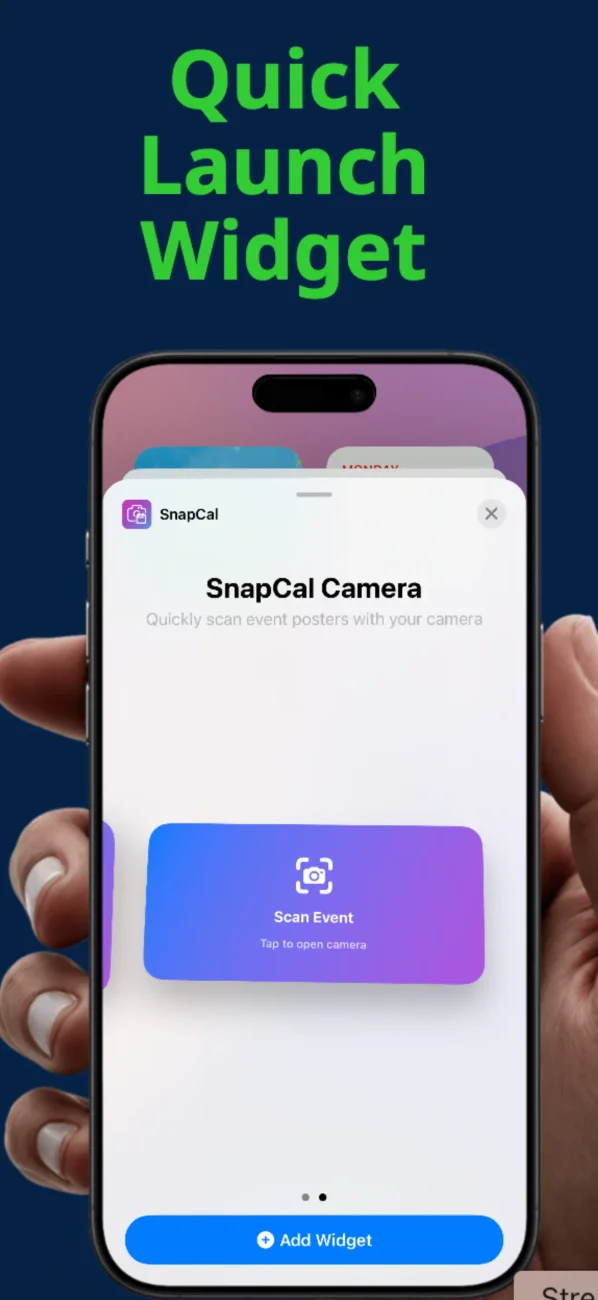
Scan from camera to calendar, or select previous images of invites, events, or notes. Launch the app from our Home Screen Widget, or share an image from Photos.
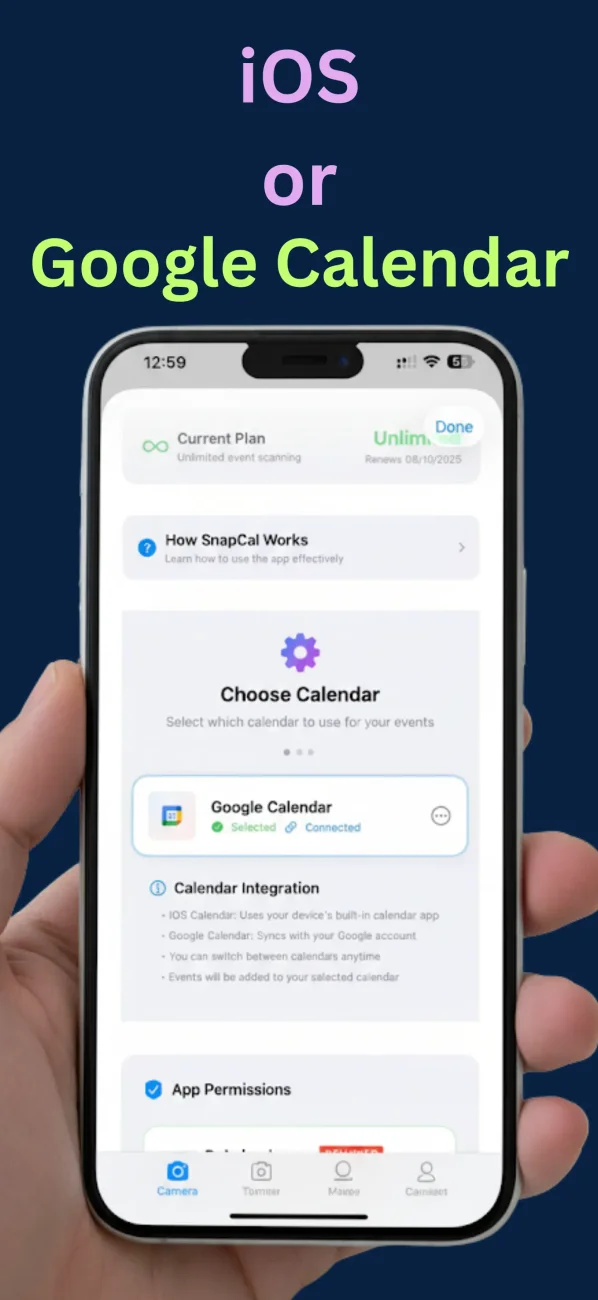
SEAMLESS INTEGRATION: Events are added directly to your preferred calendar—Apple Calendar, Google Calendar, Outlook, and more. No more copy-pasting!
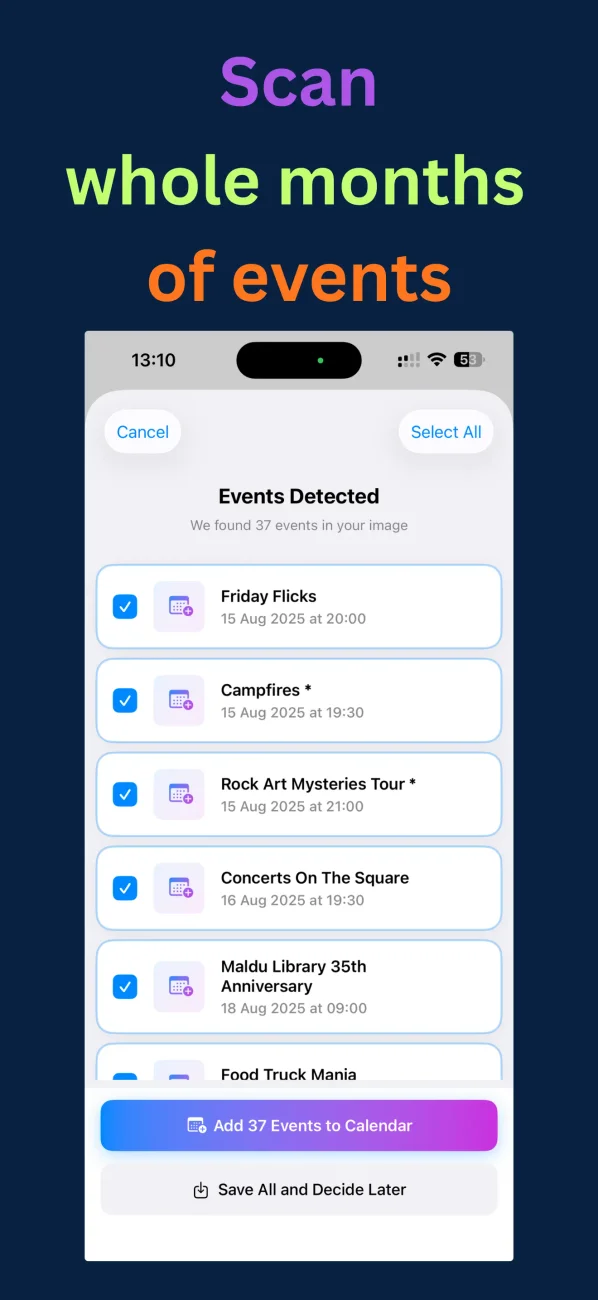
SMART DETECTION: SnapCal automatically identifies the event title, date, time, and even the location, placing everything in the right fields for you.
SAVE TIME & AVOID MISTAKES: Stop wasting time typing and eliminate the risk of typos. Go from photo to scheduled event in just two taps.
PERFECT FOR EVERYONE: Whether you're a student tracking campus events, a parent managing school flyers, or a professional organising conference schedules, SnapCal is the ultimate productivity tool.
Stop letting important dates get lost in your photo gallery. Take control of your schedule and free up your time for what really matters.
Download SnapCal today and change the way you plan!
Terms of Use: https://www.apple.com/legal/internet-services/itunes/dev/stdeula/
Có gì mới
Phiên bản 1.4 · 26/09/2025
Google Calendar Integration
Now you can save events directly to your Google Calendar! Premium users can choose between Apple Calendar and Google Calendar as their preferred calendar provider.
Edit Before Saving
Review and modify event details before adding them to your calendar. Perfect timing, location, and notes every time.
Performance Improvements
Enhanced AI accuracy and faster event processing for a smoother experience.
Bug Fixes
Resolved various issues to make your event scanning even more reliable. modify events before saving
Quyền riêng tư của ứng dụng
Những gì Luke Moseley khai báo trên App Store về cách ứng dụng này xử lý dữ liệu.
-
Dữ liệu không liên kết với bạn
Có thể được thu thập nhưng không liên kết với danh tính của bạn.
- Thông tin liên hệ
- Nội dung của người dùng
- Mã định danh
- Dữ liệu sử dụng
- Chẩn đoán
Phương thức đảm bảo quyền riêng tư có thể khác nhau, chẳng hạn như tuỳ theo các tính năng bạn sử dụng hoặc độ tuổi của bạn.
Thông tin
- Người bán
- Luke Moseley
- Danh mục
- Hiệu Suất
- Phiên bản
- 1.4
- Cập nhật
- 26/09/2025
- Phát hành
- 24/07/2025
- Kích thước
- 18,0 MB
- Yêu cầu
- iOS 18.0 trở lên
- Độ tuổi
- 4+
- Giá
- Miễn phí
- Mua hàng trong ứng dụng
- Có
- Ngôn ngữ
- Tiếng Anh
- Bản quyền
- © Luke Moseley 2025
Có thể bạn cũng thích
-
 Image to Calendar ScannerHiệu Suất
-
 FixMyFlatHiệu Suất
-
 AllDay Recorder: AI TranscribeHiệu Suất
-
 Lumical - Quét vào LịchQuét Lịch Làm Việc, Sự Kiện
-
 Pluck: AI Calendar ScannerHiệu Suất
-
 RecordinGo: Ghi âmGhi âm và chuyển thành văn bản
-
 Remi - ADHD & Someday PlannerHiệu Suất
-
 Toshi: The Family Calendar AppHiệu Suất
-
 Magpie - Photos & NotesKhông quên điều bạn yêu thích
-
 Compare Text: PDF & DocumentsHiệu Suất