- Age rating4+
- CategoryProductivity
- DeveloperLuke Moseley
- LanguagesEnglish
- Size18.0 MB
Links to the official App Store page
Download.org hosts no file of SnapCal. The button opens its official App Store page, published by Luke Moseley. Listing last checked on Nov 14, 2026.
Screenshots

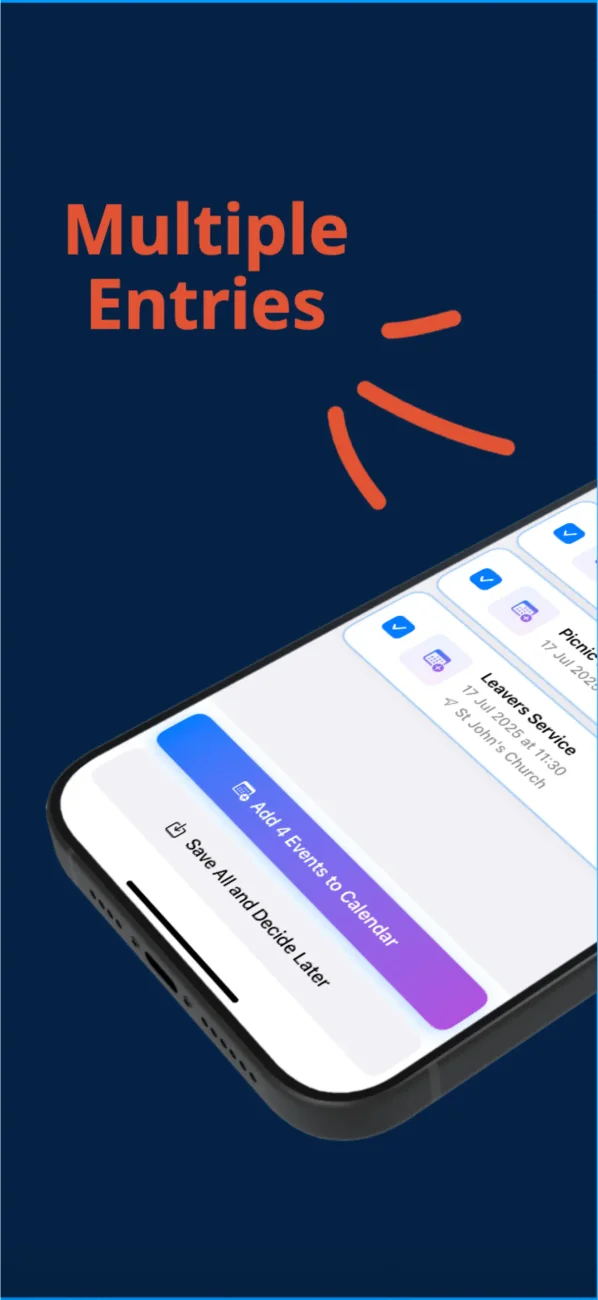
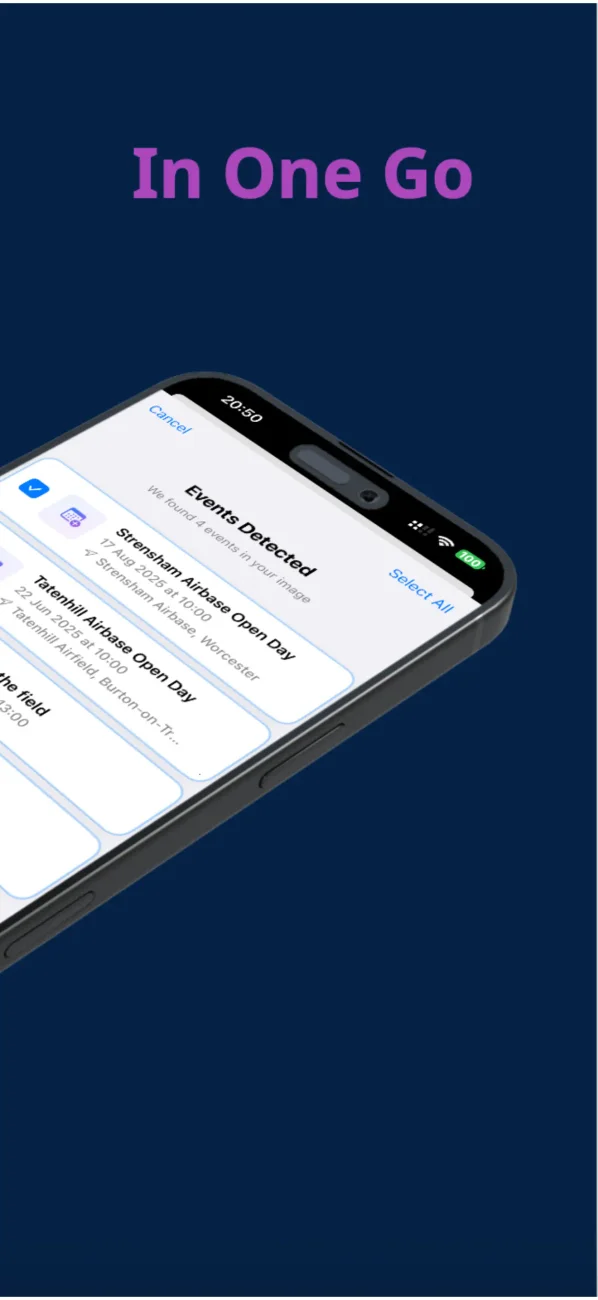
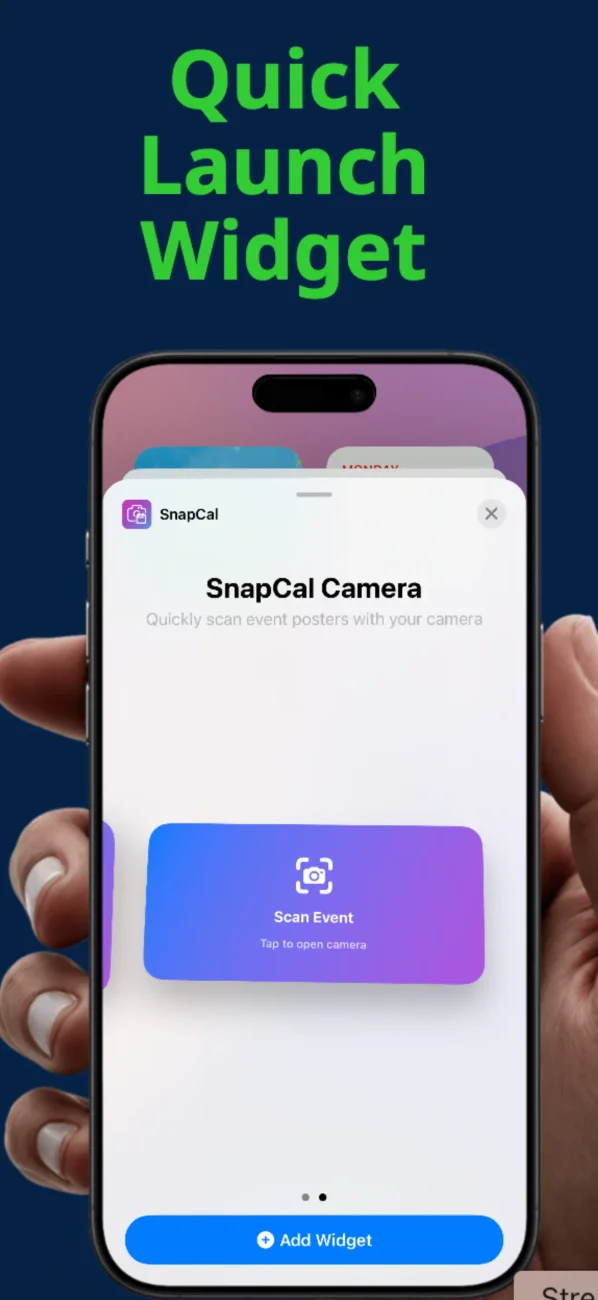
About
Tired of forgetting events you see on posters? Overwhelmed by a camera roll full of screenshots of flyers and notes? Say goodbye to manual entry with SnapCal!
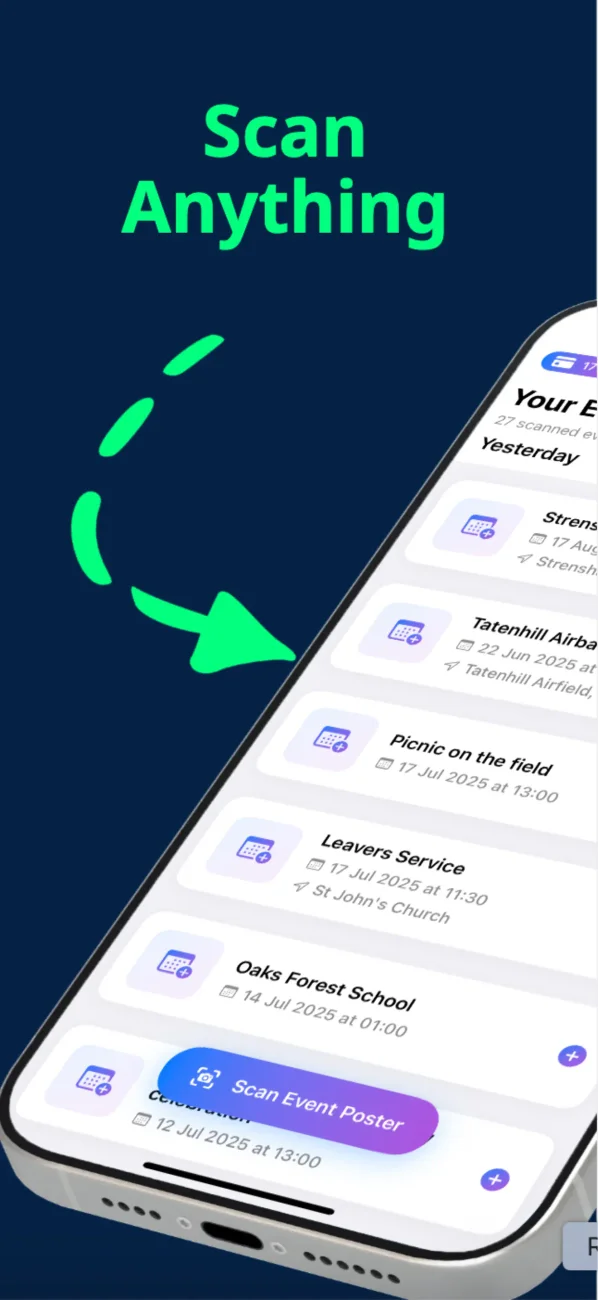
SnapCal is the revolutionary new app that uses powerful AI to scan any image and automatically create a calendar event in seconds. Just point, snap, and let our smart scanner do the rest. Organizing your life has never been this easy or this fast.
KEY FEATURES:
INSTANT SCANNING: Our AI-powered technology reads text from any photo with incredible accuracy. From printed posters to messy handwritten notes, SnapCal captures it all.
Scan from camera to calendar, or select previous images of invites, events, or notes. Launch the app from our Home Screen Widget, or share an image from Photos.
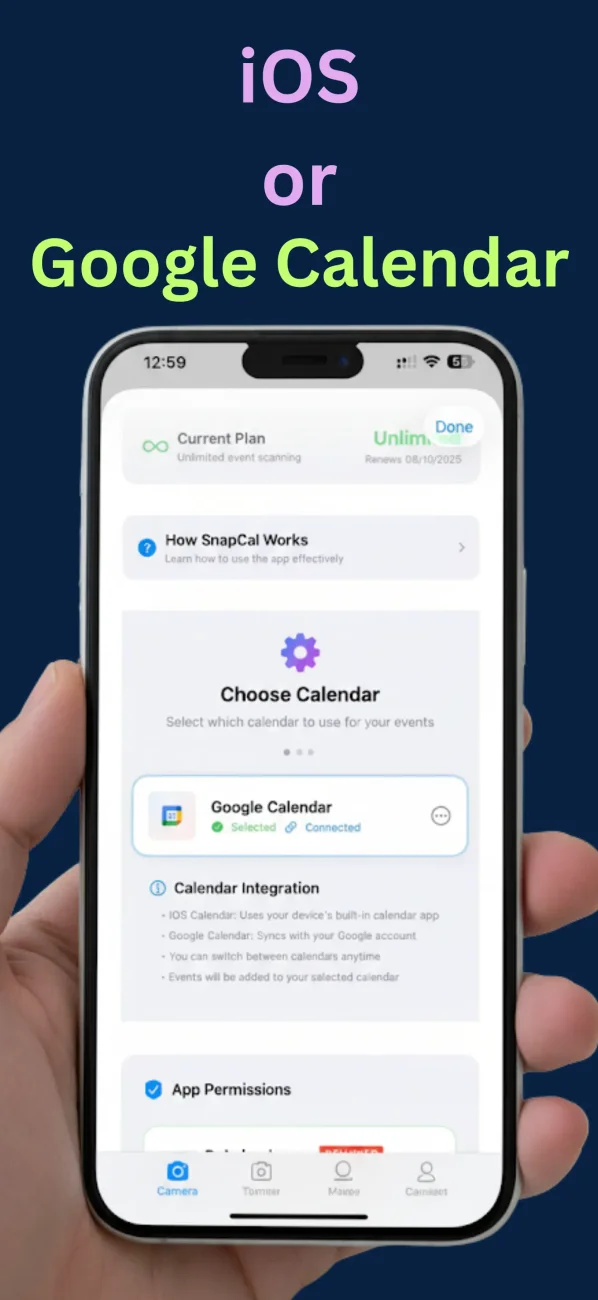
SEAMLESS INTEGRATION: Events are added directly to your preferred calendar—Apple Calendar, Google Calendar, Outlook, and more. No more copy-pasting!
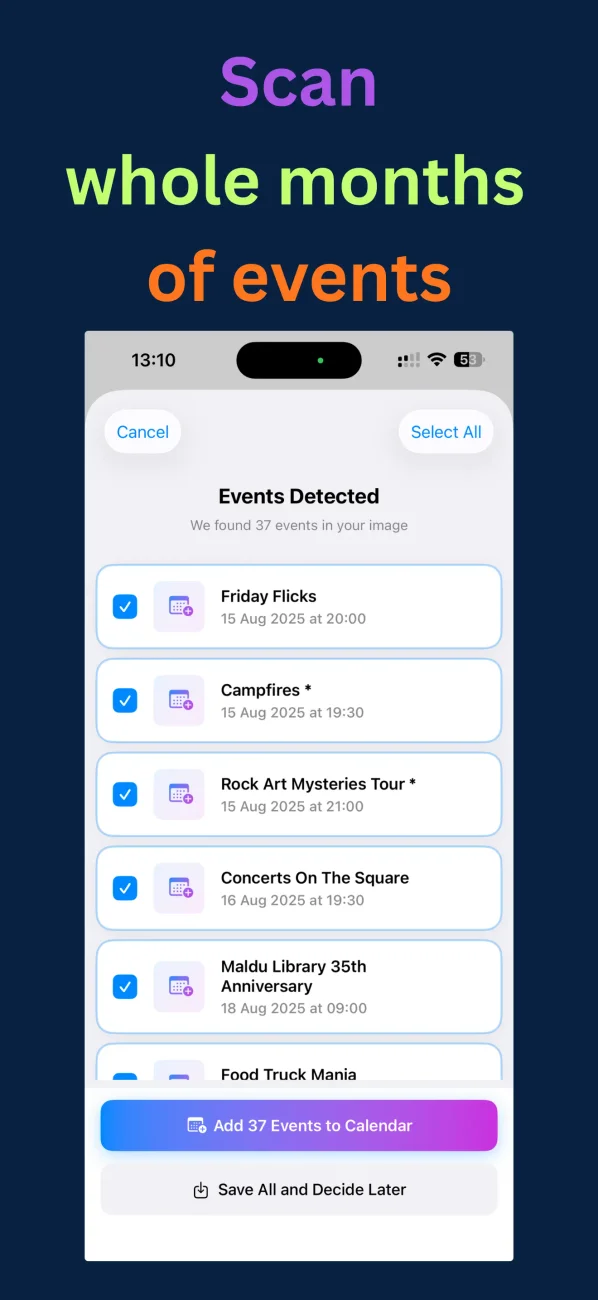
SMART DETECTION: SnapCal automatically identifies the event title, date, time, and even the location, placing everything in the right fields for you.
SAVE TIME & AVOID MISTAKES: Stop wasting time typing and eliminate the risk of typos. Go from photo to scheduled event in just two taps.
PERFECT FOR EVERYONE: Whether you're a student tracking campus events, a parent managing school flyers, or a professional organising conference schedules, SnapCal is the ultimate productivity tool.
Stop letting important dates get lost in your photo gallery. Take control of your schedule and free up your time for what really matters.
Download SnapCal today and change the way you plan!
Terms of Use: https://www.apple.com/legal/internet-services/itunes/dev/stdeula/
What’s new
Version 1.4 · Sep 26, 2025
Google Calendar Integration
Now you can save events directly to your Google Calendar! Premium users can choose between Apple Calendar and Google Calendar as their preferred calendar provider.
Edit Before Saving
Review and modify event details before adding them to your calendar. Perfect timing, location, and notes every time.
Performance Improvements
Enhanced AI accuracy and faster event processing for a smoother experience.
Bug Fixes
Resolved various issues to make your event scanning even more reliable. modify events before saving
App privacy
What Luke Moseley declares on the App Store about how this app handles data.
-
Data not linked to you
May be collected but is not linked to your identity.
- Contact info
- User content
- Identifiers
- Usage data
- Diagnostics
Privacy practices may vary, for example with the features you use or your age.
Information
- Seller
- Luke Moseley
- Category
- Productivity
- Version
- 1.4
- Updated
- Sep 26, 2025
- Released
- Jul 24, 2025
- Size
- 18.0 MB
- Requires
- iOS 18.0 or later
- Age rating
- 4+
- Price
- Free
- In-app purchases
- Yes
- Languages
- English
- Copyright
- © Luke Moseley 2025
You might also like
-
 Image to Calendar ScannerAdd Events From Photos
-
 FixMyFlatThe Property Network
-
 AllDay Recorder: AI TranscribeVoice Recorder & Meeting Notes
-
 Lumical - Scan to CalendarScan Shifts, Rosters & Flyers
-
 Pluck: AI Calendar ScannerPhoto to calendar, instantly
-
 RecordinGo: Audio NotesVoice Recorder & Transcription
-
 Remi - ADHD & Someday PlannerReminders, when you forget
-
 Toshi: The Family Calendar AppRoutines for Everyday Life
-
 Magpie - Photos & NotesNever forget things you love
-
 Compare Text: PDF & DocumentsDiff Checker for Word & Excel