UI Playground
Play. Preview. Export.
Conçue pour iPhone
Gratuit · Achats intégrés
- Classification d’âge4+
- CatégorieOutils de développement
- DéveloppeurEmanuel Fernandes
- LanguesAnglais
- Taille74,8 Mo
Renvoie vers la page App Store officielle
Download.org n’héberge aucun fichier de UI Playground. Le bouton ouvre la page de l’application sur App Store, où Emanuel Fernandes la publie. Fiche vérifiée pour la dernière fois le 12/11/2026.
Captures d’écran

À propos
Le développeur n’a pas fourni ce texte dans votre langue.
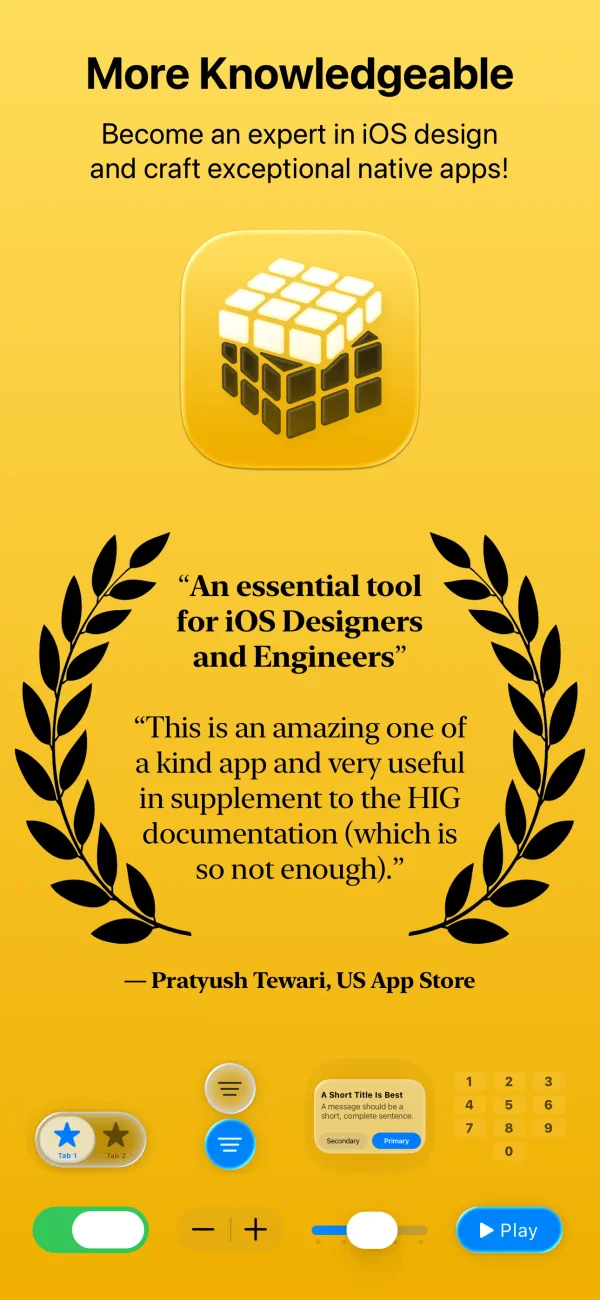
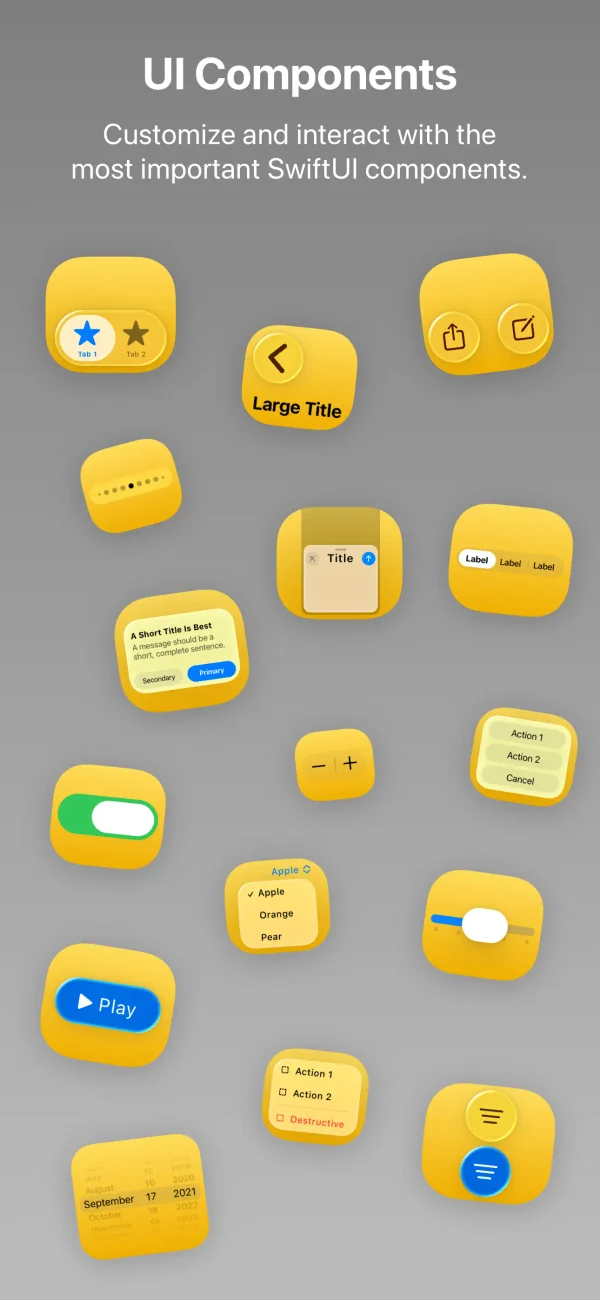
Craft the best iOS 26 user experience by choosing the appropriate interface components with the right customisation.
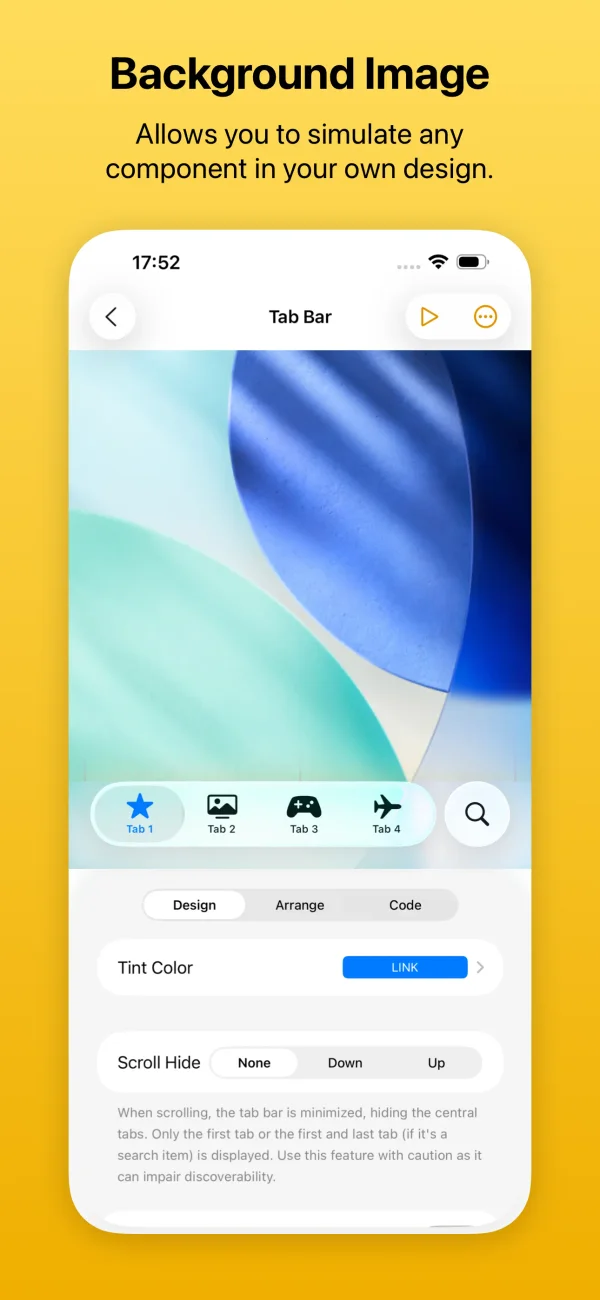
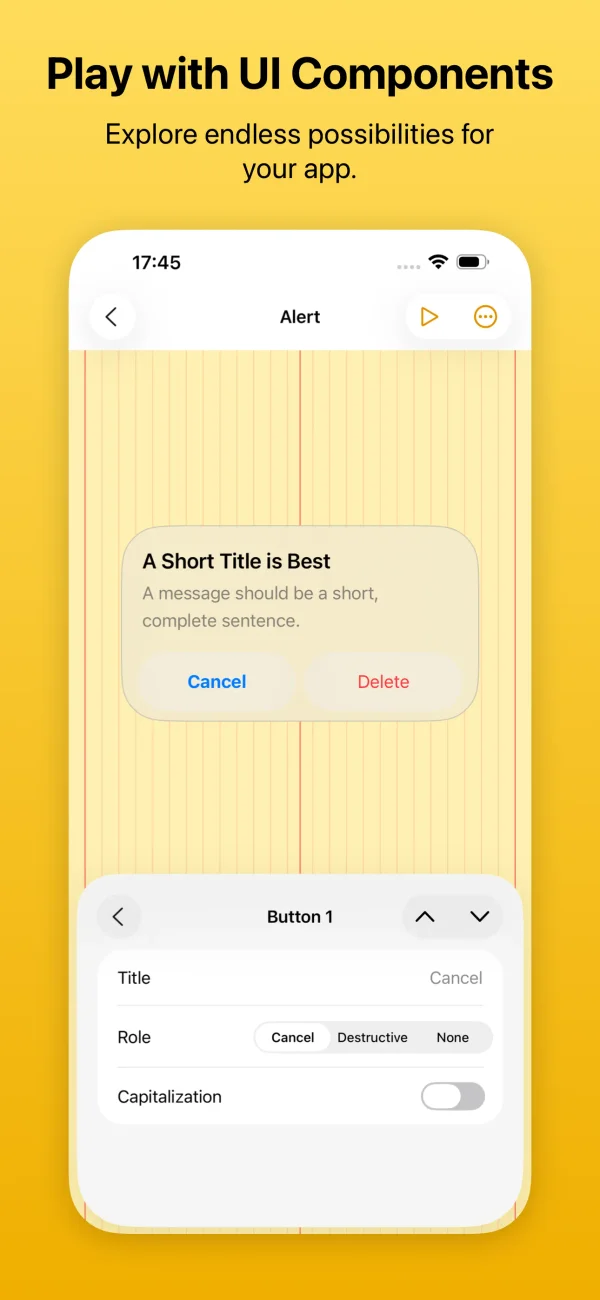
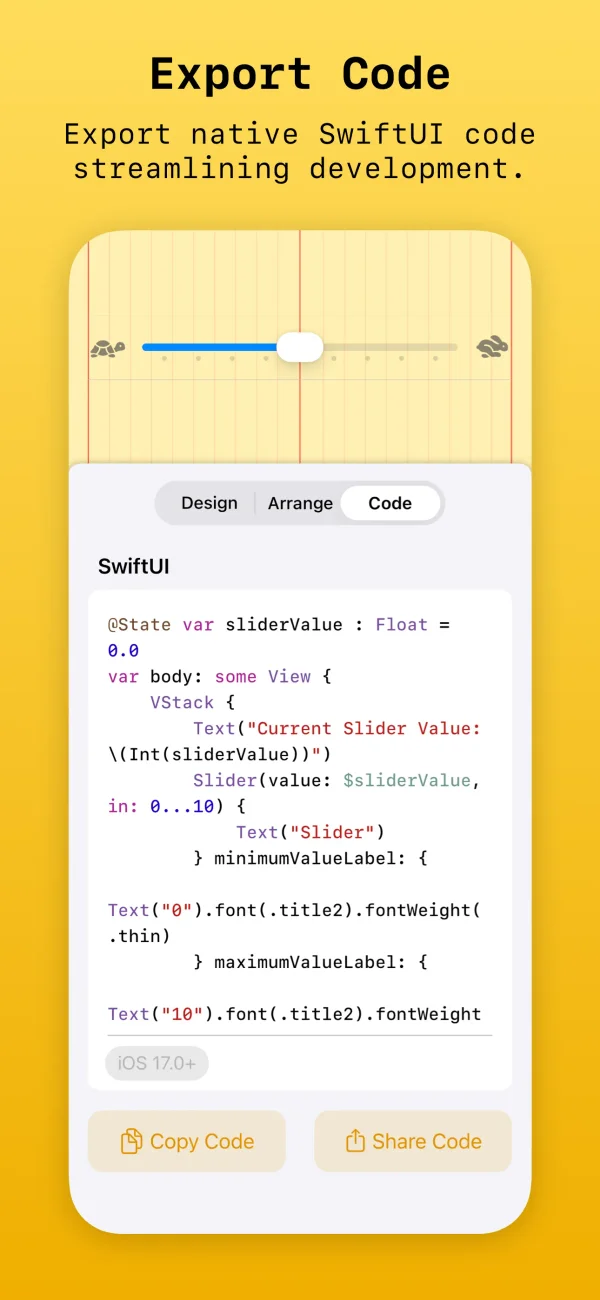
Explore and customise native UI components to unlock endless possibilities for your app. Take it to the next level, by previewing a live component within the context of your app, simply by adding a screenshot image. Finally, export native code to share with developers streamlining development.
FOR DESIGNERS
Explore on the device, all the possibilities that each user interface component supports, exactly as it will work in a real app.
FOR DEVELOPERS
Learn SwiftUI backwards by first interacting with components on iPhone and then reading or applying the code in a real app.
FOR PRODUCT OWNERS
Convey your ideas faster by designing small interactions within the context of your app, without the commitment of implementation.
FEATURES
• Auto-save: Automatically save every customisation you make — never loose your work.
• Save Multiple Drafts: work on the same component with different customisations.
• Human Interface Guidelines: small instructions lead to a proper usage of components that respect HIG.
• Design & Developer Docs: get more information about each component on Apple's website.
• Semantic Colors: add system colors with a version for light and dark mode.
• SF Symbols: add system symbols for an extra level of precision.
• Guides: align components within the safe areas or highlight the component.
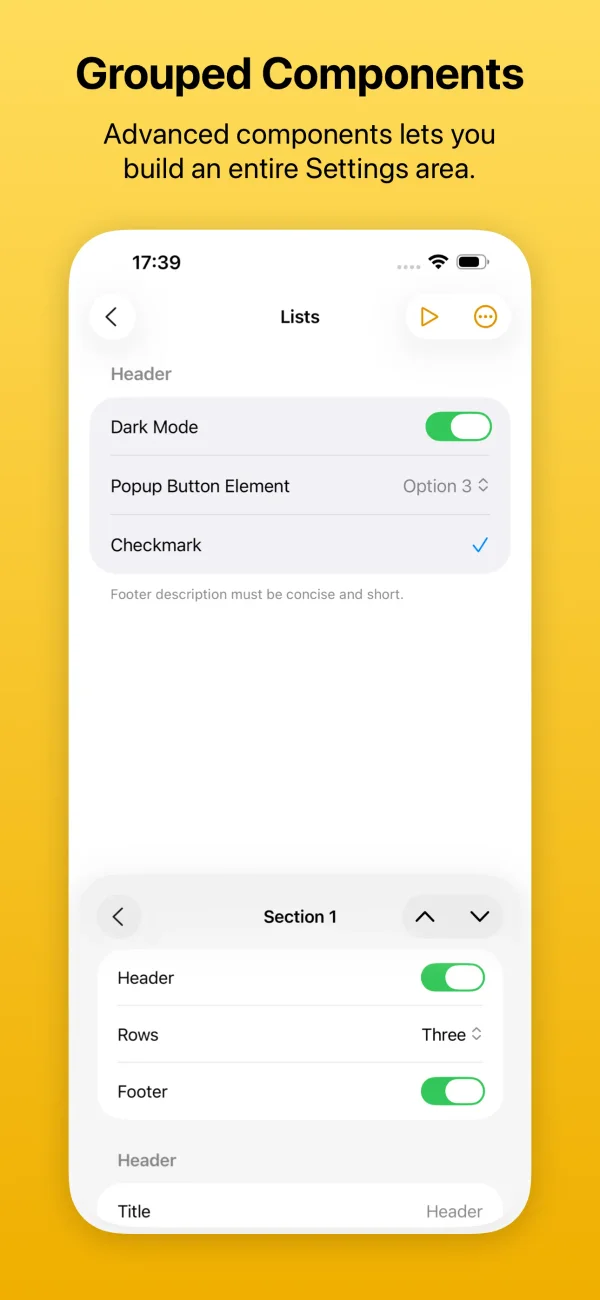
• Grouped Components: advanced components lets you build an entire Settings area.
• Save to iCloud: work on multiple devices without loosing the work.
By purchasing this app, we will guarantee ongoing support for any OS updates that changes existing or brings new relevant main UI components.
If you have any doubts or want to report an issue with the app, please feel free to reach us at support@uiplayground.app .
TERMS OF SERVICE
https://www.apple.com/legal/internet-services/itunes/dev/stdeula/
Nouveautés
Version 2.2 · 23/07/2026
Bug fixing and performance improvements.
Confidentialité de l’application
Ce que Emanuel Fernandes déclare sur l’App Store au sujet du traitement des données par cette application.
-
Données non collectées
Le développeur ne collecte aucune donnée à partir de cette application.
Les pratiques en matière de confidentialité peuvent varier, notamment en fonction des fonctionnalités que vous utilisez ou de votre âge.
Informations
- Vendeur
- Emanuel Fernandes
- Catégorie
- Outils de développement
- Version
- 2.2
- Mis à jour
- 23/07/2026
- Publié
- 26/01/2025
- Taille
- 74,8 Mo
- Nécessite
- iOS 17.0 ou version ultérieure
- Classification d’âge
- 4+
- Prix
- Gratuit
- Achats intégrés
- Oui
- Langues
- Anglais
- Copyright
- © Emanuel Fernandes & Tiago Henriques
Vous aimerez peut-être aussi
-
 DockUI : Design pour SwiftUIConcevez et collez dans Xcode
-
 ComponentsKit: develop fasterOutils de développement
-
 UI HandBookOutils de développement
-
 UI Explorer LightOutils de développement
-
 Compot: SwiftUI with AIOutils de développement
-
 Libraried: UI ComponentsOutils de développement
-
 Haptic ProOutils de développement
-
 DevTutor: Learn Swift, SwiftUlOutils de développement
-
 SixDOutils de développement
-
 SymboleroOutils de développement