
UI Playground
Play. Preview. Export.
Dirancang untuk iPhone
Gratis · Pembelian dalam aplikasi
- Batasan usia4+
- KategoriAlat Pengembang
- PengembangEmanuel Fernandes
- BahasaInggris
- Ukuran74,8 MB
Tertaut ke halaman resmi App Store
Download.org tidak menyimpan file UI Playground apa pun. Tombol ini membuka halaman aplikasi di App Store, tempat Emanuel Fernandes menerbitkannya. Halaman terakhir diperiksa pada 12/11/2026.
Tangkapan layar

Tentang
Pengembang belum menyediakan teks ini dalam bahasa Anda.
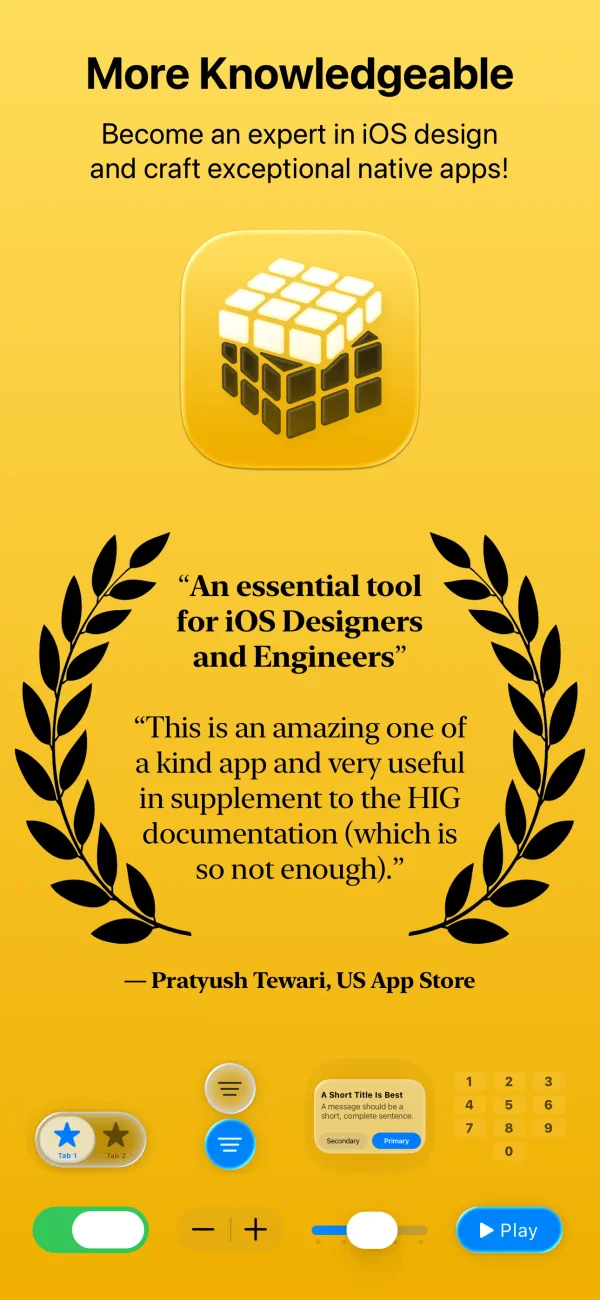
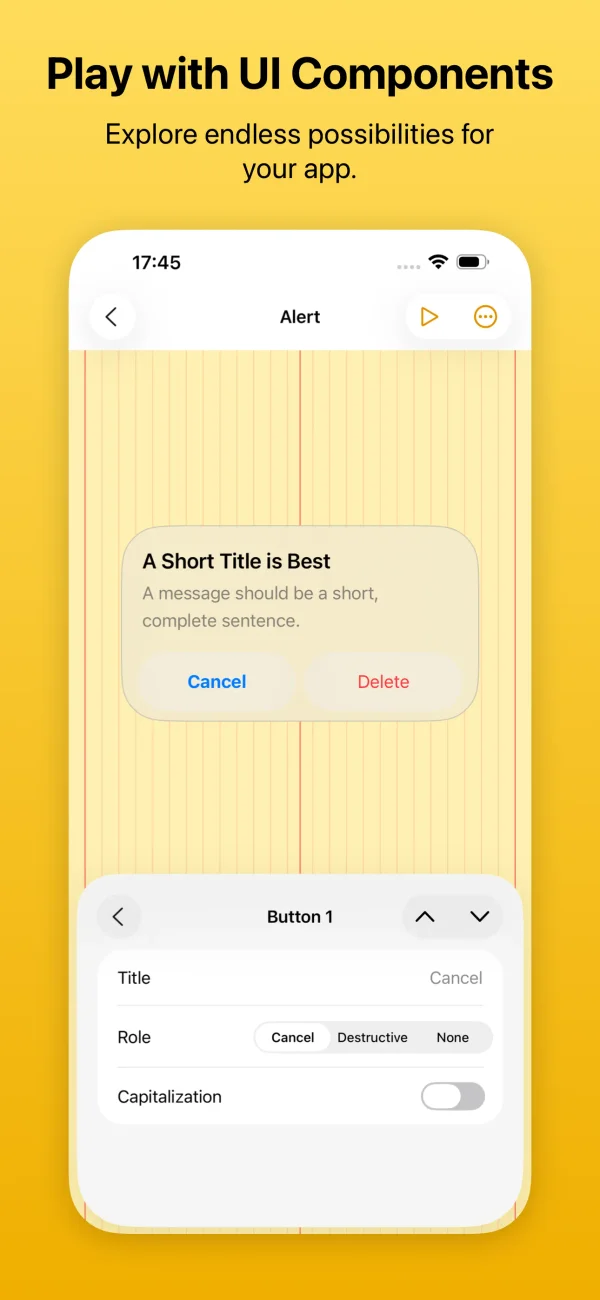
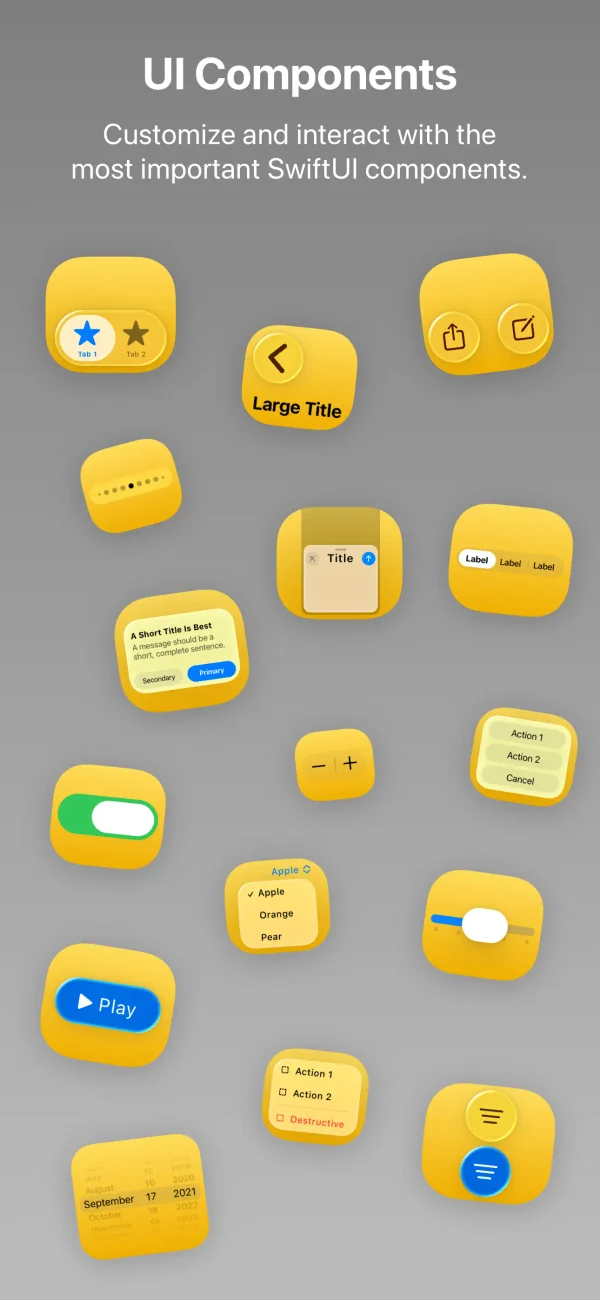
Craft the best iOS 26 user experience by choosing the appropriate interface components with the right customisation.
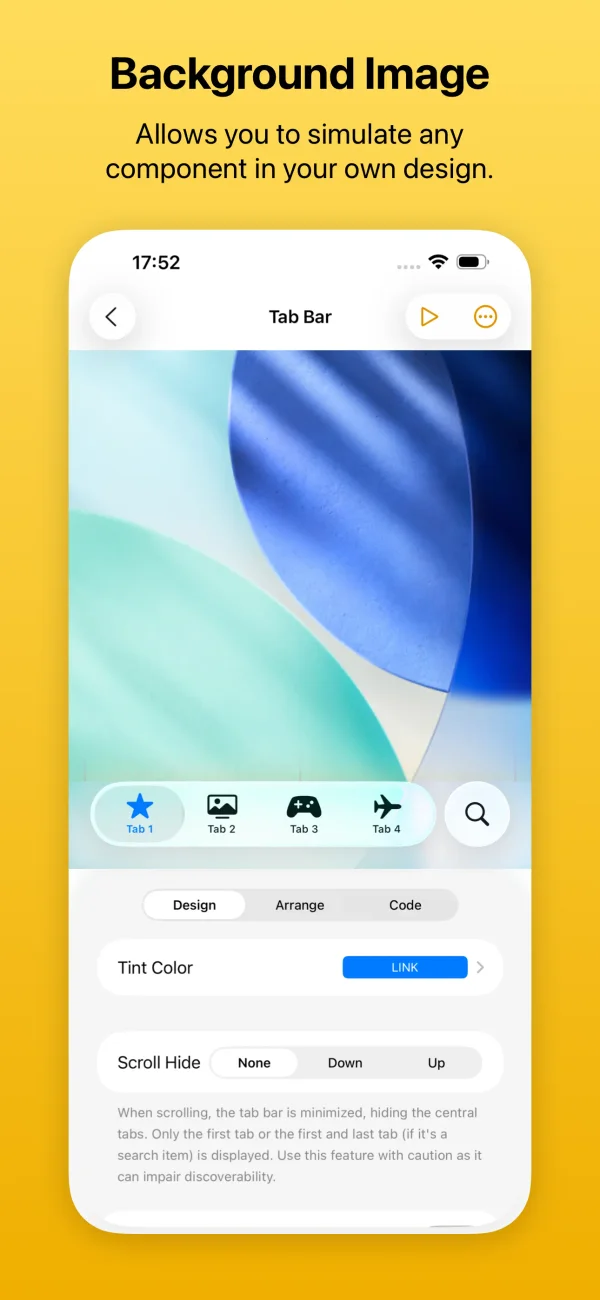
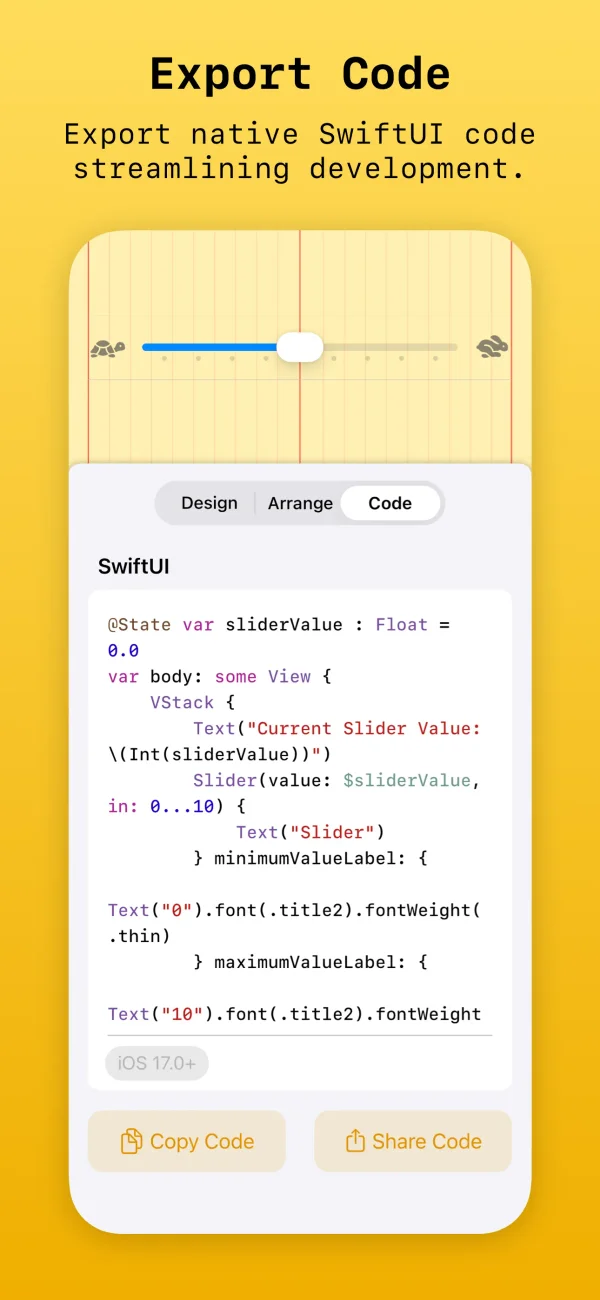
Explore and customise native UI components to unlock endless possibilities for your app. Take it to the next level, by previewing a live component within the context of your app, simply by adding a screenshot image. Finally, export native code to share with developers streamlining development.
FOR DESIGNERS
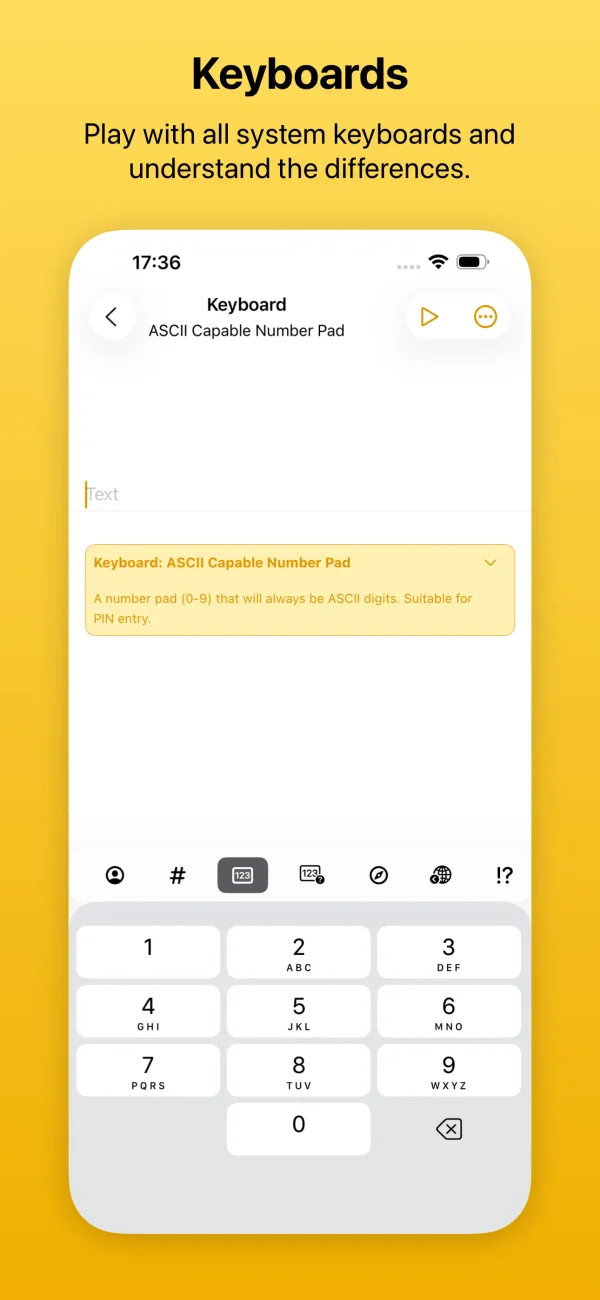
Explore on the device, all the possibilities that each user interface component supports, exactly as it will work in a real app.
FOR DEVELOPERS
Learn SwiftUI backwards by first interacting with components on iPhone and then reading or applying the code in a real app.
FOR PRODUCT OWNERS
Convey your ideas faster by designing small interactions within the context of your app, without the commitment of implementation.
FEATURES
• Auto-save: Automatically save every customisation you make — never loose your work.
• Save Multiple Drafts: work on the same component with different customisations.
• Human Interface Guidelines: small instructions lead to a proper usage of components that respect HIG.
• Design & Developer Docs: get more information about each component on Apple's website.
• Semantic Colors: add system colors with a version for light and dark mode.
• SF Symbols: add system symbols for an extra level of precision.
• Guides: align components within the safe areas or highlight the component.
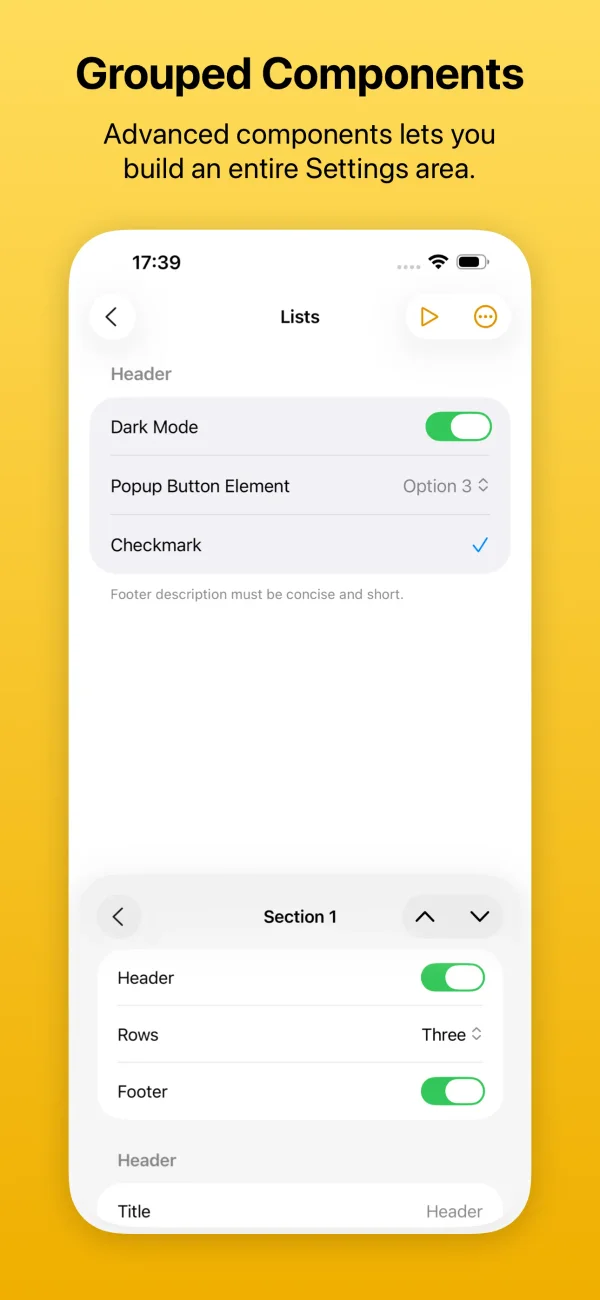
• Grouped Components: advanced components lets you build an entire Settings area.
• Save to iCloud: work on multiple devices without loosing the work.
By purchasing this app, we will guarantee ongoing support for any OS updates that changes existing or brings new relevant main UI components.
If you have any doubts or want to report an issue with the app, please feel free to reach us at support@uiplayground.app .
TERMS OF SERVICE
https://www.apple.com/legal/internet-services/itunes/dev/stdeula/
Yang baru
Versi 2.2 · 23/7/2026
Bug fixing and performance improvements.
Privasi aplikasi
Yang dinyatakan Emanuel Fernandes di App Store tentang cara aplikasi ini menangani data.
-
Data tidak dikumpulkan
Pengembang tidak mengumpulkan data apa pun dari aplikasi ini.
Praktik privasi dapat bervariasi, misalnya berdasarkan fitur yang Anda gunakan atau usia Anda.
Informasi
- Penjual
- Emanuel Fernandes
- Kategori
- Alat Pengembang
- Versi
- 2.2
- Diperbarui
- 23/7/2026
- Dirilis
- 26/1/2025
- Ukuran
- 74,8 MB
- Memerlukan
- iOS 17.0 atau yang lebih baru
- Batasan usia
- 4+
- Harga
- Gratis
- Pembelian dalam aplikasi
- Ya
- Bahasa
- Inggris
- Hak cipta
- © Emanuel Fernandes & Tiago Henriques
Mungkin Anda juga suka
-
 DockUI: Desain Untuk SwiftUIDesain & Tempel ke Xcode
-
 ComponentsKit: develop fasterAlat Pengembang
-
 UI HandBookAlat Pengembang
-
 UI Explorer LightAlat Pengembang
-
 Compot: SwiftUI with AIAlat Pengembang
-
 Libraried: UI ComponentsAlat Pengembang
-
 Haptic ProAlat Pengembang
-
 DevTutor: Learn Swift, SwiftUlAlat Pengembang
-
 SixDAlat Pengembang
-
 SymboleroAlat Pengembang