- 対象年齢4+
- カテゴリ開発ツール
- 開発元Emanuel Fernandes
- 言語英語
- サイズ74.8 MB
App Storeの公式ページにリンクしています
Download.orgはUI Playgroundのファイルを一切ホストしていません。ボタンを押すと、Emanuel Fernandesが公開しているApp Storeのアプリページが開きます。ページの最終確認:2026/11/12。
スクリーンショット
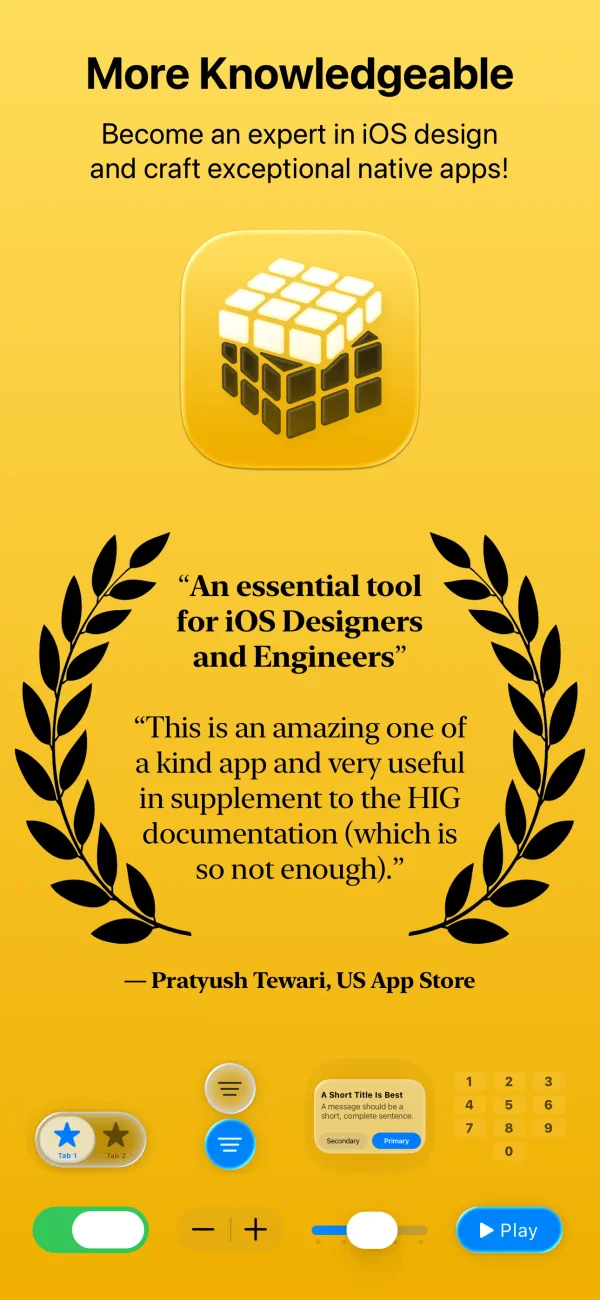
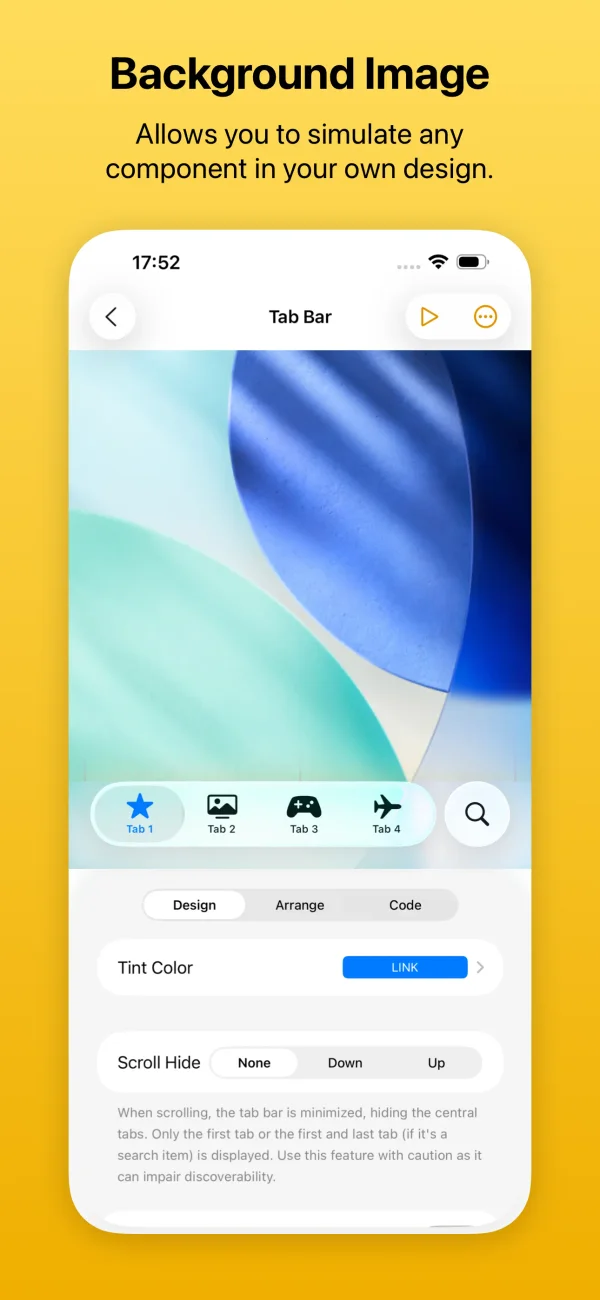
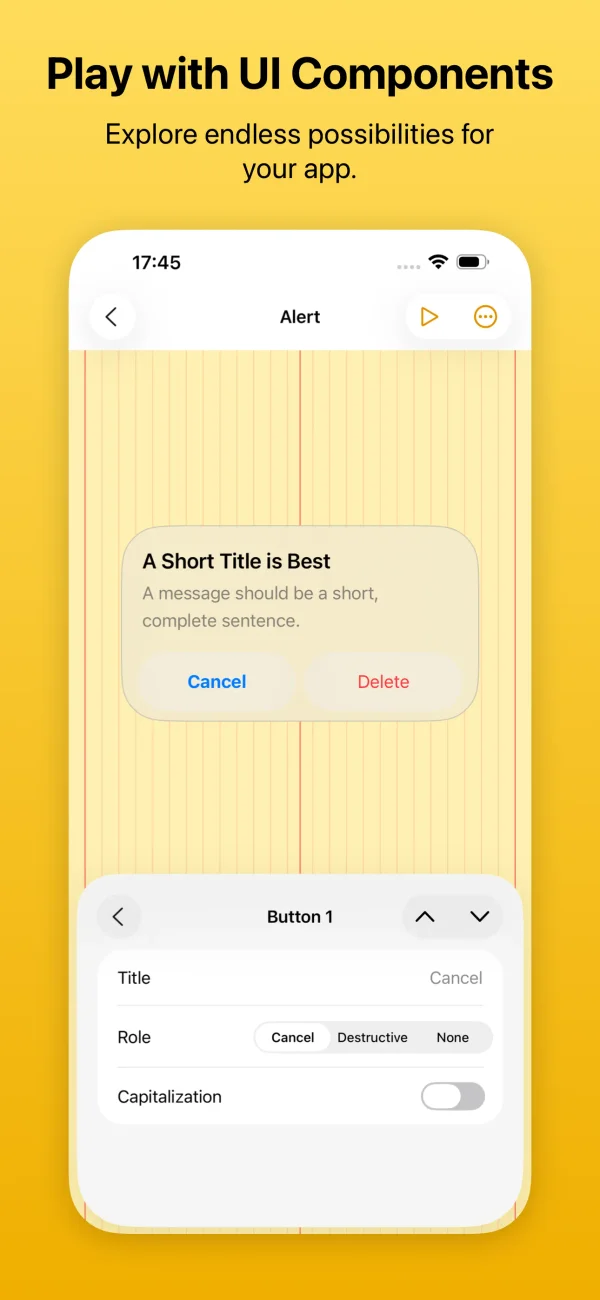
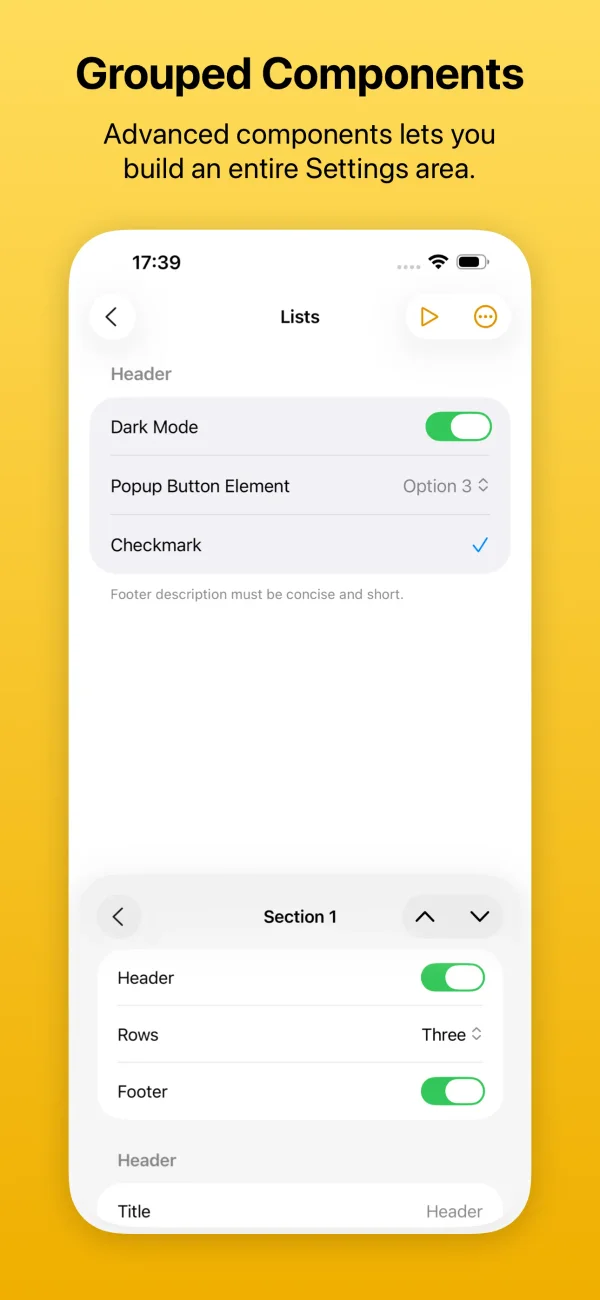

概要
開発元はこのテキストをお使いの言語で提供していません。
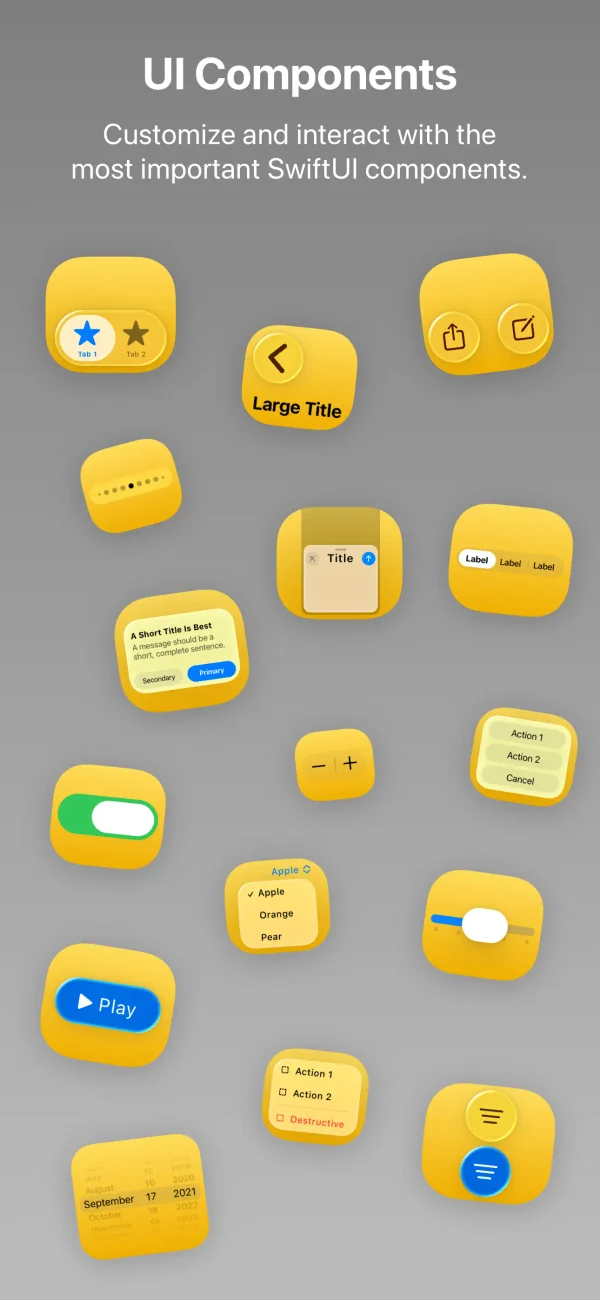
Craft the best iOS 26 user experience by choosing the appropriate interface components with the right customisation.
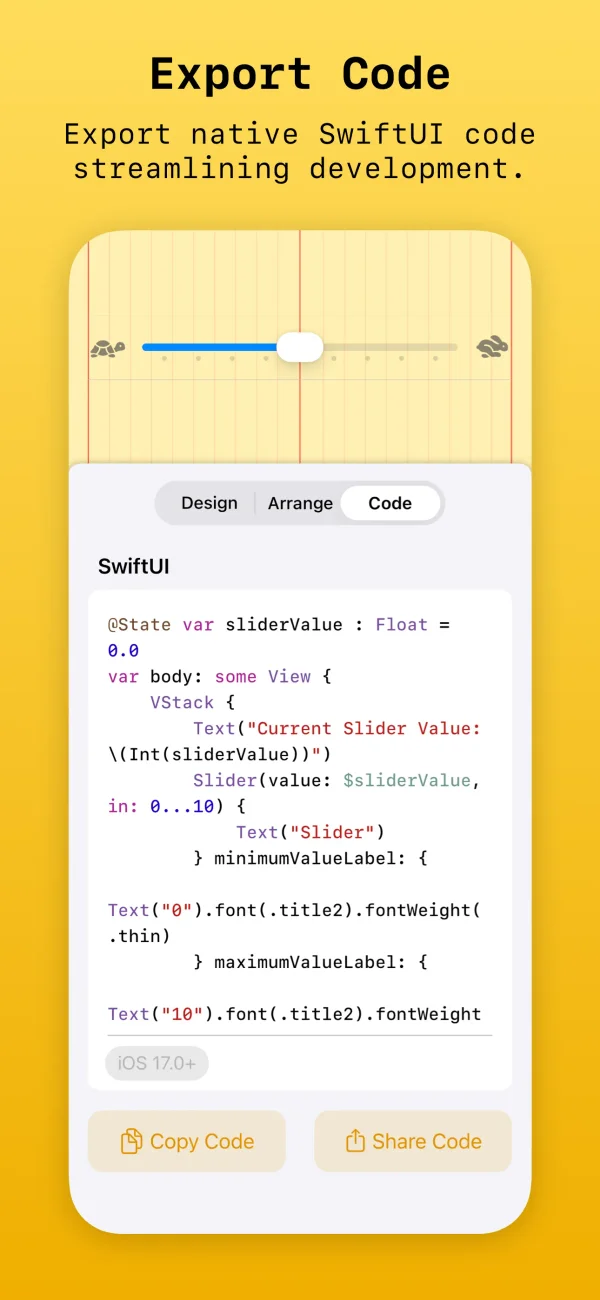
Explore and customise native UI components to unlock endless possibilities for your app. Take it to the next level, by previewing a live component within the context of your app, simply by adding a screenshot image. Finally, export native code to share with developers streamlining development.
FOR DESIGNERS
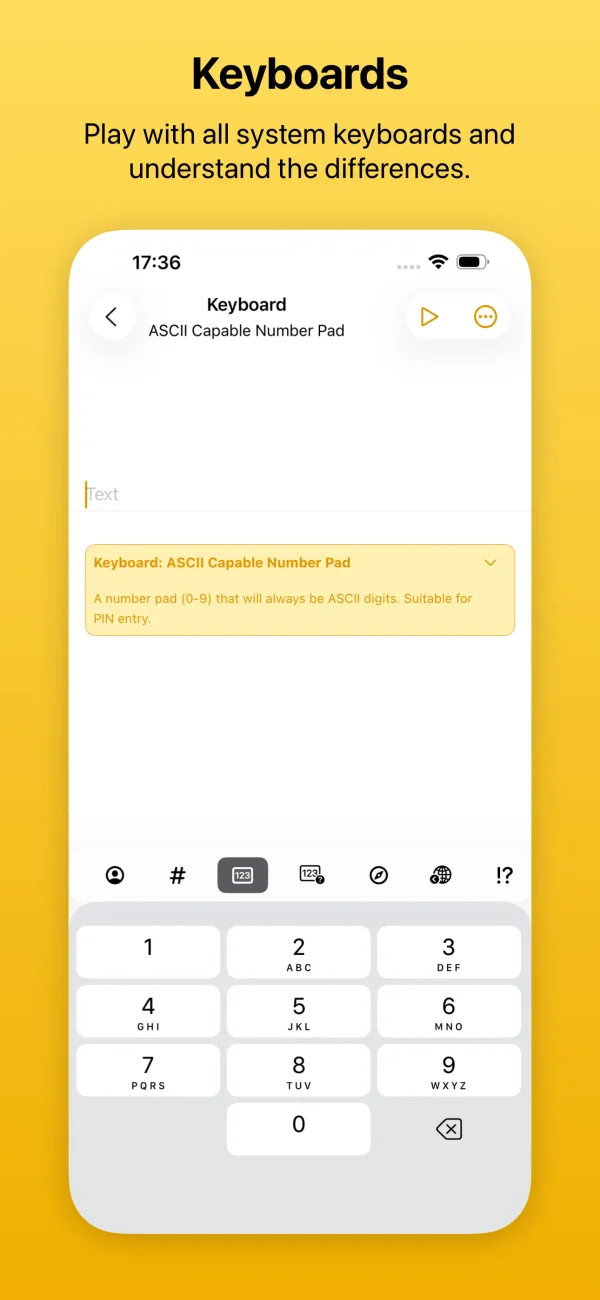
Explore on the device, all the possibilities that each user interface component supports, exactly as it will work in a real app.
FOR DEVELOPERS
Learn SwiftUI backwards by first interacting with components on iPhone and then reading or applying the code in a real app.
FOR PRODUCT OWNERS
Convey your ideas faster by designing small interactions within the context of your app, without the commitment of implementation.
FEATURES
• Auto-save: Automatically save every customisation you make — never loose your work.
• Save Multiple Drafts: work on the same component with different customisations.
• Human Interface Guidelines: small instructions lead to a proper usage of components that respect HIG.
• Design & Developer Docs: get more information about each component on Apple's website.
• Semantic Colors: add system colors with a version for light and dark mode.
• SF Symbols: add system symbols for an extra level of precision.
• Guides: align components within the safe areas or highlight the component.
• Grouped Components: advanced components lets you build an entire Settings area.
• Save to iCloud: work on multiple devices without loosing the work.
By purchasing this app, we will guarantee ongoing support for any OS updates that changes existing or brings new relevant main UI components.
If you have any doubts or want to report an issue with the app, please feel free to reach us at support@uiplayground.app .
TERMS OF SERVICE
https://www.apple.com/legal/internet-services/itunes/dev/stdeula/
新機能
バージョン 2.2 · 2026/7/23
Bug fixing and performance improvements.
アプリのプライバシー
このアプリのデータの取り扱いについて、Emanuel FernandesがApp Storeで申告している内容です。
-
データの収集なし
開発元はこのアプリからデータを収集しません。
プライバシーの取り扱いは、ご利用の機能やお客様の年齢などに応じて異なる場合があります。
情報
- 販売元
- Emanuel Fernandes
- カテゴリ
- 開発ツール
- バージョン
- 2.2
- 更新日
- 2026/7/23
- リリース
- 2025/1/26
- サイズ
- 74.8 MB
- 必要条件
- iOS 17.0以降
- 対象年齢
- 4+
- 価格
- 無料
- アプリ内課金
- あり
- 言語
- 英語
- 著作権
- © Emanuel Fernandes & Tiago Henriques