- Age rating4+
- CategoryDeveloper Tools
- DeveloperEmanuel Fernandes
- LanguagesEnglish
- Size74.8 MB
Links to the official App Store page
Download.org hosts no file of UI Playground. The button opens its official App Store page, published by Emanuel Fernandes. Listing last checked on Nov 12, 2026.
Screenshots
About
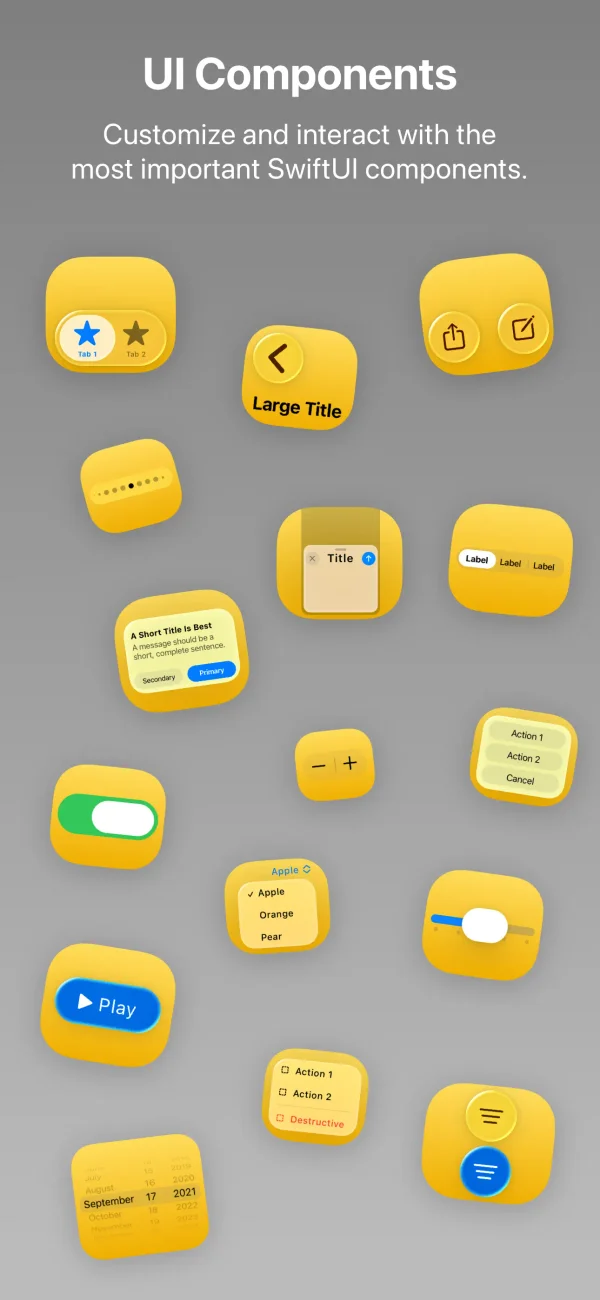
Craft the best iOS 26 user experience by choosing the appropriate interface components with the right customisation.
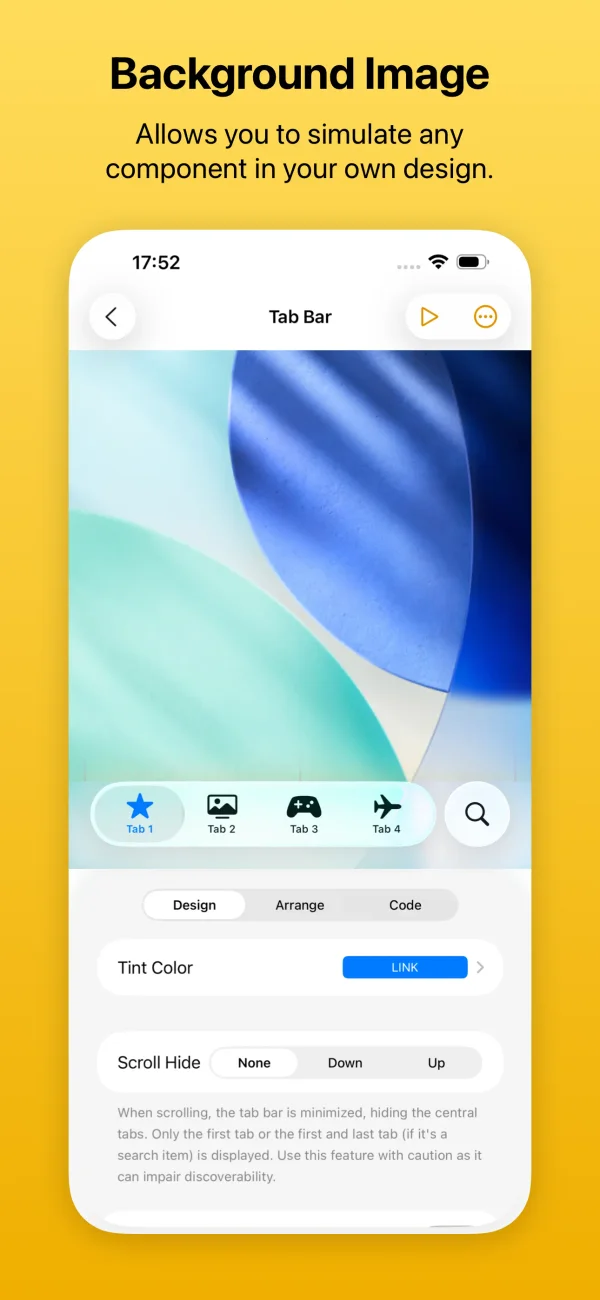
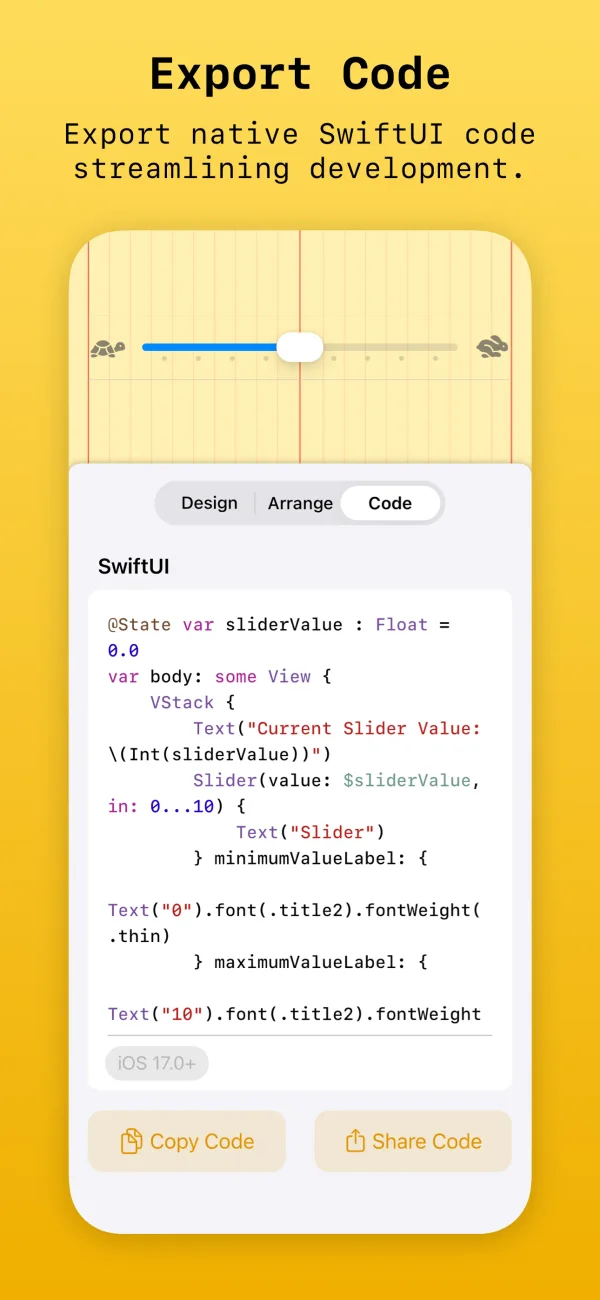
Explore and customise native UI components to unlock endless possibilities for your app. Take it to the next level, by previewing a live component within the context of your app, simply by adding a screenshot image. Finally, export native code to share with developers streamlining development.
FOR DESIGNERS
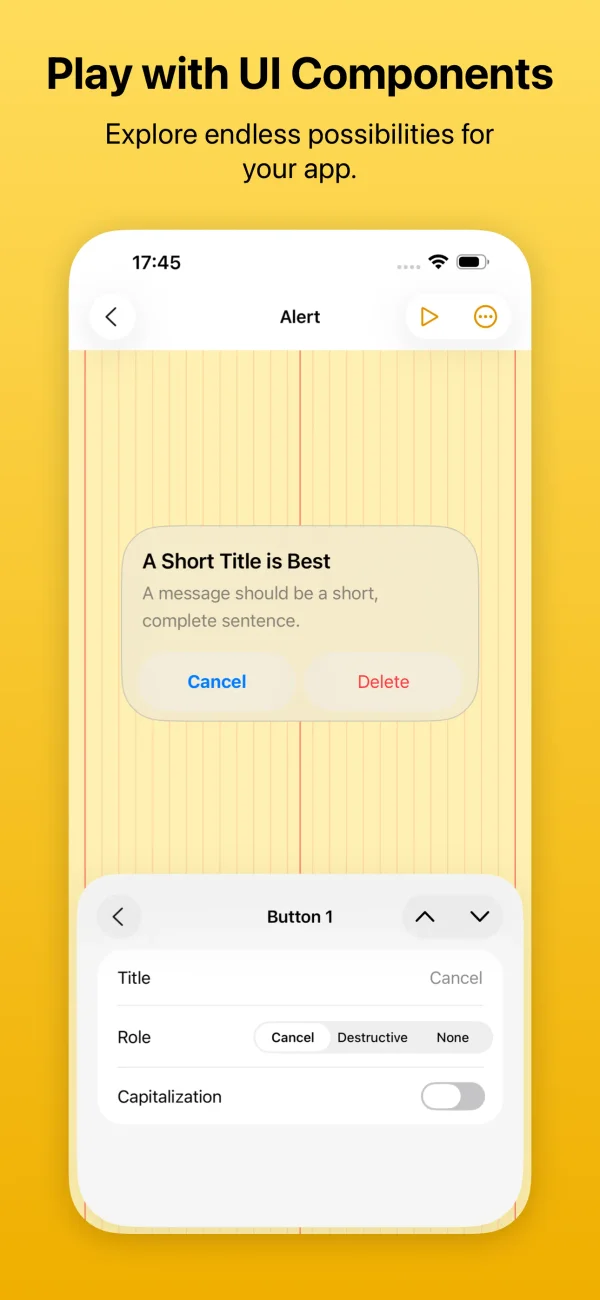
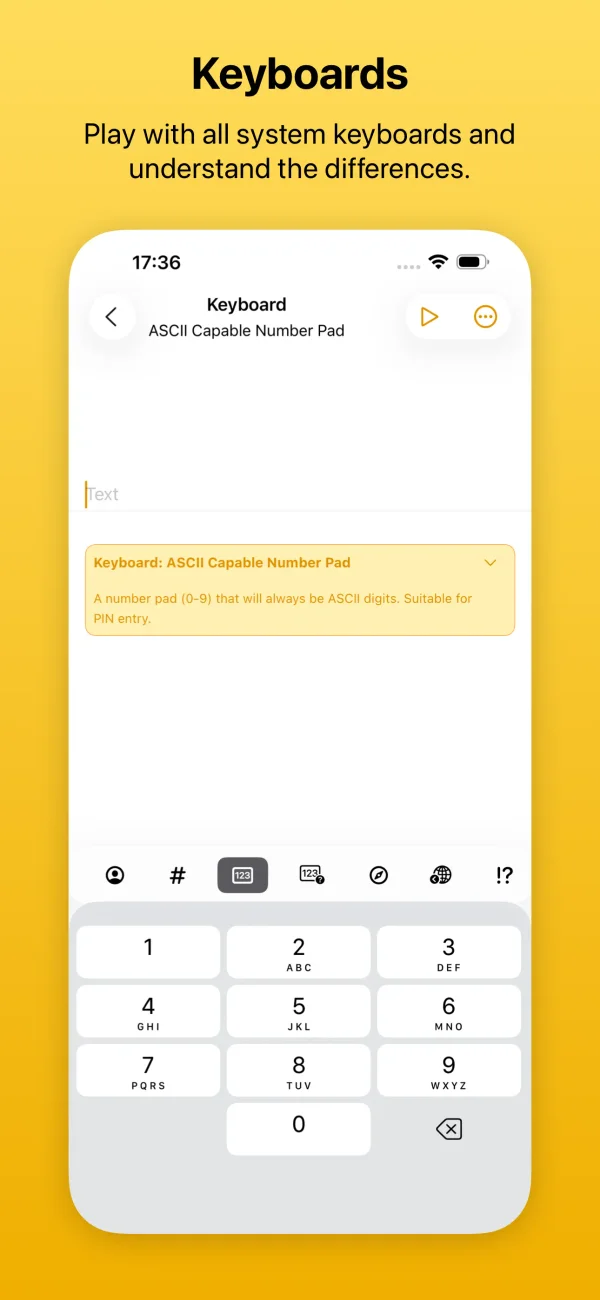
Explore on the device, all the possibilities that each user interface component supports, exactly as it will work in a real app.
FOR DEVELOPERS
Learn SwiftUI backwards by first interacting with components on iPhone and then reading or applying the code in a real app.
FOR PRODUCT OWNERS
Convey your ideas faster by designing small interactions within the context of your app, without the commitment of implementation.
FEATURES
• Auto-save: Automatically save every customisation you make — never loose your work.
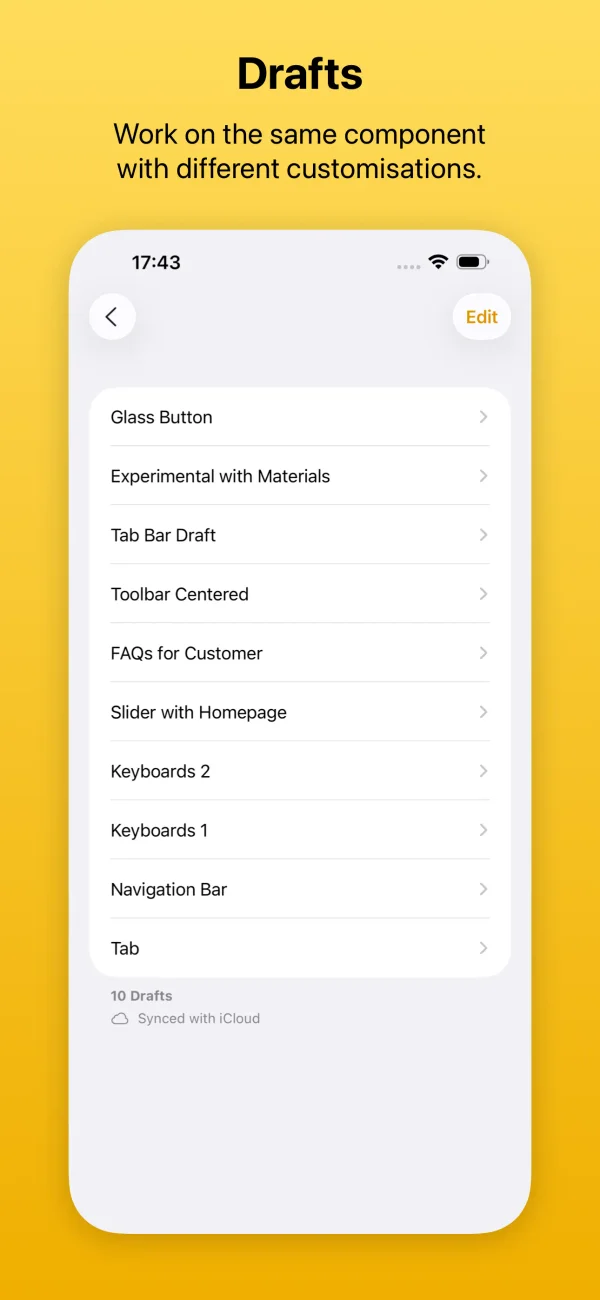
• Save Multiple Drafts: work on the same component with different customisations.
• Human Interface Guidelines: small instructions lead to a proper usage of components that respect HIG.
• Design & Developer Docs: get more information about each component on Apple's website.
• Semantic Colors: add system colors with a version for light and dark mode.
• SF Symbols: add system symbols for an extra level of precision.
• Guides: align components within the safe areas or highlight the component.
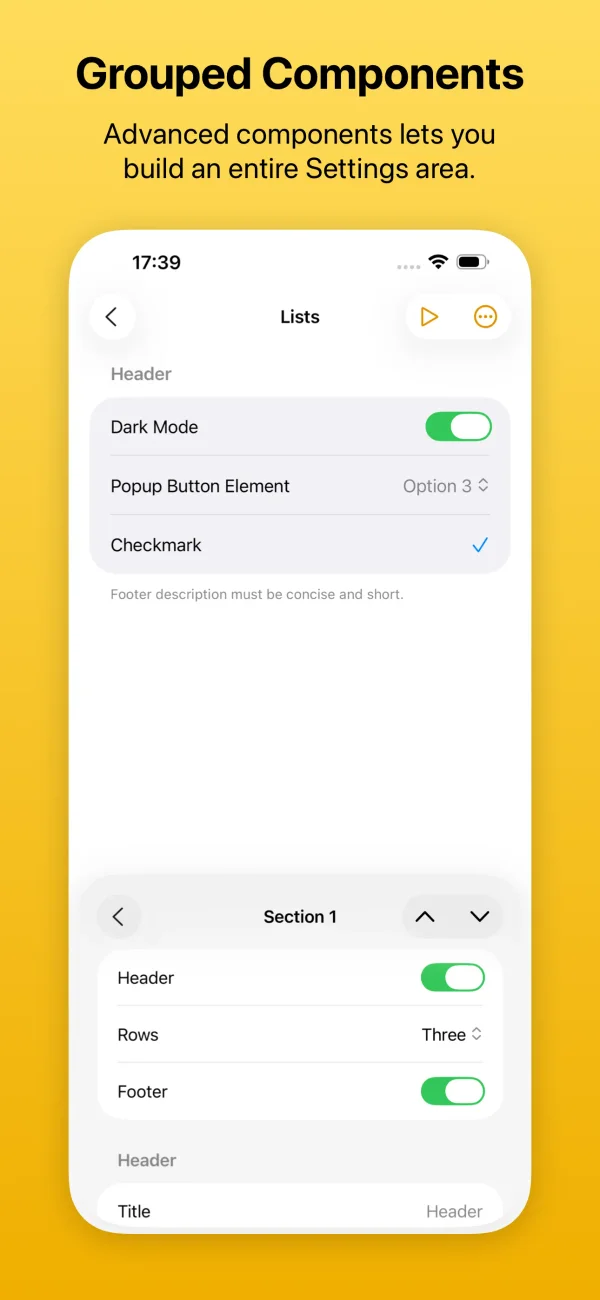
• Grouped Components: advanced components lets you build an entire Settings area.
• Save to iCloud: work on multiple devices without loosing the work.
By purchasing this app, we will guarantee ongoing support for any OS updates that changes existing or brings new relevant main UI components.
If you have any doubts or want to report an issue with the app, please feel free to reach us at support@uiplayground.app .
TERMS OF SERVICE
https://www.apple.com/legal/internet-services/itunes/dev/stdeula/
What’s new
Version 2.2 · Jul 23, 2026
Bug fixing and performance improvements.
App privacy
What Emanuel Fernandes declares on the App Store about how this app handles data.
-
Data not collected
The developer does not collect any data from this app.
Privacy practices may vary, for example with the features you use or your age.
Information
- Seller
- Emanuel Fernandes
- Category
- Developer Tools
- Version
- 2.2
- Updated
- Jul 23, 2026
- Released
- Jan 26, 2025
- Size
- 74.8 MB
- Requires
- iOS 17.0 or later
- Age rating
- 4+
- Price
- Free
- In-app purchases
- Yes
- Languages
- English
- Copyright
- © Emanuel Fernandes & Tiago Henriques
You might also like
-
 DockUI: Design For SwiftUIDesign & Paste into Xcode
-
 ComponentsKit: develop fasterA library with UI elements
-
 UI HandBookSwiftUI Interactive Handbook
-
 UI Explorer LightDeveloper Tools
-
 Compot: SwiftUI with AISwift Code for Apple Developer
-
 Libraried: UI ComponentsFor Use With SwiftUI
-
 Haptic ProCraft Perfect Haptic Patterns
-
 DevTutor: Learn Swift, SwiftUlDesign and code ressources
-
 SixDfor SwiftUI x Design
-
 SymboleroExplore & Customize SF Symbols