Assistive Touch for Android
Launcher StudioBerisi iklan
- Rating 3+Batasan usia
- Alat Kategori
- 23/11/2026Diperbarui
- GratisHarga
Tertaut ke halaman resmi com.easytouch.assistivetouchpro di Google Play. Terakhir diperiksa pada 24/11/2026.

Tangkapan layar
Tentang aplikasi ini
Terjemahan otomatis oleh Google. Bahasa asli: Inggris (Amerika Serikat).
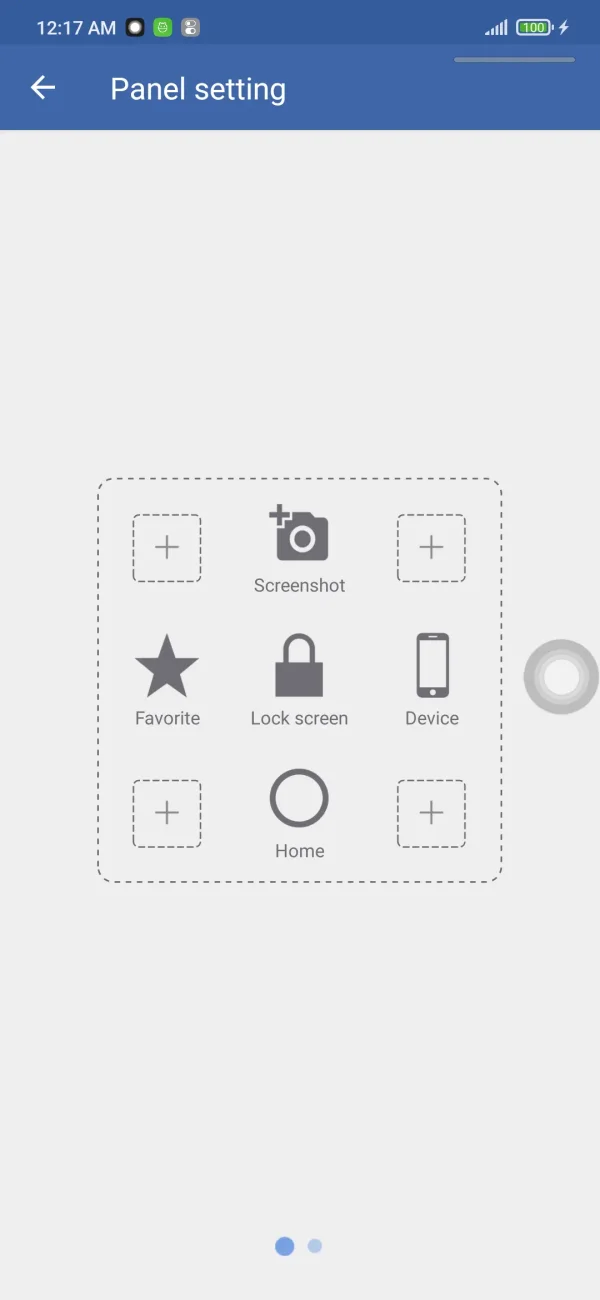
Sentuhan Bantu untuk Android. Sentuhan Bantu menjadikan ponsel Anda pintar dan mewah
Apa itu Sentuhan Bantu?
Assistive Touch adalah alat sentuh yang mudah untuk perangkat Android. Cepat, lancar, dan sepenuhnya GRATIS.
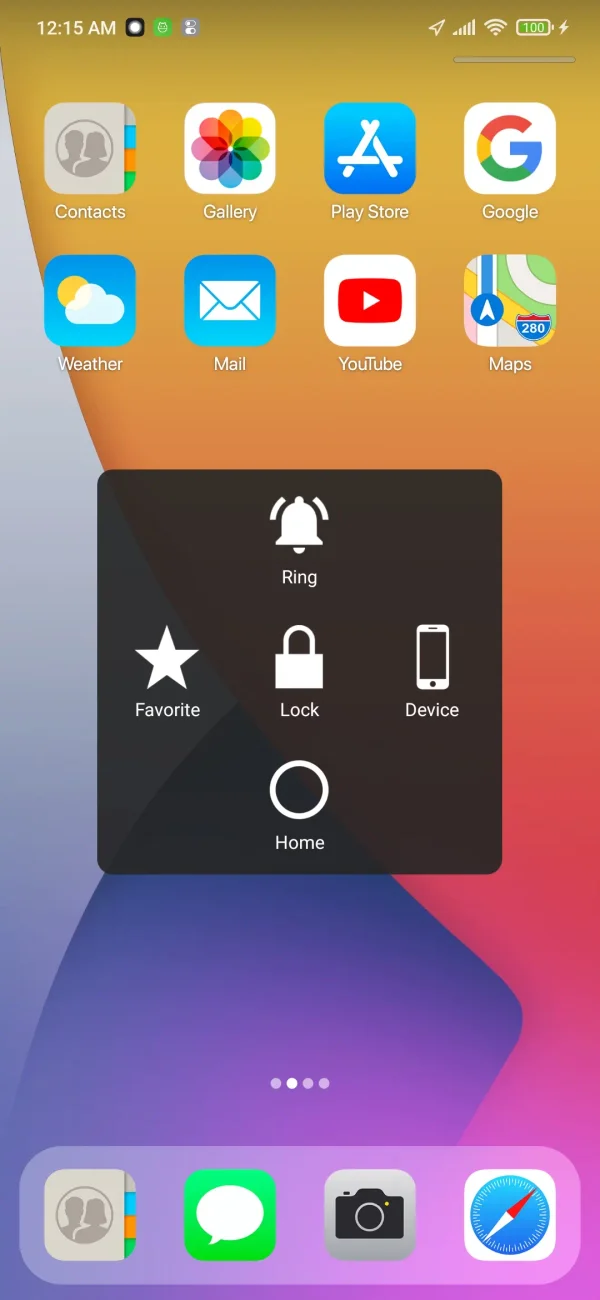
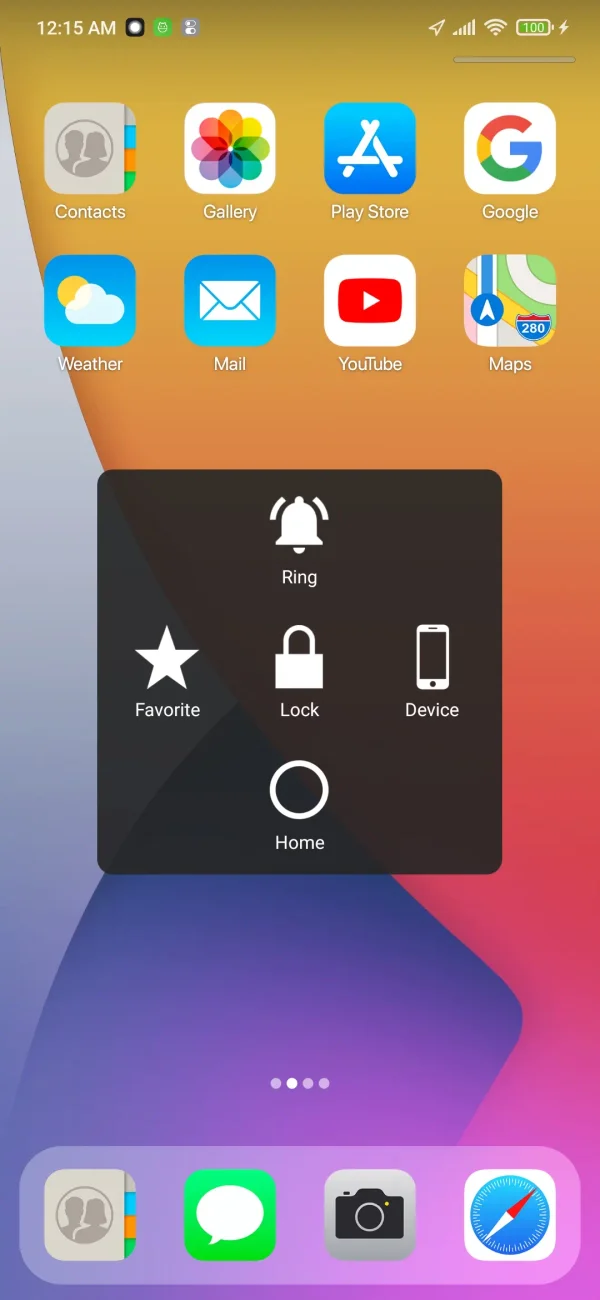
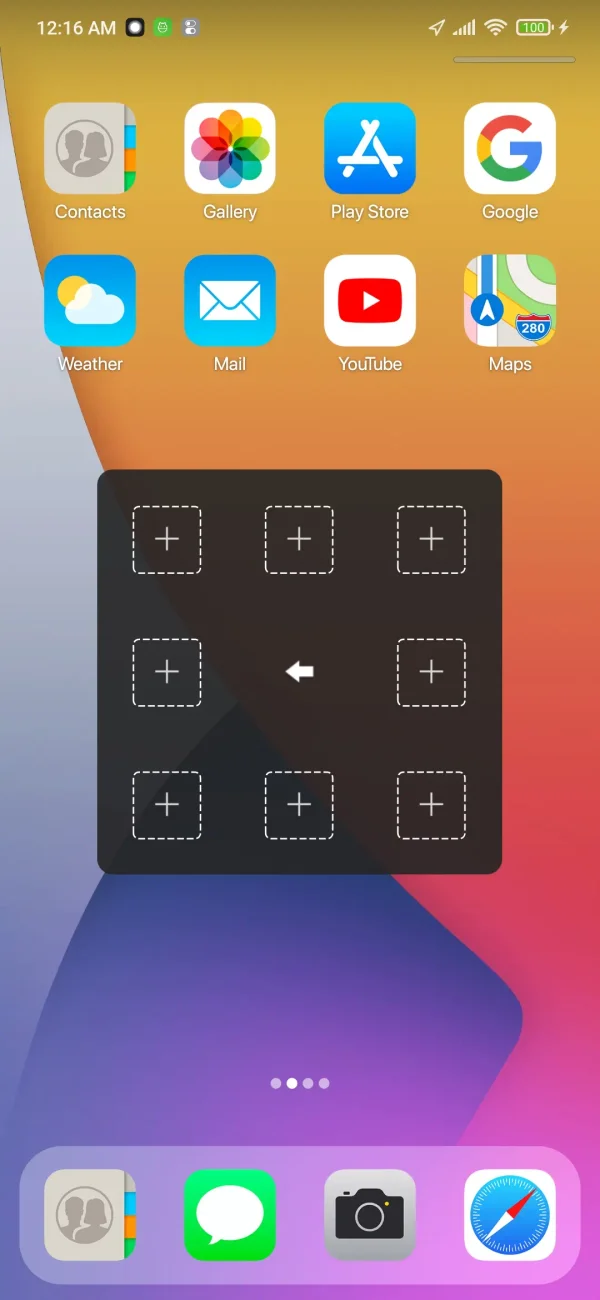
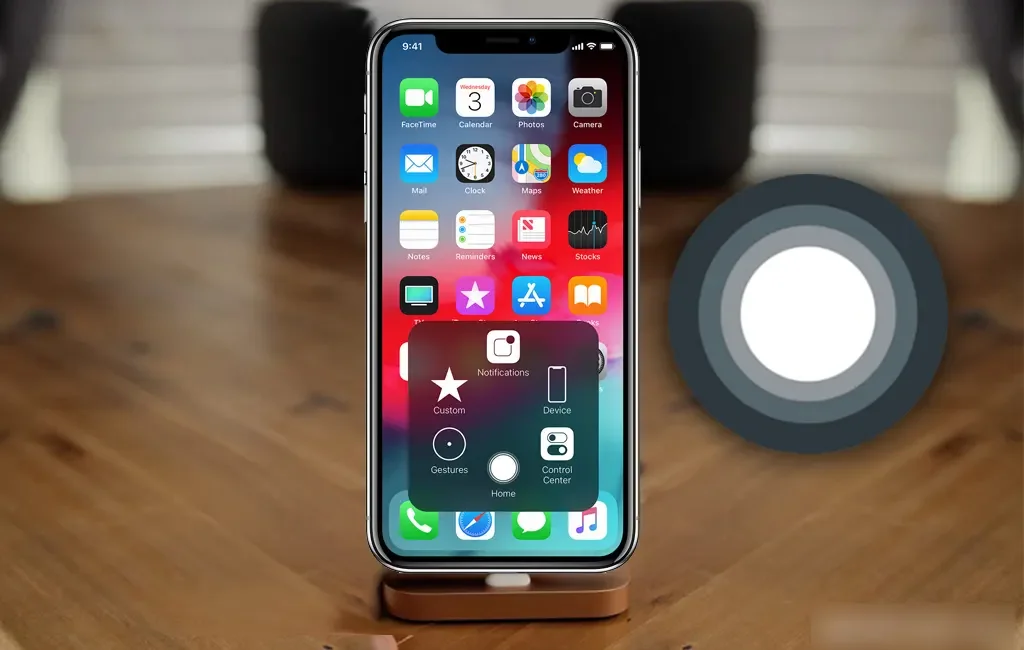
Saat Anda mengaktifkan Assistive Touch, Anda akan melihat menu Assistive Touch. Anda dapat menyeretnya ke tepi mana pun di layar, lalu ketuk menu untuk membukanya.
"Aplikasi ini menggunakan layanan Aksesibilitas." Hal ini diperlukan dan hanya digunakan untuk melakukan tindakan global. Misalnya: kembali, pulang, membuka yang terbaru, dialog daya, pemberitahuan, dll. Anda perlu memberikan izin ini untuk menggunakan tindakan itu.
"Aplikasi ini menggunakan izin Administrator Perangkat." Ini diperlukan dan hanya digunakan untuk mengunci perangkat saat Anda menggunakan fitur mematikan layar. Anda perlu mengaktifkan Administrasi sebelum dapat menggunakan fitur itu. Untuk mencopot pemasangan aplikasi, buka aplikasi saya dan klik tombol "Copot pemasangan".
1. Untuk mengaktifkan AssistiveTouch:
Buka aplikasi saya > Aktifkan item pengaktifan AssistiveTouch.
2. Untuk menggunakan tindakan lainnya:
Buka Pengaturan > Aksesibilitas > Layanan dan aktifkan Assistive Touch.
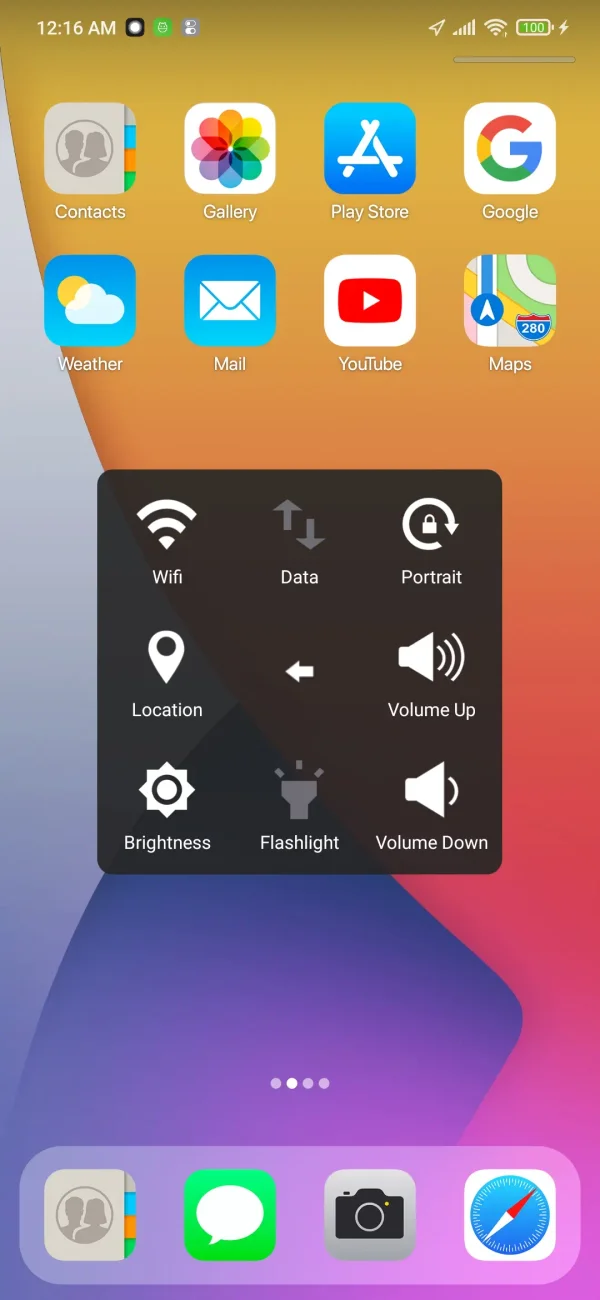
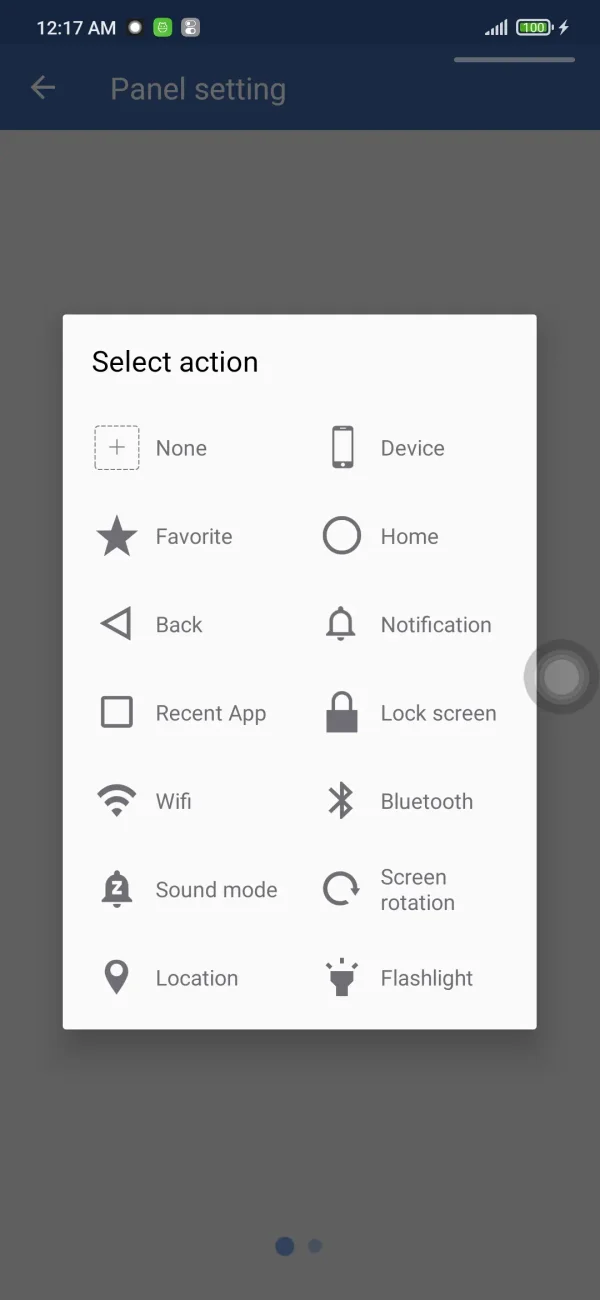
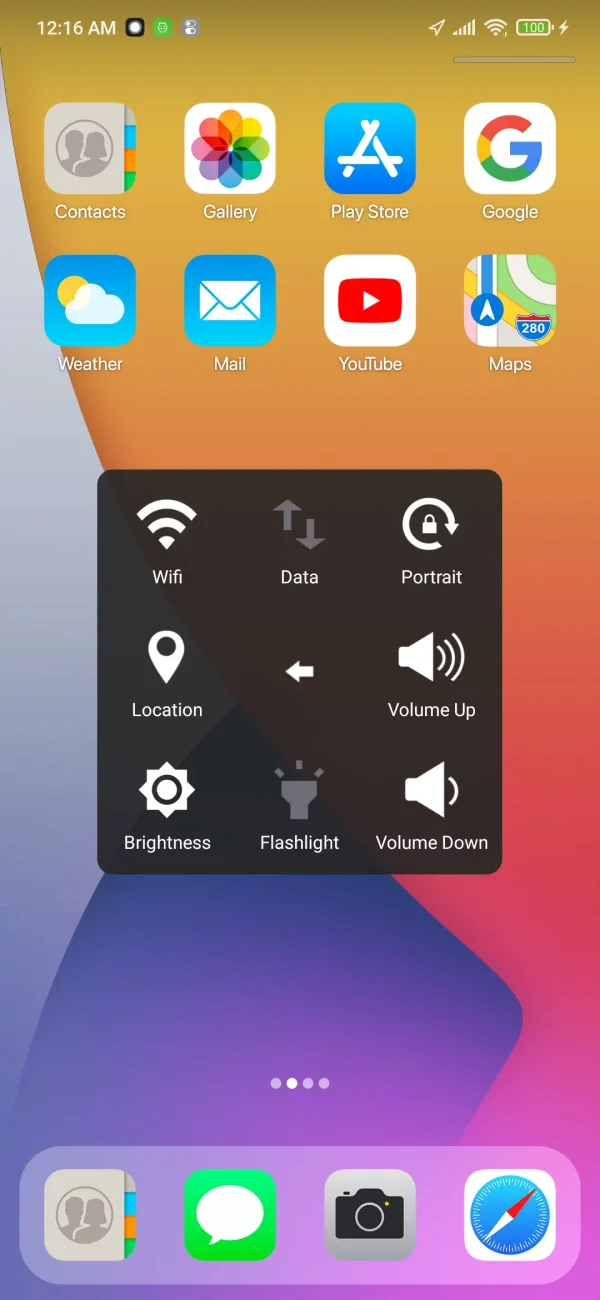
Untuk mengakses Notifikasi Anda, buka menu Assistive Touch dan ketuk Notifikasi. Untuk mengakses kontrol, buka menu AssistiveTouch. Dari sini, Anda dapat melakukan hal-hal seperti menyalakan dan mematikan Bluetooth, menghidupkan dan mematikan Wifi, mengambil tangkapan layar, dan banyak lagi.
Anda juga dapat menggunakan AssistiveTouch untuk mengakses layar Beranda, layar Terbaru, dan menggunakan Tombol Kembali. Cukup buka menu AssistiveTouch dan ketuk Tindakan Beranda, Terbaru, Kembali.
FITUR:
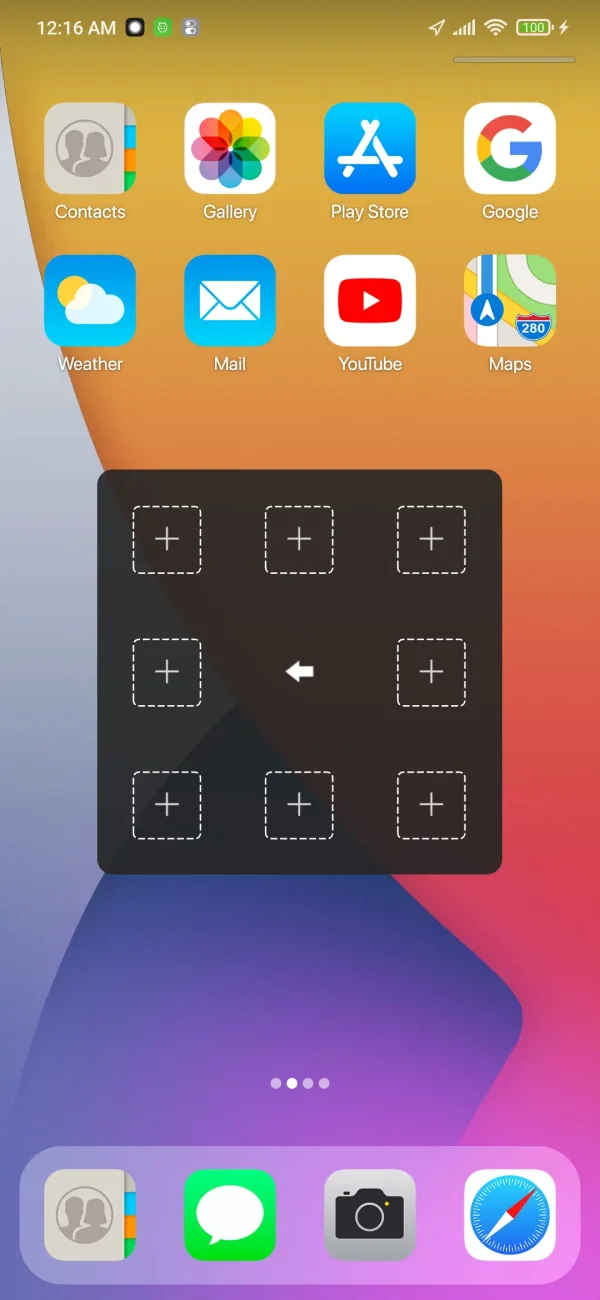
- Kontrol perangkat Anda dengan menu Assistive Touch.
- Warna khusus menu Assistive Touch.
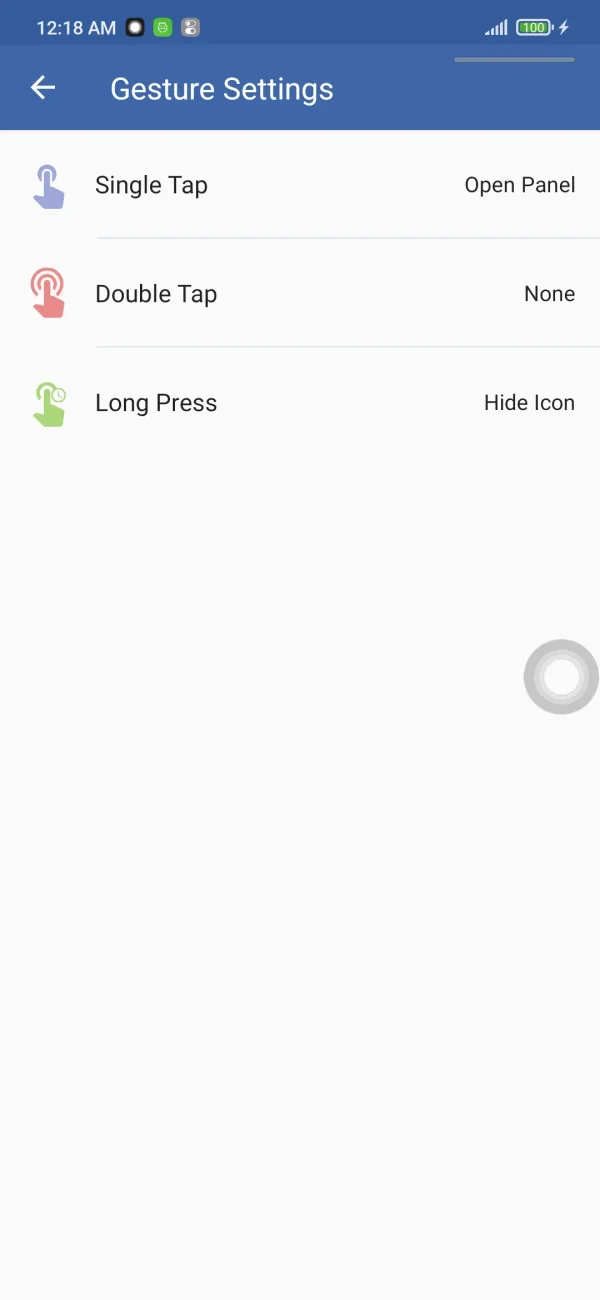
- Ukuran khusus dan warna ikon Mengambang.
Mendukung:
- Email: sp.launcherios13@gmail.com
TERIMA KASIH TELAH MENGGUNAKAN APLIKASI SENTUHAN ASSISTIF SAYA.
Tampilkan teks asli
What is Assistive Touch?
Assistive Touch is an easy touch tool for Android devices. It's fast, it’s smooth, and it’s totally FREE.
When you turn on Assistive Touch, you’ll see the Assistive Touch menu. You can drag it to any edge of the screen, then tap the menu to open it.
"This app uses Accessibility services." It is necessary and used only to perform a global action. For example: going back, going home, opening recent, power dialog, notification etc. You need grant this permission to use that action.
"This app uses the Device Administrator permission." It is necessary and used only for locking the device when you use feature turn off the screen. You need to enable Administration before it can be used that feature. To uninstall the app, please open my app and click the "Uninstall" button.
1. To turn on AssistiveTouch:
Open my app > Switch on AssistiveTouch enable item.
2. To use more actions:
Go to Settings > Accessibility > Services and turn on Assistive Touch.
To access your Notifications, open the Assistive Touch menu and tap Notification. To get to the control, open the AssistiveTouch menu. From here, you'll be able to do things like turn Bluetooth on and off, use Wifi on and off, take screenshots, and more.
You can also use AssistiveTouch to access your Home screen, Recent screen and use Back Key. Just open the AssistiveTouch menu and tap Home, Recent, Back action.
FEATURES:
- Control your device with Assistive Touch menu.
- Custom color of Assistive Touch menu.
- Custom size and color Floating icon.
Support:
- Email: sp.launcherios13@gmail.com
THANK YOU FOR USING MY ASSISTIVE TOUCH APP.
Keamanan data
Yang dinyatakan Launcher Studio di Google Play tentang data yang dikumpulkan dan dibagikan aplikasi ini.
- Tidak ada data yang dibagikan kepada pihak ketigaPelajari lebih lanjut cara developer menyatakan pembagian data
- Tidak ada data yang dikumpulkanPelajari lebih lanjut cara developer menyatakan pengumpulan data
- Data dienkripsi saat dalam pengiriman
- Data tidak dapat dihapus
Yang baru
Versi 1.7 · 23/11/2026
Version 1.7
- Fix issue Ads
- Fix issue feedback from users
- Make app more smoothly
NEXT VERSION:
- Improve app more smoothly
Thank you for using my app!
Kontak pengembang
- Situs webiosapps4android.blogspot.com
- Emailsp.launcherios13@gmail.com
- Kebijakan Privasisites.google.com
- AlamatVietnam
Informasi
- Ditawarkan oleh
- Launcher Studio
- Kategori
- Alat
- Versi
- 1.7
- Diperbarui
- 23/11/2026
- Dirilis
- 13/9/2019
- Memerlukan
- Android 7.0 atau yang lebih baru
- Batasan usia
- Rating 3+
- Harga
- Gratis
- Nama paket
- com.easytouch.assistivetouchpro
Aplikasi serupa
-
 Taskbar
Alat
-
 DNA Launcher ‧ Home Screen
Personalisasi
-
 Color Launcher, cool themes
Personalisasi
-
 POCO Launcher 2.0
Personalisasi
-
 Tema Alpha Hybrid Launcher 4D
Personalisasi
-
 Warzone Meta & Loadout - MW4
Hiburan
-
 Sentuh Layar Kunci Sentuh Foto
Personalisasi
-
 Wallpaper For Iphone - Wallway
Personalisasi
-
 ABAX Admin
Peta & Navigasi
-
 musicLabe: Make Music & Learn
Musik & Audio
-
 heyUp: Custom Lock Screen
Personalisasi
-
 Enpass Password Manager
Produktivitas