Assistive Touch for Android
Launcher StudioContiene anuncios
- PEGI 3Clasificación por edad
- HerramientasCategoría
- 23/11/2026Actualizado
- GratisPrecio
Enlaza a la ficha oficial de com.easytouch.assistivetouchpro en Google Play. Última comprobación el 24/11/2026.

Capturas de pantalla
Acerca de esta aplicación
Traducción automática de Google. Idioma original: Inglés (Estados Unidos).
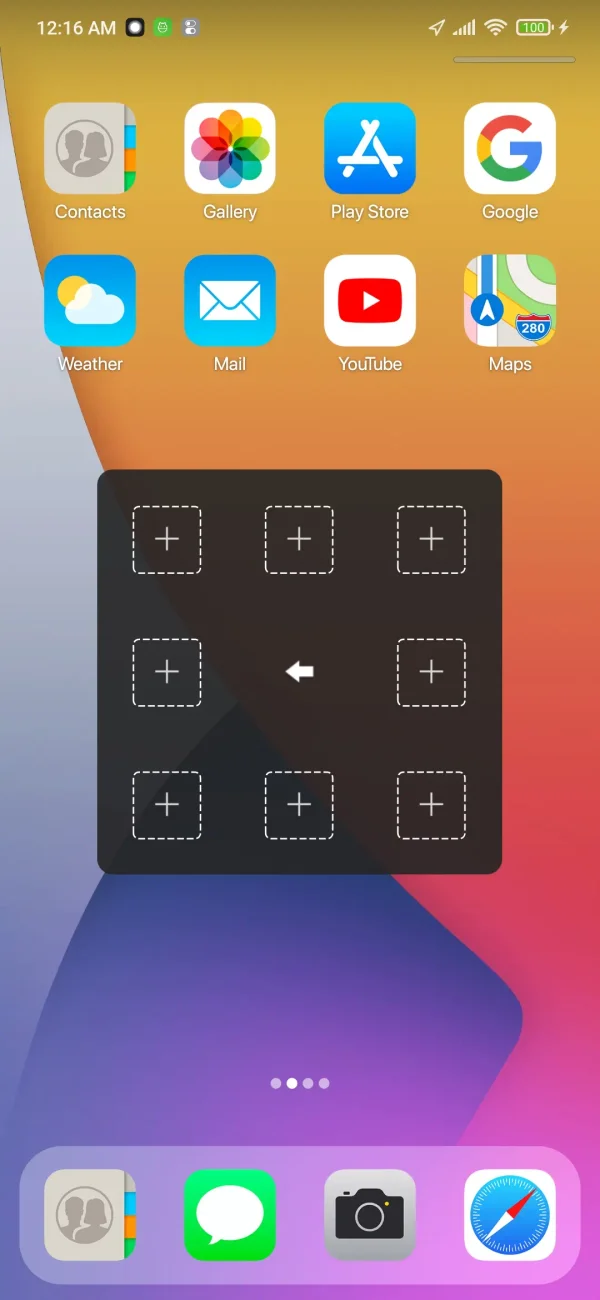
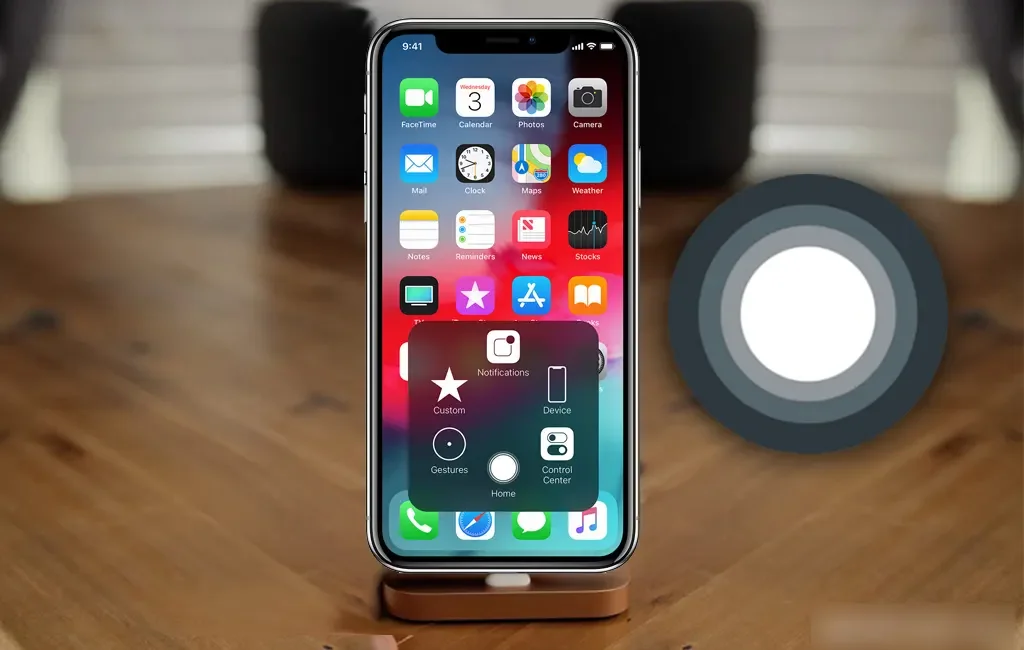
Assistive Touch para Android. Assistive Touch hace que su teléfono sea inteligente y lujoso
¿Qué es el toque de asistencia?
Assistive Touch es una herramienta táctil sencilla para dispositivos Android. Es rápido, fluido y totalmente GRATIS.
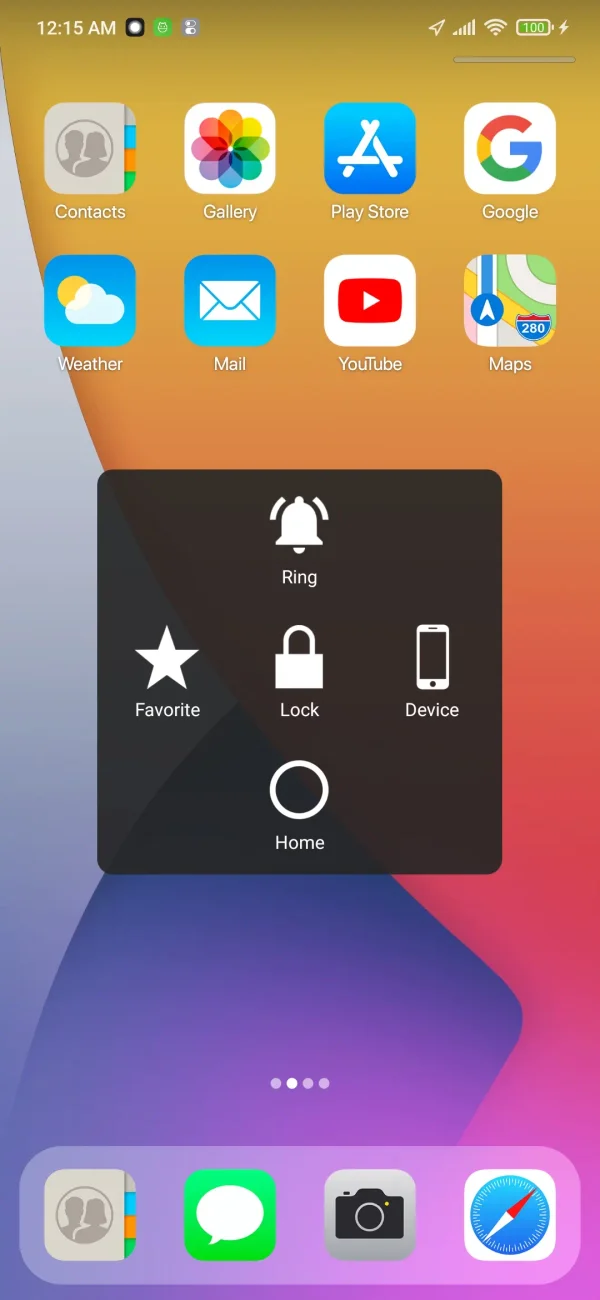
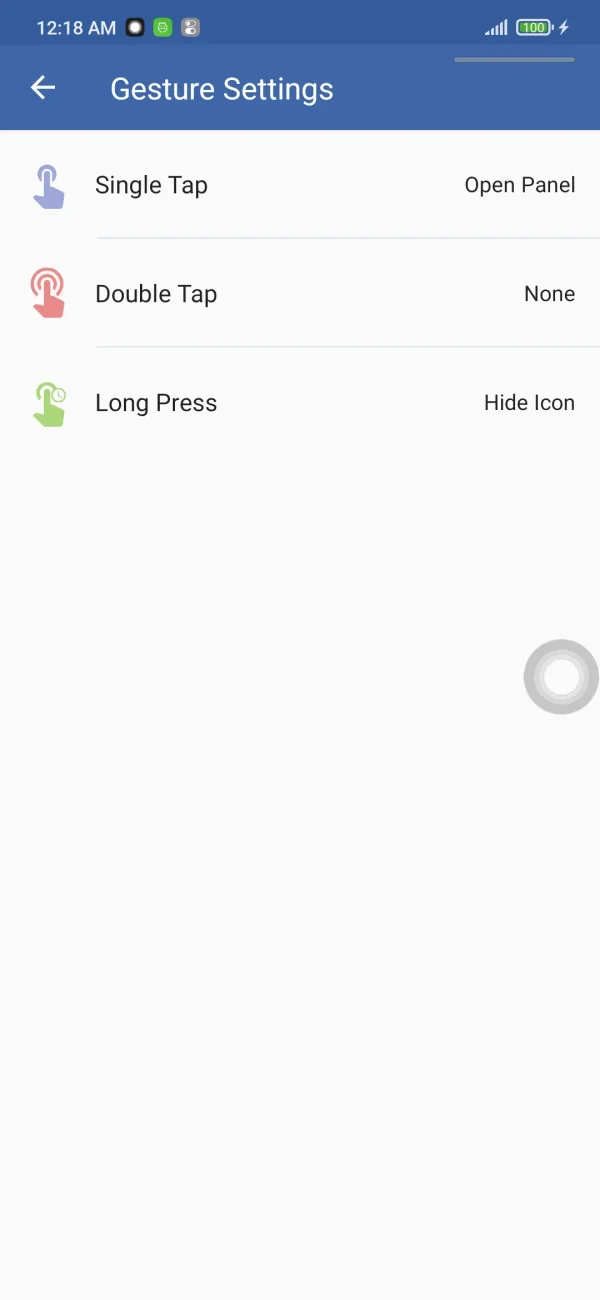
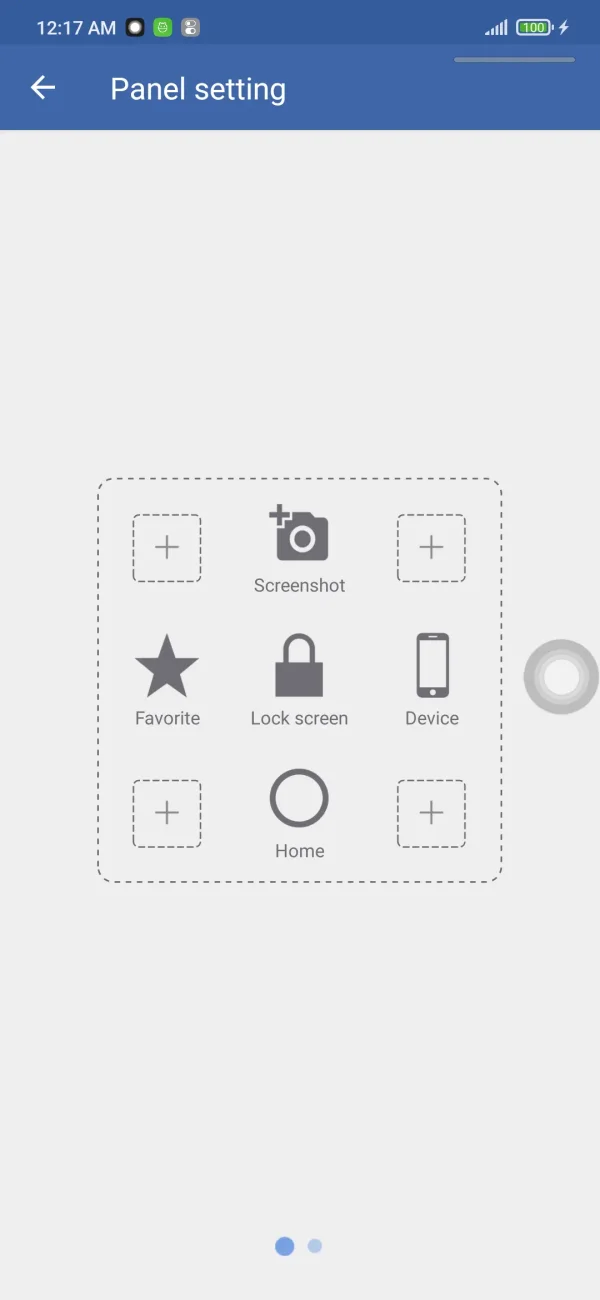
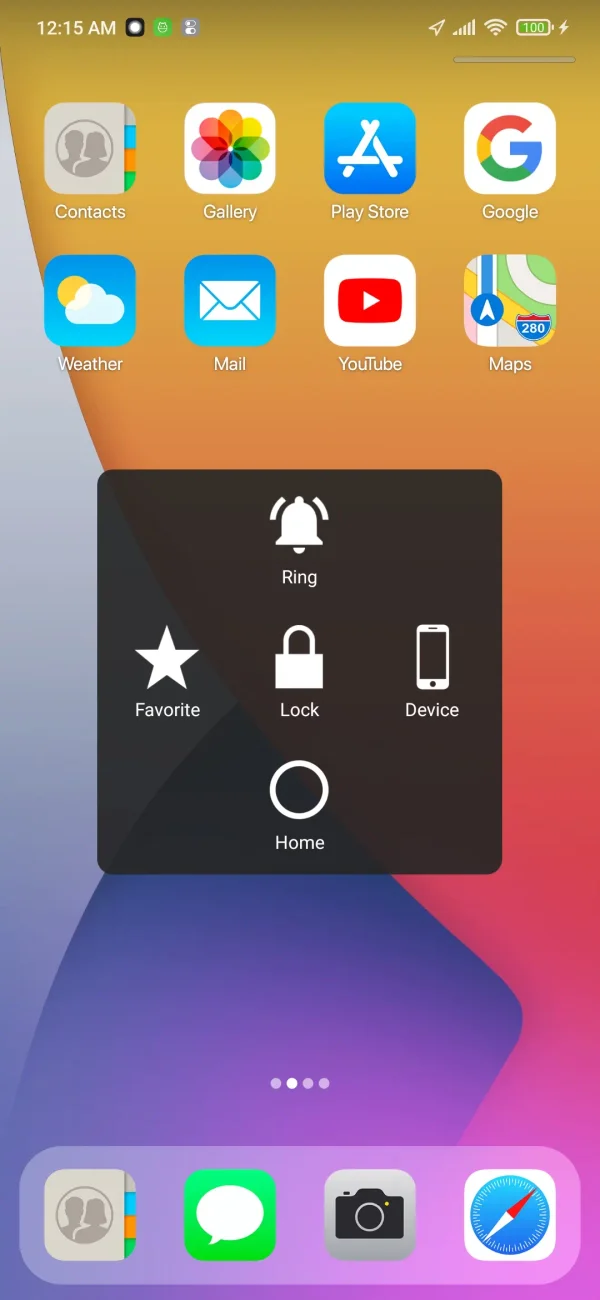
Cuando activas Assistive Touch, verás el menú Assistive Touch. Puede arrastrarlo a cualquier borde de la pantalla y luego tocar el menú para abrirlo.
"Esta aplicación utiliza servicios de accesibilidad". Es necesario y utilizado únicamente para realizar una acción global. Por ejemplo: regresar, ir a casa, abrir un cuadro de diálogo reciente, encender, notificar, etc. Debe otorgar este permiso para utilizar esa acción.
"Esta aplicación utiliza el permiso del administrador del dispositivo". Es necesario y se usa solo para bloquear el dispositivo cuando usa la función para apagar la pantalla. Debe habilitar la Administración antes de poder utilizar esa función. Para desinstalar la aplicación, abra mi aplicación y haga clic en el botón "Desinstalar".
1. Para activar AssistiveTouch:
Abra mi aplicación> Active el elemento de habilitación AssistiveTouch.
2. Para utilizar más acciones:
Vaya a Configuración > Accesibilidad > Servicios y active Assistive Touch.
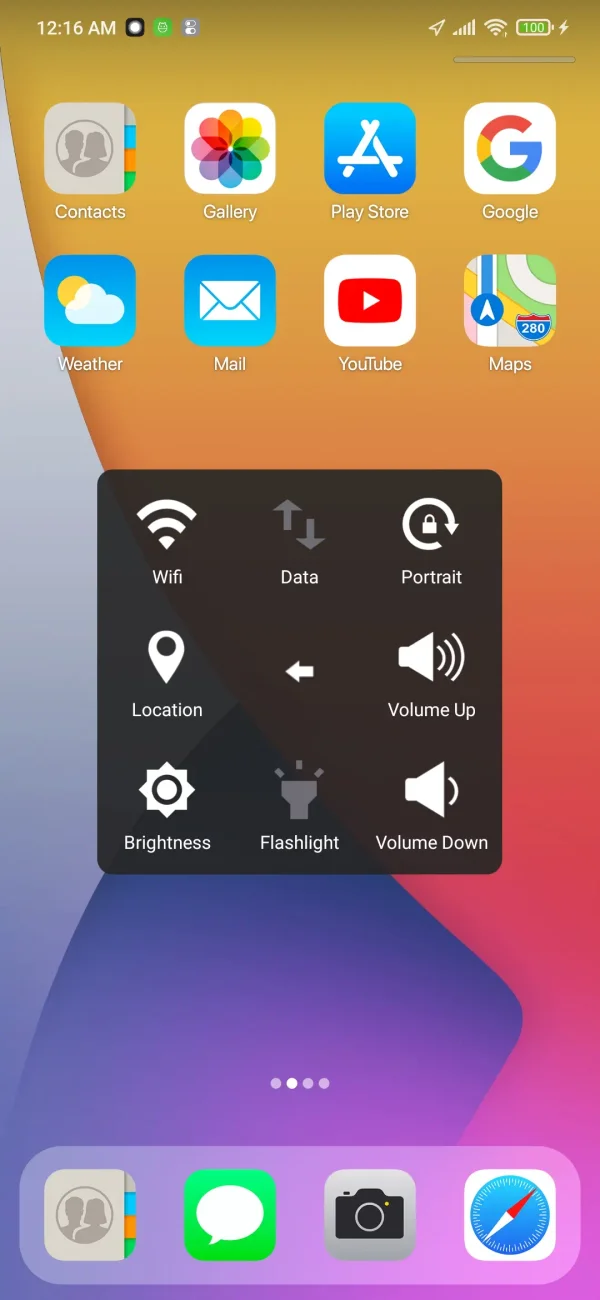
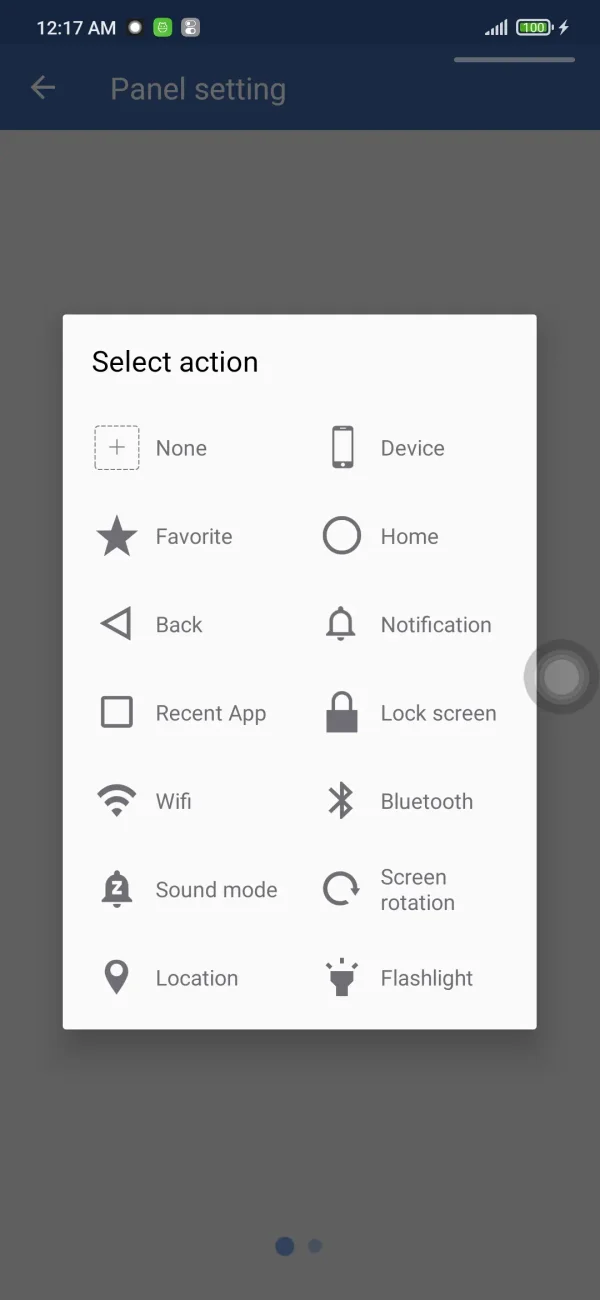
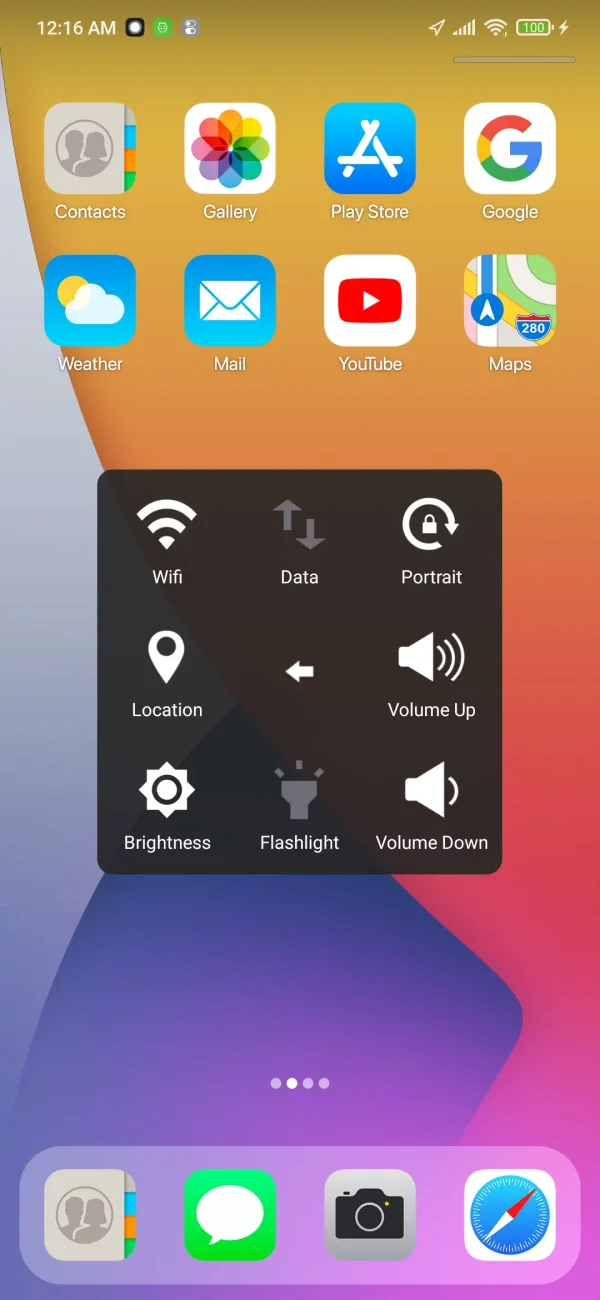
Para acceder a sus notificaciones, abra el menú Assistive Touch y toque Notificación. Para acceder al control, abra el menú AssistiveTouch. Desde aquí, podrás hacer cosas como activar y desactivar Bluetooth, activar y desactivar Wifi, tomar capturas de pantalla y más.
También puede usar AssistiveTouch para acceder a su pantalla de inicio, pantalla reciente y usar la tecla Atrás. Simplemente abra el menú AssistiveTouch y toque Inicio, Reciente, Atrás.
CARACTERÍSTICAS:
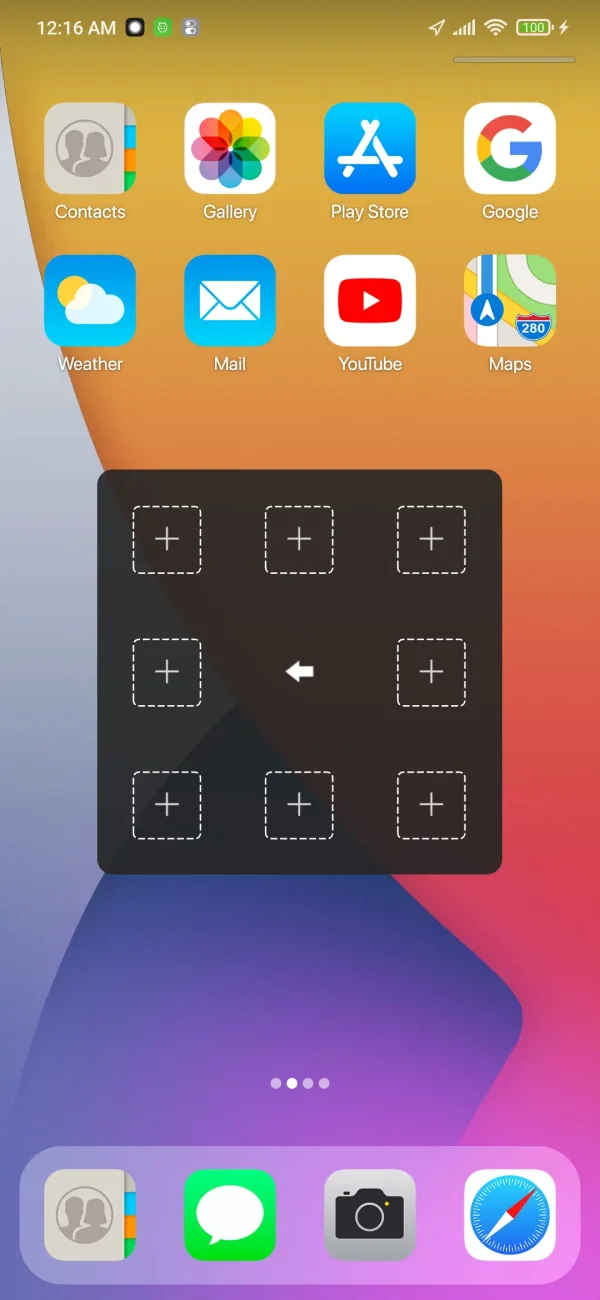
- Controla tu dispositivo con el menú Assistive Touch.
- Color personalizado del menú Assistive Touch.
- Icono flotante de tamaño y color personalizados.
Apoyo:
- Correo electrónico: sp.launcherios13@gmail.com
GRACIAS POR UTILIZAR MI APLICACIÓN ASSISTIVE TOUCH.
Mostrar el texto original
What is Assistive Touch?
Assistive Touch is an easy touch tool for Android devices. It's fast, it’s smooth, and it’s totally FREE.
When you turn on Assistive Touch, you’ll see the Assistive Touch menu. You can drag it to any edge of the screen, then tap the menu to open it.
"This app uses Accessibility services." It is necessary and used only to perform a global action. For example: going back, going home, opening recent, power dialog, notification etc. You need grant this permission to use that action.
"This app uses the Device Administrator permission." It is necessary and used only for locking the device when you use feature turn off the screen. You need to enable Administration before it can be used that feature. To uninstall the app, please open my app and click the "Uninstall" button.
1. To turn on AssistiveTouch:
Open my app > Switch on AssistiveTouch enable item.
2. To use more actions:
Go to Settings > Accessibility > Services and turn on Assistive Touch.
To access your Notifications, open the Assistive Touch menu and tap Notification. To get to the control, open the AssistiveTouch menu. From here, you'll be able to do things like turn Bluetooth on and off, use Wifi on and off, take screenshots, and more.
You can also use AssistiveTouch to access your Home screen, Recent screen and use Back Key. Just open the AssistiveTouch menu and tap Home, Recent, Back action.
FEATURES:
- Control your device with Assistive Touch menu.
- Custom color of Assistive Touch menu.
- Custom size and color Floating icon.
Support:
- Email: sp.launcherios13@gmail.com
THANK YOU FOR USING MY ASSISTIVE TOUCH APP.
Seguridad de los datos
Lo que Launcher Studio declara en Google Play sobre los datos que esta aplicación recopila y comparte.
- No se comparten datos con tercerosMás información sobre cómo los desarrolladores declaran lo que comparten
- No se recogen datosMás información sobre cómo los desarrolladores declaran lo que recogen
- Los datos están cifrados durante el tránsito
- Los datos no se pueden eliminar
Novedades
Versión 1.7 · 23/11/2026
Version 1.7
- Fix issue Ads
- Fix issue feedback from users
- Make app more smoothly
NEXT VERSION:
- Improve app more smoothly
Thank you for using my app!
Contacto del desarrollador
- Sitio webiosapps4android.blogspot.com
- Correo electrónicosp.launcherios13@gmail.com
- Política de privacidadsites.google.com
- DirecciónVietnam
Información
- Ofrecida por
- Launcher Studio
- Categoría
- Herramientas
- Versión
- 1.7
- Actualizado
- 23/11/2026
- Publicado
- 13/9/2019
- Requiere
- Android 7.0 o posterior
- Clasificación por edad
- PEGI 3
- Precio
- Gratis
- Nombre del paquete
- com.easytouch.assistivetouchpro
Aplicaciones similares
-
 Taskbar
Herramientas
-
 DNA Launcher ‧ Home Screen
Personalización
-
 Color Launcher, cool themes
Personalización
-
 Launcher POCO
Personalización
-
 Tema Alpha Hybrid Launcher 4D
Personalización
-
 Warzone Meta & Clases - MW4
Entretenimiento
-
 Bloqueo de pantalla tacto foto
Personalización
-
 Wallpaper For Iphone - Wallway
Personalización
-
 ABAX Admin
Mapas y navegación
-
 musicLabe: Música y Aprende
Música y audio
-
 heyUp: Custom Lock Screen
Personalización
-
 Enpass password manager
Productividad