Assistive Touch for Android
Launcher Studio広告を含む
- 3 歳以上対象年齢
- ツールカテゴリ
- 2026/11/23更新日
- 無料価格
com.easytouch.assistivetouchproのGoogle Play公式ページにリンクしています。最終確認:2026/11/24。

スクリーンショット
このアプリについて
Googleによる英語 (アメリカ合衆国)からの自動翻訳です。
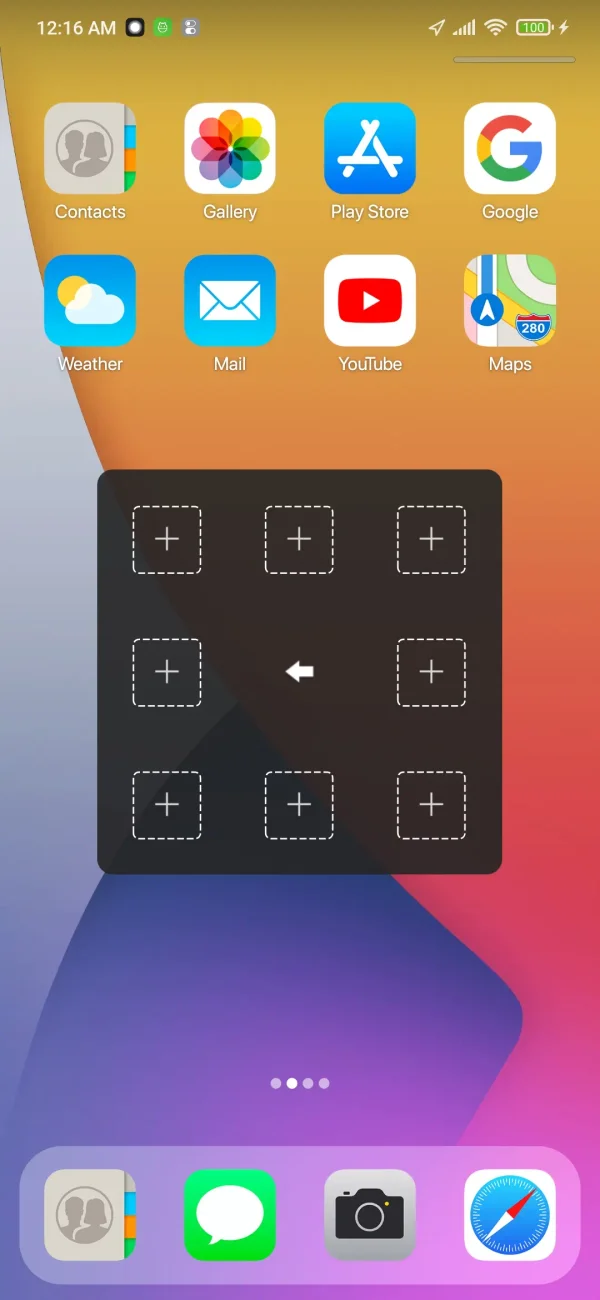
Android用アシストタッチ。アシストタッチはあなたの電話をスマートで贅沢にします
アシスティブタッチとは何ですか?
Assistive Touch は、Android デバイス用の簡単なタッチ ツールです。速く、スムーズで、しかも完全に無料です。
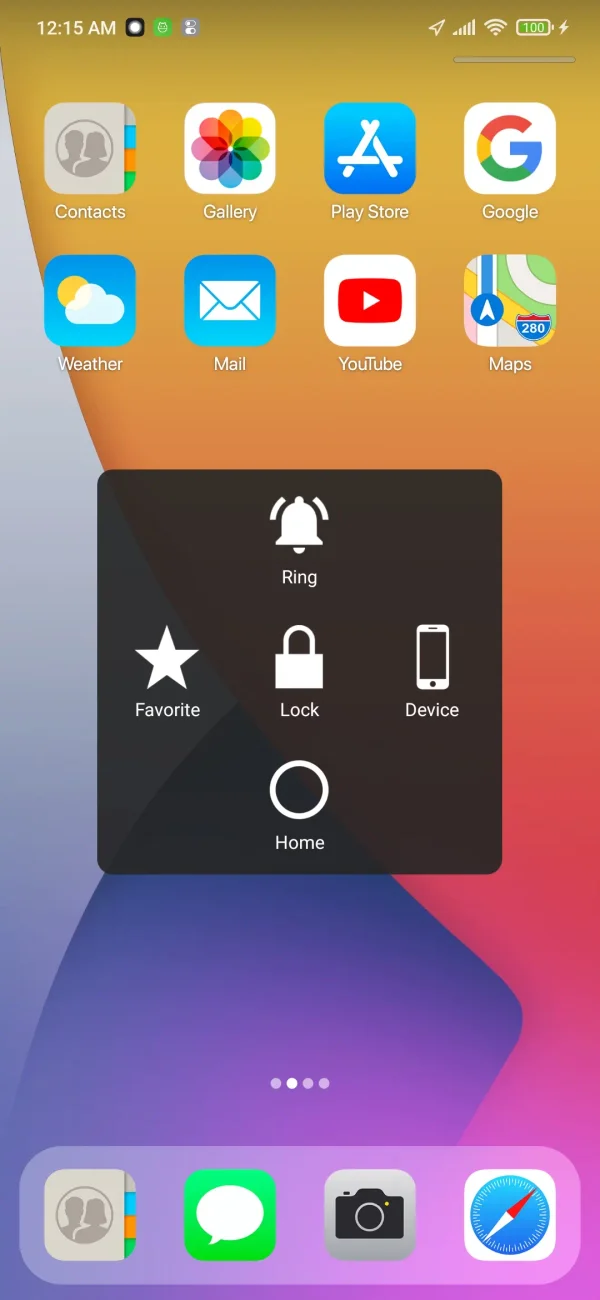
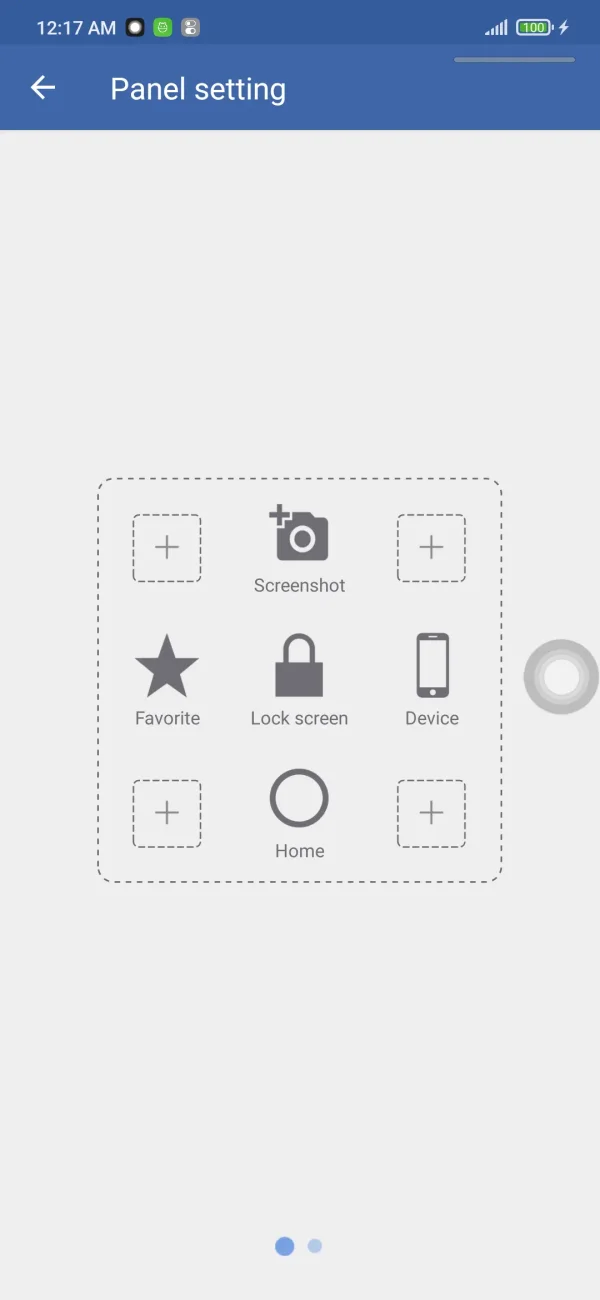
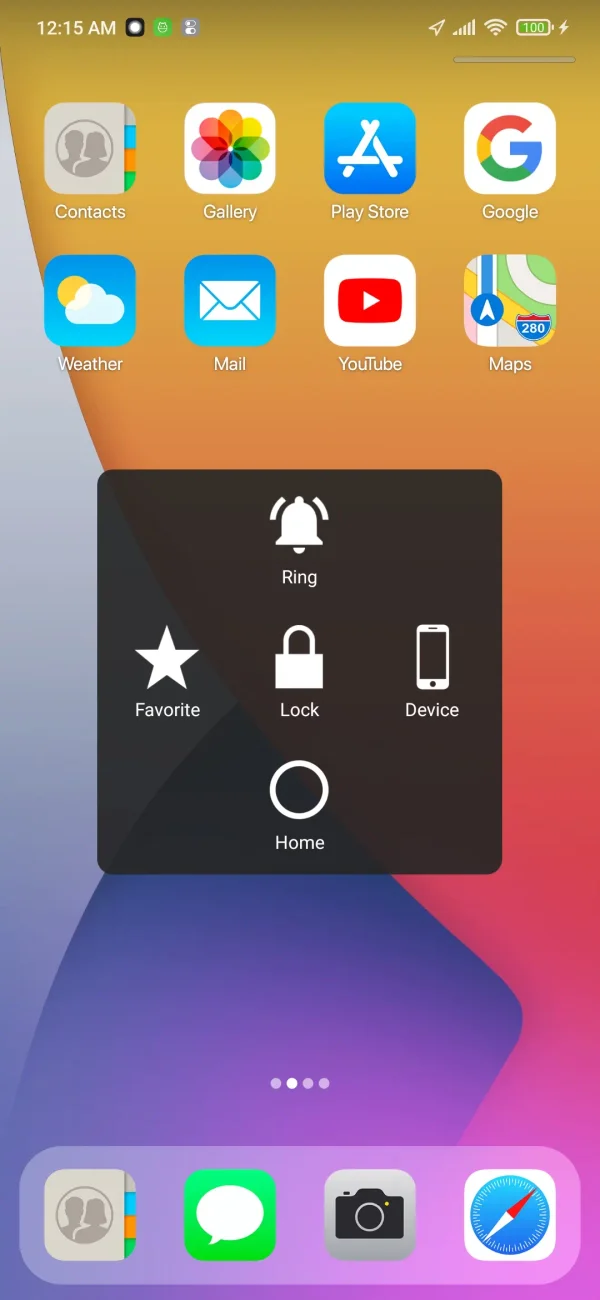
Assistive Touch をオンにすると、Assistive Touch メニューが表示されます。画面の端にドラッグし、メニューをタップして開きます。
「このアプリはユーザー補助サービスを使用しています。」これはグローバル アクションを実行するためにのみ必要であり、使用されます。例: 戻る、帰宅する、最近使ったものを開く、電源ダイアログ、通知など。そのアクションを使用するには、このアクセス許可を付与する必要があります。
「このアプリはデバイス管理者権限を使用します。」これは画面をオフにする機能を使用するときにデバイスをロックするためにのみ必要であり、使用されます。この機能を使用する前に、管理を有効にする必要があります。アプリをアンインストールするには、アプリを開いて [アンインストール] ボタンをクリックしてください。
1. AssistiveTouch をオンにするには:
アプリを開き、AssistiveTouch 有効化項目をオンにします。
2. さらにアクションを使用するには:
[設定] > [アクセシビリティ] > [サービス] に移動し、[Assistive Touch] をオンにします。
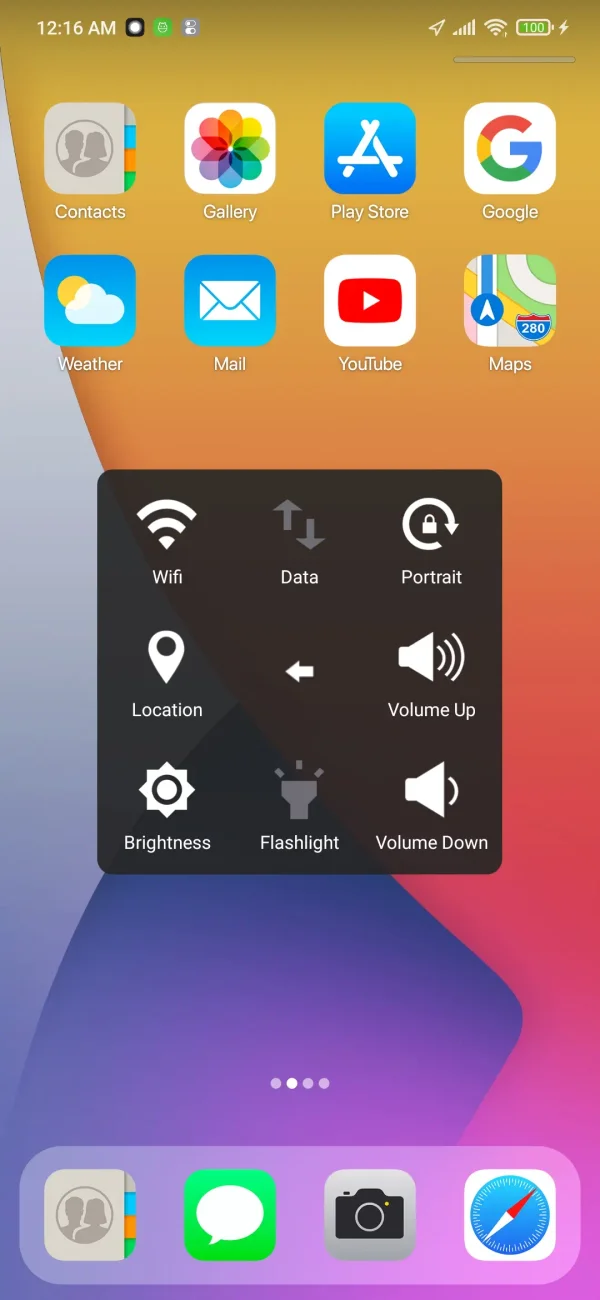
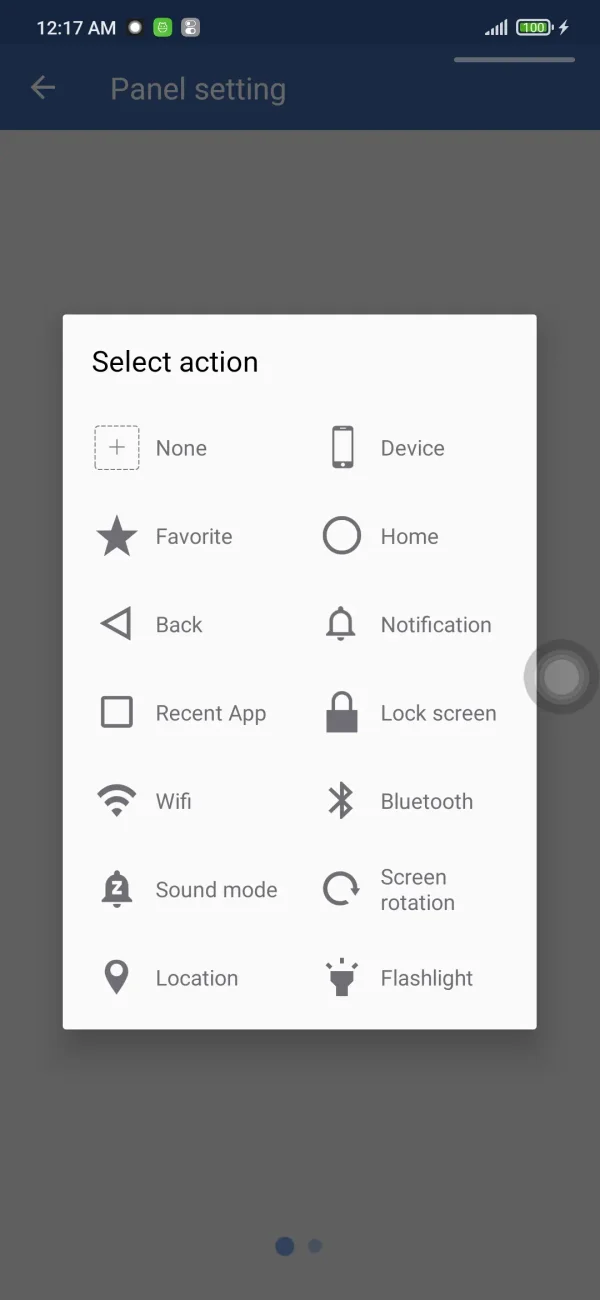
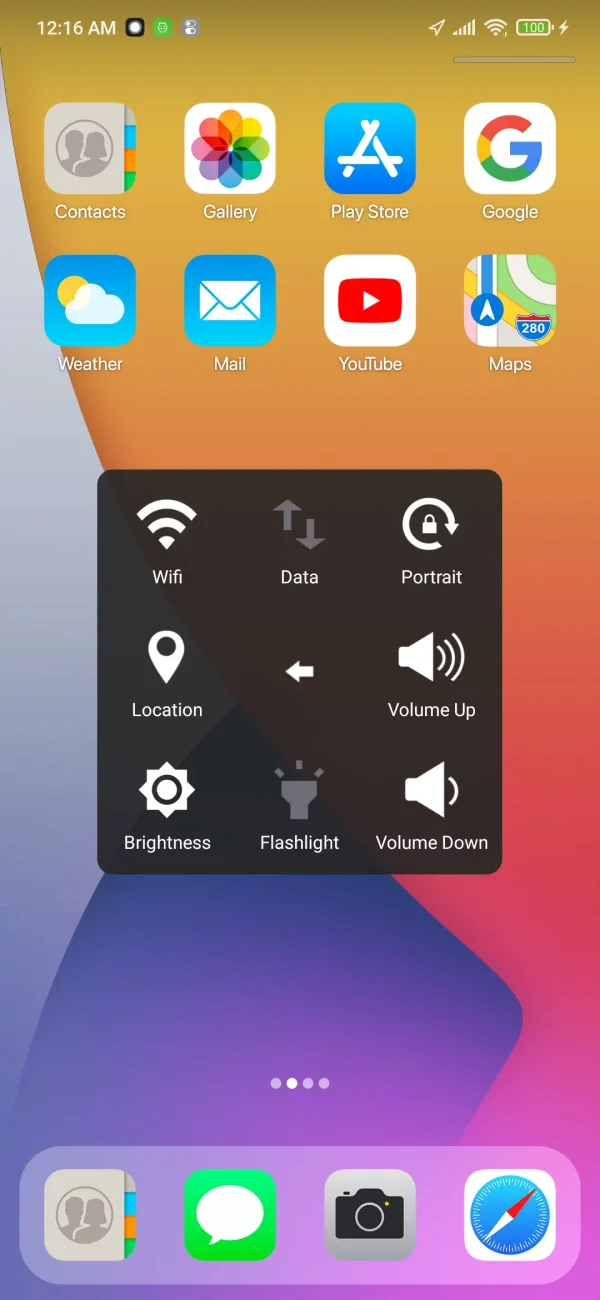
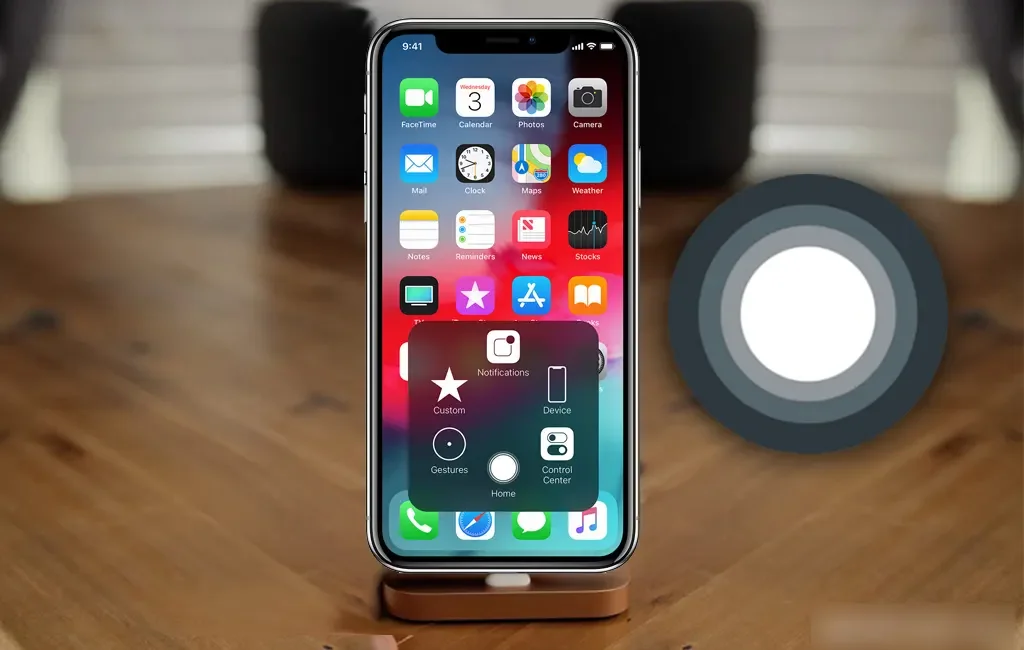
通知にアクセスするには、Assistive Touch メニューを開き、「通知」をタップします。コントロールにアクセスするには、AssistiveTouch メニューを開きます。ここから、Bluetooth のオンとオフの切り替え、Wifi の使用のオンとオフ、スクリーンショットの撮影などの操作を行うことができます。
AssistiveTouch を使用して、ホーム画面、最近使用した画面にアクセスし、戻るキーを使用することもできます。 AssistiveTouch メニューを開き、[ホーム]、[最近]、[戻る] アクションをタップするだけです。
特徴:
- Assistive Touch メニューを使用してデバイスを制御します。
- Assistive Touch メニューのカスタムカラー。
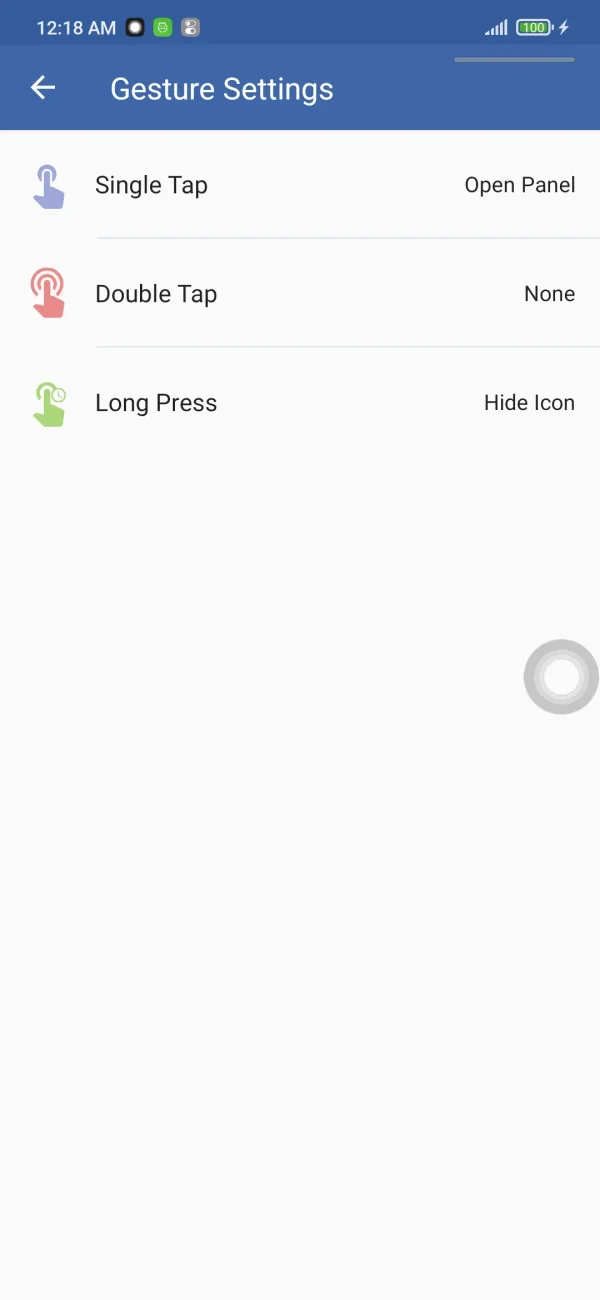
- カスタムサイズとカラーのフローティングアイコン。
サポート:
- 電子メール: sp.launcherios13@gmail.com
Assistive Touch アプリをご利用いただきありがとうございます。
原文を表示
What is Assistive Touch?
Assistive Touch is an easy touch tool for Android devices. It's fast, it’s smooth, and it’s totally FREE.
When you turn on Assistive Touch, you’ll see the Assistive Touch menu. You can drag it to any edge of the screen, then tap the menu to open it.
"This app uses Accessibility services." It is necessary and used only to perform a global action. For example: going back, going home, opening recent, power dialog, notification etc. You need grant this permission to use that action.
"This app uses the Device Administrator permission." It is necessary and used only for locking the device when you use feature turn off the screen. You need to enable Administration before it can be used that feature. To uninstall the app, please open my app and click the "Uninstall" button.
1. To turn on AssistiveTouch:
Open my app > Switch on AssistiveTouch enable item.
2. To use more actions:
Go to Settings > Accessibility > Services and turn on Assistive Touch.
To access your Notifications, open the Assistive Touch menu and tap Notification. To get to the control, open the AssistiveTouch menu. From here, you'll be able to do things like turn Bluetooth on and off, use Wifi on and off, take screenshots, and more.
You can also use AssistiveTouch to access your Home screen, Recent screen and use Back Key. Just open the AssistiveTouch menu and tap Home, Recent, Back action.
FEATURES:
- Control your device with Assistive Touch menu.
- Custom color of Assistive Touch menu.
- Custom size and color Floating icon.
Support:
- Email: sp.launcherios13@gmail.com
THANK YOU FOR USING MY ASSISTIVE TOUCH APP.
データ セーフティ
このアプリが収集・共有するデータについて、Launcher StudioがGoogle Playで申告している内容です。
- 第三者と共有されるデータはありません詳しくは、デベロッパーが共有を申告する方法についての説明をご覧ください
- データは収集されません詳しくは、デベロッパーが収集を申告する方法についての説明をご覧ください
- データは送信中に暗号化されます
- データを削除できません
新機能
バージョン 1.7 · 2026/11/23
Version 1.7
- Fix issue Ads
- Fix issue feedback from users
- Make app more smoothly
NEXT VERSION:
- Improve app more smoothly
Thank you for using my app!
開発元の連絡先
- ウェブサイトiosapps4android.blogspot.com
- メールsp.launcherios13@gmail.com
- プライバシーポリシーsites.google.com
- 住所Vietnam
情報
- 提供元
- Launcher Studio
- カテゴリ
- ツール
- バージョン
- 1.7
- 更新日
- 2026/11/23
- リリース
- 2019/9/13
- 必要条件
- Android 7.0以降
- 対象年齢
- 3 歳以上
- 価格
- 無料
- パッケージ名
- com.easytouch.assistivetouchpro
類似のアプリ
-
 Taskbar
ツール
-
 DNA Launcher ‧ Home Screen
カスタマイズ
-
 Color Launcher, cool themes
カスタマイズ
-
 POCO Launcher 2.0 - Customize,
カスタマイズ
-
 アルファハイブリッドランチャー4Dテーマ
カスタマイズ
-
 Warzone Meta & Loadout - MW4
エンタメ
-
 ロック画面をタッチ 写真をタッチ
カスタマイズ
-
 Wallpaper For Iphone - Wallway
カスタマイズ
-
 ABAX Admin
地図&ナビ
-
 musicLabe:音楽を学ぼう
音楽&オーディオ
-
 heyUp:ロック画面ウィジェット&壁紙
カスタマイズ
-
 Enpass password manager
仕事効率化