CapCut - Video Editor
Bytedance Pte. Ltd.Pembelian dalam aplikasi
- Rating 12+Batasan usia
- Pemutar & Editor VideoKategori
- 23/11/2026Diperbarui
- GratisHarga
Tertaut ke halaman resmi com.lemon.lvoverseas di Google Play. Terakhir diperiksa pada 24/11/2026.

Tangkapan layar
Tentang aplikasi ini
Pengembang belum menyediakan teks ini dalam bahasa Anda.
Capture the moment and Cut
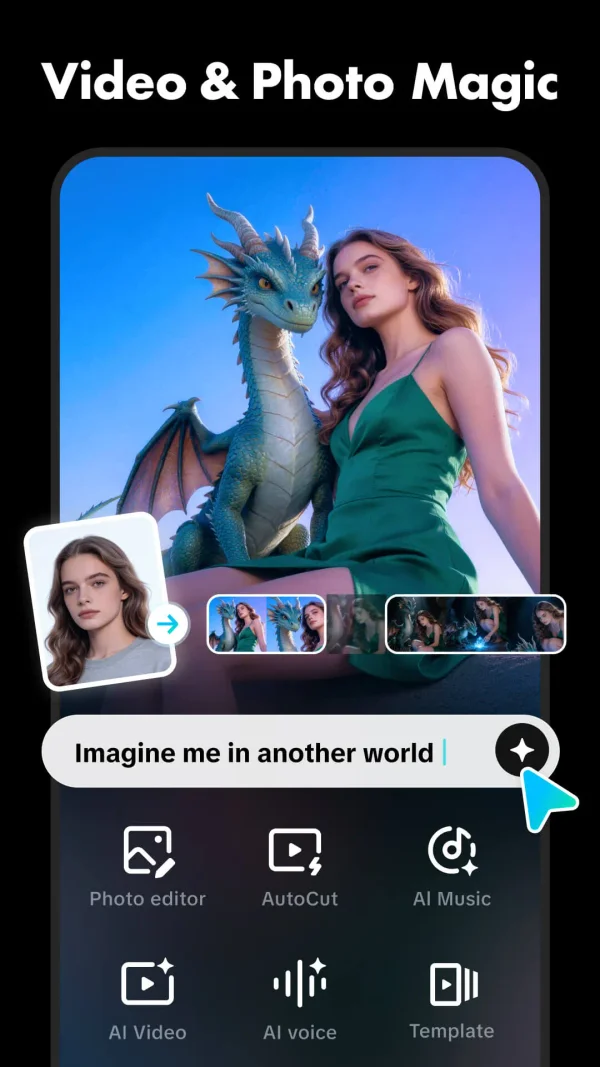
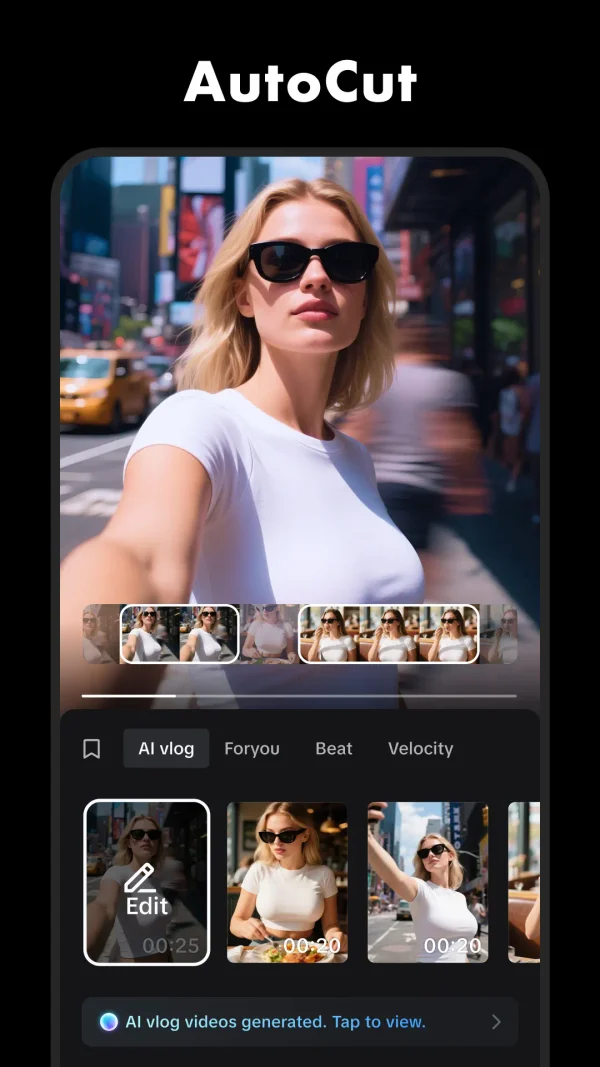
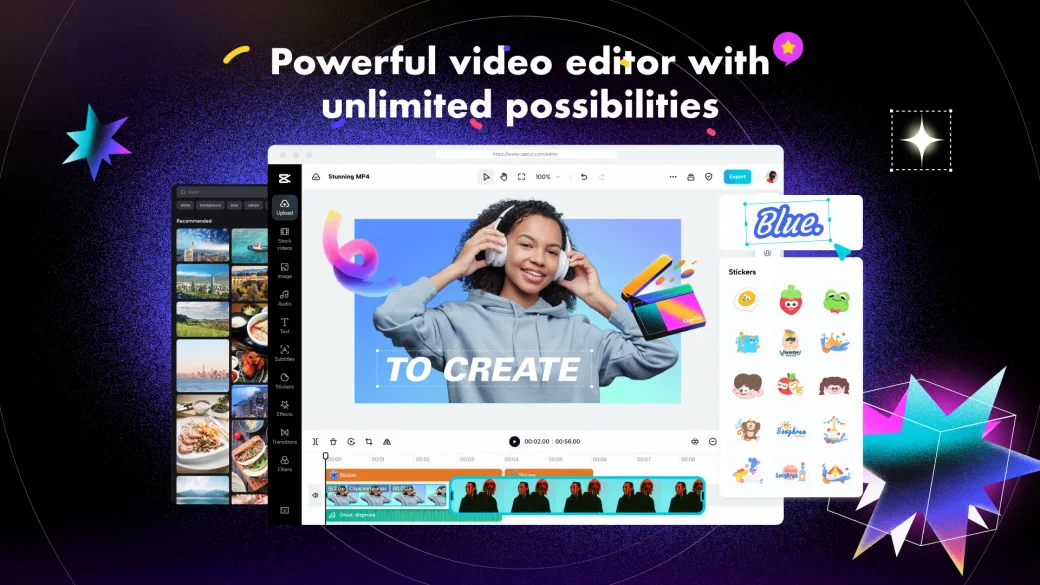
CapCut offers easy-to-use video editing functions, in-APP fonts and effects, advanced features such as keyframe animation, smooth slow-motion, chroma key, and stabilization, to help you capture and snip moments.
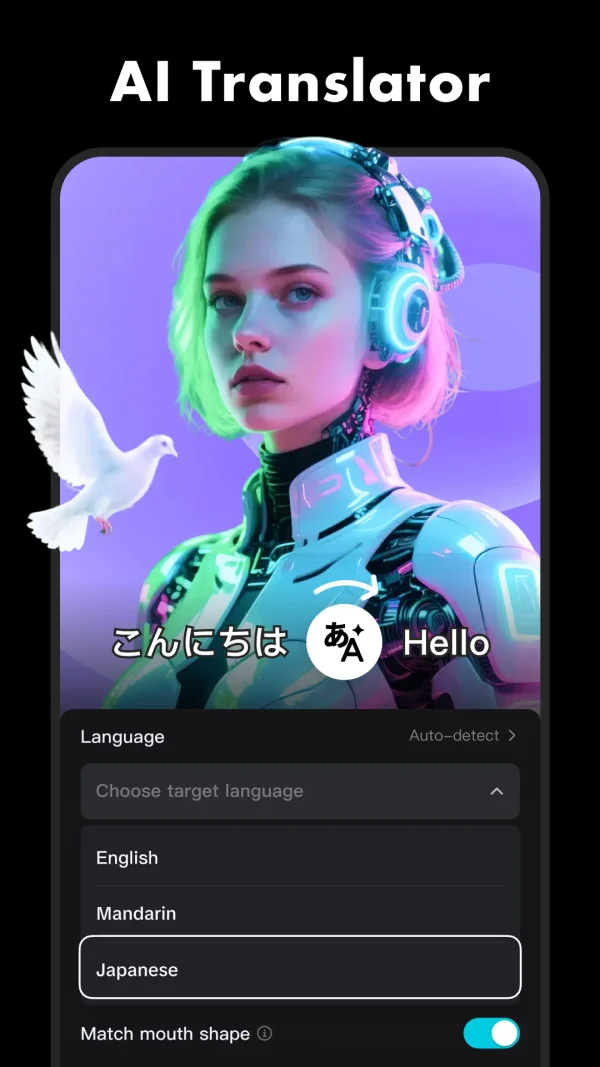
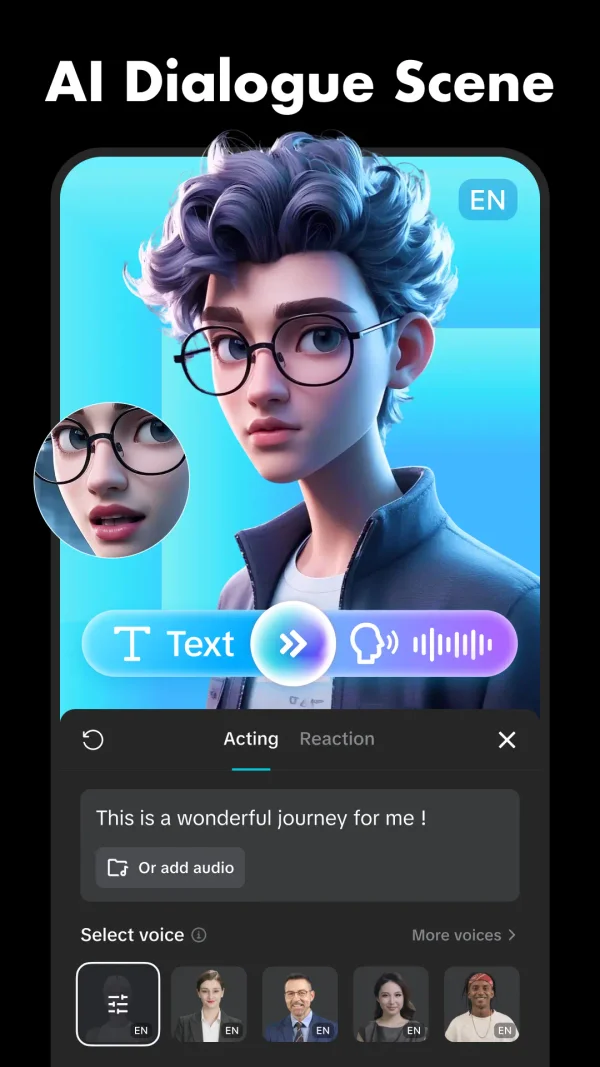
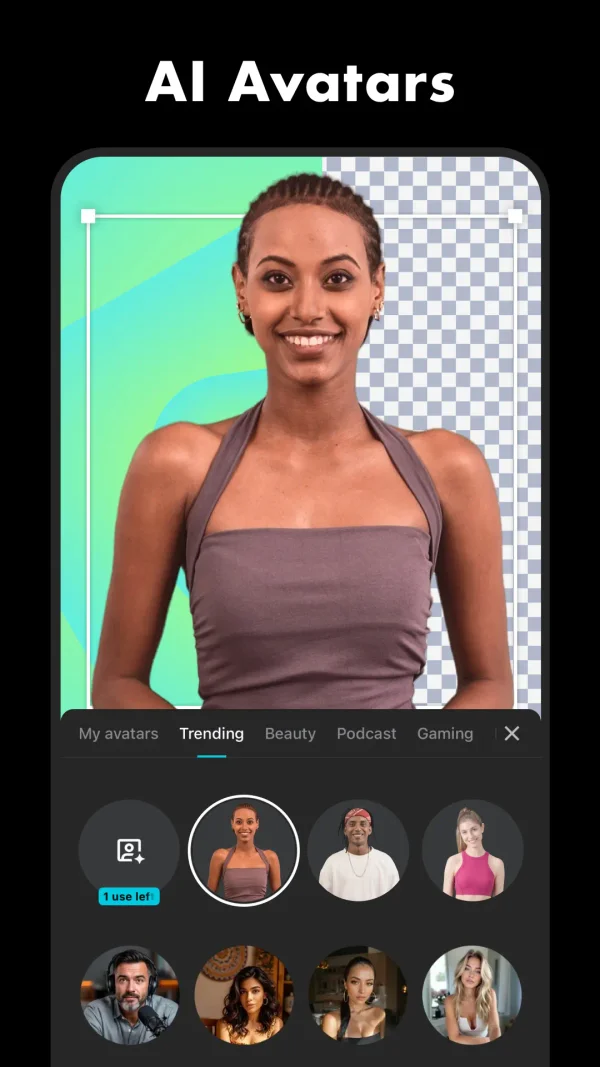
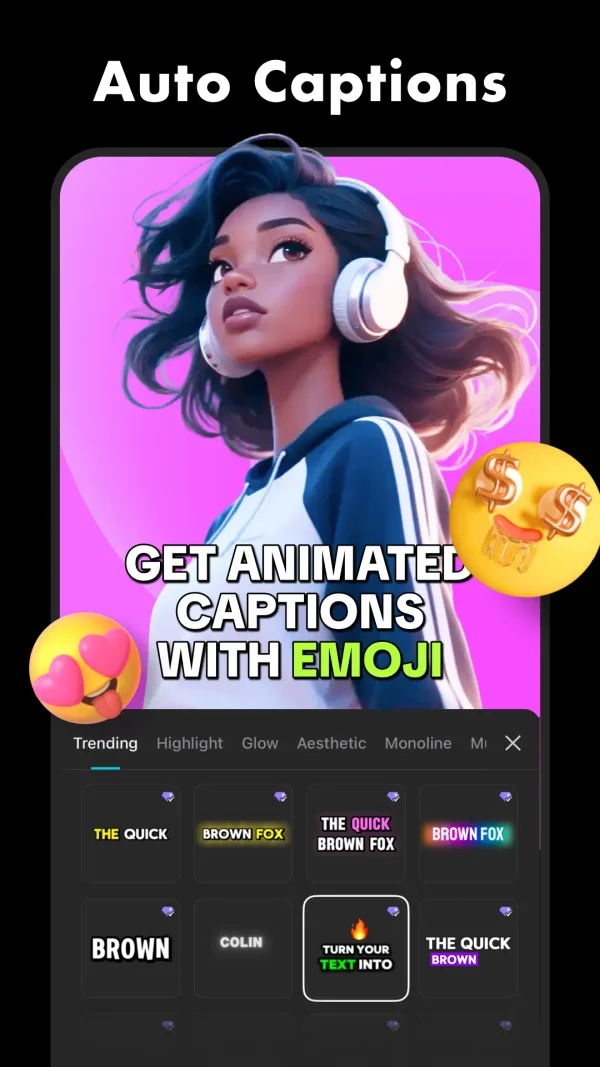
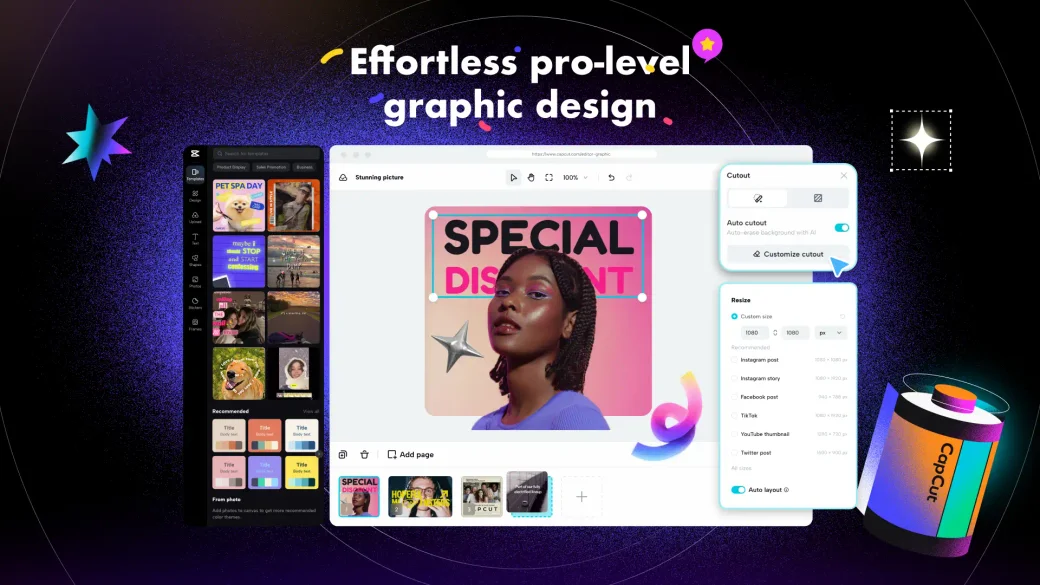
Create fancy videos with other unique features: auto captions, text-to-speech, motion tracking, and background removal. Show your personality and go viral on TikTok, YouTube, Instagram, WhatsApp, and Facebook!
FEATURES
Basic video editing
• Trim and shorten clips and split or merge videos.
• Adjust video speed from 0.1x to 100x, and apply speed curves to clips.
• Animate video clips with incredible zoom in/out effects.
• Highlight the best moments with the freeze feature.
• Explore transition options with awesome effects on and between clips.
Advanced video editor
• Keyframe video animation is available for all settings.
• Edit videos to create smooth slow-motion with the optical flow feature and speed curve tool.
• Use the chroma key to remove specific colors from videos.
• Easy to arrange and preview clips on multi-track timeline.
• The stabilizing feature keeps video footage steady.
Intelligent features
• Auto captions: automate speech recognition and subtitles in videos.
• Text-to-speech: apply text-to-speech in multiple languages and voices.
• Background removal: automatically remove backgrounds.
Text & Stickers
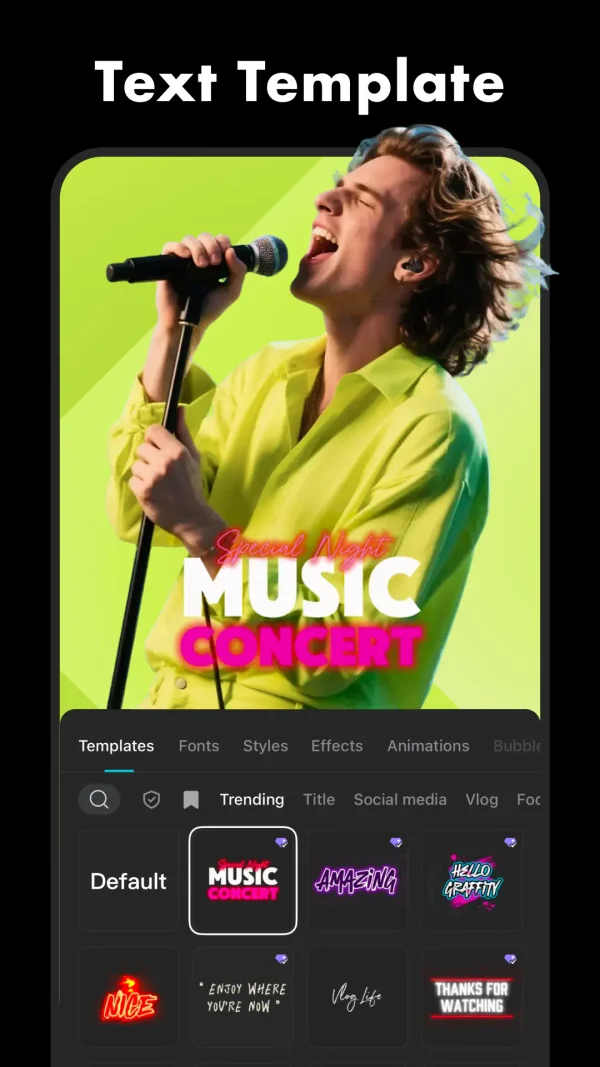
• Add text to videos with different fonts and styles, choose unique text templates. Fonts can be imported locally.
• Subtitles can be added to the timeline of video tracks and can be moved and adjusted in one step.
Trending Effects & Filters
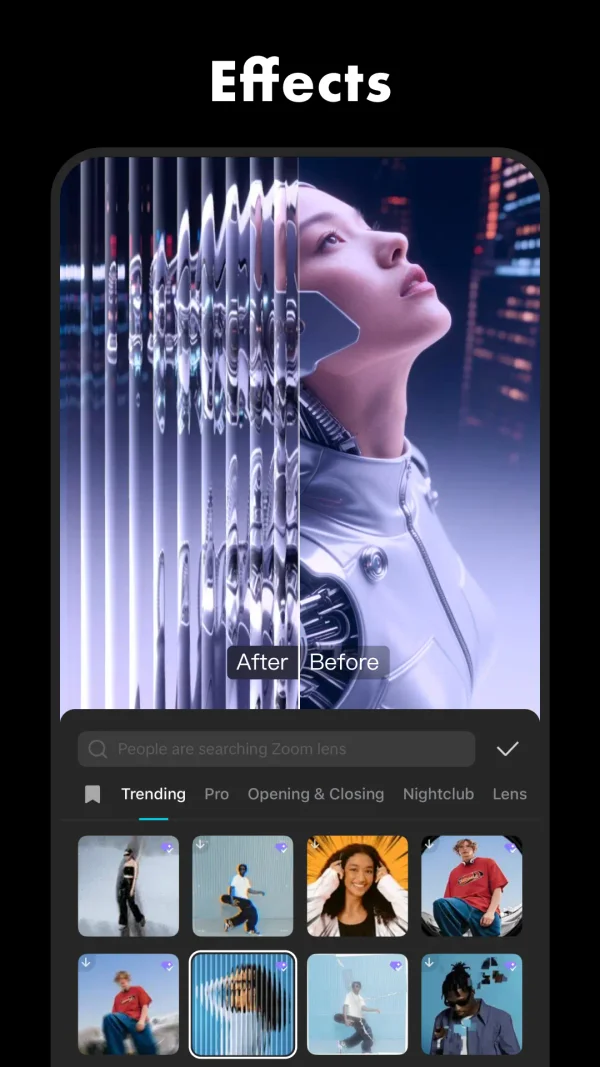
• Match video content with diverse filters that are updated weekly with the latest trends.
• Edit videos with hundreds of trending effects, including Glitch, Blur, 3D, etc.
• Add movie-style video filters or adjust video brightness, contrast, etc.
Music & Sound Effects
• Add millions of music clips and sound effects to videos.
• Extract audio, clips, and recordings from videos.
Easy to Share
• Custom video export resolution, HD video editor supports 4K 60fps exports and smart HDR.
• Adjust the format and share with your friends on social media platforms.
CapCut is an all-in-one video editor and video maker application with everything you need to create stunning, high-quality videos. Beginners can get started with CapCut in a matter of seconds, while advanced users can enjoy all the functions they need to edit videos.
Terms of Service —
https://www.capcut.com/clause/terms-of-service
Privacy Policy —
https://www.capcut.net/clause/privacy
Contact Us
Any questions about CapCut? Please contact us at capcut.support@bytedance.com.
Facebook: CapCut
Instagram: CapCut
YouTube: CapCut
TikTok: CapCut on TikTok
Keamanan data
Yang dinyatakan Bytedance Pte. Ltd. di Google Play tentang data yang dikumpulkan dan dibagikan aplikasi ini.
- Aplikasi ini dapat membagikan jenis data ini kepada pihak ketigaInfo pembayaran pengguna
- Aplikasi ini dapat mengumpulkan jenis data berikutLokasi, Info pribadi, dan 5 lainnya
- Data dienkripsi saat dalam pengiriman
- Anda dapat meminta agar data dihapus
Yang baru
Versi 20.2.0 · 23/11/2026
"- Fixed some known issues - improved the trimming experience.
We thank you for supporting CapCut and look forward to creating beautiful moments together."
Kontak pengembang
- Situs webcapcut.com
- Emailcapcut.support@bytedance.com
- Kebijakan Privasicapcut.com
- Alamat1 Raffles Quay #26-10 Singapore 048583
Informasi
- Ditawarkan oleh
- Bytedance Pte. Ltd.
- Kategori
- Pemutar & Editor Video
- Versi
- 20.2.0
- Diperbarui
- 23/11/2026
- Dirilis
- 10/4/2020
- Memerlukan
- Android 6.0 atau yang lebih baru
- Batasan usia
- Rating 12+
- Harga
- Gratis
- Pembelian dalam aplikasi
- Rp 2.000 - Rp 15.999.000 per item
- Nama paket
- com.lemon.lvoverseas
Aplikasi serupa
-
 Spotify: Music and Podcasts
Musik & Audio
-
 Pinterest
Gaya Hidup
-
 TikTok - Videos, Shop & LIVE
Sosial
-
 ChatGPT
Produktivitas
-
 Duolingo - Bahasa & Catur
Pendidikan
-
 Snapchat
Komunikasi
-
 YouCut - Editor Video Musik
Pemutar & Editor Video
-
 Alight Motion
Pemutar & Editor Video
-
 Edit video musik - Video.Guru
Pemutar & Editor Video
-
 ibis Paint X
Seni & Desain
-
 WhatsApp Messenger
Komunikasi
-
 Canva: AI Photo & Video Editor
Seni & Desain