CapCut - Video Editor
Bytedance Pte. Ltd.アプリ内課金
- 12 歳以上対象年齢
- 動画プレーヤー&エディタカテゴリ
- 2026/11/23更新日
- 無料価格
com.lemon.lvoverseasのGoogle Play公式ページにリンクしています。最終確認:2026/11/24。

スクリーンショット
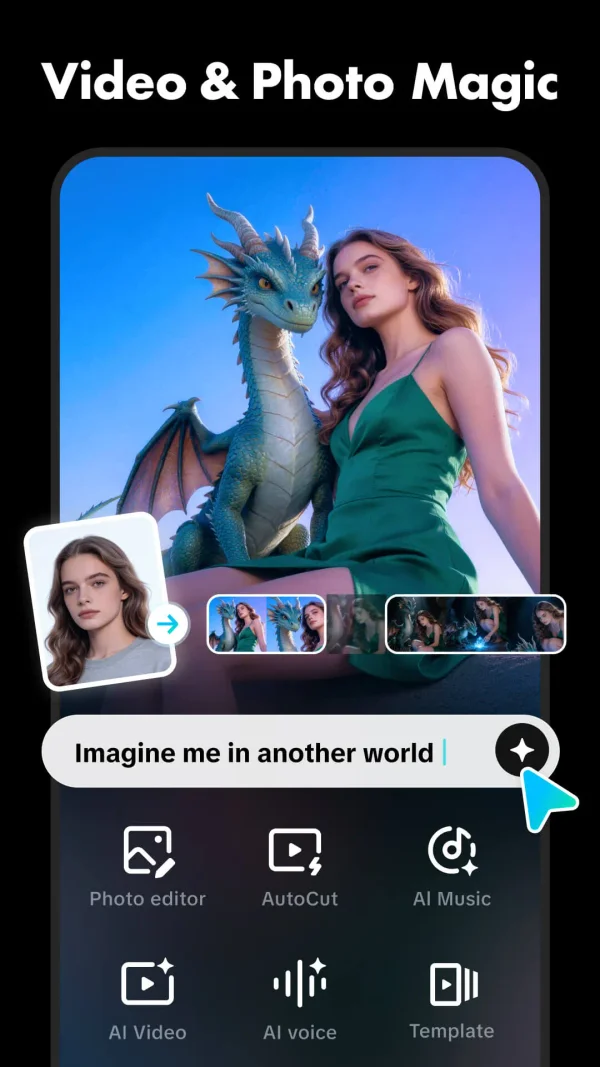
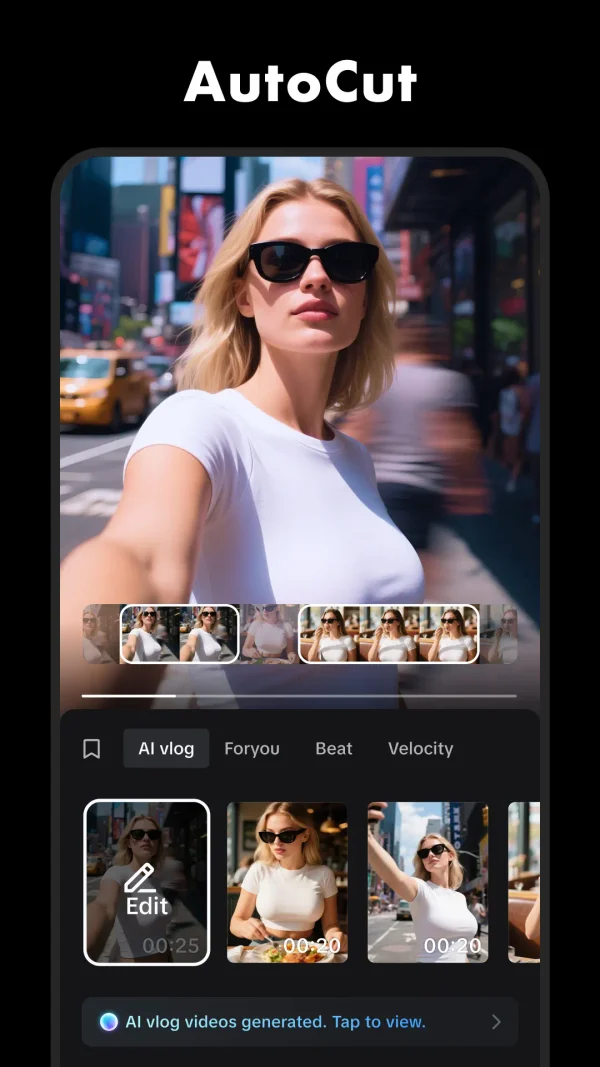
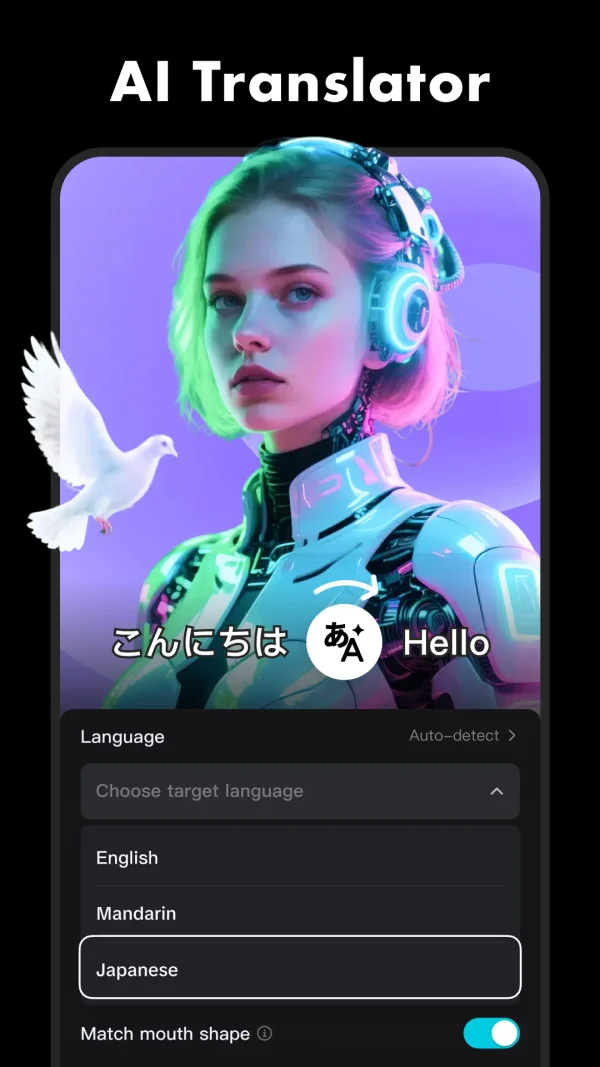
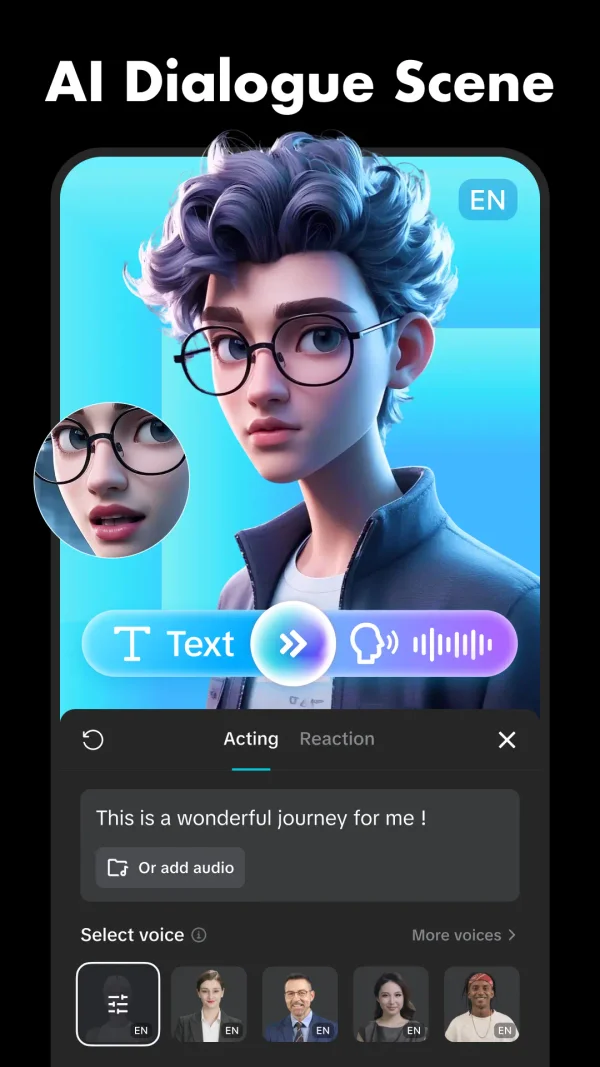
このアプリについて
開発元はこのテキストをお使いの言語で提供していません。
Capture the moment and Cut
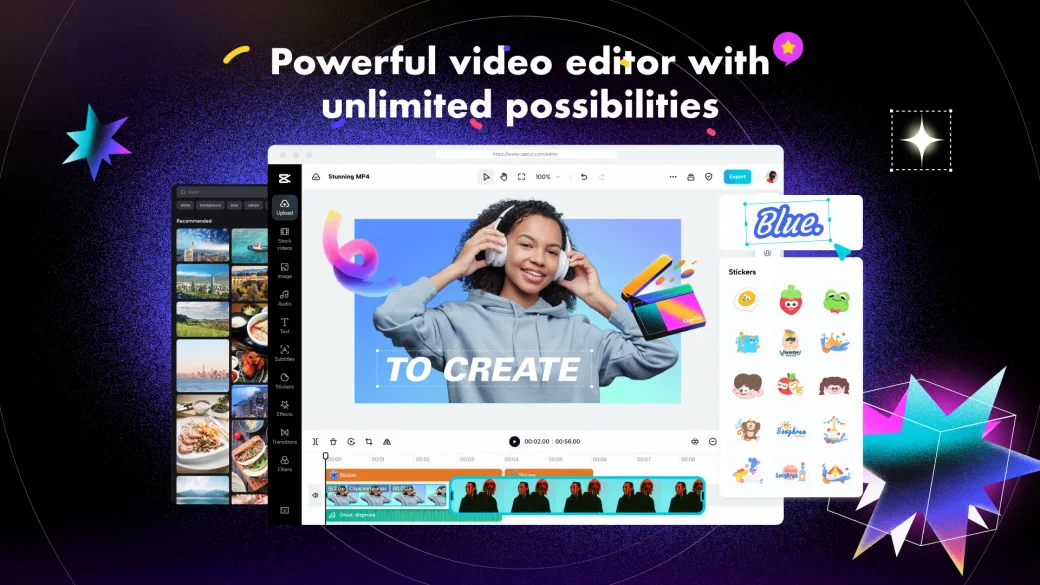
CapCut offers easy-to-use video editing functions, in-APP fonts and effects, advanced features such as keyframe animation, smooth slow-motion, chroma key, and stabilization, to help you capture and snip moments.
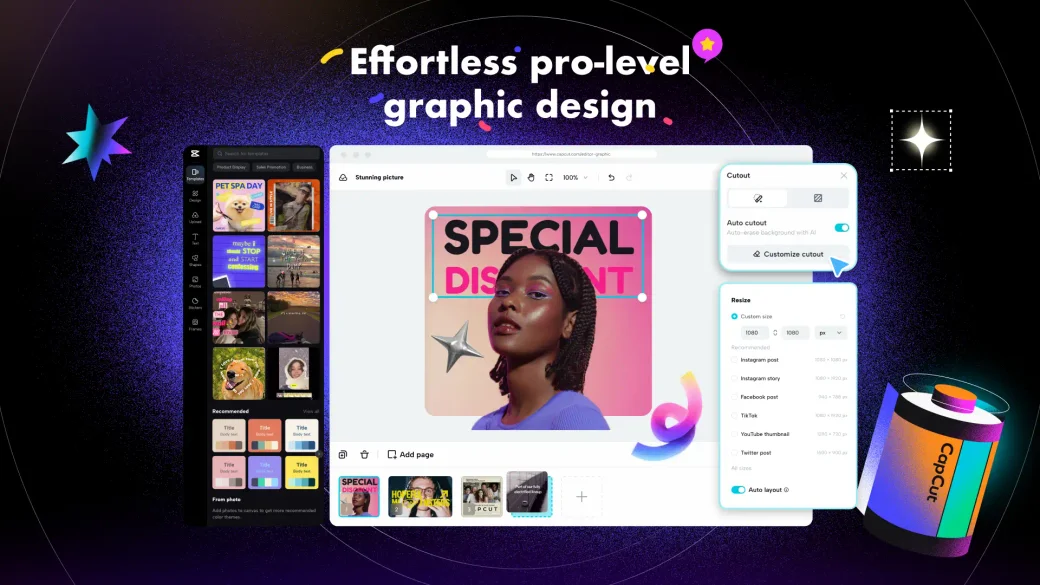
Create fancy videos with other unique features: auto captions, text-to-speech, motion tracking, and background removal. Show your personality and go viral on TikTok, YouTube, Instagram, WhatsApp, and Facebook!
FEATURES
Basic video editing
• Trim and shorten clips and split or merge videos.
• Adjust video speed from 0.1x to 100x, and apply speed curves to clips.
• Animate video clips with incredible zoom in/out effects.
• Highlight the best moments with the freeze feature.
• Explore transition options with awesome effects on and between clips.
Advanced video editor
• Keyframe video animation is available for all settings.
• Edit videos to create smooth slow-motion with the optical flow feature and speed curve tool.
• Use the chroma key to remove specific colors from videos.
• Easy to arrange and preview clips on multi-track timeline.
• The stabilizing feature keeps video footage steady.
Intelligent features
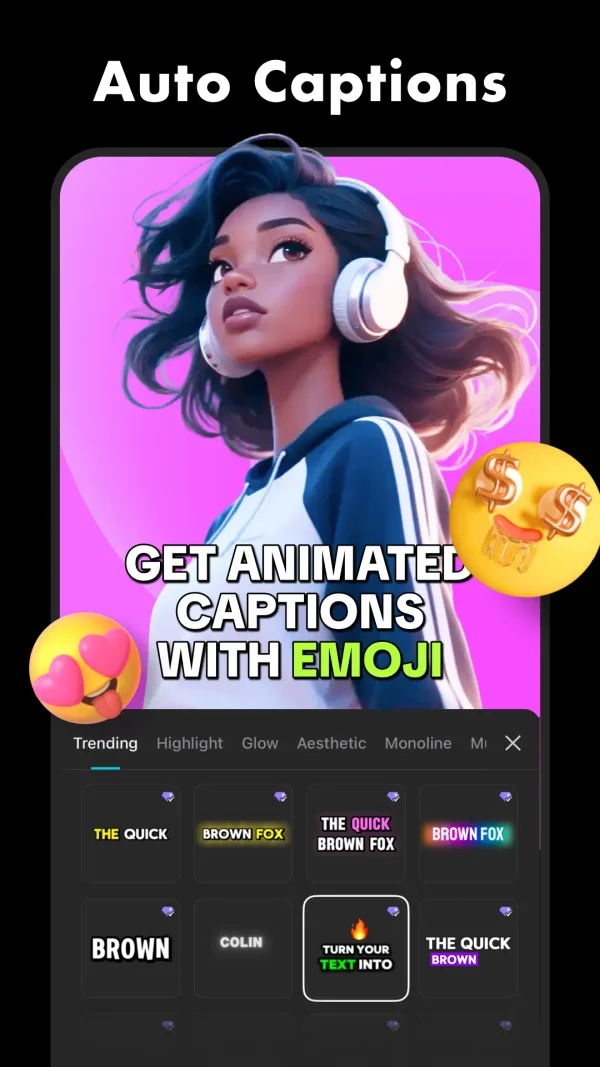
• Auto captions: automate speech recognition and subtitles in videos.
• Text-to-speech: apply text-to-speech in multiple languages and voices.
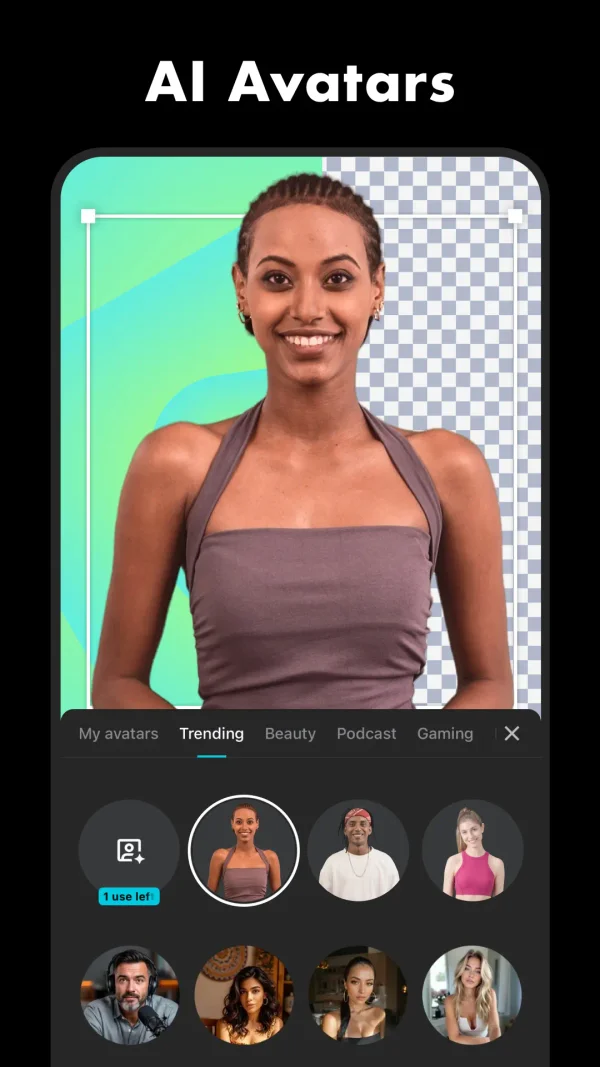
• Background removal: automatically remove backgrounds.
Text & Stickers
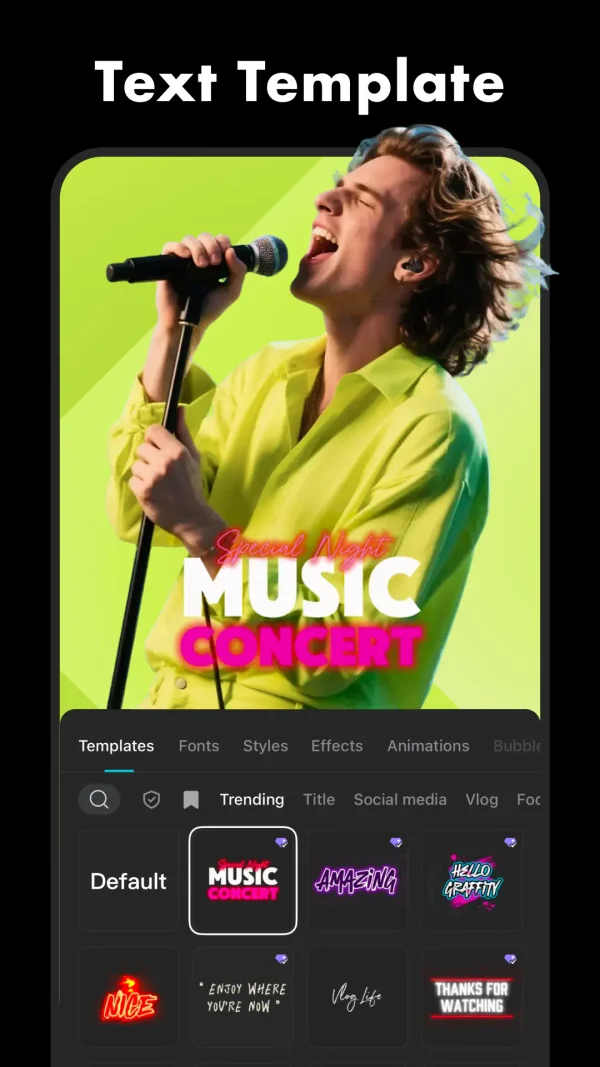
• Add text to videos with different fonts and styles, choose unique text templates. Fonts can be imported locally.
• Subtitles can be added to the timeline of video tracks and can be moved and adjusted in one step.
Trending Effects & Filters
• Match video content with diverse filters that are updated weekly with the latest trends.
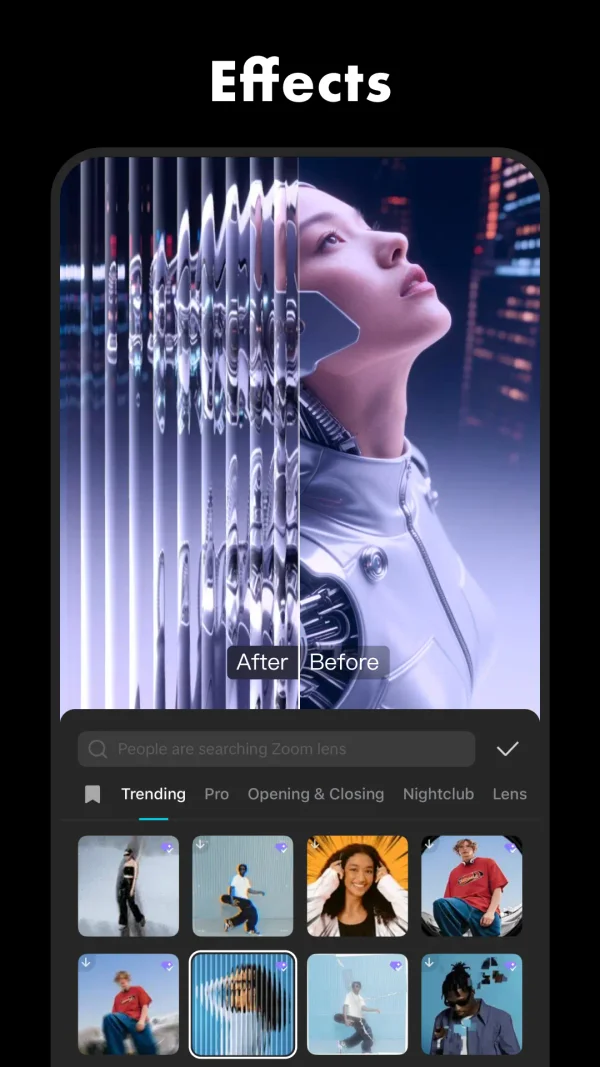
• Edit videos with hundreds of trending effects, including Glitch, Blur, 3D, etc.
• Add movie-style video filters or adjust video brightness, contrast, etc.
Music & Sound Effects
• Add millions of music clips and sound effects to videos.
• Extract audio, clips, and recordings from videos.
Easy to Share
• Custom video export resolution, HD video editor supports 4K 60fps exports and smart HDR.
• Adjust the format and share with your friends on social media platforms.
CapCut is an all-in-one video editor and video maker application with everything you need to create stunning, high-quality videos. Beginners can get started with CapCut in a matter of seconds, while advanced users can enjoy all the functions they need to edit videos.
Terms of Service —
https://www.capcut.com/clause/terms-of-service
Privacy Policy —
https://www.capcut.net/clause/privacy
Contact Us
Any questions about CapCut? Please contact us at capcut.support@bytedance.com.
Facebook: CapCut
Instagram: CapCut
YouTube: CapCut
TikTok: CapCut on TikTok
データ セーフティ
このアプリが収集・共有するデータについて、Bytedance Pte. Ltd.がGoogle Playで申告している内容です。
- このアプリはサードパーティと以下の種類のデータを共有することがありますその他のユーザー作成コンテンツ
- このアプリは以下の種類のデータを収集することがあります位置情報、個人情報、他 5 件
- データは送信中に暗号化されます
- データを削除するようリクエストできます
新機能
バージョン 20.2.0 · 2026/11/23
"- Fixed some known issues - improved the trimming experience.
We thank you for supporting CapCut and look forward to creating beautiful moments together."
開発元の連絡先
- ウェブサイトcapcut.com
- メールcapcut.support@bytedance.com
- プライバシーポリシーcapcut.com
- 住所1 Raffles Quay #26-10 Singapore 048583
情報
- 提供元
- Bytedance Pte. Ltd.
- カテゴリ
- 動画プレーヤー&エディタ
- バージョン
- 20.2.0
- 更新日
- 2026/11/23
- リリース
- 2020/4/10
- 必要条件
- Android 6.0以降
- 対象年齢
- 12 歳以上
- 価格
- 無料
- アプリ内課金
- ¥12~¥144,800/アイテム
- パッケージ名
- com.lemon.lvoverseas
類似のアプリ
-
 Spotify: Music and Podcasts
音楽&オーディオ
-
 Pinterest(ピンタレスト)
ライフスタイル
-
 TikTok - Videos, Shop & LIVE
ソーシャルネットワーク
-
 ChatGPT
仕事効率化
-
 Duolingo:英語、韓国語、スペイン語を学ぼう
教育
-
 Snapchat
通信
-
 YouCut - 動画編集&動画作成
動画プレーヤー&エディタ
-
 Alight Motion
動画プレーヤー&エディタ
-
 動画編集アプリ- Video.Guru
動画プレーヤー&エディタ
-
 アイビスペイントX
アート&デザイン
-
 WhatsApp Messenger
通信
-
 Canva: AI Photo & Video Editor
アート&デザイン