CapCut - Video Editor
Bytedance Pte. Ltd.Mua hàng trong ứng dụng
- 12 tuổi trở lênĐộ tuổi
- Xem và sửa videoDanh mục
- 23/11/2026Cập nhật
- Miễn phíGiá
Dẫn đến trang Google Play chính thức của com.lemon.lvoverseas. Kiểm tra lần cuối: 24/11/2026.

Ảnh chụp màn hình
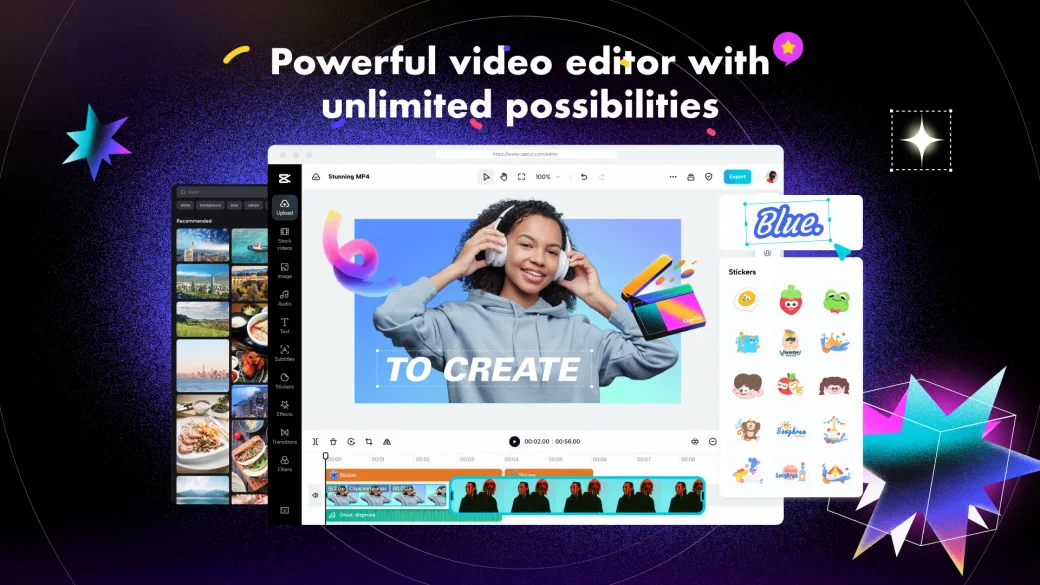
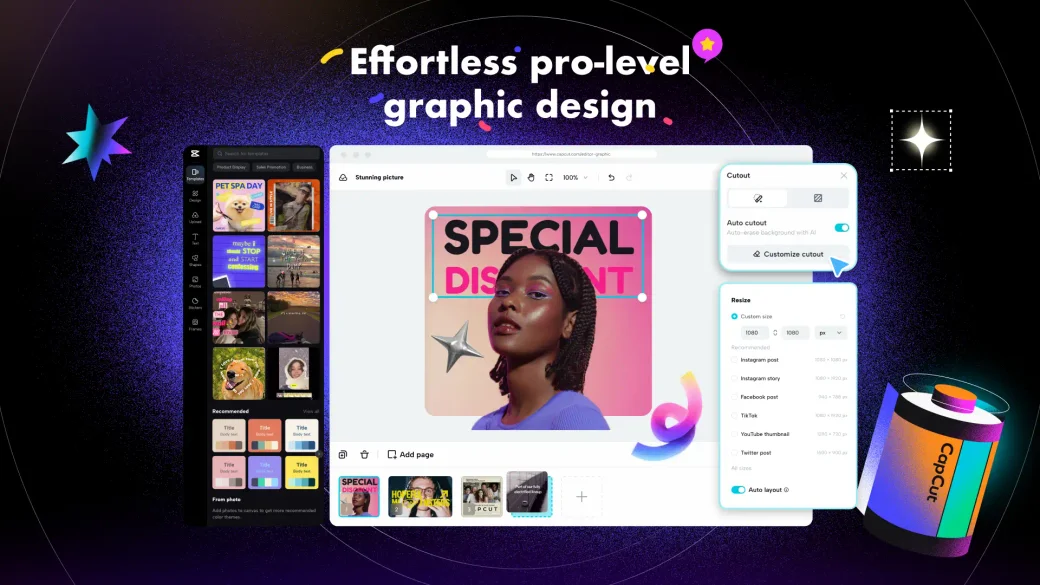
Thông tin về ứng dụng này
Nhà phát triển chưa cung cấp nội dung này bằng ngôn ngữ của bạn.
Capture the moment and Cut
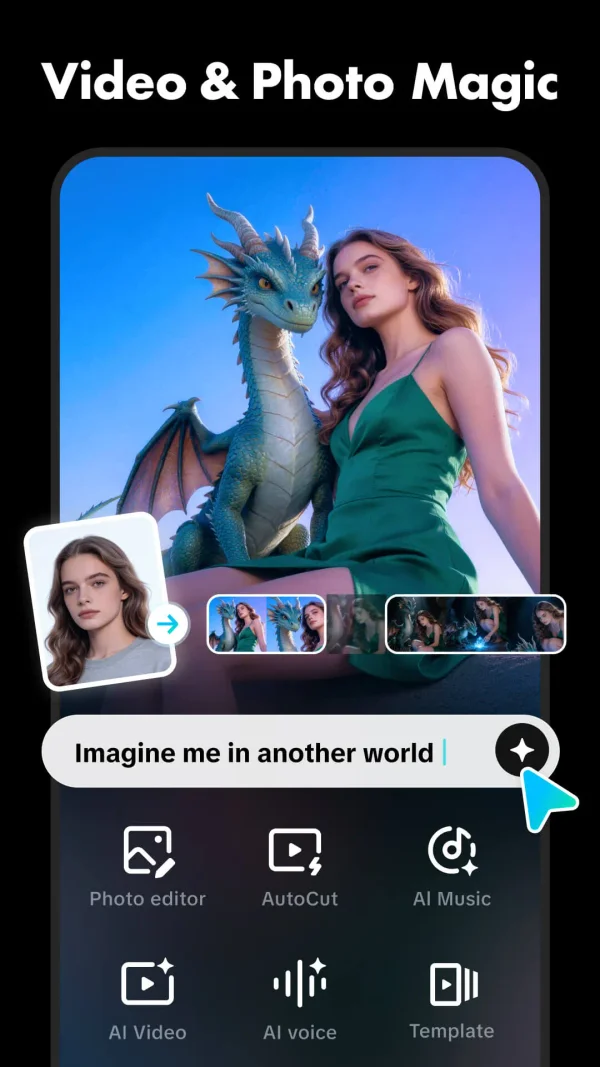
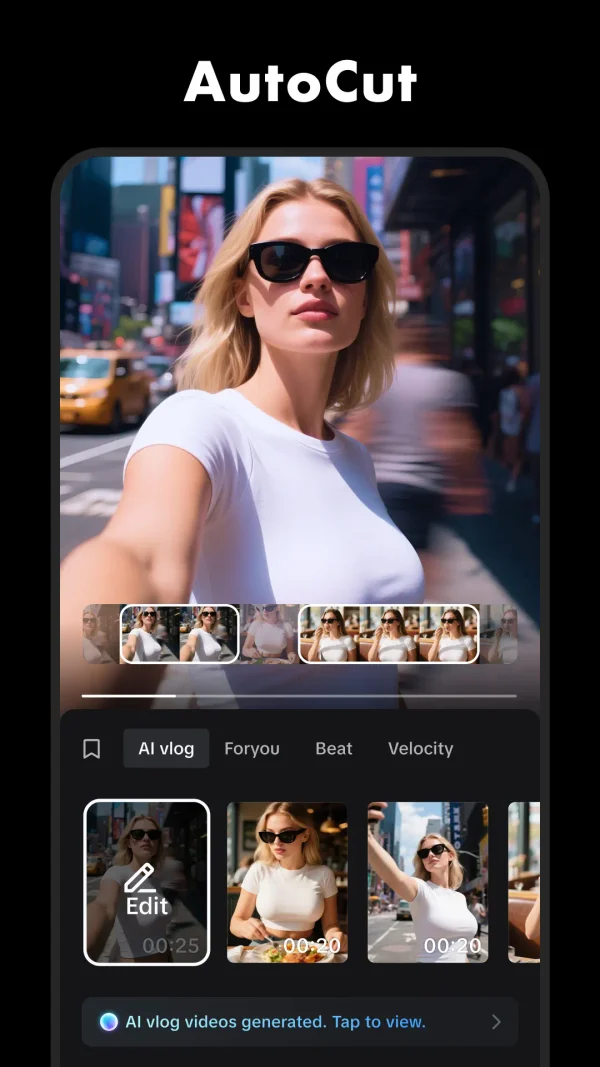
CapCut offers easy-to-use video editing functions, in-APP fonts and effects, advanced features such as keyframe animation, smooth slow-motion, chroma key, and stabilization, to help you capture and snip moments.
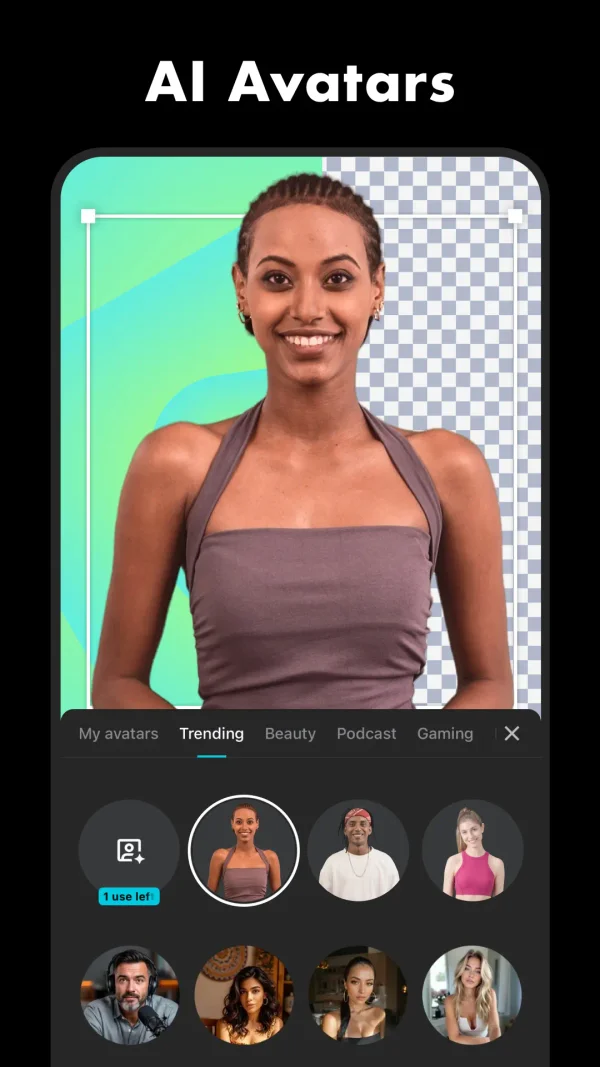
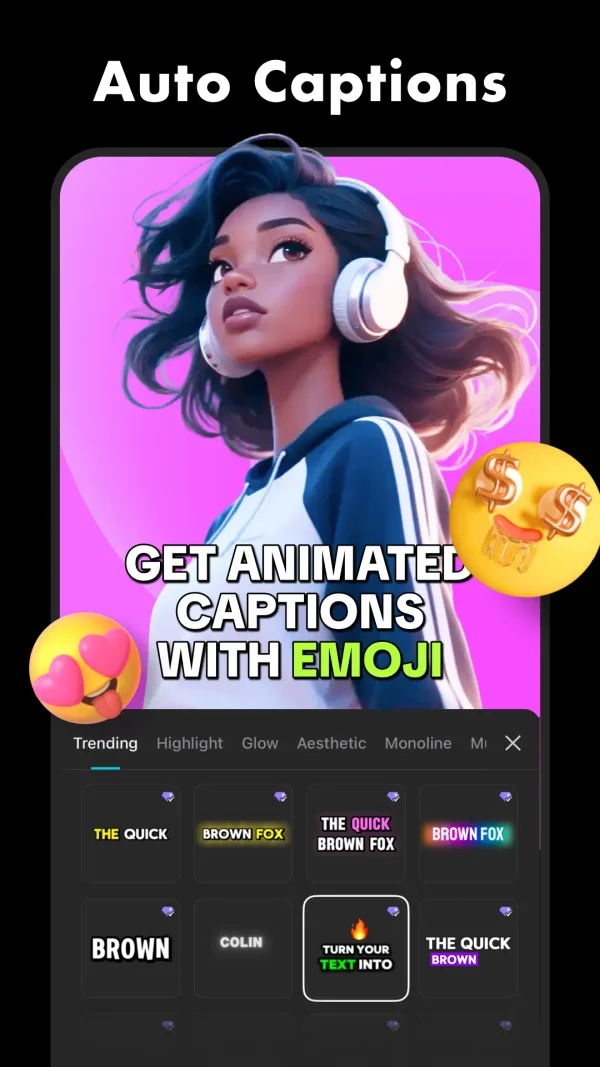
Create fancy videos with other unique features: auto captions, text-to-speech, motion tracking, and background removal. Show your personality and go viral on TikTok, YouTube, Instagram, WhatsApp, and Facebook!
FEATURES
Basic video editing
• Trim and shorten clips and split or merge videos.
• Adjust video speed from 0.1x to 100x, and apply speed curves to clips.
• Animate video clips with incredible zoom in/out effects.
• Highlight the best moments with the freeze feature.
• Explore transition options with awesome effects on and between clips.
Advanced video editor
• Keyframe video animation is available for all settings.
• Edit videos to create smooth slow-motion with the optical flow feature and speed curve tool.
• Use the chroma key to remove specific colors from videos.
• Easy to arrange and preview clips on multi-track timeline.
• The stabilizing feature keeps video footage steady.
Intelligent features
• Auto captions: automate speech recognition and subtitles in videos.
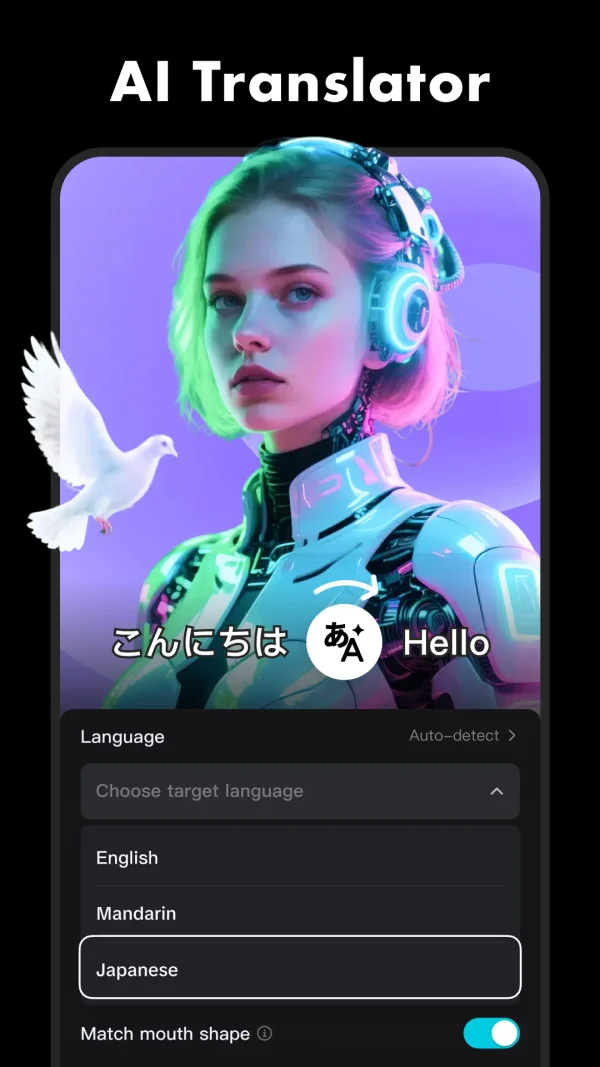
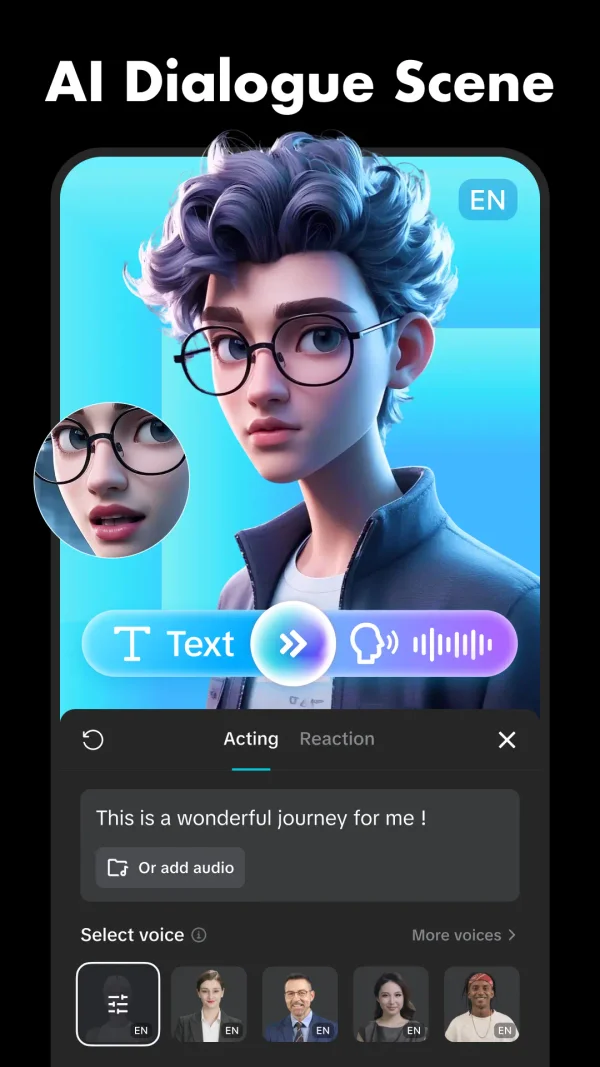
• Text-to-speech: apply text-to-speech in multiple languages and voices.
• Background removal: automatically remove backgrounds.
Text & Stickers
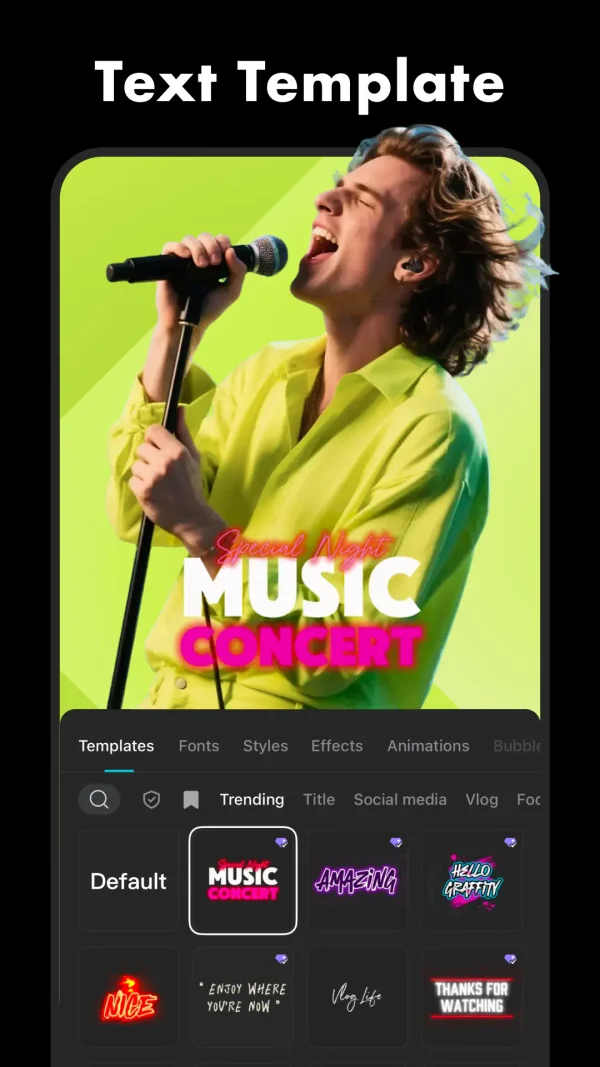
• Add text to videos with different fonts and styles, choose unique text templates. Fonts can be imported locally.
• Subtitles can be added to the timeline of video tracks and can be moved and adjusted in one step.
Trending Effects & Filters
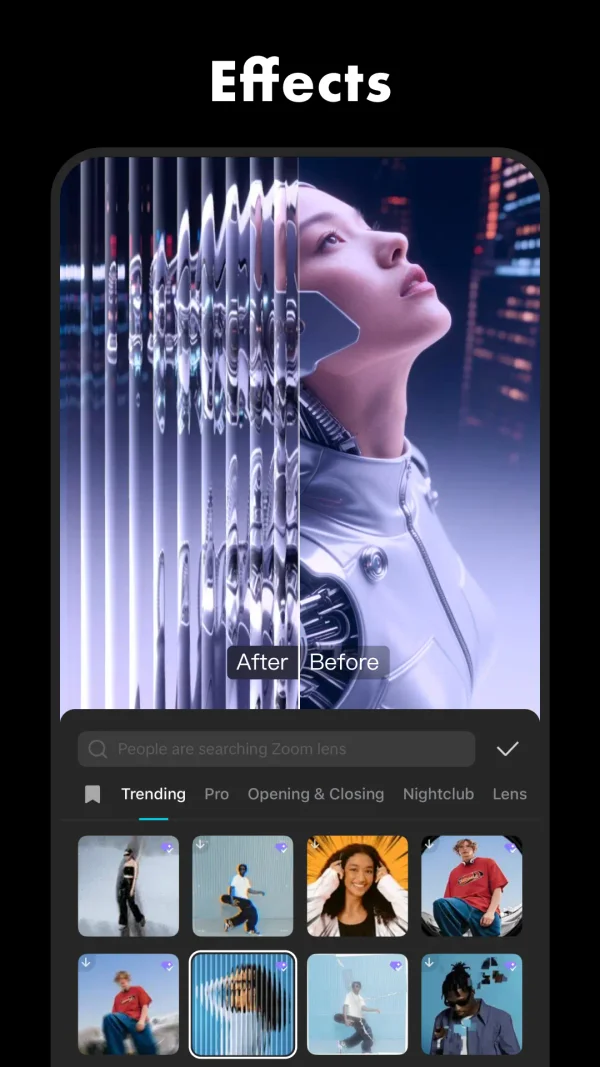
• Match video content with diverse filters that are updated weekly with the latest trends.
• Edit videos with hundreds of trending effects, including Glitch, Blur, 3D, etc.
• Add movie-style video filters or adjust video brightness, contrast, etc.
Music & Sound Effects
• Add millions of music clips and sound effects to videos.
• Extract audio, clips, and recordings from videos.
Easy to Share
• Custom video export resolution, HD video editor supports 4K 60fps exports and smart HDR.
• Adjust the format and share with your friends on social media platforms.
CapCut is an all-in-one video editor and video maker application with everything you need to create stunning, high-quality videos. Beginners can get started with CapCut in a matter of seconds, while advanced users can enjoy all the functions they need to edit videos.
Terms of Service —
https://www.capcut.com/clause/terms-of-service
Privacy Policy —
https://www.capcut.net/clause/privacy
Contact Us
Any questions about CapCut? Please contact us at capcut.support@bytedance.com.
Facebook: CapCut
Instagram: CapCut
YouTube: CapCut
TikTok: CapCut on TikTok
An toàn dữ liệu
Những gì Bytedance Pte. Ltd. khai báo trên Google Play về dữ liệu mà ứng dụng này thu thập và chia sẻ.
- Ứng dụng này có thể chia sẻ những loại dữ liệu sau đây với bên thứ baThông tin tài chính
- Ứng dụng này có thể thu thập những loại dữ liệu sau đâyVị trí, Thông tin cá nhân và 5 loại dữ liệu khác
- Dữ liệu được mã hóa trong khi chuyển
- Bạn có thể yêu cầu xóa dữ liệu
Có gì mới
Phiên bản 20.3.0 · 23/11/2026
"- Fixed some known issues - improved the trimming experience.
We thank you for supporting CapCut and look forward to creating beautiful moments together."
Liên hệ nhà phát triển
- Trang webcapcut.com
- E-mailcapcut.support@bytedance.com
- Chính sách quyền riêng tưcapcut.com
- Địa chỉ1 Raffles Quay #26-10 Singapore 048583
Thông tin
- Cung cấp bởi
- Bytedance Pte. Ltd.
- Danh mục
- Xem và sửa video
- Phiên bản
- 20.3.0
- Cập nhật
- 23/11/2026
- Phát hành
- 10/04/2020
- Yêu cầu
- Android 6.0 trở lên
- Độ tuổi
- 12 tuổi trở lên
- Giá
- Miễn phí
- Mua hàng trong ứng dụng
- 1.400 ₫ - 23.499.000 ₫ mỗi mặt hàng
- Tên gói
- com.lemon.lvoverseas
Ứng dụng tương tự
-
 Spotify: Music and Podcasts
Nhạc và Âm thanh
-
 Pinterest
Lối sống
-
 TikTok - Videos, Shop & LIVE
Xã hội
-
 ChatGPT
Năng suất
-
 Duolingo: Ngoại ngữ & Cờ vua
Giáo dục
-
 Snapchat
Liên lạc
-
 YouCut - chỉnh sửa video
Xem và sửa video
-
 Alight Motion
Xem và sửa video
-
 Chỉnh sửa video - Video.Guru
Xem và sửa video
-
 ibis Paint X
Nghệ thuật và thiết kế
-
 WhatsApp Messenger
Liên lạc
-
 Canva: AI Photo & Video Editor
Nghệ thuật và thiết kế