CapCut - Video Editor
Bytedance Pte. Ltd.Compras no app
- Classificação 12 anosClassificação etária
- Reproduzir e editar vídeosCategoria
- 25/11/2026Atualizado
- GrátisPreço
Leva à página oficial de com.lemon.lvoverseas na Google Play. Última verificação em 26/11/2026.

Capturas de tela
Sobre este app
O desenvolvedor não forneceu este texto no seu idioma.
Capture the moment and Cut
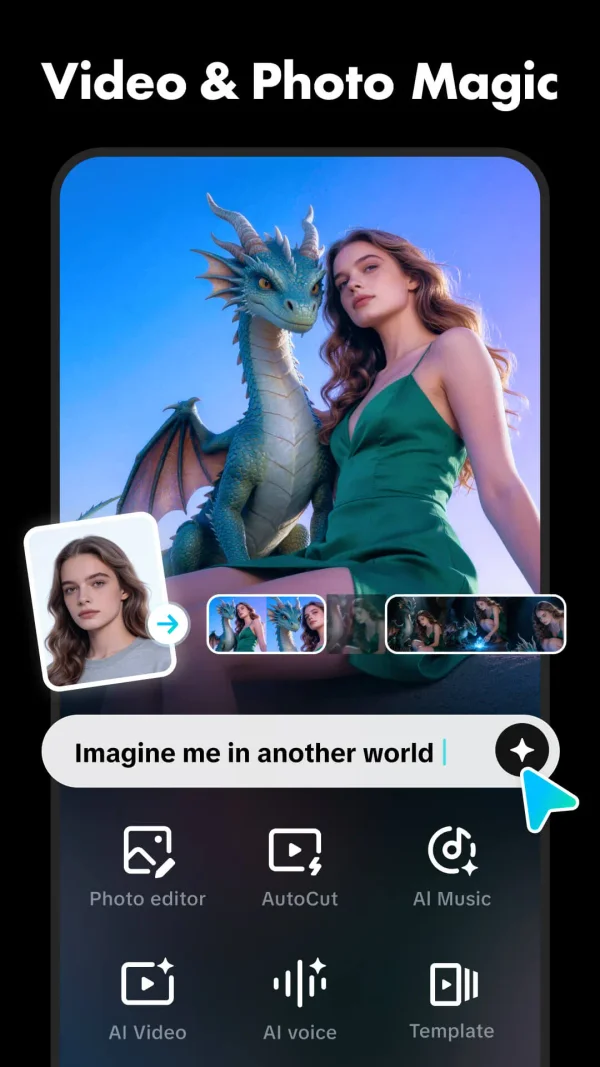
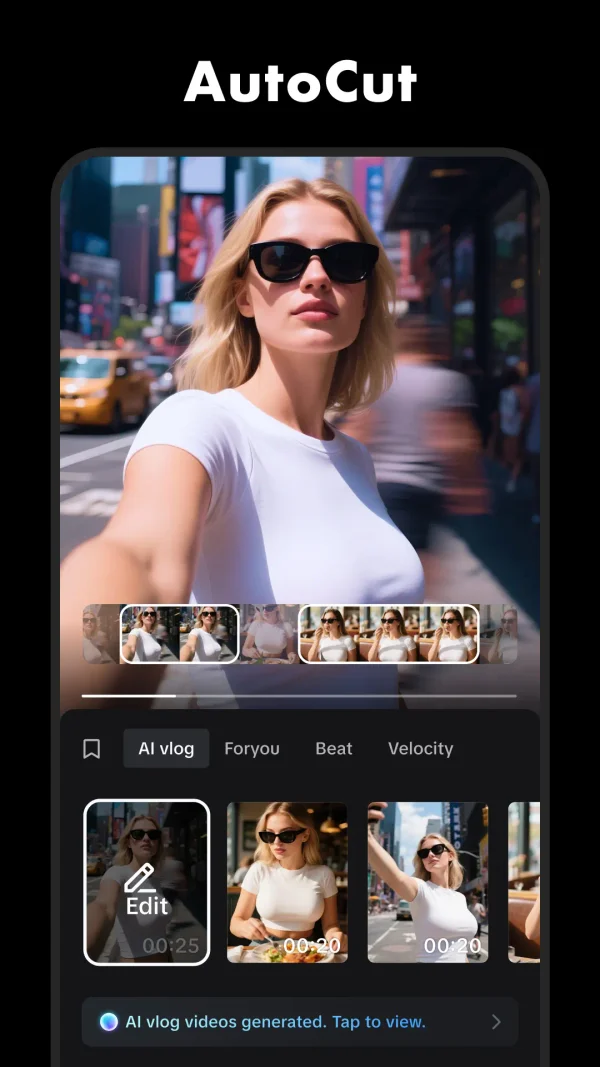
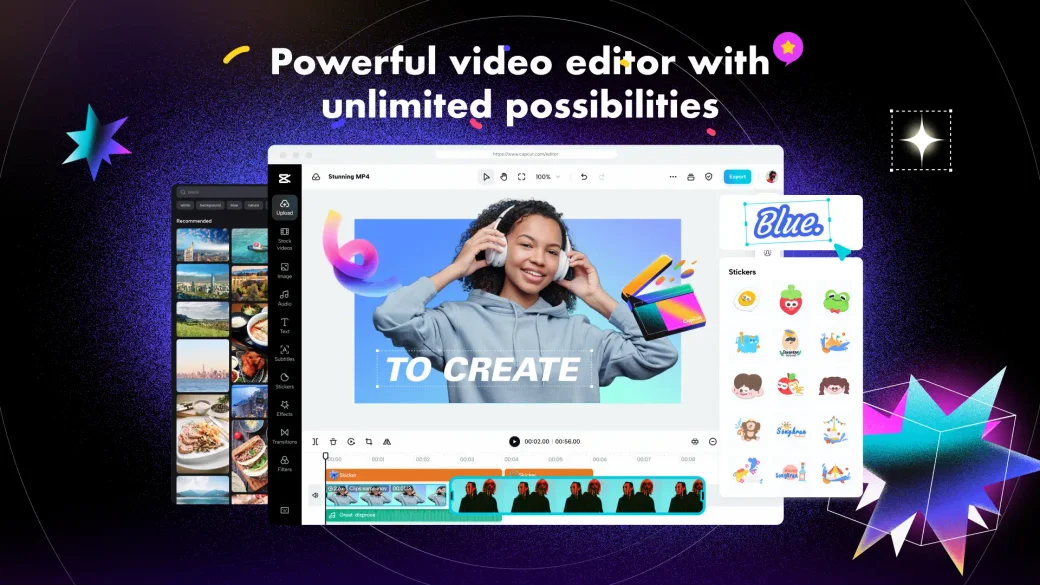
CapCut offers easy-to-use video editing functions, in-APP fonts and effects, advanced features such as keyframe animation, smooth slow-motion, chroma key, and stabilization, to help you capture and snip moments.
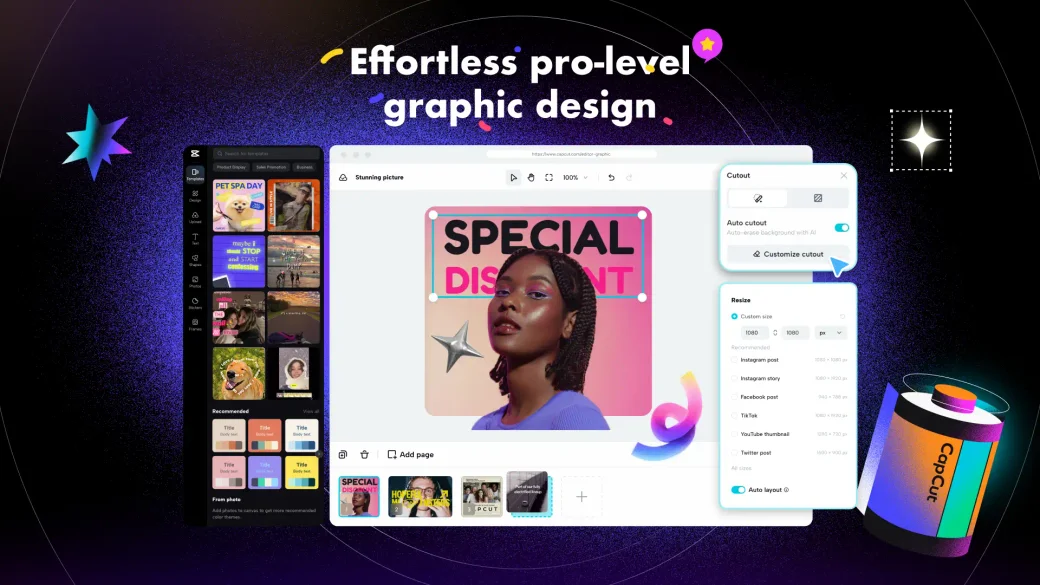
Create fancy videos with other unique features: auto captions, text-to-speech, motion tracking, and background removal. Show your personality and go viral on TikTok, YouTube, Instagram, WhatsApp, and Facebook!
FEATURES
Basic video editing
• Trim and shorten clips and split or merge videos.
• Adjust video speed from 0.1x to 100x, and apply speed curves to clips.
• Animate video clips with incredible zoom in/out effects.
• Highlight the best moments with the freeze feature.
• Explore transition options with awesome effects on and between clips.
Advanced video editor
• Keyframe video animation is available for all settings.
• Edit videos to create smooth slow-motion with the optical flow feature and speed curve tool.
• Use the chroma key to remove specific colors from videos.
• Easy to arrange and preview clips on multi-track timeline.
• The stabilizing feature keeps video footage steady.
Intelligent features
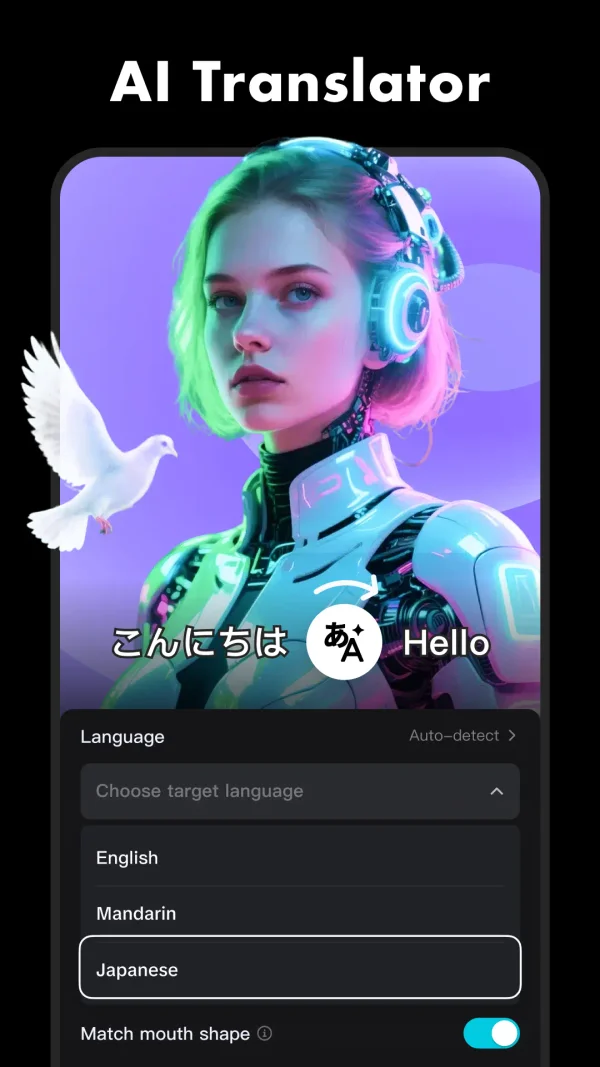
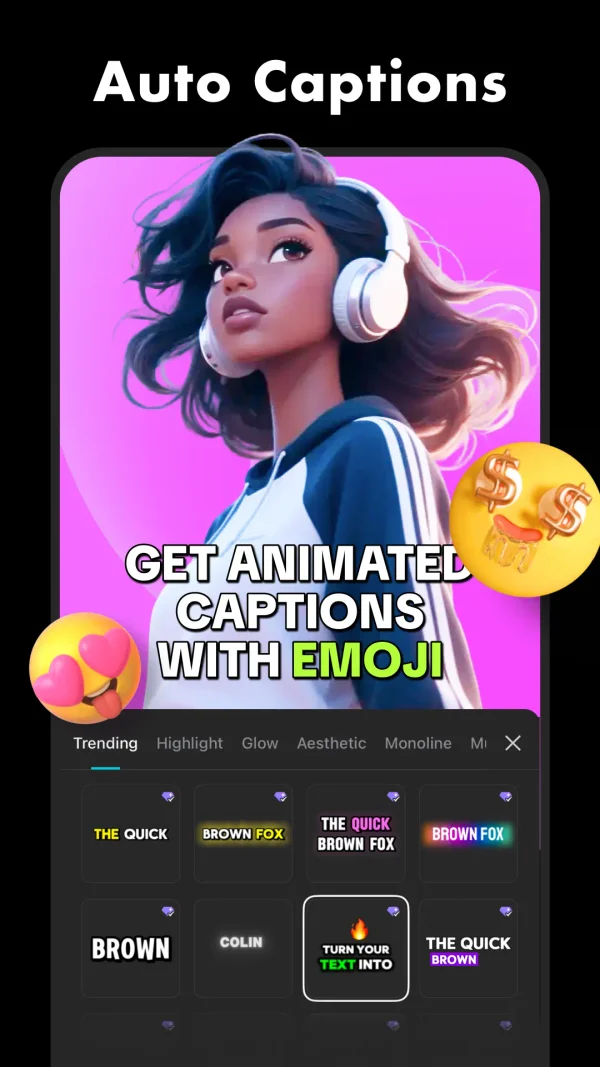
• Auto captions: automate speech recognition and subtitles in videos.
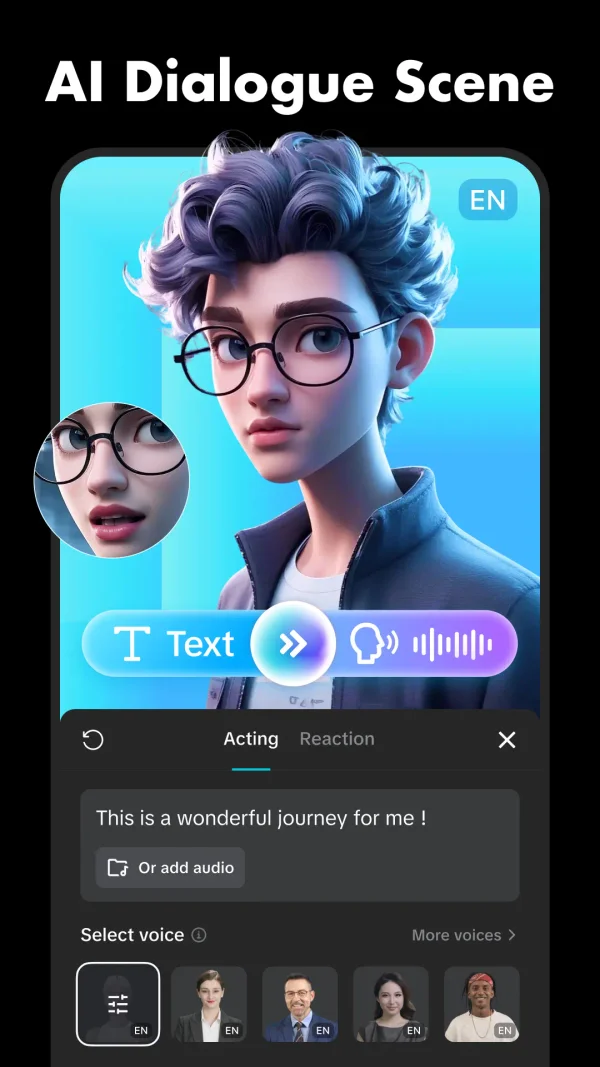
• Text-to-speech: apply text-to-speech in multiple languages and voices.
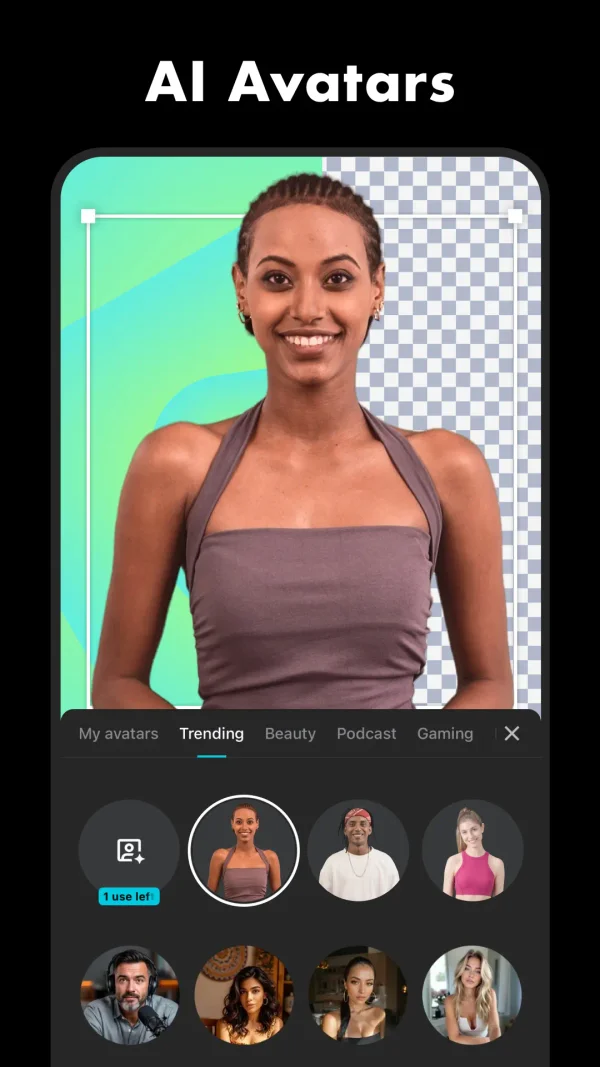
• Background removal: automatically remove backgrounds.
Text & Stickers
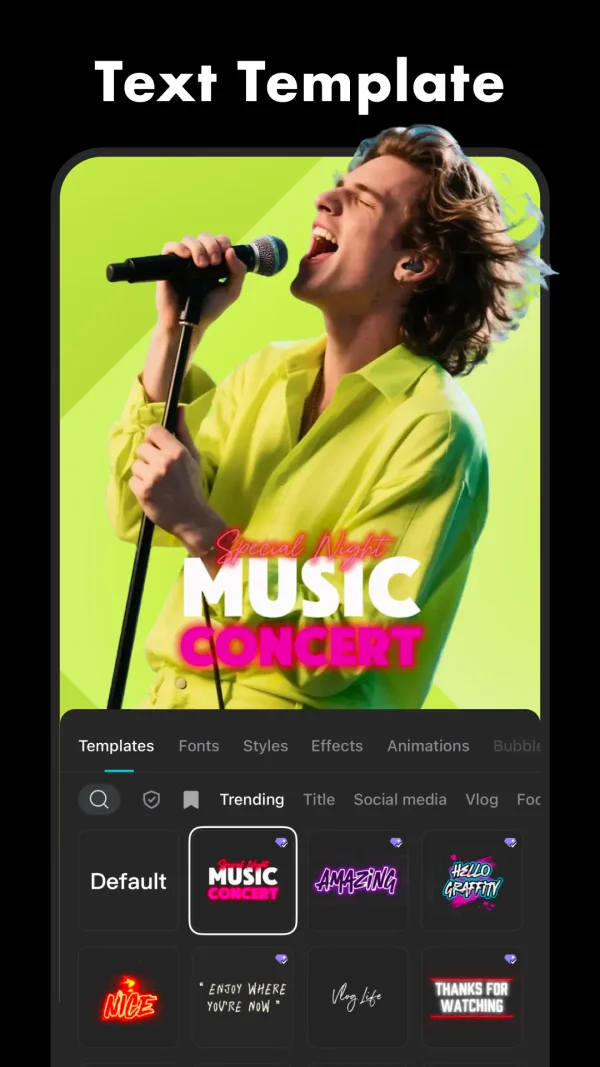
• Add text to videos with different fonts and styles, choose unique text templates. Fonts can be imported locally.
• Subtitles can be added to the timeline of video tracks and can be moved and adjusted in one step.
Trending Effects & Filters
• Match video content with diverse filters that are updated weekly with the latest trends.
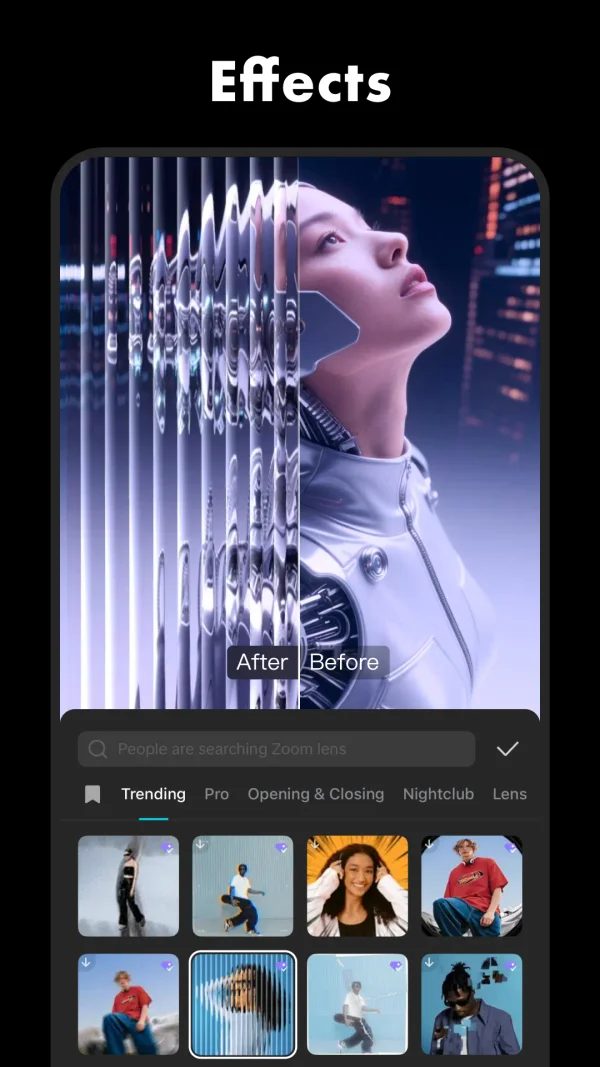
• Edit videos with hundreds of trending effects, including Glitch, Blur, 3D, etc.
• Add movie-style video filters or adjust video brightness, contrast, etc.
Music & Sound Effects
• Add millions of music clips and sound effects to videos.
• Extract audio, clips, and recordings from videos.
Easy to Share
• Custom video export resolution, HD video editor supports 4K 60fps exports and smart HDR.
• Adjust the format and share with your friends on social media platforms.
CapCut is an all-in-one video editor and video maker application with everything you need to create stunning, high-quality videos. Beginners can get started with CapCut in a matter of seconds, while advanced users can enjoy all the functions they need to edit videos.
Terms of Service —
https://www.capcut.com/clause/terms-of-service
Privacy Policy —
https://www.capcut.net/clause/privacy
Contact Us
Any questions about CapCut? Please contact us at capcut.support@bytedance.com.
Facebook: CapCut
Instagram: CapCut
YouTube: CapCut
TikTok: CapCut on TikTok
Segurança dos dados
O que Bytedance Pte. Ltd. declara na Google Play sobre os dados que este app coleta e compartilha.
- Este app pode compartilhar estes tipos de dados com terceirosArquivos e documentos
- Este app pode coletar estes tipos de dadosLocal, Informações pessoais e mais 5
- Os dados são criptografados em trânsito
- Você pode solicitar a exclusão dos dados
Novidades
Versão 20.3.0 · 25/11/2026
"- Fixed some known issues - improved the trimming experience.
We thank you for supporting CapCut and look forward to creating beautiful moments together."
Contato do desenvolvedor
- Sitecapcut.com
- E-mailcapcut.support@bytedance.com
- Política de privacidadecapcut.com
- Endereço1 Raffles Quay #26-10 Singapore 048583
Informações
- Oferecido por
- Bytedance Pte. Ltd.
- Categoria
- Reproduzir e editar vídeos
- Versão
- 20.3.0
- Atualizado
- 25/11/2026
- Lançamento
- 10/04/2020
- Requer
- Android 6.0 ou posterior
- Classificação etária
- Classificação 12 anos
- Preço
- Grátis
- Compras no app
- R$ 0,90 – R$ 4.599,00 por item
- Nome do pacote
- com.lemon.lvoverseas
Apps semelhantes
-
 Spotify: Music and Podcasts
Música e áudio
-
 Pinterest
Estilo de vida
-
 TikTok - Videos, Shop & LIVE
Social
-
 ChatGPT
Produtividade
-
 Duolingo: aprenda idiomas
Educação
-
 Snapchat
Comunicação
-
 YouCut - Editor de Vídeo
Reproduzir e editar vídeos
-
 Alight Motion
Reproduzir e editar vídeos
-
 Editor de video - Video.Guru
Reproduzir e editar vídeos
-
 ibis Paint X
Arte e design
-
 WhatsApp Messenger
Comunicação
-
 Canva: AI Photo & Video Editor
Arte e design