Digital Material You 3
SOC Creations- Rating 3+Batasan usia
- PersonalisasiKategori
- 24/10/2026Diperbarui
- Rp 28.000Harga
Tertaut ke halaman resmi com.digitalmaterialyou3 di Google Play. Terakhir diperiksa pada 26/11/2026.

Tangkapan layar




Tentang aplikasi ini
Terjemahan otomatis oleh Google. Bahasa asli: Inggris (Amerika Serikat).
Bawa Materi Anda ke Jam Tangan Wear OS Anda.
Instalasi:
1. Pastikan jam tangan Anda terhubung ke ponsel Anda melalui Bluetooth.
2. Instal, unduh, dan buka aplikasi pendamping.
3. Buka Play Store jam tangan, dan ketik nama jam tangan yang tepat (dengan ejaan dan spasi yang benar) dan buka daftar. Jika harga masih muncul, tunggu 2-5 menit atau mulai ulang tampilan jam Anda.
4. Silakan coba juga memasang tampilan jam melalui aplikasi Galaxy Wearable (instal jika belum terpasang)> Tampilan Jam> Diunduh dan terapkan pada jam tangan.
5. Anda juga dapat menginstal tampilan jam ini dengan mengakses Google Play Store di web browser di PC atau Laptop. Pastikan Anda menggunakan akun yang sama dengan tempat Anda melakukan pembelian untuk menghindari tagihan ganda.
6. Jika PC/laptop tidak tersedia, Anda dapat menggunakan web browser ponsel. Buka aplikasi Play Store, lalu ke tampilan jam. Klik titik 3 di pojok kanan atas lalu Bagikan. Gunakan browser yang tersedia, login ke akun tempat Anda melakukan pembelian dan instal di sana.
Tentang tampilan jam:
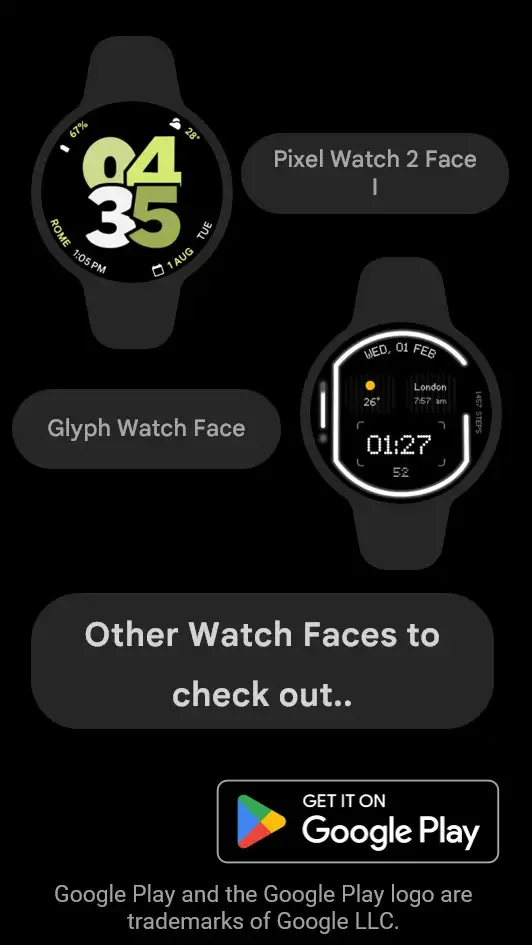
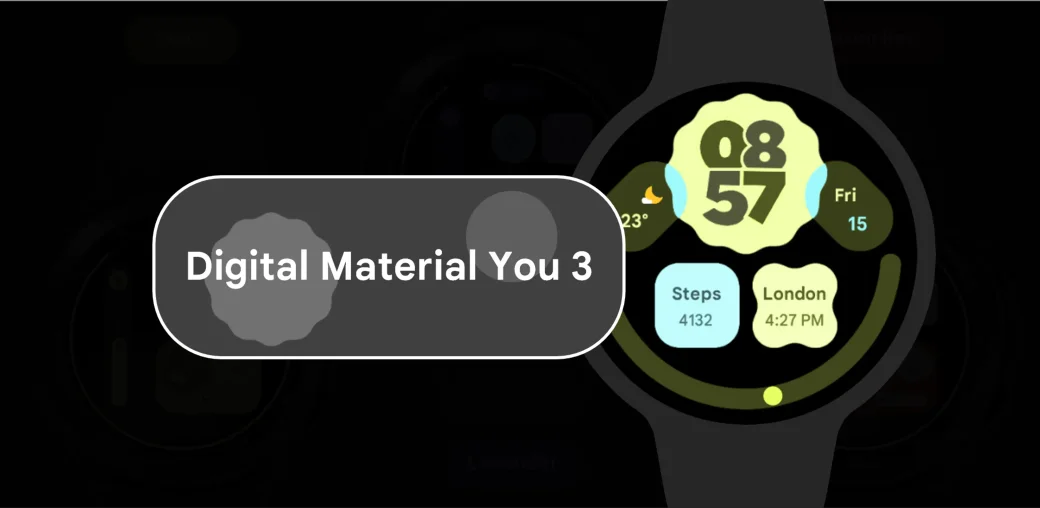
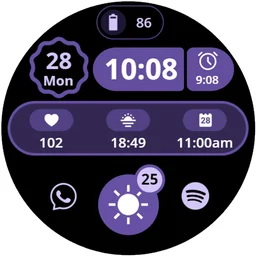
Tampilan jam digital untuk jam tangan pintar Wear OS Anda yang terinspirasi dari Material You oleh Google. Dengan bentuk organik dan warna pastel, tampilan jam bertujuan untuk mempercantik jam tangan Anda dan menghadirkan UI yang konsisten dengan ponsel Anda.
- 4 komplikasi yang dapat disesuaikan
- 1 Komplikasi AOD Independen
- 12 pilihan warna
- 2 font jam
- Bilah Kemajuan Baterai
Lebih banyak lagi yang akan datang di pembaruan mendatang..
Tampilkan teks asli
Installation:
1. Make sure you watch is connected to your phone via Bluetooth.
2. Install, download and open the companion app.
3. Go to the watch Play Store, and type the exact watch name(with correct spelling and spacing) and open listing. If price still appears, wait for 2-5 minutes or restart your watch face.
4. Please also try installing the watch face via Galaxy Wearable app(install it if not installed)> Watch Faces> Downloaded and apply it to watch.
5. You can also install this watch face by accessing the Google Play Store in the web browser in a PC or Laptop. Make sure you use the same account you made the purchase from to avoid double charge.
6. If PC/laptop not available, you can use the phone web browser. Head over to the Play Store app, then to the watch face. Click the 3 dots in the upper right hand corner then Share. Use the available browser, login to the account you made the purchase from and install it there.
About the watch face:
An Digital watch face for your Wear OS smartwatch inspired from Material You by Google. With organic shapes and pastel colors, the watch face aims to spice up your watch and bring a consistent UI with your phone.
- 4 customizable complications
- 1 Independent AOD Complication
- 12 color options
- 2 clock fonts
- Battery Progress Bar
More to come in future updates..
Keamanan data
Yang dinyatakan SOC Creations di Google Play tentang data yang dikumpulkan dan dibagikan aplikasi ini.
- Tidak ada data yang dibagikan kepada pihak ketigaPelajari lebih lanjut cara developer menyatakan pembagian data
- Tidak ada data yang dikumpulkanPelajari lebih lanjut cara developer menyatakan pengumpulan data
Kontak pengembang
- Emailnnprnsrsh@gmail.com
- Kebijakan Privasidocs.google.com
- AlamatH 304 SHRIRAM SPURTHI APTS KUNDALAHALLI BROOKFIELD Bengaluru, Karnataka 560037 India
Informasi
- Ditawarkan oleh
- SOC Creations
- Kategori
- Personalisasi
- Diperbarui
- 24/10/2026
- Dirilis
- 16/9/2023
- Batasan usia
- Rating 3+
- Harga
- Rp 28.000
- Nama paket
- com.digitalmaterialyou3
Aplikasi serupa
-
 Another World 2 Watch Face
Personalisasi
-
 Dream Checker Watch Face
Personalisasi
-
 BubbleVerse Watch Face GTG4
Personalisasi
-
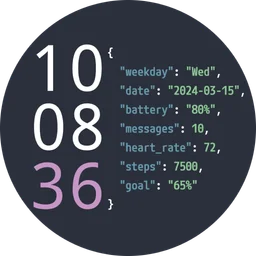 CELEST5508 Cyber Watch
Personalisasi
-
 Neon Orbit Watch Face
Personalisasi
-
 Radar Time Watch Face
Gaya Hidup
-
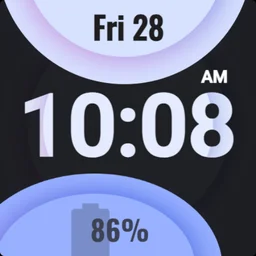 Simple Anim Watch Face II
Personalisasi
-
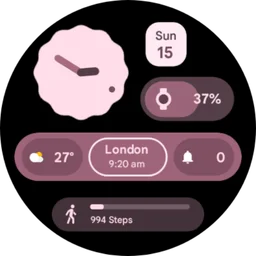 Analog Material You
Personalisasi
-
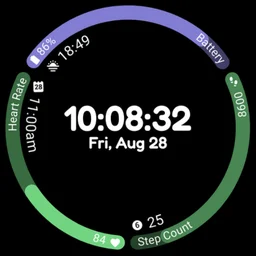 Gaya Harian Minimal
Personalisasi
-
 SAM Four Block WatchFace SMA 9
Personalisasi
-
 Watchface Material 2
Personalisasi
-
 Material You 3 Digital
Personalisasi