Digital Material You 3
SOC Creations- EveryoneAge rating
- PersonalizationCategory
- Oct 24, 2026Updated
- $1.49Price
Links to the official Google Play listing of com.digitalmaterialyou3. Last checked on Nov 25, 2026.

About this app
Bring Material You to your Wear OS Watch.
Installation:
1. Make sure you watch is connected to your phone via Bluetooth.
2. Install, download and open the companion app.
3. Go to the watch Play Store, and type the exact watch name(with correct spelling and spacing) and open listing. If price still appears, wait for 2-5 minutes or restart your watch face.
4. Please also try installing the watch face via Galaxy Wearable app(install it if not installed)> Watch Faces> Downloaded and apply it to watch.
5. You can also install this watch face by accessing the Google Play Store in the web browser in a PC or Laptop. Make sure you use the same account you made the purchase from to avoid double charge.
6. If PC/laptop not available, you can use the phone web browser. Head over to the Play Store app, then to the watch face. Click the 3 dots in the upper right hand corner then Share. Use the available browser, login to the account you made the purchase from and install it there.
About the watch face:
An Digital watch face for your Wear OS smartwatch inspired from Material You by Google. With organic shapes and pastel colors, the watch face aims to spice up your watch and bring a consistent UI with your phone.
- 4 customizable complications
- 1 Independent AOD Complication
- 12 color options
- 2 clock fonts
- Battery Progress Bar
More to come in future updates..
Data safety
What SOC Creations declares on Google Play about the data this app collects and shares.
- No data shared with third partiesLearn more about how developers declare sharing
- No data collectedLearn more about how developers declare collection
Developer contact
- Emailnnprnsrsh@gmail.com
- Privacy policydocs.google.com
- AddressH 304 SHRIRAM SPURTHI APTS KUNDALAHALLI BROOKFIELD Bengaluru, Karnataka 560037 India
Information
- Offered by
- SOC Creations
- Category
- Personalization
- Updated
- Oct 24, 2026
- Released
- Sep 16, 2023
- Age rating
- Everyone
- Price
- $1.49
- Package name
- com.digitalmaterialyou3
Similar apps
-
 Another World 2 Watch Face
Personalization
-
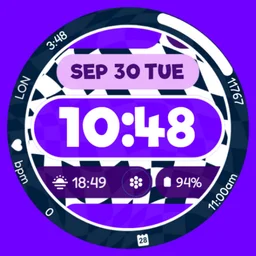 Dream Checker Watch Face
Personalization
-
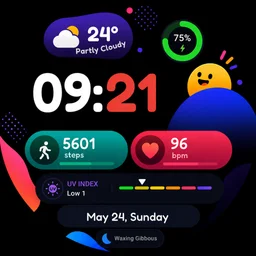 BubbleVerse Watch Face GTG4
Personalization
-
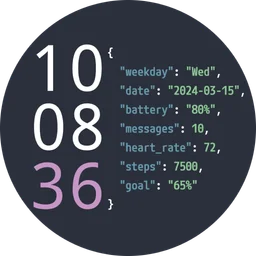 CELEST5508 Cyber Watch
Personalization
-
 Radar Time Watch Face
Lifestyle
-
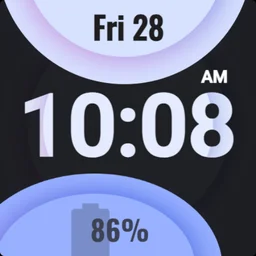 Simple Anim Watch Face II
Personalization
-
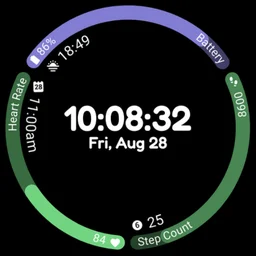 minimalist 04
Personalization
-
 SAM Four Block WatchFace SMA 9
Personalization
-
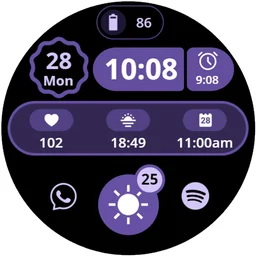 Watchface Material 2
Personalization
-
 Material You 3 Digital
Personalization
-
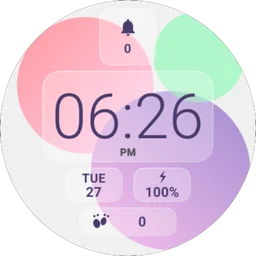 Glassmorphism - watch face
Personalization
-
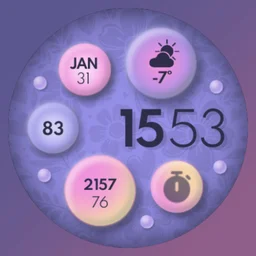 [69D] SweetPop Color WatchFace
Personalization