BigPic
Photo grids & poster prints
Dirancang untuk iPhone, iPad
Gratis · Pembelian dalam aplikasi
- Batasan usia4+
- KategoriFoto & Video
- PengembangYingtao Guo
- BahasaInggris+ 8 lainnya
- Ukuran2,5 MB
Tertaut ke halaman resmi App Store
Download.org tidak menyimpan file BigPic apa pun. Tombol ini membuka halaman aplikasi di App Store, tempat Yingtao Guo menerbitkannya. Halaman terakhir diperiksa pada 14/11/2026.
Tangkapan layar
Tentang
Pengembang belum menyediakan teks ini dalam bahasa Anda.
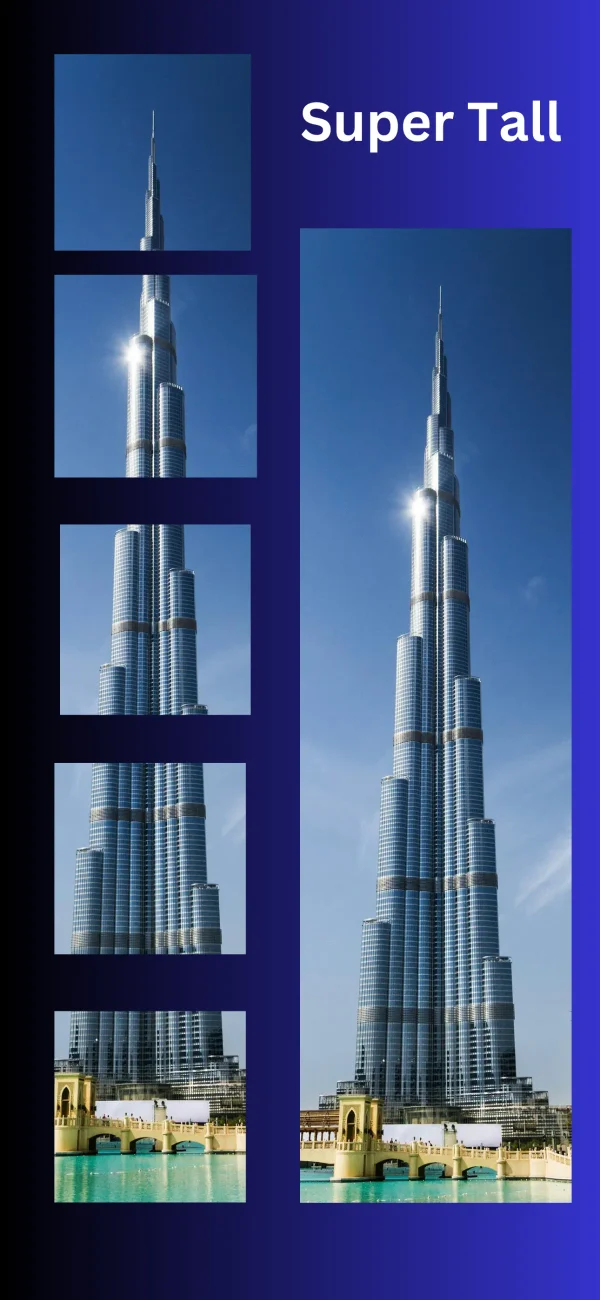
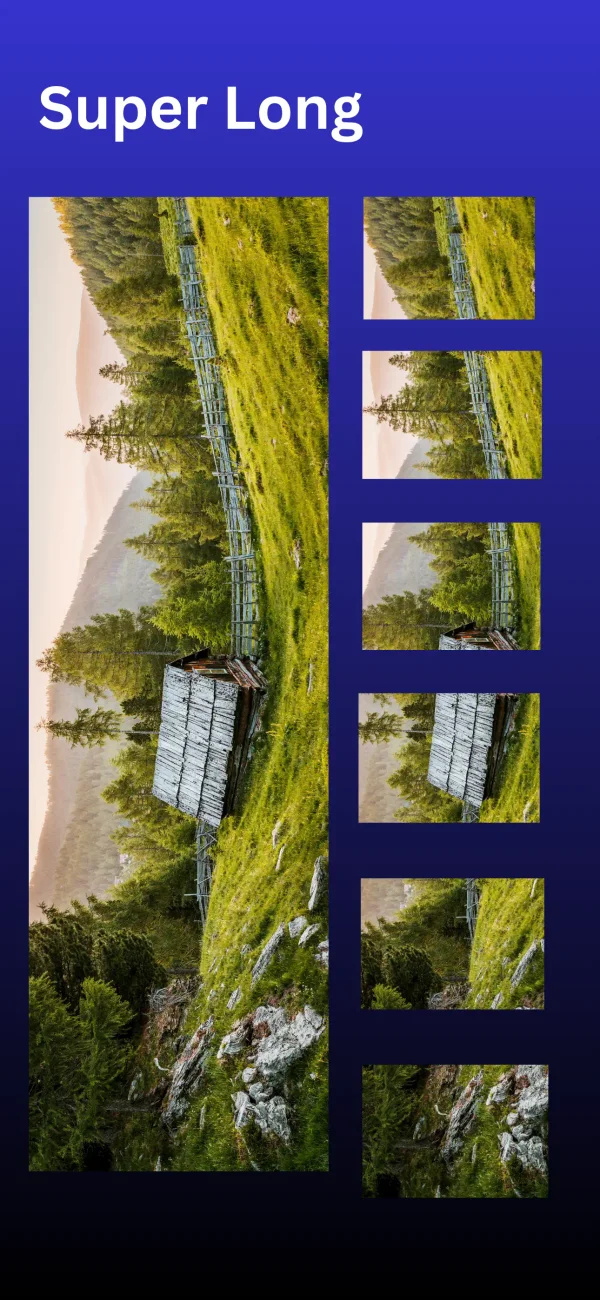
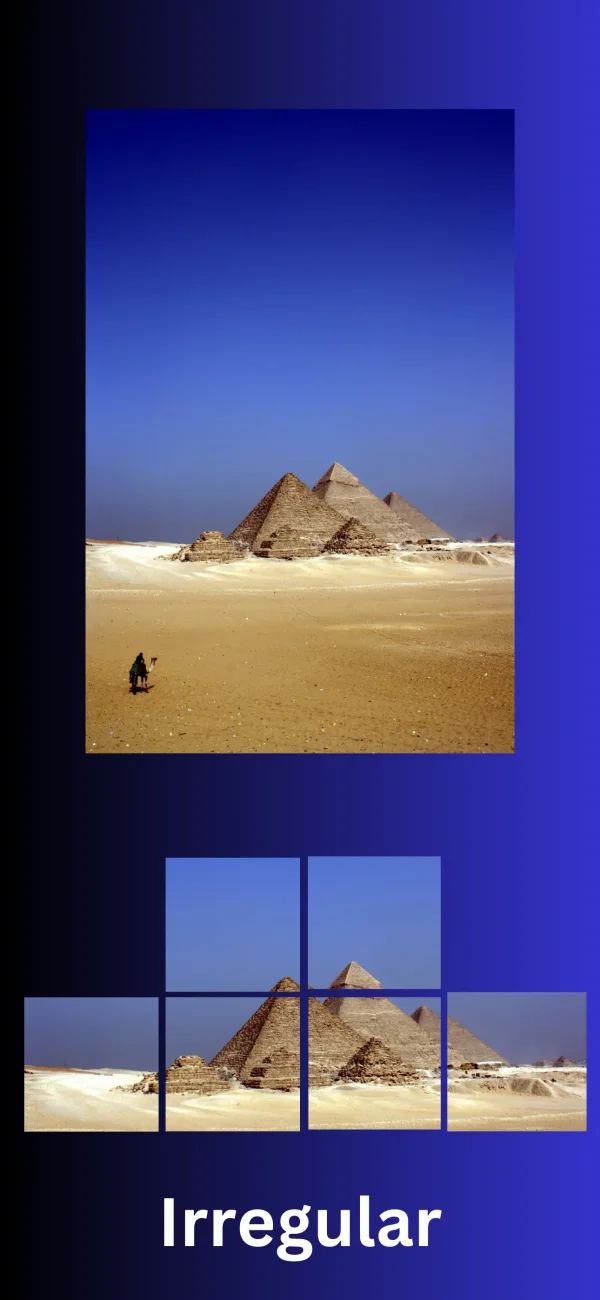
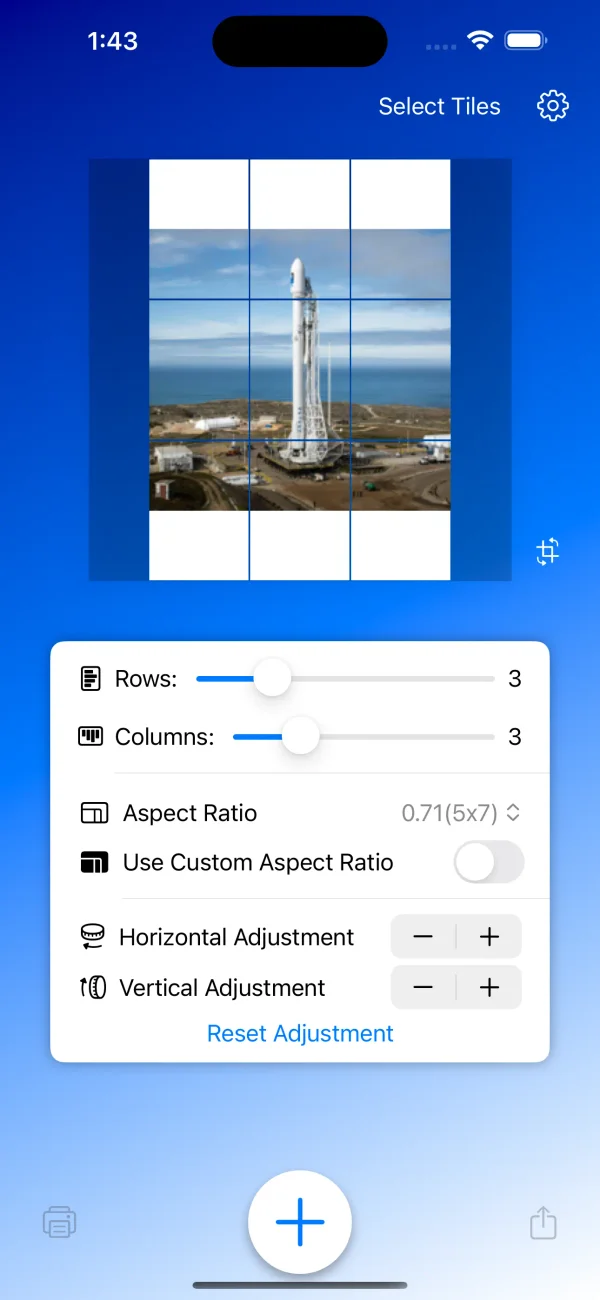
BigPic turns one photo into a grid of tiles — then rebuilds it as one big picture.
Print it as a seamless poster, or post the tiles to your feed so they reassemble into the full image on your profile grid.
WHY BIGPIC
• Split any photo into a grid, from 2×2 up to large layouts.
• Seamless poster printing that survives the photo lab: every tile prints at the paper's exact size with a trim margin and corner crop marks, so the pieces line up perfectly.
• Export a multi-page PDF at true, pixel-accurate size for print shops.
• Post-ready grids: save every tile in the right order for an Instagram-style 3×3 that rebuilds your photo.
FEATURES
• Presets for Square, 4×6, 5×7, 6×8, 8×10, US Letter, A3, A4, and A5 — or set a custom aspect ratio.
• Built-in cropping and fine position control.
• Live cut-line preview with framing and trim-margin controls.
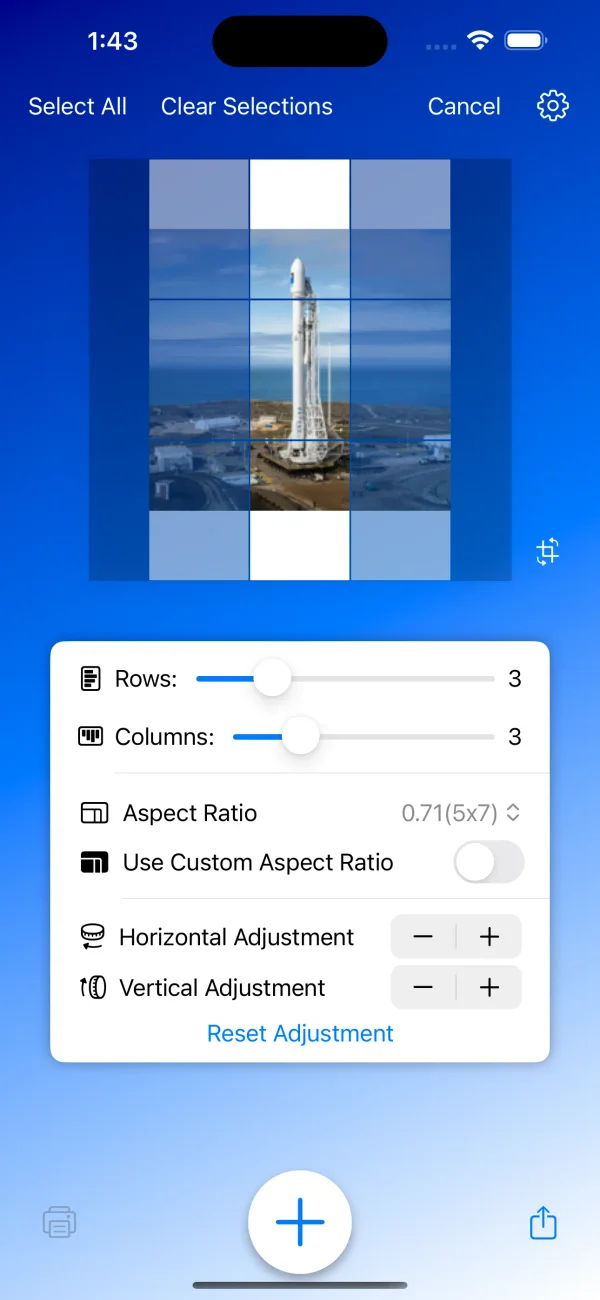
• Share a single tile or all of them at once.
PRIVACY
BigPic works entirely on your device. No account, no cloud, no data collection — your photos never leave your iPhone.
BigPic is free to start. Upgrade to Pro with a one-time purchase to unlock larger grids — no subscription, ever.
Yang baru
Versi 1.5.0 · 1/11/2026
A redesigned editor that puts your photo first.
• Photos now fill every tile, with no white bars, and Post Grid, Print and Share all keep the framing you set.
• A bigger canvas with Post Grid, Print and Share always at hand, row and column presets, and a new 6×8 tile shape. On iPad in landscape, the tools sit beside your photo.
• Share lays tiles out like your picture, numbered in order, with Save to Photos and Share All.
• Post Grid suggests 3:4 tiles, the shape profile grids use, so your picture lines up.
• New Save for Photo Lab saves print-ready tiles with trim margins and crop marks.
• Sharper previews, better dark mode and VoiceOver support, and a refreshed Pro page.
Privasi aplikasi
Yang dinyatakan Yingtao Guo di App Store tentang cara aplikasi ini menangani data.
-
Data tidak dikumpulkan
Pengembang tidak mengumpulkan data apa pun dari aplikasi ini.
Praktik privasi dapat bervariasi, misalnya berdasarkan fitur yang Anda gunakan atau usia Anda.
Informasi
- Penjual
- Yingtao Guo
- Kategori
- Foto & Video
- Versi
- 1.5.0
- Diperbarui
- 1/11/2026
- Dirilis
- 1/4/2024
- Ukuran
- 2,5 MB
- Memerlukan
- iOS 17.0 atau yang lebih baru
- Batasan usia
- 4+
- Harga
- Gratis
- Pembelian dalam aplikasi
- Ya
- Bahasa
- Inggris, Prancis, Jerman, Jepang, Korea, Portugis, Tionghoa Sederhana, Spanyol, Tionghoa Tradisional
- Hak cipta
- © 2024 EchoStudio All rights reserved.
Mungkin Anda juga suka
-
 Raster - make your postersFoto & Video
-
 Image Splitter - Crop & SaveFoto & Video
-
 Cetak posterGambar di beberapa halaman
-
 PhotoSplit for InstagramFoto & Video
-
 Grid-Kisi FotoGiant Square Maker & Panorama
-
 Grid # - Add grid on imageFoto & Video
-
 Pembuat pos tata kisiPengeditan gambar untuk Insta
-
 Smartist: Art Preview on WallFoto & Video
-
 Grid Post - Grids Photo CropFoto & Video
-
 Epson Creative PrintFoto & Video