
BigPic
Photo grids & poster prints
Được thiết kế cho iPhone, iPad
Miễn phí · Mua hàng trong ứng dụng
- Độ tuổi4+
- Danh mụcẢnh & Video
- Nhà phát triểnYingtao Guo
- Ngôn ngữTiếng Anh+ 8 ngôn ngữ khác
- Kích thước2,5 MB
Liên kết đến trang App Store chính thức
Download.org không lưu trữ tệp nào của BigPic. Nút này mở trang ứng dụng trên App Store, nơi Yingtao Guo phát hành ứng dụng. Trang được kiểm tra lần cuối: 14/11/2026.
Ảnh chụp màn hình
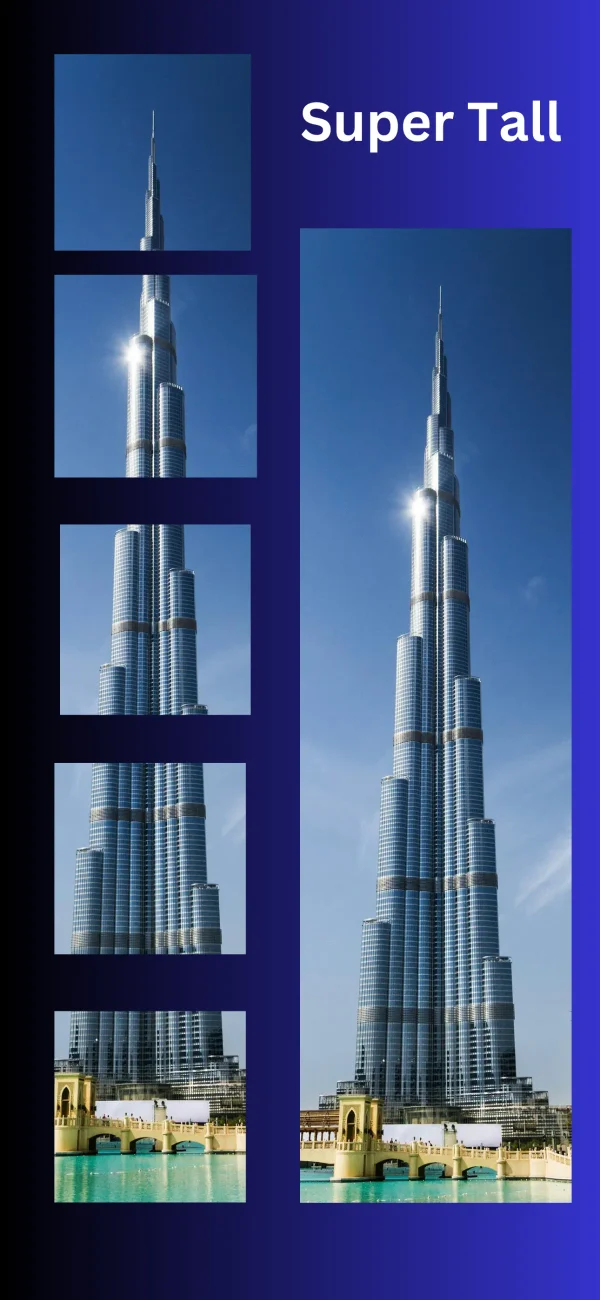
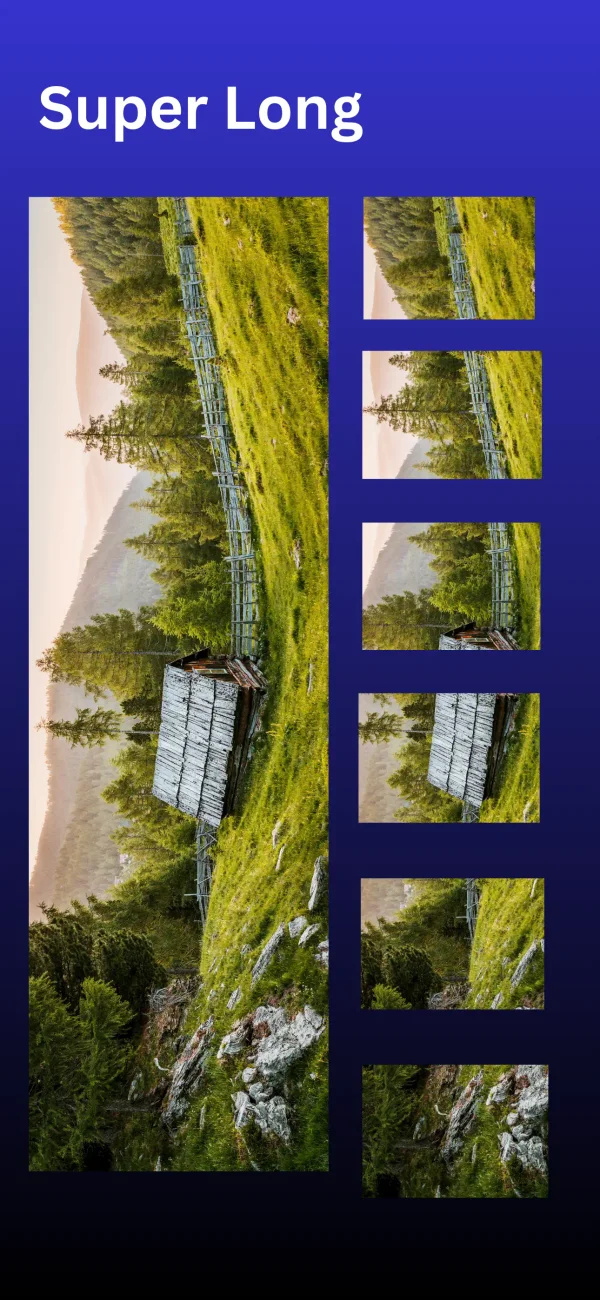
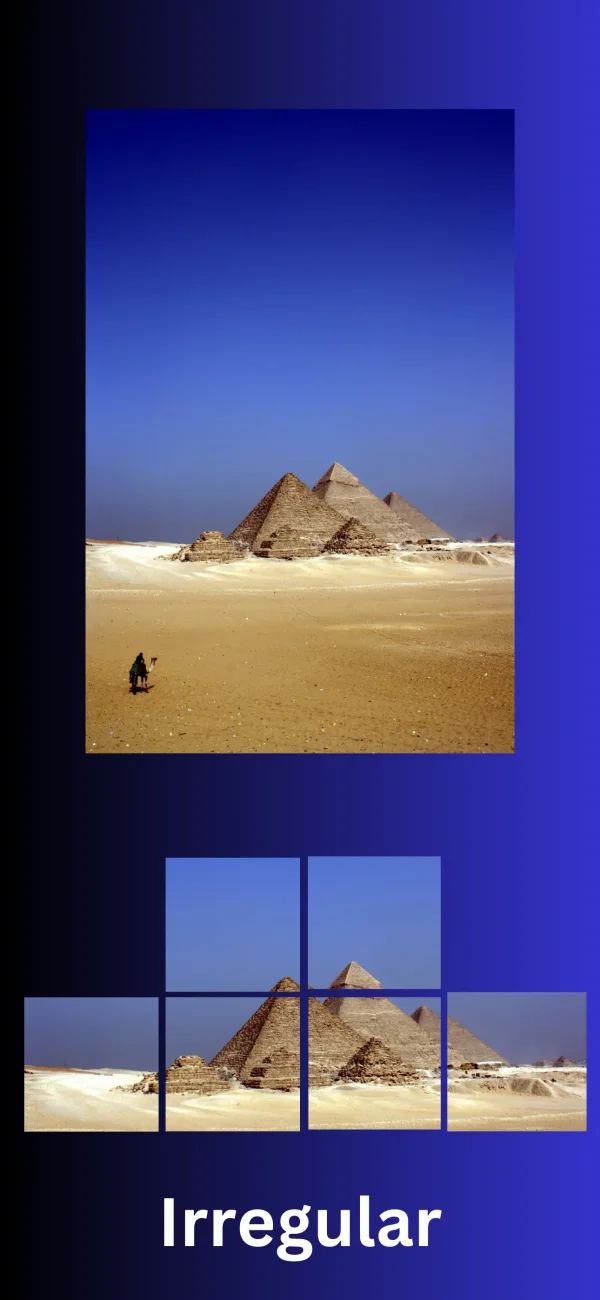
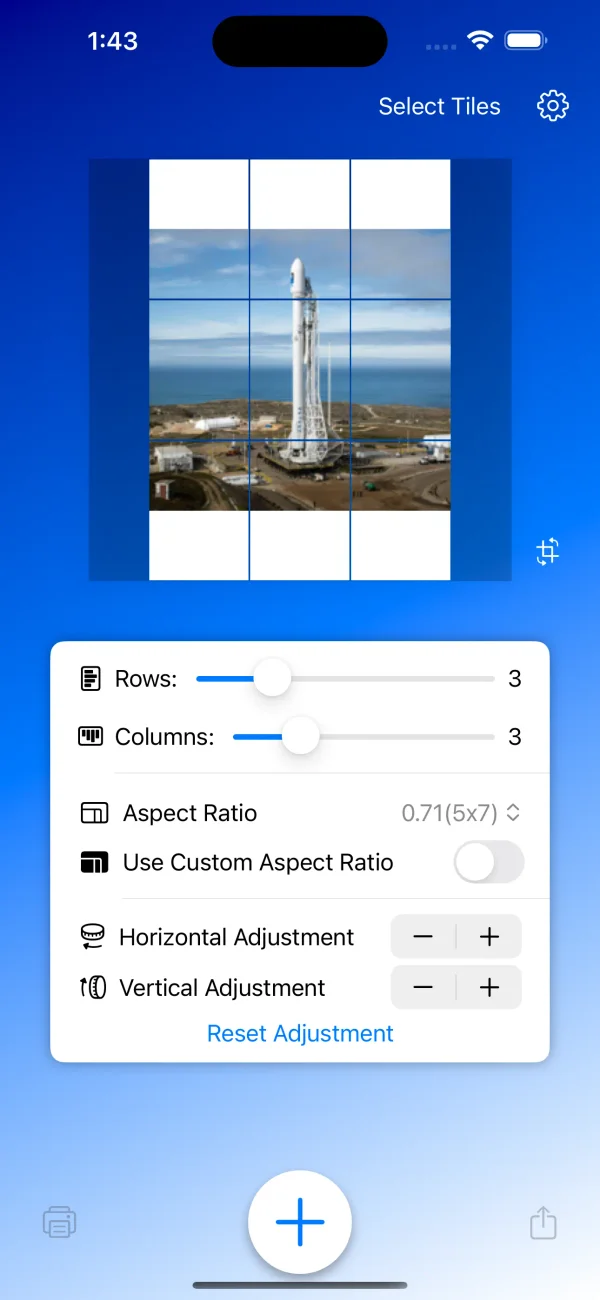
Giới thiệu
Nhà phát triển chưa cung cấp nội dung này bằng ngôn ngữ của bạn.
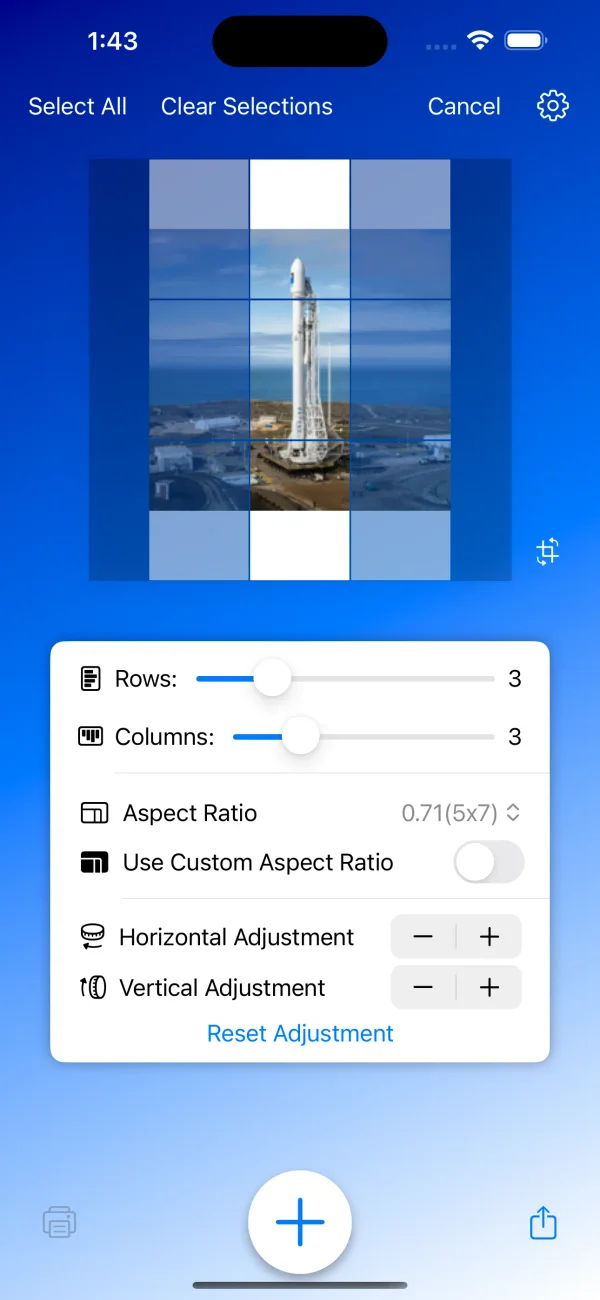
BigPic turns one photo into a grid of tiles — then rebuilds it as one big picture.
Print it as a seamless poster, or post the tiles to your feed so they reassemble into the full image on your profile grid.
WHY BIGPIC
• Split any photo into a grid, from 2×2 up to large layouts.
• Seamless poster printing that survives the photo lab: every tile prints at the paper's exact size with a trim margin and corner crop marks, so the pieces line up perfectly.
• Export a multi-page PDF at true, pixel-accurate size for print shops.
• Post-ready grids: save every tile in the right order for an Instagram-style 3×3 that rebuilds your photo.
FEATURES
• Presets for Square, 4×6, 5×7, 6×8, 8×10, US Letter, A3, A4, and A5 — or set a custom aspect ratio.
• Built-in cropping and fine position control.
• Live cut-line preview with framing and trim-margin controls.
• Share a single tile or all of them at once.
PRIVACY
BigPic works entirely on your device. No account, no cloud, no data collection — your photos never leave your iPhone.
BigPic is free to start. Upgrade to Pro with a one-time purchase to unlock larger grids — no subscription, ever.
Có gì mới
Phiên bản 1.5.0 · 01/11/2026
A redesigned editor that puts your photo first.
• Photos now fill every tile, with no white bars, and Post Grid, Print and Share all keep the framing you set.
• A bigger canvas with Post Grid, Print and Share always at hand, row and column presets, and a new 6×8 tile shape. On iPad in landscape, the tools sit beside your photo.
• Share lays tiles out like your picture, numbered in order, with Save to Photos and Share All.
• Post Grid suggests 3:4 tiles, the shape profile grids use, so your picture lines up.
• New Save for Photo Lab saves print-ready tiles with trim margins and crop marks.
• Sharper previews, better dark mode and VoiceOver support, and a refreshed Pro page.
Quyền riêng tư của ứng dụng
Những gì Yingtao Guo khai báo trên App Store về cách ứng dụng này xử lý dữ liệu.
-
Dữ liệu không được thu thập
Nhà phát triển không thu thập bất kỳ dữ liệu nào từ ứng dụng này.
Phương thức đảm bảo quyền riêng tư có thể khác nhau, chẳng hạn như tuỳ theo các tính năng bạn sử dụng hoặc độ tuổi của bạn.
Thông tin
- Người bán
- Yingtao Guo
- Danh mục
- Ảnh & Video
- Phiên bản
- 1.5.0
- Cập nhật
- 01/11/2026
- Phát hành
- 01/04/2024
- Kích thước
- 2,5 MB
- Yêu cầu
- iOS 17.0 trở lên
- Độ tuổi
- 4+
- Giá
- Miễn phí
- Mua hàng trong ứng dụng
- Có
- Ngôn ngữ
- Tiếng Anh, Tiếng Pháp, Tiếng Đức, Tiếng Nhật, Tiếng Hàn, Tiếng Bồ Đào Nha, Tiếng Trung Giản thể, Tiếng Tây Ban Nha, Tiếng Trung Phồn thể
- Bản quyền
- © 2024 EchoStudio All rights reserved.
Có thể bạn cũng thích
-
 Raster - make your postersẢnh & Video
-
 Image Splitter - Crop & SaveẢnh & Video
-
 In áp phíchHình ảnh lớn trên nhiều trang
-
 PhotoSplit for InstagramẢnh & Video
-
 Grid: Collage & Photo EditorPicture Frame & Feed Planner
-
 Grid # - Add grid on imageẢnh & Video
-
 Nhà sản xuất bài đăng lưới ảnhPhần mềm cắt - tạo bố cục lưới
-
 Smartist: Art Preview on WallẢnh & Video
-
 Grid Post: Chia Ảnh InstagramGhép Ảnh & Bài Đăng Carousel
-
 Epson Creative PrintẢnh & Video