BigPic
Photo grids & poster prints
iPhone, iPad için tasarlandı
Ücretsiz · Uygulama içi satın alma
- Yaş sınırı4+
- KategoriFotoğraf ve Video
- GeliştiriciYingtao Guo
- Dillerİngilizce+ 8 dil daha
- Boyut2,5 MB
Resmi App Store sayfasına bağlanır
Download.org, BigPic için hiçbir dosya barındırmaz. Düğme, uygulamanın App Store üzerindeki sayfasını açar; uygulamayı orada Yingtao Guo yayınlar. Sayfanın son kontrolü: 14.11.2026.
Ekran görüntüleri
Hakkında
Geliştirici bu metni dilinizde sunmamış.
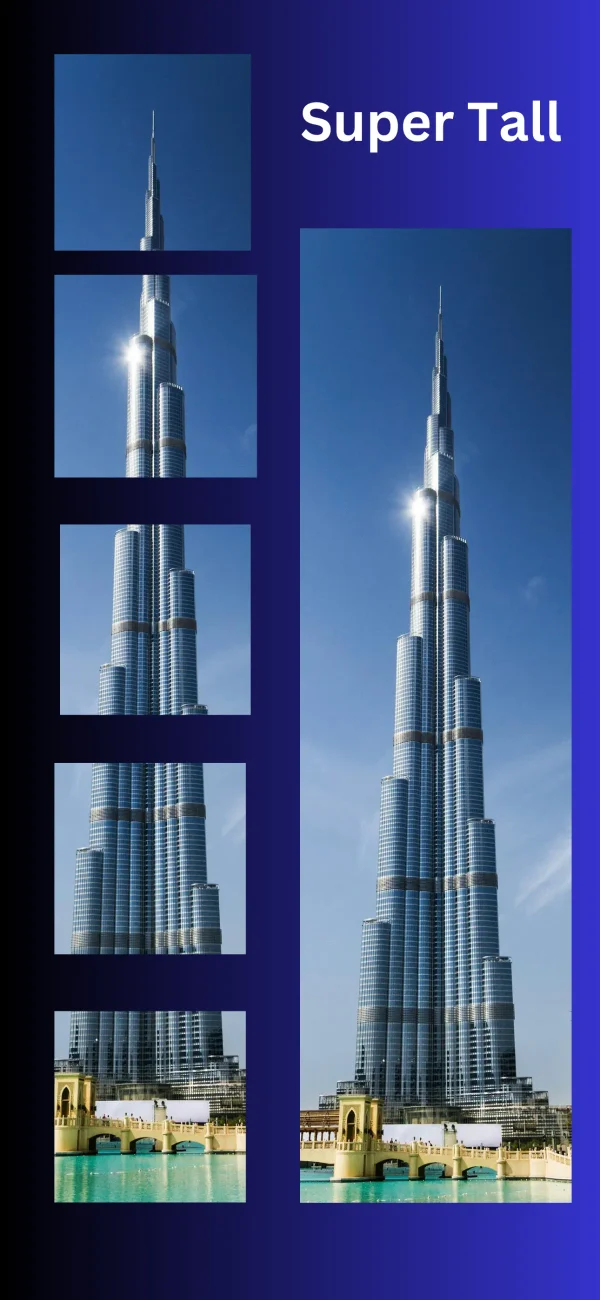
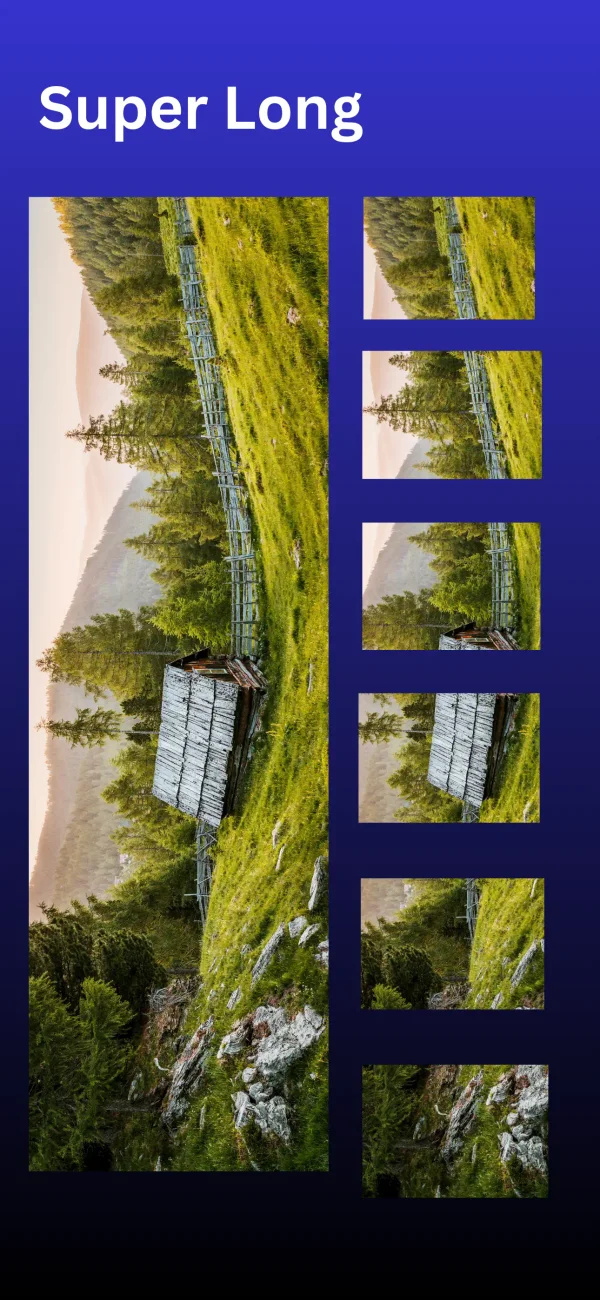
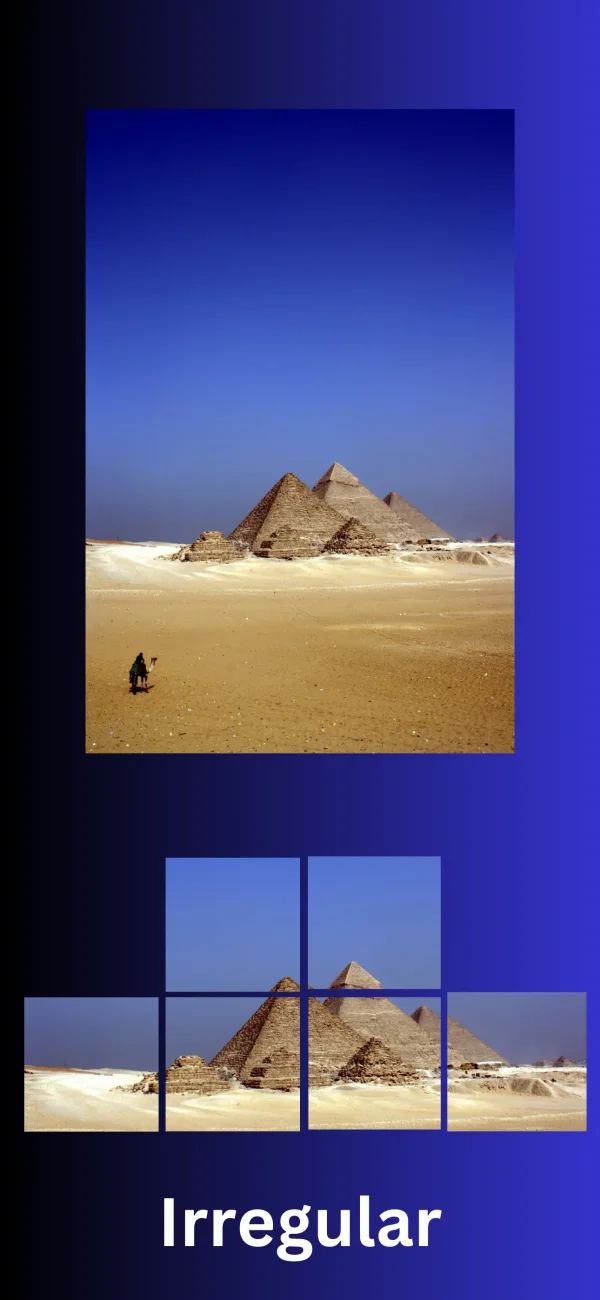
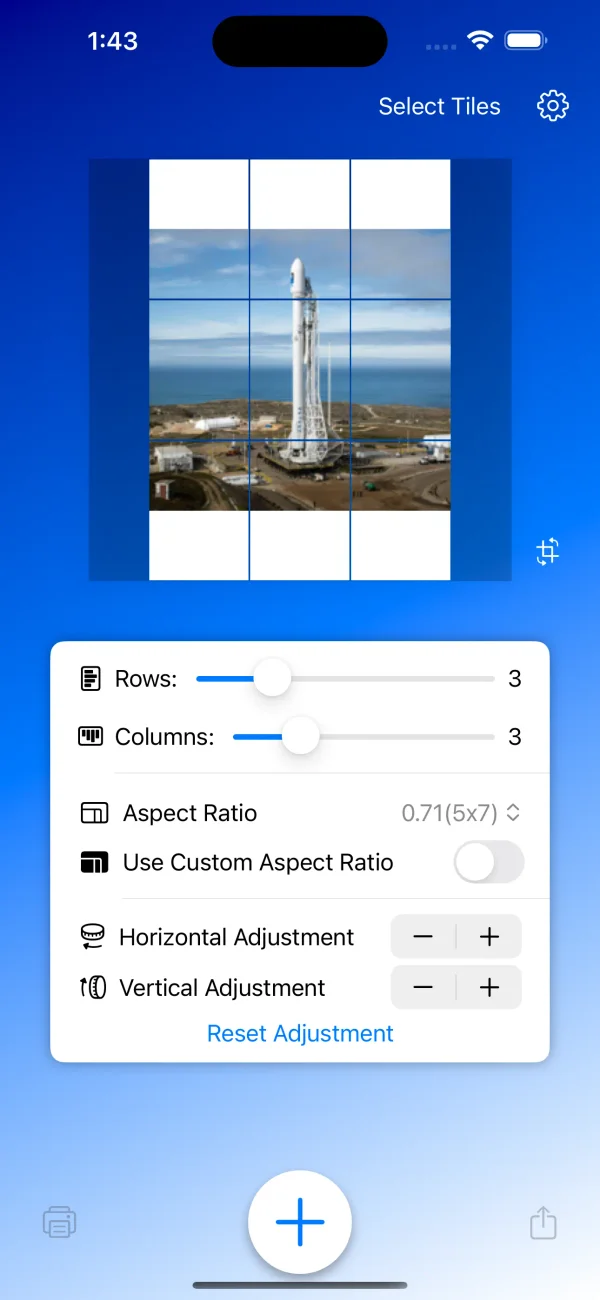
BigPic turns one photo into a grid of tiles — then rebuilds it as one big picture.
Print it as a seamless poster, or post the tiles to your feed so they reassemble into the full image on your profile grid.
WHY BIGPIC
• Split any photo into a grid, from 2×2 up to large layouts.
• Seamless poster printing that survives the photo lab: every tile prints at the paper's exact size with a trim margin and corner crop marks, so the pieces line up perfectly.
• Export a multi-page PDF at true, pixel-accurate size for print shops.
• Post-ready grids: save every tile in the right order for an Instagram-style 3×3 that rebuilds your photo.
FEATURES
• Presets for Square, 4×6, 5×7, 6×8, 8×10, US Letter, A3, A4, and A5 — or set a custom aspect ratio.
• Built-in cropping and fine position control.
• Live cut-line preview with framing and trim-margin controls.
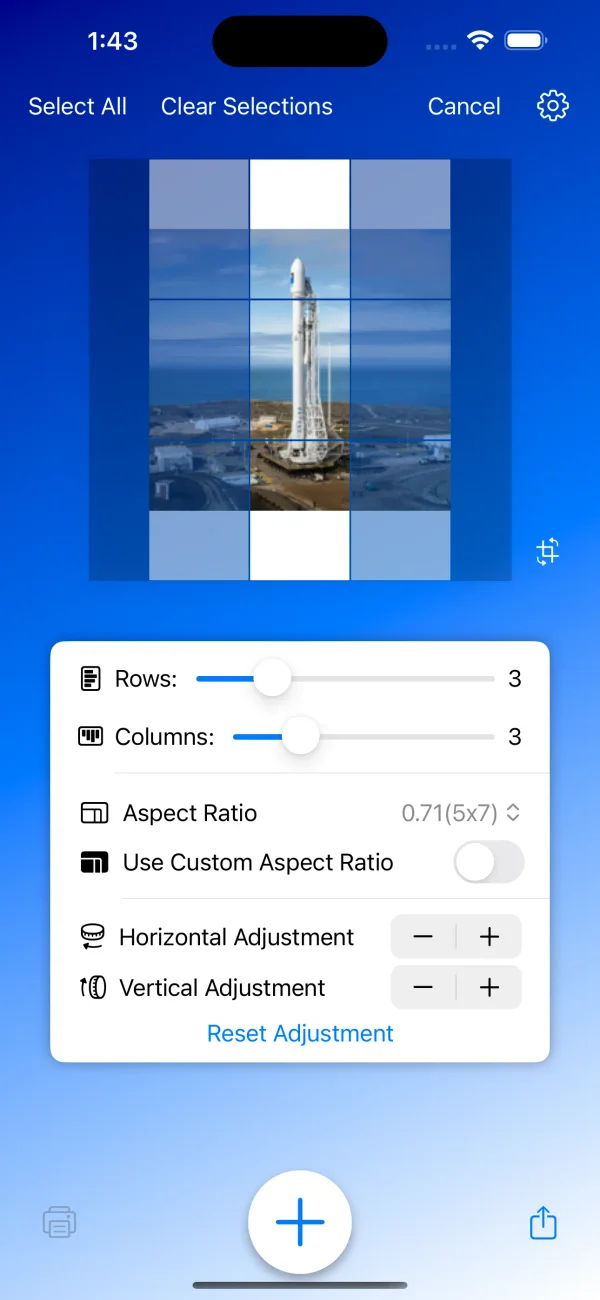
• Share a single tile or all of them at once.
PRIVACY
BigPic works entirely on your device. No account, no cloud, no data collection — your photos never leave your iPhone.
BigPic is free to start. Upgrade to Pro with a one-time purchase to unlock larger grids — no subscription, ever.
Yenilikler
Sürüm 1.5.0 · 01.11.2026
A redesigned editor that puts your photo first.
• Photos now fill every tile, with no white bars, and Post Grid, Print and Share all keep the framing you set.
• A bigger canvas with Post Grid, Print and Share always at hand, row and column presets, and a new 6×8 tile shape. On iPad in landscape, the tools sit beside your photo.
• Share lays tiles out like your picture, numbered in order, with Save to Photos and Share All.
• Post Grid suggests 3:4 tiles, the shape profile grids use, so your picture lines up.
• New Save for Photo Lab saves print-ready tiles with trim margins and crop marks.
• Sharper previews, better dark mode and VoiceOver support, and a refreshed Pro page.
Uygulama gizliliği
Bu uygulamanın verileri nasıl işlediği hakkında Yingtao Guo tarafından App Store üzerinde yapılan beyan.
-
Veri toplanmıyor
Geliştirici bu uygulamadan hiçbir veri toplamıyor.
Gizlilik uygulamaları, örneğin kullandığınız özelliklere veya yaşınıza göre değişiklik gösterebilir.
Bilgiler
- Satıcı
- Yingtao Guo
- Kategori
- Fotoğraf ve Video
- Sürüm
- 1.5.0
- Güncellendi
- 01.11.2026
- Yayın tarihi
- 01.04.2024
- Boyut
- 2,5 MB
- Gereksinim
- iOS 17.0 veya sonrası
- Yaş sınırı
- 4+
- Fiyat
- Ücretsiz
- Uygulama içi satın alma
- Evet
- Diller
- İngilizce, Fransızca, Almanca, Japonca, Korece, Portekizce, Basitleştirilmiş Çince, İspanyolca, Geleneksel Çince
- Telif hakkı
- © 2024 EchoStudio All rights reserved.
Bunları da beğenebilirsiniz
-
 Raster - make your postersFotoğraf ve Video
-
 Image Splitter - Crop & SaveFotoğraf ve Video
-
 Poster baskısıBirkaç sayfada görüntü
-
 PhotoSplit for InstagramFotoğraf ve Video
-
 Grid: Photo Split & Post MakerFotoğraf düzenleme programı
-
 Grid # - Add grid on imageFotoğraf ve Video
-
 Fotoğraf ızgaraları üreticisiFoto çoklu birleştirme, kolaj
-
 Smartist: Tablonu Duvarda GörEserini iç mekânda sergile
-
 Grid Post: Instagram IzgarasıFoto Kolaj & Kaydırmalı Post
-
 Epson Creative PrintFotoğraf ve Video