BigPic
Photo grids & poster prints
Designed for iPhone, iPad
Free · In-app purchases
- Age rating4+
- CategoryPhoto & Video
- DeveloperYingtao Guo
- LanguagesEnglish+ 8 more
- Size2.5 MB
Links to the official App Store page
Download.org hosts no file of BigPic. The button opens its official App Store page, published by Yingtao Guo. Listing last checked on Nov 14, 2026.
Screenshots
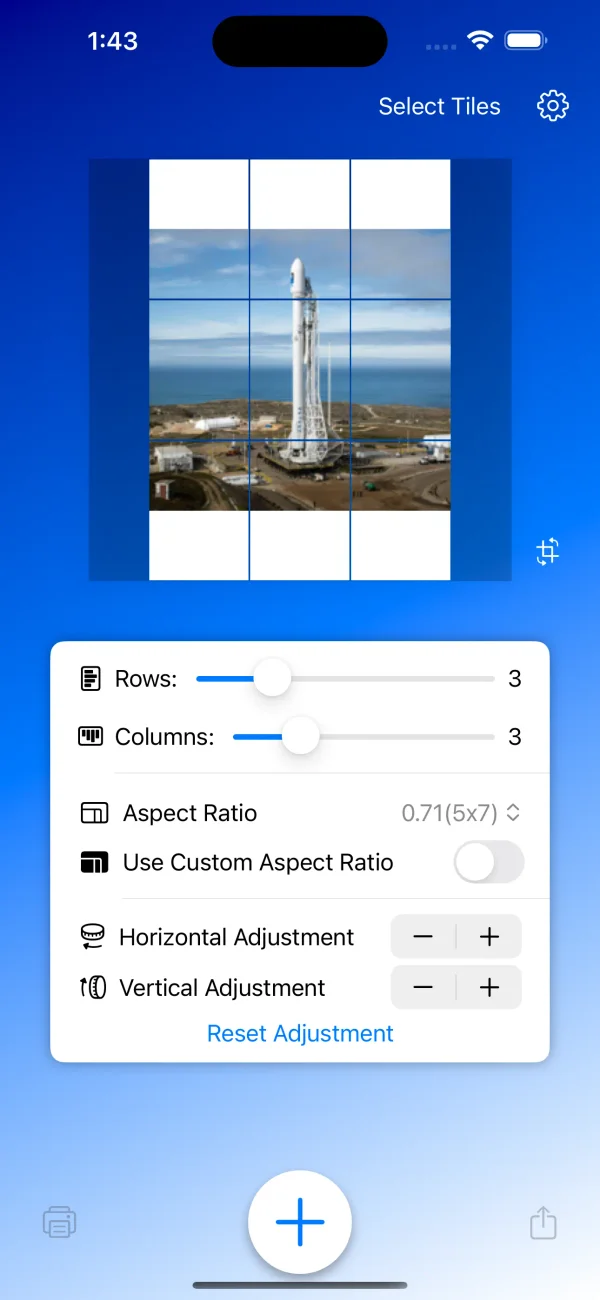
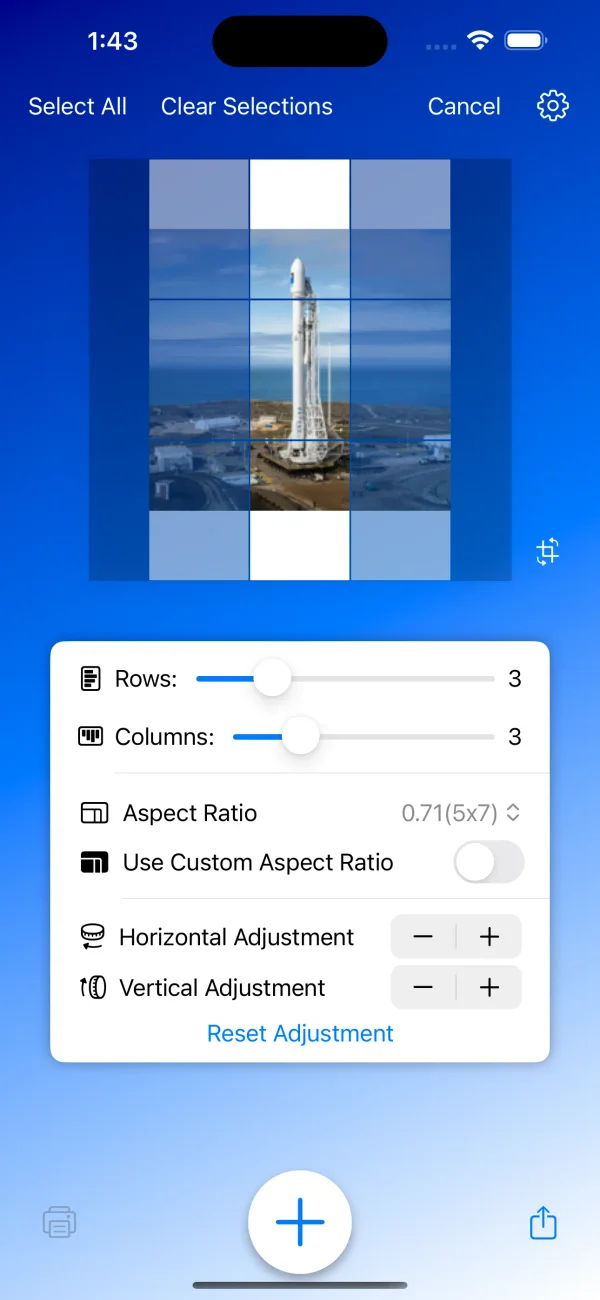
About
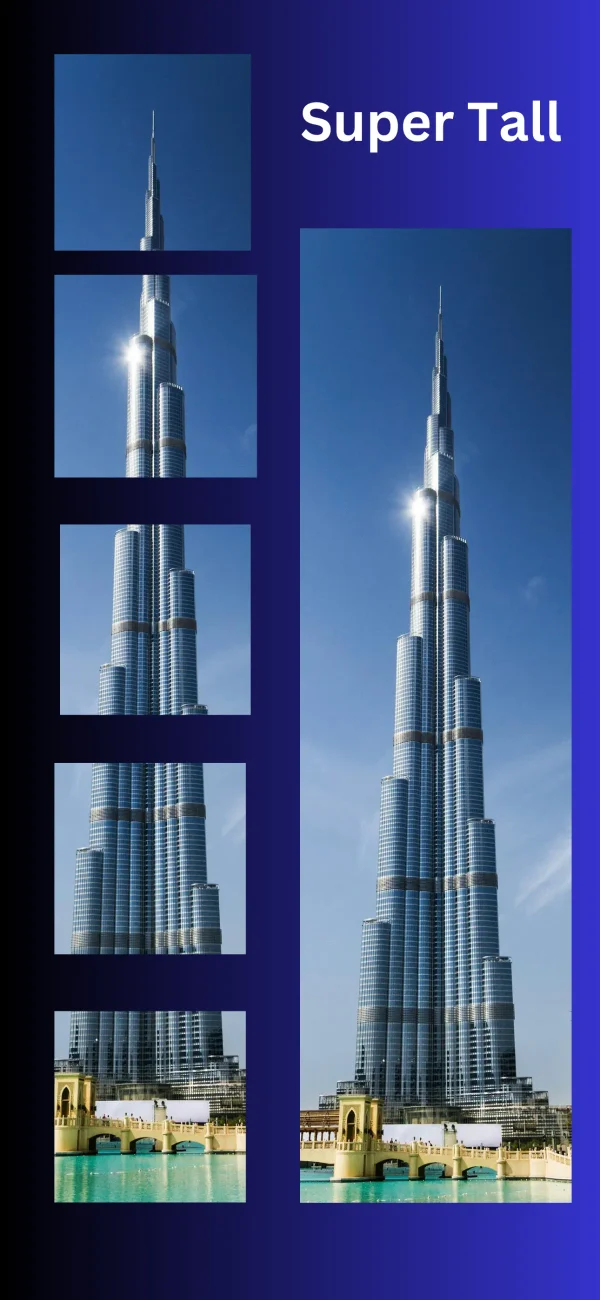
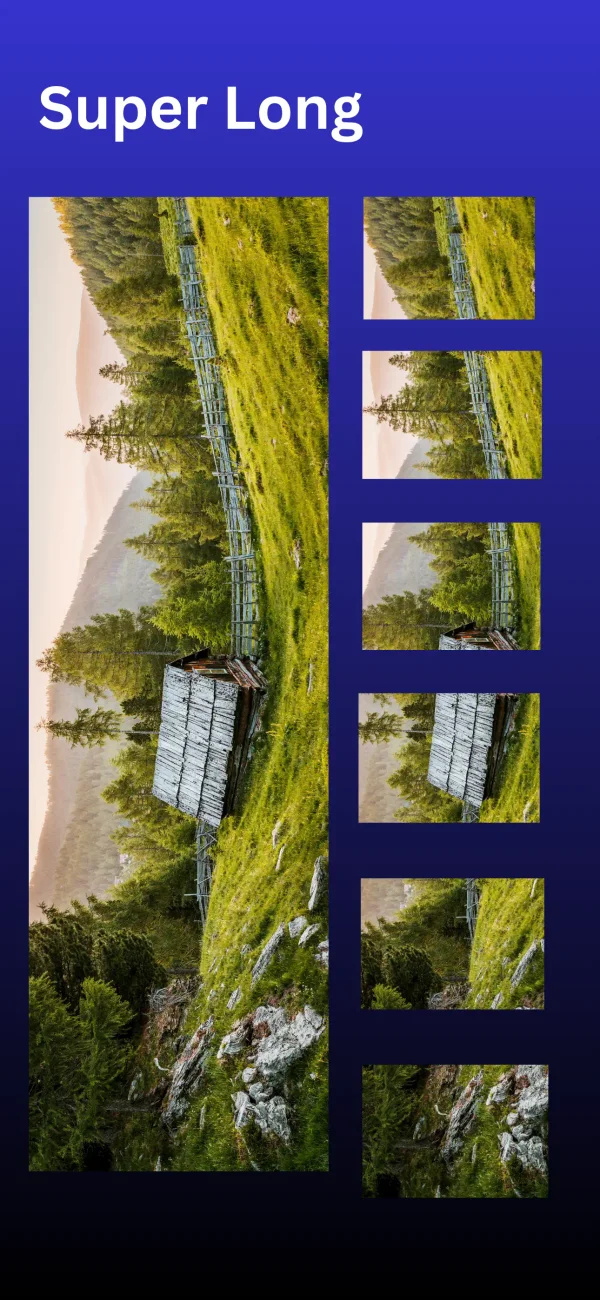
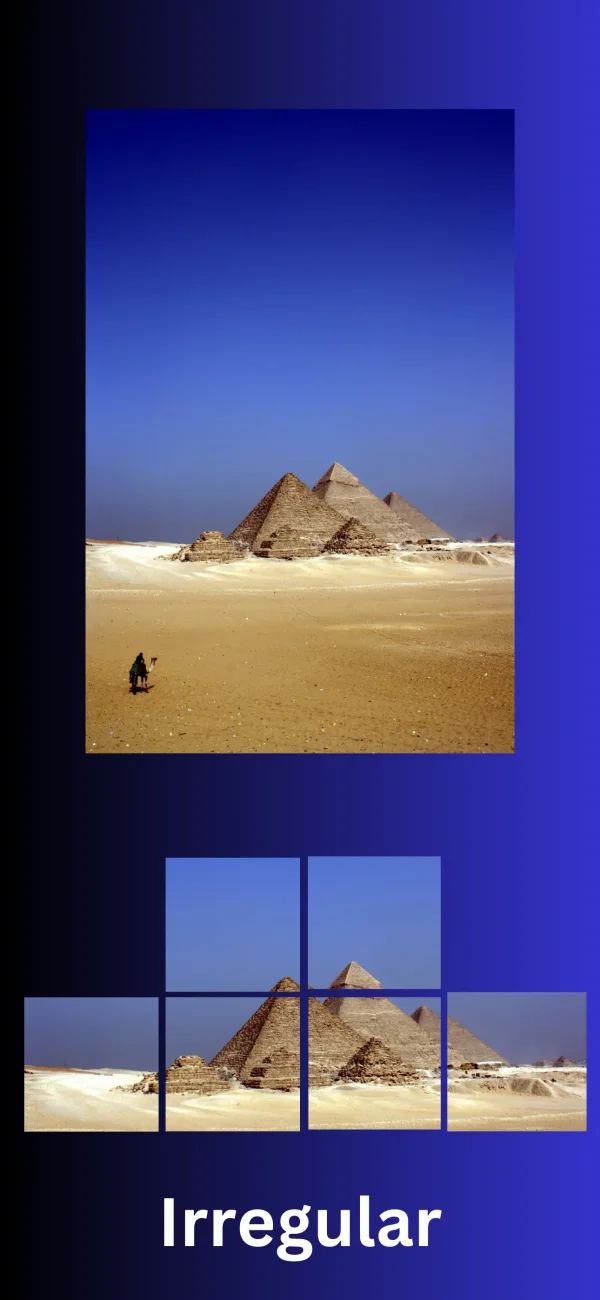
BigPic turns one photo into a grid of tiles — then rebuilds it as one big picture.
Print it as a seamless poster, or post the tiles to your feed so they reassemble into the full image on your profile grid.
WHY BIGPIC
• Split any photo into a grid, from 2×2 up to large layouts.
• Seamless poster printing that survives the photo lab: every tile prints at the paper's exact size with a trim margin and corner crop marks, so the pieces line up perfectly.
• Export a multi-page PDF at true, pixel-accurate size for print shops.
• Post-ready grids: save every tile in the right order for an Instagram-style 3×3 that rebuilds your photo.
FEATURES
• Presets for Square, 4×6, 5×7, 6×8, 8×10, US Letter, A3, A4, and A5 — or set a custom aspect ratio.
• Built-in cropping and fine position control.
• Live cut-line preview with framing and trim-margin controls.
• Share a single tile or all of them at once.
PRIVACY
BigPic works entirely on your device. No account, no cloud, no data collection — your photos never leave your iPhone.
BigPic is free to start. Upgrade to Pro with a one-time purchase to unlock larger grids — no subscription, ever.
What’s new
Version 1.5.0 · Nov 1, 2026
A redesigned editor that puts your photo first.
• Photos now fill every tile, with no white bars, and Post Grid, Print and Share all keep the framing you set.
• A bigger canvas with Post Grid, Print and Share always at hand, row and column presets, and a new 6×8 tile shape. On iPad in landscape, the tools sit beside your photo.
• Share lays tiles out like your picture, numbered in order, with Save to Photos and Share All.
• Post Grid suggests 3:4 tiles, the shape profile grids use, so your picture lines up.
• New Save for Photo Lab saves print-ready tiles with trim margins and crop marks.
• Sharper previews, better dark mode and VoiceOver support, and a refreshed Pro page.
App privacy
What Yingtao Guo declares on the App Store about how this app handles data.
-
Data not collected
The developer does not collect any data from this app.
Privacy practices may vary, for example with the features you use or your age.
Information
- Seller
- Yingtao Guo
- Category
- Photo & Video
- Version
- 1.5.0
- Updated
- Nov 1, 2026
- Released
- Apr 1, 2024
- Size
- 2.5 MB
- Requires
- iOS 17.0 or later
- Age rating
- 4+
- Price
- Free
- In-app purchases
- Yes
- Languages
- English, French, German, Japanese, Korean, Portuguese, Simplified Chinese, Spanish, Traditional Chinese
- Copyright
- © 2024 EchoStudio All rights reserved.
You might also like
-
 Raster - make your postersPhoto & Video
-
 Image Splitter - Crop & SaveCreate Stunning Photo Grids
-
 Poster PrintingLarge image on multiple pages
-
 PhotoSplit for InstagramProfile Photo Grid Maker
-
 Grid: Photo Split & Post MakerCarousel, Panorama & Layout
-
 Grid # - Add grid on imageGrid Method Drawing
-
 Grid post & Photo layout makerCrop & fit picture, square pic
-
 Smartist: Art Preview on WallArtwork AI Showcase in Room
-
 Grid Post - Grids Photo CropGrids for Instagram Profile
-
 Epson Creative PrintPhoto & Video