EqrPlus
AI Management & Learning
Dirancang untuk iPhone, iPad, iPod touch
Gratis
- Batasan usia4+
- KategoriPendidikan
- PengembangDrongo Technology Limited
- BahasaInggris
- Ukuran31,0 MB
Tertaut ke halaman resmi App Store
Download.org tidak menyimpan file EqrPlus apa pun. Tombol ini membuka halaman aplikasi di App Store, tempat Drongo Technology Limited menerbitkannya. Halaman terakhir diperiksa pada 17/11/2026.
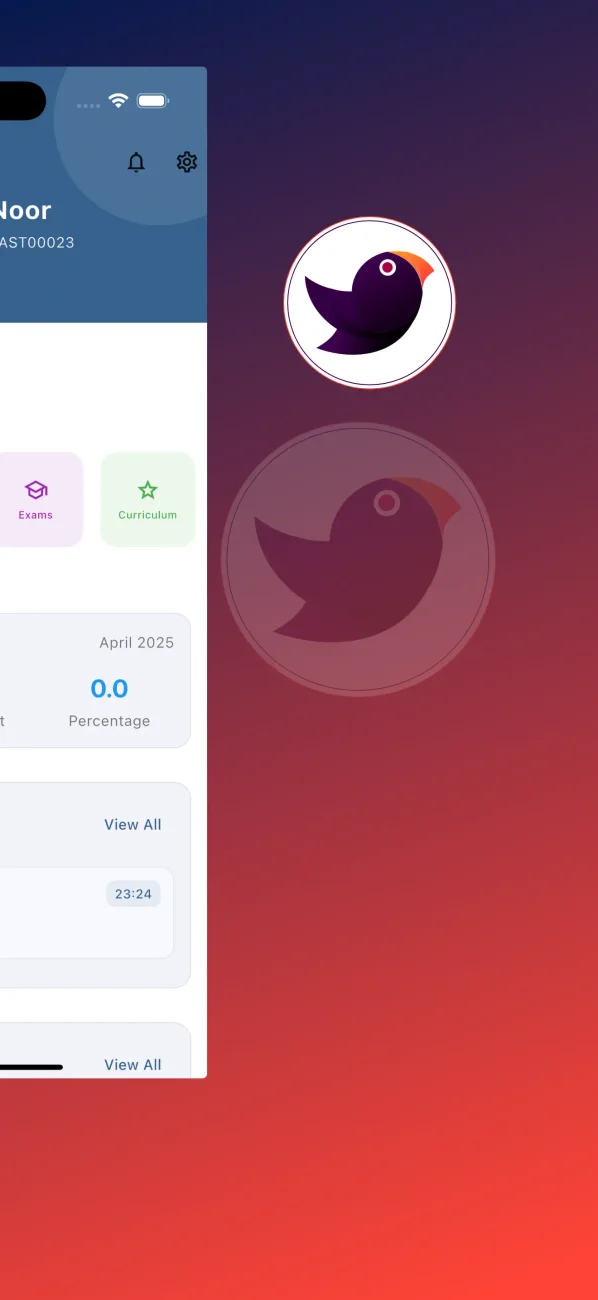
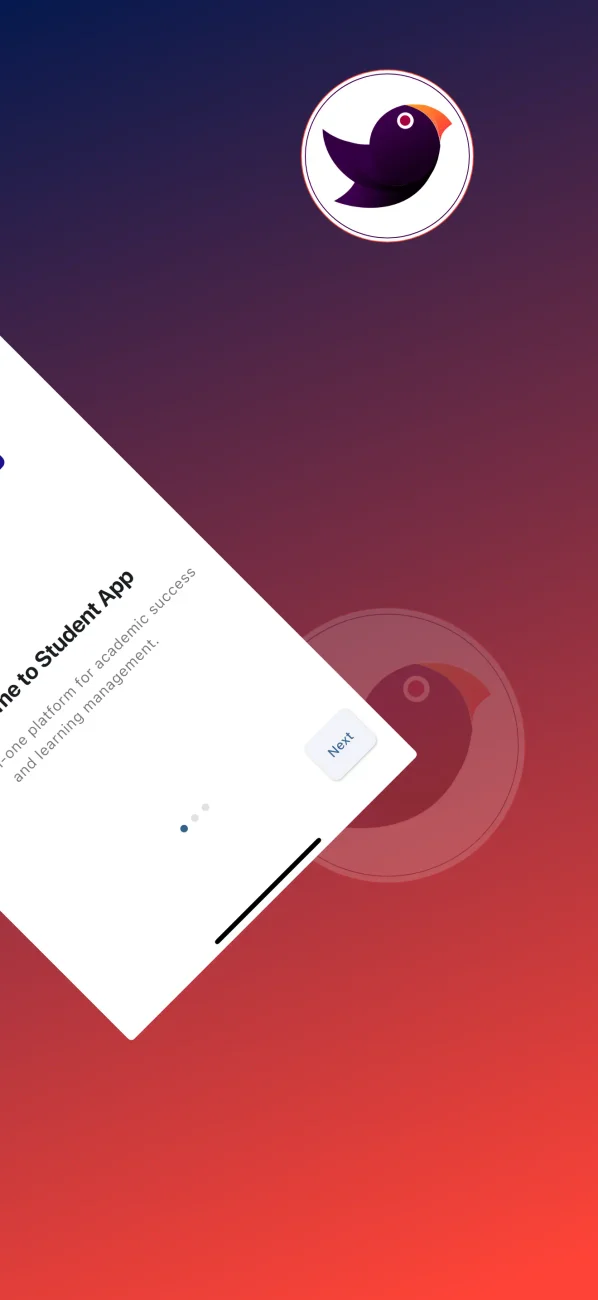
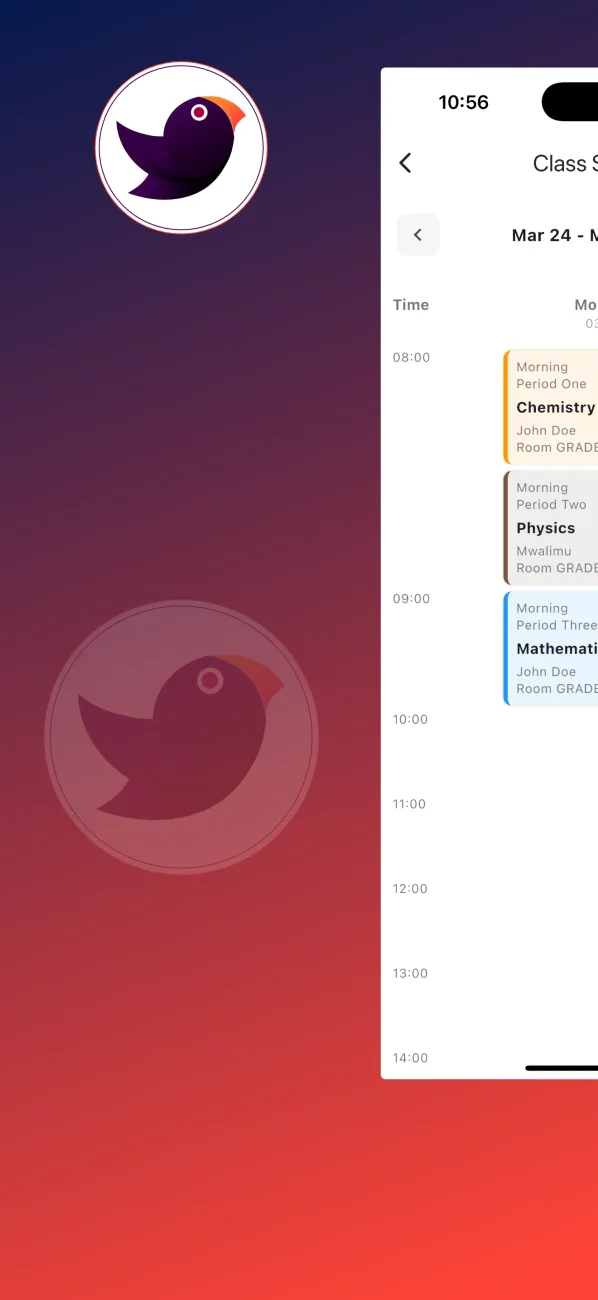
Tangkapan layar





Tentang
Pengembang belum menyediakan teks ini dalam bahasa Anda.
DrongoSMS is an all-in-one school management system, built for efficiency, simplicity, and impact.
Whether you're an administrator, teacher, or school owner, DrongoSMS empowers you to manage core operations—from student records to fee tracking—all from your mobile device.
Key Features:
Student enrollment & profile management
Class and subject scheduling
Fee management with invoice tracking
Real-time exam grading and reporting
Teacher and staff account access
Analytics dashboard for performance insights
SMS notifications to parents and staff
Role-based access control
Multi-tenant support for school networks
Built for schools of all sizes, DrongoSMS brings structure and ease to daily school operations—anytime, anywhere.
DrongoSMS is proudly developed by Drongo Technology Limited, designed for African schools, scalable to the world.
Yang baru
Versi 1.0.5 · 13/10/2025
1. Lesson Plan Management
Start a lesson from teacher schedule
[Click "Add Plan" button - should show available lesson plans
Select and add a lesson plan to the ongoing lesson
Verify lesson plan appears with title, date, notes, learning outcomes, and documents
Add multiple lesson plans to same lesson
2. AI-Generated Lesson Notes
After adding lesson plan(s), scroll to "AI-Generated Lesson Notes" section
Click "Generate AI Notes from Lesson Plans" button
Wait for AI to generate comprehensive notes (may take 10-20 seconds)
Verify notes display with:
Title and description
Learning outcomes list
Detailed lesson notes
Click the green Save button (floppy disk icon)
Verify "Lesson notes saved successfully" message appears
Verify green "Saved" badge appears next to title
Click Refresh button to regenerate notes
Verify "Saved" badge disappears when new notes generated
Privasi aplikasi
Yang dinyatakan Drongo Technology Limited di App Store tentang cara aplikasi ini menangani data.
-
Data yang ditautkan dengan Anda
Dapat dikumpulkan dan ditautkan dengan identitas Anda.
- Lokasi
- Info kontak
- Konten pengguna
- Pengenal
-
Data yang tidak ditautkan dengan Anda
Dapat dikumpulkan, tetapi tidak ditautkan dengan identitas Anda.
- Info kontak
- Data penggunaan
- Diagnostik
Praktik privasi dapat bervariasi, misalnya berdasarkan fitur yang Anda gunakan atau usia Anda.
Informasi
- Penjual
- Drongo Technology Limited
- Kategori
- Pendidikan
- Versi
- 1.0.5
- Diperbarui
- 13/10/2025
- Dirilis
- 21/7/2025
- Ukuran
- 31,0 MB
- Memerlukan
- iOS 15.6 atau yang lebih baru
- Batasan usia
- 4+
- Harga
- Gratis
- Bahasa
- Inggris
- Hak cipta
- © 2025 - Drongo Technology Limited