
- Age rating4+
- CategoryEducation
- DeveloperDrongo Technology Limited
- LanguagesEnglish
- Size31.0 MB
Links to the official App Store page
Download.org hosts no file of EqrPlus. The button opens its official App Store page, published by Drongo Technology Limited. Listing last checked on Nov 17, 2026.
Screenshots

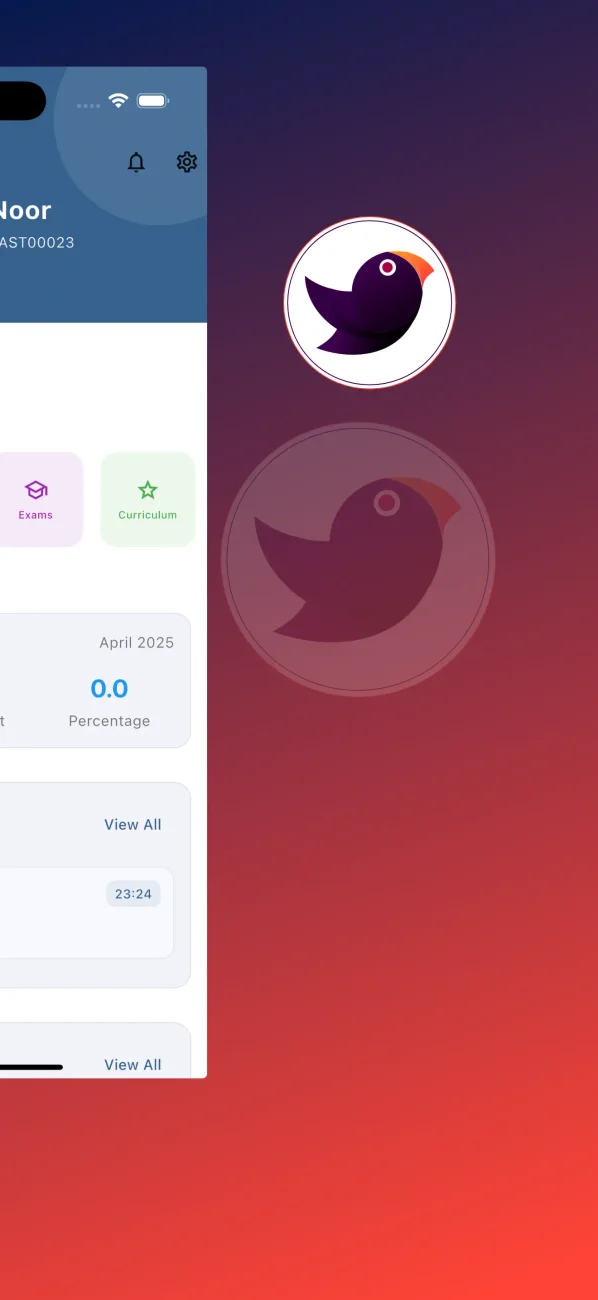

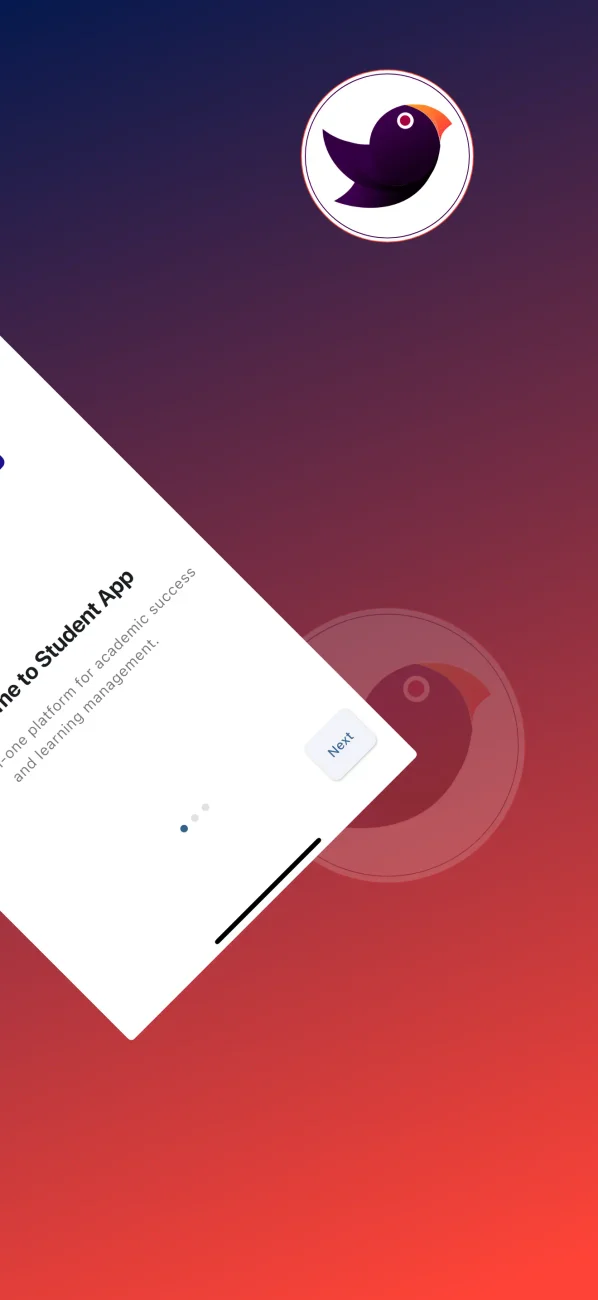


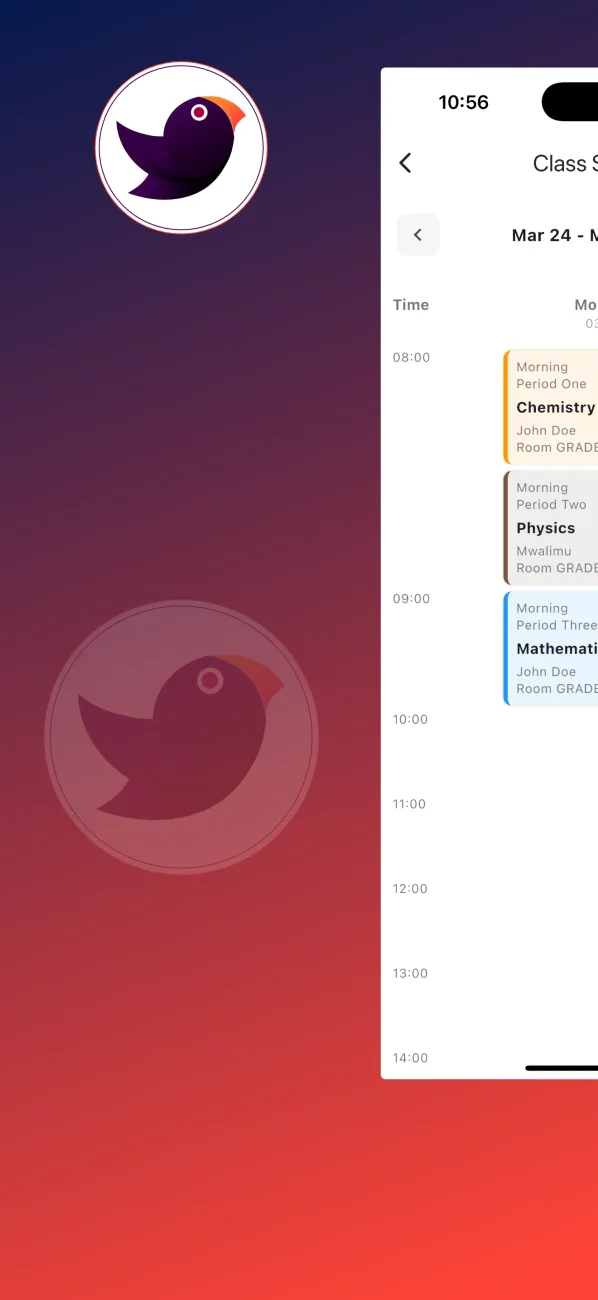

About
DrongoSMS is an all-in-one school management system, built for efficiency, simplicity, and impact.
Whether you're an administrator, teacher, or school owner, DrongoSMS empowers you to manage core operations—from student records to fee tracking—all from your mobile device.
Key Features:
Student enrollment & profile management
Class and subject scheduling
Fee management with invoice tracking
Real-time exam grading and reporting
Teacher and staff account access
Analytics dashboard for performance insights
SMS notifications to parents and staff
Role-based access control
Multi-tenant support for school networks
Built for schools of all sizes, DrongoSMS brings structure and ease to daily school operations—anytime, anywhere.
DrongoSMS is proudly developed by Drongo Technology Limited, designed for African schools, scalable to the world.
What’s new
Version 1.0.5 · Oct 13, 2025
1. Lesson Plan Management
Start a lesson from teacher schedule
[Click "Add Plan" button - should show available lesson plans
Select and add a lesson plan to the ongoing lesson
Verify lesson plan appears with title, date, notes, learning outcomes, and documents
Add multiple lesson plans to same lesson
2. AI-Generated Lesson Notes
After adding lesson plan(s), scroll to "AI-Generated Lesson Notes" section
Click "Generate AI Notes from Lesson Plans" button
Wait for AI to generate comprehensive notes (may take 10-20 seconds)
Verify notes display with:
Title and description
Learning outcomes list
Detailed lesson notes
Click the green Save button (floppy disk icon)
Verify "Lesson notes saved successfully" message appears
Verify green "Saved" badge appears next to title
Click Refresh button to regenerate notes
Verify "Saved" badge disappears when new notes generated
App privacy
What Drongo Technology Limited declares on the App Store about how this app handles data.
-
Data linked to you
May be collected and linked to your identity.
- Location
- Contact info
- User content
- Identifiers
-
Data not linked to you
May be collected but is not linked to your identity.
- Contact info
- Usage data
- Diagnostics
Privacy practices may vary, for example with the features you use or your age.
Information
- Seller
- Drongo Technology Limited
- Category
- Education
- Version
- 1.0.5
- Updated
- Oct 13, 2025
- Released
- Jul 21, 2025
- Size
- 31.0 MB
- Requires
- iOS 15.6 or later
- Age rating
- 4+
- Languages
- English
- Copyright
- © 2025 - Drongo Technology Limited
You might also like
-
 Impres Erp - SchoolComplete School ERP
-
 IT House ModeratorEducation
-
 School M StaffMulti-School Staff Management
-
 LMS LGCLearning Management System
-
 ClassGate AppLink School and Home
-
 Pocket MBA: Learn BusinessStrategy, Finance, Marketing
-
 A + School SystemPowered by GLOWSIMS
-
 IT House StudentEducation
-
 Waxkabaro AcademyEducation
-
 School App ProEducation