EqrPlus
AI Management & Learning
iPhone, iPad, iPod touch için tasarlandı
Ücretsiz
- Yaş sınırı4+
- KategoriEğitim
- GeliştiriciDrongo Technology Limited
- Dillerİngilizce
- Boyut31,0 MB
Resmi App Store sayfasına bağlanır
Download.org, EqrPlus için hiçbir dosya barındırmaz. Düğme, uygulamanın App Store üzerindeki sayfasını açar; uygulamayı orada Drongo Technology Limited yayınlar. Sayfanın son kontrolü: 17.11.2026.
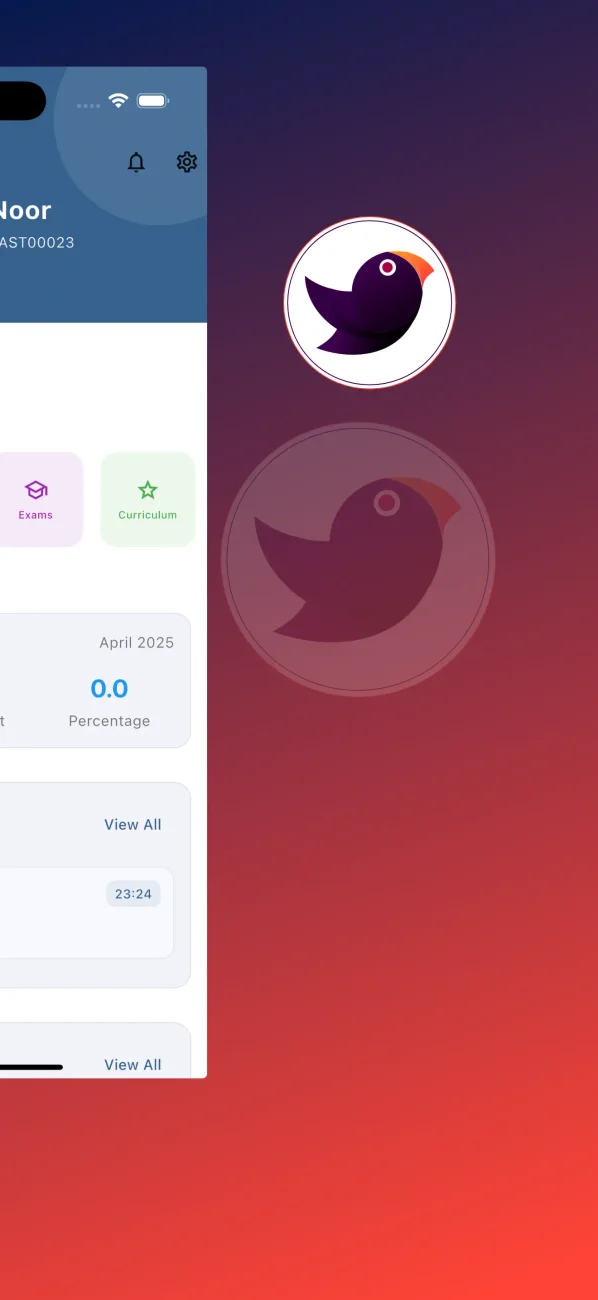
Ekran görüntüleri





Hakkında
Geliştirici bu metni dilinizde sunmamış.
DrongoSMS is an all-in-one school management system, built for efficiency, simplicity, and impact.
Whether you're an administrator, teacher, or school owner, DrongoSMS empowers you to manage core operations—from student records to fee tracking—all from your mobile device.
Key Features:
Student enrollment & profile management
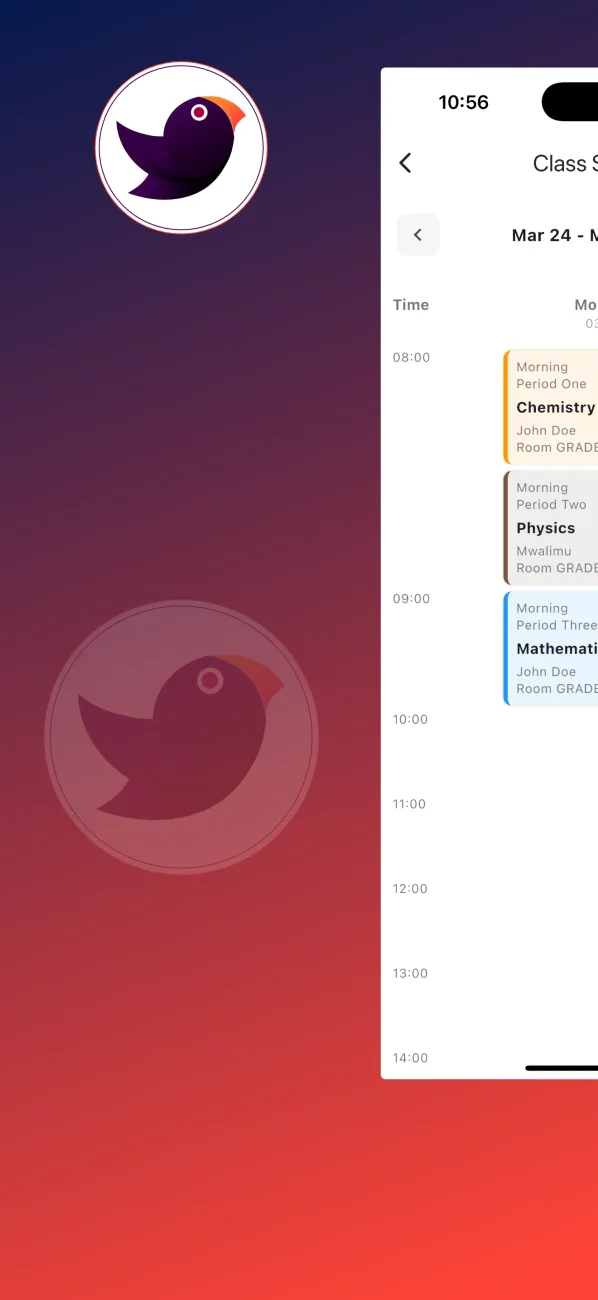
Class and subject scheduling
Fee management with invoice tracking
Real-time exam grading and reporting
Teacher and staff account access
Analytics dashboard for performance insights
SMS notifications to parents and staff
Role-based access control
Multi-tenant support for school networks
Built for schools of all sizes, DrongoSMS brings structure and ease to daily school operations—anytime, anywhere.
DrongoSMS is proudly developed by Drongo Technology Limited, designed for African schools, scalable to the world.
Yenilikler
Sürüm 1.0.5 · 13.10.2025
1. Lesson Plan Management
Start a lesson from teacher schedule
[Click "Add Plan" button - should show available lesson plans
Select and add a lesson plan to the ongoing lesson
Verify lesson plan appears with title, date, notes, learning outcomes, and documents
Add multiple lesson plans to same lesson
2. AI-Generated Lesson Notes
After adding lesson plan(s), scroll to "AI-Generated Lesson Notes" section
Click "Generate AI Notes from Lesson Plans" button
Wait for AI to generate comprehensive notes (may take 10-20 seconds)
Verify notes display with:
Title and description
Learning outcomes list
Detailed lesson notes
Click the green Save button (floppy disk icon)
Verify "Lesson notes saved successfully" message appears
Verify green "Saved" badge appears next to title
Click Refresh button to regenerate notes
Verify "Saved" badge disappears when new notes generated
Uygulama gizliliği
Bu uygulamanın verileri nasıl işlediği hakkında Drongo Technology Limited tarafından App Store üzerinde yapılan beyan.
-
Sizinle ilişkilendirilen veriler
Toplanabilir ve kimliğinizle ilişkilendirilebilir.
- Konum
- İletişim bilgileri
- Kullanıcı içeriği
- Tanımlayıcılar
-
Sizinle ilişkilendirilmeyen veriler
Toplanabilir ancak kimliğinizle ilişkilendirilmez.
- İletişim bilgileri
- Kullanım verileri
- Tanılama
Gizlilik uygulamaları, örneğin kullandığınız özelliklere veya yaşınıza göre değişiklik gösterebilir.
Bilgiler
- Satıcı
- Drongo Technology Limited
- Kategori
- Eğitim
- Sürüm
- 1.0.5
- Güncellendi
- 13.10.2025
- Yayın tarihi
- 21.07.2025
- Boyut
- 31,0 MB
- Gereksinim
- iOS 15.6 veya sonrası
- Yaş sınırı
- 4+
- Fiyat
- Ücretsiz
- Diller
- İngilizce
- Telif hakkı
- © 2025 - Drongo Technology Limited