EqrPlus
AI Management & Learning
Được thiết kế cho iPhone, iPad, iPod touch
Miễn phí
- Độ tuổi4+
- Danh mụcGiáo Dục
- Nhà phát triểnDrongo Technology Limited
- Ngôn ngữTiếng Anh
- Kích thước31,0 MB
Liên kết đến trang App Store chính thức
Download.org không lưu trữ tệp nào của EqrPlus. Nút này mở trang ứng dụng trên App Store, nơi Drongo Technology Limited phát hành ứng dụng. Trang được kiểm tra lần cuối: 17/11/2026.
Ảnh chụp màn hình





Giới thiệu
Nhà phát triển chưa cung cấp nội dung này bằng ngôn ngữ của bạn.
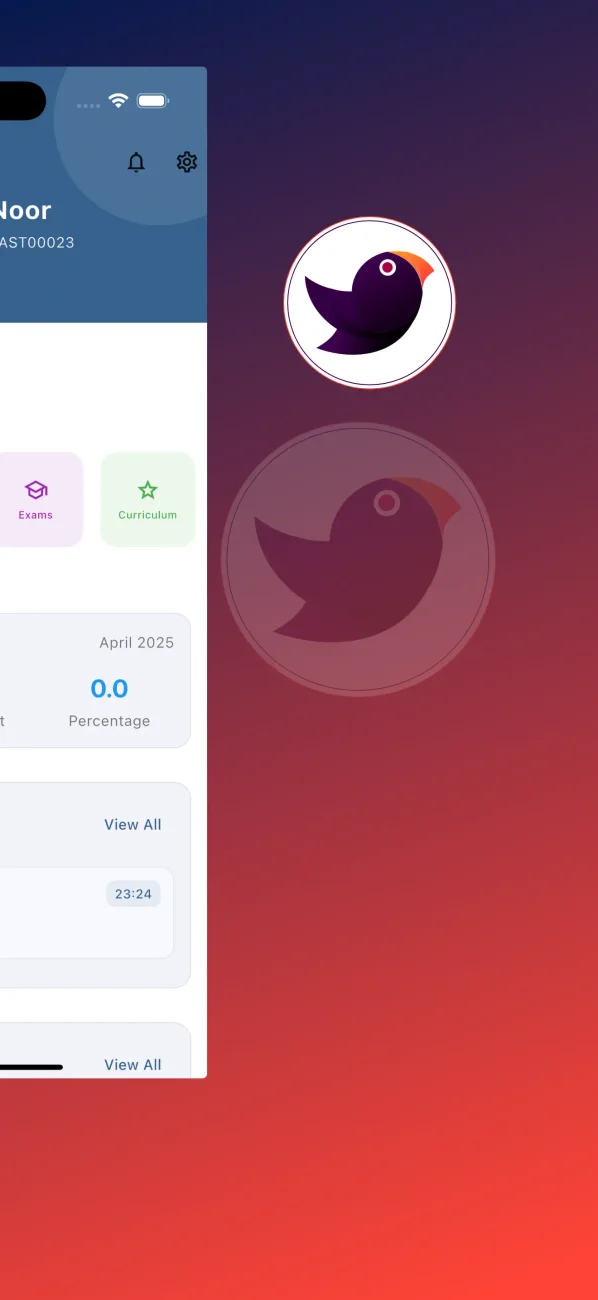
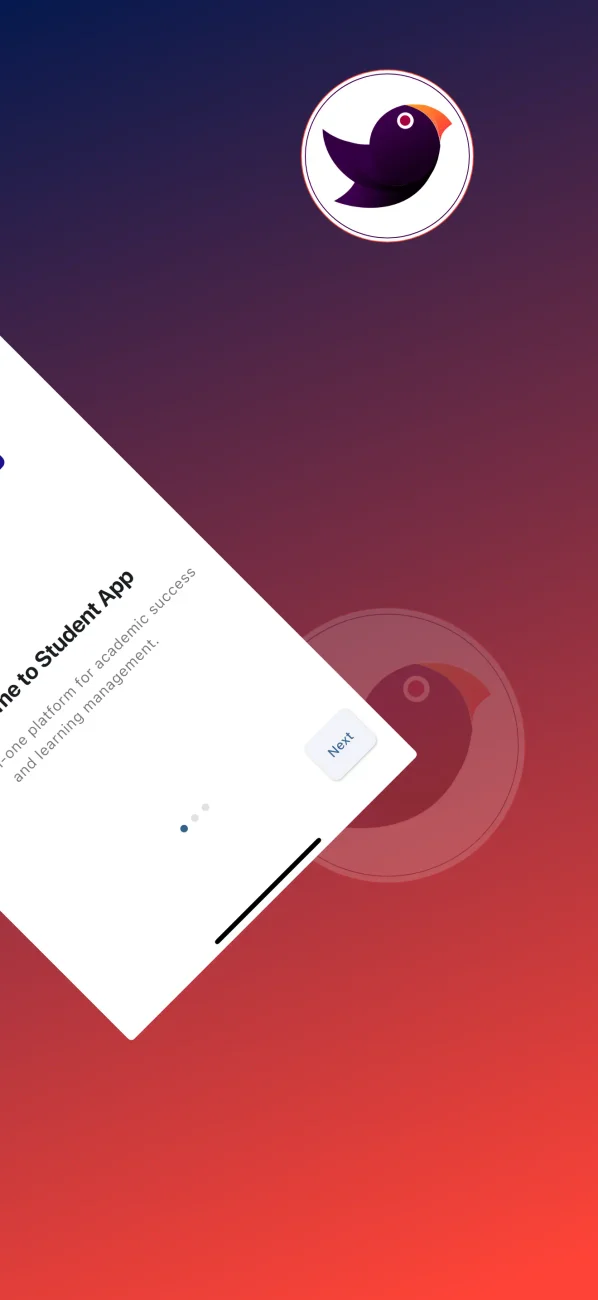
DrongoSMS is an all-in-one school management system, built for efficiency, simplicity, and impact.
Whether you're an administrator, teacher, or school owner, DrongoSMS empowers you to manage core operations—from student records to fee tracking—all from your mobile device.
Key Features:
Student enrollment & profile management
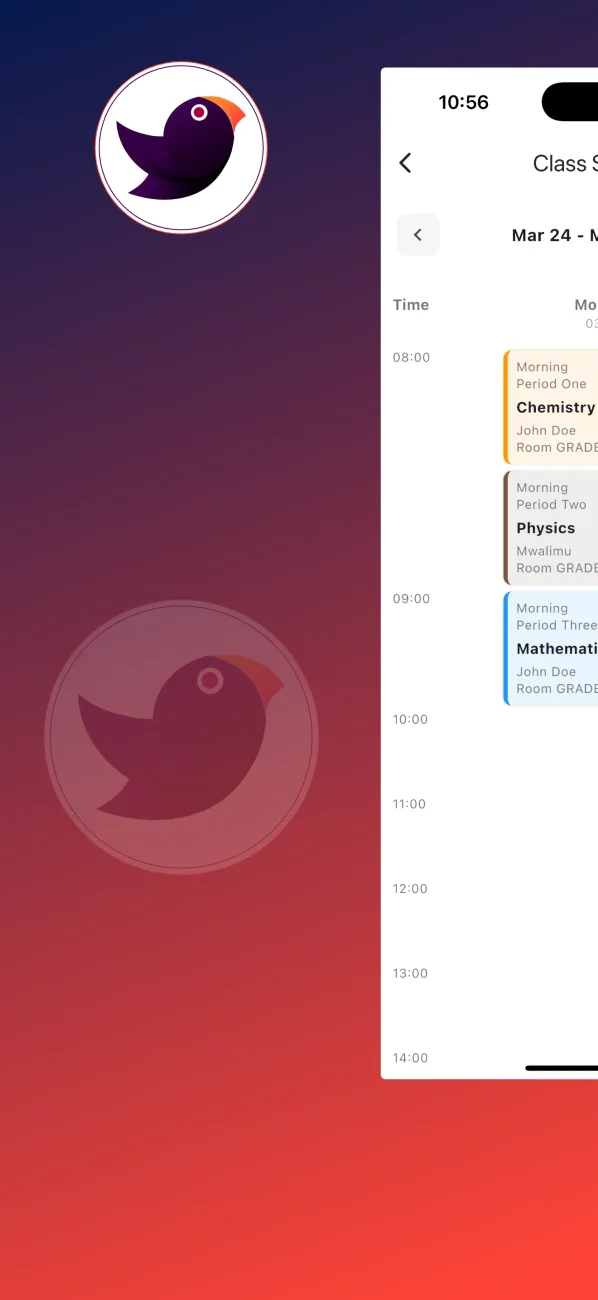
Class and subject scheduling
Fee management with invoice tracking
Real-time exam grading and reporting
Teacher and staff account access
Analytics dashboard for performance insights
SMS notifications to parents and staff
Role-based access control
Multi-tenant support for school networks
Built for schools of all sizes, DrongoSMS brings structure and ease to daily school operations—anytime, anywhere.
DrongoSMS is proudly developed by Drongo Technology Limited, designed for African schools, scalable to the world.
Có gì mới
Phiên bản 1.0.5 · 13/10/2025
1. Lesson Plan Management
Start a lesson from teacher schedule
[Click "Add Plan" button - should show available lesson plans
Select and add a lesson plan to the ongoing lesson
Verify lesson plan appears with title, date, notes, learning outcomes, and documents
Add multiple lesson plans to same lesson
2. AI-Generated Lesson Notes
After adding lesson plan(s), scroll to "AI-Generated Lesson Notes" section
Click "Generate AI Notes from Lesson Plans" button
Wait for AI to generate comprehensive notes (may take 10-20 seconds)
Verify notes display with:
Title and description
Learning outcomes list
Detailed lesson notes
Click the green Save button (floppy disk icon)
Verify "Lesson notes saved successfully" message appears
Verify green "Saved" badge appears next to title
Click Refresh button to regenerate notes
Verify "Saved" badge disappears when new notes generated
Quyền riêng tư của ứng dụng
Những gì Drongo Technology Limited khai báo trên App Store về cách ứng dụng này xử lý dữ liệu.
-
Dữ liệu liên kết với bạn
Có thể được thu thập và liên kết với danh tính của bạn.
- Vị trí
- Thông tin liên hệ
- Nội dung của người dùng
- Mã định danh
-
Dữ liệu không liên kết với bạn
Có thể được thu thập nhưng không liên kết với danh tính của bạn.
- Thông tin liên hệ
- Dữ liệu sử dụng
- Chẩn đoán
Phương thức đảm bảo quyền riêng tư có thể khác nhau, chẳng hạn như tuỳ theo các tính năng bạn sử dụng hoặc độ tuổi của bạn.
Thông tin
- Người bán
- Drongo Technology Limited
- Danh mục
- Giáo Dục
- Phiên bản
- 1.0.5
- Cập nhật
- 13/10/2025
- Phát hành
- 21/07/2025
- Kích thước
- 31,0 MB
- Yêu cầu
- iOS 15.6 trở lên
- Độ tuổi
- 4+
- Giá
- Miễn phí
- Ngôn ngữ
- Tiếng Anh
- Bản quyền
- © 2025 - Drongo Technology Limited