FaveFrame
Save exact frames from video
Dirancang untuk iPhone, iPad
Gratis · Pembelian dalam aplikasi
- Batasan usia4+
- KategoriFoto & Video
- PengembangChristopher Broughton
- BahasaInggris+ 7 lainnya
- Ukuran7,9 MB
Tertaut ke halaman resmi App Store
Download.org tidak menyimpan file FaveFrame apa pun. Tombol ini membuka halaman aplikasi di App Store, tempat Christopher Broughton menerbitkannya. Halaman terakhir diperiksa pada 16/11/2026.
Tangkapan layar
Tentang
Pengembang belum menyediakan teks ini dalam bahasa Anda.
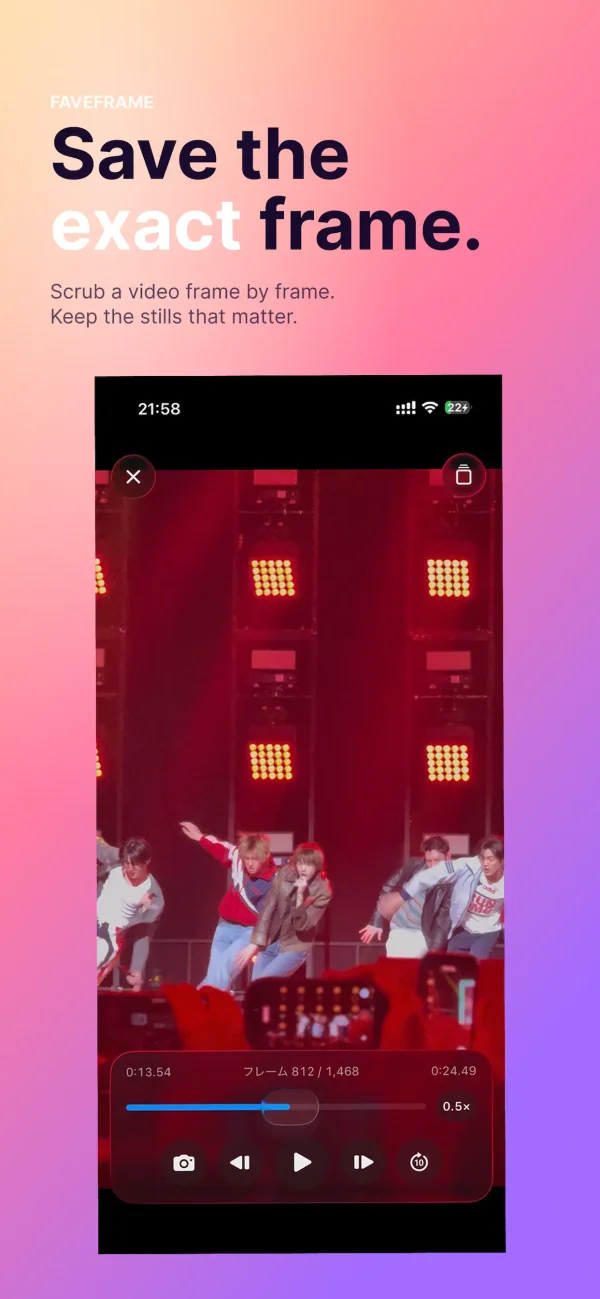
FaveFrame saves an exact frame from a video as a photo.
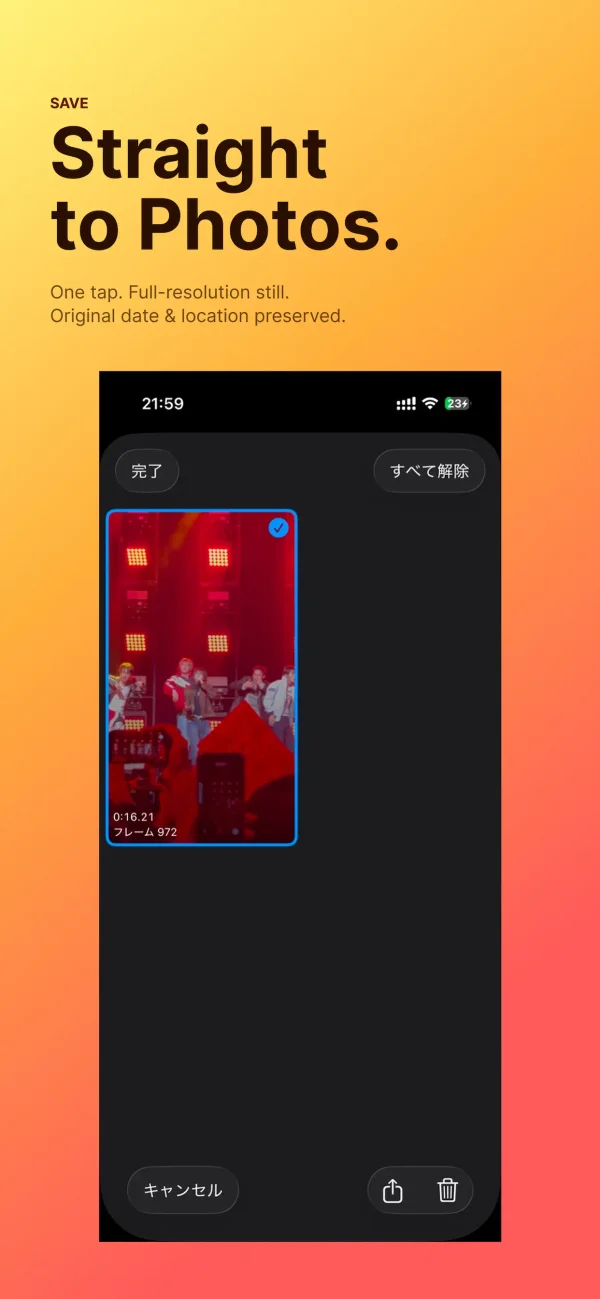
Choose a video from Photos or Files. Use the timeline, slow playback, and frame controls to find the moment you want. Tap the capture button to save that frame directly to your Photos library.
FaveFrame works well with concert clips, sports videos, family moments, travel footage, pet videos, and other recordings where timing matters.
Key features
• Move backward or forward one frame at a time
• Skip by 5, 10, or 30 frames
• Press and hold the frame buttons for continuous movement
• Play video at 0.1×, 0.25×, 0.5×, or normal speed
• Use the timeline to move quickly through longer videos
• Pinch to zoom and pan while reviewing a frame
• Save captures as HEIF or JPEG
• Preserve HDR when saving compatible videos as HEIF
• Preserve the source video date and location when available
• Save captures to a dedicated FaveFrame album when enabled
• Review recent captures after reopening the app
• Share or delete captured frames
• Undo an accidental capture
• Open videos stored in Photos, iCloud, or Files
• Choose light, dark, or system appearance
• Configure haptics, automatic playback, and remembered playback speed
Private processing
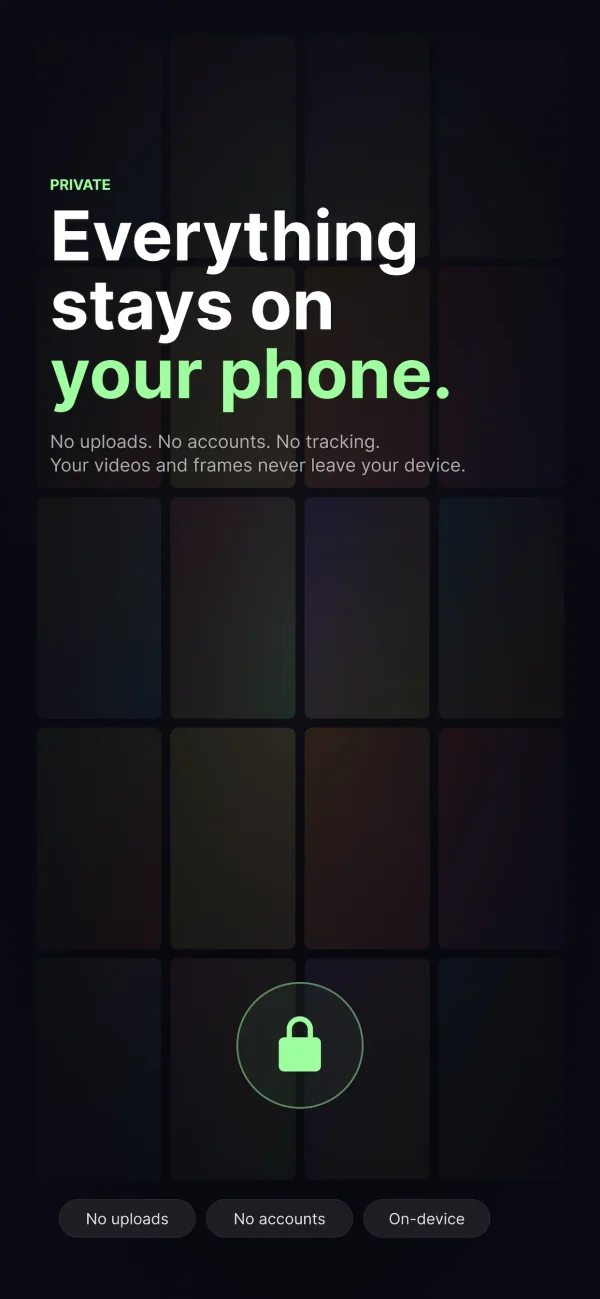
FaveFrame processes videos and captured frames on your device. The app does not upload your videos or photos to a server.
Access
Your first frame capture is free. A one-time purchase unlocks unlimited captures. There is no subscription.
Customers who purchased an earlier paid version keep full access.
Yang baru
Versi 2.0 · 5/8/2026
FaveFrame 2.0 includes a redesigned interface and more control over every capture.
• Choose HEIF or JPEG capture format
• Preserve HDR with compatible HEIF captures
• Set the larger frame buttons to 5, 10, or 30 frames
• Share saved frames directly after capture
• Review recent captures after reopening the app
• Choose light, dark, or system appearance
• Configure haptics, automatic playback, and remembered speed
• See clearer status for videos stored in iCloud
• Use improved frame selection and timeline synchronization
• Benefit from more reliable capture after repeated seeking
FaveFrame now includes one free frame capture. A one-time purchase unlocks unlimited captures. Customers who purchased an earlier paid version keep full access.
Privasi aplikasi
Yang dinyatakan Christopher Broughton di App Store tentang cara aplikasi ini menangani data.
-
Data tidak dikumpulkan
Pengembang tidak mengumpulkan data apa pun dari aplikasi ini.
Praktik privasi dapat bervariasi, misalnya berdasarkan fitur yang Anda gunakan atau usia Anda.
Informasi
- Penjual
- Christopher Broughton
- Kategori
- Foto & Video
- Versi
- 2.0
- Diperbarui
- 5/8/2026
- Dirilis
- 28/5/2026
- Ukuran
- 7,9 MB
- Memerlukan
- iOS 18.0 atau yang lebih baru
- Batasan usia
- 4+
- Harga
- Gratis
- Pembelian dalam aplikasi
- Ya
- Bahasa
- Inggris, Prancis, Jerman, Jepang, Korea, Portugis, Tionghoa Sederhana, Spanyol
- Hak cipta
- © Christopher Broughton