FaveFrame
Save exact frames from video
Được thiết kế cho iPhone, iPad
Miễn phí · Mua hàng trong ứng dụng
- Độ tuổi4+
- Danh mụcẢnh & Video
- Nhà phát triểnChristopher Broughton
- Ngôn ngữTiếng Anh+ 7 ngôn ngữ khác
- Kích thước7,9 MB
Liên kết đến trang App Store chính thức
Download.org không lưu trữ tệp nào của FaveFrame. Nút này mở trang ứng dụng trên App Store, nơi Christopher Broughton phát hành ứng dụng. Trang được kiểm tra lần cuối: 16/11/2026.
Ảnh chụp màn hình
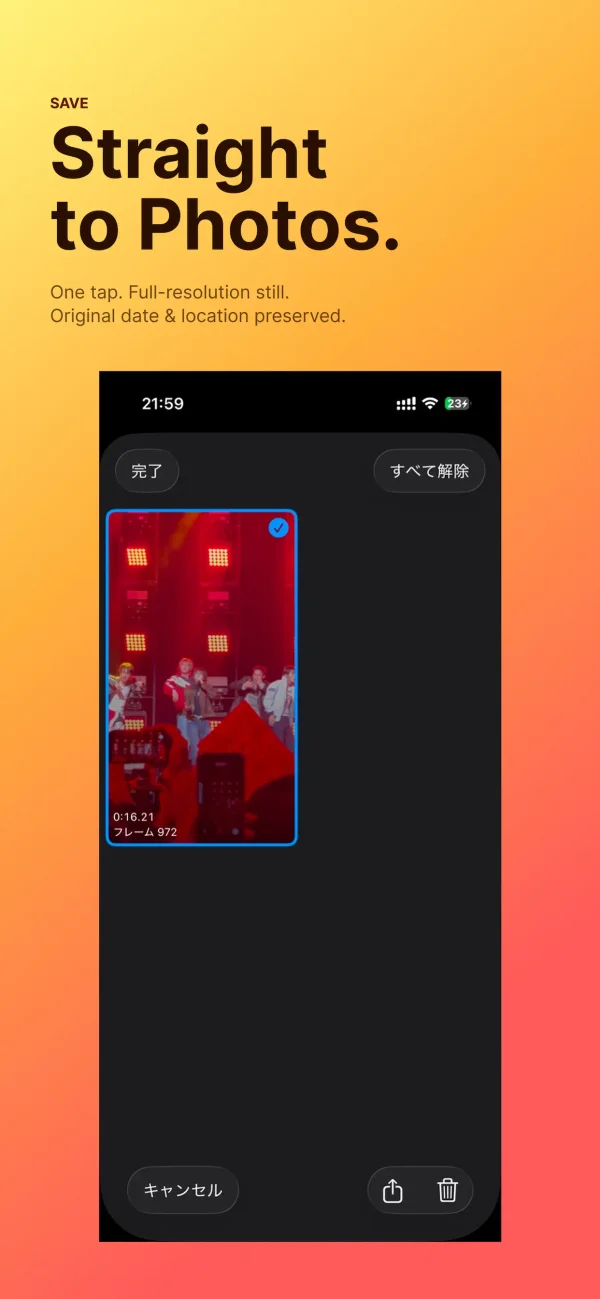

Giới thiệu
Nhà phát triển chưa cung cấp nội dung này bằng ngôn ngữ của bạn.
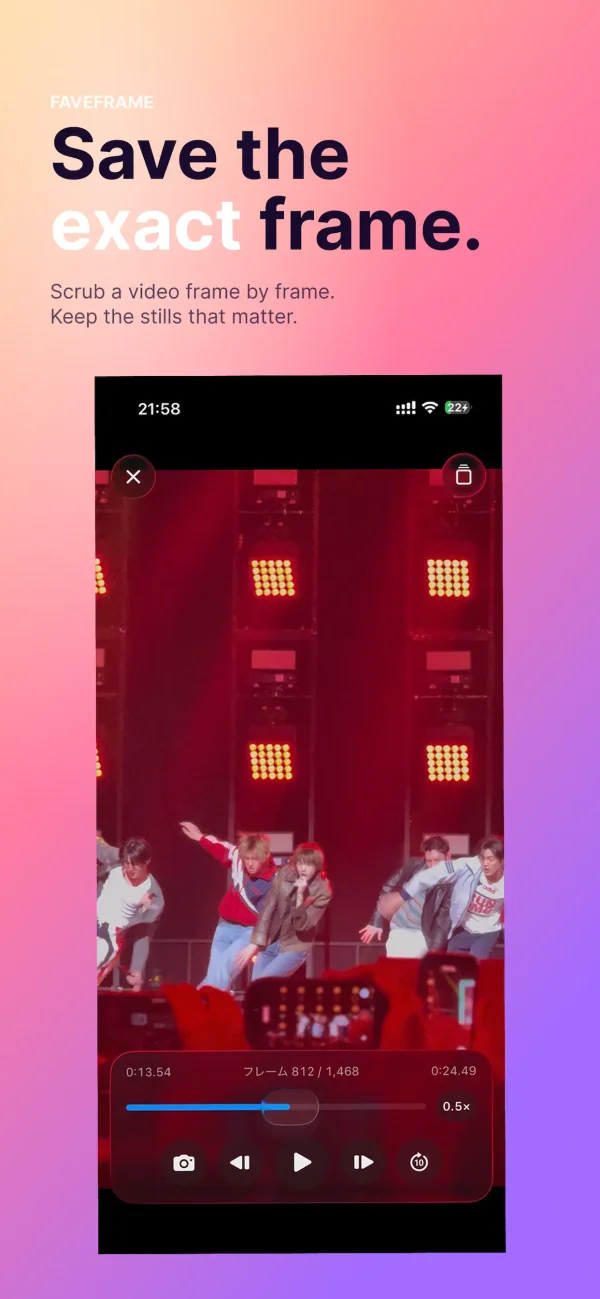
FaveFrame saves an exact frame from a video as a photo.
Choose a video from Photos or Files. Use the timeline, slow playback, and frame controls to find the moment you want. Tap the capture button to save that frame directly to your Photos library.
FaveFrame works well with concert clips, sports videos, family moments, travel footage, pet videos, and other recordings where timing matters.
Key features
• Move backward or forward one frame at a time
• Skip by 5, 10, or 30 frames
• Press and hold the frame buttons for continuous movement
• Play video at 0.1×, 0.25×, 0.5×, or normal speed
• Use the timeline to move quickly through longer videos
• Pinch to zoom and pan while reviewing a frame
• Save captures as HEIF or JPEG
• Preserve HDR when saving compatible videos as HEIF
• Preserve the source video date and location when available
• Save captures to a dedicated FaveFrame album when enabled
• Review recent captures after reopening the app
• Share or delete captured frames
• Undo an accidental capture
• Open videos stored in Photos, iCloud, or Files
• Choose light, dark, or system appearance
• Configure haptics, automatic playback, and remembered playback speed
Private processing
FaveFrame processes videos and captured frames on your device. The app does not upload your videos or photos to a server.
Access
Your first frame capture is free. A one-time purchase unlocks unlimited captures. There is no subscription.
Customers who purchased an earlier paid version keep full access.
Có gì mới
Phiên bản 2.0 · 05/08/2026
FaveFrame 2.0 includes a redesigned interface and more control over every capture.
• Choose HEIF or JPEG capture format
• Preserve HDR with compatible HEIF captures
• Set the larger frame buttons to 5, 10, or 30 frames
• Share saved frames directly after capture
• Review recent captures after reopening the app
• Choose light, dark, or system appearance
• Configure haptics, automatic playback, and remembered speed
• See clearer status for videos stored in iCloud
• Use improved frame selection and timeline synchronization
• Benefit from more reliable capture after repeated seeking
FaveFrame now includes one free frame capture. A one-time purchase unlocks unlimited captures. Customers who purchased an earlier paid version keep full access.
Quyền riêng tư của ứng dụng
Những gì Christopher Broughton khai báo trên App Store về cách ứng dụng này xử lý dữ liệu.
-
Dữ liệu không được thu thập
Nhà phát triển không thu thập bất kỳ dữ liệu nào từ ứng dụng này.
Phương thức đảm bảo quyền riêng tư có thể khác nhau, chẳng hạn như tuỳ theo các tính năng bạn sử dụng hoặc độ tuổi của bạn.
Thông tin
- Người bán
- Christopher Broughton
- Danh mục
- Ảnh & Video
- Phiên bản
- 2.0
- Cập nhật
- 05/08/2026
- Phát hành
- 28/05/2026
- Kích thước
- 7,9 MB
- Yêu cầu
- iOS 18.0 trở lên
- Độ tuổi
- 4+
- Giá
- Miễn phí
- Mua hàng trong ứng dụng
- Có
- Ngôn ngữ
- Tiếng Anh, Tiếng Pháp, Tiếng Đức, Tiếng Nhật, Tiếng Hàn, Tiếng Bồ Đào Nha, Tiếng Trung Giản thể, Tiếng Tây Ban Nha
- Bản quyền
- © Christopher Broughton