- Batasan usia4+
- KategoriProduktivitas
- PengembangJOSEPH AARON SPEARS
- BahasaInggris
- Ukuran9,5 MB
Tertaut ke halaman resmi App Store
Download.org tidak menyimpan file FolikPDF apa pun. Tombol ini membuka halaman aplikasi di App Store, tempat JOSEPH AARON SPEARS menerbitkannya. Halaman terakhir diperiksa pada 24/11/2026.
Tangkapan layar



Tentang
Pengembang belum menyediakan teks ini dalam bahasa Anda.
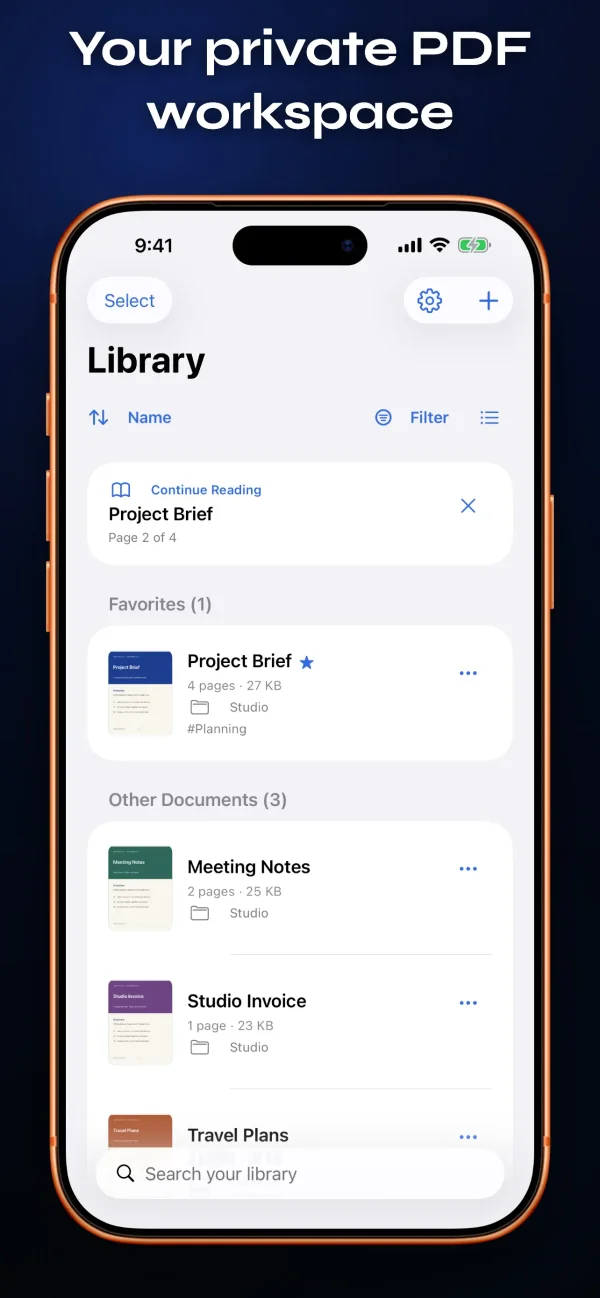
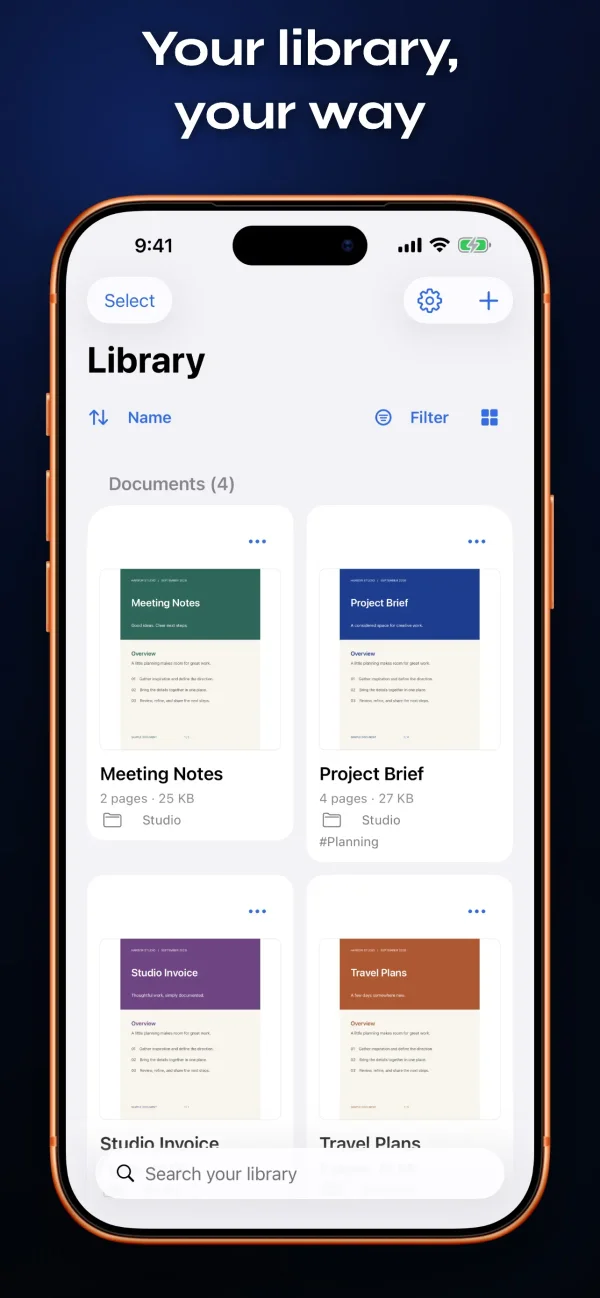
Folik is a private, capable PDF workspace for iPhone and iPad. It is completely free: no ads, no subscription, no account, and no in-app purchases.
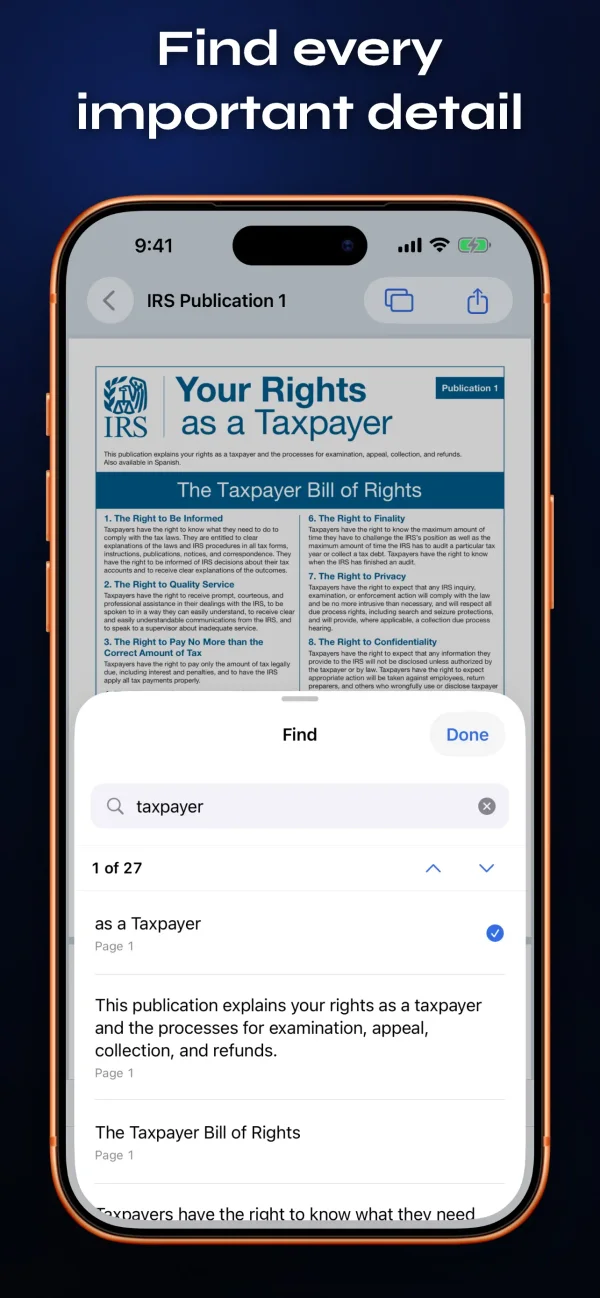
READ AND FIND
• Open PDFs from Files or other apps
• Search with contextual results and next/previous navigation
• Use continuous, single-page, or two-page layouts
• Browse thumbnails, outlines, and bookmarks
SCAN ON DEVICE
• Capture multi-page documents with automatic edge detection
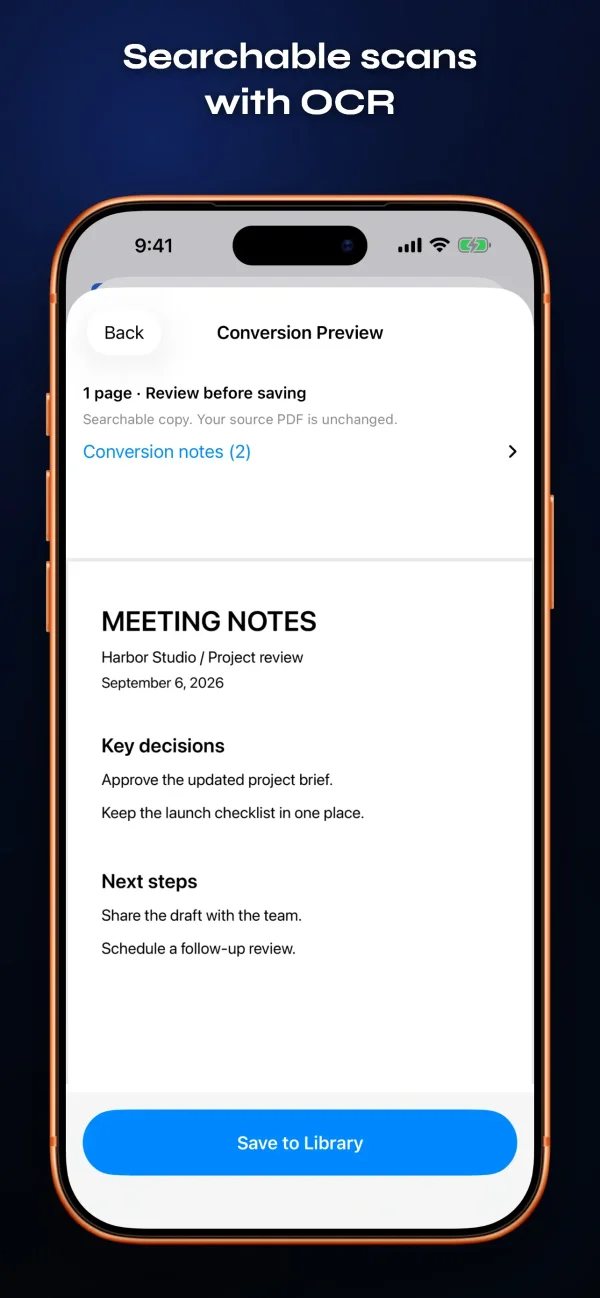
• Recognize text locally so new scans are searchable
• Keep scans inside Folik unless you choose to share them
FILL AND SIGN
• Complete standard PDF text, checkbox, radio, and choice fields
• Track required fields and jump to the next unfinished field
• Create handwritten or typed signatures and initials
ANNOTATE AND ORGANIZE
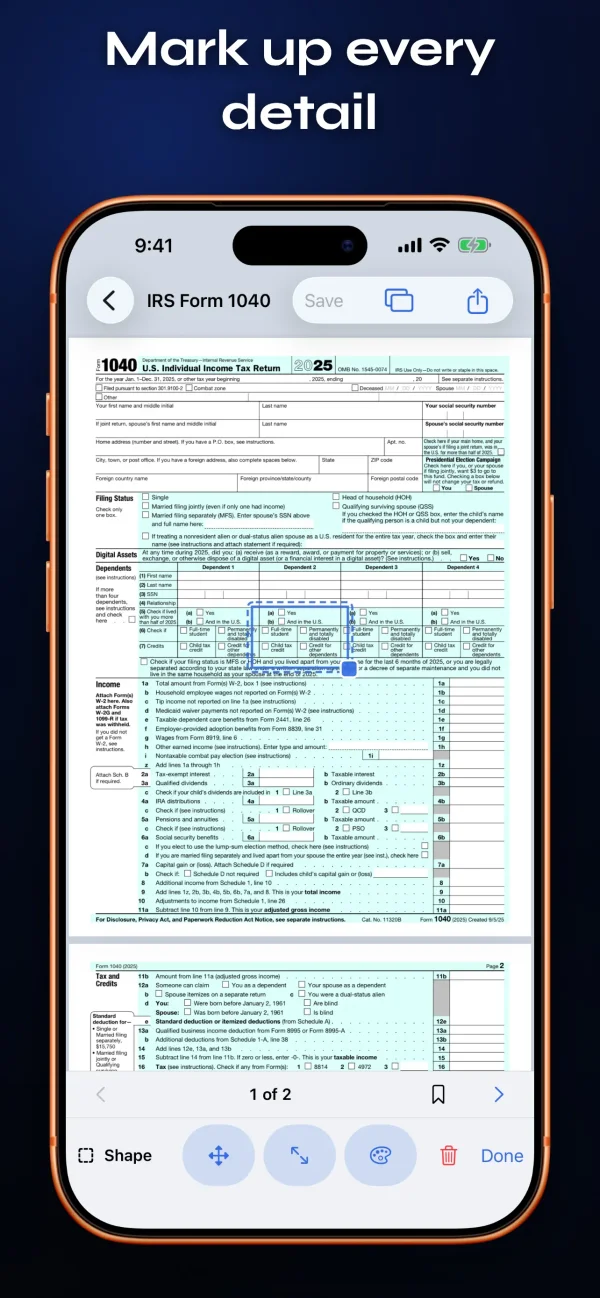
• Highlight, underline, strike through, draw, add notes, shapes, text, and stamps
• Move, resize, recolor, undo, and redo annotations
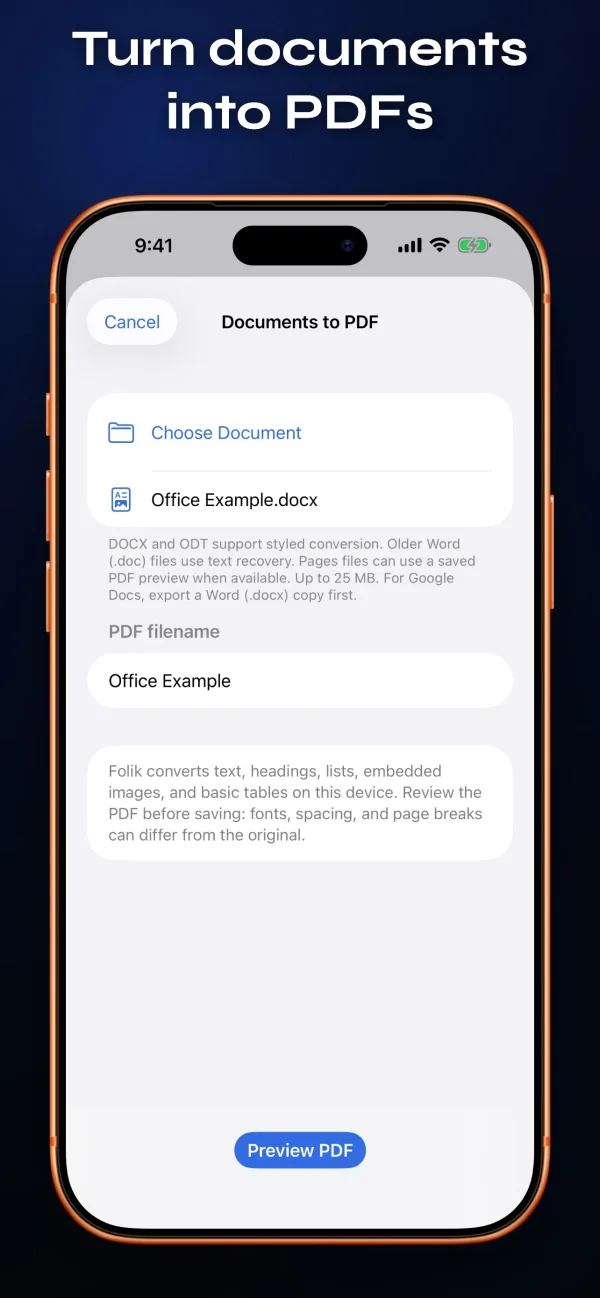
• Reorder, rotate, duplicate, delete, extract, or combine pages in a new copy
EXPORT YOUR WAY
• Share the original
• Create an editable copy
• Export a flattened copy for consistent appearance
PRIVATE BY DESIGN
Folik processes documents, scans, text recognition, and edits on your device. It has no backend, analytics SDK, or advertising SDK.
Compatibility note: Folik supports standard AcroForm fields exposed by iOS. XFA-only forms, certificate-backed digital signatures, JavaScript calculations, and vendor-specific PDF behavior may not be supported.
EULA: https://www.apple.com/legal/internet-services/itunes/dev/stdeula/
Folik is open source under the MIT License. https://github.com/x3n-network/FolikPDF
Yang baru
Versi 1.0.7 · 23/11/2026
Manage your PDFs in Files without closing and reopening Folik. Your library now updates automatically when you add, edit, rename, or delete PDFs in Folik’s folder.
• Use Import PDFs in Shortcuts to add copies to Folik without changing the originals.
• Choose Refresh Library from the library menu or add it to an existing shortcut after a copy or delete.
• Organize several PDFs at once: change their folder or add tags without replacing existing ones. Tap Undo to restore their previous folders and tags.
• Find a quick guide to both actions in Settings > Automation > Library Shortcuts.
Privasi aplikasi
Yang dinyatakan JOSEPH AARON SPEARS di App Store tentang cara aplikasi ini menangani data.
-
Data tidak dikumpulkan
Pengembang tidak mengumpulkan data apa pun dari aplikasi ini.
Praktik privasi dapat bervariasi, misalnya berdasarkan fitur yang Anda gunakan atau usia Anda.
Informasi
- Penjual
- X3N LLC
- Kategori
- Produktivitas
- Versi
- 1.0.7
- Diperbarui
- 23/11/2026
- Dirilis
- 5/9/2026
- Ukuran
- 9,5 MB
- Memerlukan
- iOS 18.6 atau yang lebih baru
- Batasan usia
- 4+
- Harga
- Gratis
- Bahasa
- Inggris
- Hak cipta
- © 2026 X3N LLC
Mungkin Anda juga suka
-
 Resecta: Redact PDFsProduktivitas
-
 HikkiProduktivitas
-
 Sift — Notes You Can FindProduktivitas
-
 smalltype – Markdown NotesProduktivitas
-
 AuraUIProduktivitas
-
 HonestPDF: Private PDF ToolsProduktivitas
-
 Dienstmappe: Site Photo LogProduktivitas
-
 Stilo - Typewriter NotesProduktivitas
-
 Revision ScreenwriterProduktivitas
-
 Dazzy: Day Planner & To-DoProduktivitas