
- Batasan usia4+
- KategoriPendidikan
- PengembangVentura Educational Systems
- BahasaInggris
- Ukuran16,6 MB
Tertaut ke halaman resmi App Store
Download.org tidak menyimpan file Interactive Geoboard apa pun. Tombol ini membuka halaman aplikasi di App Store, tempat Ventura Educational Systems menerbitkannya. Halaman terakhir diperiksa pada 20/11/2026.
Tangkapan layar

Tentang
Pengembang belum menyediakan teks ini dalam bahasa Anda.
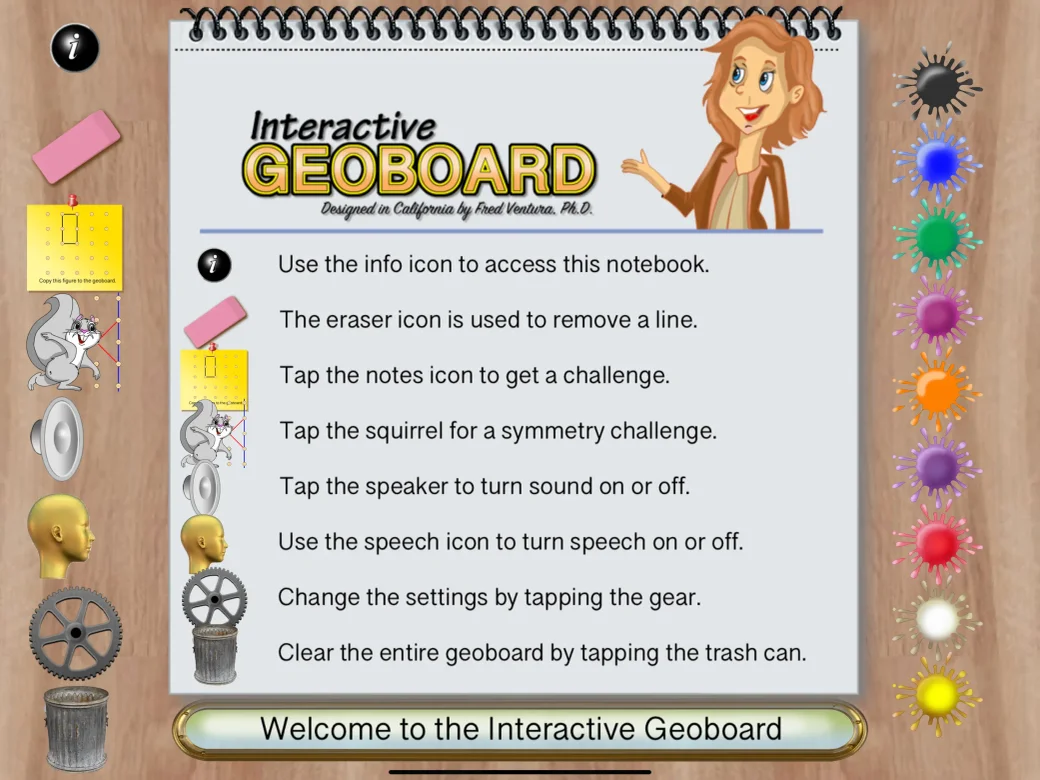
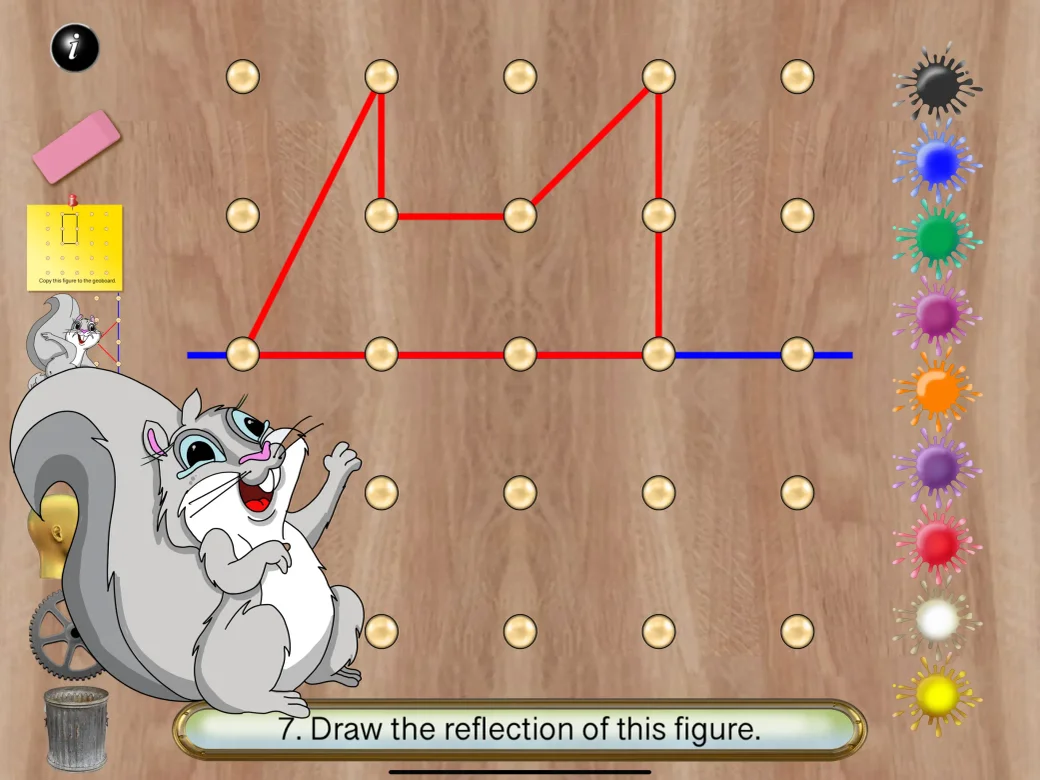
A geoboard is an important tool for teaching a variety of mathematical concepts related to geometry, measurement, symmetry, area and perimeter. Plastic geoboard are available from educational supply companies. Some kits include different color rubber bands. Most experienced teachers know the joys of handing out rubber bands to kids. Fortunately a digital geoboard is available. Our Interactive Geoboard provides a unique educational experience. The Interactive Geoboard app is different from other geoboards because it is artificially intelligent. When this geoboard app asks a student to find the perimeter or area of a figure, it knows the answer. In addition this geoboard knows how to draw symmetrical lines to create symmetrical figures.
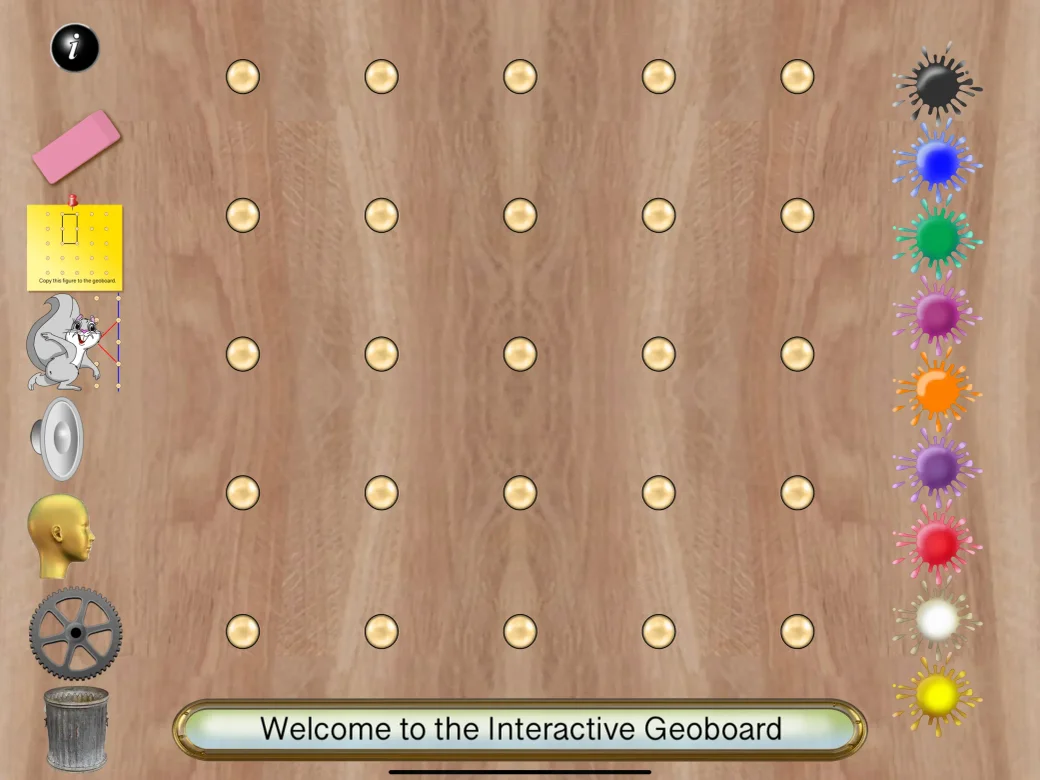
A basic geoboard is a 5x5 array of pegs. Our interactive geoboard has three options for peg styles and also the array of pegs can be set to 5x5, 7x7 or 9x9. Nine different color options are available for the line segments to be draw on the geoboard. Using different color options is instructionally useful. It makes is possible to include color symmetry in activities that involve drawing mirror images of figures.
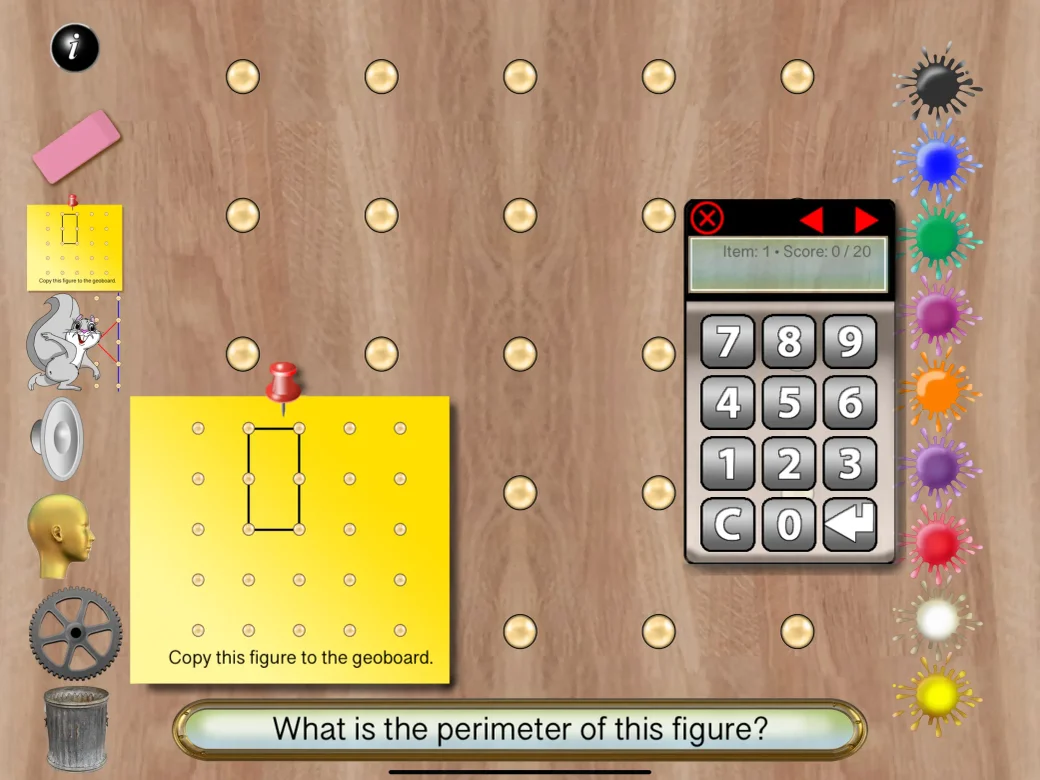
When studying perimeter and area students are asked to copy a given figure to the geoboard. Once the figure is drawn the student should use the keypad to enter the answer (either a perimeter or area).
In the activities involving symmetry a blue horizontal or vertical line is presented. This line is the axis of symmetry. One side of the figure is drawn and the task for the student is to draw the reflection across the axis.
Yang baru
Versi 2.0 · 12/4/2024
This version provides an update to recommended settings. It has new and improved graphic features.
Privasi aplikasi
Yang dinyatakan Ventura Educational Systems di App Store tentang cara aplikasi ini menangani data.
-
Data tidak dikumpulkan
Pengembang tidak mengumpulkan data apa pun dari aplikasi ini.
Praktik privasi dapat bervariasi, misalnya berdasarkan fitur yang Anda gunakan atau usia Anda.
Informasi
- Penjual
- Ventura Educational Systems
- Kategori
- Pendidikan
- Versi
- 2.0
- Diperbarui
- 12/4/2024
- Dirilis
- 4/12/2022
- Ukuran
- 16,6 MB
- Memerlukan
- iOS 13.2 atau yang lebih baru
- Batasan usia
- 4+
- Harga
- Rp 39ribu
- Bahasa
- Inggris
- Hak cipta
- ©2024 Ventura Educational Systems • All Rights Reserved
Mungkin Anda juga suka
-
 SmartySproutsPendidikan
-
 Fifth Grade Math Games KidsPendidikan
-
 TurboWords Student EditionPendidikan
-
 Times AlivePendidikan
-
 Math Kobold - Learning GamePendidikan
-
 Flash Cards UnlimitedPendidikan
-
 Physics at school LITEPendidikan
-
 Gritty Kids: Logic PuzzlesPendidikan
-
 Logic Sequences for KidsPendidikan
-
 ABC MAGIC PHONICS 2Pendidikan