
- Age rating4+
- CategoryEducation
- DeveloperVentura Educational Systems
- LanguagesEnglish
- Size16.6 MB
Links to the official App Store page
Download.org hosts no file of Interactive Geoboard. The button opens its official App Store page, published by Ventura Educational Systems. Listing last checked on Nov 20, 2026.
Screenshots

About
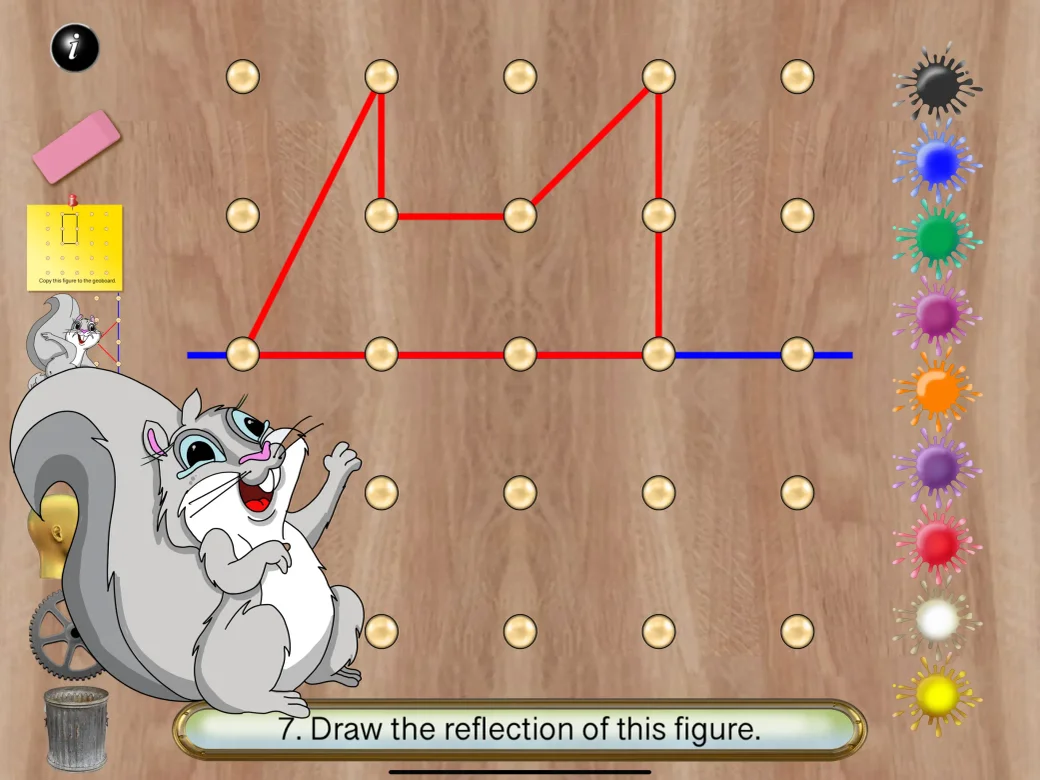
A geoboard is an important tool for teaching a variety of mathematical concepts related to geometry, measurement, symmetry, area and perimeter. Plastic geoboard are available from educational supply companies. Some kits include different color rubber bands. Most experienced teachers know the joys of handing out rubber bands to kids. Fortunately a digital geoboard is available. Our Interactive Geoboard provides a unique educational experience. The Interactive Geoboard app is different from other geoboards because it is artificially intelligent. When this geoboard app asks a student to find the perimeter or area of a figure, it knows the answer. In addition this geoboard knows how to draw symmetrical lines to create symmetrical figures.
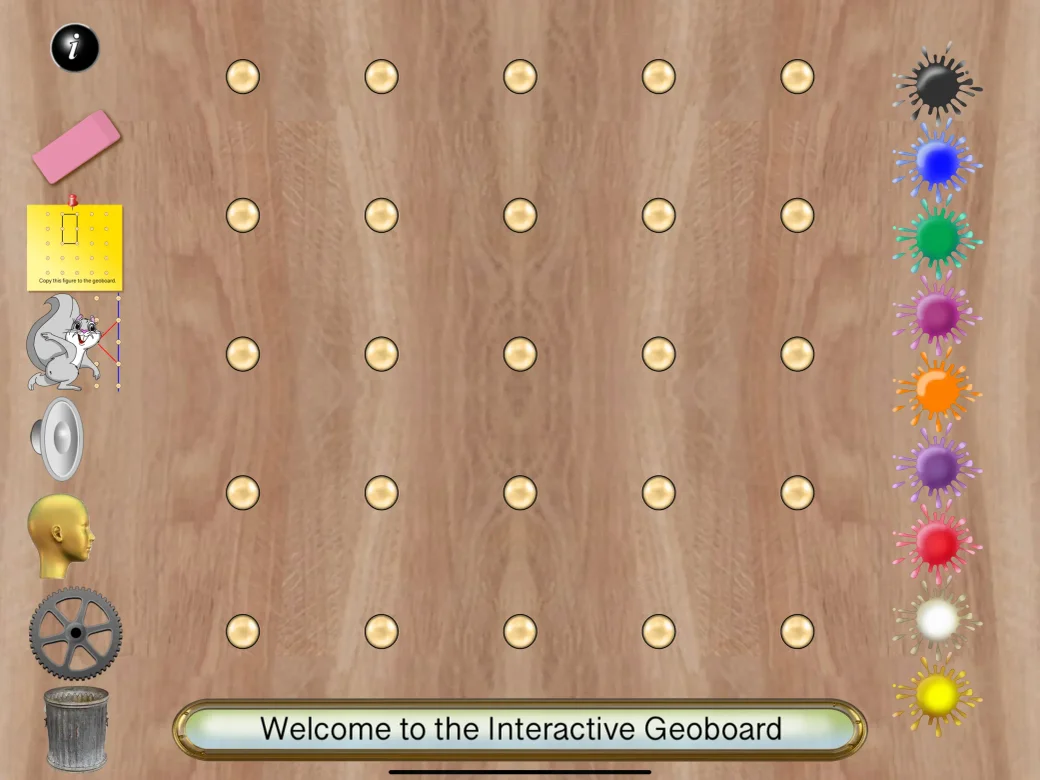
A basic geoboard is a 5x5 array of pegs. Our interactive geoboard has three options for peg styles and also the array of pegs can be set to 5x5, 7x7 or 9x9. Nine different color options are available for the line segments to be draw on the geoboard. Using different color options is instructionally useful. It makes is possible to include color symmetry in activities that involve drawing mirror images of figures.
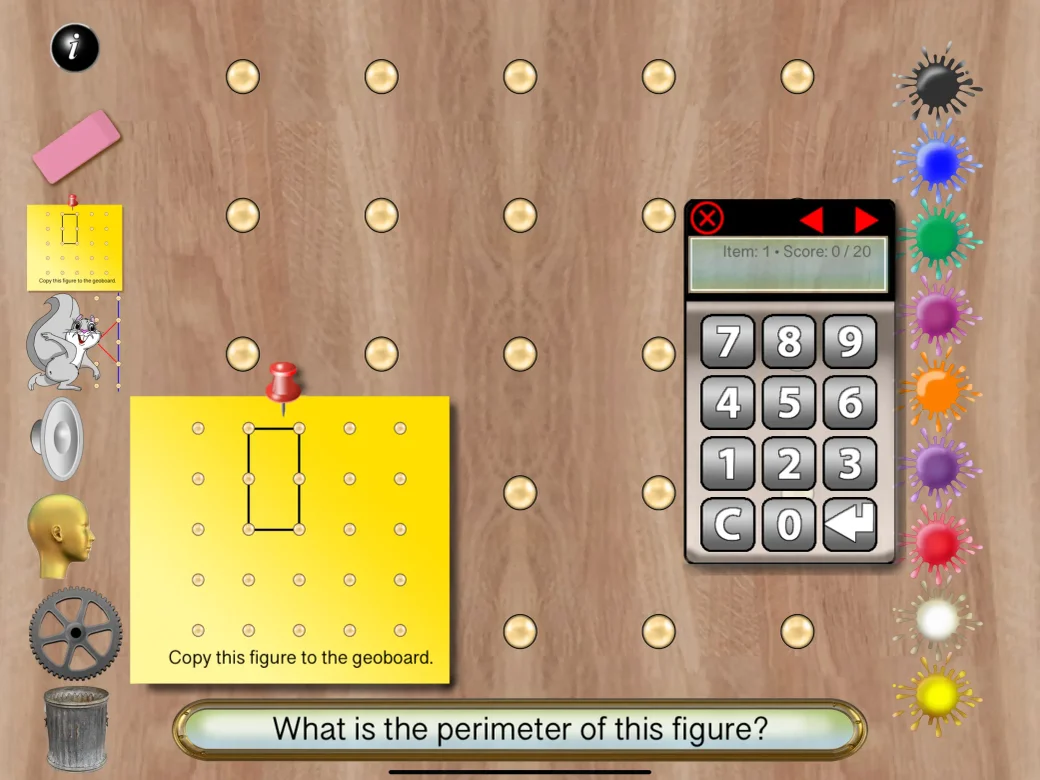
When studying perimeter and area students are asked to copy a given figure to the geoboard. Once the figure is drawn the student should use the keypad to enter the answer (either a perimeter or area).
In the activities involving symmetry a blue horizontal or vertical line is presented. This line is the axis of symmetry. One side of the figure is drawn and the task for the student is to draw the reflection across the axis.
What’s new
Version 2.0 · Apr 12, 2024
This version provides an update to recommended settings. It has new and improved graphic features.
App privacy
What Ventura Educational Systems declares on the App Store about how this app handles data.
-
Data not collected
The developer does not collect any data from this app.
Privacy practices may vary, for example with the features you use or your age.
Information
- Seller
- Ventura Educational Systems
- Category
- Education
- Version
- 2.0
- Updated
- Apr 12, 2024
- Released
- Dec 4, 2022
- Size
- 16.6 MB
- Requires
- iOS 13.2 or later
- Age rating
- 4+
- Price
- $1.99
- Languages
- English
- Copyright
- ©2024 Ventura Educational Systems • All Rights Reserved
You might also like
-
 SmartySproutsEducation
-
 Fifth Grade Math Games Kids5th Grade educational games
-
 TurboWords Student EditionSpelling Test Using Your Words
-
 Times AliveLearn Times Tables the Fun Way
-
 Math Kobold - Learning GameMental multiplication tables
-
 Flash Cards UnlimitedMath Helper for School Kids
-
 Physics at school LITEEducation
-
 Gritty Kids: Logic PuzzlesMath, Word & Brain Games
-
 Logic Sequences for KidsFun logic puzzles for kids
-
 ABC MAGIC PHONICS 2Alphabetic Principle Games