
- Độ tuổi4+
- Danh mụcGiáo Dục
- Nhà phát triểnVentura Educational Systems
- Ngôn ngữTiếng Anh
- Kích thước16,6 MB
Liên kết đến trang App Store chính thức
Download.org không lưu trữ tệp nào của Interactive Geoboard. Nút này mở trang ứng dụng trên App Store, nơi Ventura Educational Systems phát hành ứng dụng. Trang được kiểm tra lần cuối: 20/11/2026.
Ảnh chụp màn hình

Giới thiệu
Nhà phát triển chưa cung cấp nội dung này bằng ngôn ngữ của bạn.
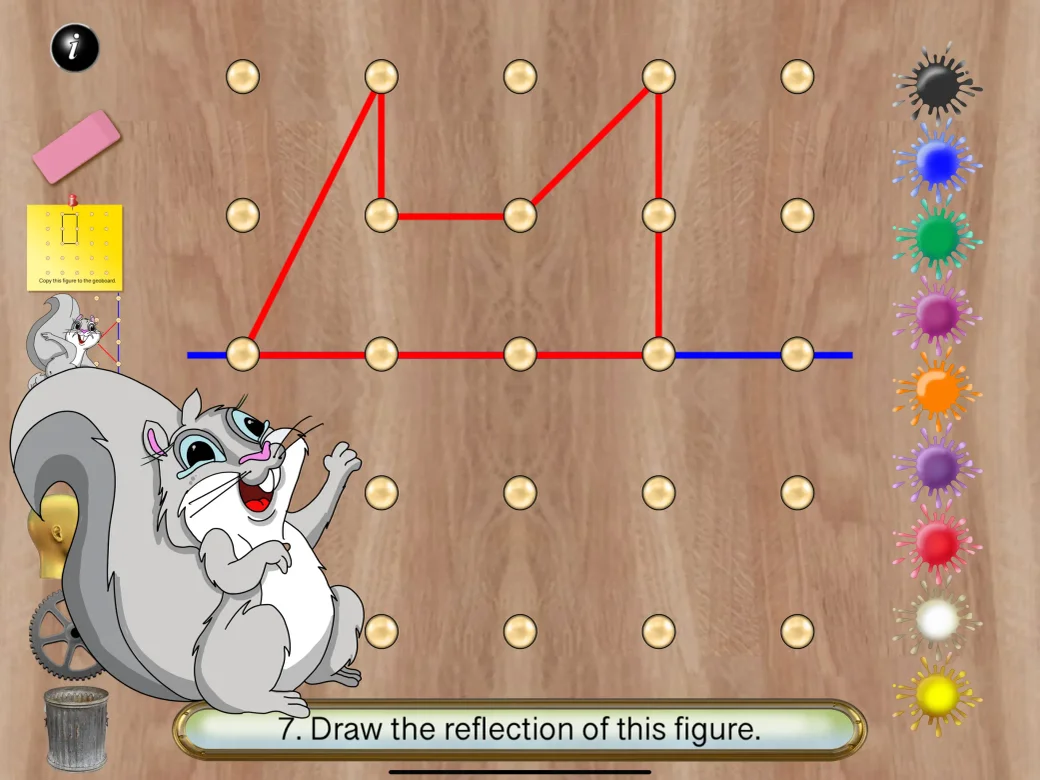
A geoboard is an important tool for teaching a variety of mathematical concepts related to geometry, measurement, symmetry, area and perimeter. Plastic geoboard are available from educational supply companies. Some kits include different color rubber bands. Most experienced teachers know the joys of handing out rubber bands to kids. Fortunately a digital geoboard is available. Our Interactive Geoboard provides a unique educational experience. The Interactive Geoboard app is different from other geoboards because it is artificially intelligent. When this geoboard app asks a student to find the perimeter or area of a figure, it knows the answer. In addition this geoboard knows how to draw symmetrical lines to create symmetrical figures.
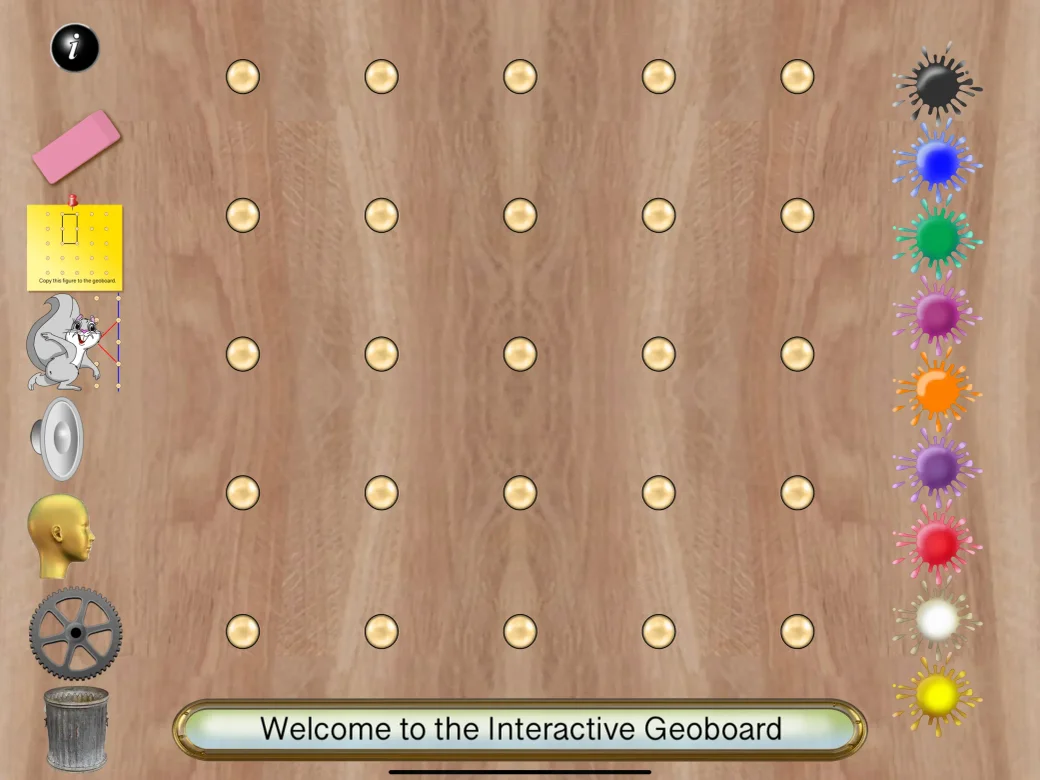
A basic geoboard is a 5x5 array of pegs. Our interactive geoboard has three options for peg styles and also the array of pegs can be set to 5x5, 7x7 or 9x9. Nine different color options are available for the line segments to be draw on the geoboard. Using different color options is instructionally useful. It makes is possible to include color symmetry in activities that involve drawing mirror images of figures.
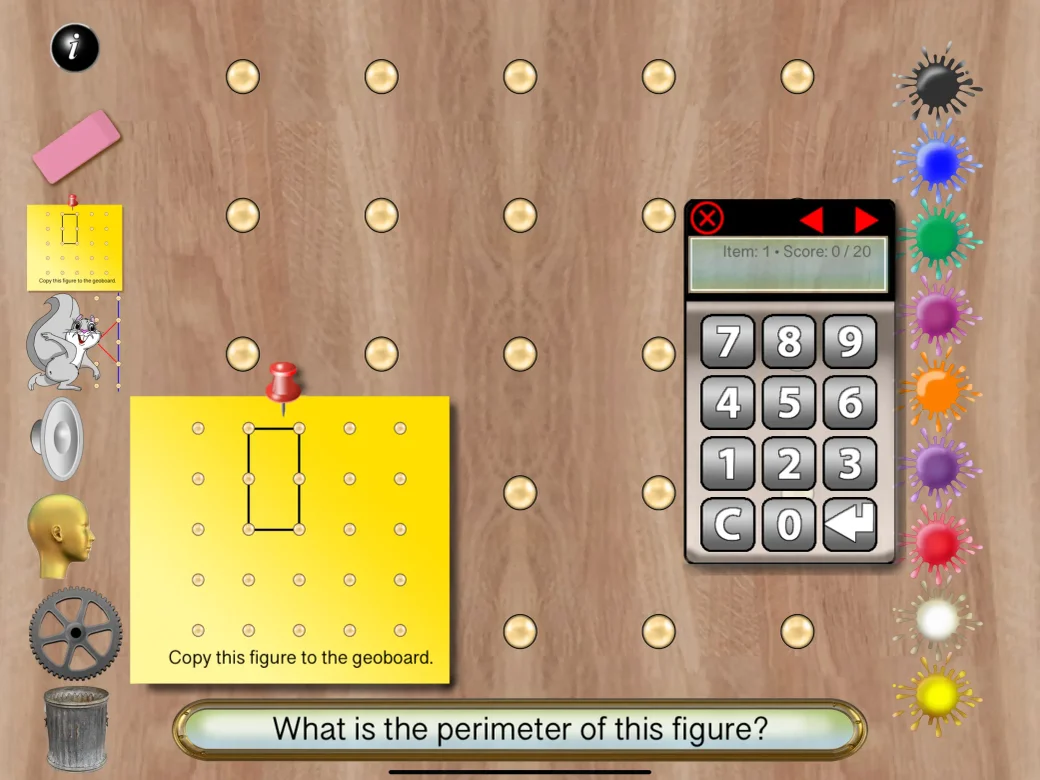
When studying perimeter and area students are asked to copy a given figure to the geoboard. Once the figure is drawn the student should use the keypad to enter the answer (either a perimeter or area).
In the activities involving symmetry a blue horizontal or vertical line is presented. This line is the axis of symmetry. One side of the figure is drawn and the task for the student is to draw the reflection across the axis.
Có gì mới
Phiên bản 2.0 · 12/04/2024
This version provides an update to recommended settings. It has new and improved graphic features.
Quyền riêng tư của ứng dụng
Những gì Ventura Educational Systems khai báo trên App Store về cách ứng dụng này xử lý dữ liệu.
-
Dữ liệu không được thu thập
Nhà phát triển không thu thập bất kỳ dữ liệu nào từ ứng dụng này.
Phương thức đảm bảo quyền riêng tư có thể khác nhau, chẳng hạn như tuỳ theo các tính năng bạn sử dụng hoặc độ tuổi của bạn.
Thông tin
- Người bán
- Ventura Educational Systems
- Danh mục
- Giáo Dục
- Phiên bản
- 2.0
- Cập nhật
- 12/04/2024
- Phát hành
- 04/12/2022
- Kích thước
- 16,6 MB
- Yêu cầu
- iOS 13.2 trở lên
- Độ tuổi
- 4+
- Giá
- 59.000đ
- Ngôn ngữ
- Tiếng Anh
- Bản quyền
- ©2024 Ventura Educational Systems • All Rights Reserved
Có thể bạn cũng thích
-
 SmartySproutsGiáo Dục
-
 Fifth Grade Math Games KidsGiáo Dục
-
 TurboWords Student EditionGiáo Dục
-
 Times AliveGiáo Dục
-
 Math Kobold - Learning GameGiáo Dục
-
 Flash Cards UnlimitedGiáo Dục
-
 Physics at school LITEGiáo Dục
-
 Gritty Kids: Logic PuzzlesGiáo Dục
-
 Logic Sequences for KidsGiáo Dục
-
 ABC MAGIC PHONICS 2Giáo Dục